
This utility enables you to write or edit a previously created script using various tools, then compile and save it as an application. #VBS script #Write script #Script editor #Debugger #Script #VBS
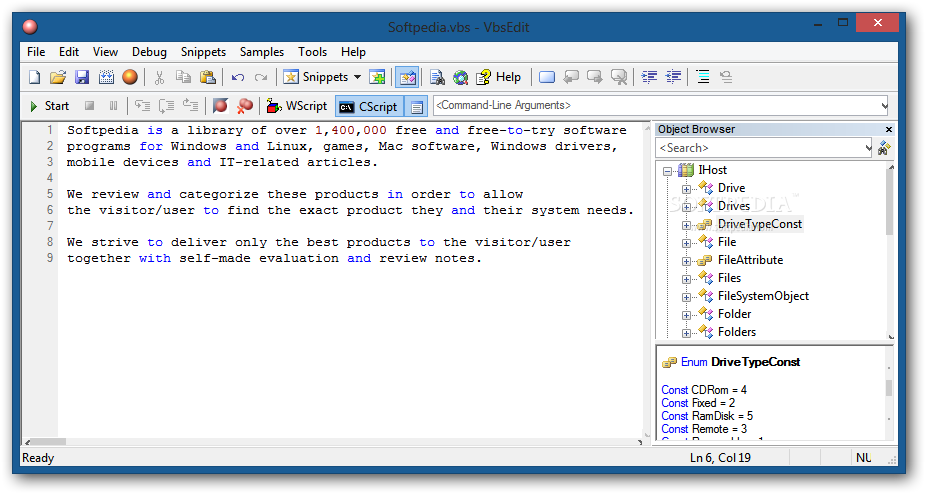
VbsEdit is a straightforward software utility that provides you with the possibility to edit and write VBS scripts.
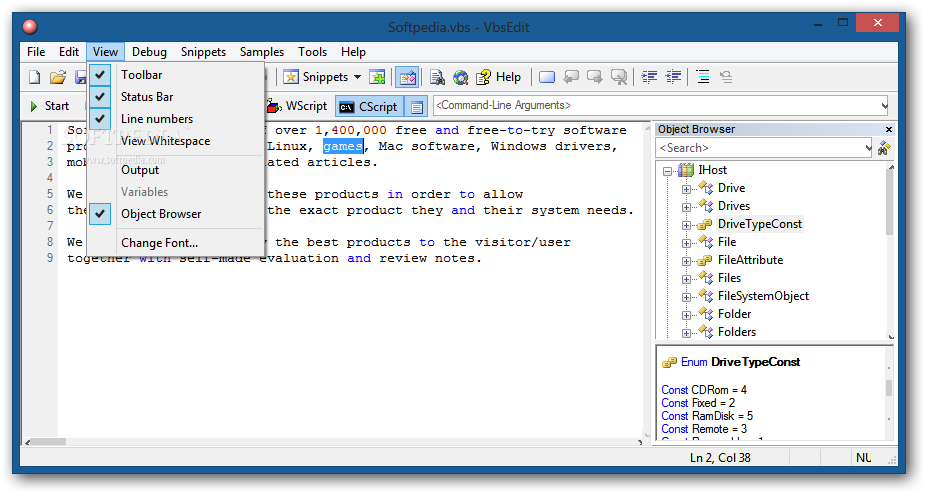
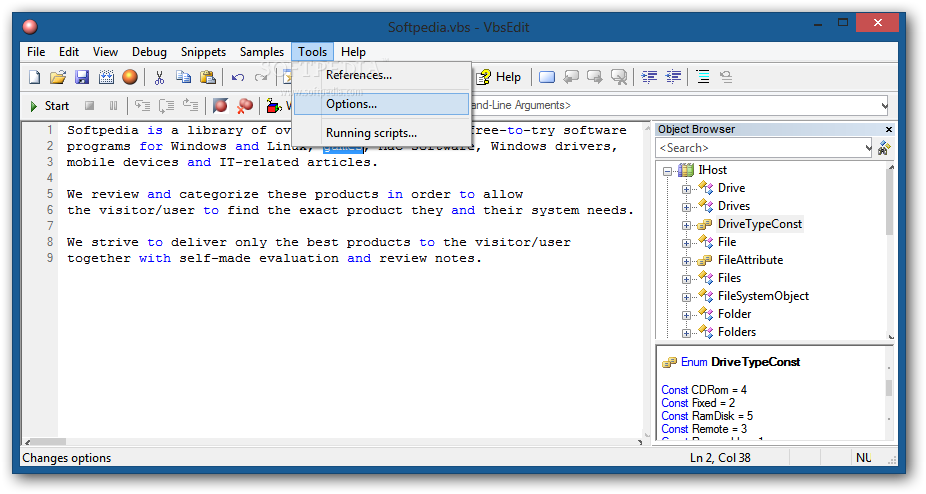
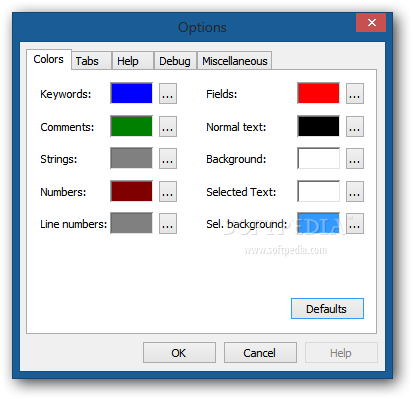
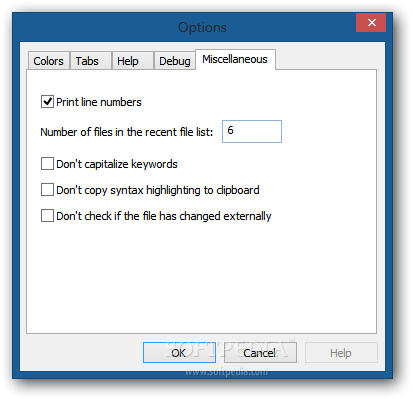
The installation is done in just a few clicks and VbsEdit includes the HtaEdit app that you can use to edit HTA applications. The interface of VbsEdit is simple and clean, with a layout that you can customize to fit your needs by choosing to display the toolbar, status bar and line numbers, as well as output and object browser panes.
After you open a VBS file, its content is displayed and you can start editing your code.
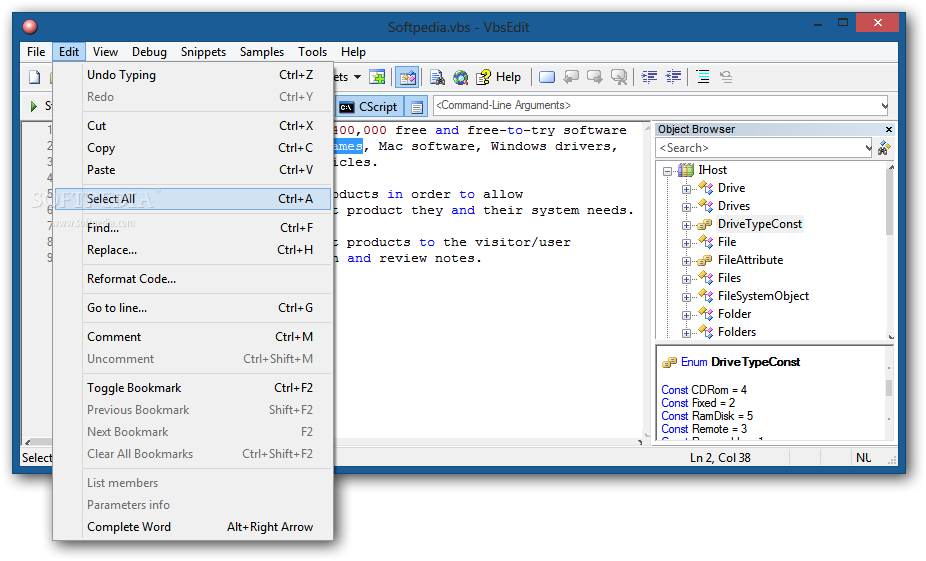
An important feature of VbsEdit is support for auto completion of the script. Using the ALT+right arrow keyboard shortcut a menu is displayed that allows you to select variables, methods or function names and insert them in your project.
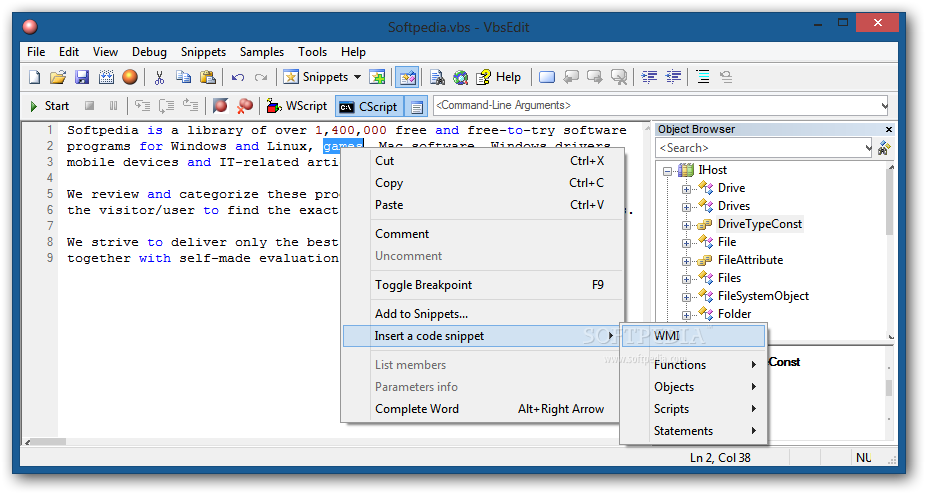
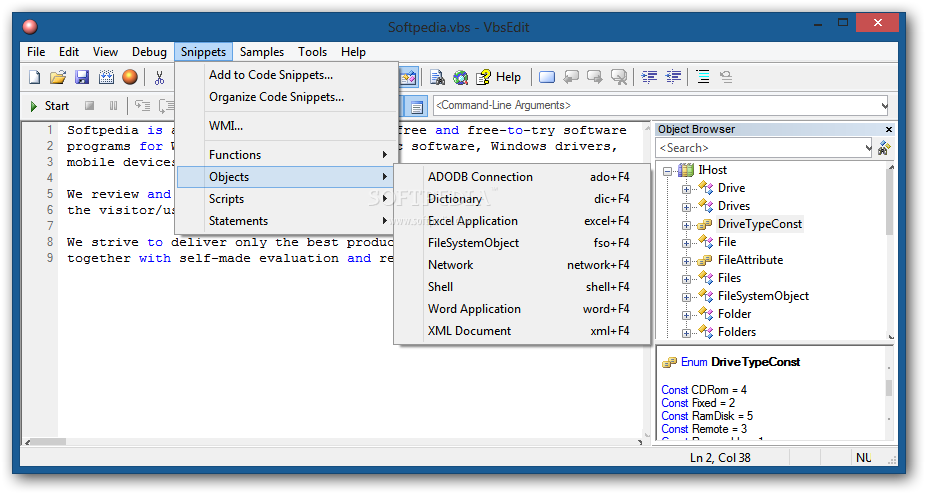
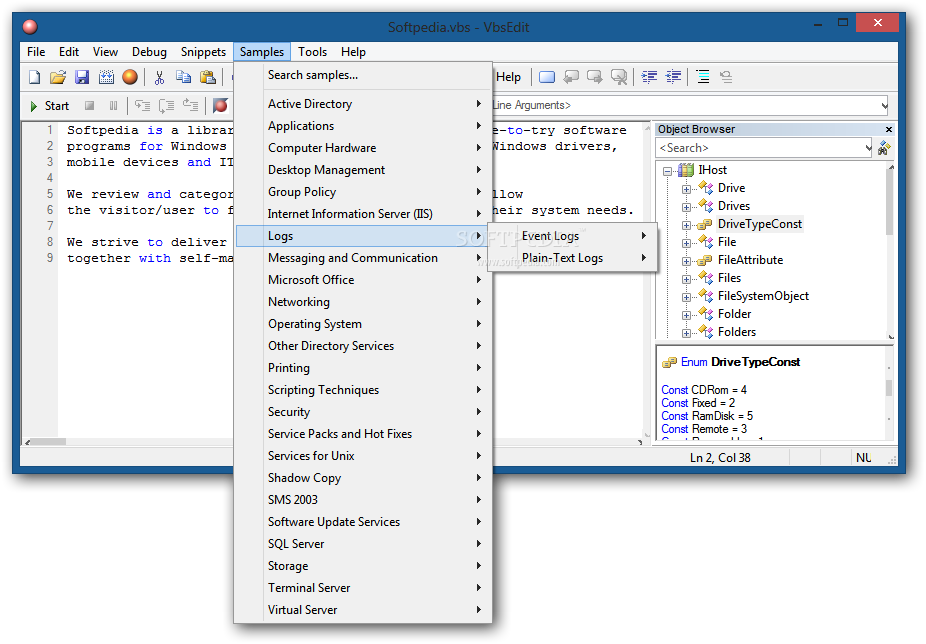
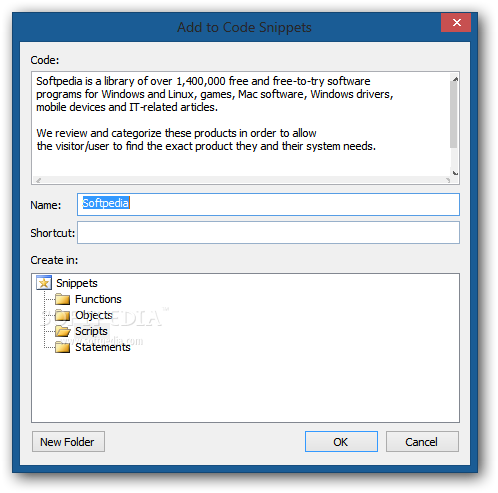
VbsEdit offers you the possibility to choose from a wide range of sample codes, thus you can spare some time on writing the code or create scripts even if you have little knowledge of doing that.
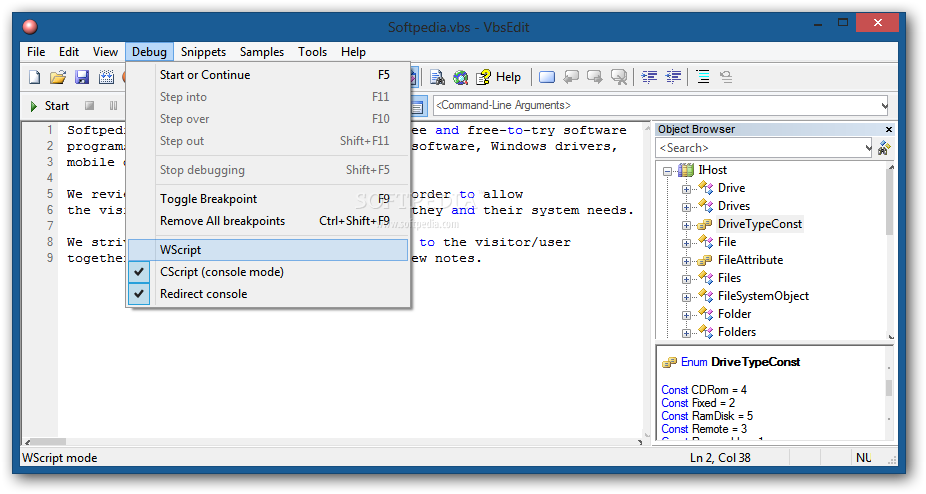
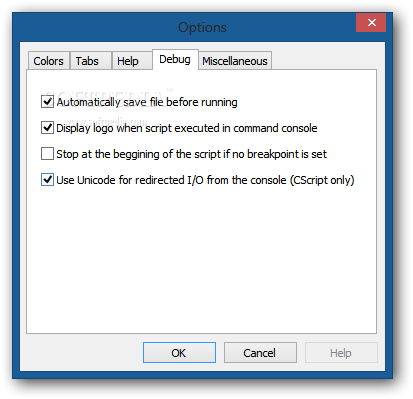
After you write the script you can run it from the command prompt (CScript) or from Windows (Wscript) using the buttons on the toolbar. But in case the script didn't execute correctly, you can use the debugger to locate any potential errors and fix them.
VbsEdit enables you to set arguments to be passed to the script and breakpoints that stop the execution of the program at a specific code line.
Another essential feature the utility provides you with is the option to convert the created script to an executable file. Then you can select an icon for it, choose whether it is a 32 or 64-bit application and specify various details, like version, name, and copyright.
VbsEdit proves to be a handy software solution for anyone who wants to write and edit scripts. Offering multiple code samples and providing a user-friendly interface, it can be used by beginners and experienced developers alike.
VbsEdit 9.08.68
add to watchlist add to download basket send us an update REPORT- runs on:
-
Windows 10 32/64 bit
Windows 2008 R2
Windows 2008
Windows 2003
Windows 8 32/64 bit
Windows 7 32/64 bit
Windows Vista 32/64 bit
Windows XP - file size:
- 11.8 MB
- filename:
- vbsedit9.exe
- main category:
- Programming
- developer:
- visit homepage
calibre

Zoom Client

4k Video Downloader

Context Menu Manager

Windows Sandbox Launcher

IrfanView

7-Zip

Microsoft Teams

ShareX

Bitdefender Antivirus Free

- Microsoft Teams
- ShareX
- Bitdefender Antivirus Free
- calibre
- Zoom Client
- 4k Video Downloader
- Context Menu Manager
- Windows Sandbox Launcher
- IrfanView
- 7-Zip