
A Windows GUI utility for MySQL data management and PHP programming #MySQL data #Import Excel #ASP.NET script #MySQL #Toolkit #CSV
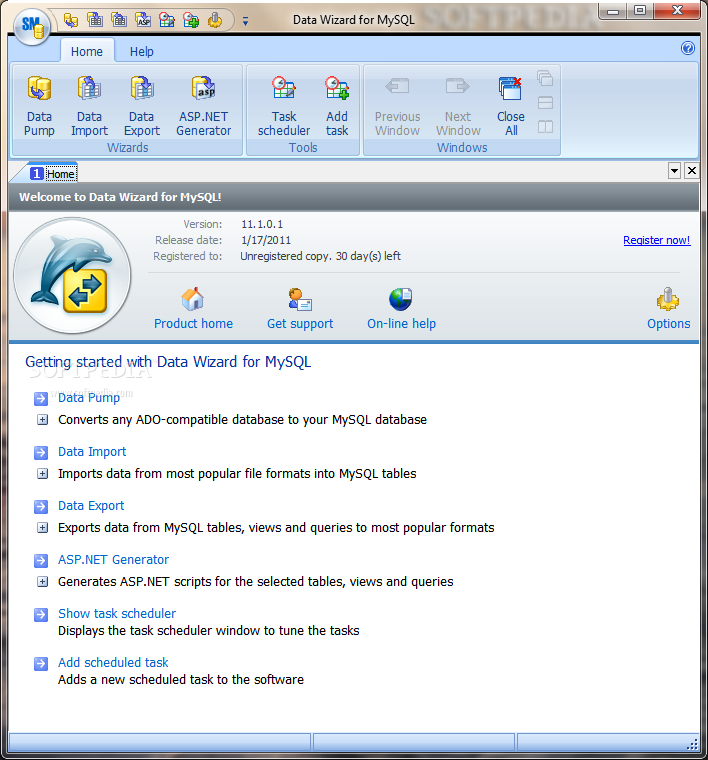
Data Wizard for MySQL is a very useful toolkit for managing your MySQL data. It includes the following modules:
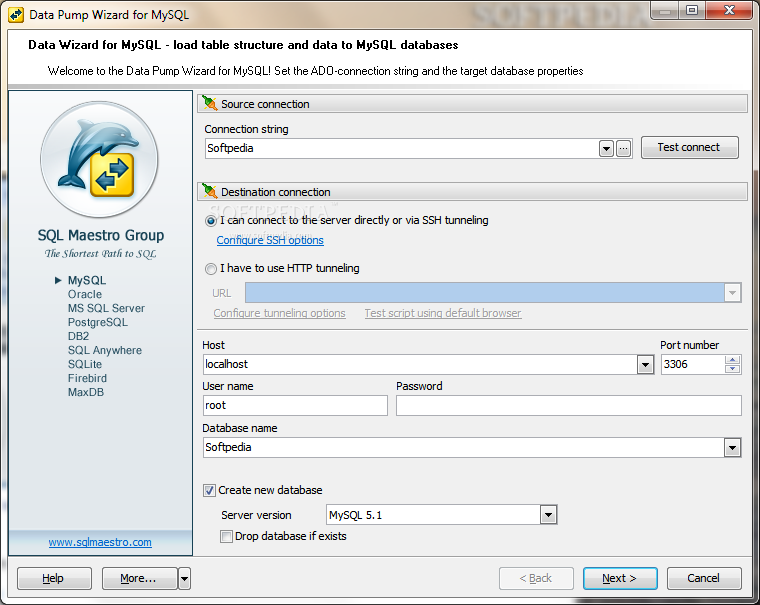
· Converts schema and data from any ADO-compatible database to MySQL. · Transfers tables, indexes, and foreign key constraints. · Migrates source objects directly to the target database or generates SQL scripts.
· Imports data from the most popular formats including Excel, Access, CSV, DBF, XML, and text files to MySQL tables. · Includes Graphical Builder to map source file columns to target table fields in a few mouse clicks. · Uses bulk loading commands to speed up the import process. · Lets you to adjust data formats, empty target tables, execute custom SQL scripts, etc.
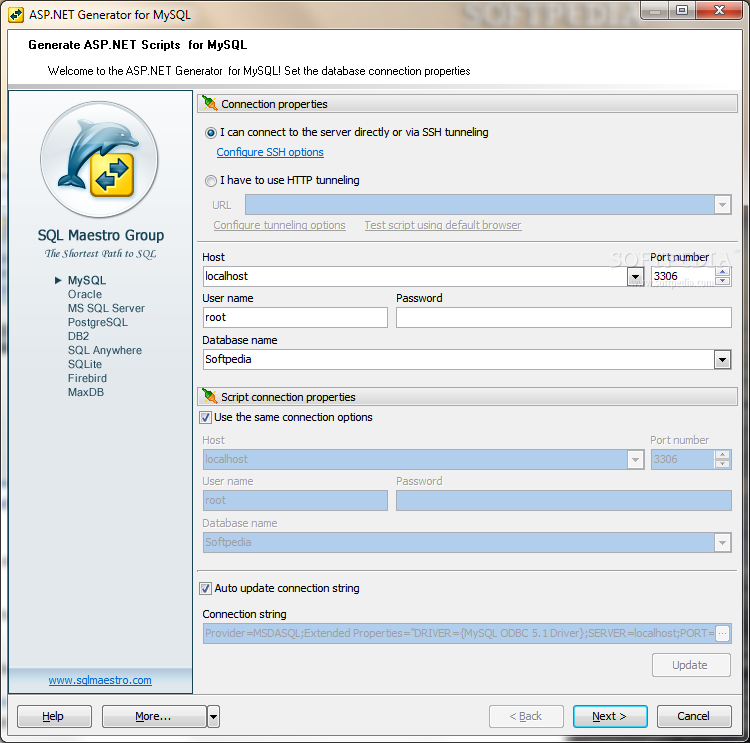
· Exports data from MySQL tables, views and queries to the 17 most popular file formats including MS Excel, HTML, XML, PDF, etc. · Allows you to fully customize output files including header and footer, fonts, colors, data formats, encoding, etc. · Supports Office 2007 file formats natively. ASP.NET Generator: · Creates a full set of ASP.NET scripts for working with MySQL tables, views and queries through the web. · Allows to create webpages of your own style: color scheme, images, fonts, etc. · Protects generated scripts with advanced security settings.
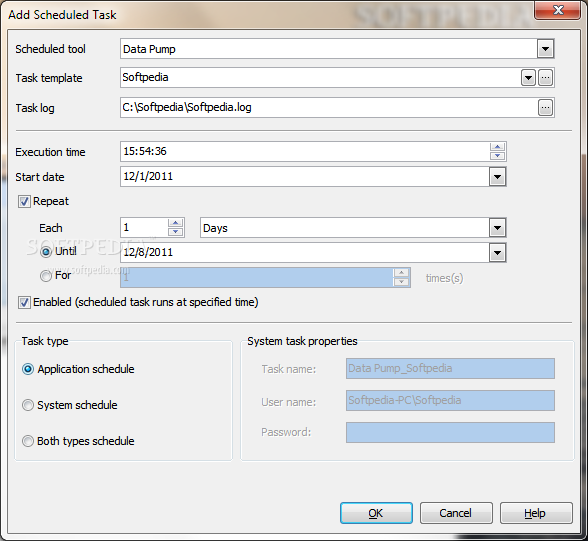
· Flexible task scheduler. · Easy-to-use templates. · Powerful command line tools. · State-of-the-art graphical user interface.
System requirements
- Pentium PC or higher
- 64 MB RAM (128 MB recommended);
- 10 MB of free hard disk space;
- SVGA-compatible video adapter;
- MySQL server version from 3.23 to 6.0.
- Internet Explorer 4.0 or higher.
Limitations in the unregistered version
- 30 day trial
Download Hubs
MySQL Data Wizard is part of these download collections: Export Database
What's new in MySQL Data Wizard 11.1.0.1:
- Data Import features:
- Starting with this version it becomes possible to import data from any database accessible via an ODBC driver or OLE DB provider, such as SQL Server, MySQL, Oracle, MS Access, Sybase, DB2, PostgreSQL, etc. Let's look through some details of the new feature:
- To import data in this way, you have to specify a connection string and select appropriate identifier quote characters to escape improper symbols and blanks in object names according to the source database (for example, double quotes for Oracle and PostgreSQL, backticks for MySQL, or square brackets for SQL Server and MS Access).
- This type of data import does not require the structure of source database to be identical with the structure of the target one. For example, data from a single source table can be imported to several different target tables and vice versa. This becomes possible because of an ability of using custom SQL queries as import data sources. Other benefits of this feature include restricting the transferred data by a specified criteria, limiting the number of records to be imported, and so on.
MySQL Data Wizard 11.1.0.1
add to watchlist add to download basket send us an update REPORT- runs on:
- Windows All
- file size:
- 7.4 MB

- main category:
- Programming
- developer:
- visit homepage
7-Zip

Zoom Client

Microsoft Teams

ShareX

4k Video Downloader

Windows Sandbox Launcher

Context Menu Manager

IrfanView

calibre

Bitdefender Antivirus Free

- IrfanView
- calibre
- Bitdefender Antivirus Free
- 7-Zip
- Zoom Client
- Microsoft Teams
- ShareX
- 4k Video Downloader
- Windows Sandbox Launcher
- Context Menu Manager