
Quickly view, measure and export AutoCAD files using this free and fully featured utility designed for professionals and beginners alike. #DWG Viewer #View DWG #Open DWG #Viewer #DWG #AutoCAD

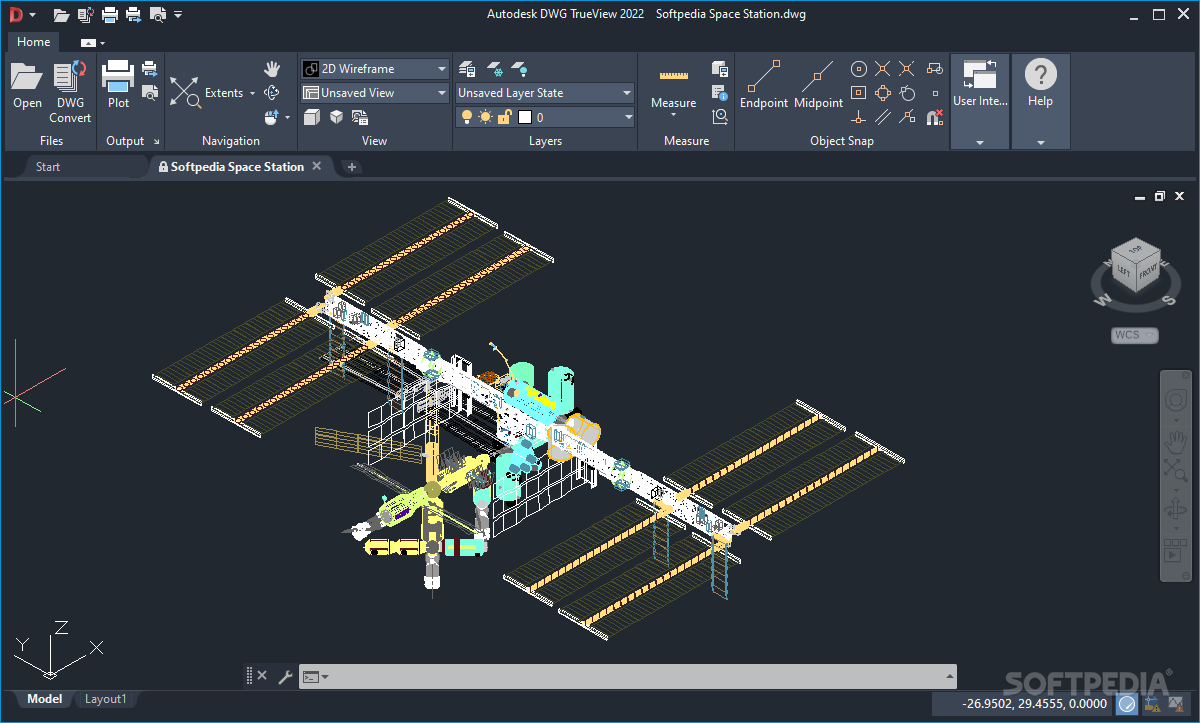
From painstakingly designing everything by hand to letting Artificial Intelligence give humanity a helping hand, graphic design still remains a complex process, regardless of the recent advancements in technology.
If you simply want to preview Computer Aided Design (CAD) files in a pinch, and a full suite of functions seems like overkill, Autodesk DWG TrueView may be a great tool to save you time and energy when writing reports.
When booting up the program, users are greeted to a layout resembling to Microsoft’s Office suite of applications, thanks to its similarly structured top ribbon that lists all the core functions for instantly executing them when necessary.
CAD files can be opened through a file selector, or they can be dragged and dropped into the application window for maximum convenience. Thanks to its multi-tabbed interface, users can easily shift between various designs for making quick comparisons. Depending on your workflow, turning tabs into windows can improve your productivity, letting you focus on multiple projects at the same time.
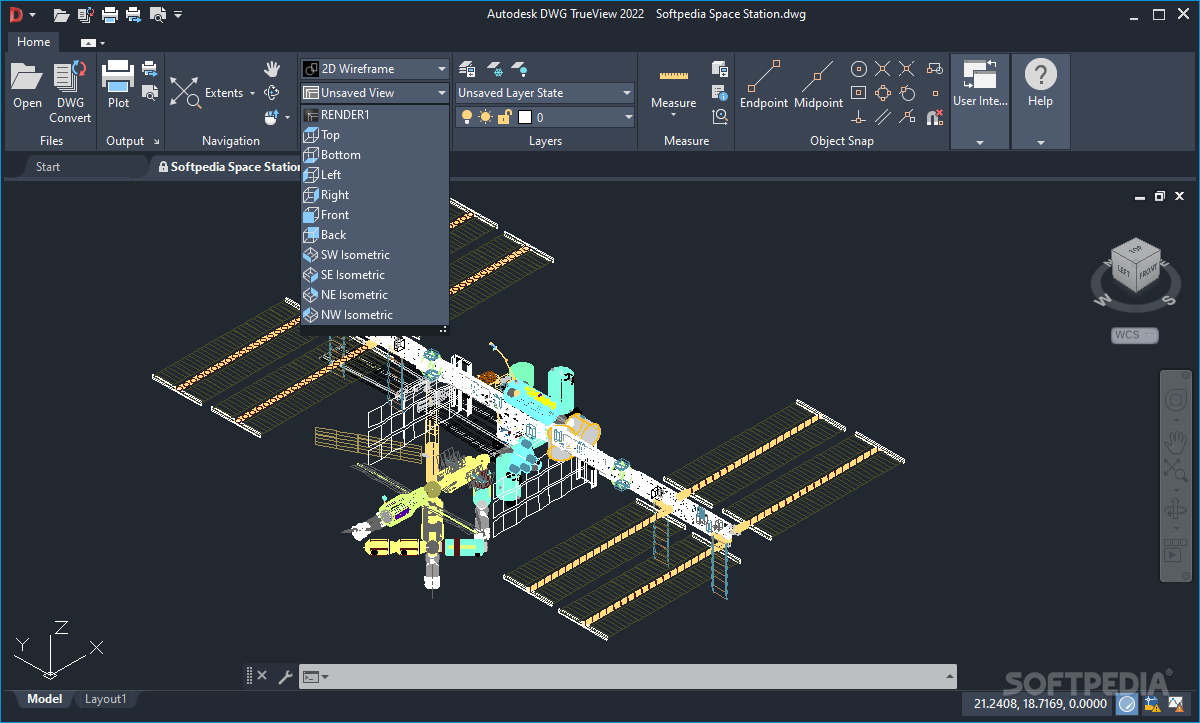
Moving around your designs is done by holding the mouse’s middle click and panning around the canvas, for situations when zooming in and out to navigate seems too tedious. For three-dimensional models, rotating across the X, Y and Z axes can also be achieved in order to ensure that your template is fit for 3D printing or importing into game engines.
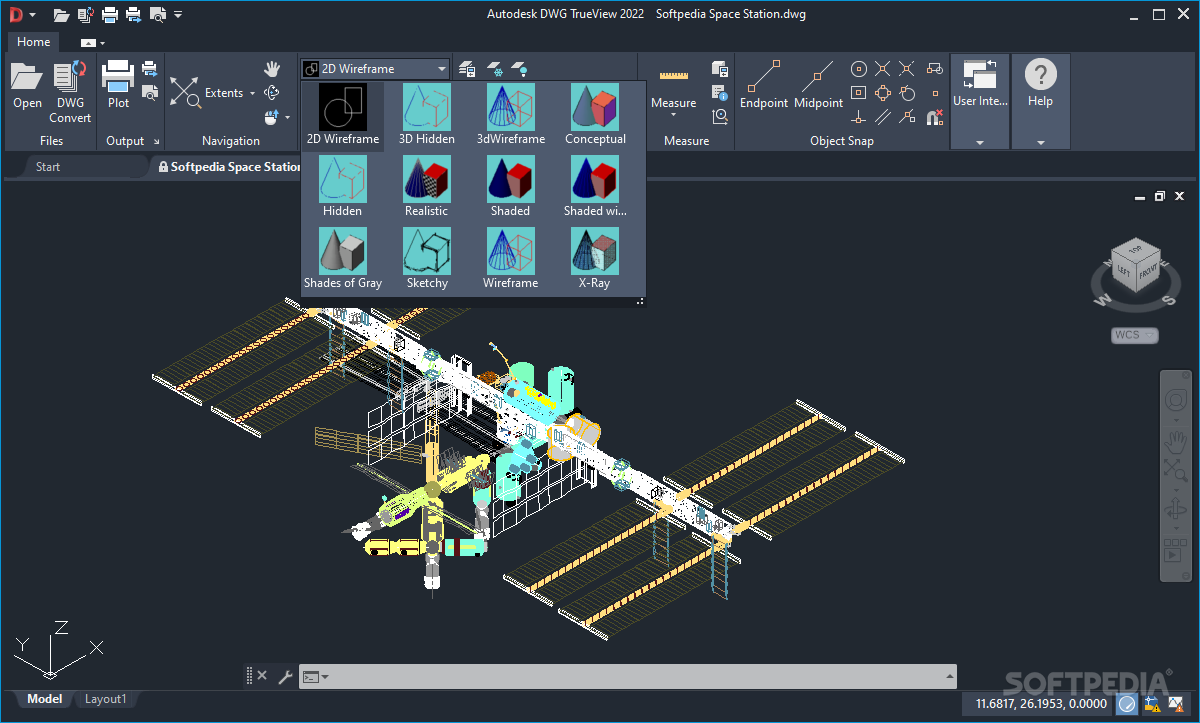
The program offers a handful of design perspectives to match the type of files you are currently viewing. The realistic style may be great for visualizing architectural projects, while the “Wireframe” view can suit 3D templates whose scale is of great importance when transposing them into the real world.
Moreover, when having to analyze an already finished design for a report, measurements can be taken between two objects belonging to the 3D or 2D planes, for maximum precision. Contributing to an easy-to-use experience, multiple layers can be cycled through in order to quickly switch perspective during analysis.
Finally, for compatibility reasons, the program allows users to convert standard files to older formats when needed. Exporting design templates to PDF format will let a wide variety of file viewers to visualize the projects, which can be useful on devices with lower graphical capabilities.
If you want to view CAD files without having to do any modifications, Autodesk DWG TrueView can save you enough processing power, time and energy while accommodating itself to your workflow.
Autodesk DWG TrueView 2024 24.3.61.0
add to watchlist add to download basket send us an update REPORT- PRICE: Free
- runs on:
-
Windows 11
Windows 10 64 bit - file size:
- 1 GB
- filename:
- DWGTrueView_2019_Enu_32bit.sfx.exe
- main category:
- Science / CAD
- developer:
- visit homepage
Windows Sandbox Launcher

Context Menu Manager

ShareX

Microsoft Teams

4k Video Downloader

calibre

Zoom Client

7-Zip

IrfanView

Bitdefender Antivirus Free

- 7-Zip
- IrfanView
- Bitdefender Antivirus Free
- Windows Sandbox Launcher
- Context Menu Manager
- ShareX
- Microsoft Teams
- 4k Video Downloader
- calibre
- Zoom Client