
A complete diagramming application that provides users with a wide range of rich examples and templates, allowing them to easily create and manage charts and diagrams. #Vector-based diagram #Diagram creator #Design diagram #Diagram #Chart #Vector
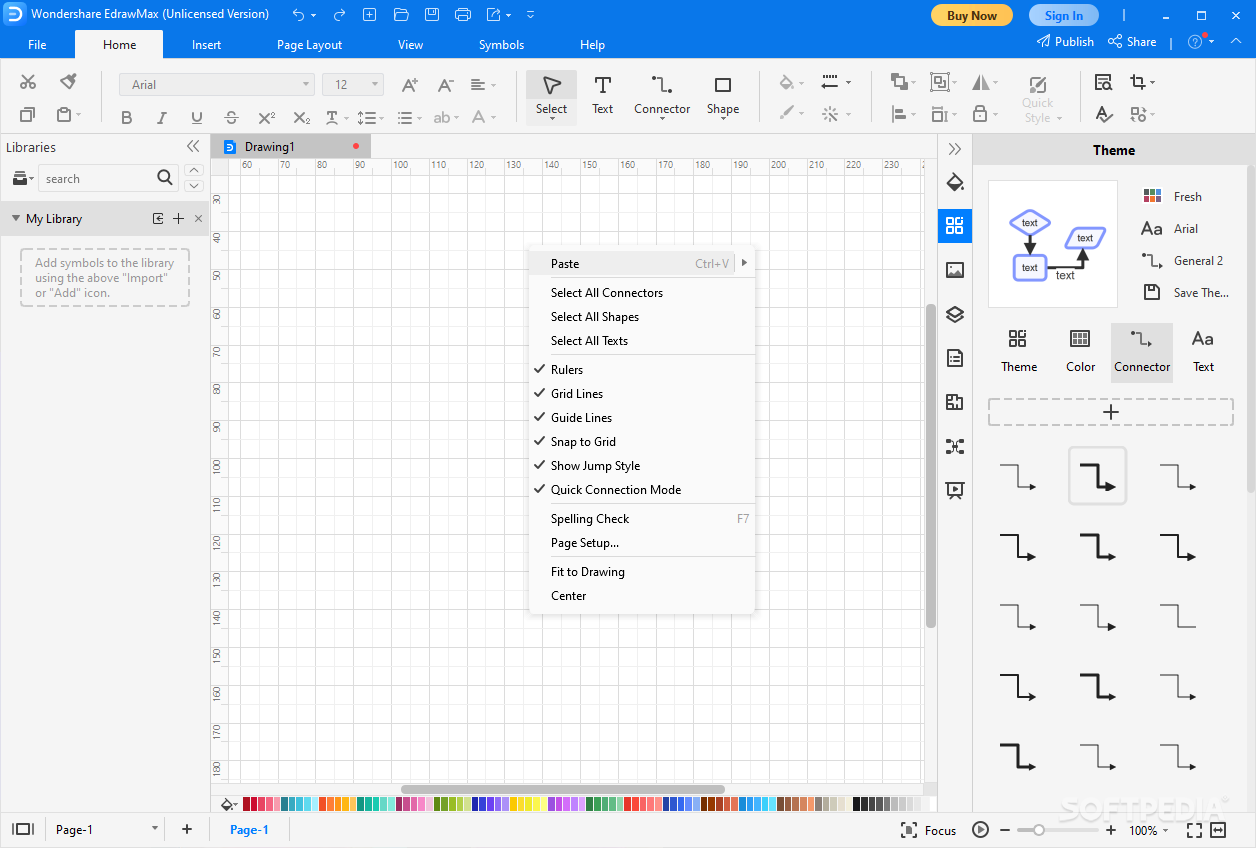
Wondershare EDraw Max is an all-in-one application — presentation builder, diagram creator, visual business planner, and collaborative environment (for quickly sharing your models and diagrams and getting feedback).
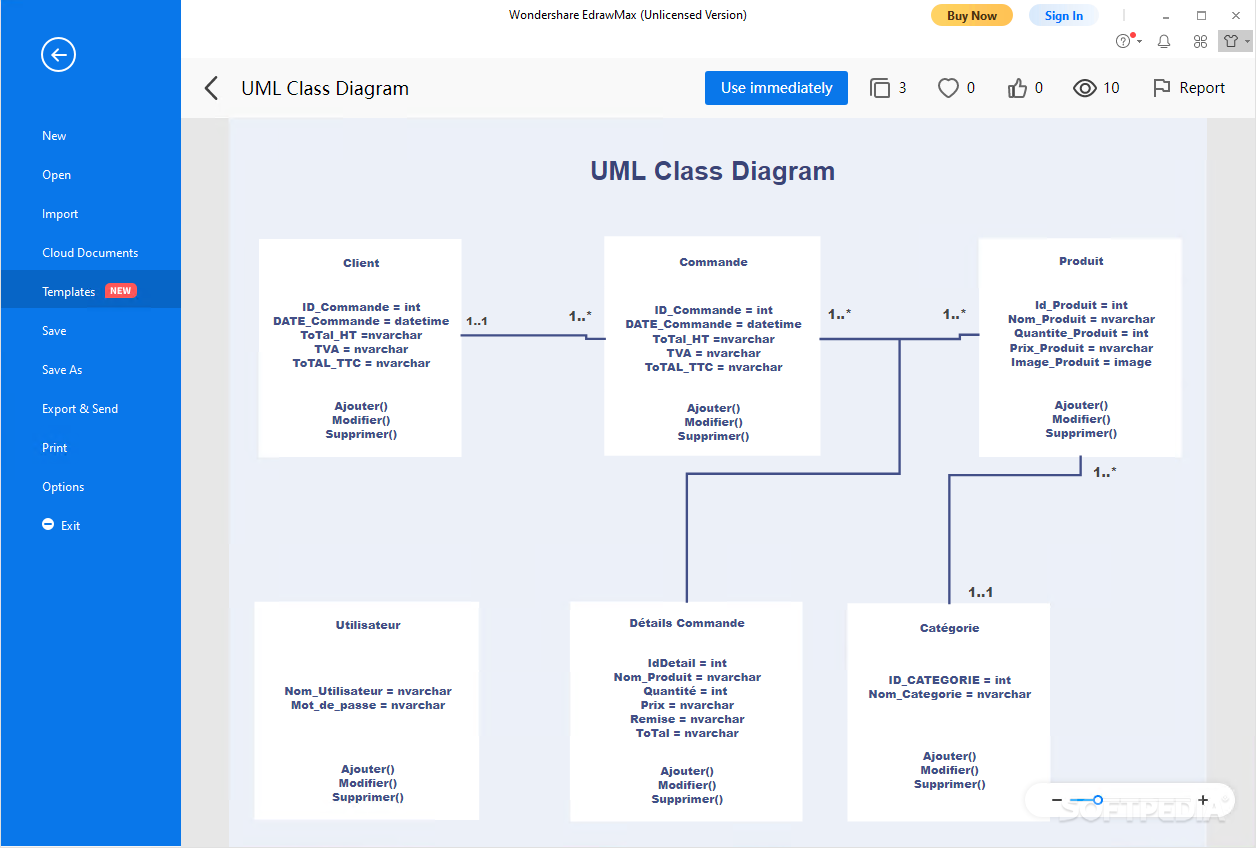
Wondershare EDraw Max can be used by anyone. The templates and areas of interest it targets are from many different activity fields. There are predefined templates for purpose-oriented needs (e.g. family tree). Also, the search function allows you to find all sorts of illustrations and designs, add them to your diagram, and change the objects' position, color, text, etc.
You can use this application as a product owner or manager for making reports, presentations, diagrams, or simply for organizing your ideas and strategies into comprehensive visual designs. Also, you can create technical presentations as a teacher, student, engineer, developer, designer, etc.
The tool even has structural elements you can use for building schemas of your plans. Everything from individual illustrations for apples to wires, molecular models, resistors, PID motors, and fashion designs can be illustrated and inserted into your diagrams using this program.
Everything about this tool seems to be on-point and well-balanced. And probably the most impressive parts of this application are its templates and the large collection of objects, models, symbols, illustrations, etc. Also, the assets and predefined templates are modular and can be customized to fit your needs easily.
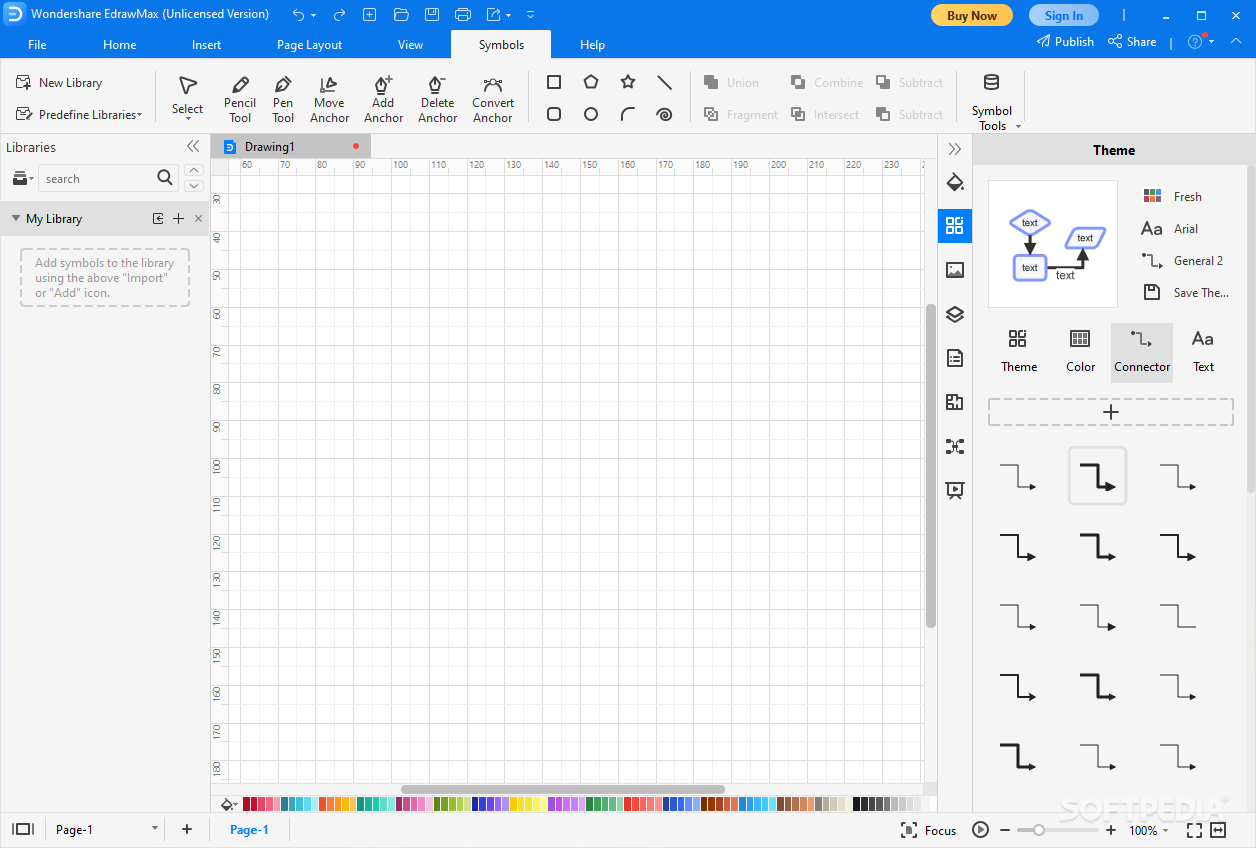
All the designs and objects you add to your layouts and diagrams can be changed, rotated, colorized, connected to other ones via anchor points, etc. There are few and not so responsive 3D objects, but that should not be a problem as the tool is mainly targeting 2D diagramming.
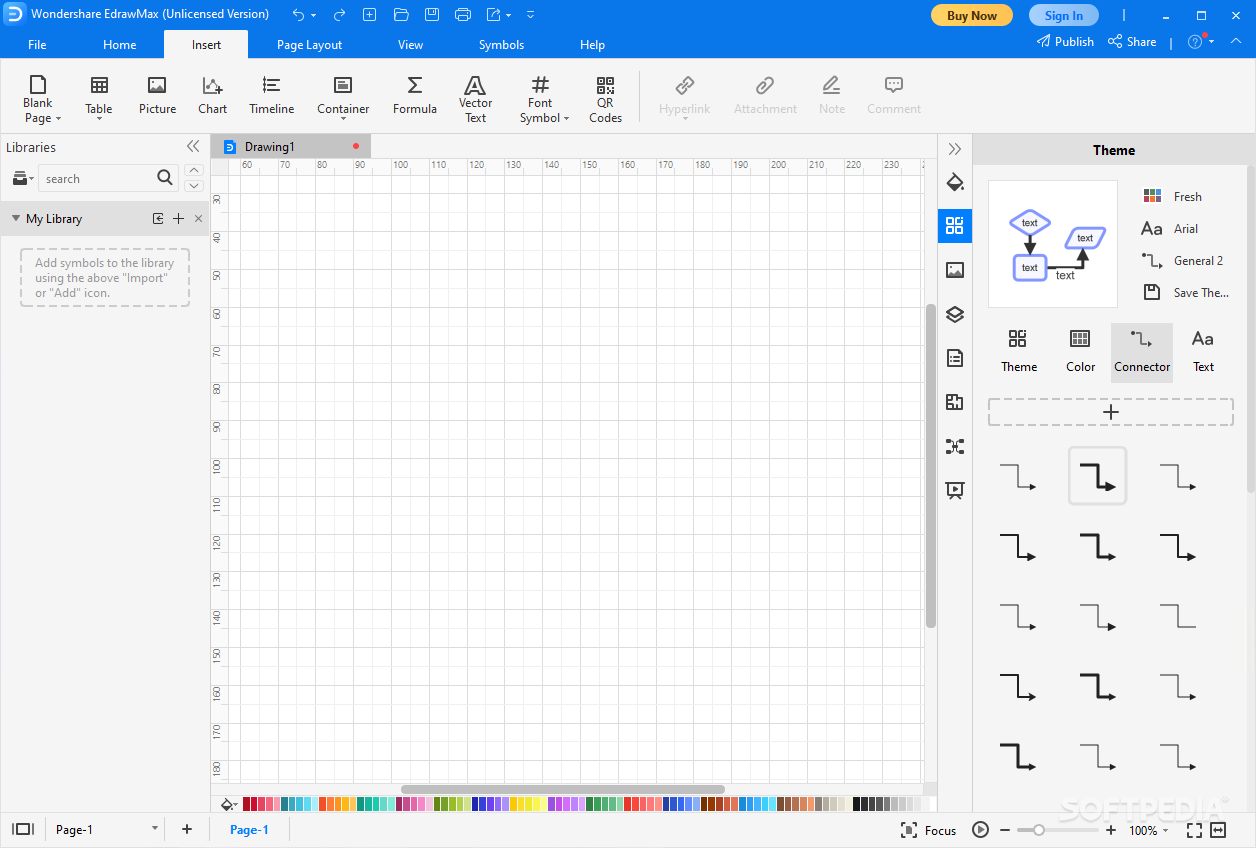
Wondershare EDraw Max has advanced diagram building capabilities and a stunning interface. The application's tools, assets, templates, smart shapes, and functioning system offer a high-grade diagramming platform that is suitable for artists, teachers, tech users, designers, and all other individuals who wish to create accurate diagrams and presentations. And
What's new in Wondershare EDraw Max 13.0.5.1119:
- New Feature:
- 1.You can now open, save, export, and print a diagram on the current page without navigating back to the home page;
- 2.We have enhanced the display quality of EdrawMax on an external monitor;
Wondershare EDraw Max 13.0.5.1119
add to watchlist add to download basket send us an update REPORT- runs on:
-
Windows 11
Windows 10 32/64 bit
Windows 8 32/64 bit
Windows 7 32/64 bit - file size:
- 337 MB
- filename:
- edraw-max_full5371.exe


- main category:
- Multimedia
- developer:
- visit homepage
Bitdefender Antivirus Free

4k Video Downloader

calibre

IrfanView

Microsoft Teams

Zoom Client

7-Zip

Windows Sandbox Launcher

Context Menu Manager

ShareX

- Windows Sandbox Launcher
- Context Menu Manager
- ShareX
- Bitdefender Antivirus Free
- 4k Video Downloader
- calibre
- IrfanView
- Microsoft Teams
- Zoom Client
- 7-Zip