Search Perform an advanced search query SOFTPEDIA
 
SOFTPEDIA
Updated one minute ago
HomeSubmit a program for being reviewedAdvertise on our websiteGet help on surfing our websitesSend us your feedbackGet information about our XML/RSS backend and how to use itBrowse the news archiveVisit our discussion forumVizitati forumul in limba romana


Program Finder NormalFreeware onlyShareware only

Mapwel 2007 Build 2.4 Report spyware 

Click to download Mapwel
View more Mapwel screenshots (3)
 Downloads: 1,098
Rating: Fair (2.6/5) | Rated by: 14 user(s)
Add to download basket     Send us update information
 Developer: Balarad | More programs by this producer
 License: Shareware , 90 $ to buy 
 Size / OS: 6.69 MB, Windows All
 Last Updated: April 29th, 2007, 00:01 GMT
 Category: C: \ Science / CAD
 Read user reviews (0) Add a review Refer to friend Subscribe
    Download Mapwel

Mapwel description
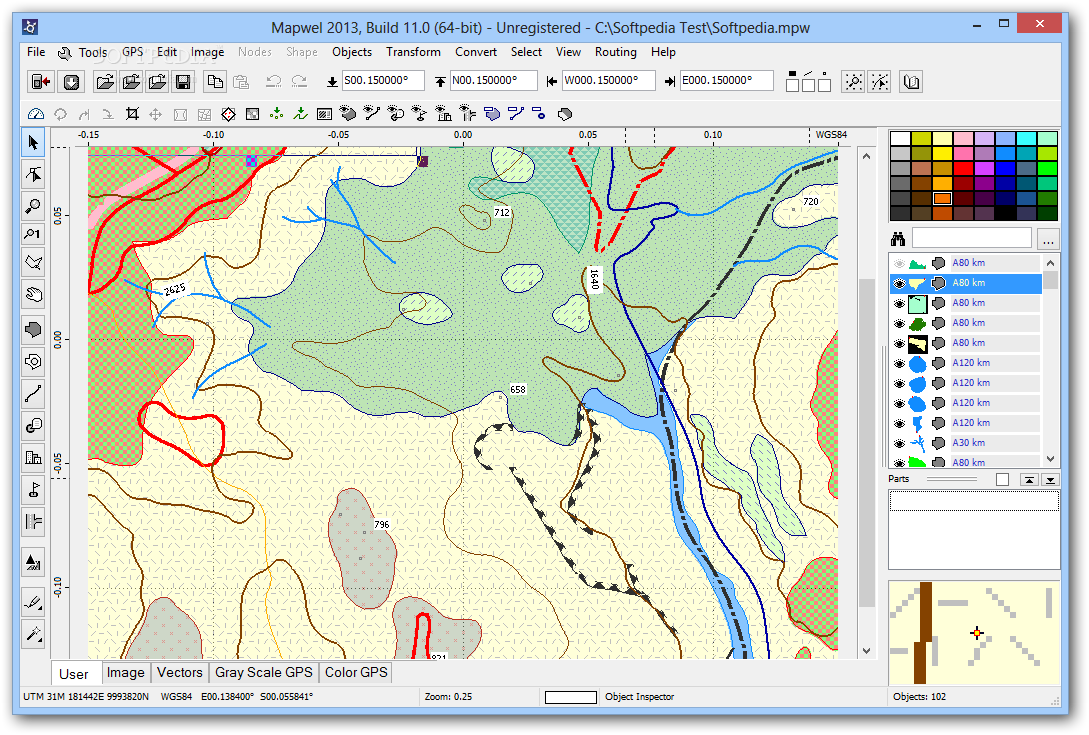
Mapwel is the only available software that allows user to create very accurate GPS maps

Mapwel is software for creation of GPS maps. Supports automotive, PDA and handheld Garmin GPS units.

Creation of map for GPS involves drawing of map, conversion of data into GPS native format and upload of data into GPS. Mapwel is the only available software that allows user to do above three steps with a single software tool.

Mapwel allows to draw map with use of straight lines and curves. When drawn with curves, map can be uploaded into the GPS with chosen precision/data-size ratio. Thus, you can not only draw maps faster but also accommodate the same map for various GPS units with different memory size.

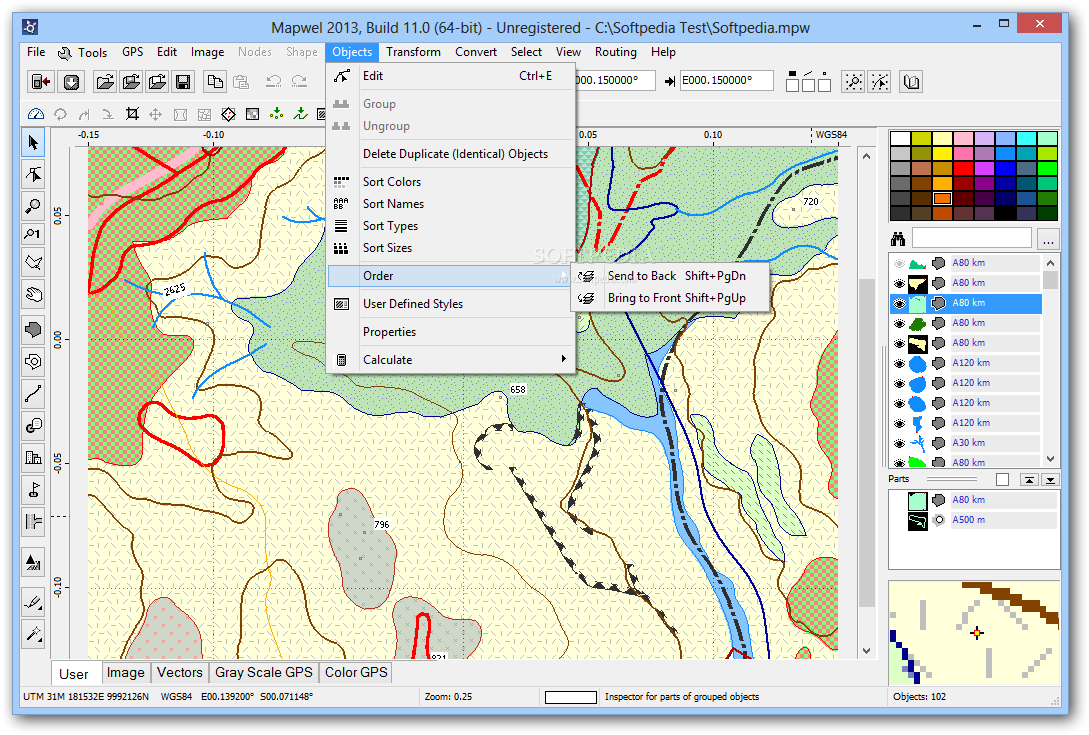
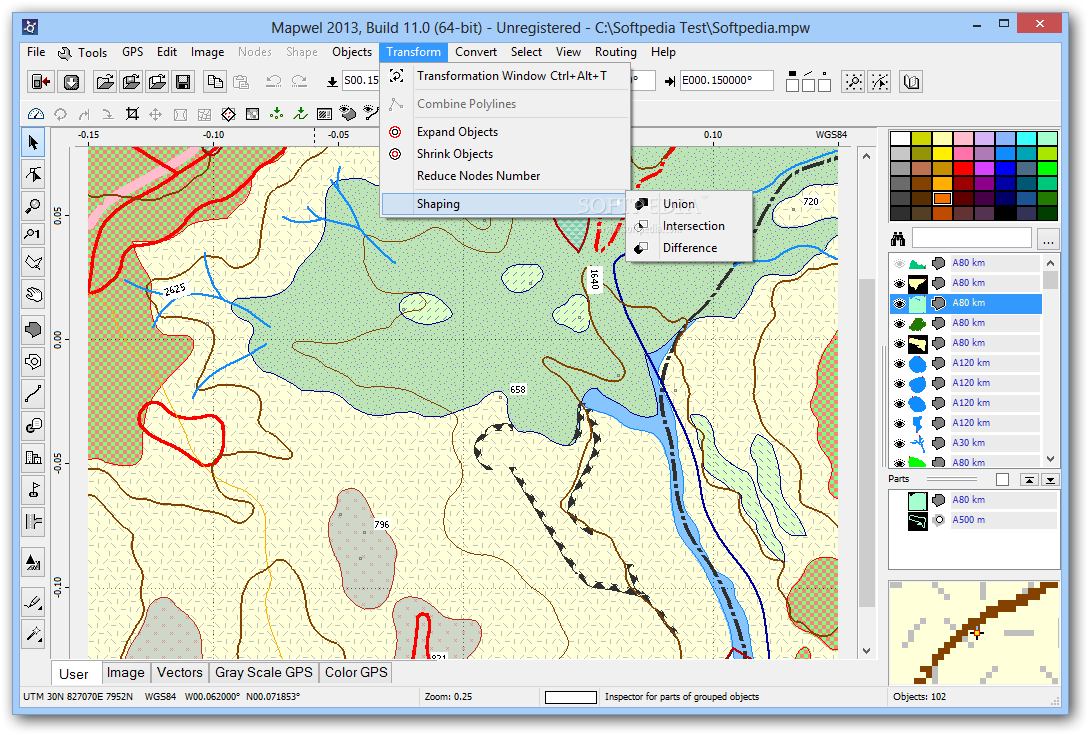
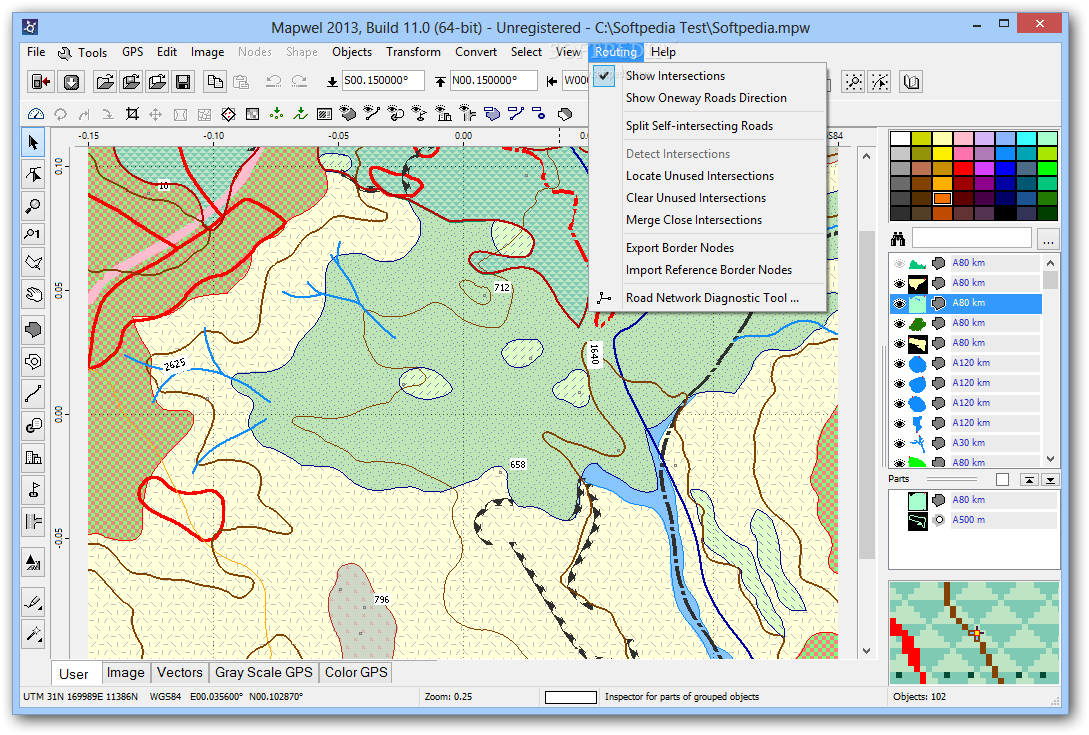
Mapwel provides powerful and easy-to-use drawing tools for creation of areas, lines and other map elements. Object Inspector window displays information about map objects and simplifies the object manipulations. Map can be calibrated (synchronized) with use of the known coordinates of two spots on the map.

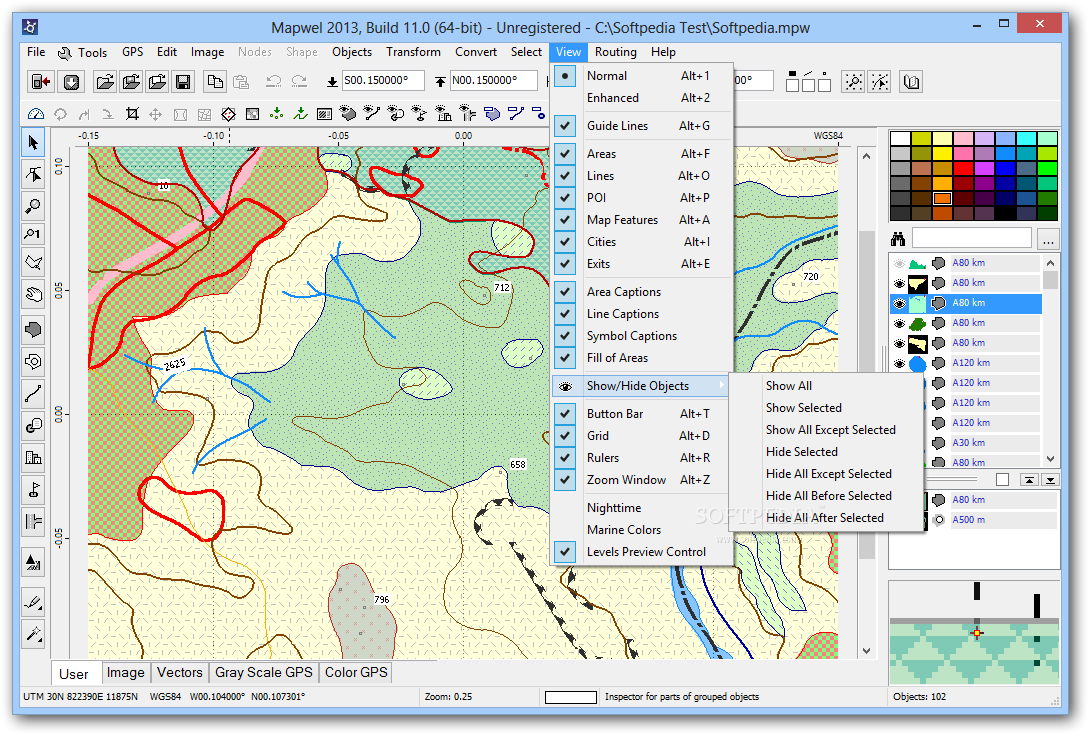
For your convenience, Mapwel allows you to draw the map in any colors you choose and the 'What you see is what you get' interface (WYSIWYG) shows you how the map will look like on the color or monochrome GPS display. Mapwel also simulates the Nighttime and Marine color
modes.

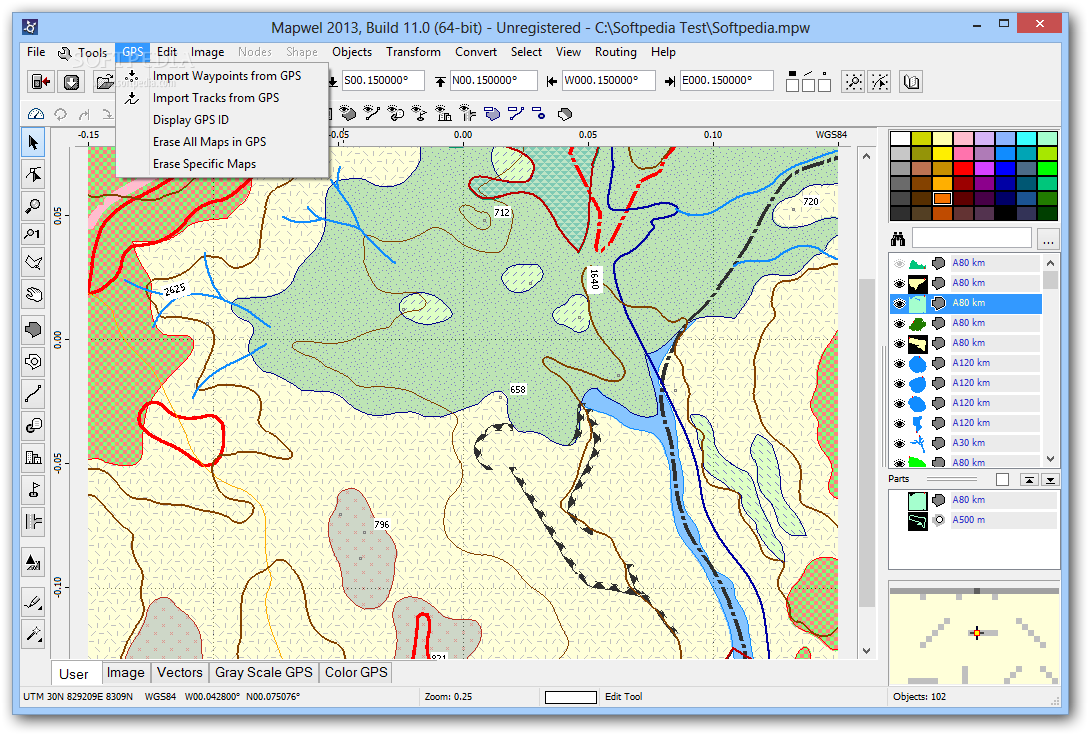
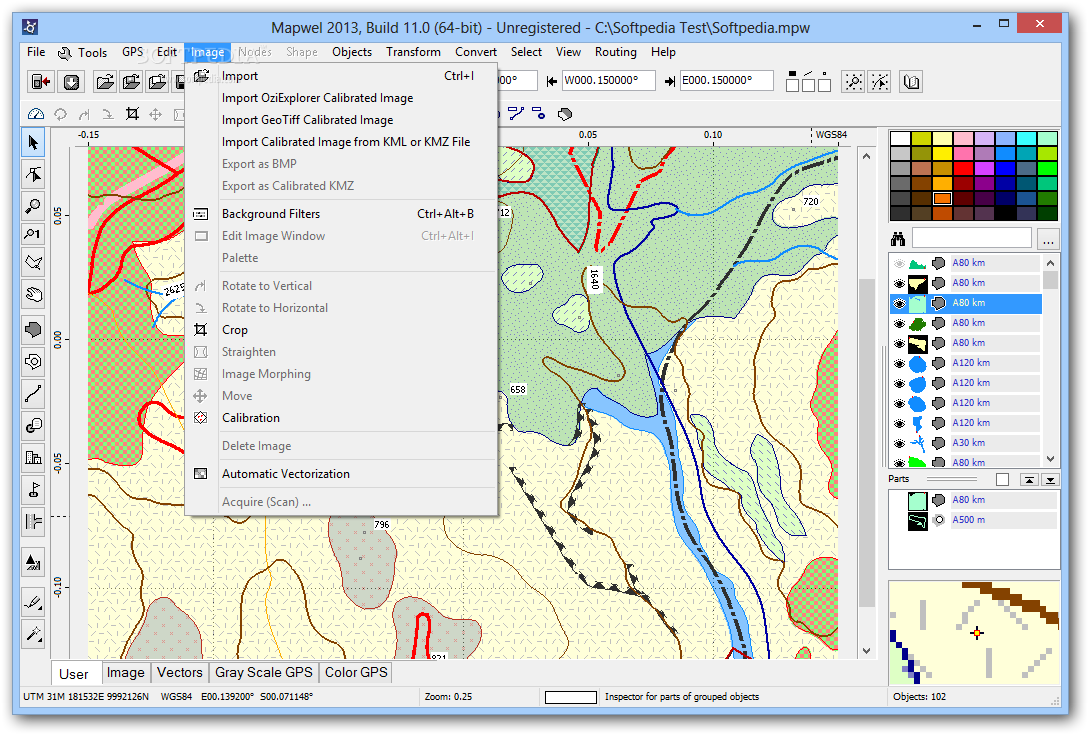
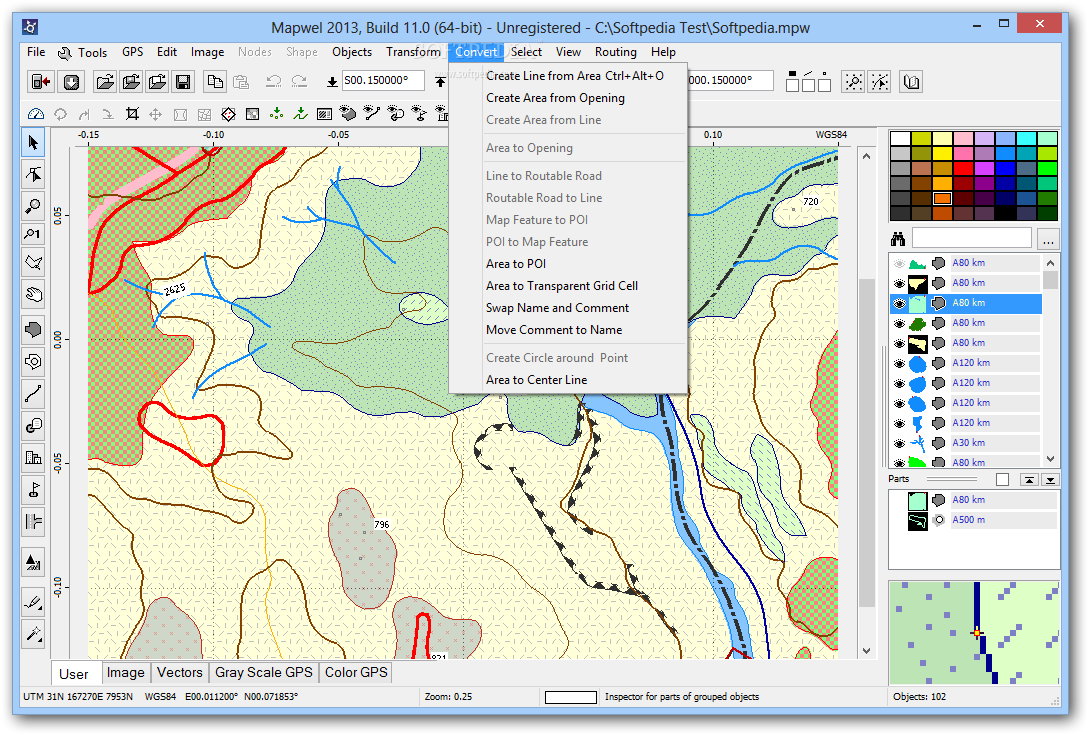
Map can be drawn from the scanned paper chart, aerial photos and/or with use of tracks and waypoints imported from your GPS. Tracks and waypoints are automatically converted into the map elements.

User can apply Contrast, Brightness and Gamma filters to the scanned chart or photo to adjust the background for convenient drawing of vector objects on the top. Semi transparent area fills allow to draw objects on top without hiding the area beneath.

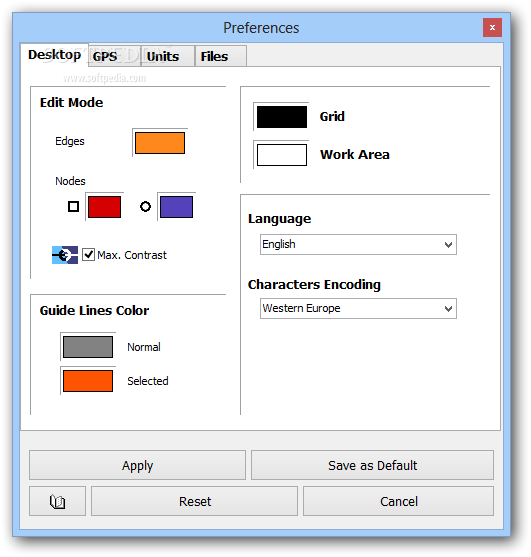
Mapwel allows user to draw map in any colors. It is useful for drawing of large maps or maps with number of land contours, for example. User can assign different color to objects of the same type. However, map transferred into GPS does not contain color data. GPS assigns colors to objects according to their type. When drawing the map, use display mode tabs (3) in the left bottom corner of the Mapwel screen to review your map in the real GPS colors.

Use Mapwel WYSIWYG workspace to create complete GPS map with filled areas, all types of lines, map features, cities, exits and points of interest with adresses. Do not limit yourself to just tracks and waypoints. Use Mapwel import capabilities to open existing maps in various formats (ESRI shape files, for example).

When converting to GPS native format, Mapwel automatically splits large objects to meet GPS technical requirements and does lot of other automation to make creation of map as easy as possible.

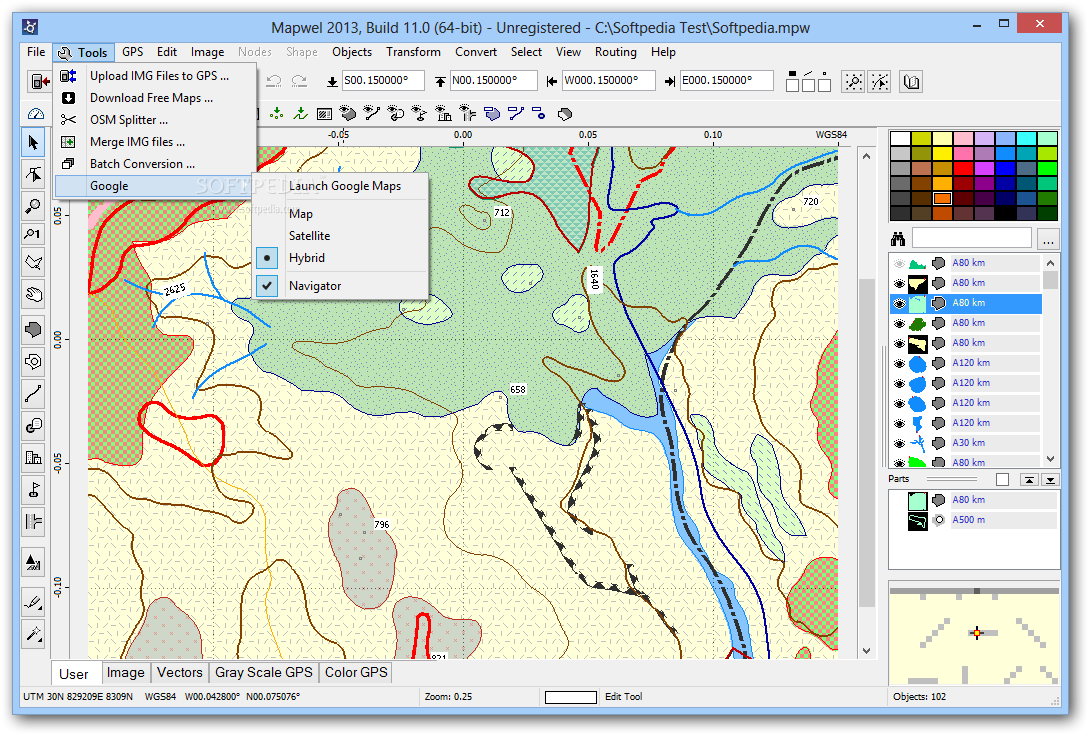
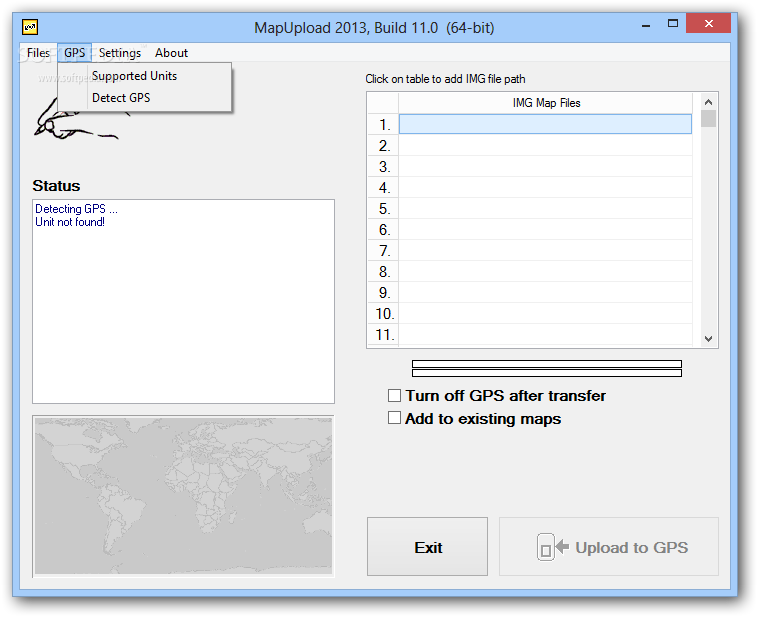
Upload your map directly into the GPS. Mapwel allows you to add your map to other maps already present in GPS memory. With Advanced version you can even export map into GPS native IMG file format or into widely used MP format.

Here are some key features of "Mapwel":

· Create your own maps for Garmin automotive and handheld GPS
· Create maps from ESRI SHP MP, GPX, DBX, PLT or WPT files
· Load your maps directly into the GPS
· Add your maps to other maps in GPS
· Delete specific maps in GPS
· UTM projected system and many geographic systems supported
· Export into IMG and MP formats (Advanced version only)
· Fast free-hand digitizing with tablet or mouse
· Free demo
· Free map loader


Limitations:

· Limited number of objects transferred to GPS
· Truncates maps uploaded into the GPS and adds 'Mapwel Demo' label to all objects.


Softpedia guarantees that Mapwel 2007 Build 2.4 is 100% CLEAN, which means it does not contain any form of malware, including but not limited to: spyware, viruses, trojans and backdoors.

This software product was tested thoroughly and was found absolutely clean, therefore it can be installed with no concern by any computer user.

However, it should be noted that this product will be retested periodically and the award may be withdrawn, so you should check back on this page from time to time. (click here for more information)


Related downloads IT News Popular downloads New additions   Latest reviews  
Imagination Image Map Editor 5.0.1
Imagination Image Map Editor - create Web site image maps with this easy to use tool from Multimedia Australia.
Mapdraw Deed Plotter 6.20
MapDraw Deed Plotter is a useful software that creates maps based on metes and bounds descriptions
MindMapper Pro 5.0.6064
With MindMapper Pro you will be able to discover the full potential of a mind mapping software
MapCreator Free Edition 1.0
MapCreator is a good travelogue often requires a map showing the destinations or route
Quantum GIS 0.8.1
Quantum GIS (QGIS) is a cross-platform and user friendly Open Source Geographic Information System (GIS).
Visual Imagemapper 4.0
Create advanced clickable images to use on your webpages with this small and easy to use application
MapEditor for PowerNavigation2 1.03
MapEditor is an application that lets you create maps in .pnmap format (Power Navigation Map), which can be used for navigation
Versamap 3 for Windows 3.01.000
This application draws outline maps on 14 projections. Print maps; export as BMP, WMF
Single State Mapper 1.0
Single State Mapping Tool allows you to create maps of individual states with Microsoft MapPoint
HexDraw 1.0
Create different terrain features like roads and hexes in plain colours or textures.

go to top Use the following code to link to this page:


Welcome!
Hello, Guest

Login if you have a Softpedia.com account.

Otherwise, register for one.

Main categories:
  • Antivirus
  • Compression tools
  • CD/DVD Tools
  • Office tools
  • Programming
  • Authoring tools
  • File managers
  • Desktop Enhancements
  • Internet
  • Network Tools
  • IPOD TOOLS
  • Mobile Phone Tools
  • Multimedia
  • Tweak
  • System
  • Security
  • Others
  • Science / CAD
  • UNIX
  • Windows Widgets
  • PORTABLE SOFTWARE

  • Week's best:
  • Adobe Flash Player 1...
  • Intel Chipset Softwa...
  • Uxtheme Multi-patche...
  • SRS Audio Sandbox 1....
  • SP3 UxTheme Patcher ...
  • PECompact 2.82
  • Sony Vegas Movie Stu...
  • 3DMark Vantage 1.0
  • Total Commander 7.03
  • VistaMizer 2.5.1.0
  • AVG Free Edition 8.0...
  • Windows XP Service P...
  • Ashampoo Burning Stu...
  • XviD Media Codec 1.1...
  • Blu-ray Disc Ripper ...
  • Blu-ray Region Code ...
  • Adobe Photoshop Ligh...
  • PowerDVD 8.0.1531
  • EF Commander 6.54
  • Microsoft Windows In...
  • Nero 8 Lite 8.3.2.1
  • WebSite-Watcher 4.41...
  • EVEREST Ultimate Edi...
  • Nokia PC Suite 6.86....
  • VMware Workstation 6...
  • AnyDVD HD 6.4.2.2
  • Messenger Plus! Live...
  • The Bat! Voyager 4.0...
  • Windows Vista Servic...
  • Nero 8 8.3.2.1
  • © 2001 - 2008 Softpedia. All rights reserved.
    Softpedia™ and Softpedia™ logo are registered trademarks of SoftNews NET SRL.
    Copyright Information | Privacy Policy | Terms of Use | Contact Softpedia | Update your software | Archive