Search Perform an advanced search query SOFTPEDIA
 
SOFTPEDIA
Updated one minute ago
HomeSubmit a program for being reviewedAdvertise on our websiteGet help on surfing our websitesSend us your feedbackGet information about our XML/RSS backend and how to use itBrowse the news archiveVisit our discussion forumVizitati forumul in limba romana


Program Finder NormalFreeware onlyShareware only

VariCAD 2008 1.04 / 2007 3.03 Report spyware 

Click to download VariCAD for Windows
View more VariCAD 2007 screenshots (7)
 Downloads: 5,562
Rating: Good (3.9/5) | Rated by: 30 user(s)
Add to download basket     Send us update information
 Developer: VariCAD | More programs by this producer
 License: Trial , 770 $ to buy 
 Size / OS: 38.2 MB, Windows 2K/XP/Vista
 Last Updated: March 28th, 2008, 22:15 GMT
 Category: C: \ Science / CAD
 Read user reviews (0) Add a review Refer to friend Subscribe
    Download VariCAD for Windows

VariCAD for Windows description
A full-featured CAD solution for mechanical engineering

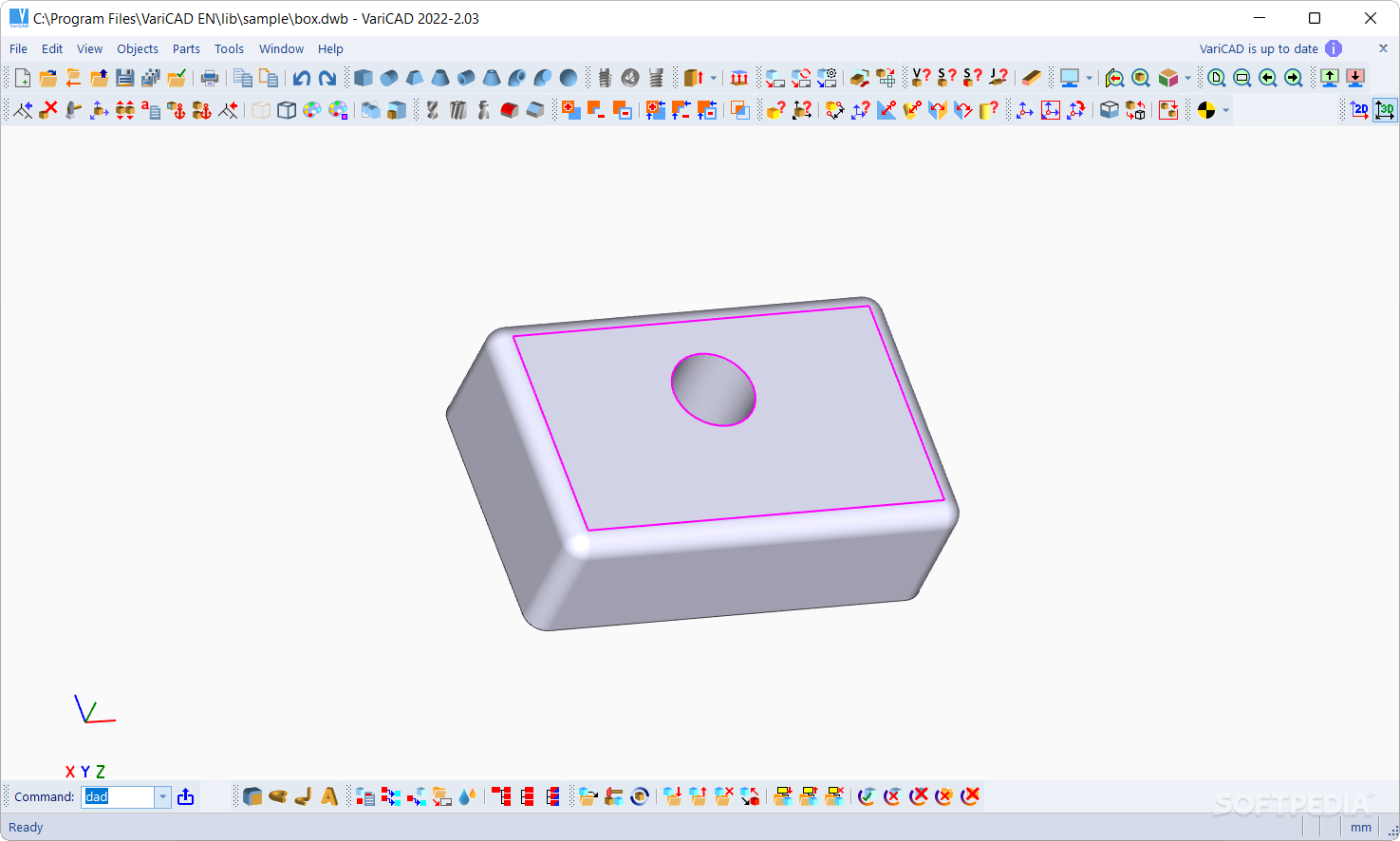
VariCAD is a 3D/2D CAD solution for mechanical engineering.

In addition to standard tools for 3D modeling and 2D drafting, the CAD system provides tools for sheet metal unbending and crash tests, libraries of standard mechanical parts (ANSI, DIN) and symbols, mechanical part calculations and tools for working with bills of materials (BOMs) and title blocks.

VariCAD supports STEP, STL, IGES, DWG and DXF file formats.

Here are some key features of "VariCAD for Windows":

· Quick Demonstration
Watch how to create your 3D models or 2D drawings with VariCAD. This online demostration shows you how the VariCAD interface looks and how easy it is to design with the program.

· User Interface and System Environment
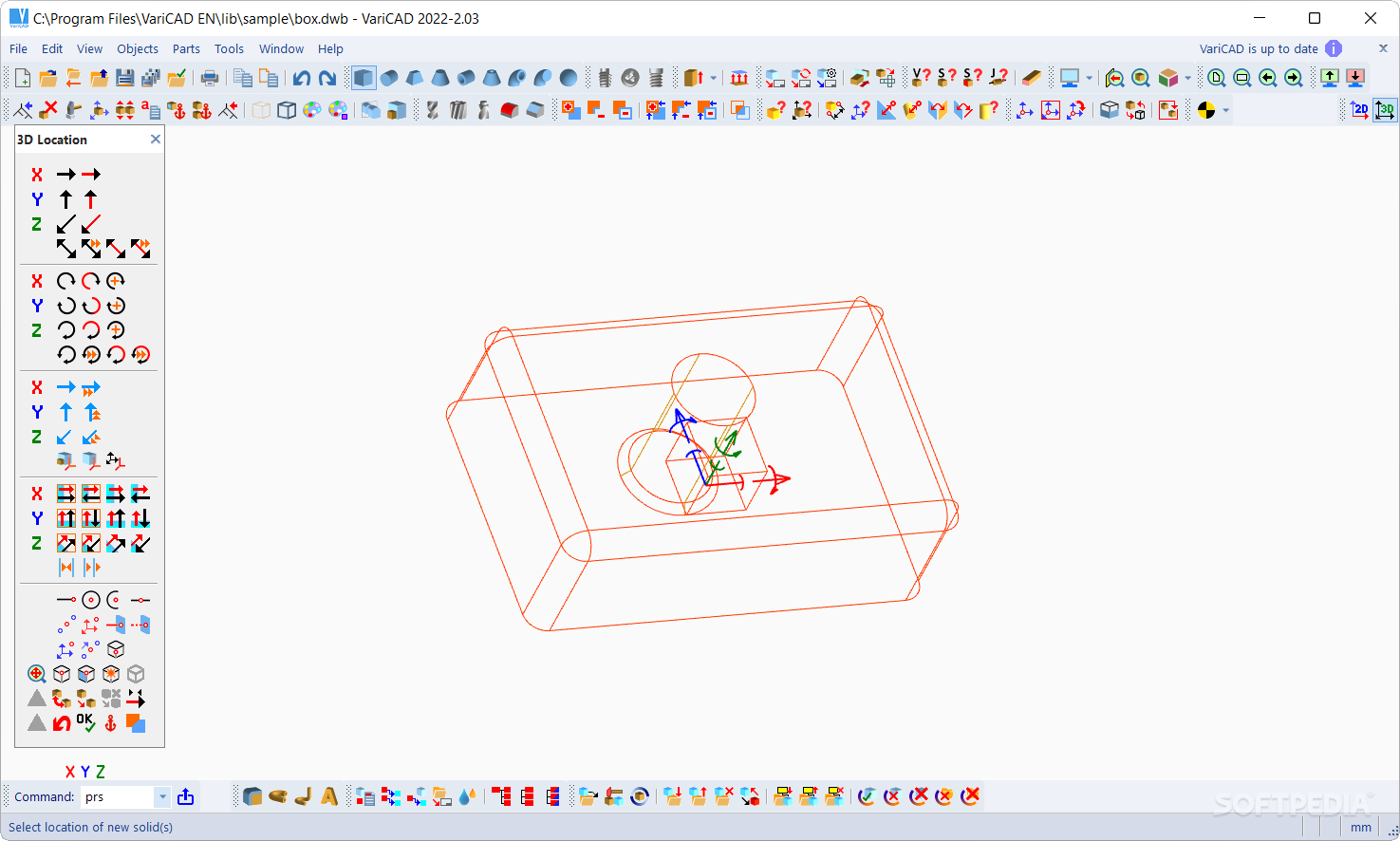
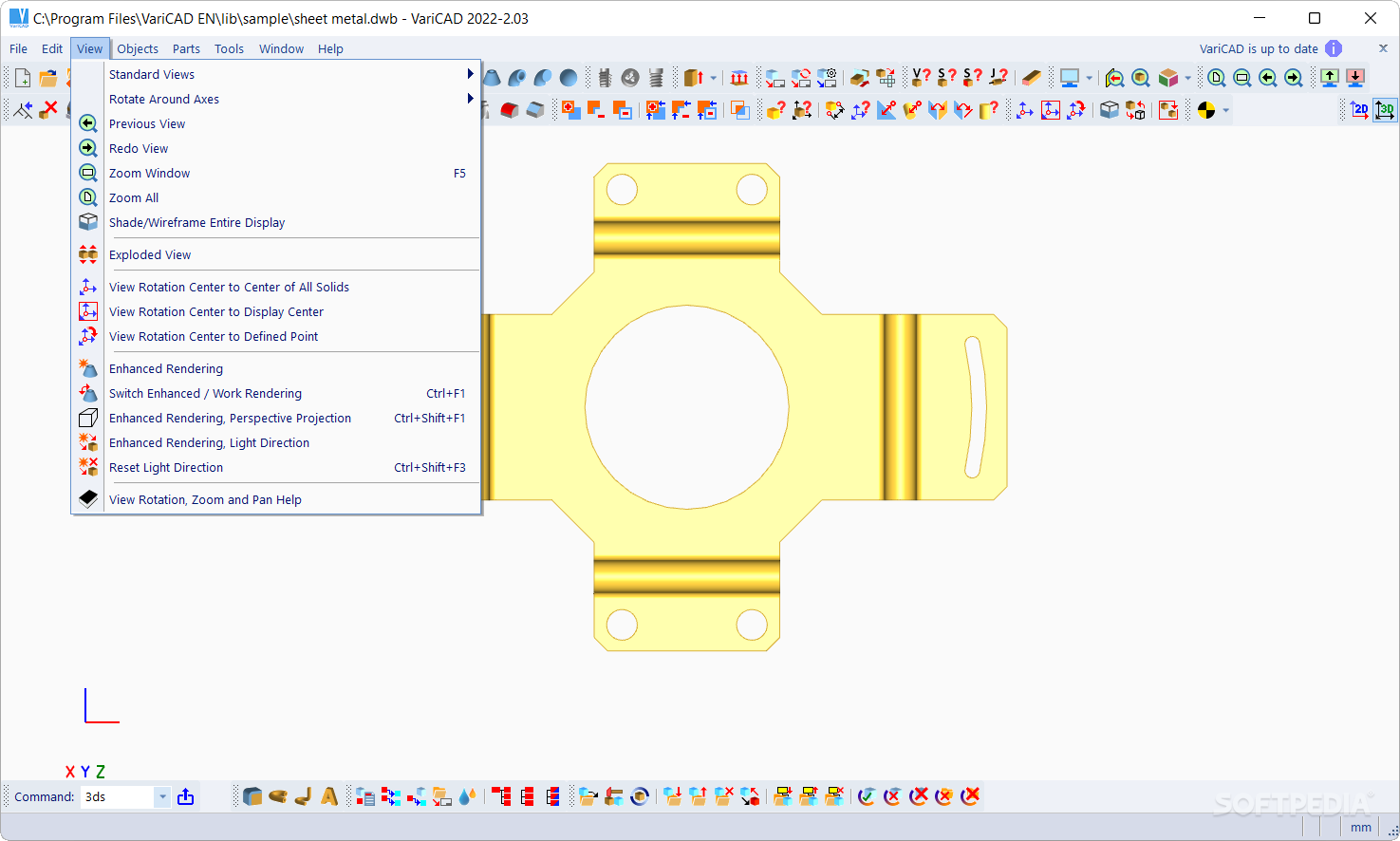
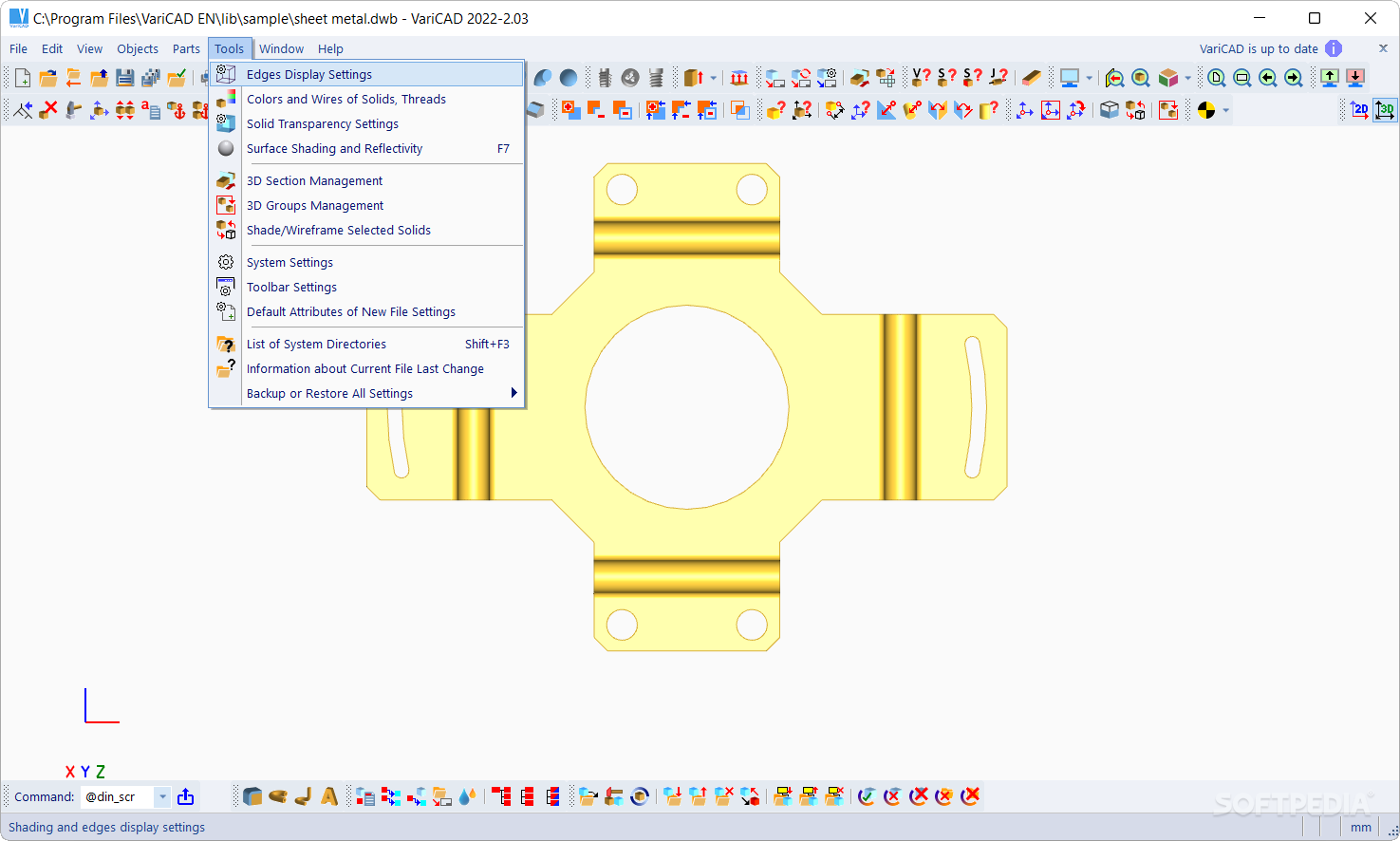
VariCAD's Graphical User Interface (GUI) has been designed to allow quick and intuitive 3D/2D orientation. We carefully tailored and tuned the GUI to reflect the thought process of a designer, so that ideas can be captured and communicated with a minimal number of steps. All commands were created with a focus on ease of use. An intelligent cursor, numerous detection and selection modes, 2D construction lines, and the orthogonal grid are just some of the tools that make working with VariCAD so easy.
You can start by creating a 3D model and then use it to automatically create drawings files, or you can draw only in 2D. Designing in 3D is generally more "natural," in that it closely represents actual parts and assemblies. The 3D approach is usually more intuitive than 2D drafting. Models created in 3D are easily converted into conventional 2D documentation.

· 3D Modeling
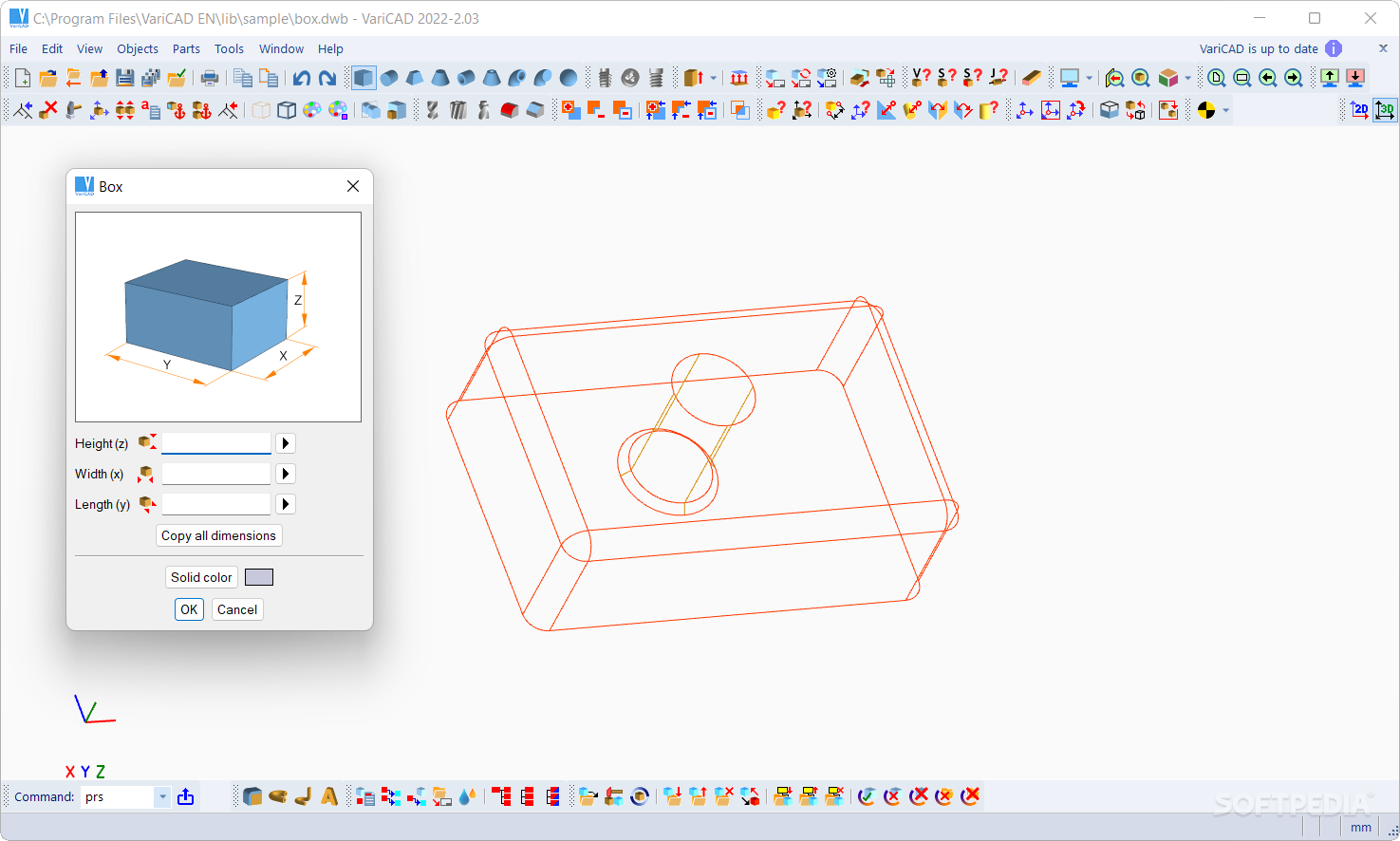
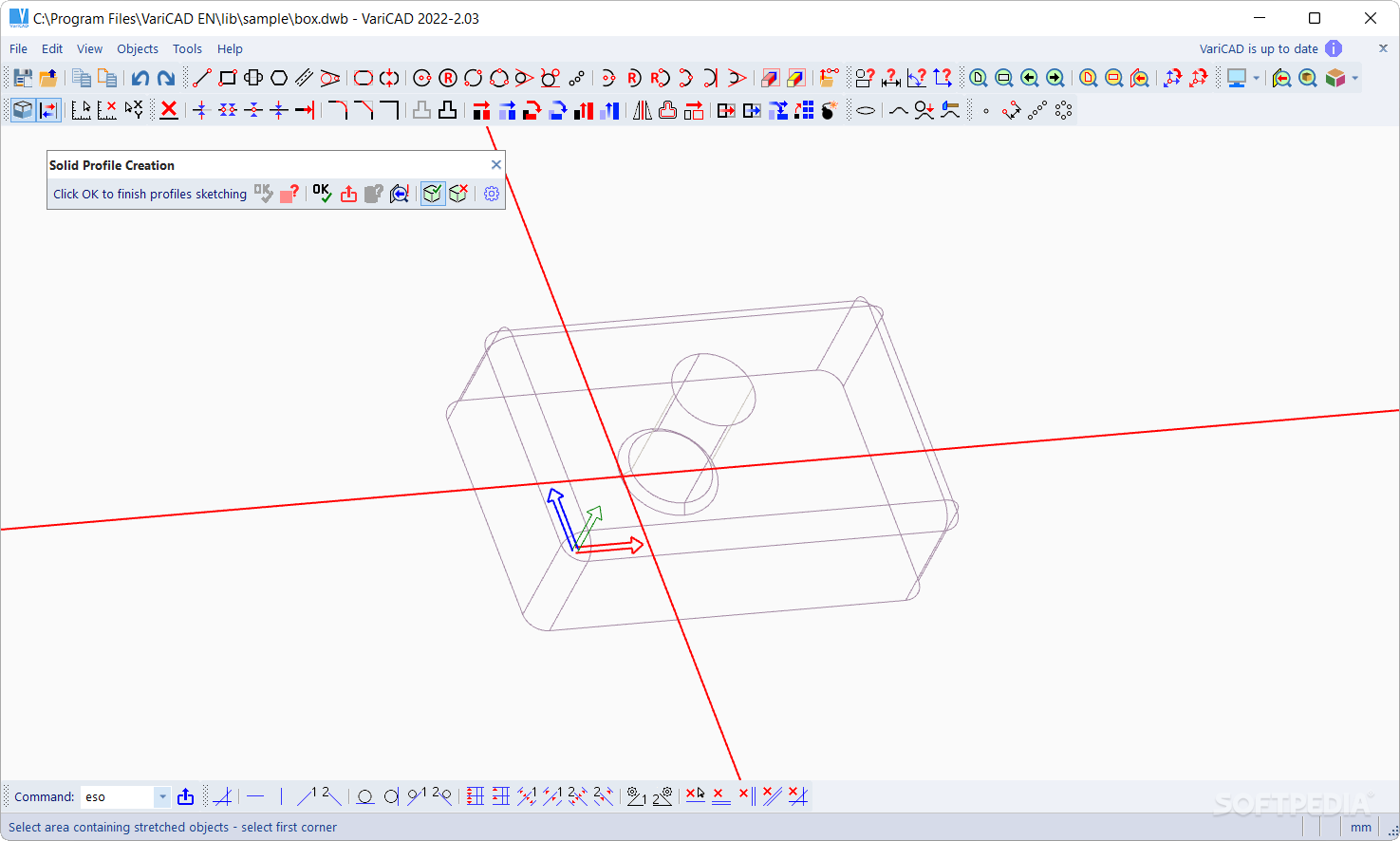
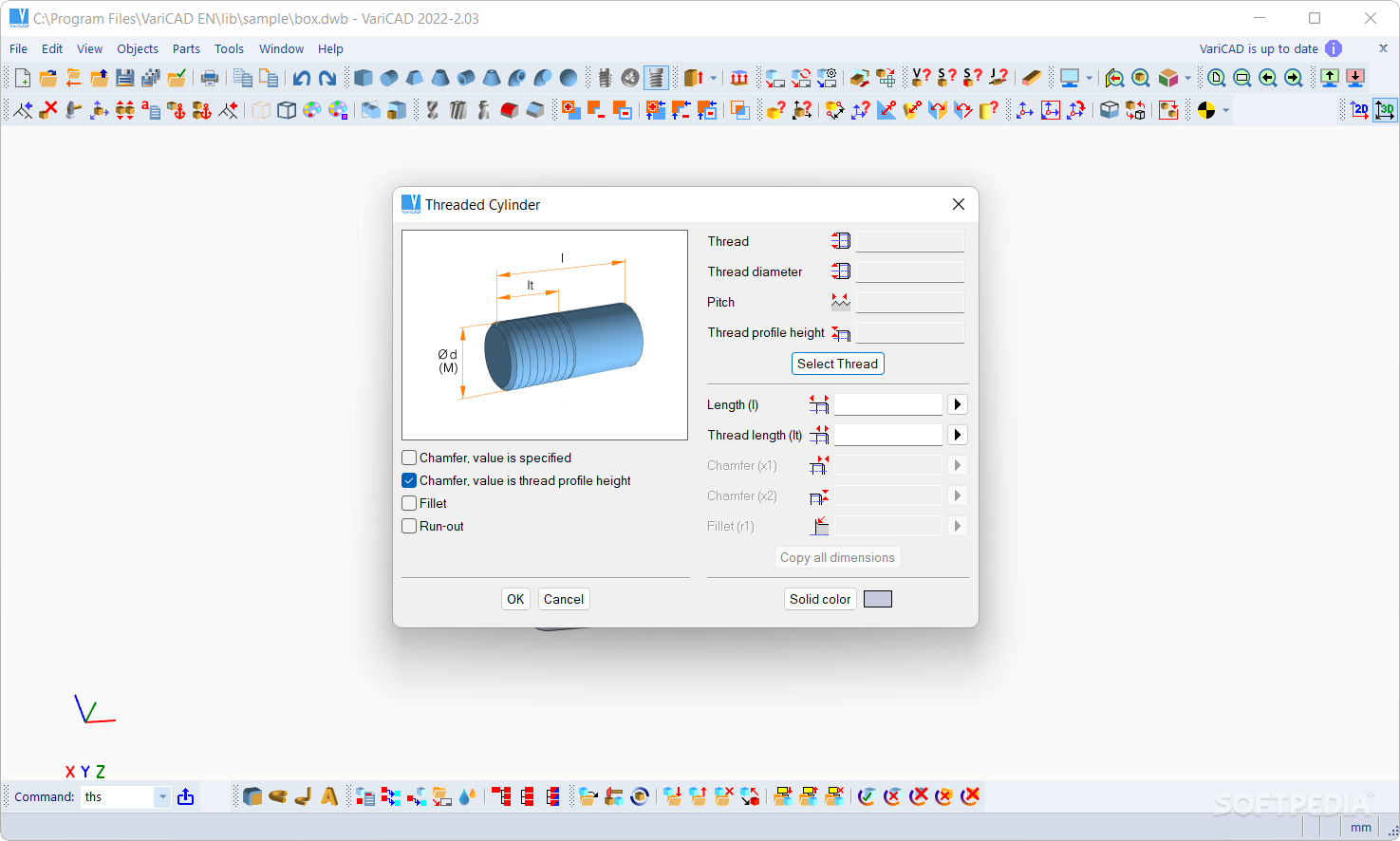
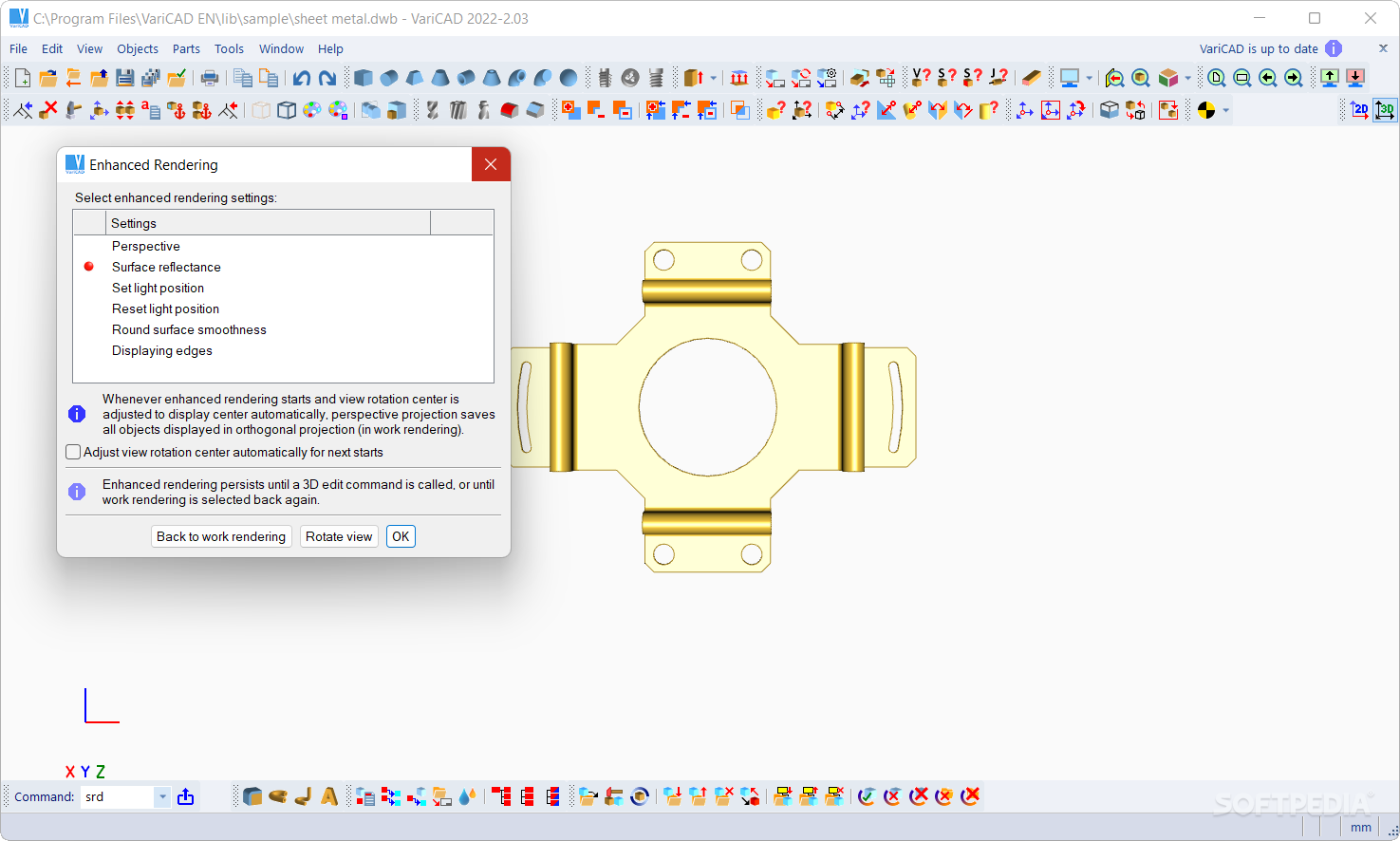
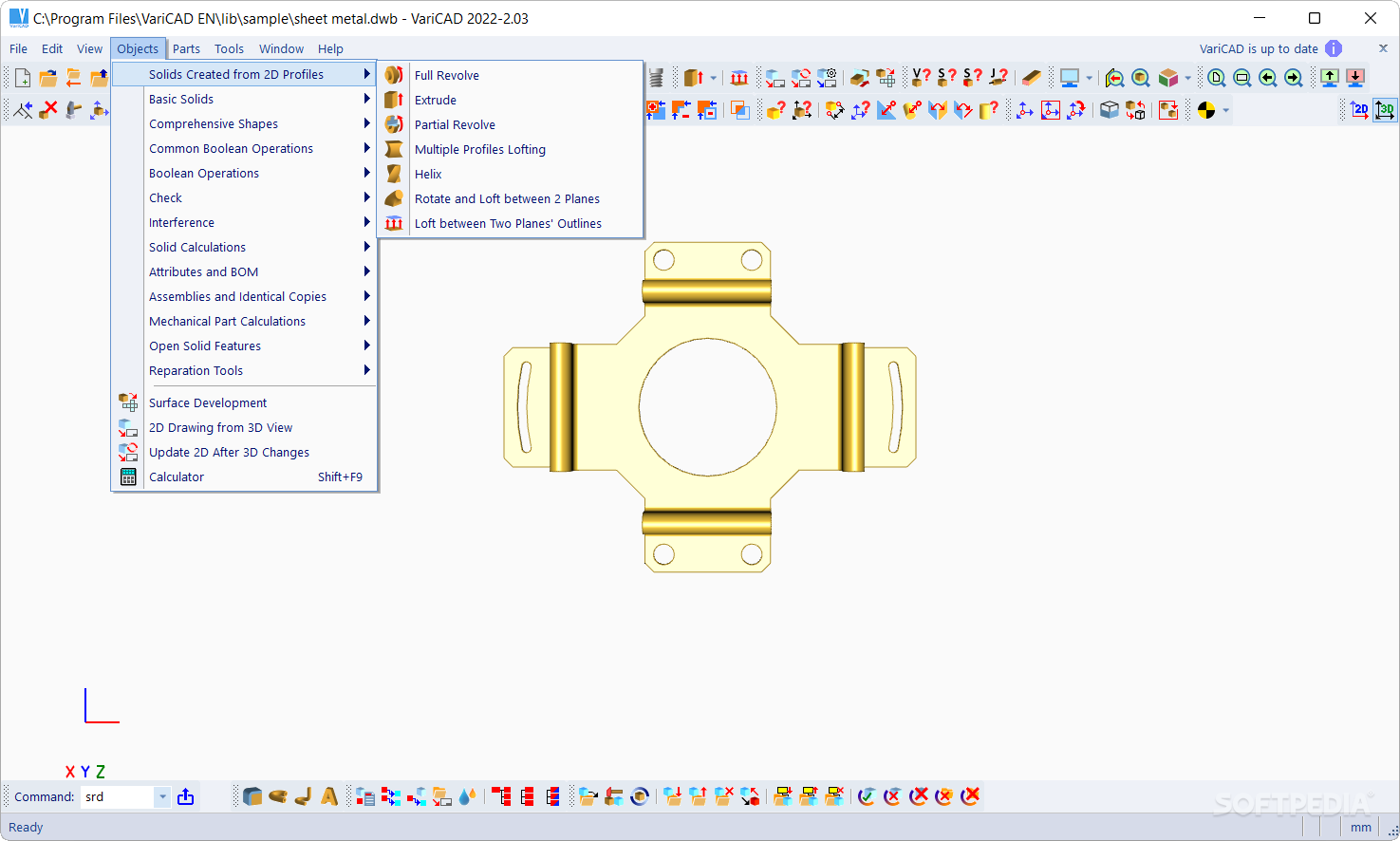
VariCAD provides a library of basic 3D solids (prism, cylinder, cone, etc.), which are easily modified by editing the original profile or parameters. Solids can also easily be created by profile rotation, extrusion, or lofting. More complex tools include rotation blending between two profiles, lofting between a circle and rectangle, and creation of helical surfaces.
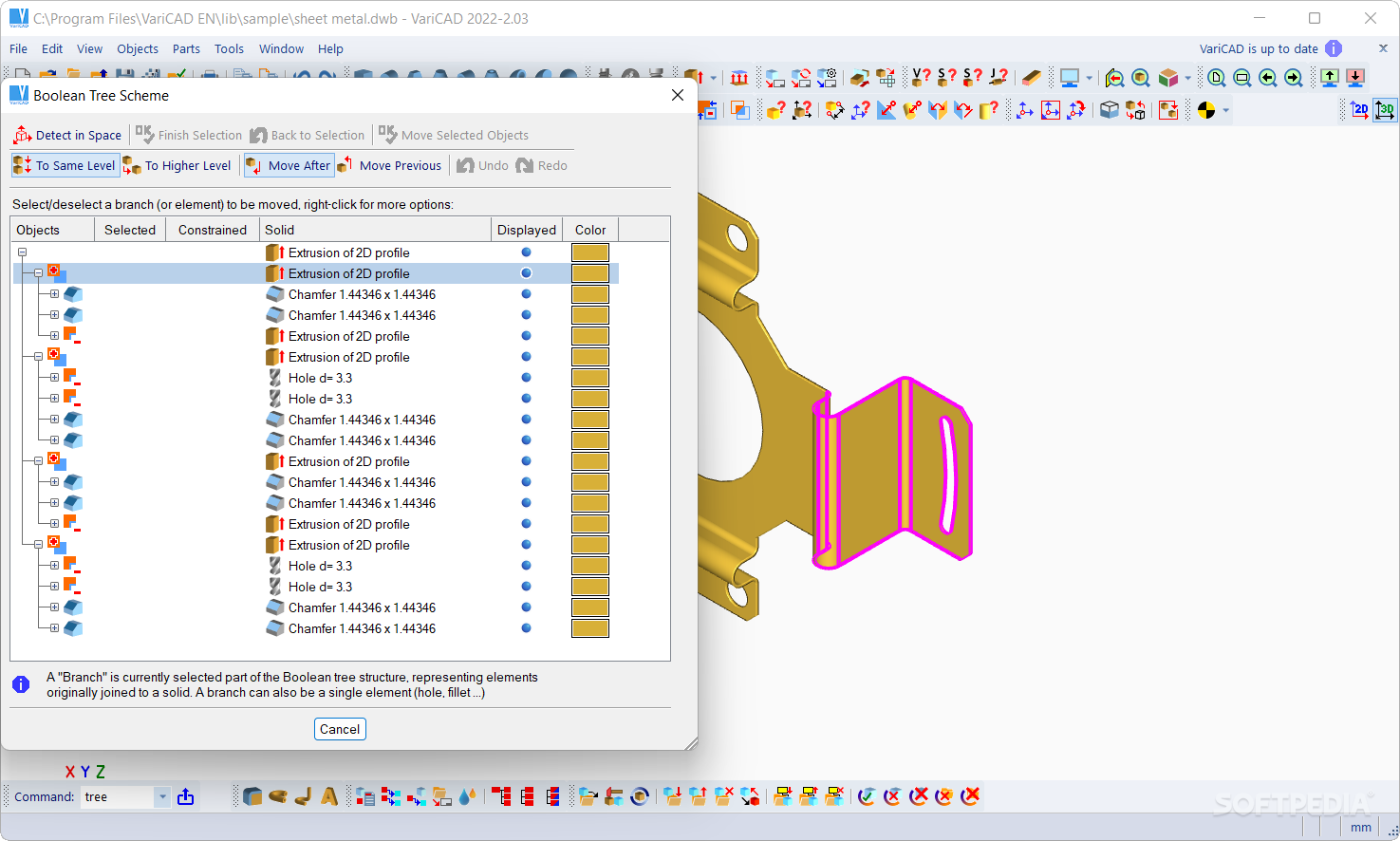
Solids can be added or subtracted, thus forming Boolean trees representing real mechanical parts. Boolean operations have options for automatic trimming, or automatic removal of subtracted volumes. Predefined operations like hole drilling, face milling, groove milling and edge beveling/filleting are also available. Boolean trees are very easy to edit.

· 3D Tools - Assemblies, Groups, Parts etc.
VariCAD also provides tools for assembly support.
If the link between a part and assembly is defined, any changes made to the part file are reflected in the assembly file and vice-versa. Linked copies can also be defined. In this case, editing of one object causes all its linked copies to be updated. Solid groups can be defined as well, making selection and visibility changes simple for multiple objects.

· Crash Tests (Interferences)
One excellent feature of 3D modeling is component interference checking. VariCAD can check 3D assemblies for possible collisions (overlapping volume) between components.

· Calculations
VariCAD can calculate 2D section area, surface area, volume, mass, center of gravity, and moment of gyration. A library of mechanical calculations is also included, for standard parts used every day by mechanical designers. These mechanical parts include tension and compression springs, pre-stressed bolted connections, pins and parallel keys, grooved shafts, bearings, beams under combined stress (bending and torsion), spur and bevel gearing geometry, and belt drives.

· Surface Development (Sheet Metal Unbending)
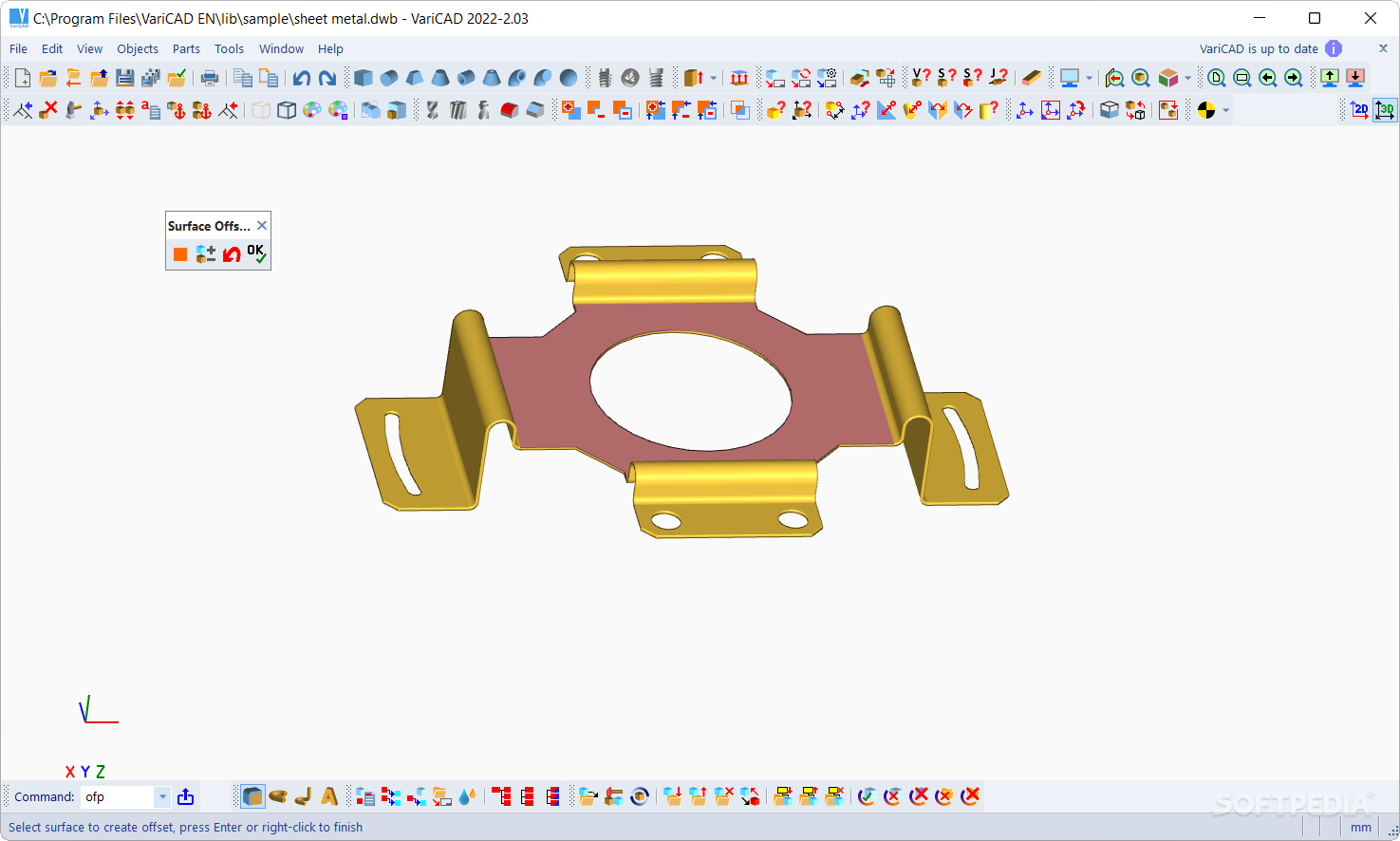
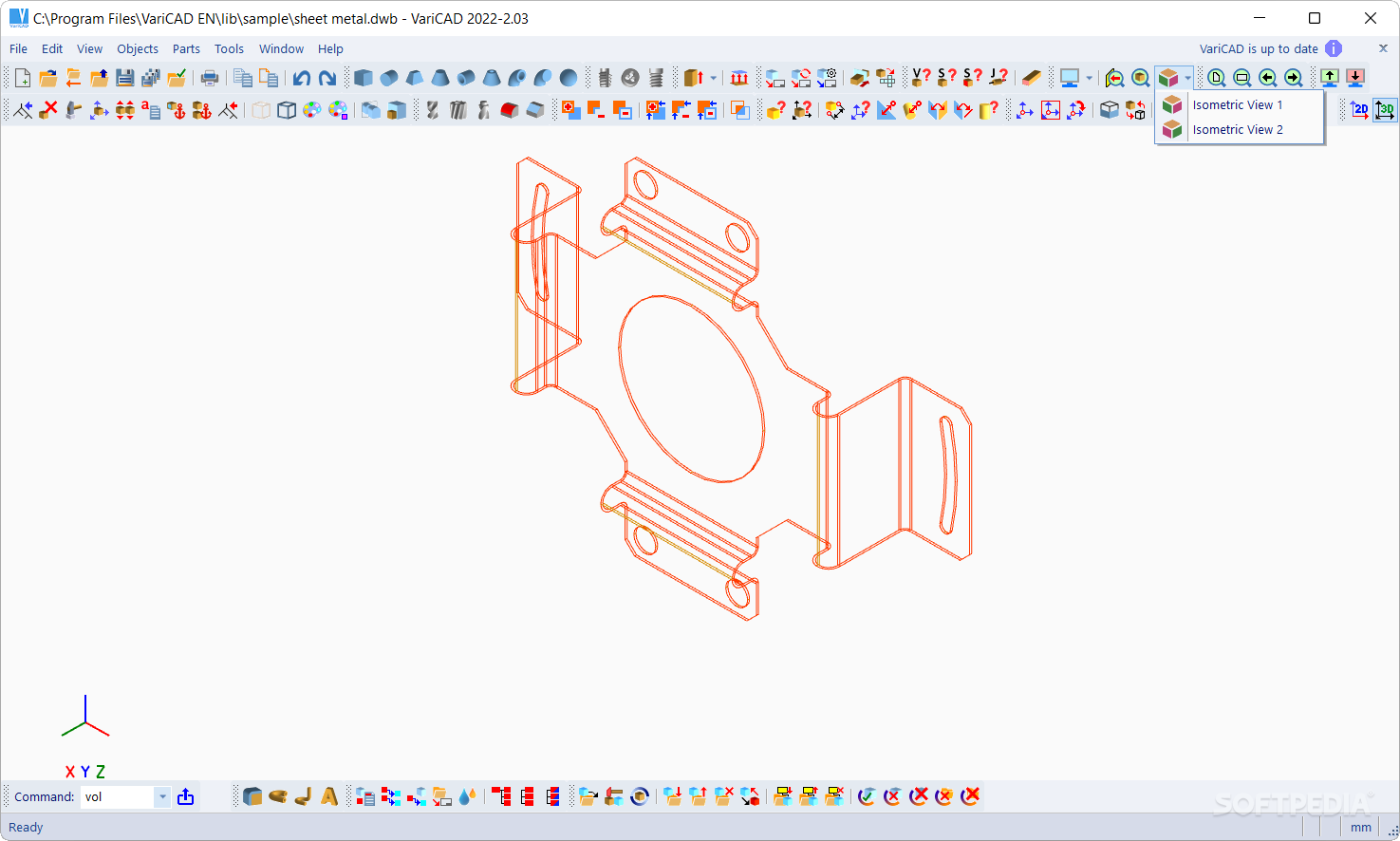
VariCAD can also create developed (flattened) surfaces of 3D solids. The XY coordinates of the developed surfaces can be saved to a text file for further processing. You can input bending coefficients in order to customize your calculations.

· Mechanical Part and Symbol Libraries
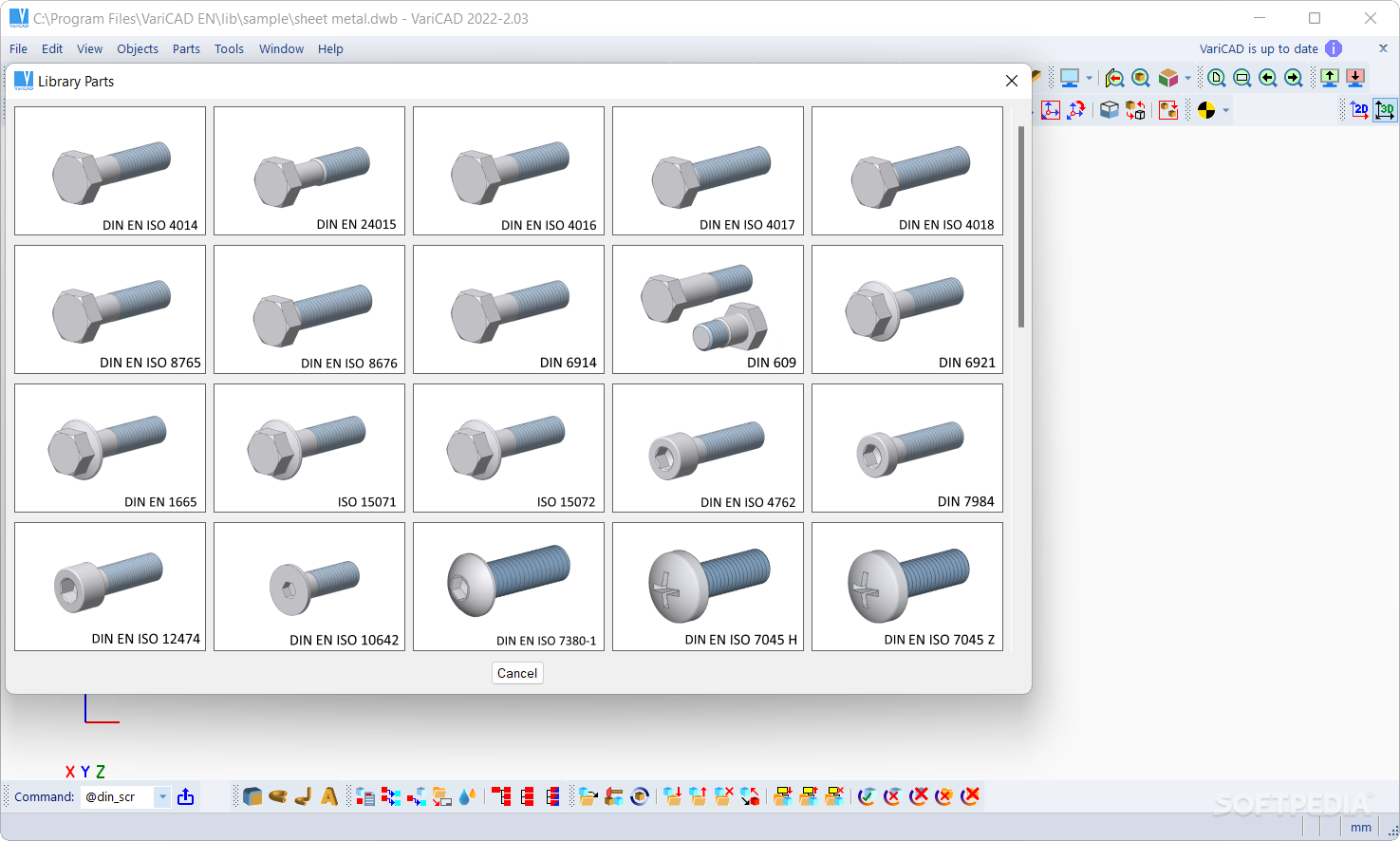
VariCAD contains libraries of standard mechanical parts (ANSI, DIN), such as bolts, nuts, pins, plugs, cotters, gaskets, bearings, rolled and drawn shapes, and hydraulic, pneumatic, and electronic symbols. You can add items to these libraries or modify existing parts - all 2D and most 3D dimensions can be edited.
Non-graphical information can also be assigned to parts, such as type of material or supplier. This information is incorporated into an assembly and can be used for material requisitions, bills of materials (BOM), title blocks, or other purposes.

· 3D - 2D Export
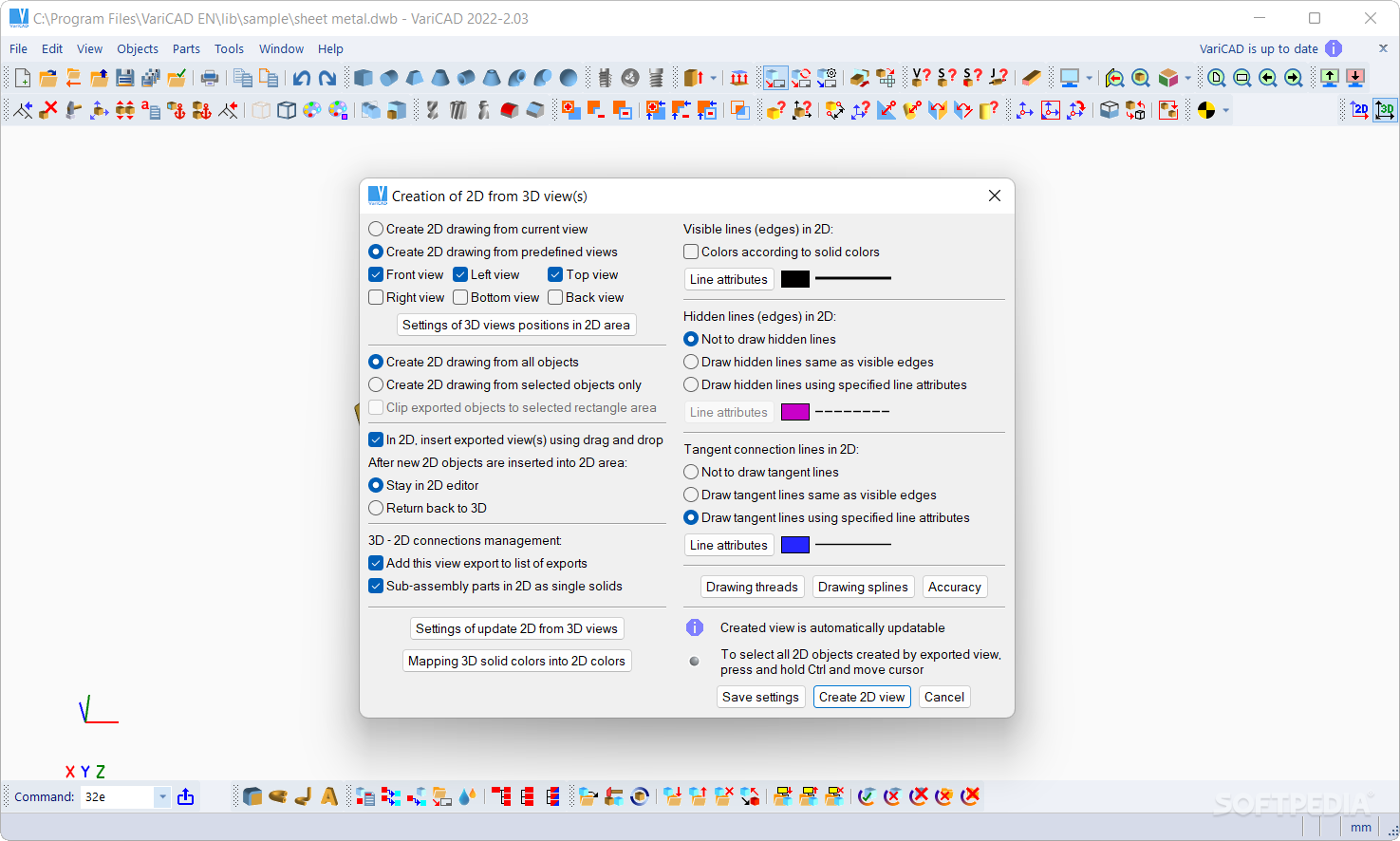
3D models are easily converted into 2D drawings to produce conventional drafting documentation. You can create 2D views of one or more selected solids by defining the views in 3D. In addition, you can also export specified sections. VariCAD supports updates of a 2D drawing after changes in 3D.

· 2D Drawing and Editing
Drawing functions are geared toward easy use in engineering. Some handy features of 2D drawing include: an intelligent cursor that automatically detects objects and snap points, numerous snap modes, flexible item selectability, auxiliary construction lines, ortho mode, rectangular grid, drawing layers (up to 250), block creation, hatching with automatic border detection, advanced dimensioning, surface texture symbols, welding symbols, tolerance symbols, and more. Dimensions can be in millimeters or inches.

· BOM and Title Blocks
VariCAD provides tools for maintaining drawing databases, which represent the data structure of the product. Databases can be created manually (using data extraction from the assembly), or by loading a file. There are constraints between data in part and assembly drawing title blocks and the assembly database. You can build a bill of material (BOM) from the database, then easily modify the database using commands like mass attribute changes, sorting of information, etc.

The data structure of the product (BOM) can be exported into other systems or into a spreadsheet. Automatic BOM and title block creation is another one of VariCAD's useful tools. A mask is used for customization; if you create masks for BOM and title blocks, you can use them until a change is necessary. The CAD system provides default masks which can be adjusted to suit your needs.

· Compatibility
VariCAD can interchange files with other CAD systems. You can import STEP (3D), DWG (2D), DXF (2D) and IGES (2D) files, and export STEP (3D), STL (3D), IGES (3D and 2D), DWG (2D), DXF (2D). The files can be converted individually or in batch routines, thereby converting multiple files in one step.

· Printing and Plotting
Printing within VariCAD is highly customizable. You can use Windows or KDE Linux printer drivers, or VariCAD built-in drivers. Postscript printing is also available.

· Summary
VariCAD is a total CAD solution for mechanical engineering. It is compact, fast, easy to use, and contains everything you need for mechanical engineering design. The high performance and powerful tools of our fully loaded package make VariCAD a superb investment. And at our price, no other product is a better value.


Requirements:

Required configuration:
· Pentium II CPU
· 128 MB RAM
· 16 MB graphic adapter

Recommended configuration:
· at least 2 GHz processor
· 1 GB RAM
· GeForce 6 architecture graphic card
· three-buttoned mouse


Limitations:

· 30 day trial


What's New in This Release:

· The new VariCAD 2007 2.01 brings many useful improvements, which include completely new tools for 3D shells, 3D pipelines and 3D wires, a substantially improved 3D editing function allowing more complex editing, significantly improved STEP file import, new 3D checking functions, an extended tutorial and quick demonstration with new Flash examples, etc.... [ read full changelog ]


Softpedia guarantees that VariCAD 2008 1.04 / 2007 3.03 is 100% CLEAN, which means it does not contain any form of malware, including but not limited to: spyware, viruses, trojans and backdoors.

This software product was tested thoroughly and was found absolutely clean, therefore it can be installed with no concern by any computer user.

However, it should be noted that this product will be retested periodically and the award may be withdrawn, so you should check back on this page from time to time. (click here for more information)


Related downloads IT News Popular downloads New additions   Latest reviews  
Blender 2.46 RC4 / 2.45 Final
Open source software for 3D modeling, animation, rendering which also features a game engine
3D Draw Shadows 2.1.7
3D Draw Shadows is an easy-to-use parametric CAD tool for everyday 3D modelling
Art of Illusion 2.5.1
A full featured 3D modelling, rendering, and animation studio. It is written entirely in Java, and can run on on almost any OS
X-Blender 2.45 Rev4
A free open source application for 3D modeling, rendering, animation, post-production, interactive creation and playback
Art of Illusion 2.5.1
A full featured 3D modelling, rendering, and animation studio. It is written entirely in Java, and can run on on almost any OS
Aztec 2.0g
Aztec is a 3D Modelling and Animation tool that is intended to provide a decent set of tools for use in the Game development.
Ayam 1.13
A free 3D modelling environment for the RenderMan interface
Breeze Designer 2.0.10
Breeze Designer is a free 3D modelling and design tool for Windows XP, 2000, 2003, NT, and Windows 98
MeshX 2.4
MeshX is a 3D modelling application for creating, viewing, editing, and saving DirectX X files
gSculpt 0.99.39.2 alpha
gSculpt is an open source, procedural subdivision modeller that has a comprehensive set of polygon modelling tools

go to top Use the following code to link to this page:


Welcome!
Hello, Guest

Login if you have a Softpedia.com account.

Otherwise, register for one.

Main categories:
  • Antivirus
  • Compression tools
  • CD/DVD Tools
  • Office tools
  • Programming
  • Authoring tools
  • File managers
  • Desktop Enhancements
  • Internet
  • Network Tools
  • IPOD TOOLS
  • Mobile Phone Tools
  • Multimedia
  • Tweak
  • System
  • Security
  • Others
  • Science / CAD
  • UNIX
  • Windows Widgets
  • PORTABLE SOFTWARE

  • Week's best:
  • SP3 UxTheme Patcher ...
  • PECompact 2.82
  • Sony Vegas Movie Stu...
  • 3DMark Vantage 1.0
  • Total Commander 7.03
  • VistaMizer 2.5.1.0
  • AVG Free Edition 8.0...
  • Windows XP Service P...
  • Ashampoo Burning Stu...
  • XviD Media Codec 1.1...
  • Blu-ray Disc Ripper ...
  • Blu-ray Region Code ...
  • Adobe Photoshop Ligh...
  • PowerDVD 8.0.1531
  • EF Commander 6.54
  • Microsoft Windows In...
  • Nero 8 Lite 8.3.2.1
  • WebSite-Watcher 4.41...
  • EVEREST Ultimate Edi...
  • Nokia PC Suite 6.86....
  • VMware Workstation 6...
  • AnyDVD HD 6.4.2.0
  • Messenger Plus! Live...
  • The Bat! Voyager 4.0...
  • Windows Vista Servic...
  • Nero 8 8.3.2.1
  • Vipre 3.1.1997 Beta
  • Internet Explorer 8 ...
  • Norton 360 2.0.0.242
  • SmartFTP 3.0.1015.5
  • © 2001 - 2008 Softpedia. All rights reserved.
    Softpedia™ and Softpedia™ logo are registered trademarks of SoftNews NET SRL.
    Copyright Information | Privacy Policy | Terms of Use | Contact Softpedia | Update your software | Archive