
Recover your XLS, XLSX, XLA or XLSM file passwords by performing scenario, brute-force or dictionary-based attacks using this utility. #Recover password #Password decryption #Decrypt password #Decrypt #Password #Recover

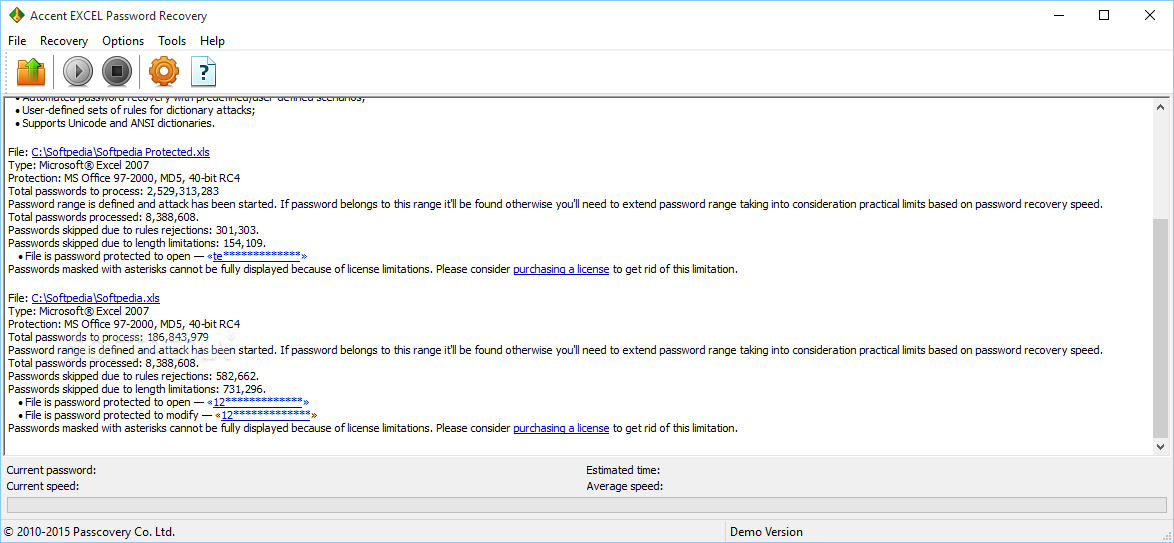
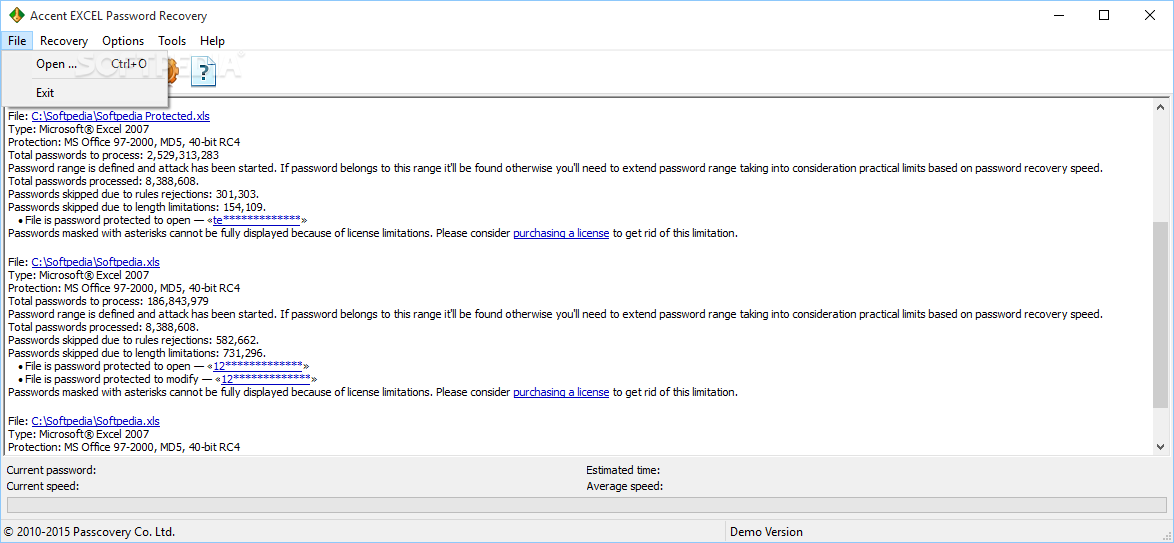
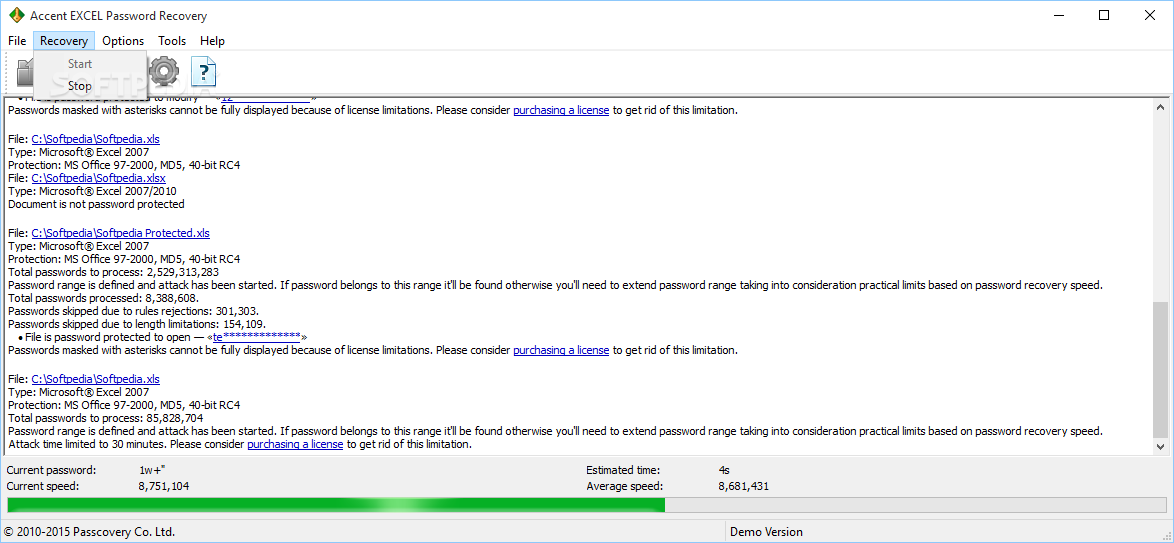
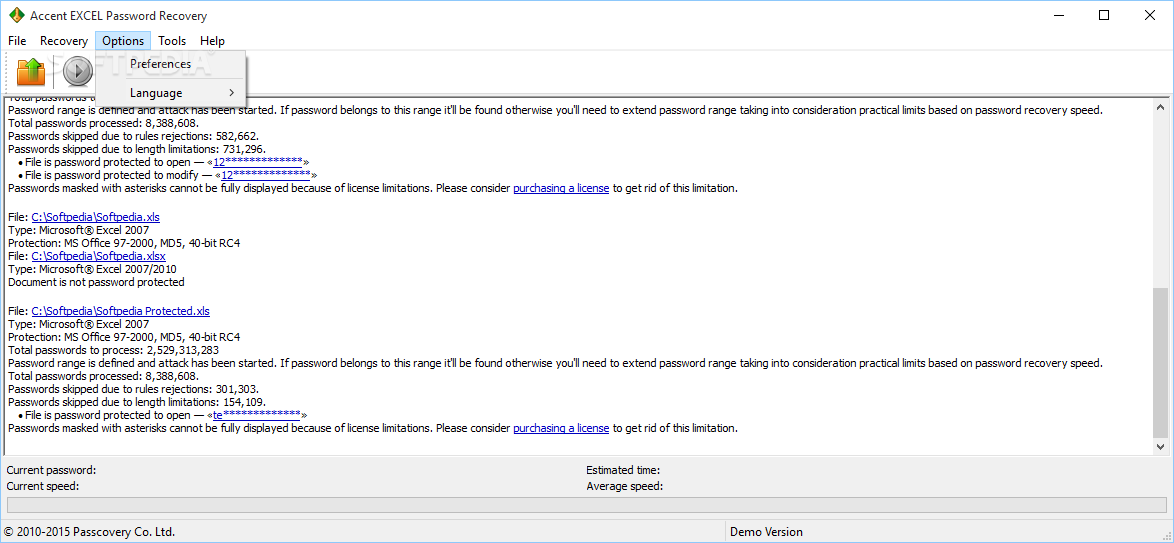
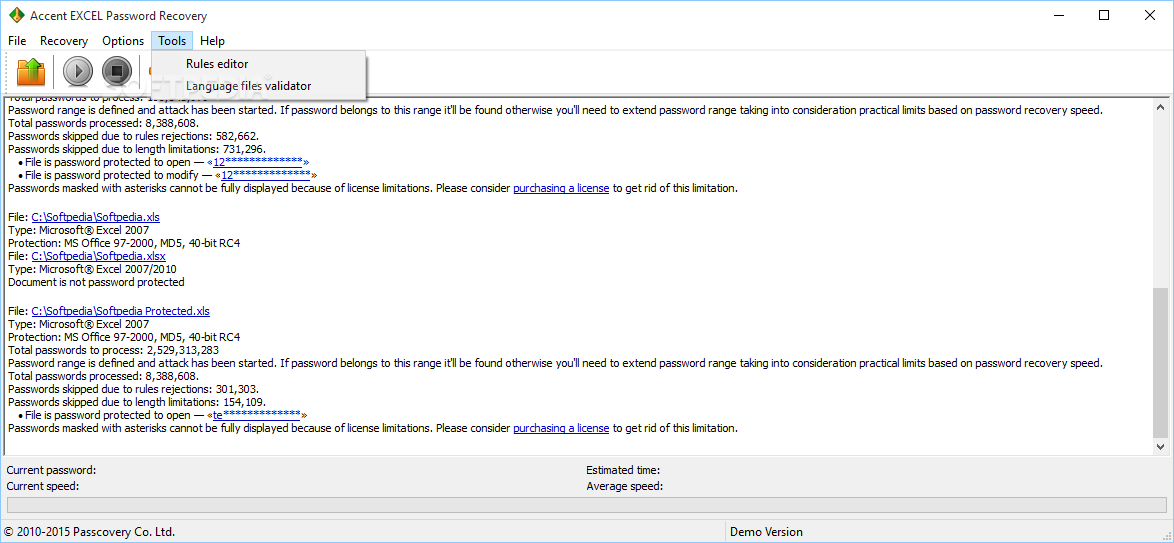
As you may find out by reading its name, Accent Excel Password Recovery is a Windows tool designed for the recovery of passwords required to access locked Microsoft Excel documents.
It is a powerful solution, but the way it’s developed makes it appropriate for all types of users, with a wizard that permanently provides valuable information concerning every single step.
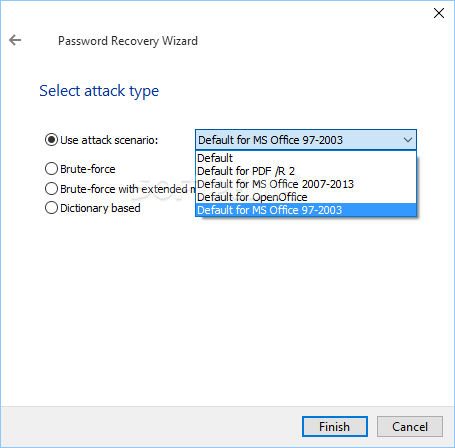
Once you open a password-protected Excel file, Accent Excel Password Recovery launches the wizard that guides you throughout the whole process, so the app gives you full power over the password recovery process.
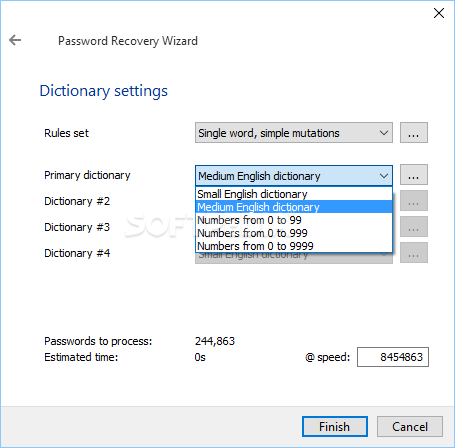
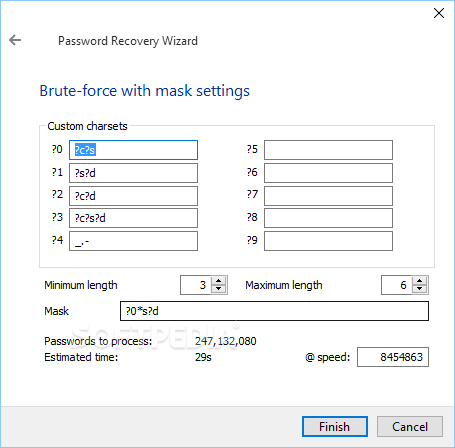
You can choose from three different attack types, namely brute force, brute force with extended mask and dictionary based, each coming with its very own settings.
In most cases, you’re asked to provide as much information as possible about the password to be recovered and thus help the application complete the job faster. For instance, you have to define the characters used in the password, such as capitals, digits or special characters, but also configure the minimum and maximal length of the password.
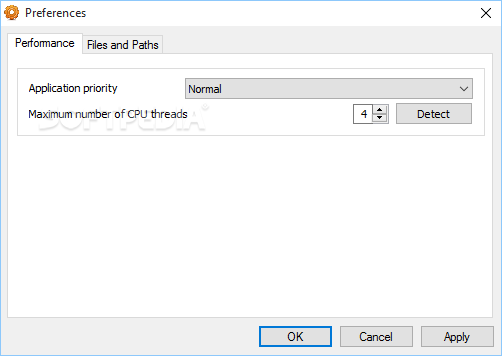
Of course, the password recovery task can take a while, depending on the overall complexity of the password and its length, so just keep the app minimized to Tray and continue your work on the computer. It doesn’t slow down the system at all, but you can also define the application priority for better performance.
All things considered, Accent Excel Password Recovery is an effective password recovery app that has a bit of everything, trying to attract both beginners and those more experienced.
What's new in Accent EXCEL Password Recovery 23.03 Build 4096:
- Support for Microsoft Excel 2021 spreadsheets
- Internal code enhancements
- Full Windows 11 compatibility
Accent EXCEL Password Recovery 23.03 Build 4096
add to watchlist add to download basket send us an update REPORT- runs on:
-
Windows 11
Windows 10 32/64 bit - file size:
- 7.8 MB
- filename:
- AccentEPR_23.03.msi

- main category:
- Security
- developer:
- visit homepage
Bitdefender Antivirus Free

4k Video Downloader

IrfanView

7-Zip

calibre

Zoom Client

Context Menu Manager

ShareX

Microsoft Teams

Windows Sandbox Launcher

- ShareX
- Microsoft Teams
- Windows Sandbox Launcher
- Bitdefender Antivirus Free
- 4k Video Downloader
- IrfanView
- 7-Zip
- calibre
- Zoom Client
- Context Menu Manager