
A simple piece of software that allows users to easily recover lost or forgotten passwords for their RAR or WinRAR archives, regardless of used the compression method. #RAR password #RAR password cracker #Recover password #Recover #Recovery #Recoverer

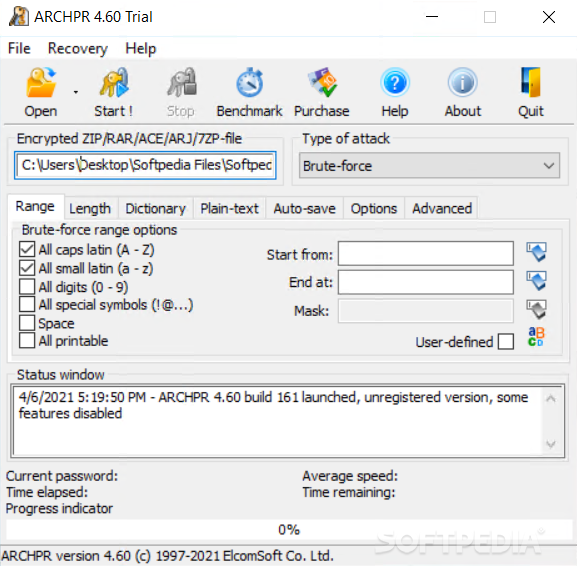
Advanced Archive Password Recovery aims to decrypt password secured archive formats. It can process a wide array of archive types produced with popular software such as WinRAR or WinZip.
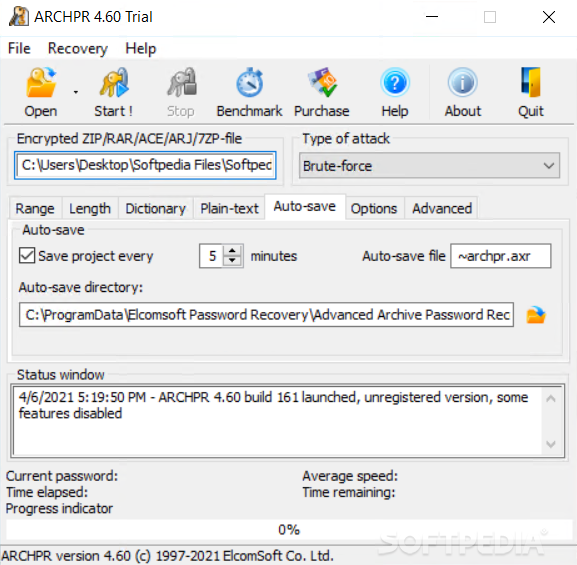
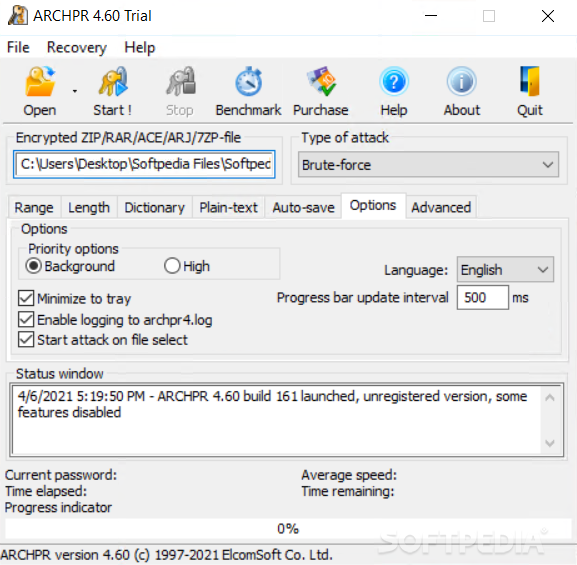
Advanced Archive Password Recovery features a compact and intuitive interface populated with a great deal of options and configurable decryption algorithms. It executes brute-force password attacks in order to recover the passwords, but also mask, dictionary, plain-text, and from keys.
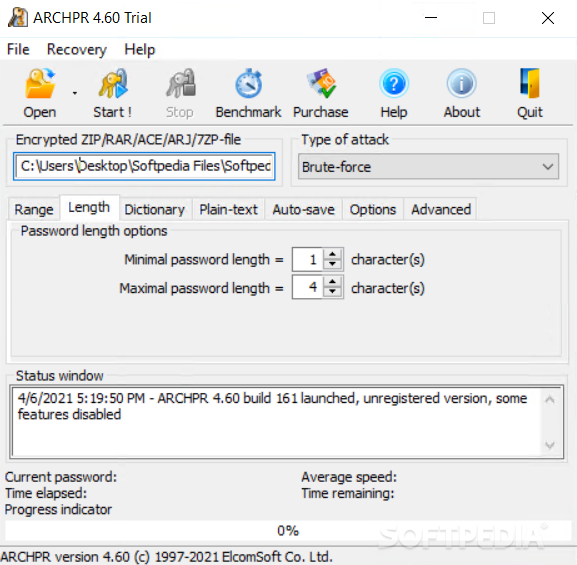
You can choose the password characters (CAPS / small Latin, digits, symbols), set the password length and choose a dictionary. The more options you select, the longer the recovery process. During this process you can view the time elapsed, time remaining, and average speed.
Combinations are made in random order (because an alphabetical one would be just stupid), but the ETA tells the remaining time until the program goes through every single option.
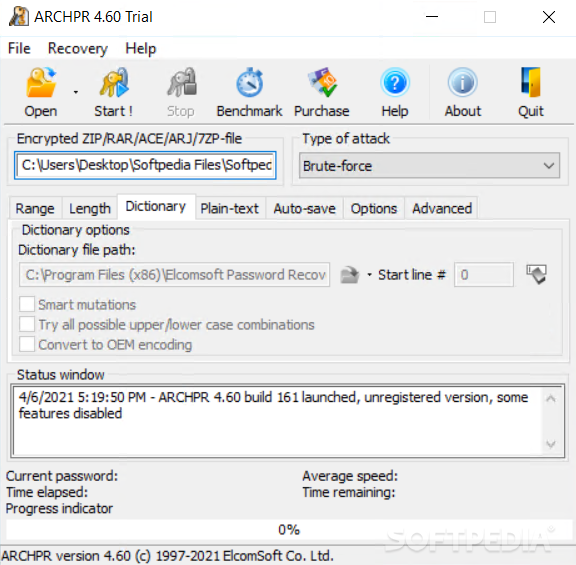
The overall time it takes for the program to retrieve the password is highly relative. This is because it all depends on the complexity of the password, but also on the preferred method. For instance, a dictionary attack can successfully finish the job in a few seconds, because it matches words inside a dictionary file to the password field until a match is found.
When done, the application brings up a small dialog to inform you of the operation. The status can be saved to file, and you can also view other relevant details, such as the time, characters used, as well as the password itself, needless to say.
To conclude, Advanced Archive Password Recovery is a decent solution for RAR / ZIP decryption. The recovery process is long, but the results are satisfactory, especially since you have a variety of methods to use to narrow down results.
Download Hubs
Advanced Archive Password Recovery is part of these download collections: Password Unlockers
Advanced Archive Password Recovery 4.66
add to watchlist add to download basket send us an update REPORT- runs on:
-
Windows 11
Windows 10 32/64 bit
Windows 8 32/64 bit
Windows 7 32/64 bit
Windows Vista 32/64 bit
Windows XP 32/64 bit
Windows 2K - file size:
- 36.7 MB
- filename:
- archpr_setup_en.msi


- main category:
- Security
- developer:
- visit homepage
Context Menu Manager

Bitdefender Antivirus Free

Windows Sandbox Launcher

IrfanView

7-Zip

4k Video Downloader

Zoom Client

Microsoft Teams

ShareX

calibre

- Microsoft Teams
- ShareX
- calibre
- Context Menu Manager
- Bitdefender Antivirus Free
- Windows Sandbox Launcher
- IrfanView
- 7-Zip
- 4k Video Downloader
- Zoom Client