
A handy tool that uses advanced security features allowing you to hide your folders and files from Windows, Dos and even Safe Modes. #Folder lock #Hide folder #Lock folder #Secure #Hide #Lock

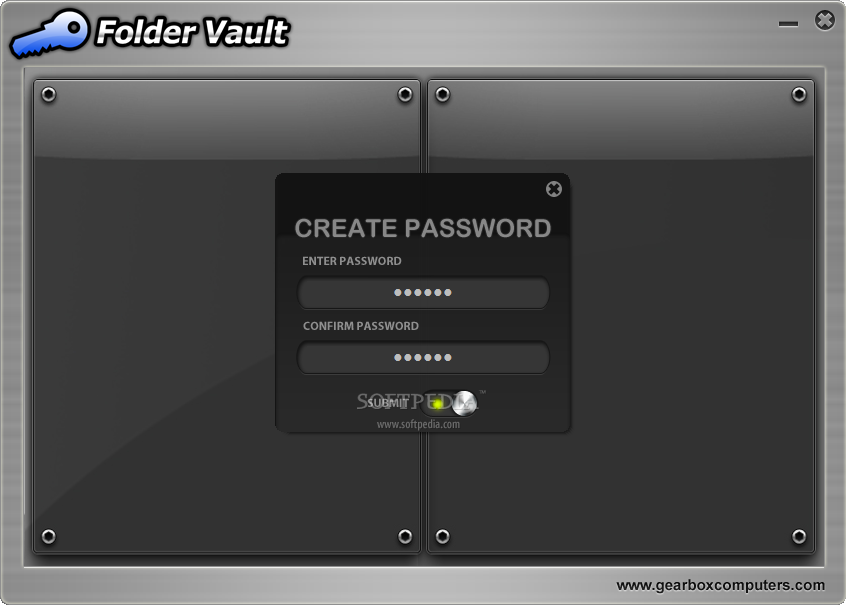
Folder Vault is a software application that can lock your folders, in order to block the access of unauthorized users.
If you share your computer with more people, this tool can come in handy when you want to protect personal data with sensitive content.
Upon program initialization, it is required to set a master password which shall be used each time you want to lock or unlock items.
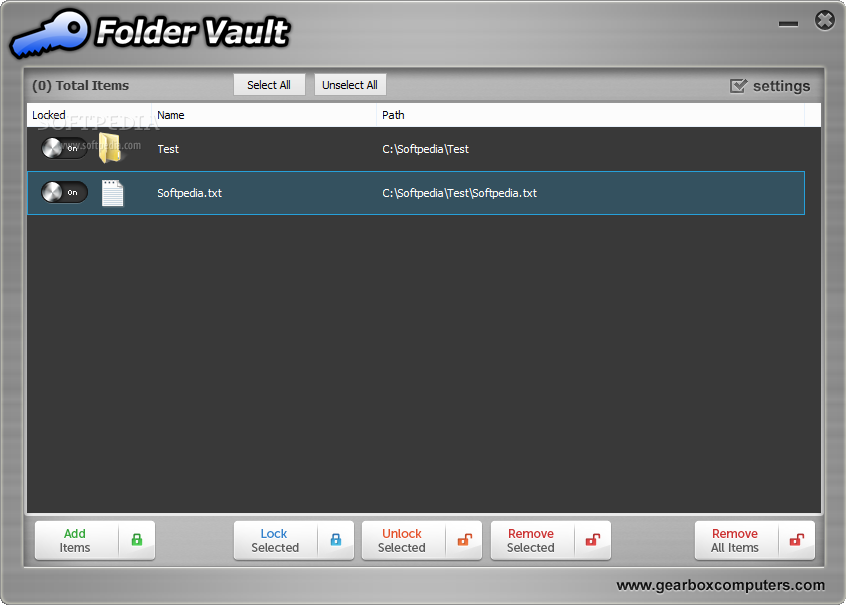
After you do this, Folder Vault automatically opens a location in Windows Explorer where you can secure folders by adding them (via 'drag and drop' or by using the cut and paste functions).
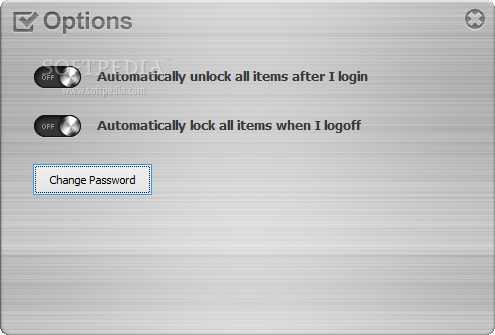
The interface of the program is clean and uncomplicated. A button provides you with a shortcut to the vault, so you can easily access protected files. You can enable password recovery mode as well as change the current password.
Skilled users are free to tinker with the advanced options in regard to the protection method (hide and lock only, hide, clock and scramble, or hide, lock, scramble and encrypt). You can make the app automatically clear history on exit (e.g. recent documents, Recycle Bin, Internet Explorer address bar and temporary Internet files), set password recovery parameters (a question and answer) and specify an automatic power management function for the computer (e.g. hibernate in two hours from the time of inactivity).
Folder Vault also comes with a hack prevention feature; thus, you can schedule the computer to automatically lock or shut down after three failed login attempts, as well as enable the option to log this activity. Moreover, Folder Vault can be installed on a portable drive, or uninstalled straight from the 'Advanced Options' screen. There is also a 'stealth mode' which makes the app invisible to other users, but it is only available in the licensed version of Folder Vault.
The tool requires a low amount of system resources, includes user documentation and worked smoothly during our tests without causing us any issues. To sum it up, Folder Vault supplies users with an efficient solution to securing information on their computer.
Folder Vault 3.0.1
add to watchlist add to download basket send us an update REPORT- runs on:
-
Windows 2003
Windows 7
Windows Vista
Windows XP
Windows 2K - file size:
- 2.7 MB
- filename:
- Folder-Vault-Setup.exe
- main category:
- Security
- developer:
- visit homepage
4k Video Downloader

7-Zip

Microsoft Teams

Windows Sandbox Launcher

Bitdefender Antivirus Free

calibre

IrfanView

Zoom Client

Context Menu Manager

ShareX

- Zoom Client
- Context Menu Manager
- ShareX
- 4k Video Downloader
- 7-Zip
- Microsoft Teams
- Windows Sandbox Launcher
- Bitdefender Antivirus Free
- calibre
- IrfanView