
Set up an Internet kiosk or public access PC, block access to vital files, create a list with allowed URLs, disable hotkeys, configure a master password, and generate time-locked codes #Desktop security #Disable access #Internet kiosk #Secure #Kiosk #Restrict

Public PC Desktop is a lightweight Windows application designed specifically for helping you create a workstation for public access, where only certain programs are allowed to run.
Users can connect to your locked workstation via authentication parameters (usernames and passwords) or time-locked codes.
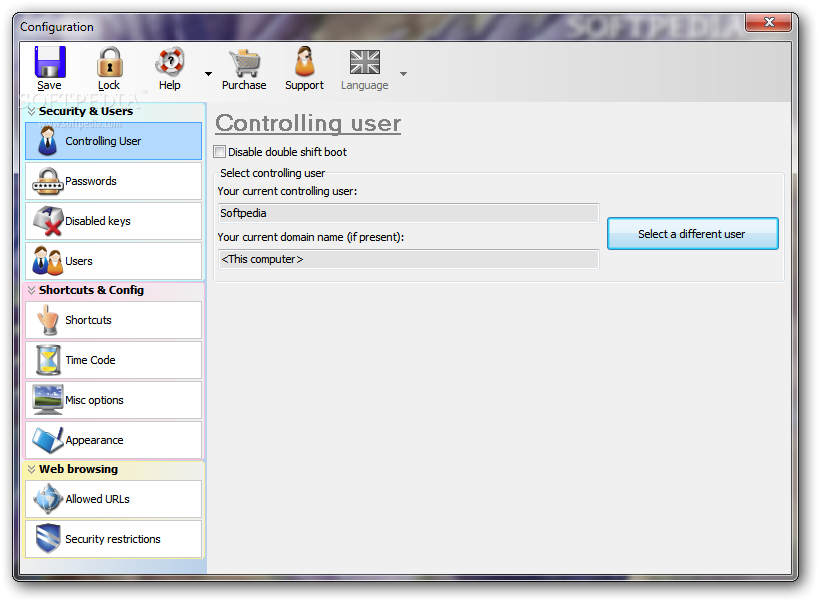
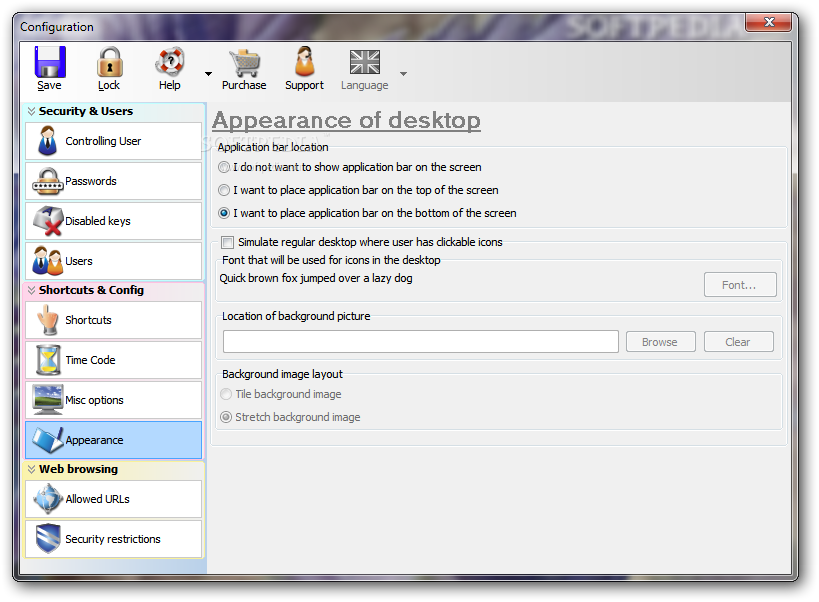
The GUI coincides with the configuration panel and provides a clean feature lineup. The configuration settings are comprised into three key categories, namely Security & Users, Shortcuts & Configuration, and Web browsing.
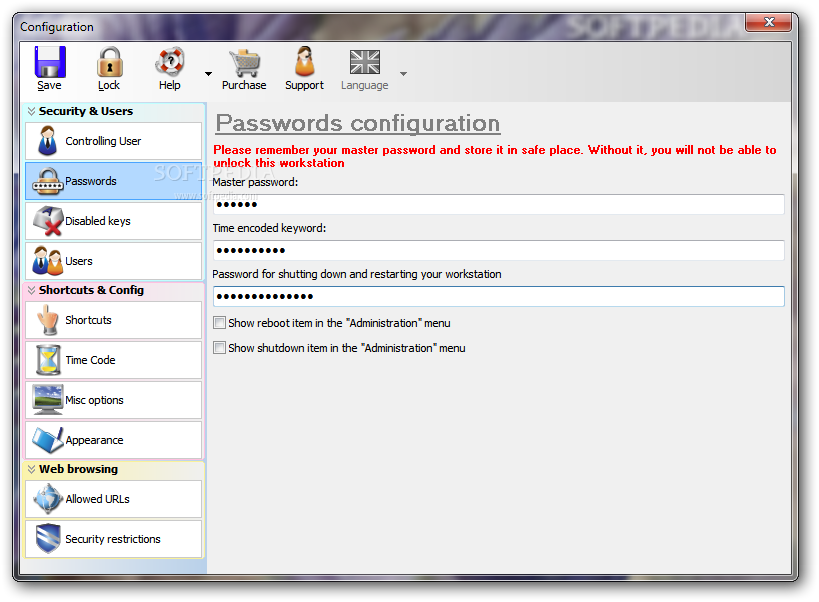
Public PC Desktop allows you to configure users and select your current controlling user and domain name. You can set up a master password and a password used for shutting down and restarting your workstation.
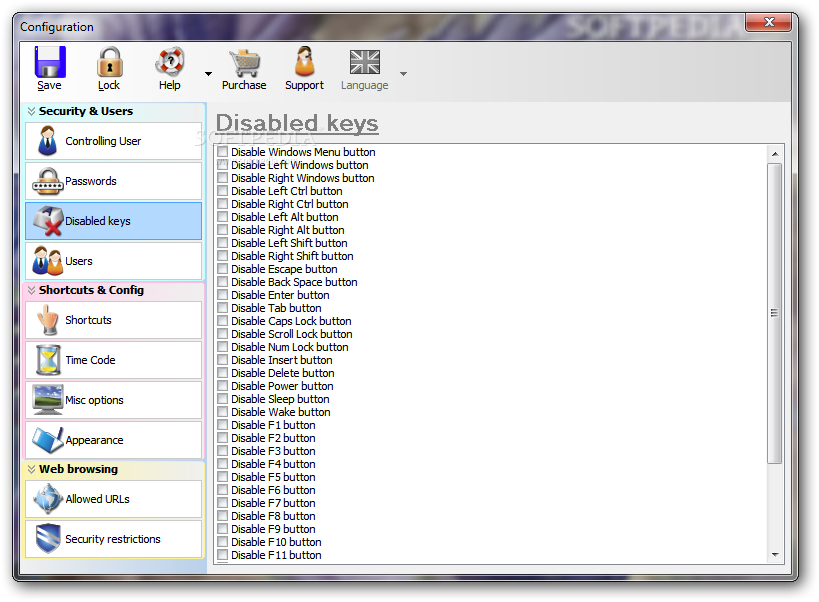
You are allowed to disable a set of keys, such as backspace, delete, power, sleep, F1, F2, F3, F4, F5, and many others, and add new users by providing information about the username and password.
Public PC Desktop lets you create shortcuts to applications or specify a URL. You can automatically run the shortcut at the beginning of a session and provide details about the name of the shortcut and address.
You can tweak several browser settings by hiding the top toolbar, blocking the download of potential harmful files, allowing only HTTP and HTTPS links in the address bar, showing window maximized on the screen, letting users open new popup windows, and showing context menus and print button.
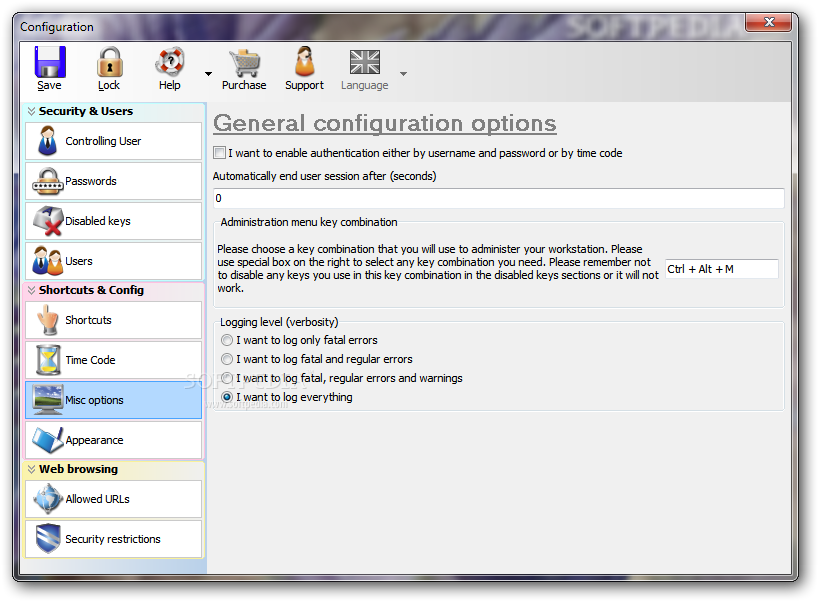
The application helps you generate time-locked code based on a custom number of minutes, automatically end user session after a user-defined number of seconds, and specify the logging level.
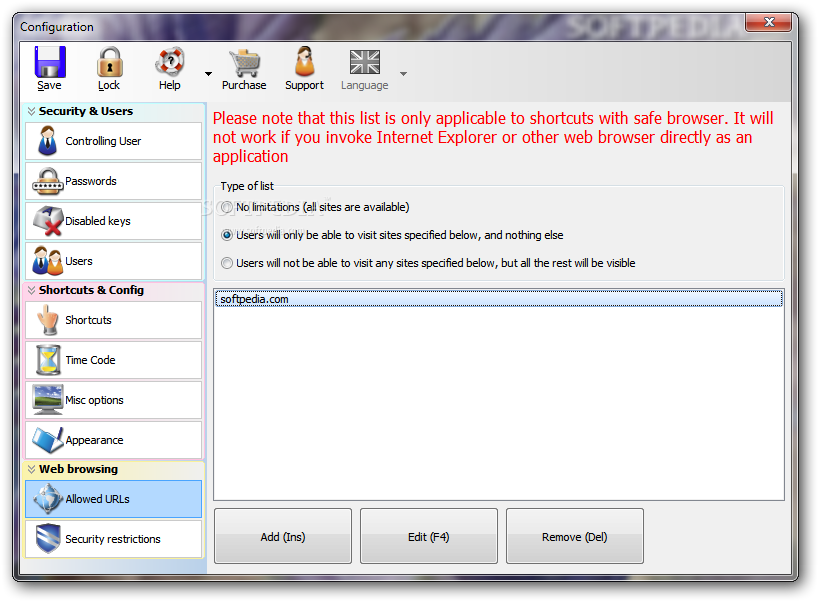
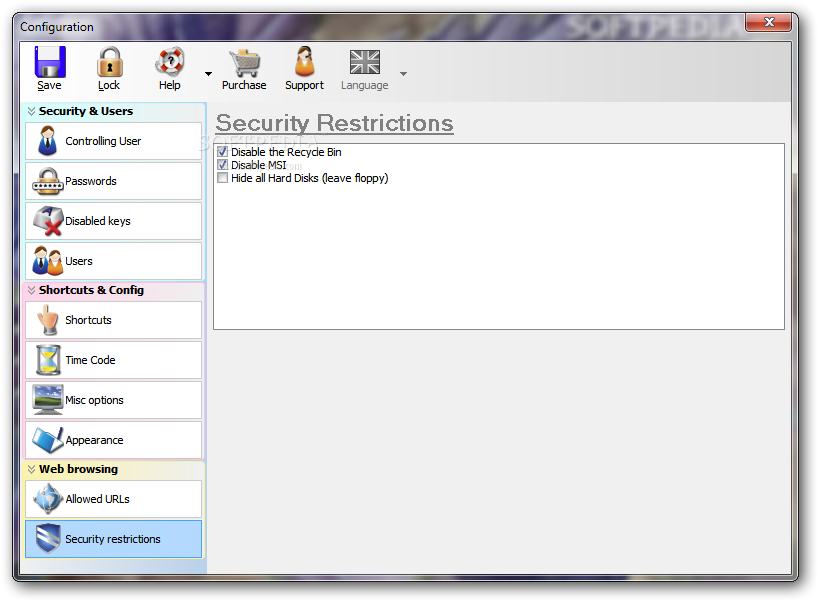
Last but not least, you can build up a list with allowed URLs and set up restrictions by disabling the Recycle Bin and hiding all hard drives.
All things considered, Public PC Desktop comes with a bunch of useful features for helping you turn your personal computer into an Internet kiosk or public access workstation. The configuration process is quite straightforward but rookies may need extra time in order to get used to the program’s features.
Public PC Desktop 7.7.5.240
add to watchlist add to download basket send us an update REPORT- runs on:
- Windows All
- file size:
- 9.2 MB
- filename:
- pubpcd.zip
- main category:
- Security
- developer:
- visit homepage
IrfanView

Windows Sandbox Launcher

calibre

Microsoft Teams

Context Menu Manager

Bitdefender Antivirus Free

ShareX

4k Video Downloader

7-Zip

Zoom Client

- 4k Video Downloader
- 7-Zip
- Zoom Client
- IrfanView
- Windows Sandbox Launcher
- calibre
- Microsoft Teams
- Context Menu Manager
- Bitdefender Antivirus Free
- ShareX