
Create or organize passwords and usernames with the help of this easy to use software solution that features AES encryption and can remind you to change your password. #Password Organizer #Generate Password #Password Generator #Password #Generator #Generate
Most, if not all online services require users to create accounts and a combination of a username and a password in order to use them. Generating and keeping track of strong passwords and hard to remember usernames can get difficult.
1-abc.net Password Organizer is a simple and easy to use software solution that can help you manage all of your credentials.
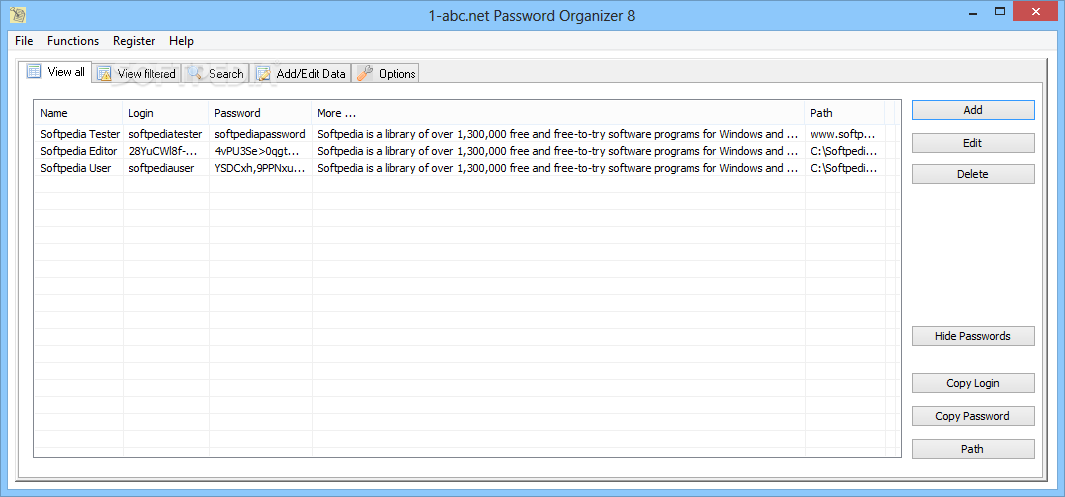
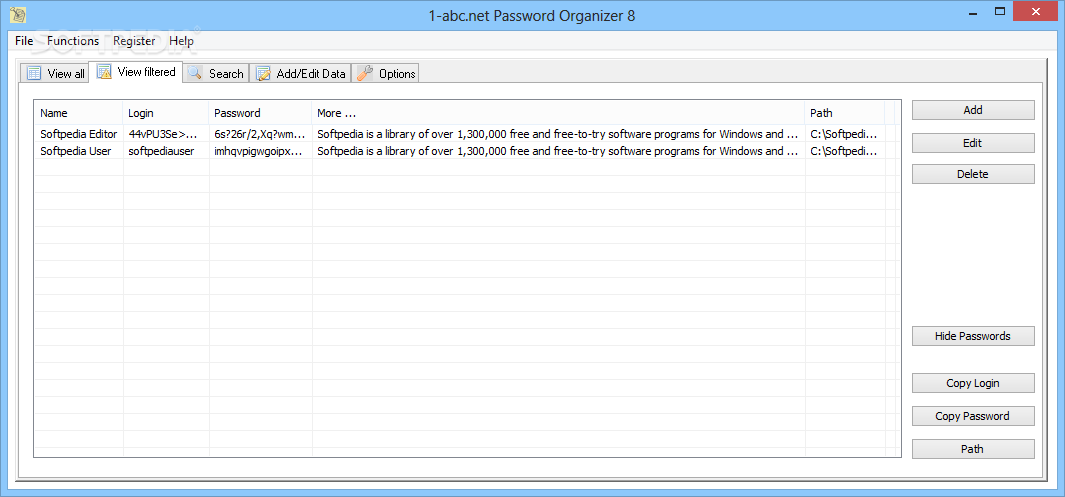
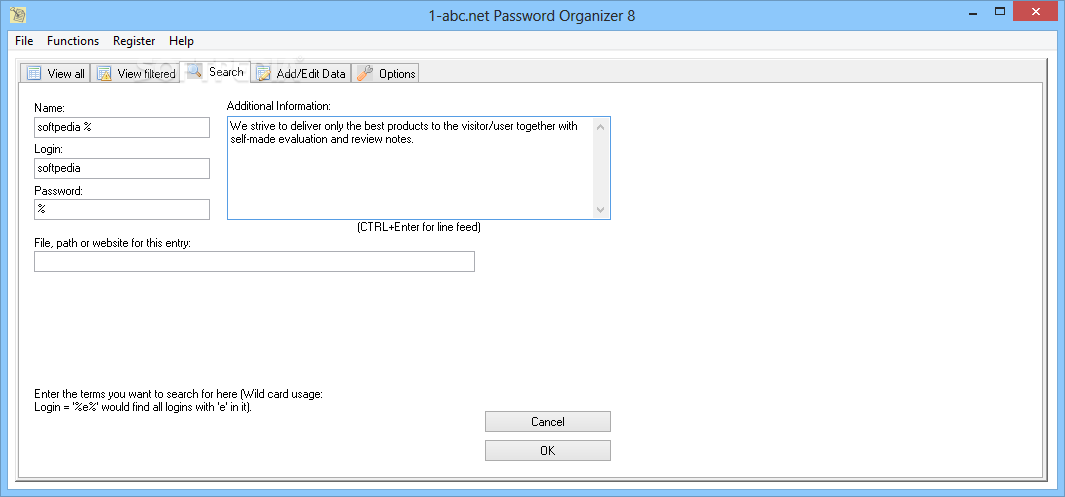
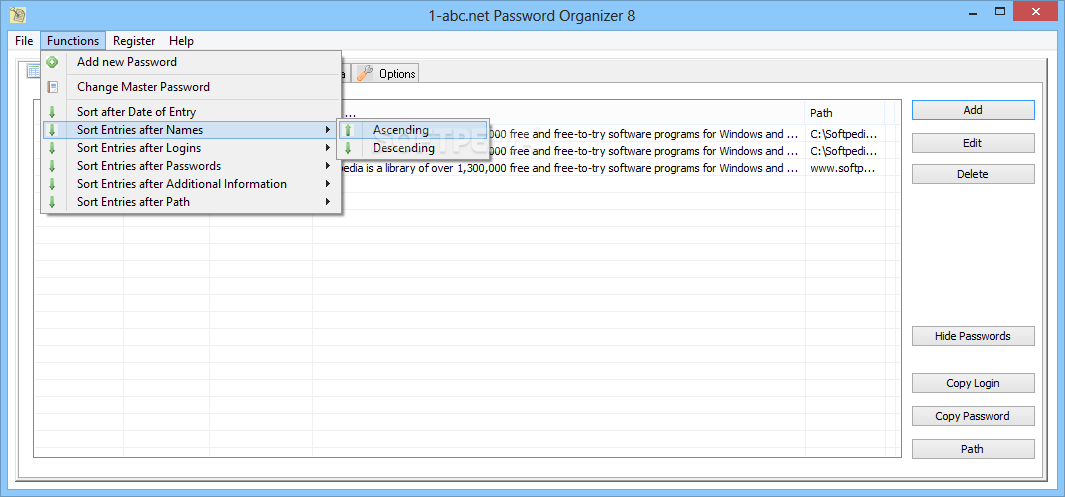
The main window of the application features a clean, neat interface organized into five tabs. These enable users to view, filter, search and add sets of usernames and passwords.
The first two tabs, View All and View Filtered share the same structure and enable users to view usernames, passwords, descriptions and path to the application or website that each entry is associated with. These two tabs also feature a 'Hide Passwords' button that can be used to easily hide login information, if needed.
A handy righ-click menu enables one to quickly copy login information (username or password), add or delete entries and go to the above-mentioned path or address.
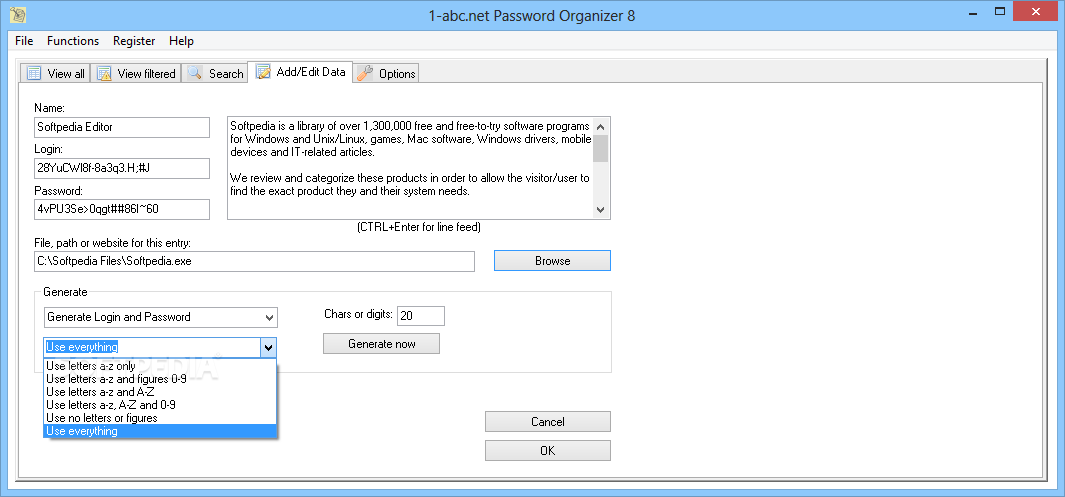
When adding a set of credentials, users have the option of adding their own details, or having the application generate a username and password for them. These can be customized in terms of length and composition. One can also choose to generate a password based on a username.
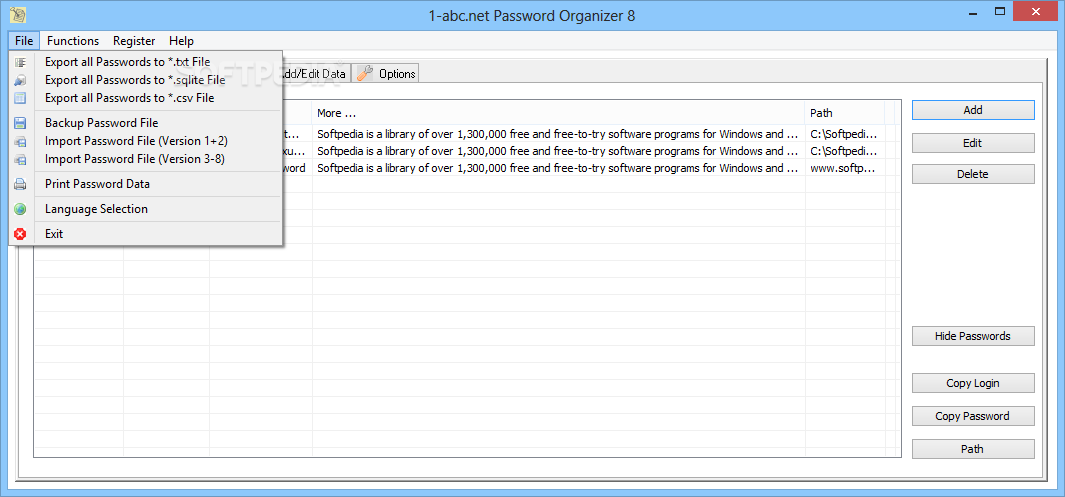
The application can also import and export stored data to plain text (TXT), SQLITE or CSV files and generate backups.
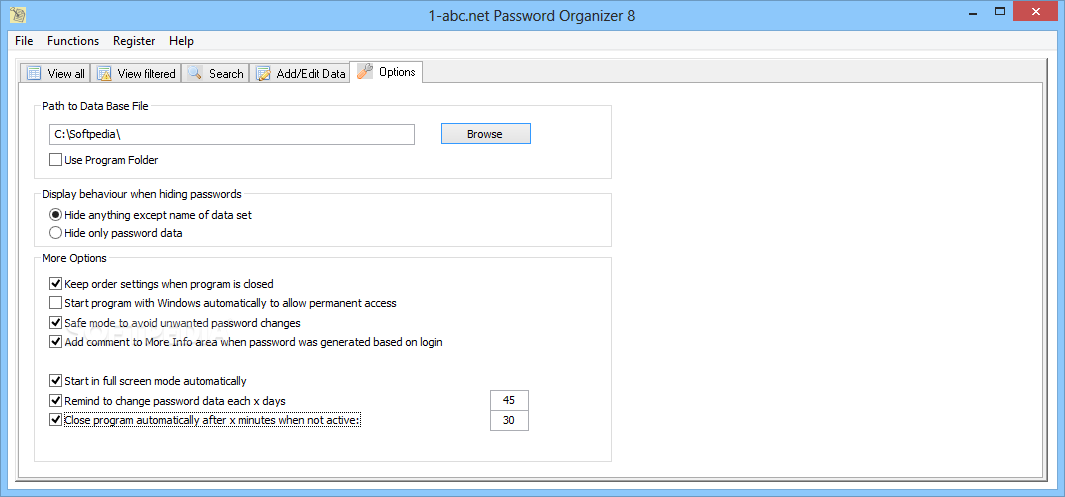
It is worth noting that the program uses AES encryption to secure the contents of your credentials database and prompts the user for a password when launched. Other security features that can help keep users' data safe include the ability to periodically remind them to change their passwords and automatically close the program after a number of minutes of inactivity.
This handy application can help you manage your login information and keep it safe using AES encryption. It also has other helpful features such as a built-in password generator and the ability to remind users when it's time to change their password.
1-abc.net Password Organizer 8.00
add to watchlist add to download basket send us an update REPORT- runs on:
-
Windows 10 32/64 bit
Windows 8 32/64 bit
Windows 7 32/64 bit
Windows Vista 32/64 bit
Windows XP - file size:
- 571 KB
- filename:
- porga.exe
- main category:
- Security
- developer:
- visit homepage
Zoom Client

Microsoft Teams

Windows Sandbox Launcher

calibre

4k Video Downloader

IrfanView

Bitdefender Antivirus Free

ShareX

7-Zip

Context Menu Manager

- ShareX
- 7-Zip
- Context Menu Manager
- Zoom Client
- Microsoft Teams
- Windows Sandbox Launcher
- calibre
- 4k Video Downloader
- IrfanView
- Bitdefender Antivirus Free