
An easy-to-use application for finding and removing duplicate files. Results show the name, path, size, date and CRC32 signature for each file. #Duplicate remover #Find duplicate #Dupe scan #Remover #Scan #Remove

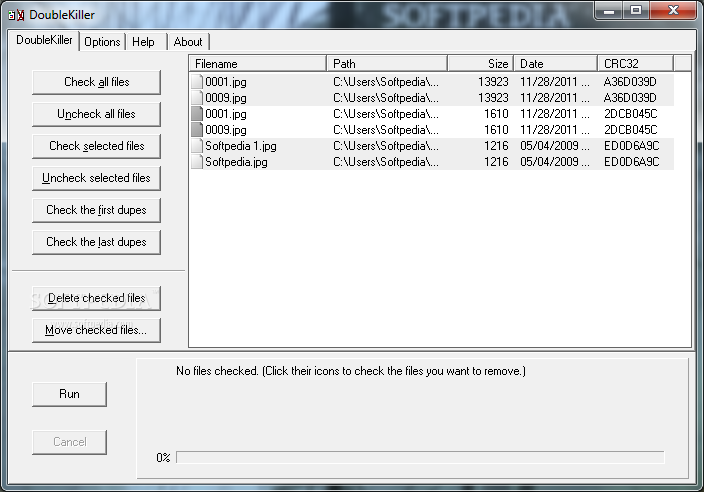
DoubleKiller is a lightweight and portable utility that locates duplicate files on your computer to remove them, in order to clear up space on your hard drive. It addresses all types of users, regardless of their skill level.
Since the app does not come with a setup pack, you can simply drop the executable file on any spot on the hard drive and run it immediately.
Alternatively, you can store DoubleKiller on a USB flash drive or similar storage unit, and run it on any computer. This way, you can keep the utility in your pocket wherever you go.
The interface of the tool does not excel in the visual department, but its options should be simple to figure out.
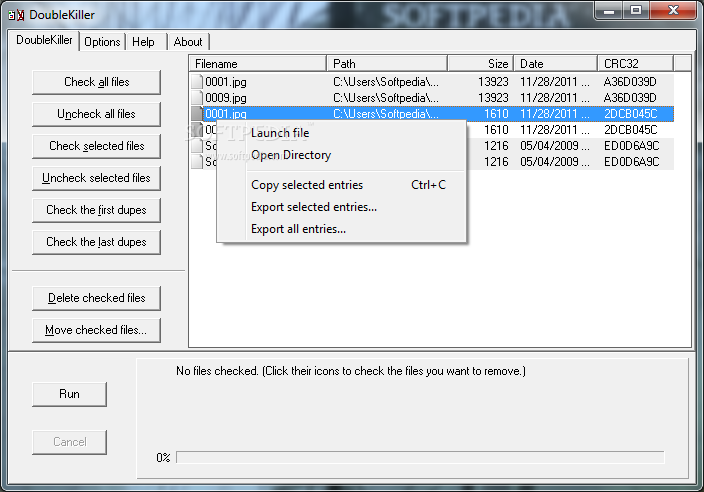
In order to run a scanning procedure, all you have to do is point out the target directory. Results show the name, path, size, date and CRC32 signature for each file.
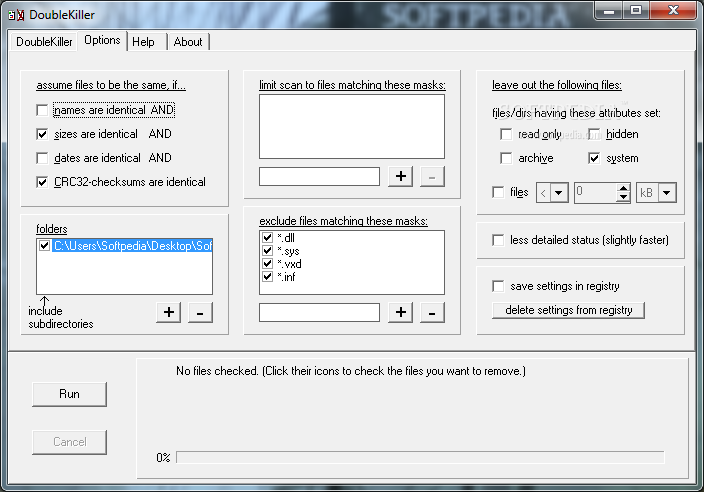
Plenty of configuration settings are available for this tool. For example, you can make the app identify duplicates based on their names, sizes, dates or CRC32 checksums. You can include custom subdirectories, create an inclusion or exclusion list of file masks, as well as customize file attributes (e.g. read-only, archive). Settings can be saved to the Registry for further use.
DoubleKiller includes a help file and runs on a low-to-moderate quantity of CPU and system memory, so it shouldn't affect the computer's performance. It has a good response time and may take a while to complete a scan job, depending on your hard drive's size and selected options.
We have not encountered any problems throughout our tests, since the utility did not hang, crash or pop up error dialogs. Aside from the fact that the interface needs some major improvements in the visual department, the program should satisfy all users. We must also take into account the fact that DoubleKiller has not been updated for a long time.
What's new in DoubleKiller 1.6.2.82:
- minor user interface improvements
- fixed problems with deleting files from unix file servers
- improved error handling during scans
DoubleKiller 1.6.2.82
add to watchlist add to download basket send us an update REPORT- runs on:
- Windows All
- file size:
- 391 KB
- filename:
- doublekiller.zip
- main category:
- Security
- developer:
- visit homepage
IrfanView

Zoom Client

Bitdefender Antivirus Free

Windows Sandbox Launcher

ShareX

7-Zip

Context Menu Manager

4k Video Downloader

Microsoft Teams

calibre

- 4k Video Downloader
- Microsoft Teams
- calibre
- IrfanView
- Zoom Client
- Bitdefender Antivirus Free
- Windows Sandbox Launcher
- ShareX
- 7-Zip
- Context Menu Manager