
Protect your privacy by securely wiping confidential documents and removing traces left behind by other applications with this intuitive tool. #Data Eraser #File Wiper #Erase Data #Eraser #Delete #Cleaner
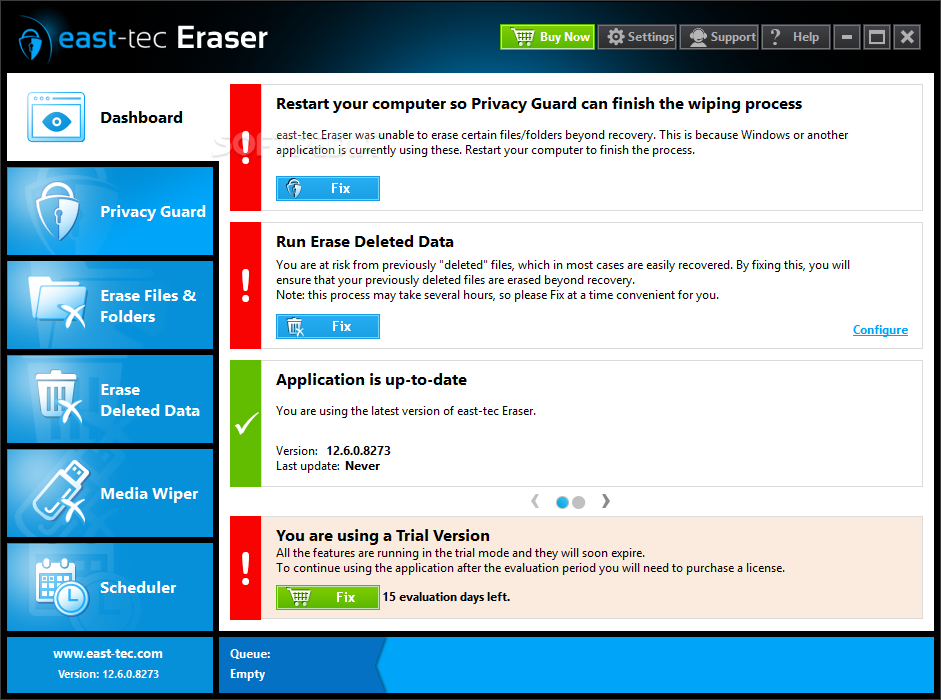
Note: Apply the automatic update to get the latest version available.
If you're using the computer as the main tool for work, it's recommended to keep an eye on its health status in order to be on the safe side. An antivirus is not capable of offering full protection, as various residue files that pose no threat can pile up and clog your computer.
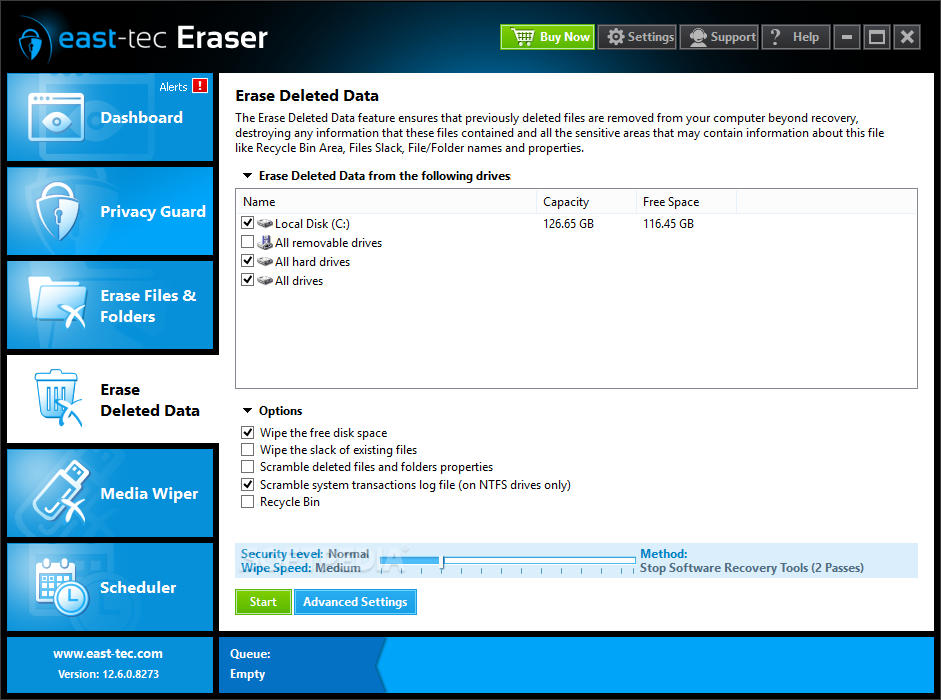
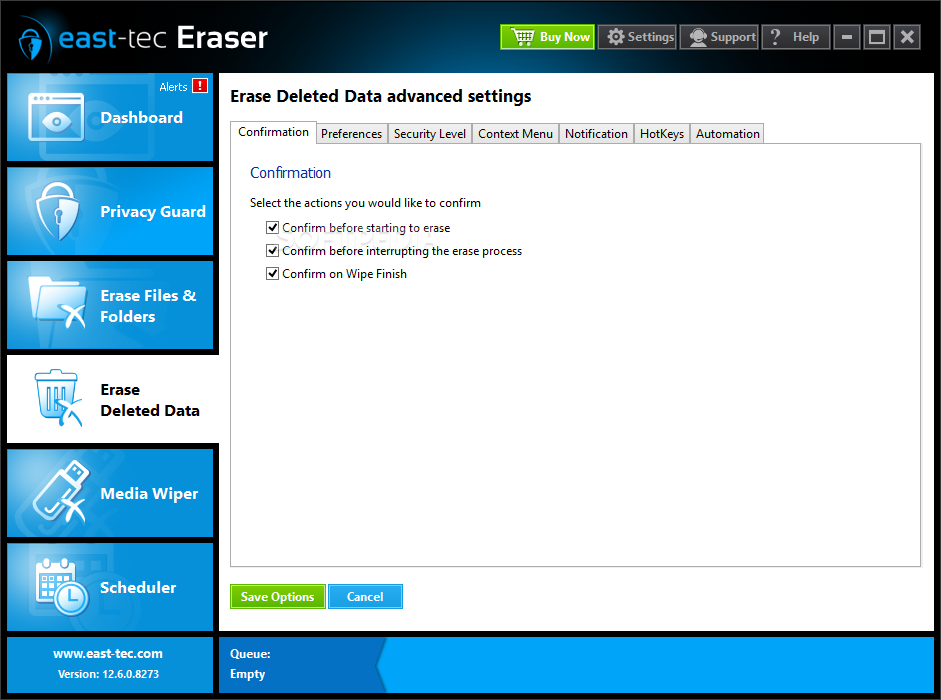
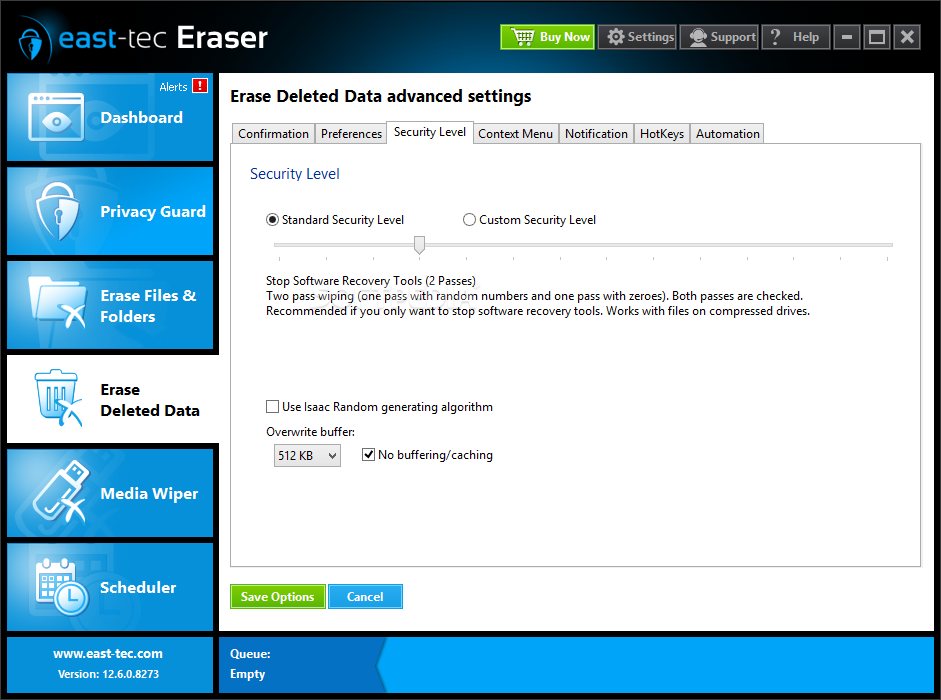
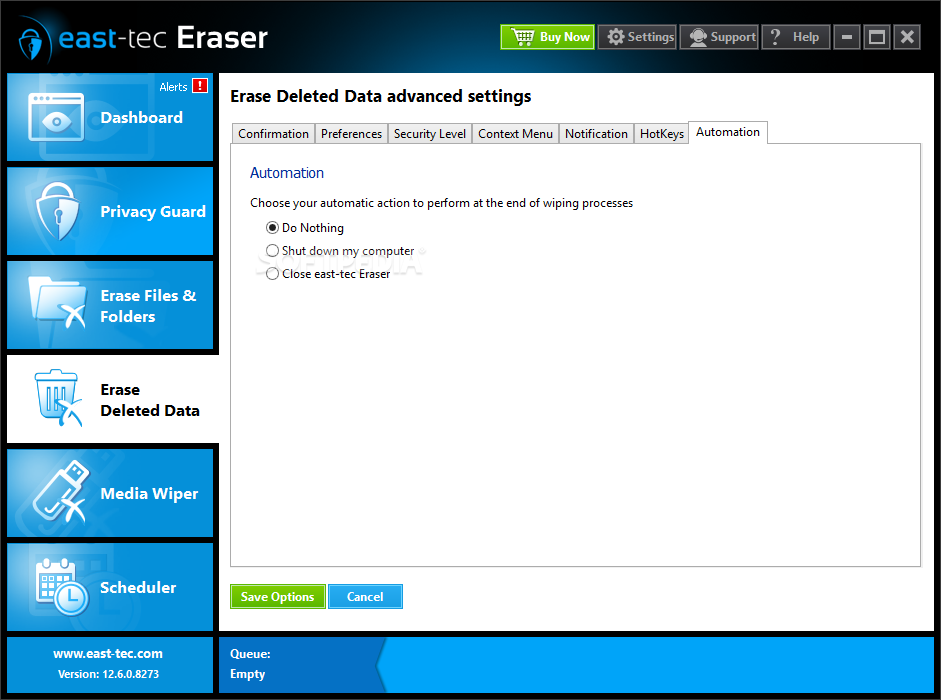
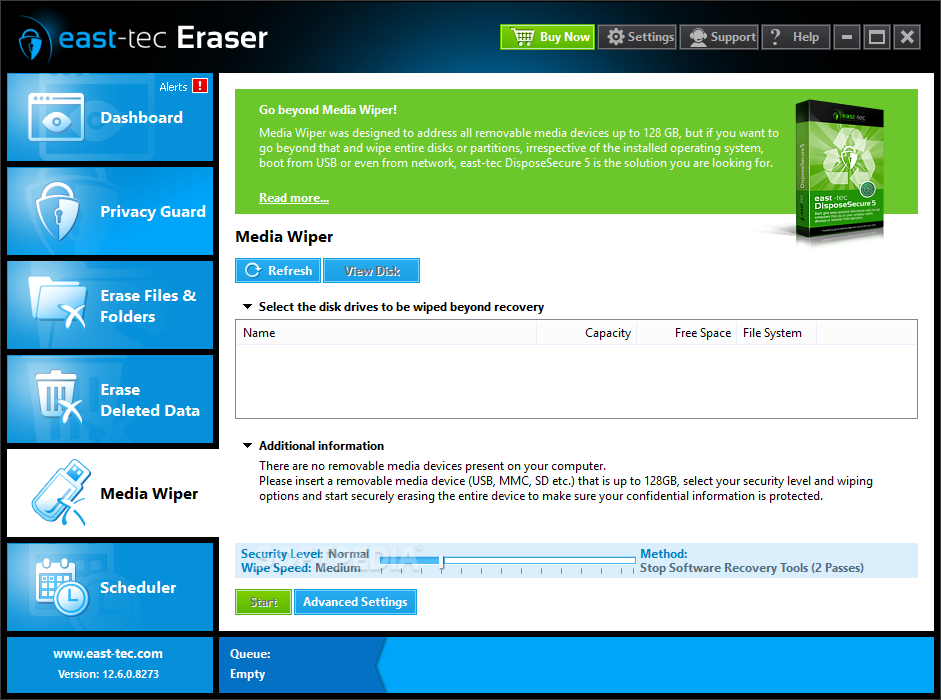
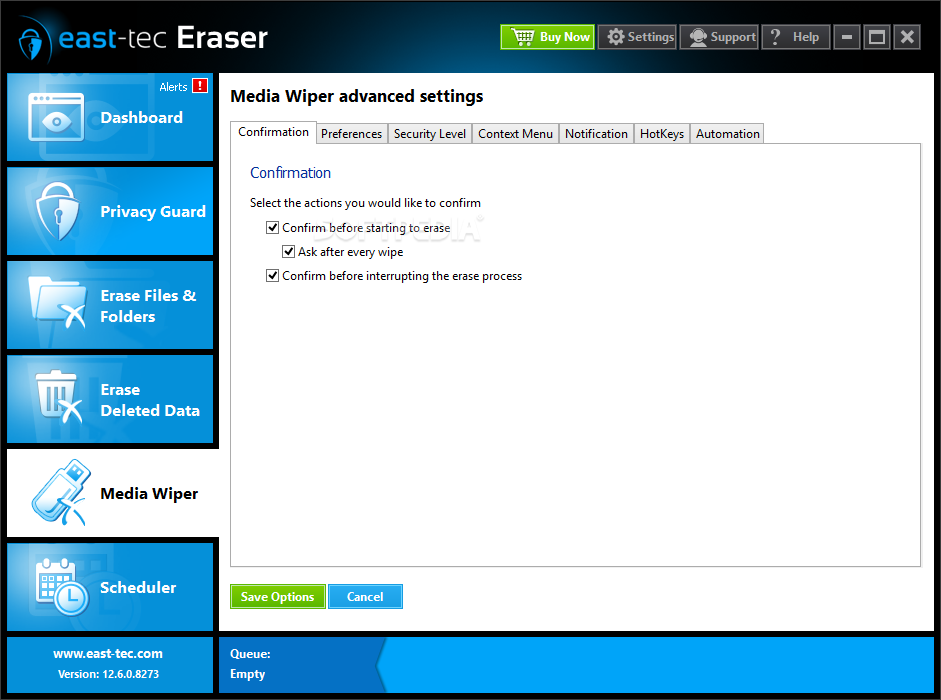
Luckily, applications such as east-tec Eraser give you the possibility to keep your computer in good shape by cleaning these junk files. The application prides itself with a modern and visually appealing interface that poses no accommodation problems. Main features can be accessed from a side panel that bring their content in the workspace once selected.
A dashboard is put at your disposal to display notifications or warnings. Each tooltip is equipped with a button that lets you fix current issues. You can view any active process in a small display area, cleverly placed to be both easy to spot and offer comfort.
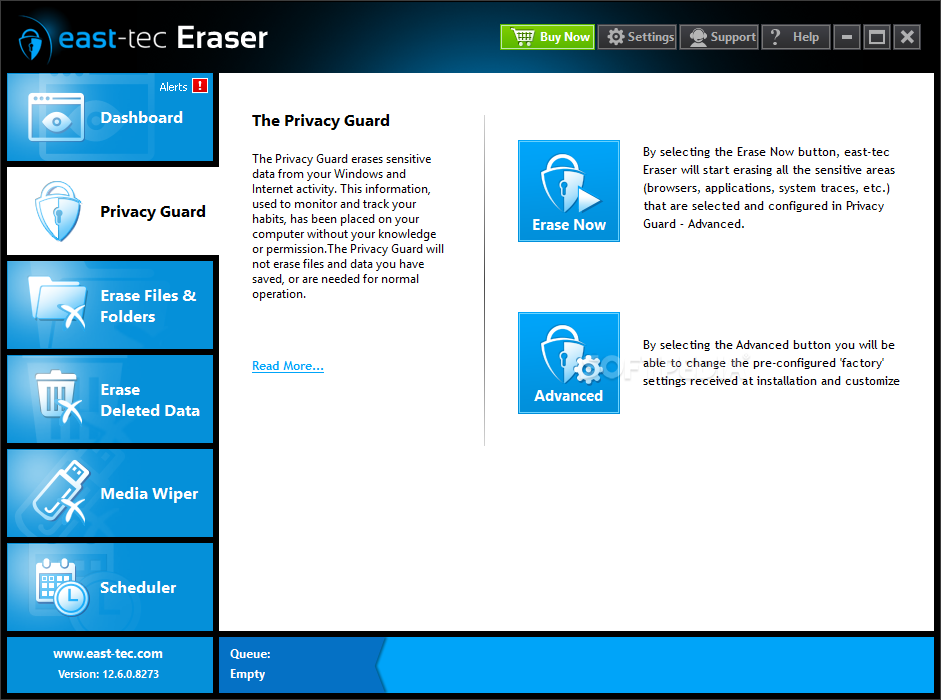
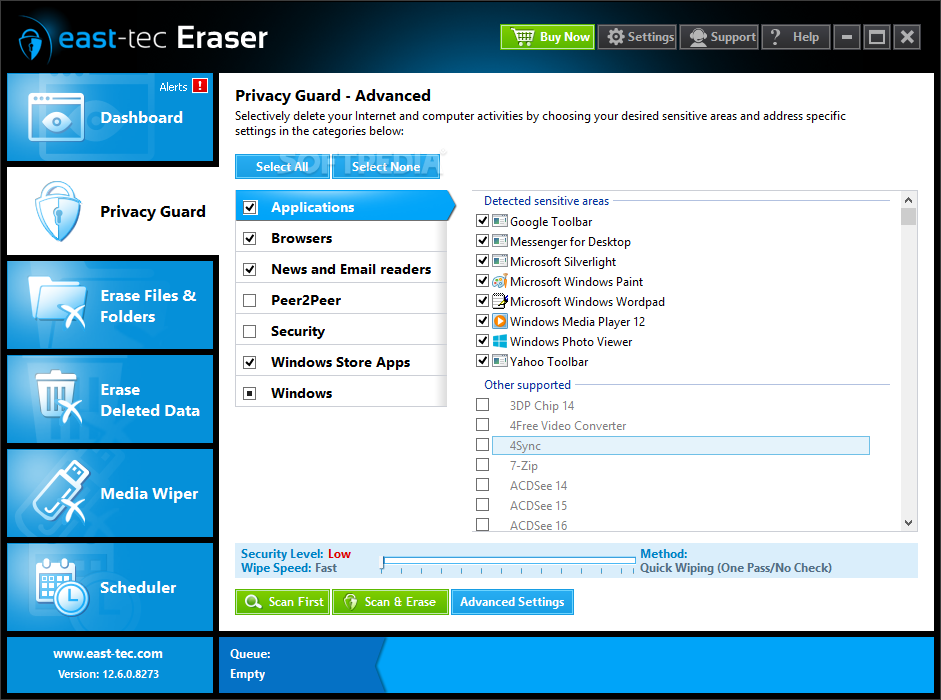
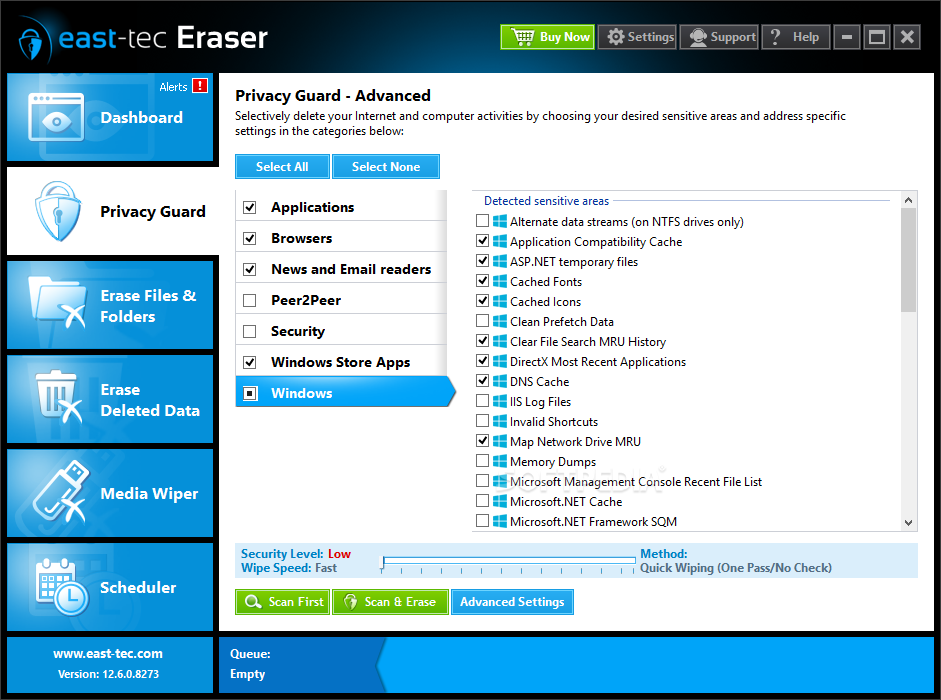
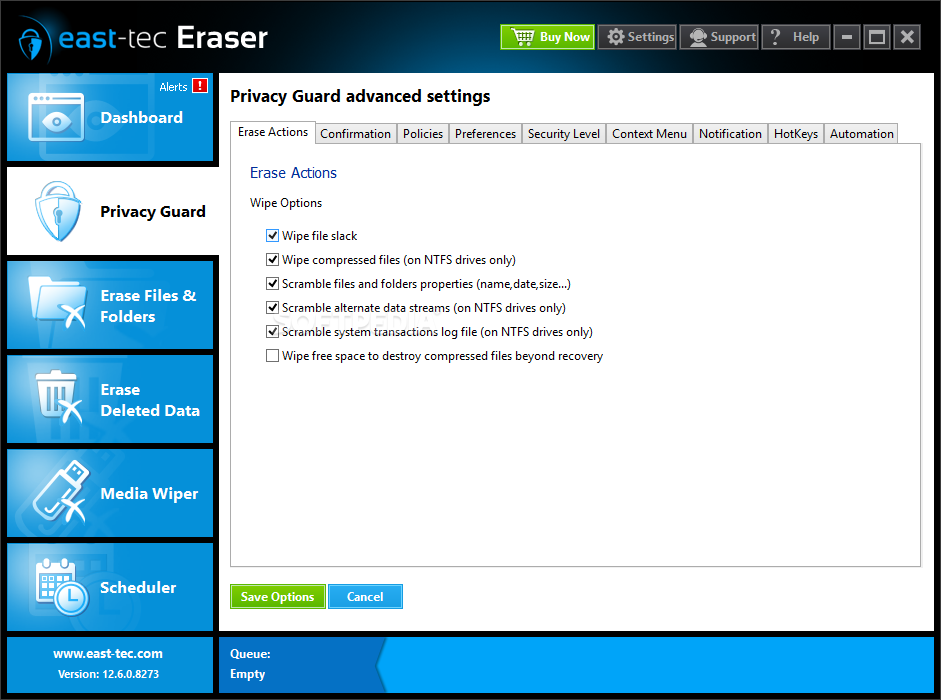
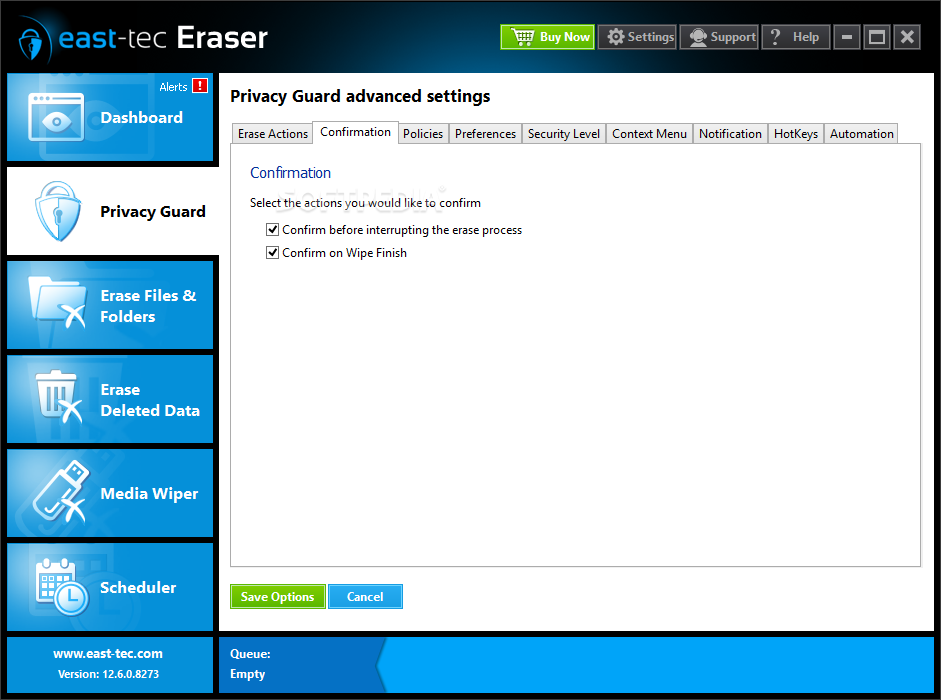
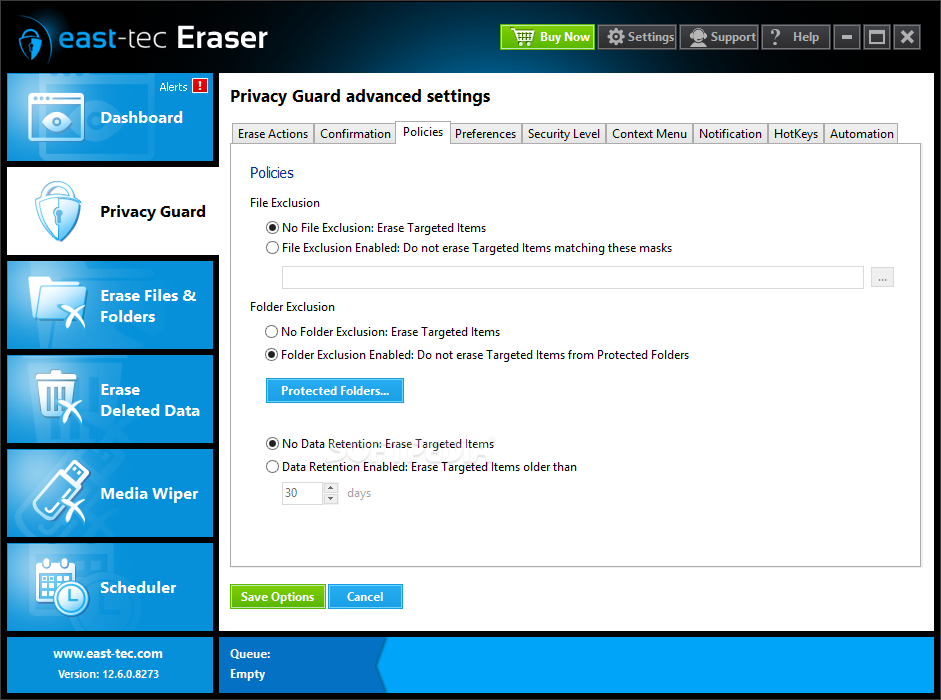
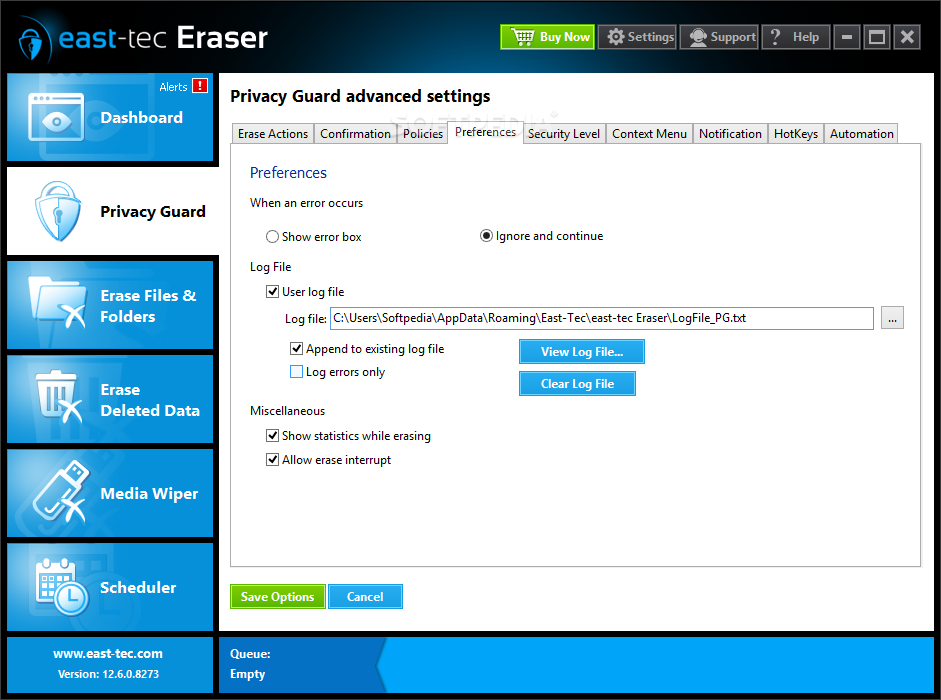
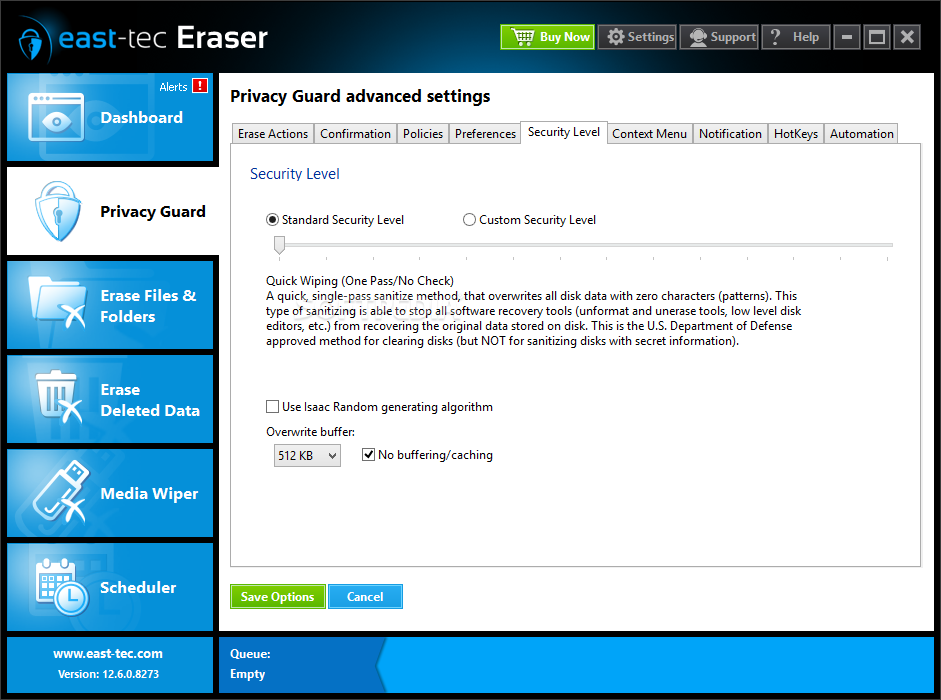
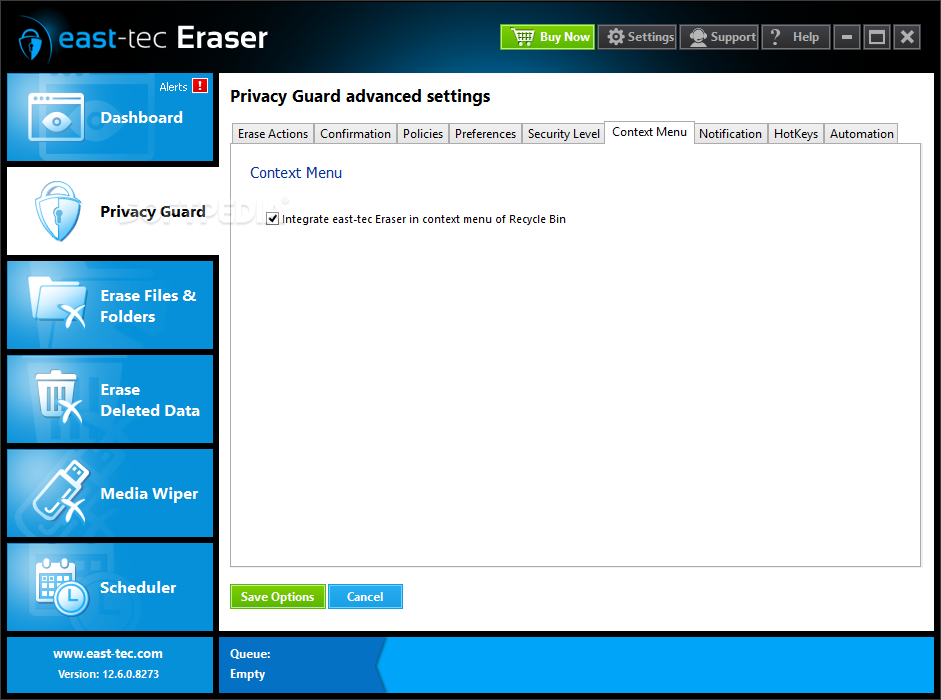
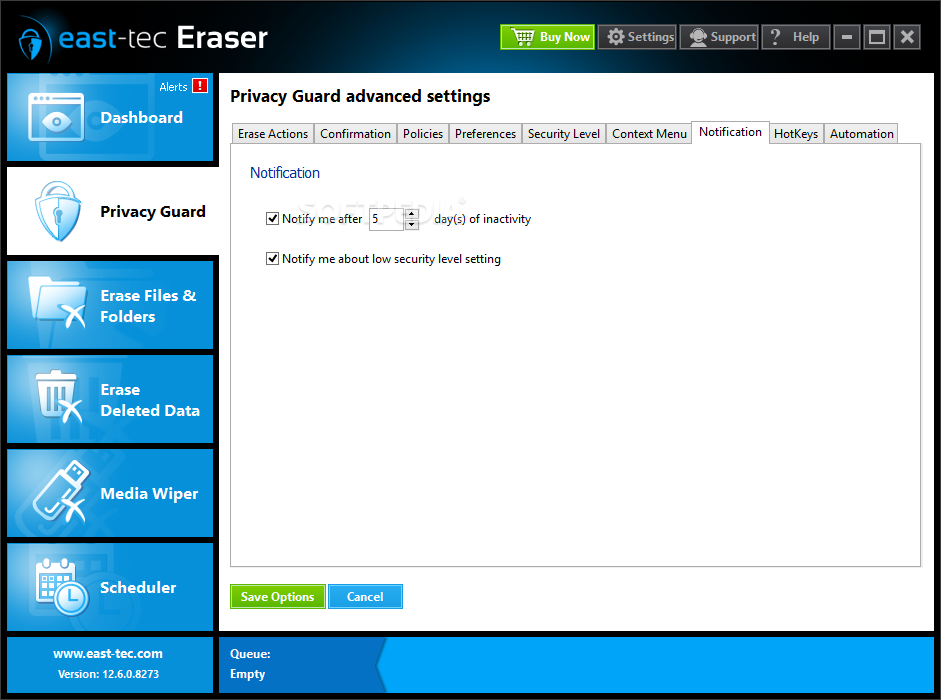
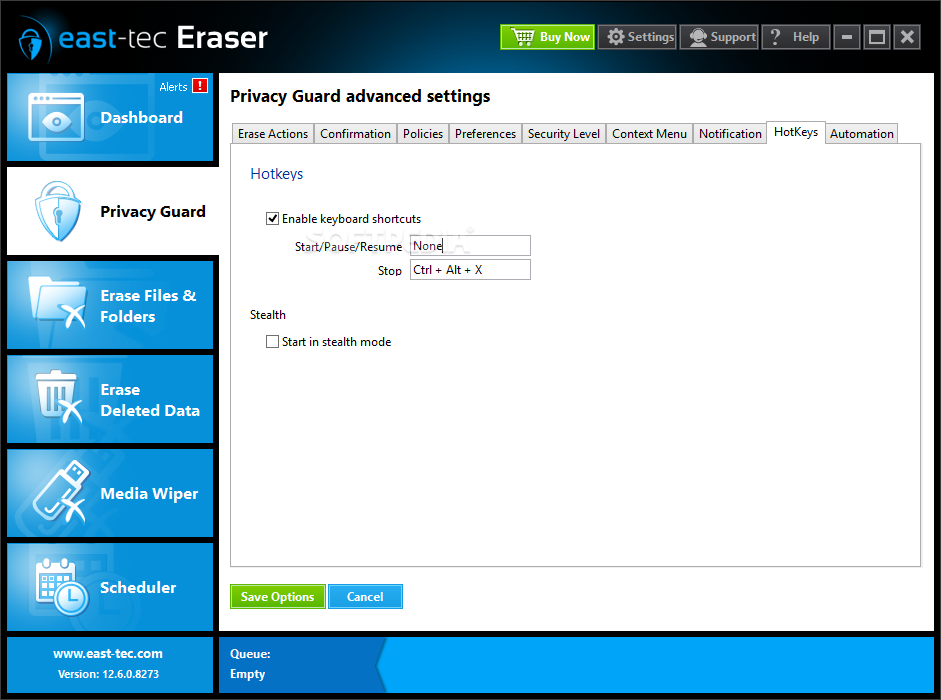
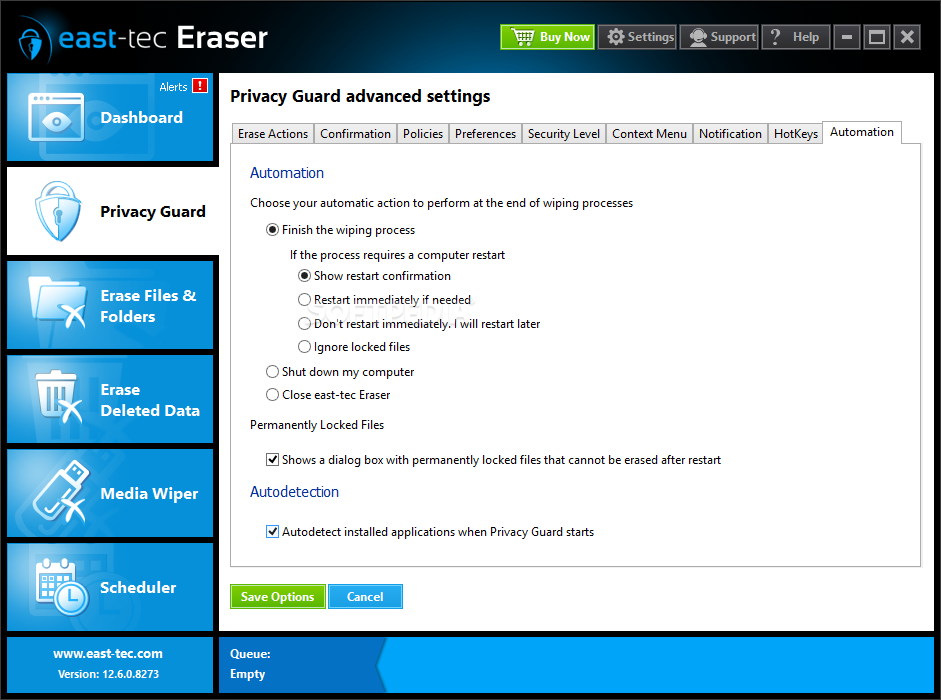
One of the tools you might use the most is the Privacy Guard. It's designed to get rid of Windows and Internet activity data in order to prevent malicious infiltrations that can damage your system. You can choose a basic option that keeps track of your activity and automatically cleans unnecessary files, or snoop through advanced settings and fully configure the process.
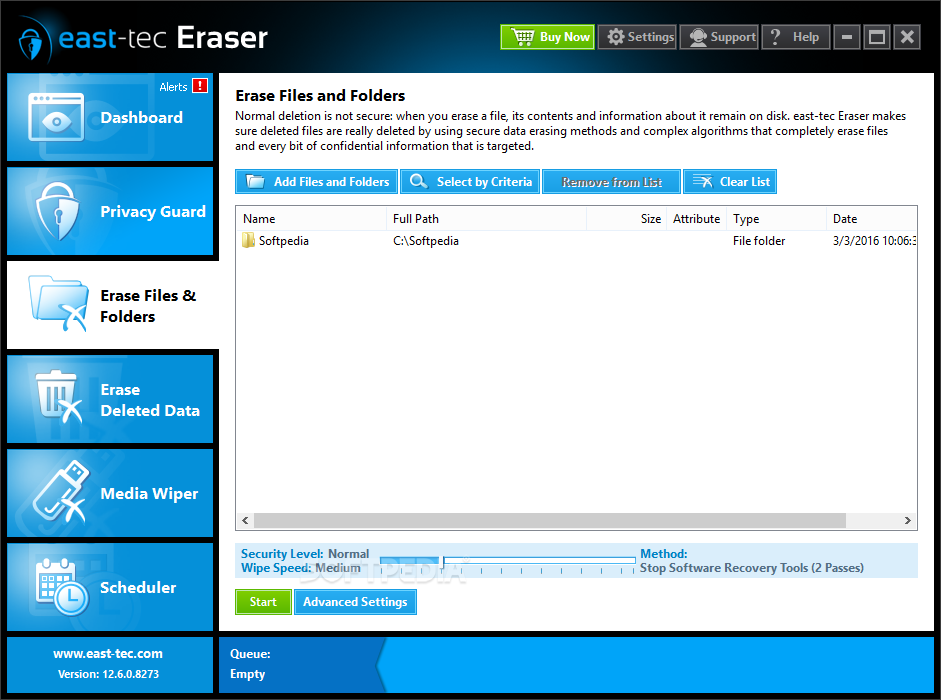
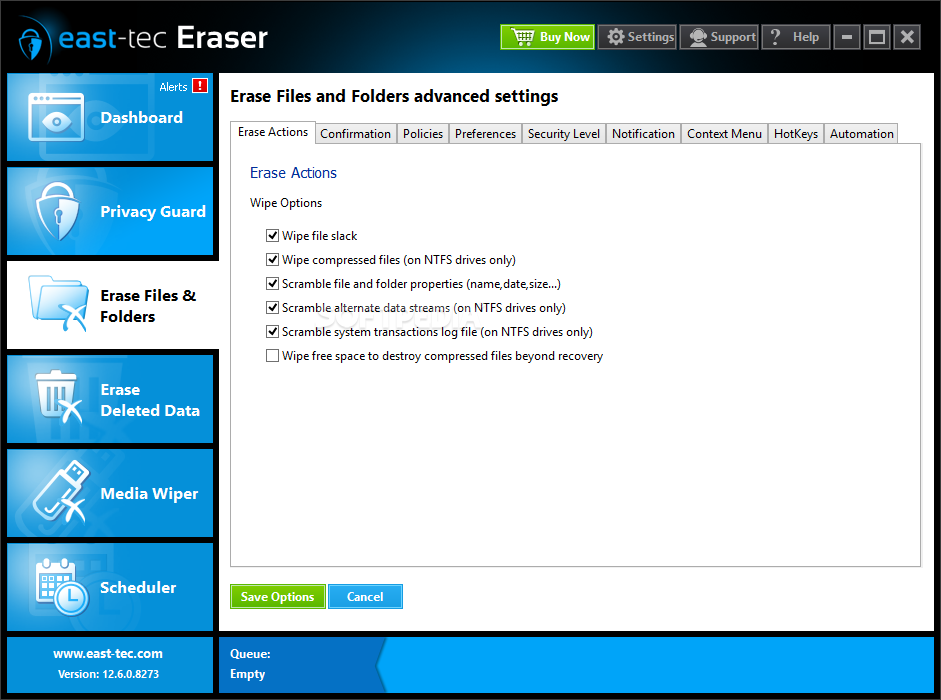
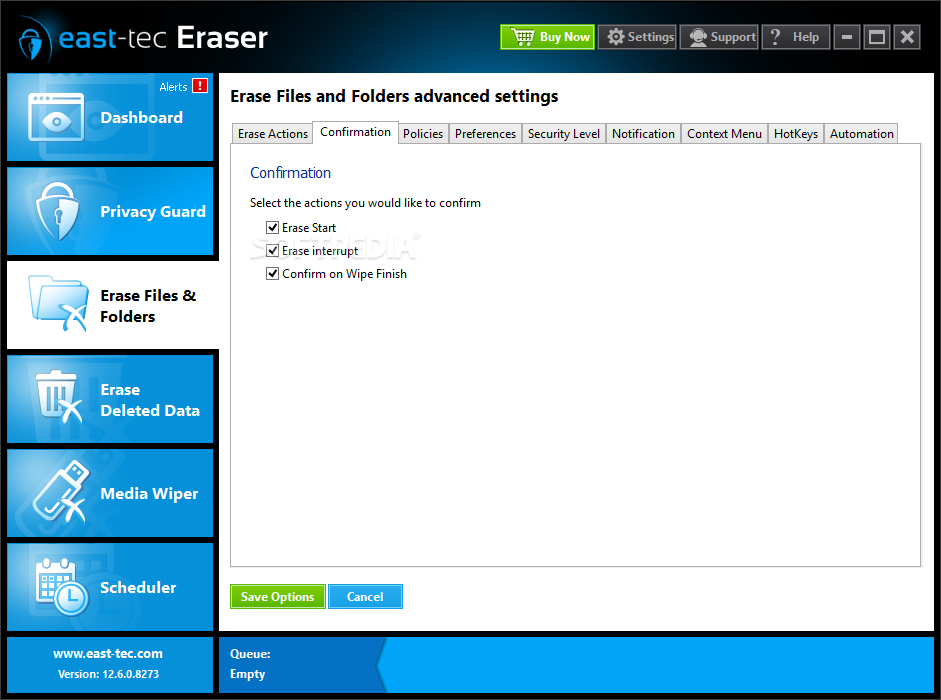
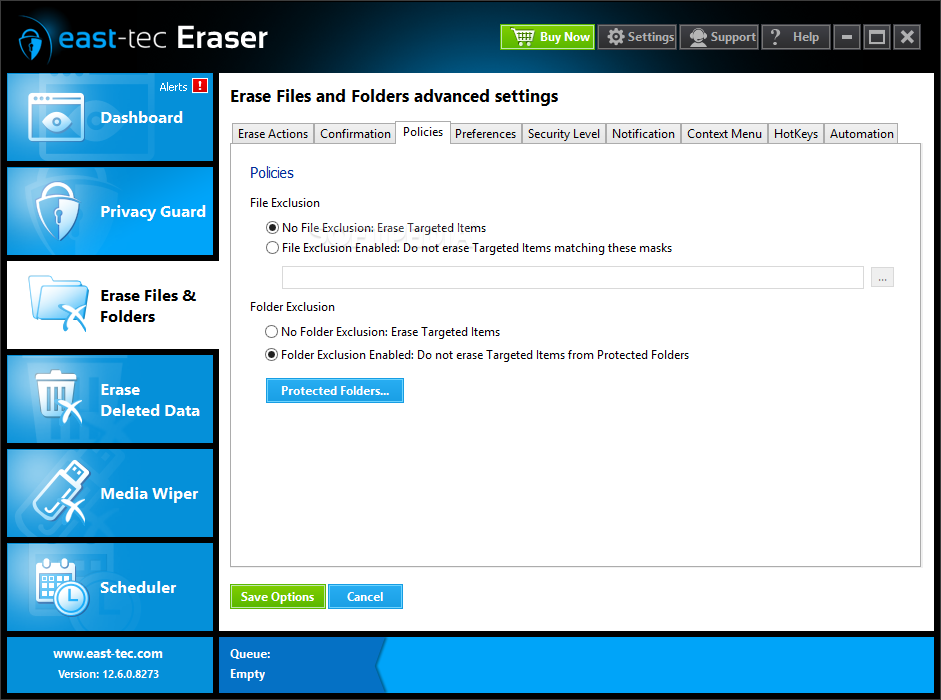
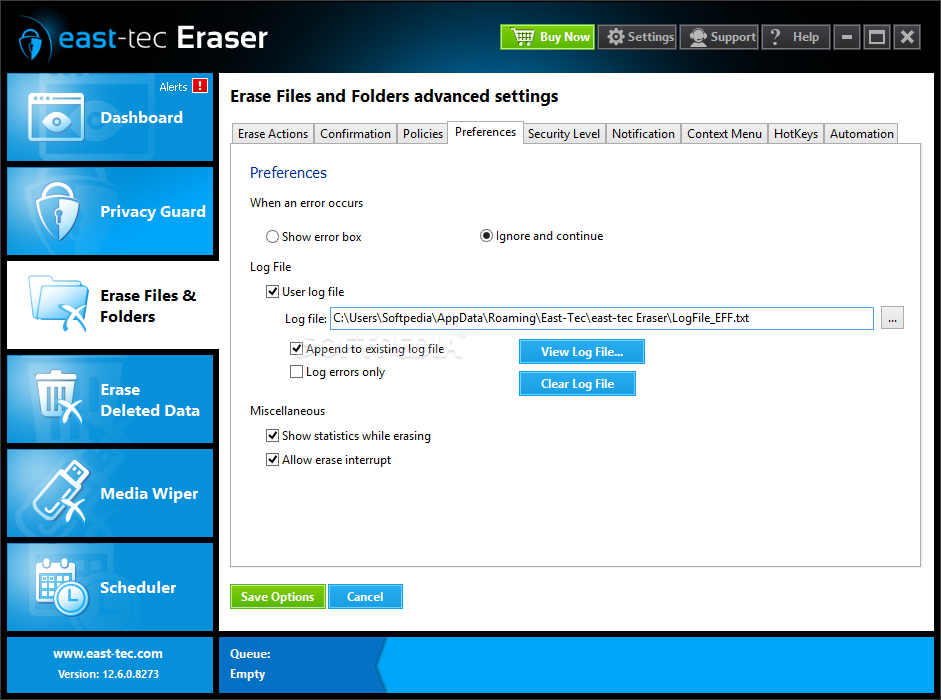
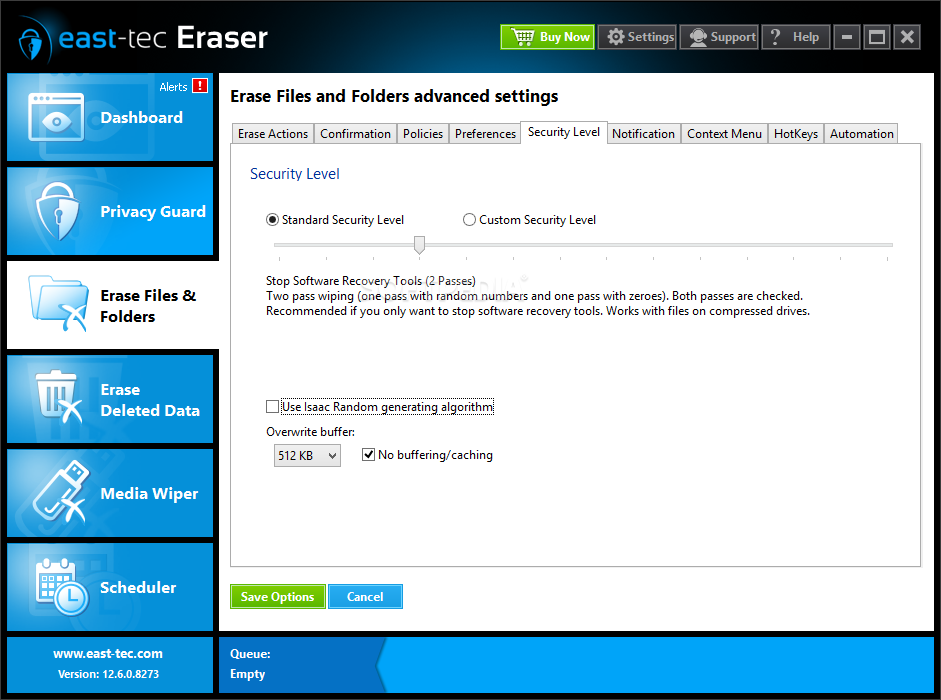
The application features a powerful removal tool with the help of which you can permanently delete files and folders. This option can be integrated into the Explorer Context Menu for enhanced ease of access.
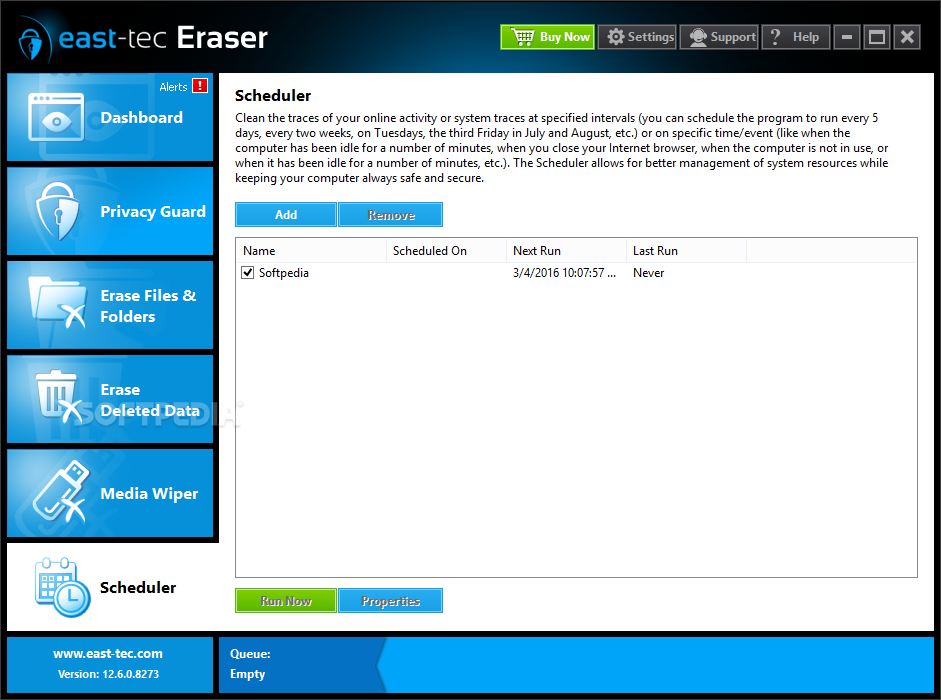
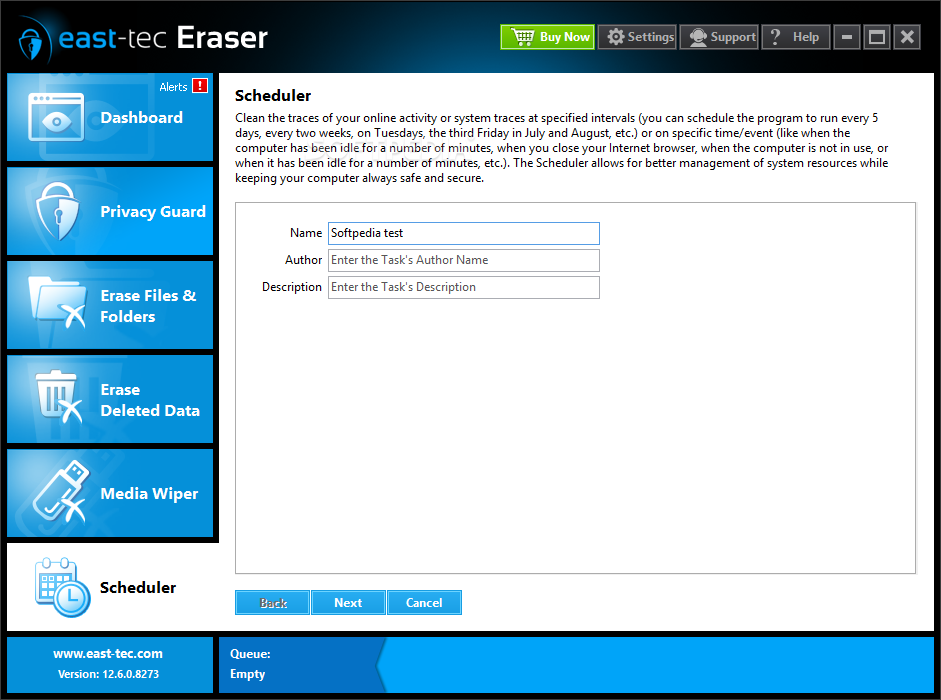
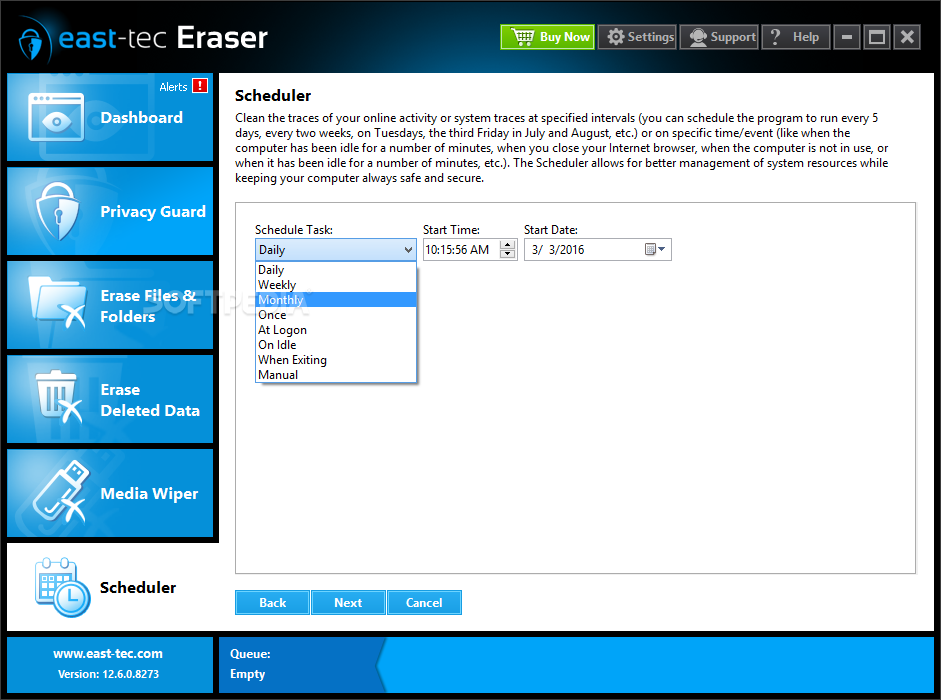
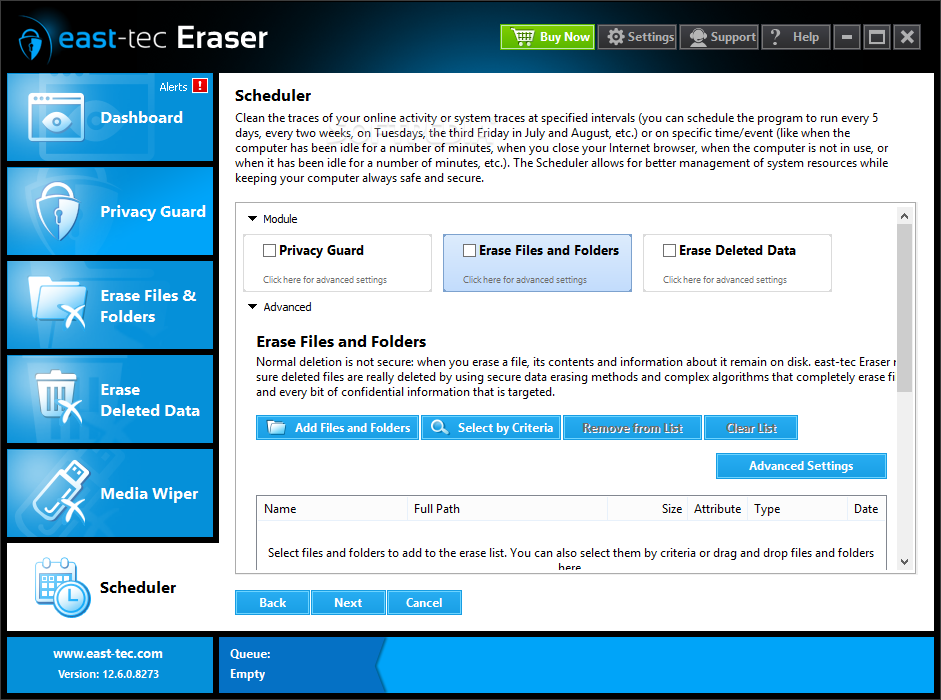
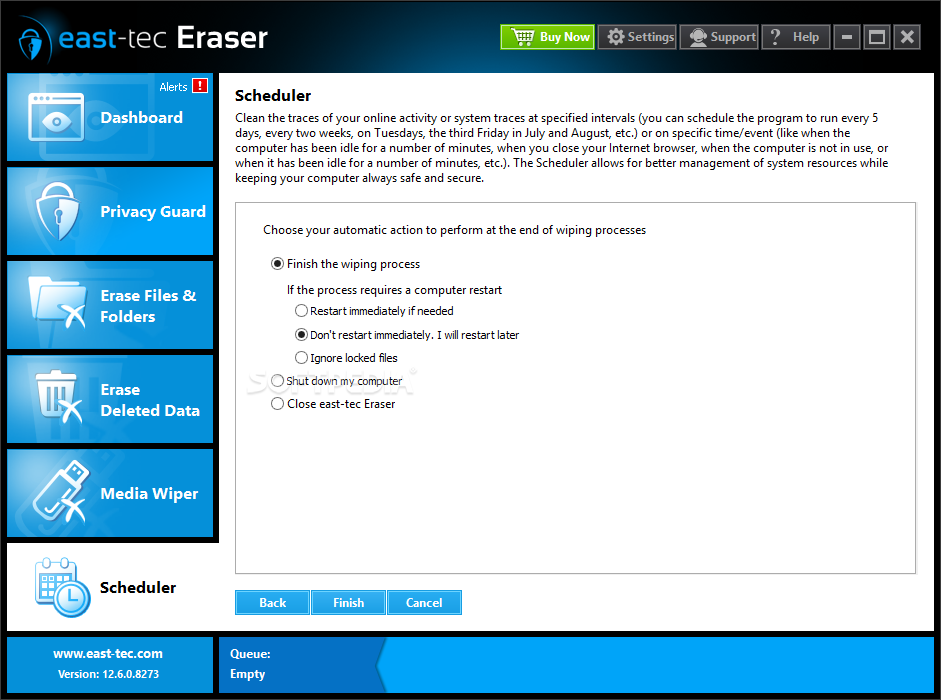
You can schedule any of the application's integrated features with the help of a dedicated tool. Creating a task is easily done by following a few steps in which you are required to specify task details and configure time and operation settings.
Taking everything into consideration, we can say that east-tec Eraser is amongst the top of its kind, combining a user friendly interface and several powerful features into a light package. It gets the job done well, even though it feeds on a decent amount of system resources.
Download Hubs
east-tec Eraser is part of these download collections: Cookies Cleaner, Temp Cleaner, File Shredder, Cache Cleaner
east-tec Eraser 13.3.0.9257
 Softpedia Editor's Pick
add to watchlist
add to download basket
send us an update
REPORT
Softpedia Editor's Pick
add to watchlist
add to download basket
send us an update
REPORT
- runs on:
-
Windows 10 32/64 bit
Windows 8 32/64 bit
Windows 7 32/64 bit
Windows Vista 32/64 bit - file size:
- 15.9 MB
- main category:
- Security
- developer:
- visit homepage
Microsoft Teams

Context Menu Manager

ShareX

IrfanView

Zoom Client

4k Video Downloader

calibre

Windows Sandbox Launcher

7-Zip

Bitdefender Antivirus Free

- Windows Sandbox Launcher
- 7-Zip
- Bitdefender Antivirus Free
- Microsoft Teams
- Context Menu Manager
- ShareX
- IrfanView
- Zoom Client
- 4k Video Downloader
- calibre