
Protect all your devices with the help of this comprehensive antivirus suite built around a tripod of security, privacy, and performance. #Antivirus Protection #Virus Scanner #Free Antivirus #Avira #Antivirus #Security

Avira GmbH has made quite a name for itself over the last couple of years as being the company that provided 500 million users worldwide with one of the best free antivirus solutions out there and some solid-performing premium tools as well.
The latest product to come out of the German Avira Operations GmbH labs is dubbed Avira Free Security, and it acts as a modern replacement for the product that has been a staple for the company’s lineup for many years.
Avira Free Security takes on a modern approach to showing what a basic antivirus tool should be. In short, it follows the current trend of comprehensive AV solutions that are not only focused on security, but also on protecting your privacy and enhancing your computer’s performance.
Avira products have always had top-notch security technologies under the hood, and they were always competitively priced, but the new Avira Free Security is definitely a step up in the industry.
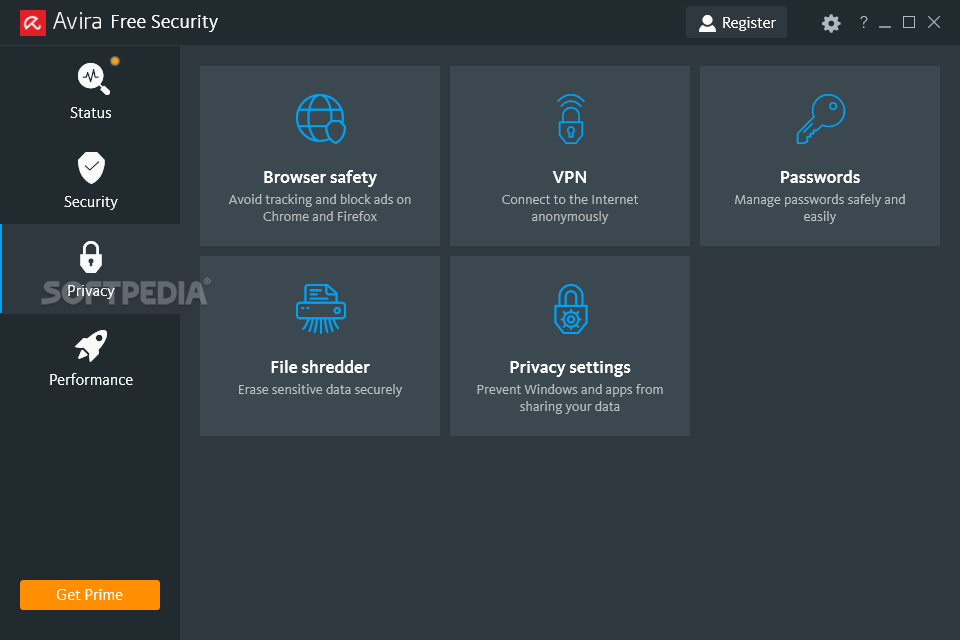
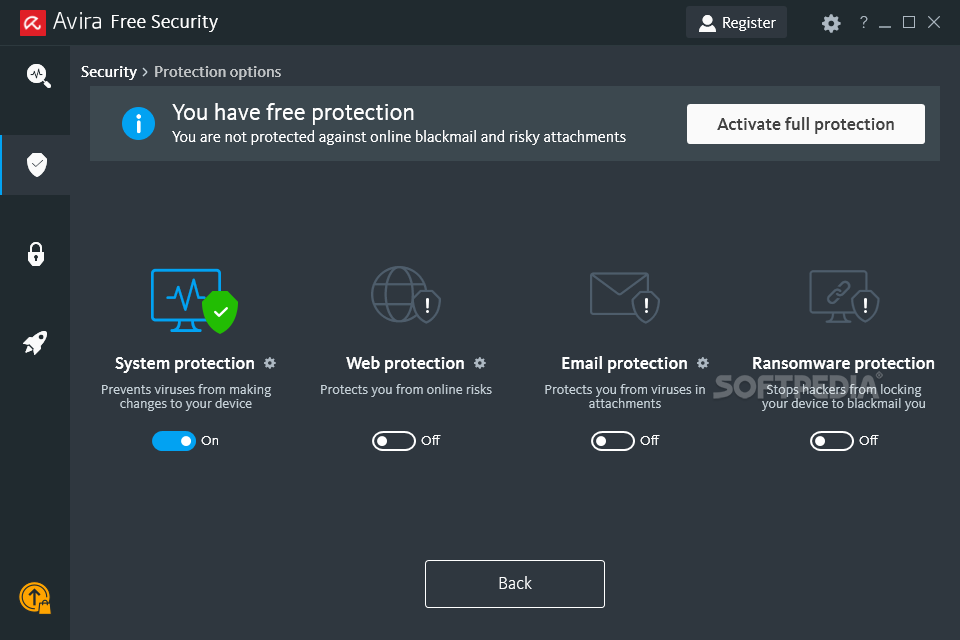
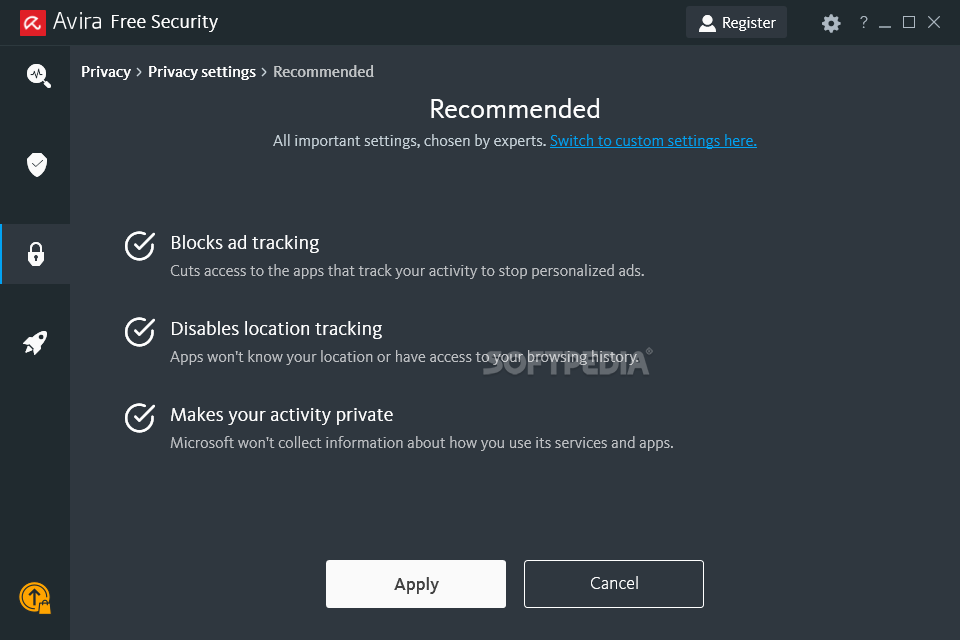
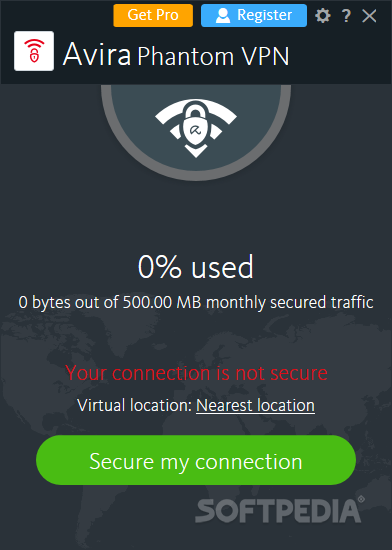
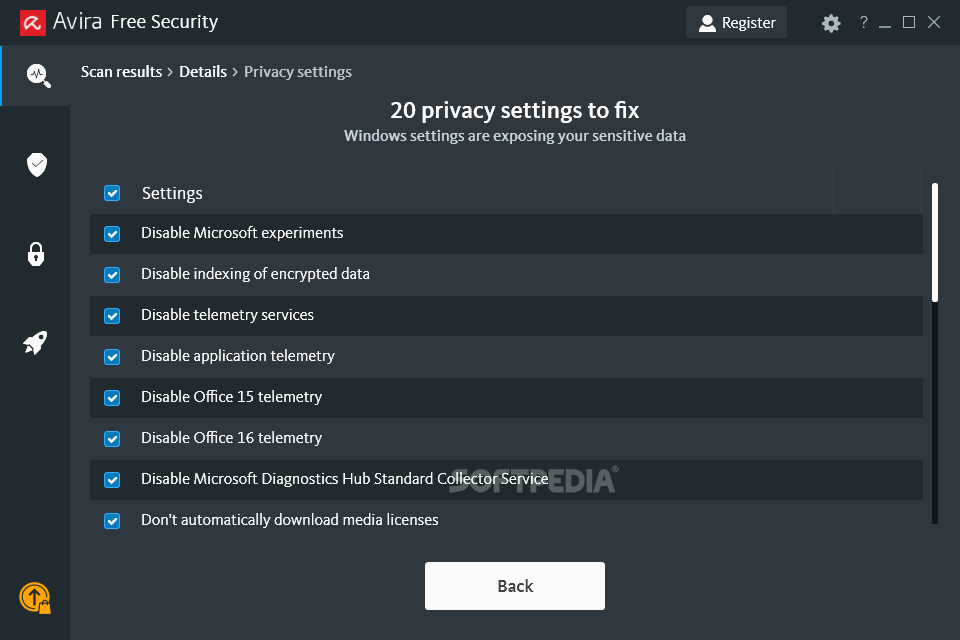
Well, you are provided with one of the best antivirus engines with real-time protection against all types of malware and online threats, a freemium VPN service (500 MB/month), various privacy oriented features such as a file shredder, browser safety and cookie cleaner, a basic password manager, as well as something called Privacy Settings designed to prevent Windows and apps from sharing your data.
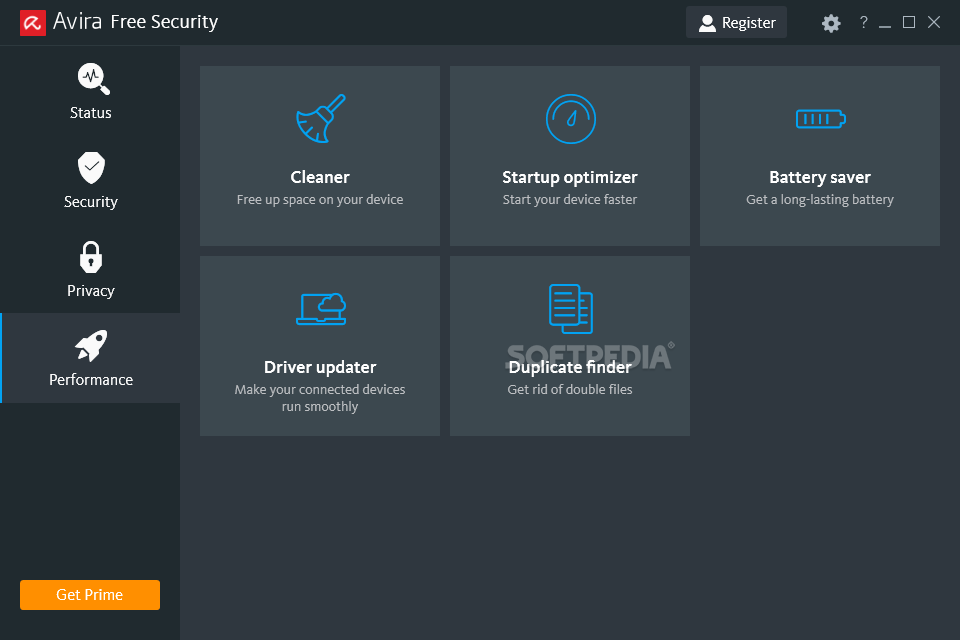
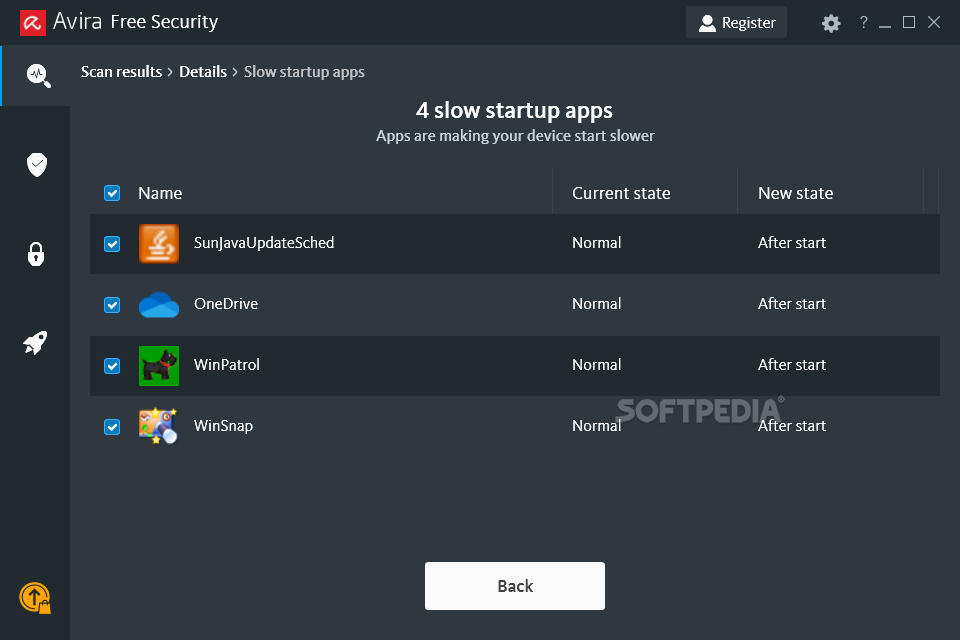
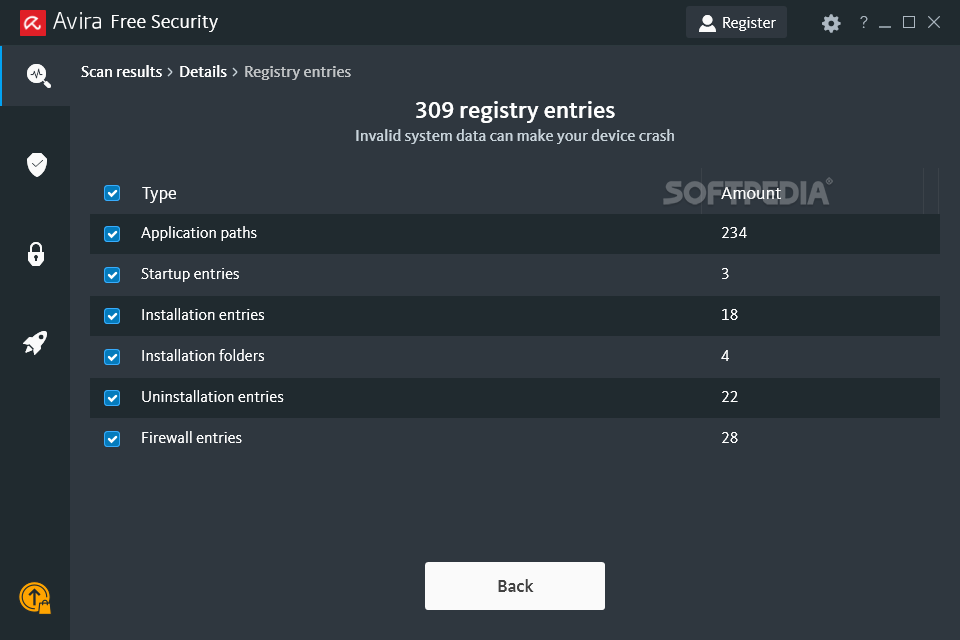
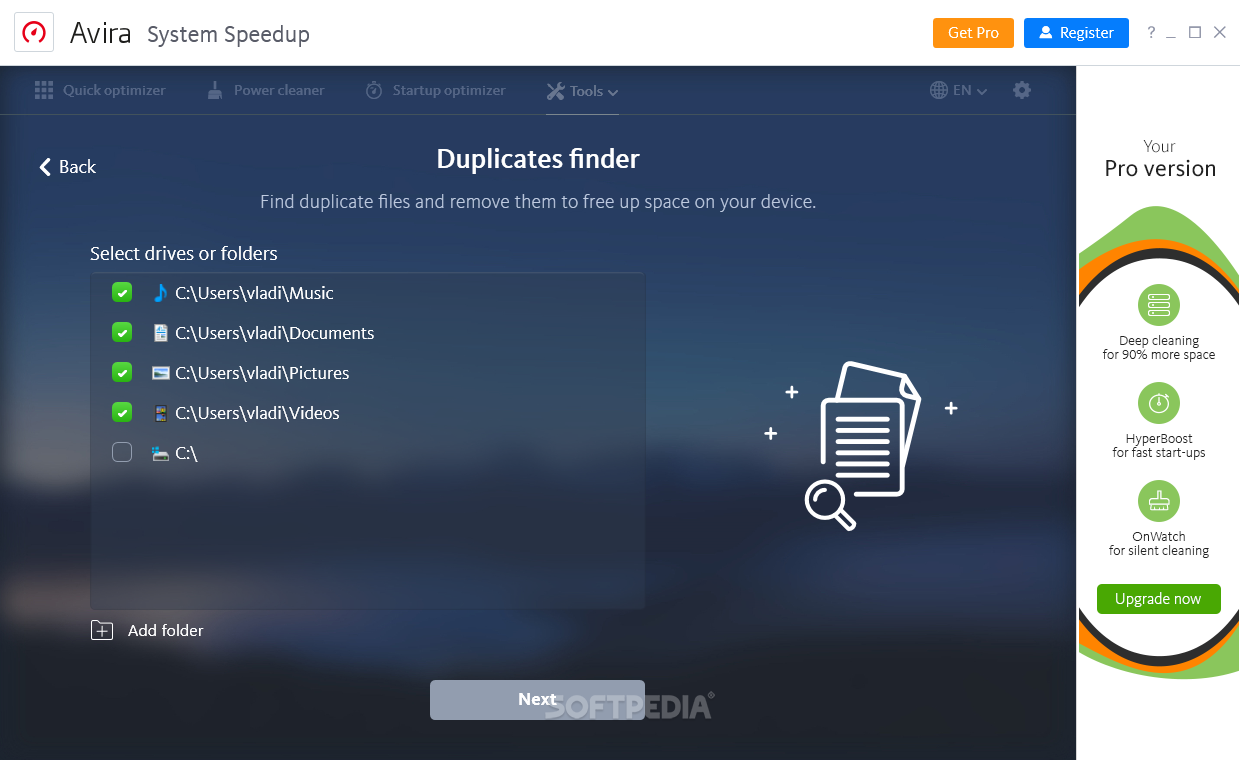
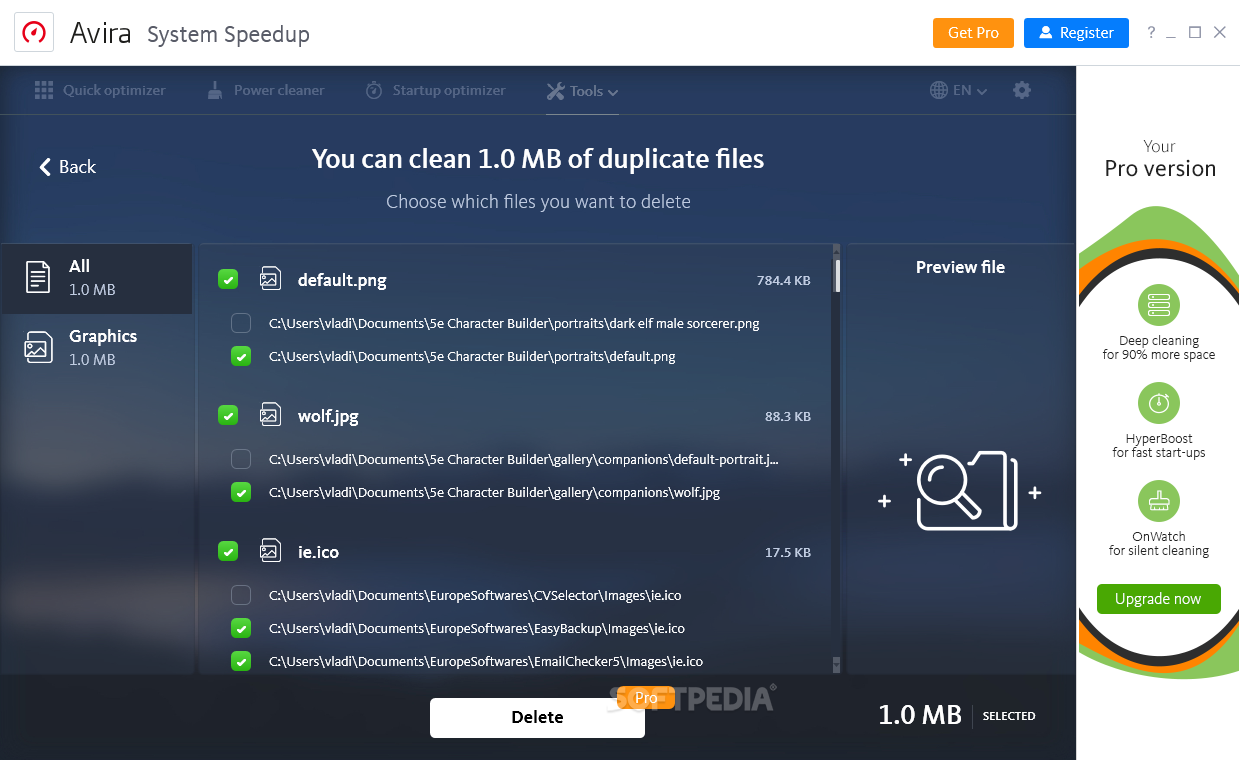
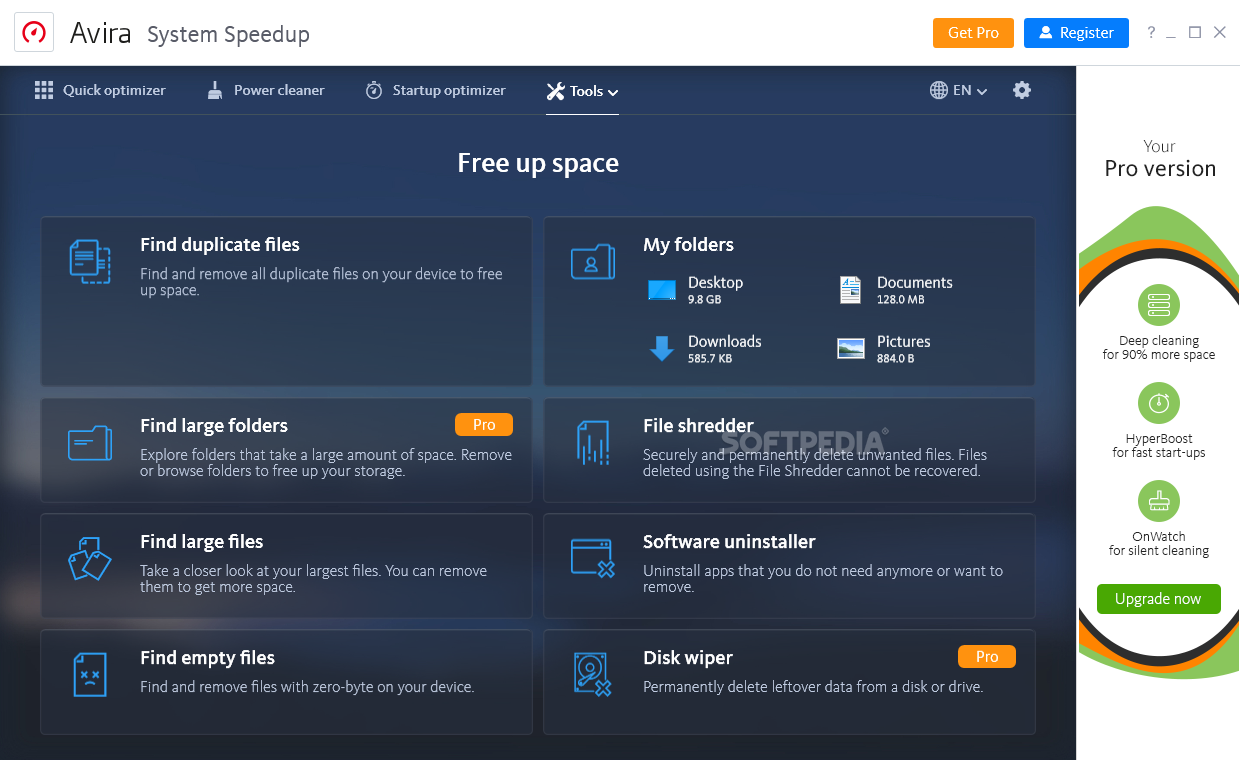
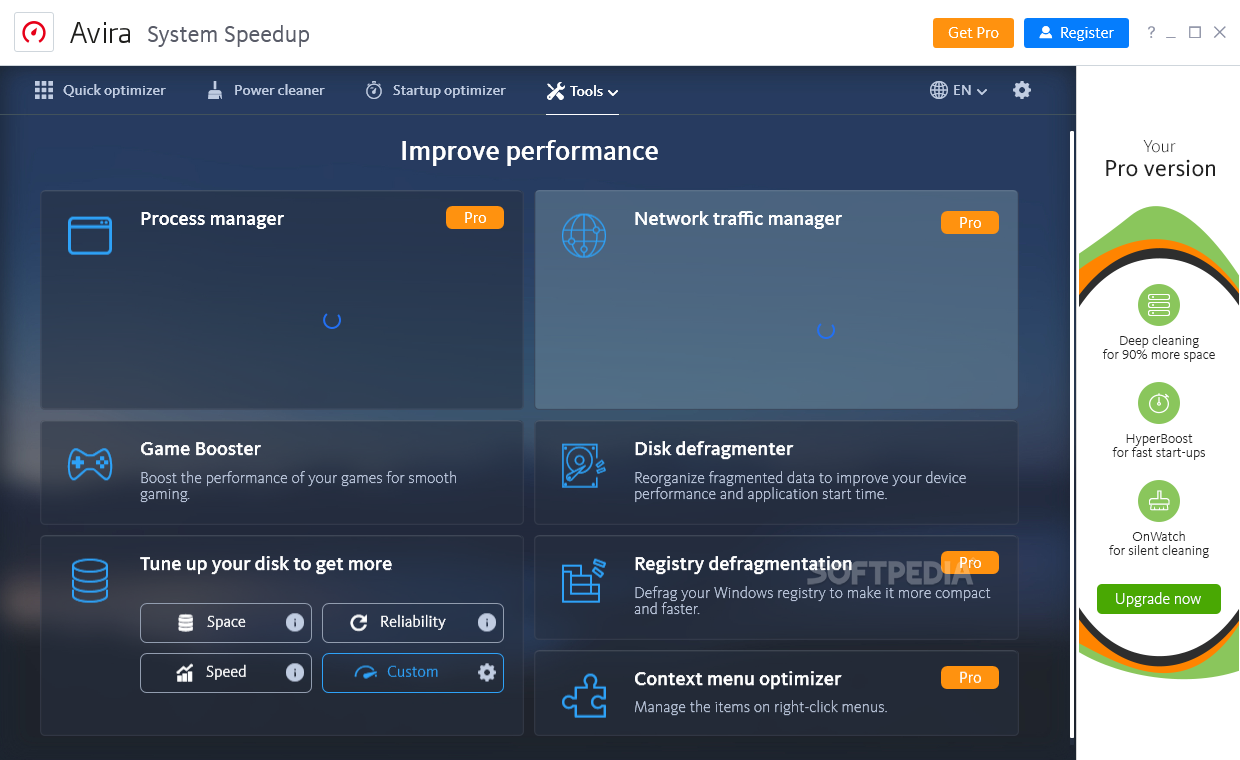
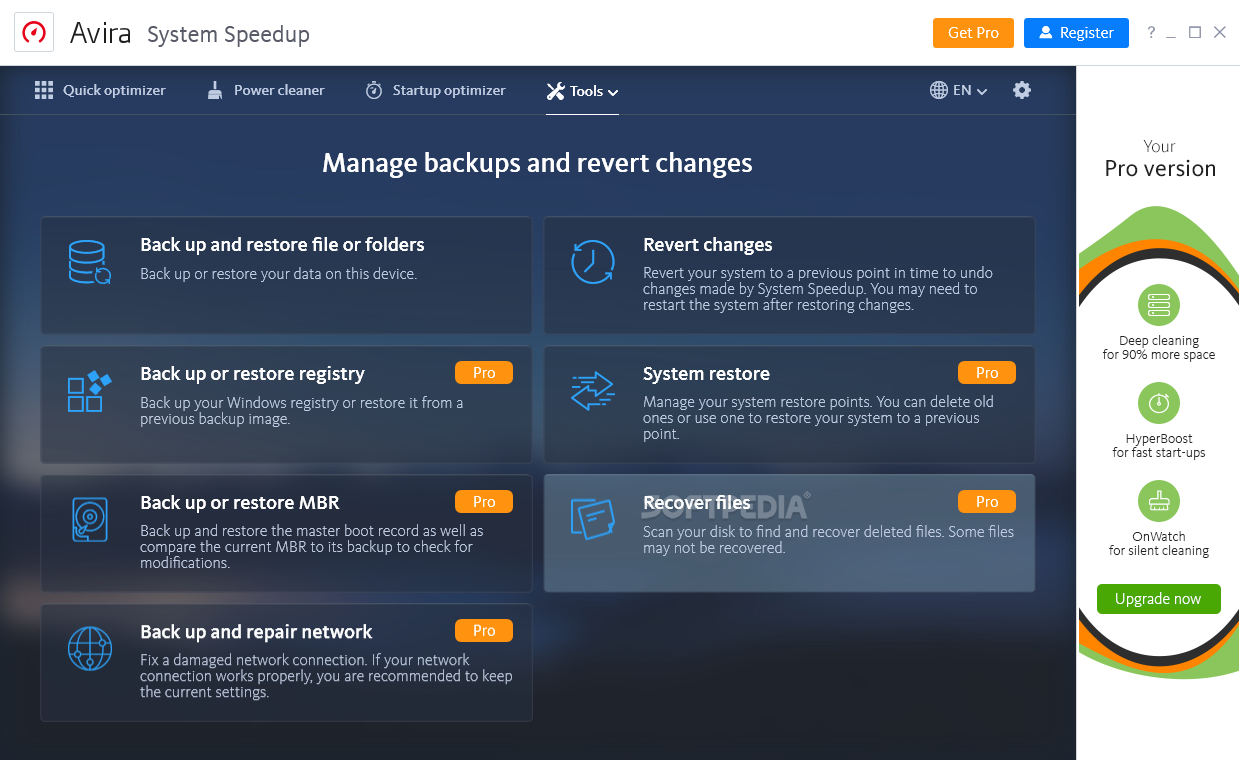
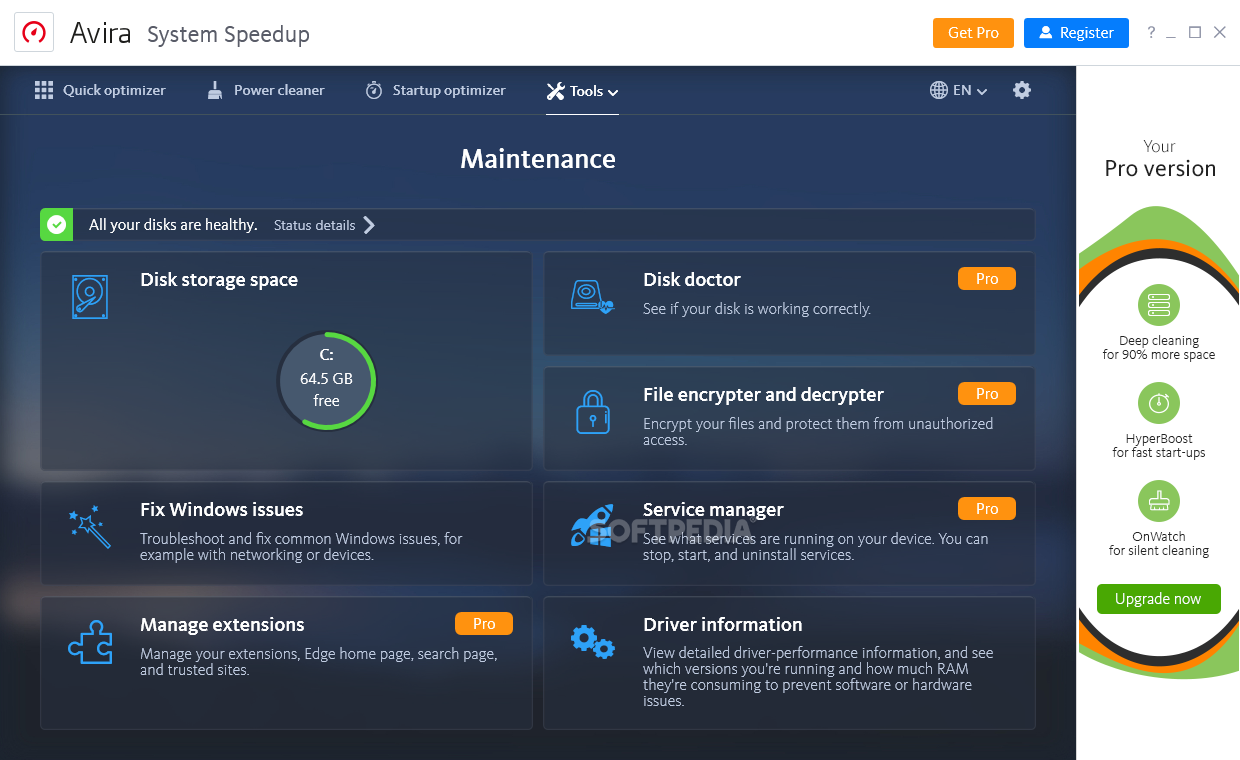
The base version also gets you a selection of free tune-up tools as part of the System Speedup Suite. With their help, you can ensure that your computer is clear of all types of pesky junk files. There’s also a startup optimizer that helps you speed up your computer’s starting time, and a duplicate finder that should help you bring some order in those bulky folders.
Currently, there are three main plans: Internet Security, Prime, and Prime Family. The first is aimed at users who want to ensure that their online presence is as protected as possible.
The Internet Security plan offers enhanced virus protection, as well as tools aimed at ensuring that most online-related vulnerabilities are patched by keeping your apps updated to their latest versions, and by protecting your sensitive data and passwords. The Prime and Prime Family plans are better as they allow you to unleash the suite’s full potential (the only difference is the number of supported users). You are provided with all of Avira’s security, privacy, and performance-oriented tools.
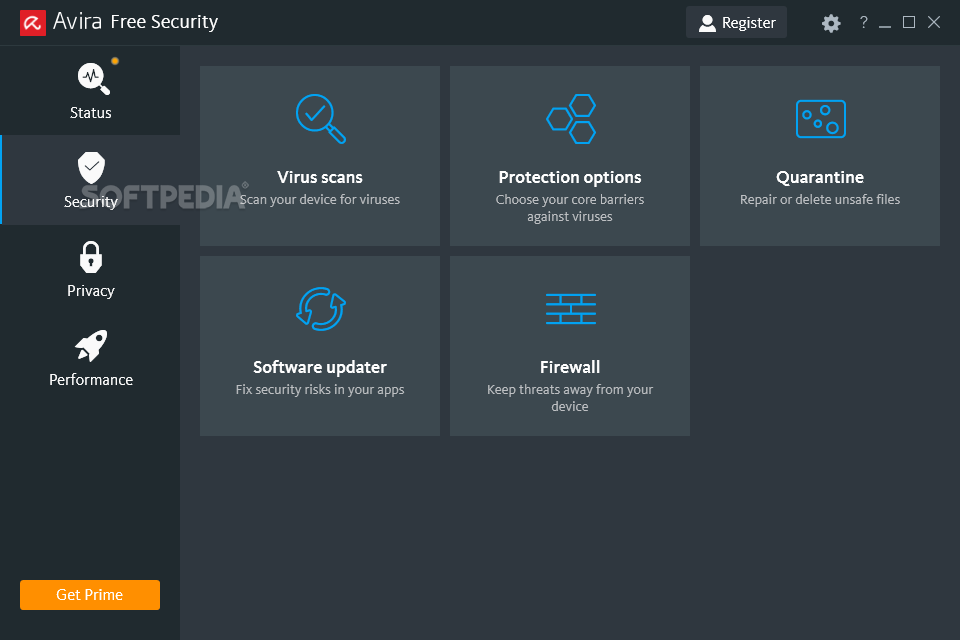
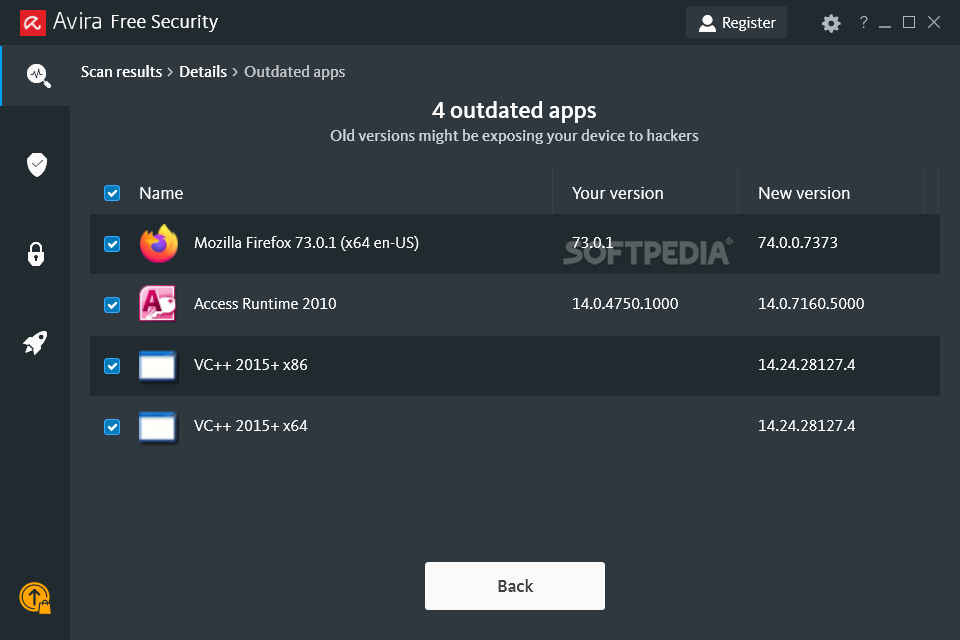
To put it all into perspective, you can basically think of having 3 apps into one. The suite helps you avoid all types of online threats (ransomware, viruses, banking Trojans, spyware, etc.), repair and quarantine compromised or suspicious files, identify outdated apps and patch vulnerabilities, encrypt your data and ensure your anonymity while web browsing (via an unlimited VPN service), block phishing attempts, as well as stay away from harmful websites, ads, and even web trackers.
The suite can help you create dynamic passwords for all your accounts, securely erase sensitive data, wipe out online trackers, and data left within your browsers, prevent Windows and various other apps from sharing your data, as well as free up space on your PC, accelerate your PC’s start time, prolong your laptop’s battery life, and update drivers to improve your system’s overall performance.
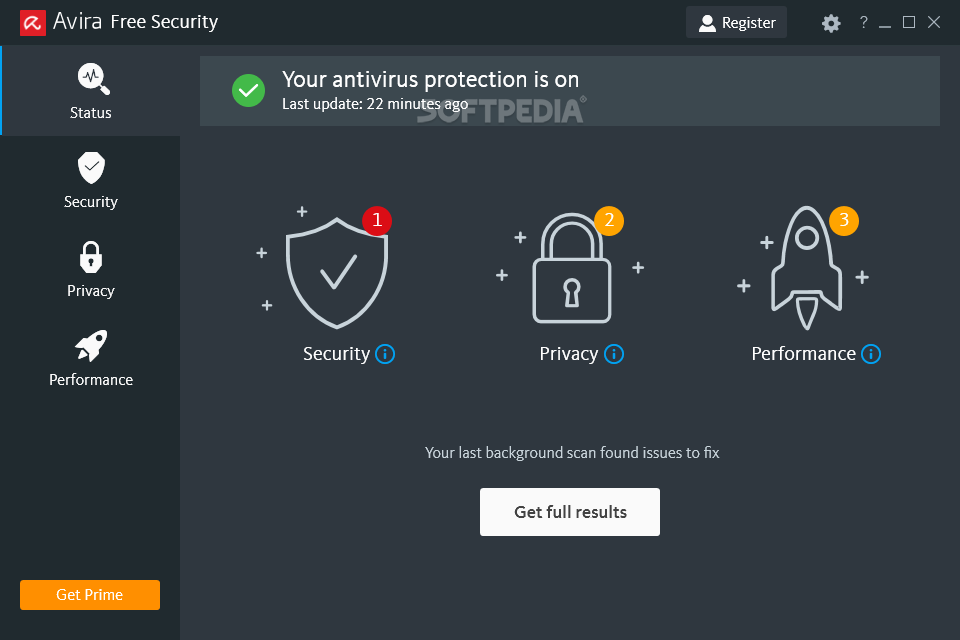
Short answer: even more so than before. The app boasts a new, stylish, black-themed GUI that looks right at home on Windows 10.
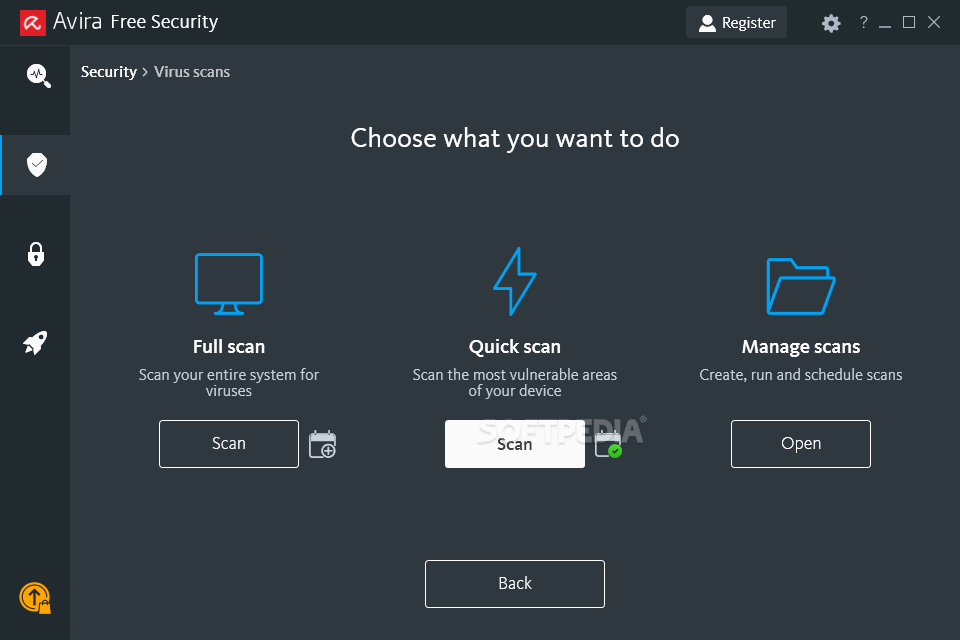
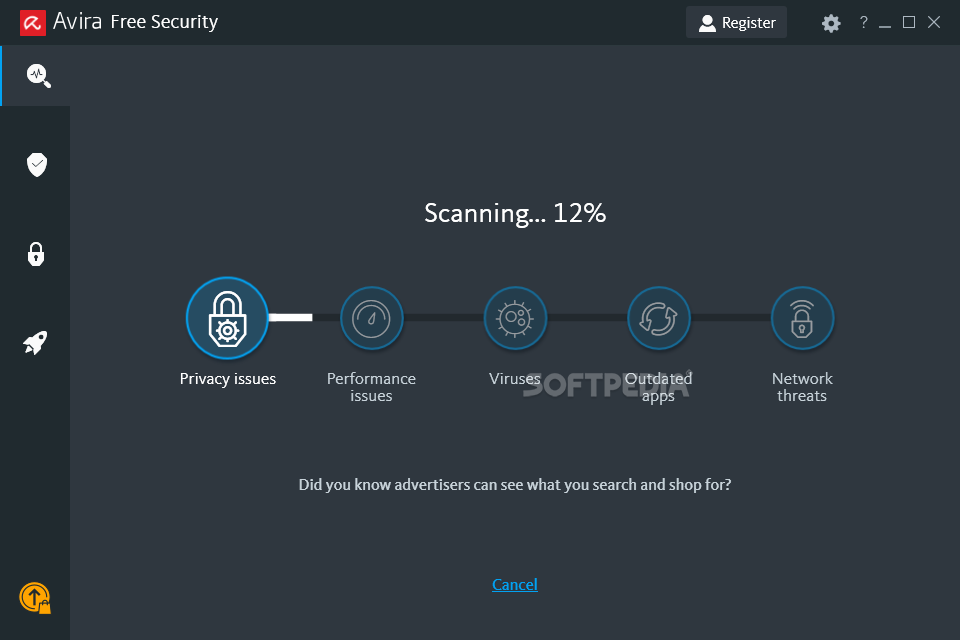
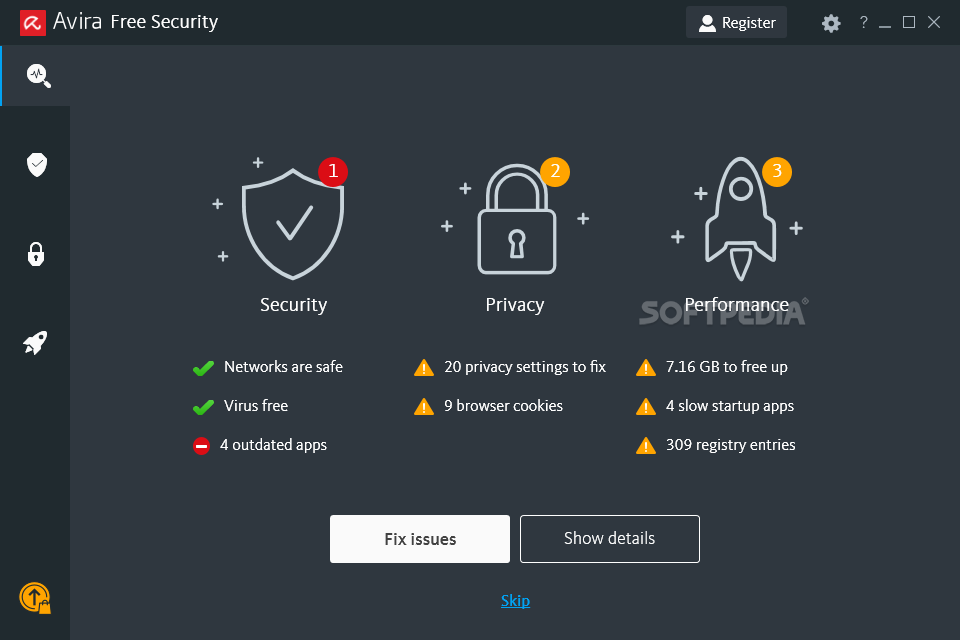
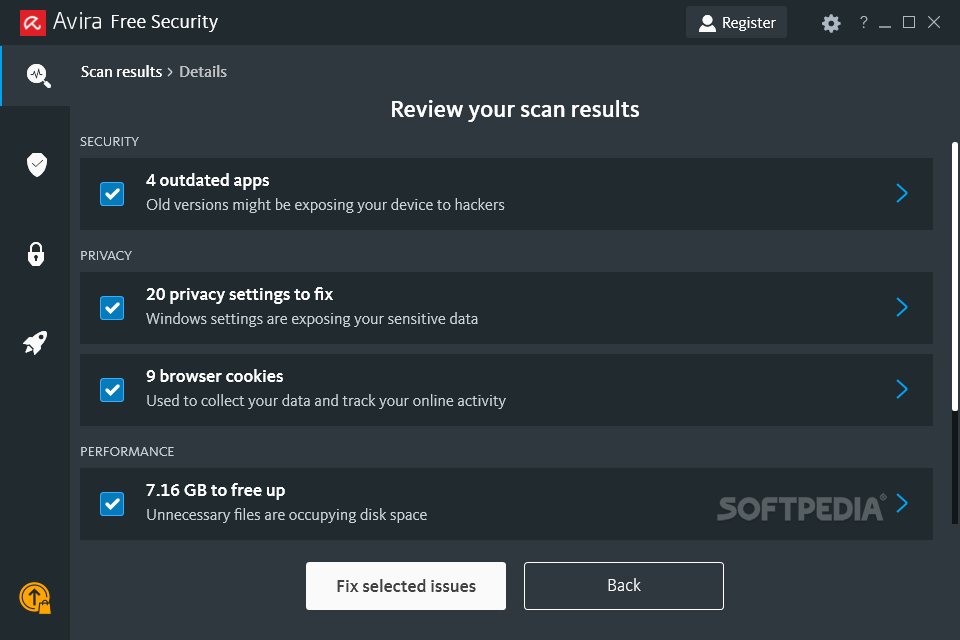
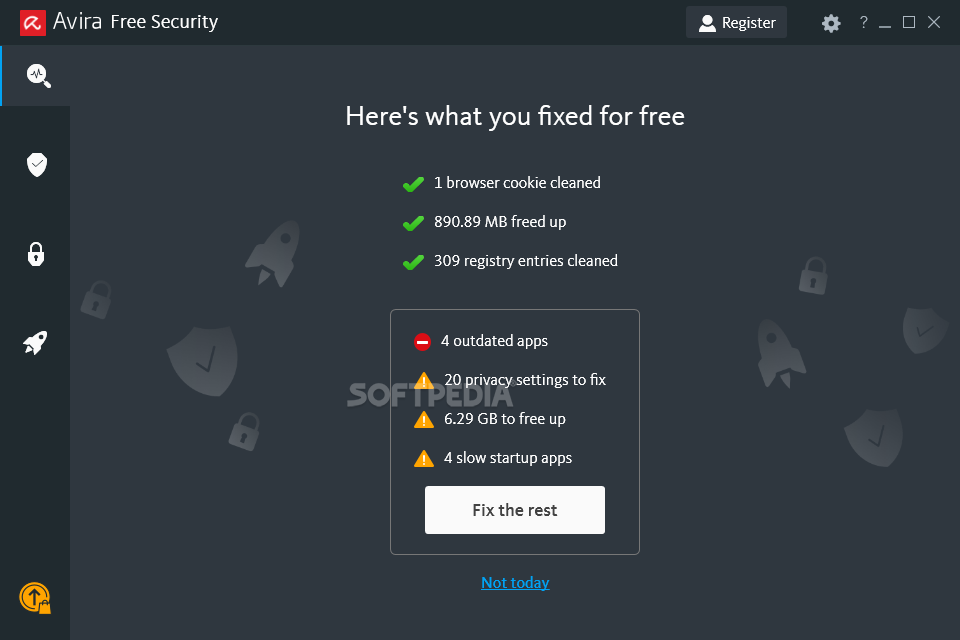
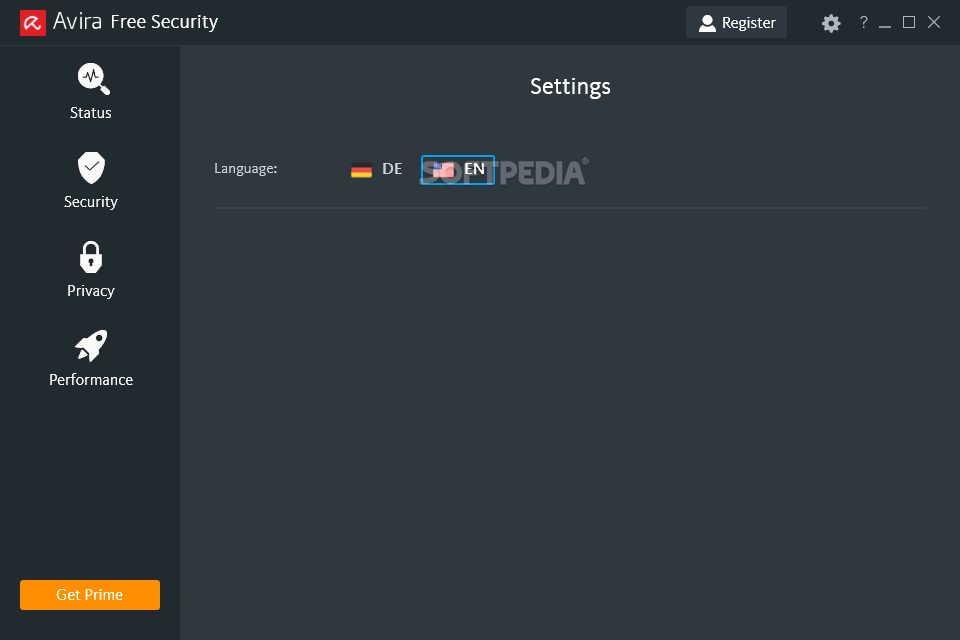
All of the app’s tools and features are neatly organized in 4 main sections named Status, Security, Privacy, and Performance. You can access any tool individually from their designated location, or better yet, simply go to Status, and click the Smart scan button that automatically checks for any security, privacy, and performance issues and allows you to fix them with no more than a few mouse clicks.
It’s amazing to see just how much AV solutions have evolved during the last few years. In today’s highly digitized world there are threats lurking almost everywhere in the online world. One thing is quite clear: classic AV solutions don’t really cut it anymore.
Avira Free Security is the latest evolution of the modern antivirus solution. In its basic form, it brings forth one of the best antivirus engines, a VPN, and a lot of other efficient goodies that will have a big impact on protecting your privacy and even ensure that your computer is running as it should.
Download Hubs
Avira Free Security is part of these download collections: Scan For Viruses, Free Antivirus, Trojan Remover, Backdoor Detector
Avira Free Security 1.1.99.443
 Softpedia Editor's Pick
add to watchlist
add to download basket
send us an update
REPORT
Softpedia Editor's Pick
add to watchlist
add to download basket
send us an update
REPORT
- runs on:
-
Windows 11
Windows 10 32/64 bit
Windows 8 32/64 bit
Windows 7 32/64 bit - file size:
- 33.7 MB
- filename:
- avira_spotlight_setup.exe
- main category:
- Antivirus
- developer:
- visit homepage
Context Menu Manager

calibre

ShareX

Microsoft Teams

IrfanView

7-Zip

Zoom Client

Bitdefender Antivirus Free

Windows Sandbox Launcher

4k Video Downloader

- Bitdefender Antivirus Free
- Windows Sandbox Launcher
- 4k Video Downloader
- Context Menu Manager
- calibre
- ShareX
- Microsoft Teams
- IrfanView
- 7-Zip
- Zoom Client