Softpedia
 

WINDOWS CATEGORIES:


GLOBAL PAGES >>
SOFTPEDIA REVIEWS >>
MEET THE EDITORS >>
WEEK'S BEST
  • Bitdefender Total ...
  • Hard Disk Sentinel...
  • FlashFXP [DISCOUNT...
  • Ocster Backup Pro ...
  • Kaspersky Internet...
  • DVDFab DVD Copy [D...
  • Avast! Internet Se...
  • Avira Internet Sec...
  • Webroot SecureAnyw...
  • McAfee Total Prote...
  • Home > Windows > Security > Secure cleaning
     Report malware

    O&O SafeErase Professional 6.0 Build 267

    download button buy button

    Downloads: 10,769  Tell us about an update
    User Rating:
    Rated by:
    Very Good (4.1/5)
    33 user(s)
    Developer:

    License / Price:

    Size / OS:

    Last Updated:

    Category:

    Trial / 29.90 EUR buy button
    733 KB / Windows XP / Vista / XP 64 bit / Vista 64 bit / 7 / 7 64 bit / 8 / 8 64 bit
    [view history]
    C: \ Security \ Secure cleaning

     Read user reviews (2)  Send to friend   Follow (2 users)

    O&O SafeErase Professional description

    Secure deletion of your sensitive files and Internet traces

    Delete your data once and for all!

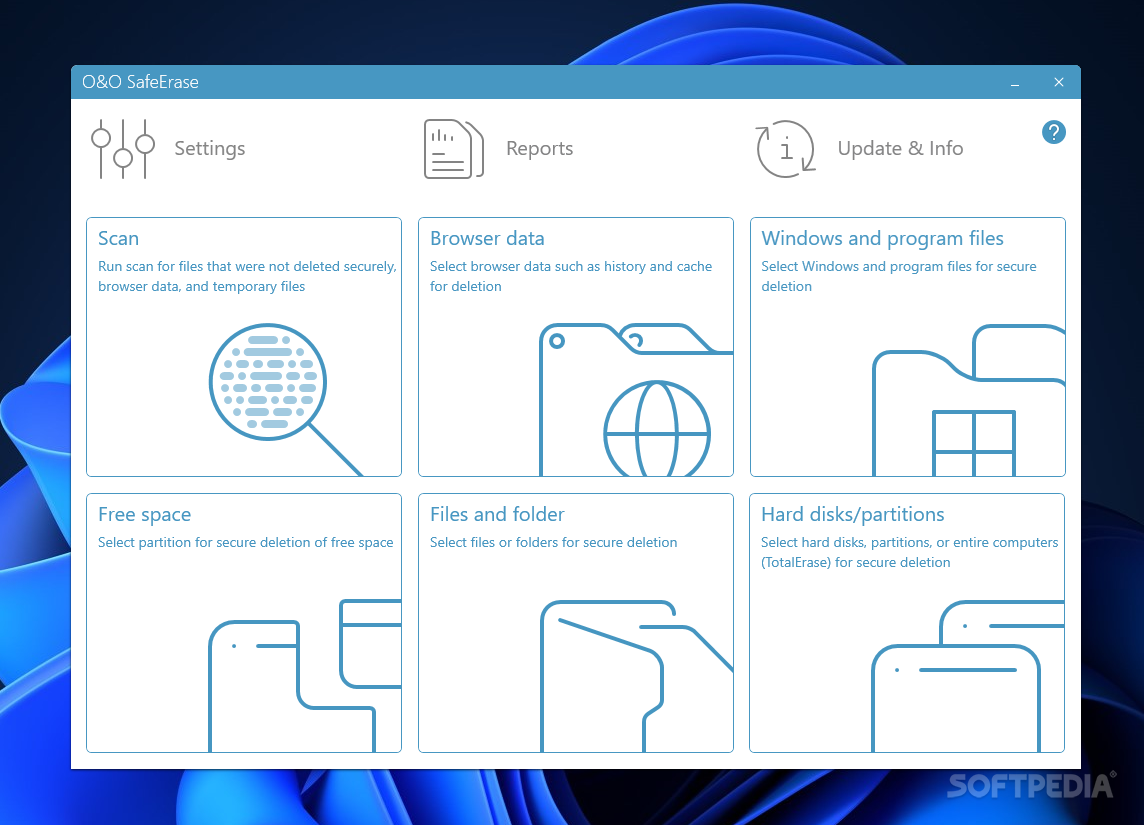
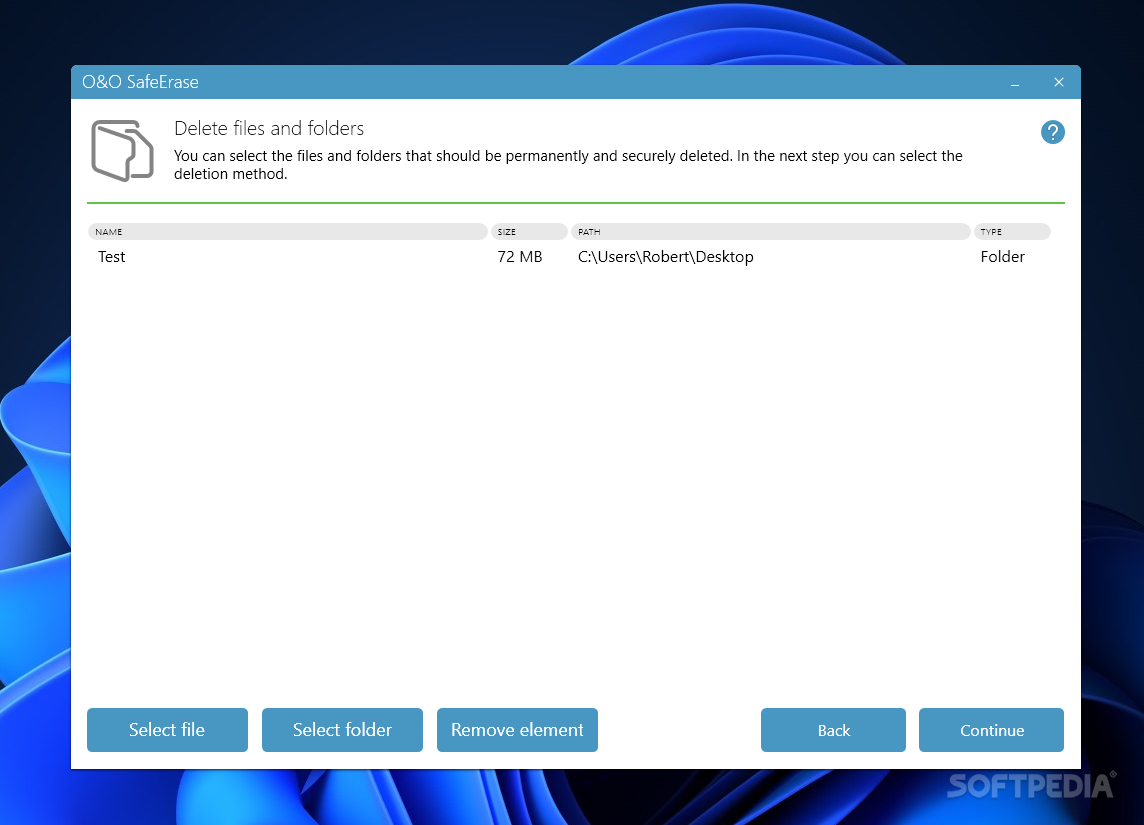
    O&O SafeErase Professional is thr solution for securely deleting sensitive data from your hard disk and offers you the ultimate protection of your privacy. With just one click of the mouse, you can securely and permanently delete files, folders and partitions.

    The motives for deleting files are many. Old e-mail files, internet histories, file cache, financial records, company information, and private files ought to be protected from unauthorized access.

    This application will not simply delete data, but it will annihilate it by using efficient methods. Regardless of the operating system, O&O SafeErase Professional will prevent any unauthorized access to deleted files that may be capable of recovery.
     
    Internet security:
    While you surf the Internet, your browser usually stores Internet files on your hard disk unnoticed. These files can provide information on websites visited or passwords. Whether cookies, form data or browsing history - O&O SafeErase lists all the saved information for each browser you use, and you can then SafeErase them individually or bundled together. Once deleted, nobody will be able to detect your Internet activity and your online accounts are protected from unauthorized access.

    SafeErasing your entire computer:
    Deleting the entire computer allows you to SafeErase all your data before its sale, transfer or disposal. All files, settings, applications and the operating system are deleted so that a recovery is impossible. You can rest assured that nobody can restore your data and abuse it. With O&O SafeErase you can even SafeErase your entire computer without a start medium (e.g. Boot CD).

    Six methods for your security:
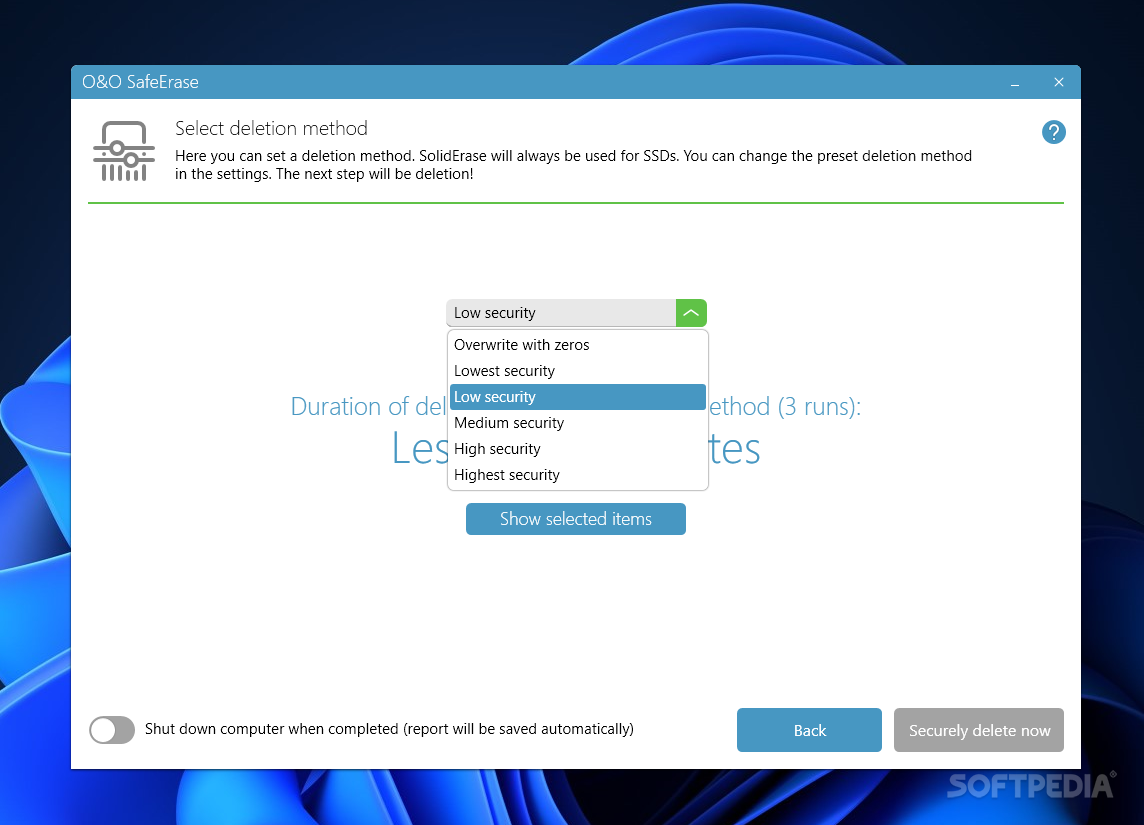
    O&O SafeErase allows you to choose from six different deletion methods, depending on your individual needs. The methods of deletion differ in the number of runs and the kind of overwriting process. These methods ensure maximum security, whatever your needs. In addition to standardized deletion methods of the U. S. Department of Defense (DoD) and the Federal Office for Information Security (BSI) you can also select a complex mathematical method (Gutmann method), which matches the highest security levels. In this scientifically approved method of data deletion, the corresponding areas of the hard disk are overwritten 35 times following precisely defined rules both with fixed and with random values. This allows O&O SafeErase to even exceed the requirements of the DoD and the BSI. For a quick deletion you can also simply overwrite data with zeros.

    Increasing effectiveness:
    The support of modern multi-core processors enables a more efficient deletion by O&O SafeErase. To save time for special settings and combinations of deletions, you can save your activities in deletion lists and reload them whenever necessary.

    Here are some key features of "O&O SafeErase Professional":

    SafeErasing:
    · Files, folders and individual partitions
    · Memory cards and USB data volumes
    · Free hard disk space
    · Entire computer, no boot medium necessary
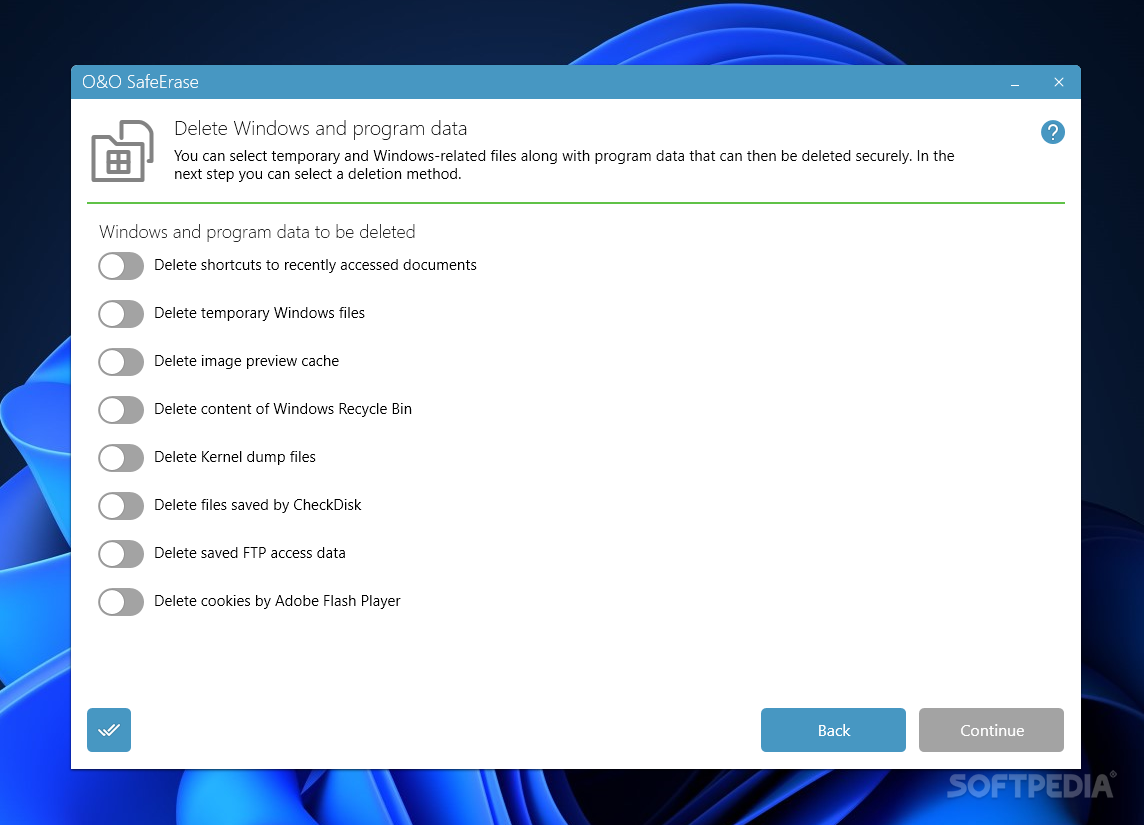
    · Internet and temporary program files

    · Securely move files and folders

    · Six methods to SafeErase sensitive data

    · Complete integration into Windows Explorer

    · Detailed reports as prove of deletion

    · Speed optimization of deletion processes

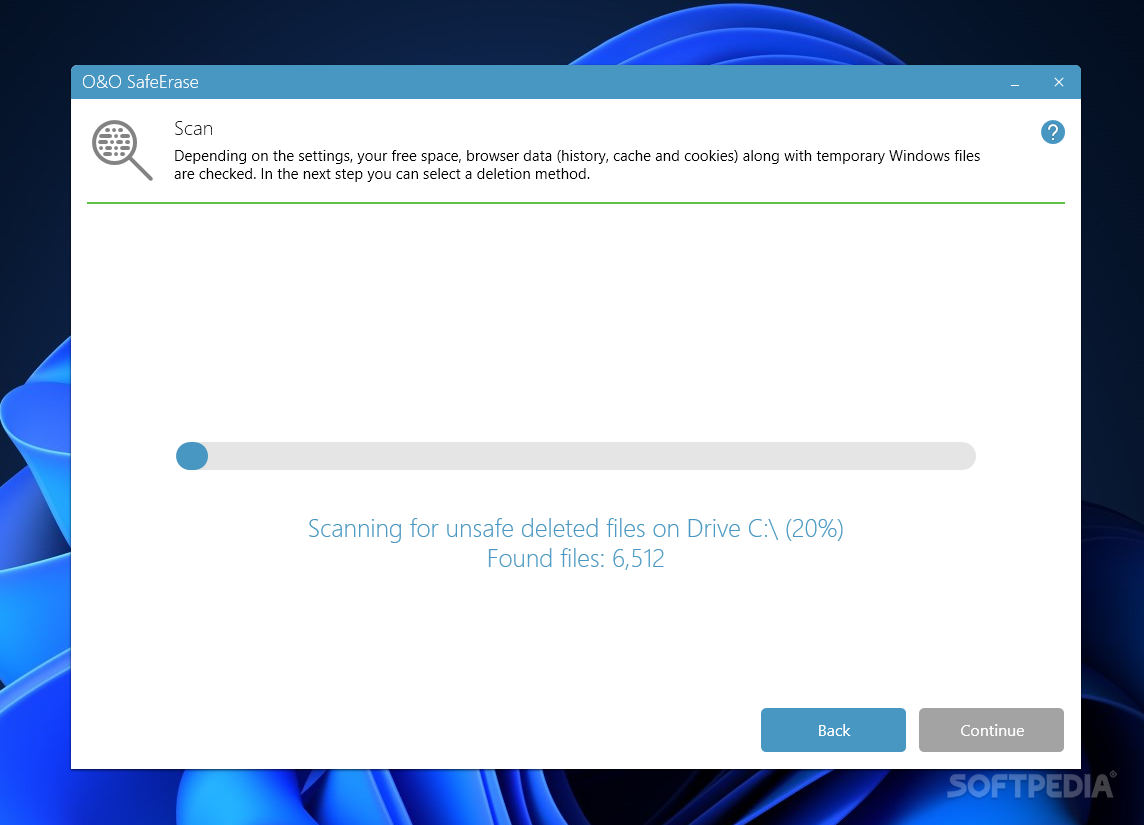
    · Analysis tool to search for unsafe deleted files

    · Adapted deletion method for SSDs (TRIM)

    · Enhanced report and activity management

    · Enhanced command processing via command line

    Requirements:

    · 20 MB free disk space

    Limitations:

    · 30 day trial
    · The "TotalErase" and "Free Space Wiping" functions are only available in the full version.
    · Nag screen

    What's New in This Release: [ read full changelog ]

    NEW: Compatible with Windows 8:
    · O&O Software guarantees that its top products will function under Windows 8.

    NEW: Shut down after deletion is complete:
    · O&O SafeErase now offers you the option to shit down the computer automatically once a deletion has completed.

    Analyzes your entire computer for data which hasn't been SafeErased yet:
    · A special algorithm scans the computer for files, which have been SafeErased, have been created temporarily or have been stored in your Internet Browser. After the analysis you will get a detailed list of files, which haven't been SafeErased and pose a risk for your private sphere. Based on the graphical status display you will see the potential risk which an unsafe deletion of data may pose. A few clicks allow you to clean up your computer, so that no temporary and assumed deleted files can be restored.

    SafeErase data of Solid State Drives (SSDs):
    · The frequent deletion and overwriting of files influences the life span of SSDs. It is not p...

     Softpedia guarantees that O&O SafeErase Professional 6.0 Build 267 is 100% CLEAN, which means it does not contain any form of malware, including spyware, viruses, trojans and backdoors. [read more >]


    TAGS:

    file shredder | erase partition | folder deletion | delete | eraser | wiper

    Go to top

    WindowsGamesDriversMacLinuxScriptsMobileHandheldNews

    SUBMIT PROGRAM   |   ADVERTISE   |   GET HELP   |   SEND US FEEDBACK   |   RSS FEEDS   |   UPDATE YOUR SOFTWARE   |   ROMANIAN FORUM