
Optimizes and cleans your computer in minutes. #Junk Cleaner #Fix Error #Defragment PC #Optimize #Eraser #Defragment

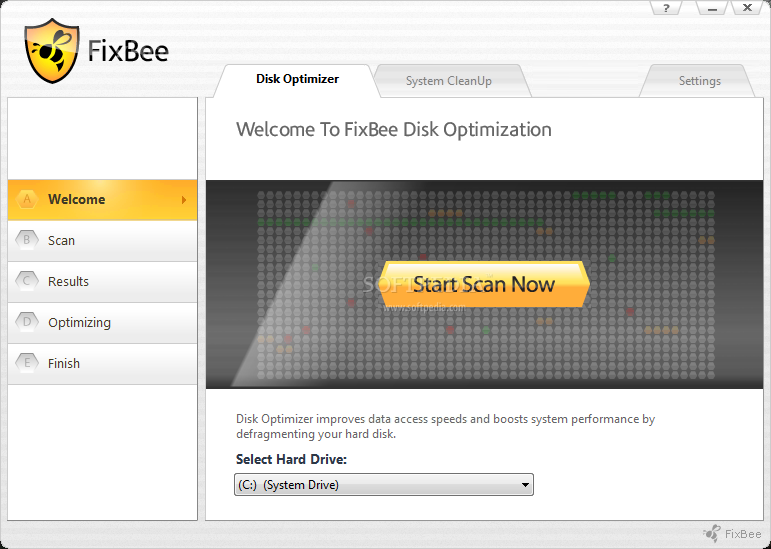
FixBee represents a software solution to quickly optimizing and cleaning the computer system. It is oriented toward first-time and experienced users alike.
The interface of the program is based on a standard window with a well-defined layout, where you can get started by selecting a local volume to perform the procedure on.
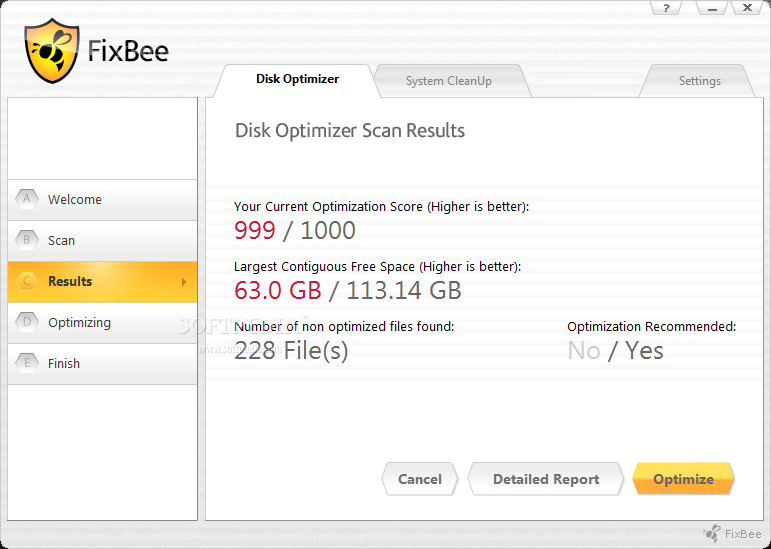
When it comes to optimizing the disk, you can check out the scan results concerning the current optimization score, largest contiguous free space, total non-optimized files found, and recommendation.
In order to get a detailed report, FixBee brings up a webpage in Internet Explorer and shows the disk and free size, clusters, sectors and bytes per cluster, start and end scan time, total files and directories, along with disk and data fragmentation percentage.
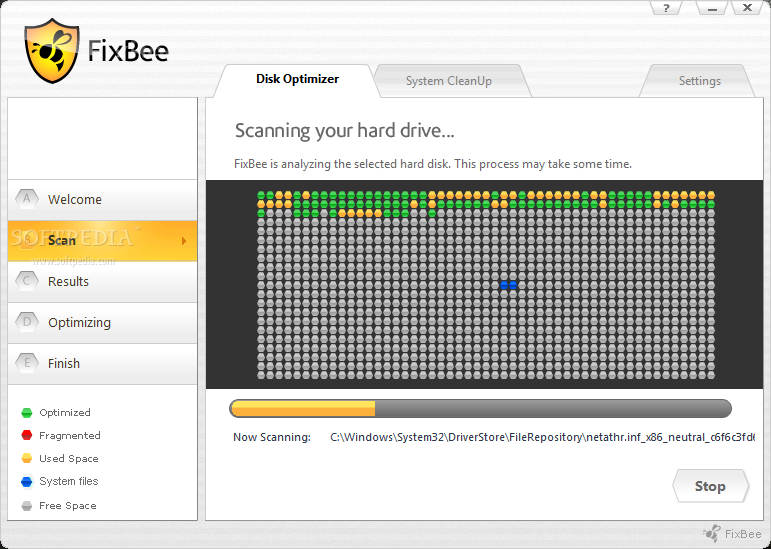
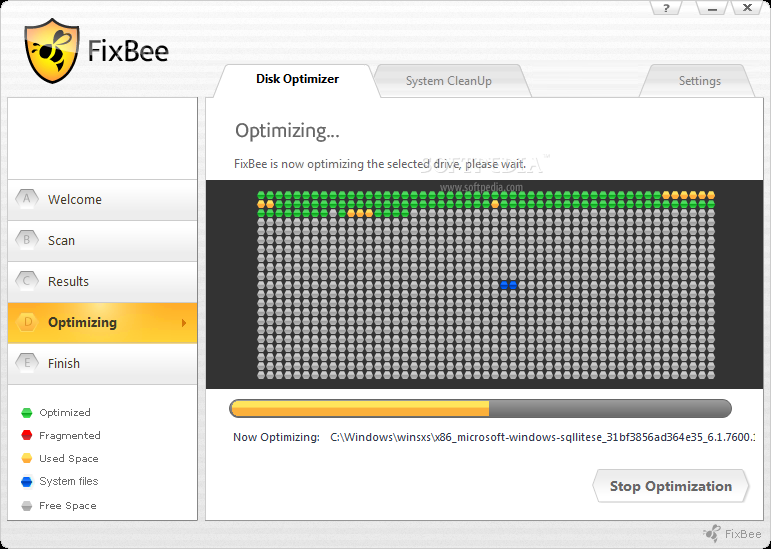
During the optimization process, you can check out a graphical representation of the disk defragmentation, together with a legend for optimized and fragmented clusters, used space, system files and free space. This process may take a while to finish, according to the size of your hard drive.
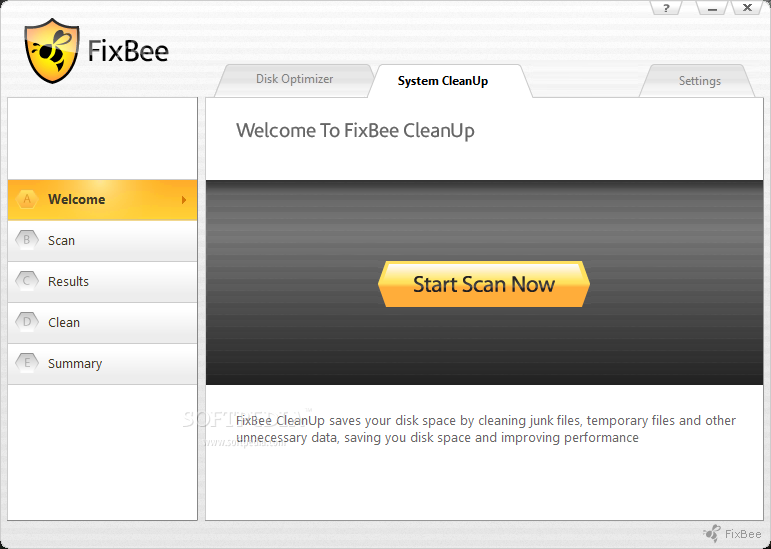
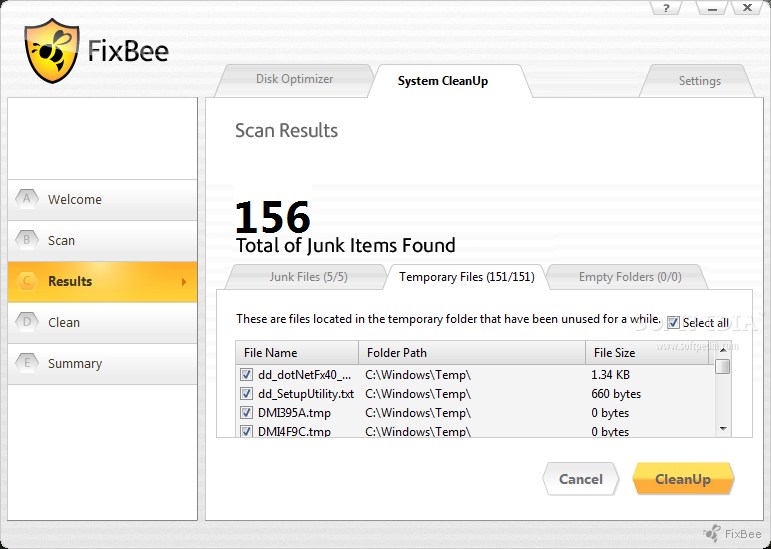
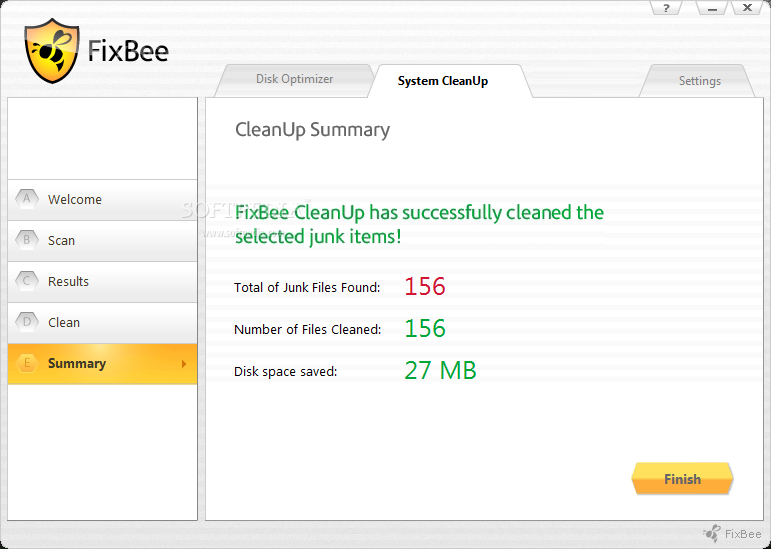
The "System CleanUp" tool locates temporary and junk files, and empty folders. Proceeding with the task is done with the simple click of a button. Plus, FixBee automatically creates a system restore point, in case Windows starts experiencing errors afterward.
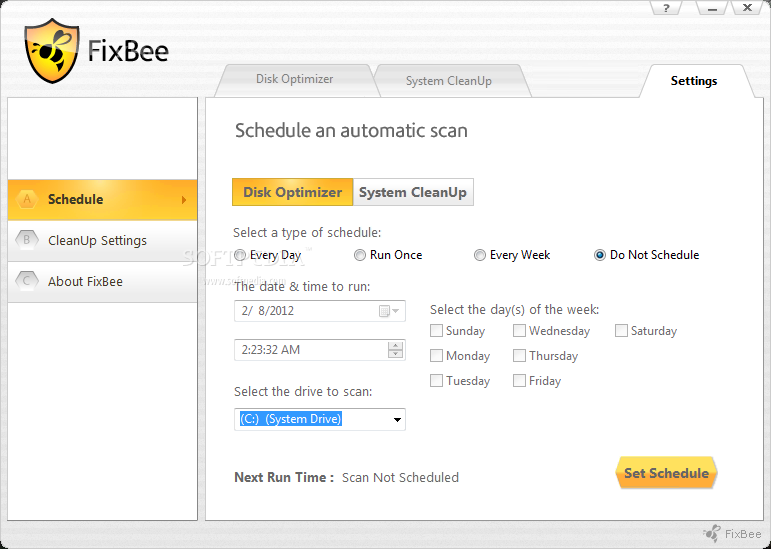
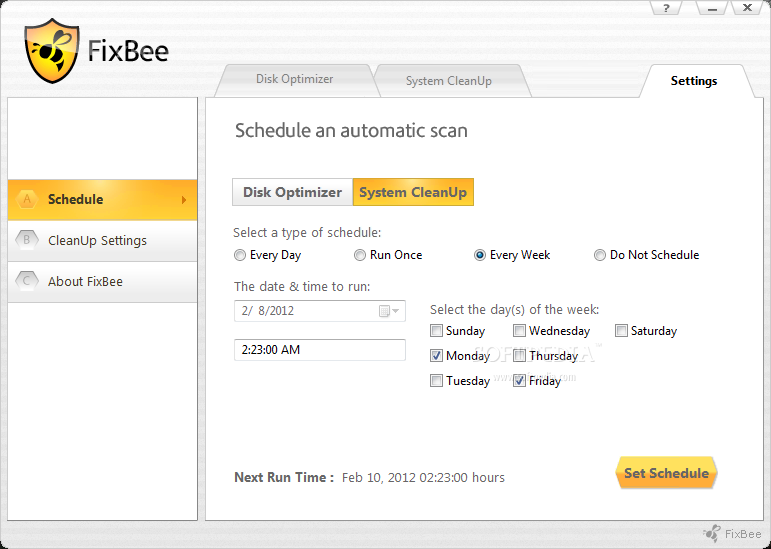
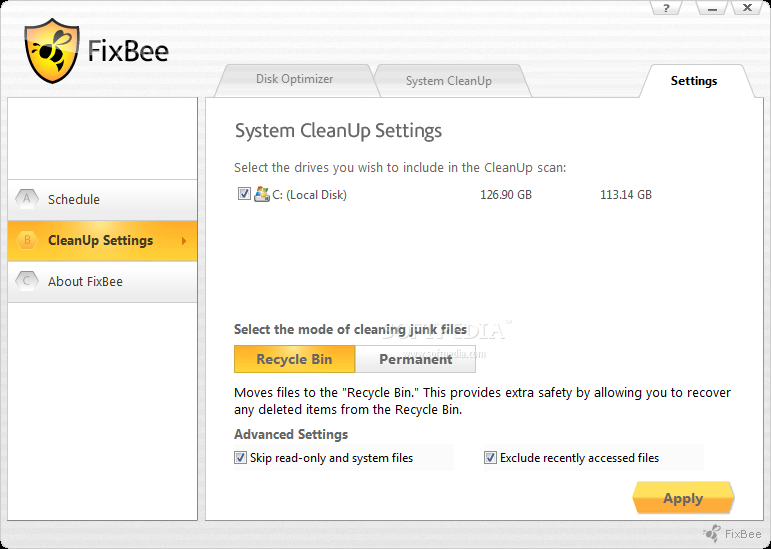
A bunch of configuration options are available through the Settings area. For instance, you can schedule a one-time-only or recurring task (whether we are talking about the disk optimizer or system cleanup tool), specify the junk file cleaning method (Recycle Bin or permanent), as well as make FixBee skip read-only and system files, and to exclude recently accessed files.
The straightforward software program needs a low-to-moderate amount of CPU and system memory, so it shouldn't put a strain on the computer's overall performance. We have not encountered any problems throughout our testing; FixBee did not hang, crash or pop up error dialogs. FixBee should meet the requirements of all users who are looking for a fast, reliable and effortless system optimizer and cleaner.
- runs on:
- Windows All
- file size:
- 455 KB
- filename:
- FixBeeV1.exe
- main category:
- Security
- developer:
- visit homepage
4k Video Downloader

IrfanView

Microsoft Teams

Windows Sandbox Launcher

calibre

ShareX

Context Menu Manager

7-Zip

Zoom Client

Bitdefender Antivirus Free

- 7-Zip
- Zoom Client
- Bitdefender Antivirus Free
- 4k Video Downloader
- IrfanView
- Microsoft Teams
- Windows Sandbox Launcher
- calibre
- ShareX
- Context Menu Manager