
A software application to manage, compute and verify your files' MD5 signatures, which includes a user-friendly interface and intuitive options. #Md5 calculator #Check md5 #Md5 checker #Md5 #Check #Checksum

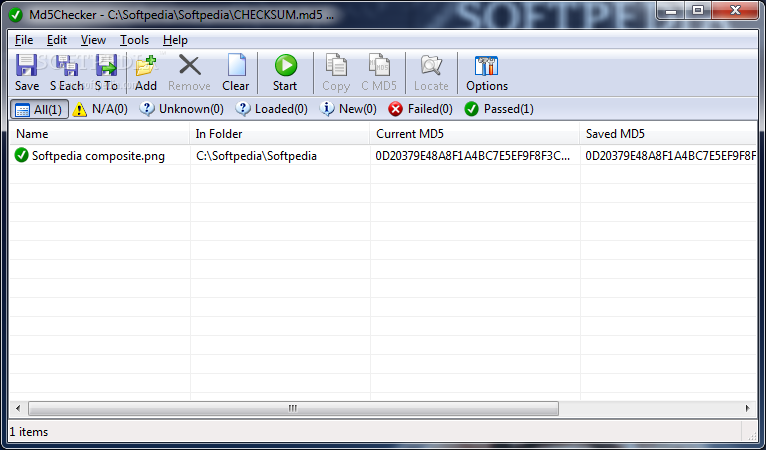
Md5Checker is a small-sized and portable program which lets you view and compare MD5 checksums. It provides a helping hand whenever you are about to download a large file from the Internet, as you can verify the MD5 signature beforehand, to find out whether the target is real or fake.
Since installation is not a prerequisite, you can run the executable file from any location on the hard drive. It is also possible to save Md5Checker to a USB flash disk or other removable storage unit, in order to run it on any machine without prior installers.
A secondary aspect to take into consideration is that no entries are added to the Windows registry, Start menu or any other part of the hard drive.
The interface is represented by a standard window with a well-organized layout, where you can load as many files as you want, using the file browser or drag-and-drop support.
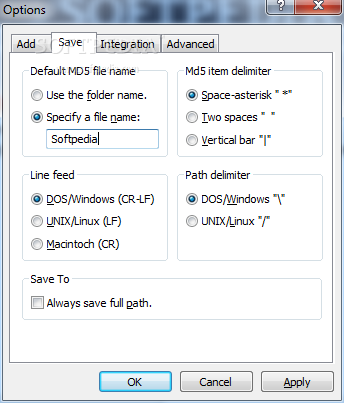
The list shows the name, path, current and saved MD5 checksum, size, and date of modification for each item. You can save the MD5 signature of all files or individual ones to the MD5 format, by specifying the output directory and file name. It is possible to choose the MD5 item delimiter, line feed and path delimiter, as well as to apply these settings to future projects.
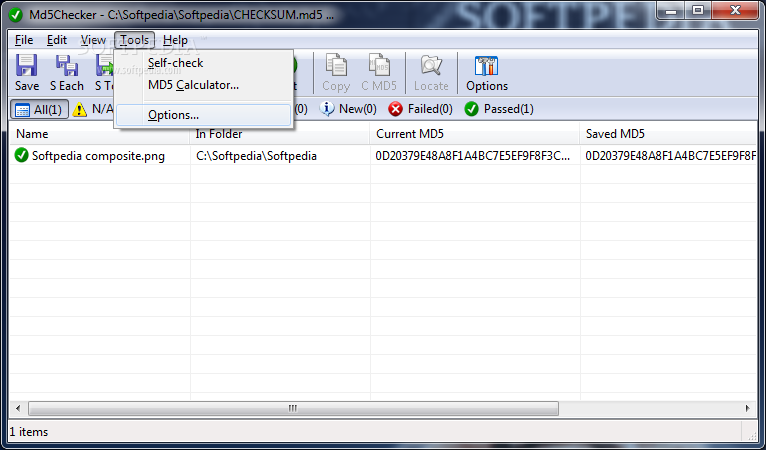
Comparing MD5 signatures is done by selecting a file from the list and writing (or pasting from the Clipboard) a secondary MD5 value. Moreover, you can perform a self-check test for a selected item, use an MD5 calculator, as well as view only unavailable, unknown, loaded, new, failed or passed files, instead of all items.
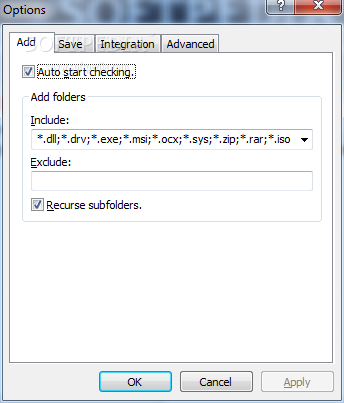
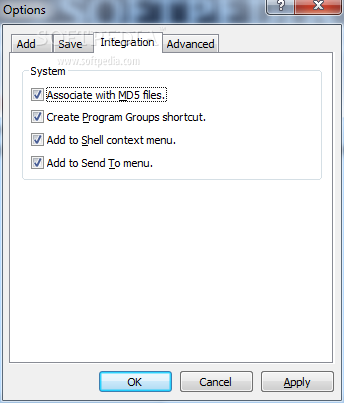
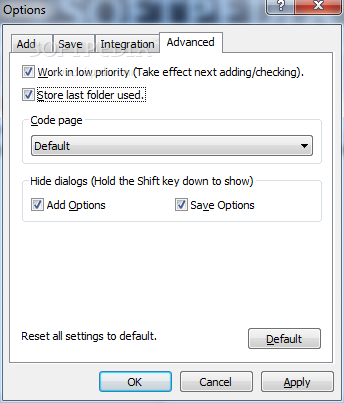
As far as general options go, you can set Md5Checker to automatically start checkups and to work in low priority mode, enable recursive subfolders, create an inclusion list of file masks, integrate the tool into shell, choose the code page, and others.
The utility is light on system performance, using a low amount of CPU and memory. It has a good response time and carries out a task swiftly and error-free. We haven't come across any issues in our tests. Overall, Md5Checker delivers a simple solution to viewing and comparing MD5 checksums, backed up by an intuitive working environment.
Download Hubs
Md5Checker is part of these download collections: Checksum Verifiers, MD5 Generators
What's new in Md5Checker 3.3:
- New: Check new md5 items only option
- New: Check new files in Md5Checker Shell context menu item
- New: Be able to recognize and skip comments in an MD5 file
- New: Displays last opened folder/last opened/saved MD5 file in the title bar
Md5Checker 3.3
add to watchlist add to download basket send us an update REPORT- runs on:
- Windows All
- file size:
- 132 KB
- filename:
- Md5Checker.zip
- main category:
- Security
- developer:
- visit homepage
7-Zip

Zoom Client

IrfanView

ShareX

Bitdefender Antivirus Free

calibre

Microsoft Teams

Context Menu Manager

4k Video Downloader

Windows Sandbox Launcher

- Context Menu Manager
- 4k Video Downloader
- Windows Sandbox Launcher
- 7-Zip
- Zoom Client
- IrfanView
- ShareX
- Bitdefender Antivirus Free
- calibre
- Microsoft Teams
