
Restrict access to programs and Internet connection for each person that uses your computer and manage the time your children spend on the PC #Time watcher #Control time #Computer restriction #Watcher #Tracker #Monitor

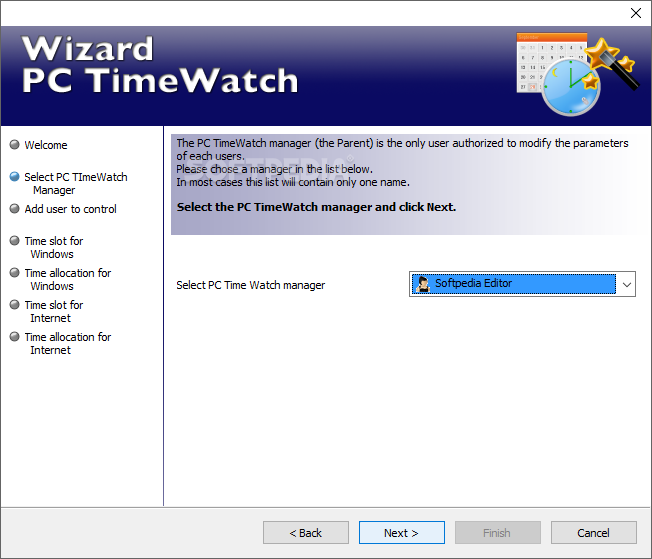
Managing the access to a computer, Internet and programs can come in handy if you have children or if you’re a business owner. PC TimeWatch is a program helps you create rules for all computer users.
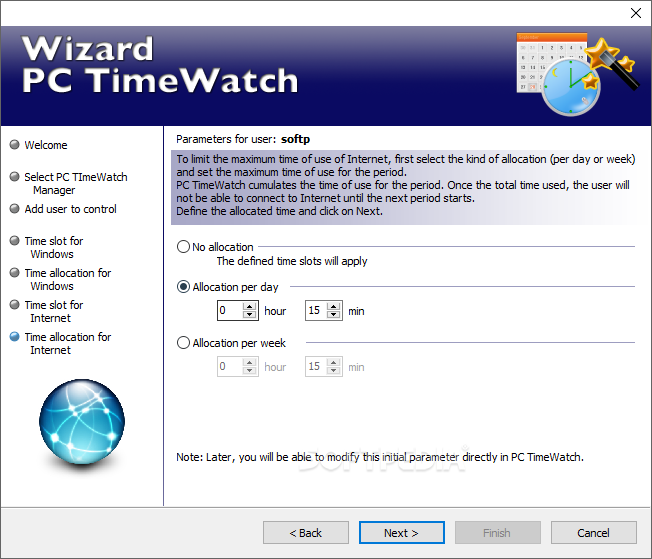
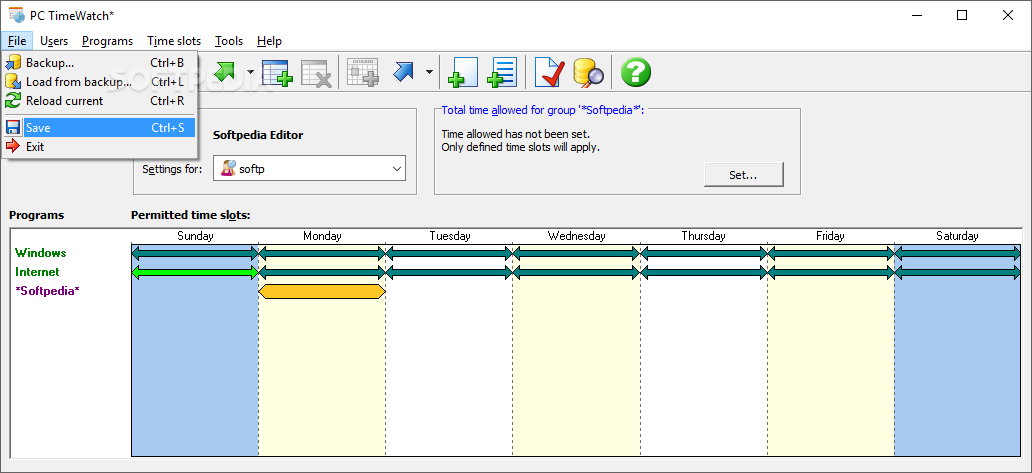
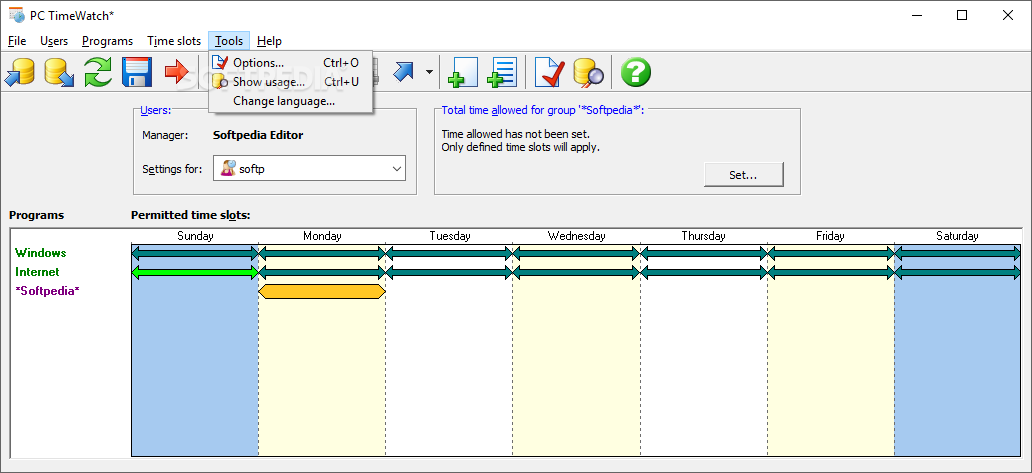
The program comes with a nice interface that’s easy to navigate and a step-by-step wizard that makes setting up the first layer of rules an easy task.
While the app controls the access to the Internet, to various programs and to the computer itself, PC TimeWatch doesn’t log the users’ activity.
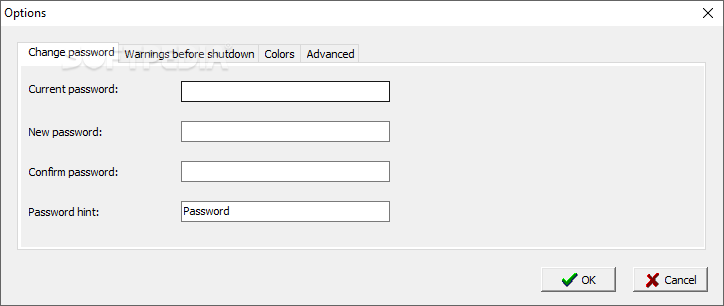
Access to this program is restricted by a six-character, case-sensitive password that you are required to set up when the app is installed.
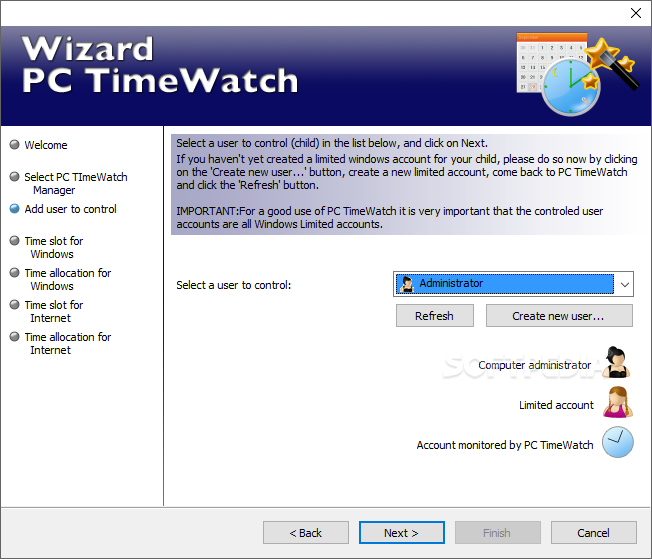
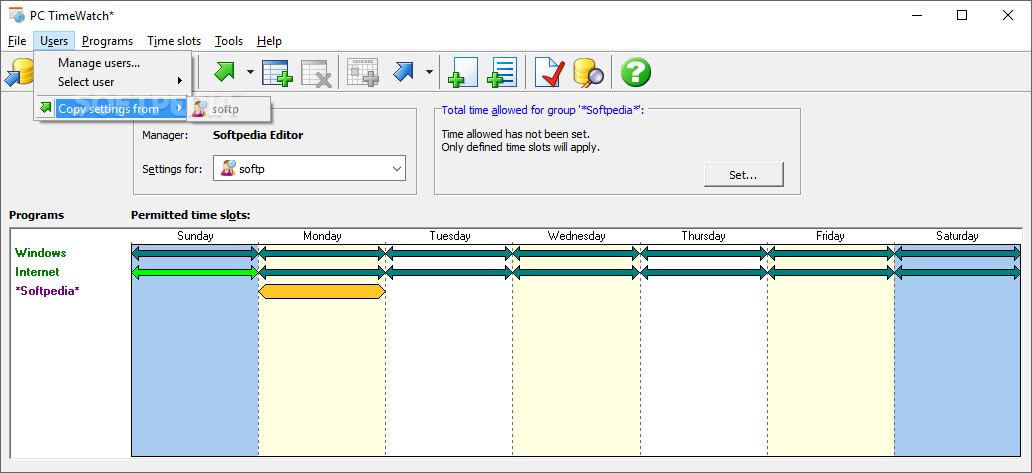
As mentioned beforehand, PC TimeWatch comes with a wizard that walks you through the entire process. You must select the manager account and the name of the users you want to control.
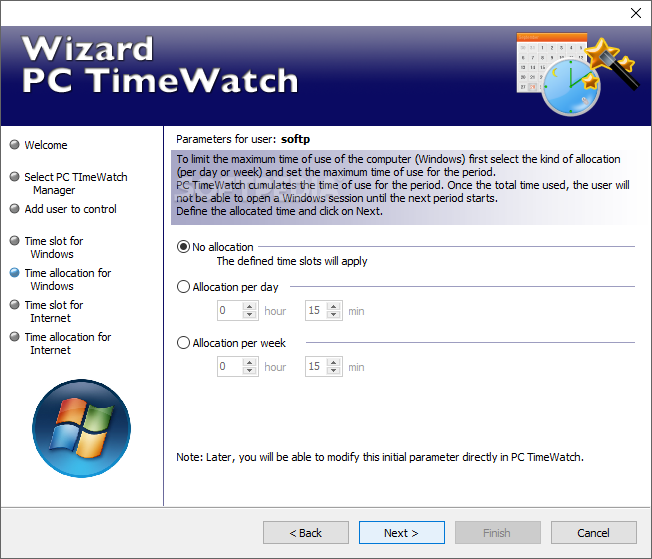
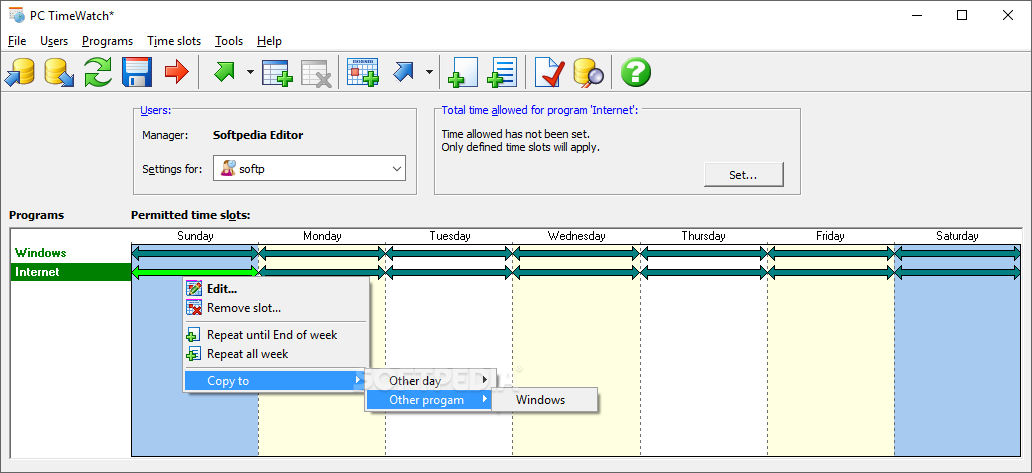
The app can set up multiple types of rules. Thus, you can restrict Windows access on week days and weekends, but you may also allocate a number of hours per day or per week that the child or employee is allowed to use the computer for.
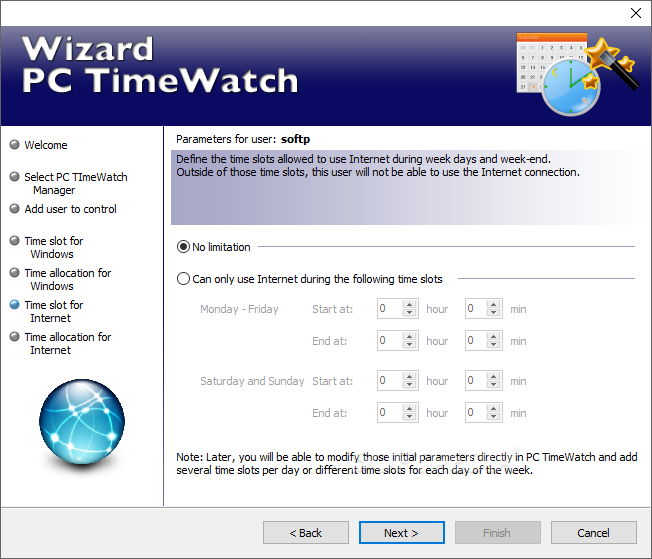
Internet access can also be restricted. The same as with the computer, Internet access can be restricted to certain time frames or to a certain number of hours.
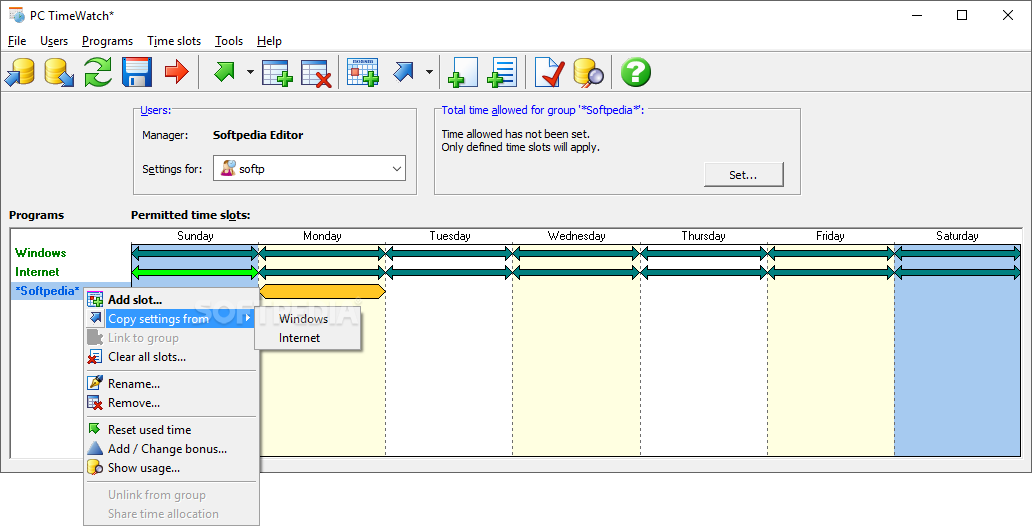
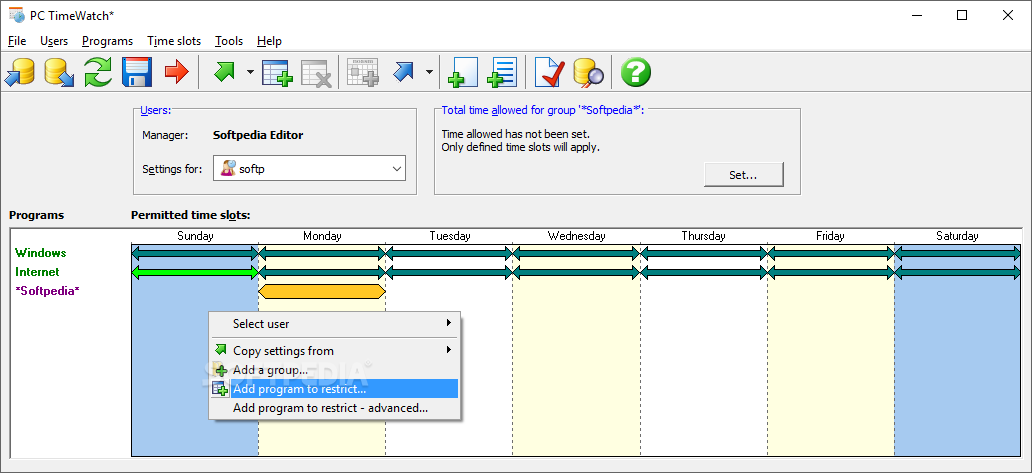
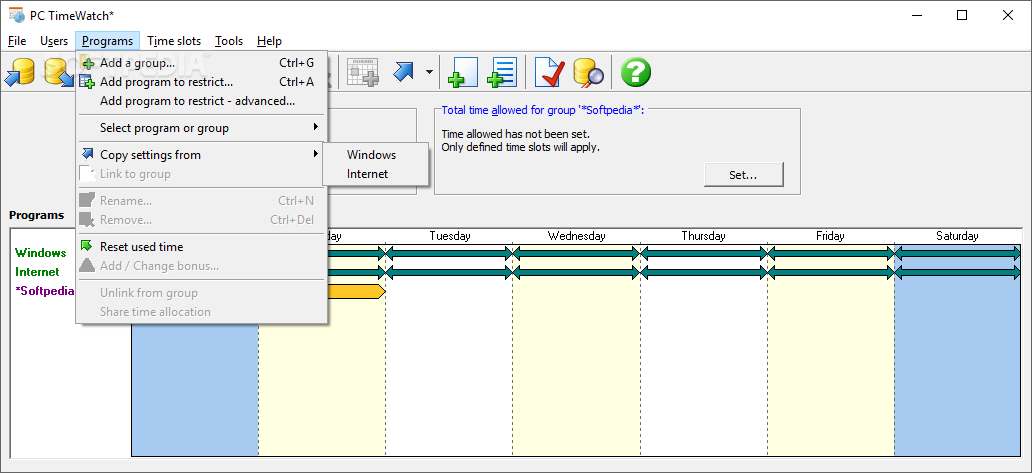
Programs can also be included. The app provides a full list of the apps installed on the computer and you can pick which ever you want. When setting up a new restriction, you can copy the initial time slots from any other previously defined items. Time allocations may also be defined.
PC TimeWatch is a program that can come in handy quite often. It’s easy to use and set up, so inexperienced users should have no problems figuring out what the software has to offer.
PC TimeWatch 1.12
add to watchlist add to download basket send us an update REPORT- runs on:
-
Windows 10 32/64 bit
Windows 8 32/64 bit
Windows 7 32/64 bit
Windows Vista 32/64 bit
Windows XP 32/64 bit - file size:
- 18.5 MB
- filename:
- ptwsetup.exe

- main category:
- Security
- developer:
- visit homepage
4k Video Downloader

Microsoft Teams

ShareX

Bitdefender Antivirus Free

calibre

Windows Sandbox Launcher

Context Menu Manager

Zoom Client

7-Zip

IrfanView

- Zoom Client
- 7-Zip
- IrfanView
- 4k Video Downloader
- Microsoft Teams
- ShareX
- Bitdefender Antivirus Free
- calibre
- Windows Sandbox Launcher
- Context Menu Manager