
Lock your computer with a custom password and disable certain functions or actions, so no one other thank yourself can use the PC. #Lock device #Computer locker #Password protection #Locker #Protection #Encrypt

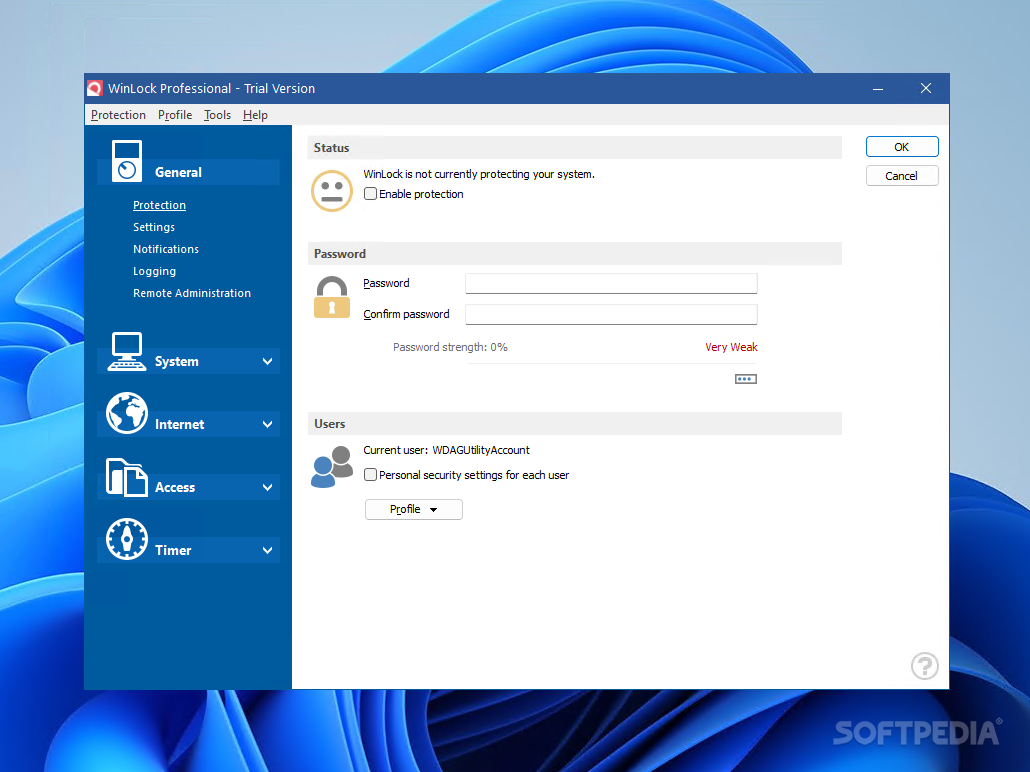
WinLock Professional is a software security solution designed to help you protect your computer against unauthorized use. This type of tool is strongly recommended if you share your computer with multiple individuals.
The interface of the application is clean and pretty intuitive. You can enable the protection mode by specifying a password, as well as make WinLock Professional use separate security settings for each user account.
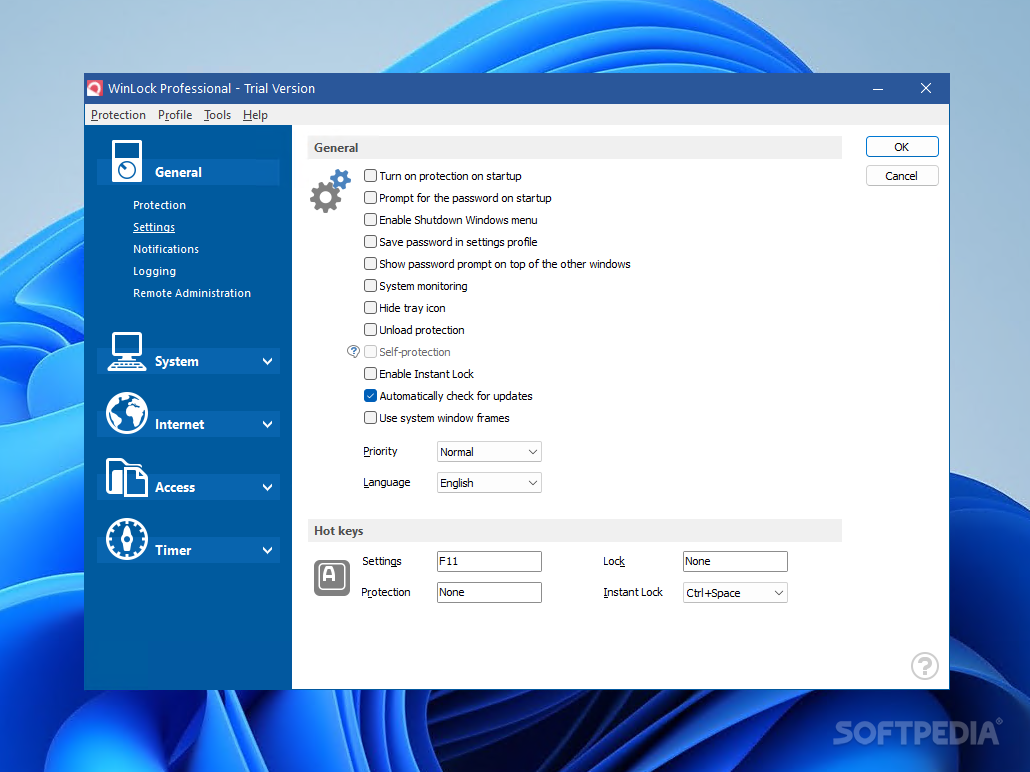
The program can be set to automatically turn on the protection status on system startup, enable a shutdown Windows menu and save the password in the Settings profile. But you can also enable system monitoring, hide the system tray icon, as well as select the priority level and interface language.
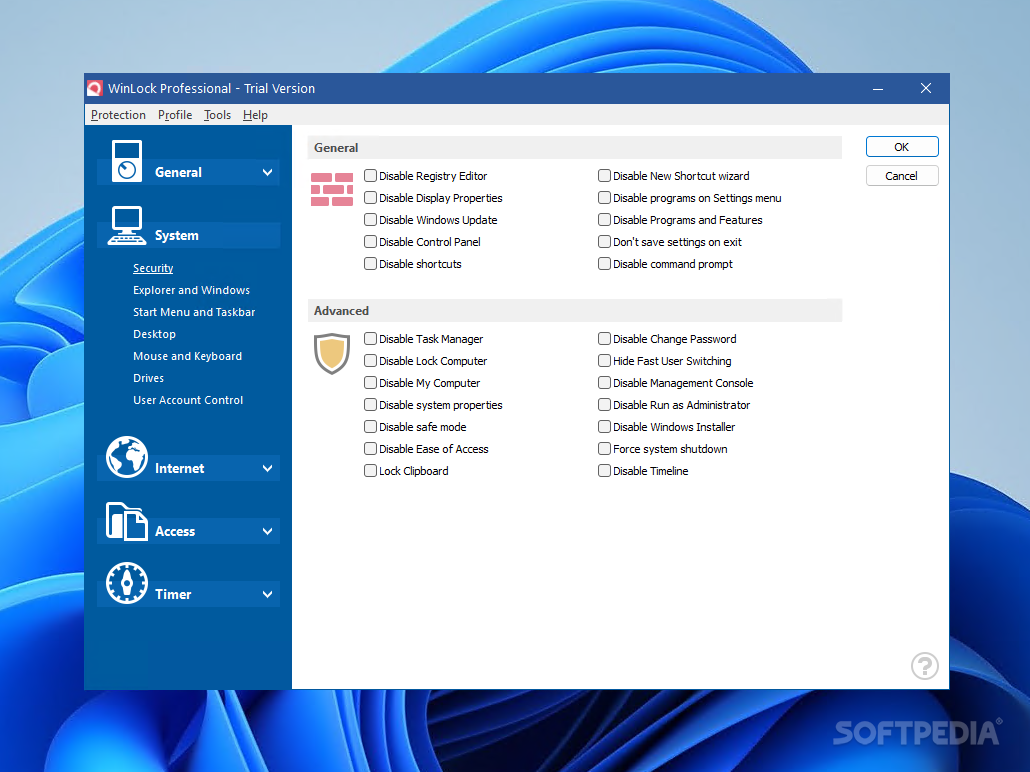
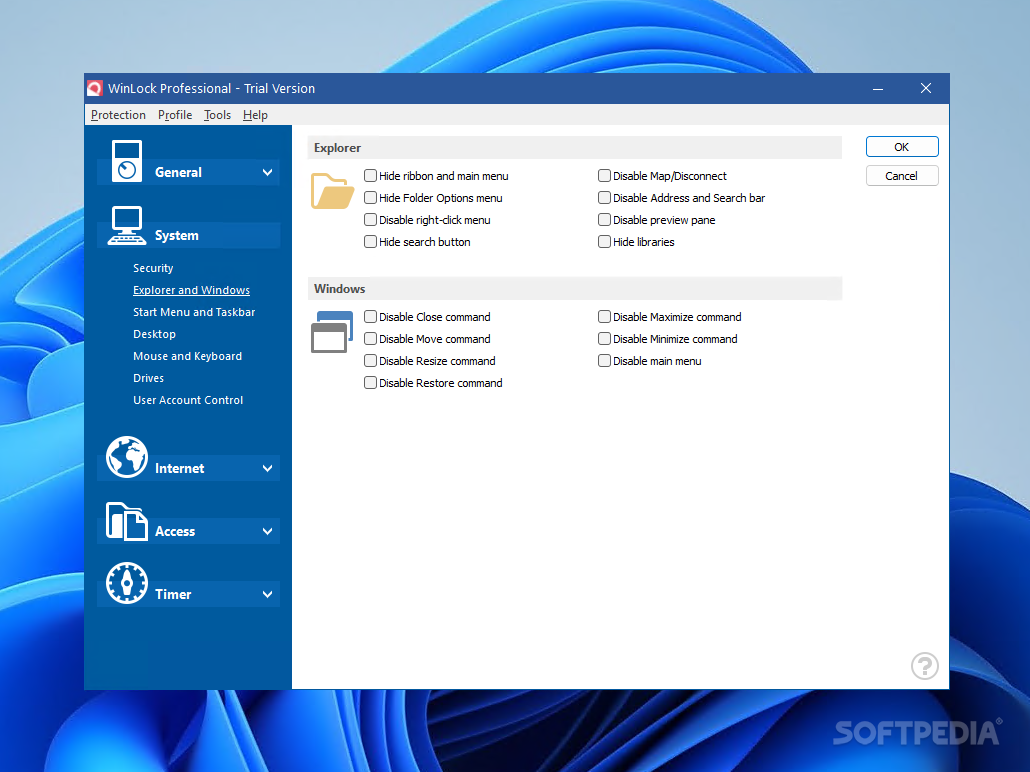
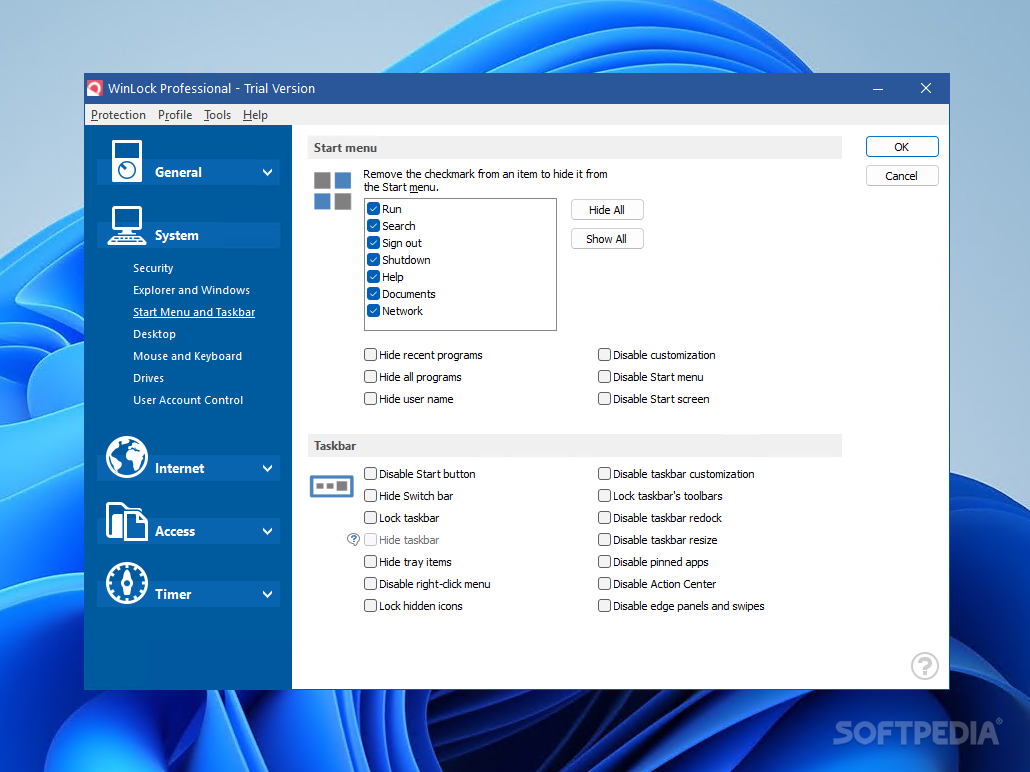
You can set up notifications, enable logging and customize options (e.g. file created or changed, media removed), enable remote administration, as well as alter system settings (e.g. disable Registry Editor and computer lockdown, hide the File menu in Windows Explorer, block the Windows key).
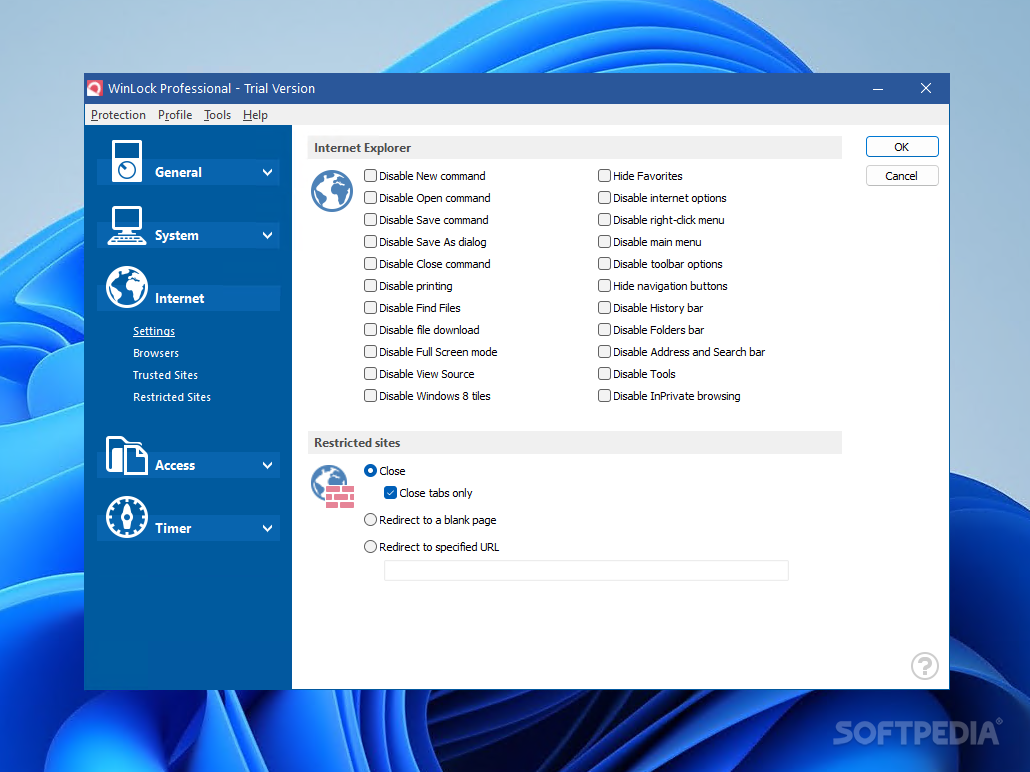
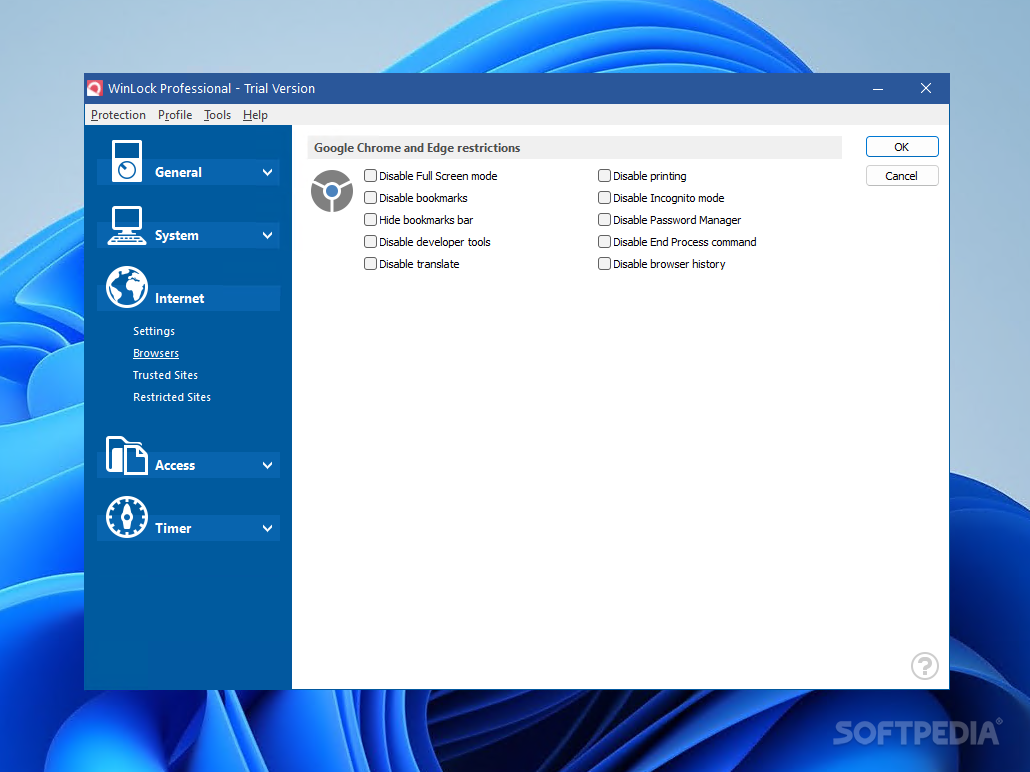
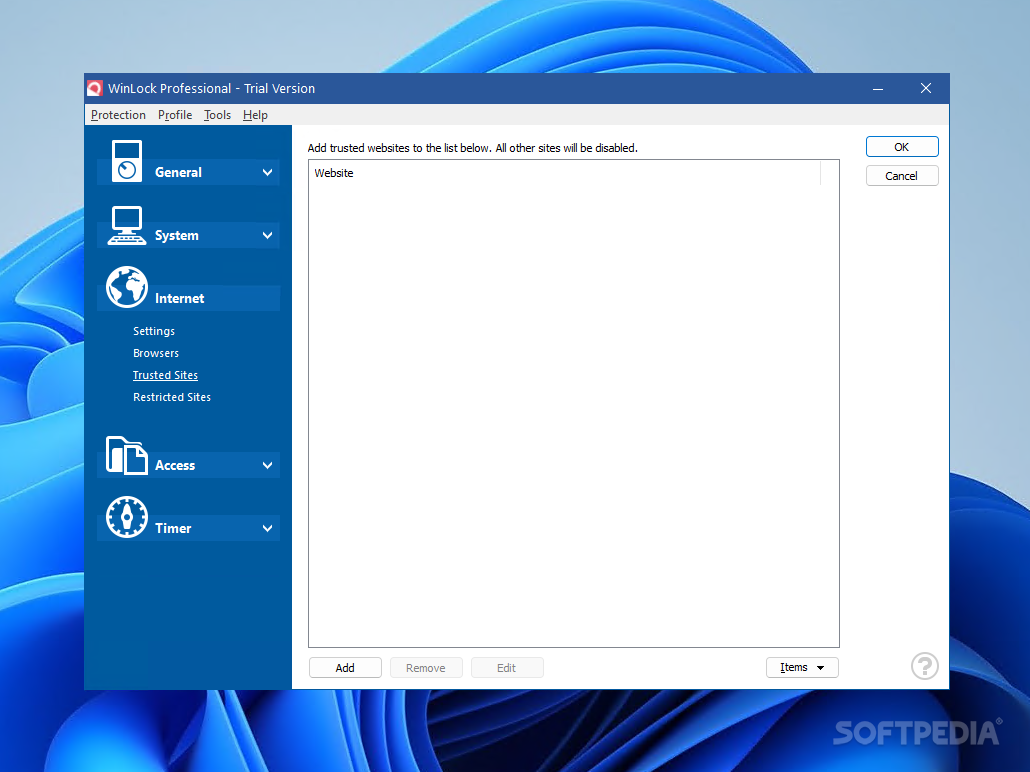
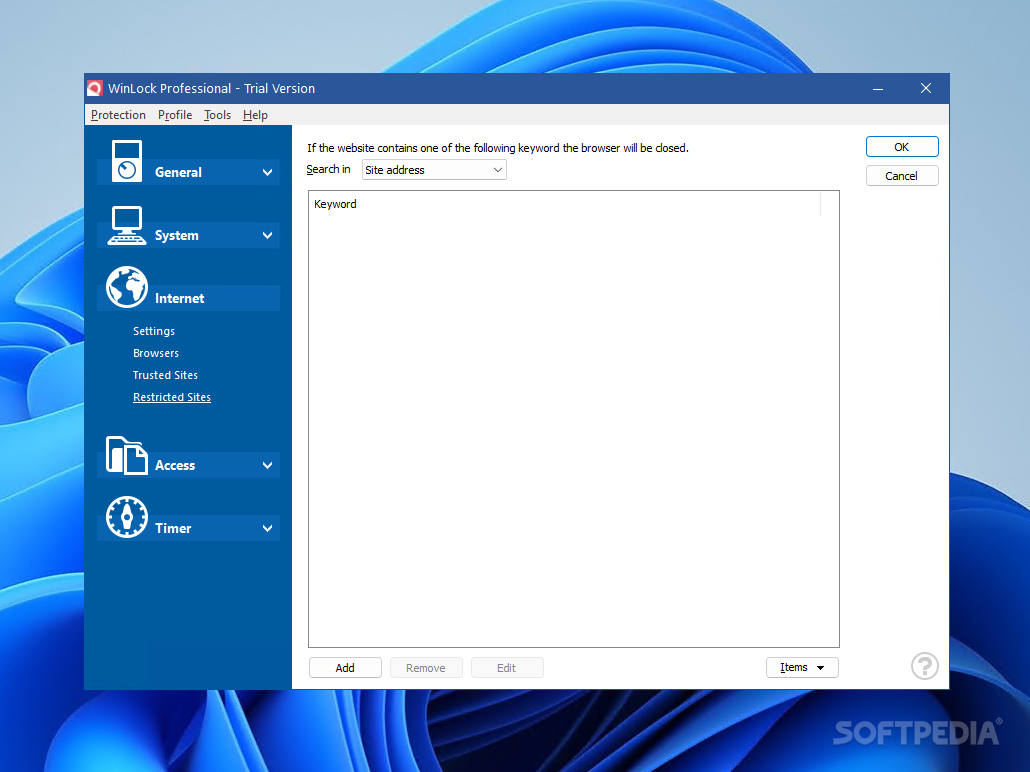
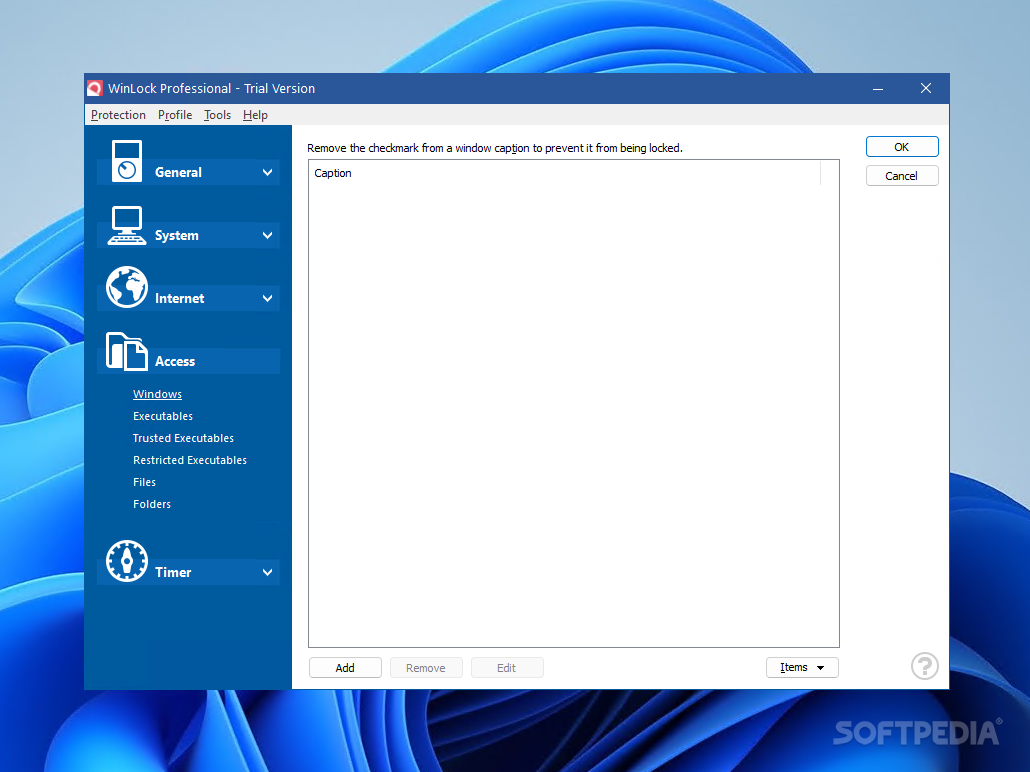
Other features of WinLock Professional allow you to specify restrictions for Internet Explorer (e.g. disable the New command, printing and the History bar), create a list of trusted or restricted sites and executables, as well as enable a timer.
WinLock Professional requires a moderate quantity of system memory and CPU, has a good response time and contains user documentation. No error dialogs have been shown in our testing and WinLock Professional did not hang or crash; we have not come across any issues. To sum it up, WinLock Professional is a very good choice for limiting the access to your computer.
Download Hubs
WinLock Professional is part of these download collections: Computer Lockdown
What's new in WinLock Professional 9.1.7:
- Full support for Windows 11.
- System window frame option.
- Active days of week under timer settings.
- Disable right-click app menu.
WinLock Professional 9.1.7
add to watchlist add to download basket send us an update REPORT- runs on:
-
Windows 11
Windows 10 32/64 bit
Windows 2003
Windows 8 32/64 bit
Windows 7 32/64 bit
Windows Vista 32/64 bit
Windows XP 32/64 bit
Windows 2K - file size:
- 11.2 MB
- filename:
- wpro.exe


- main category:
- Security
- developer:
- visit homepage
IrfanView

ShareX

calibre

Zoom Client

7-Zip

Bitdefender Antivirus Free

Microsoft Teams

Context Menu Manager

4k Video Downloader

Windows Sandbox Launcher

- Context Menu Manager
- 4k Video Downloader
- Windows Sandbox Launcher
- IrfanView
- ShareX
- calibre
- Zoom Client
- 7-Zip
- Bitdefender Antivirus Free
- Microsoft Teams
