|
|
|
|
EaseUS Todo Backup Free 5.8.0.0 Build 20130321
|
|
|
|
|
|
| Downloads: 44,067 |
Tell us about an update
|
 |
|
User Rating: Rated by: |
Very Good (4.3/5) 149 user(s) |
|
|
|
|
Softpedia Editor's Review for EaseUS Todo Backup Free
|
Free backup and restore software for your system, partition and hard disk!
Written by Mihaela Citea on December 10th, 2012
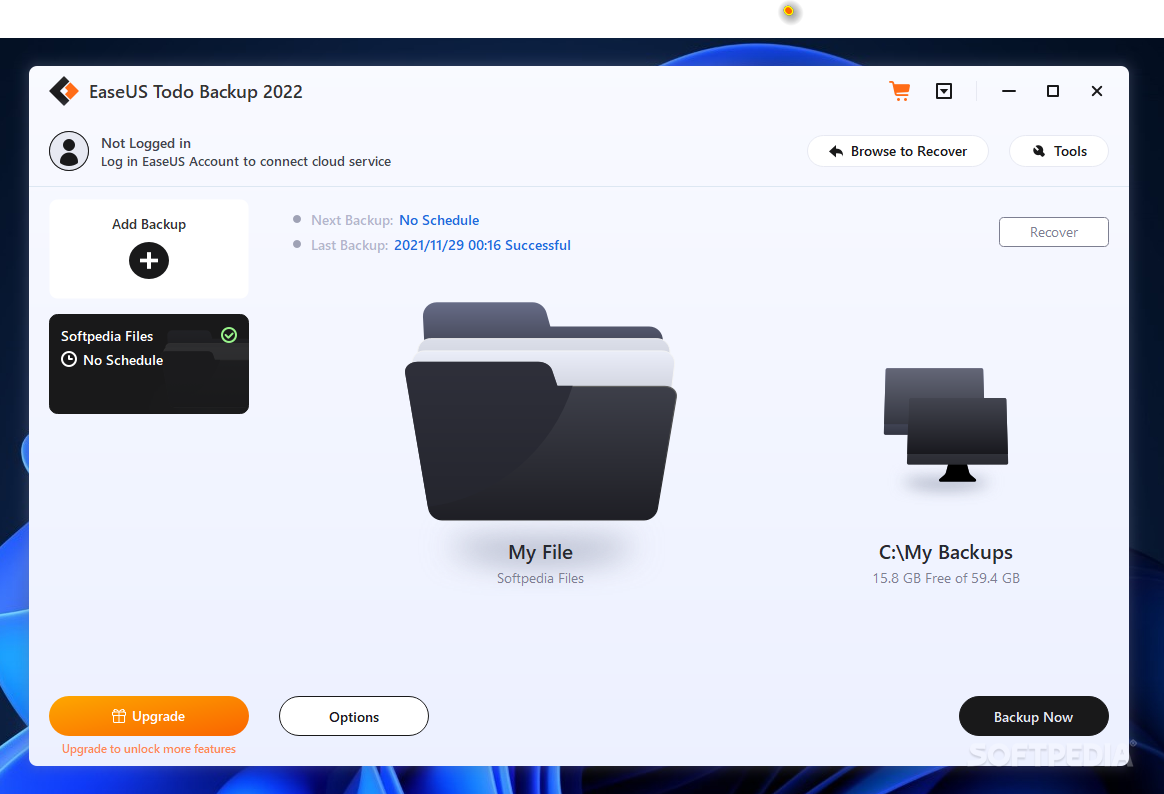
EASEUS Todo Backup Home is a full-featured backup solution that can create copies of your for files, partitions, disks or even the whole system and recover them in the event of a system crash or infection.
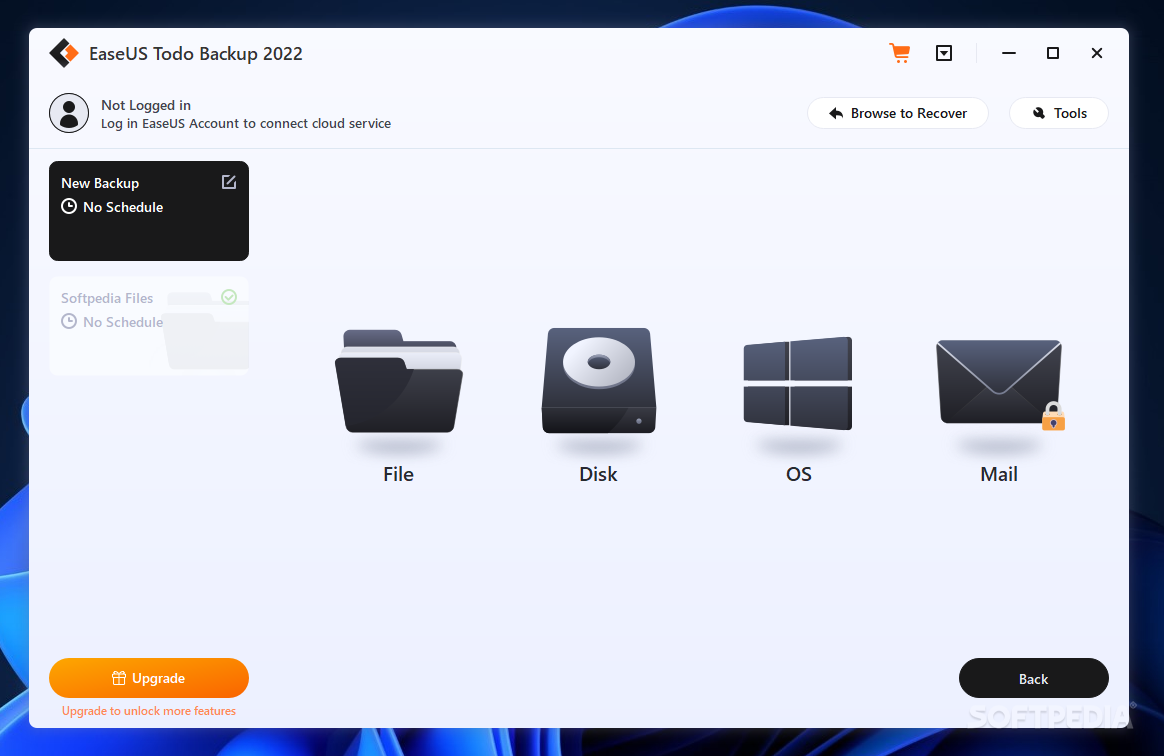
The interface is clean and well-organized, providing easy access to all the features. The 'Home' tab is where you can find all the backup and recovery options or clone disks and partitions.
Creating a backup job is very easy, even if you are not an experienced user. Depending on what you want to backup, the process takes longer or less time. For instance, during the tests, the system backup was over after approximately 13 minutes.
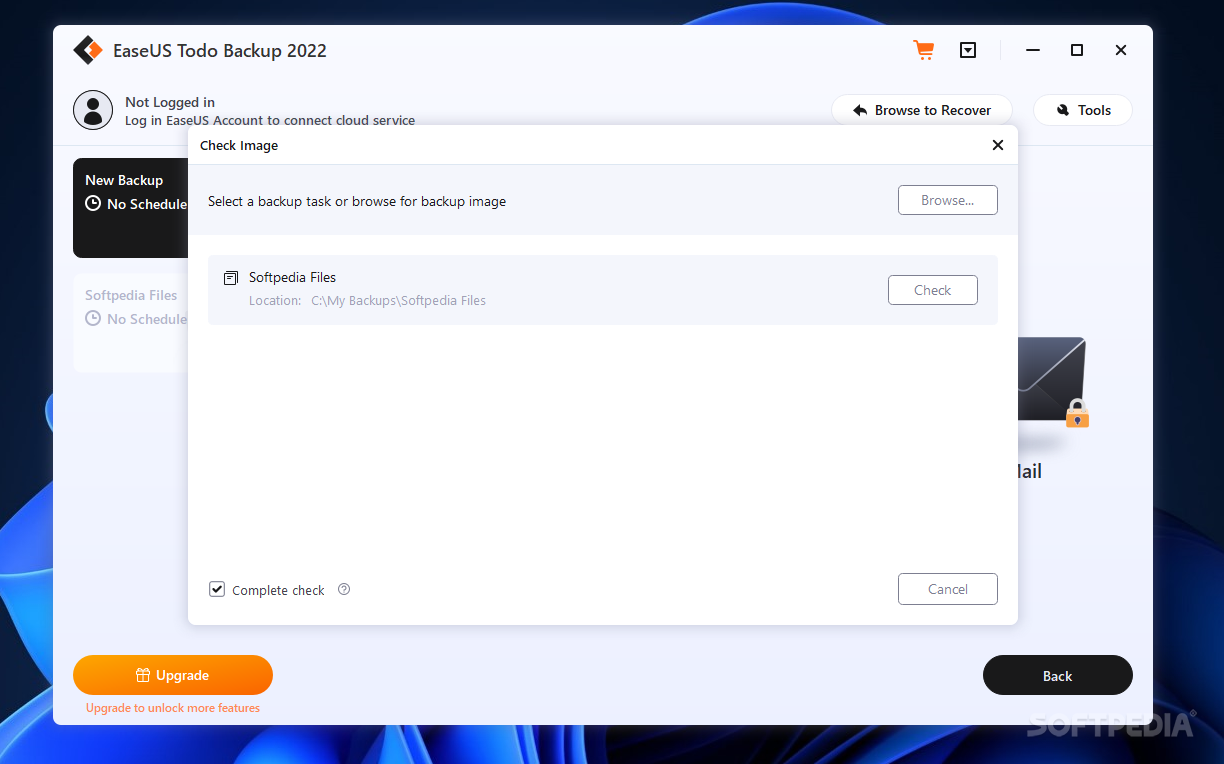
After the backup process is complete, you can run an integrity check on the resulting backup image. All the backup tasks can be managed easily within the 'Management' section, which means you can modify a plan and apply the changes instantly, remove image files or run previously created tasks.
One feature worth mentioning is the scheduling option, which you can use to schedule full, incremental or differential backup jobs, ensuring that you store all the surplus data created since the last backup. The program can be set to perform backups periodically or at system startup or user log on.
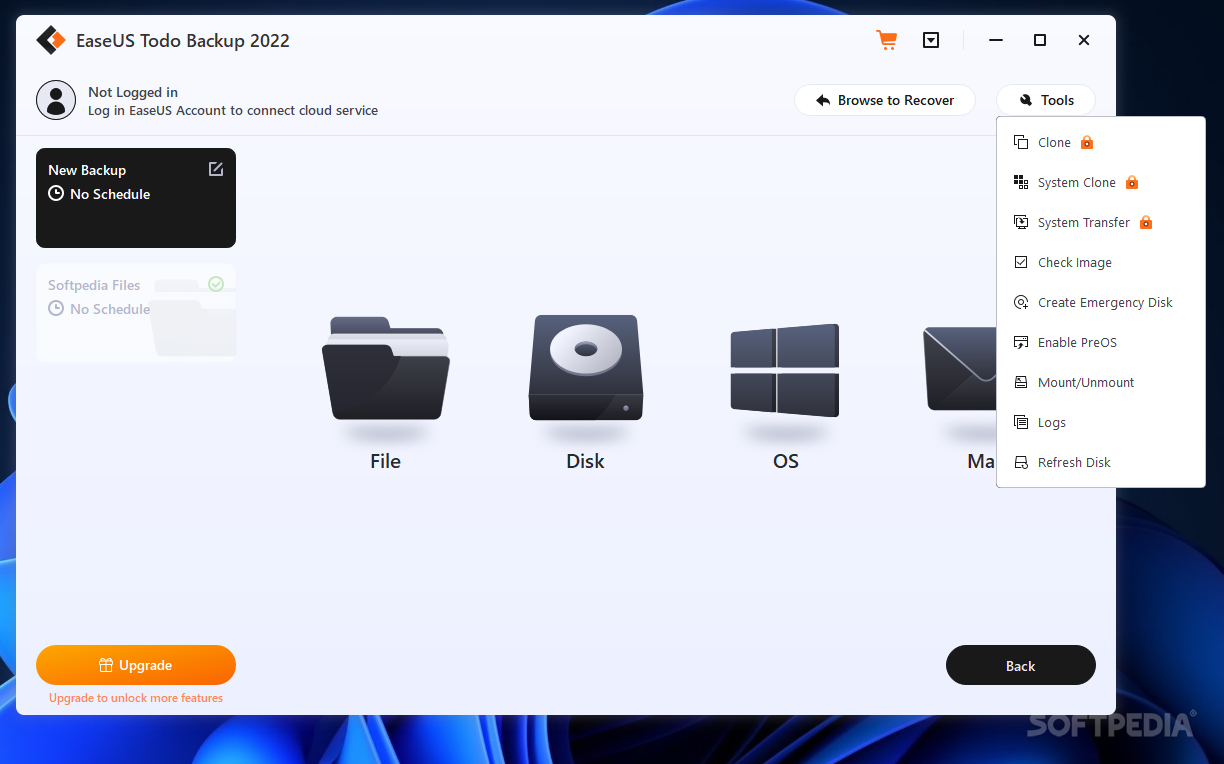
Another advantage that this application brings you is the ability to convert the backup image into a bootable emergency disk or ISO file, which you can use to access the program's options offline. Also, you can convert the resulting backup image to a virtual disk (Virtual PC or VMware), which you can mount as virtual drives. Furthermore, you can transfer the backup image directly to a FTP server.
Image compression and encryption, image splitting, e-mail notification options, custom commands and network transfer speed limiting are other features that this application comes with. Also, you can set the backup and recovery process priority, so as it doesn't affect the performance of other programs.
Providing step-by-step instructions, EASEUS Todo Backup Home is an intuitive application that even beginners can easily use to run backup jobs for files, partitions or the system state within minutes.
Read an in-depth analysis in our professional review for EaseUS Todo Backup Free
|
EaseUS Todo Backup Free description
|
Here are some key features of "EaseUS Todo Backup Free":
Disk and Partition Image:
· Backup entire disk(s) or partition(s) to image. With this feature, you can back up the entire system and installed applications on the fly without interrupting the work. It ensures the instant recovery of your PC instead of reinstalling Windows and software.
File and Folder Backup:
· Make a copy of specified files and folders or by file types to secure your individual data, including documents, pictures, music, emails, applications, videos and financial files, etc.
Incremental Backups:
· In addition to full backups, EASEUS Todo Backup Home also offers incremental backups for all home users to back up files. Incremental backups will save your disk space and time by only making a copy of changed files since last backup.
Backup Schedule:
· Automatically run backup plans at preset time or upon certain event such as on system startup or shutdown, on user login or user logout.
FeaturesBackup Management:
· By Managing backup tasks and plans, you can change a backup task or plan and execute the changes immediately, delete image files, and even convert a disk image to .VMDK (VMware virtual disk format) or .VHD (for Virtual PC ) and then mount into a virtual machine directly.
Mount and Unmount:
· Mount a disk and partition image to a virtual partition (working as ordinary, logical drives) to explore or copy files in it. A drive letter can be assigned to this partition. You can also unmount the virtual partition.
Image Splitting:
· Split an image file into several files of specified size to fit different storage devices. This feature is helpful to burn the backup file to CD/DVD.
Image Compression:
· Compress a backup image to save disk space. The higher compression level, the smaller image is.
Set Priority:
· Change the priority of a backup process to make it run faster or slower. The performance of other programs will be adversely affected.
Password:
· Set a password to protect your image file and prevent other persons to access the backed up files. The highest encryption standard (256 bit AES) is available in EASEUS Todo Backup.
Check Image:
· Check the integrate of backup image. You can validate whether you will be able to recover from the backup image.
Disaster Recovery:
· EASEUS Todo Backup Home enables you to restore important files from backed up image and perform disaster recovery just by simple clicks. It ensures quick recovery from system crash, a personal error, hardware or software failure, virus attack or hacker's intrusive destruction, etc.
Disk and Partition Clone:
· Migrate or copy all the data on a hard disk or partition to another. Clone disk is especially useful to upgrade your hard drive to a new one without reinstalling operating systems and applications
Wipe Data:
· With this feature, you can erase all the sensitive data on a disk or partition to protect your privacy.
Email Notification:
· Notify administrator with the results of backup operations via email.
Commands:
· Execute pre-defined commands (scripts) before or after a scheduled backup, such as set to shutdown computer after backup.
Bootable Media:
· Run EASEUS Todo Backup from an emergency disk to perform recovery in case of system crash, etc. USB drive, CD or DVD Bootable media can be created.
New Interface:
· The new user-friendly interface offers you intuitive and easy backup and disaster recovery solutions.
Requirements:
· At least X86 or compatible CPU with main frequency 500 MHz
· A standard PC system with mouse, keyboard and color monitor
· RAM memory equal or larger than 512MB
· CD-R/RW, DVD-R/RW or DVD+R/RW drive for bootable media creation
What's New in This Release: [ read full changelog ]
· GPT boot supports 32 bit Windows PE
· Explore backup images of email in Windows Explorer
· Enhance compatibility with other software
· Customize the template of email notification
· Manually create WinPE 4.0 in Windows 8 and Windows Server 2012
|
|
 | |  | | Softpedia guarantees that EaseUS Todo Backup Free 5.8.0.0 Build 20130321 is 100% CLEAN, which means it does not contain any form of malware, including spyware, viruses, trojans and backdoors. [read more >] |
|
| Go to top |
|