
Backup, restore, manage and create profiles for Google Chrome, add switches to profile shortcuts, protecting backup files to avoid unauthorized access. #Google Chrome Profile #Backup Profile #Profile Saver #Google Chrome #Profile #Backup

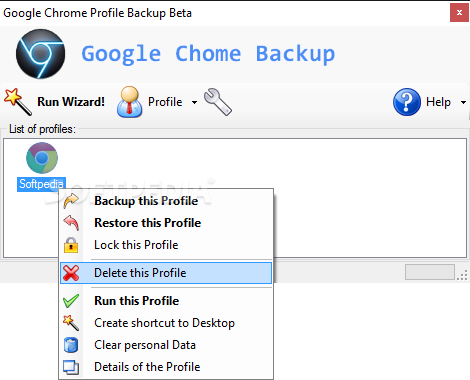
Google Chrome Backup comes with a pretty self-explanatory title - it is a tool that lets you backup and restore your Google Chrome profile settings.
The user interface of the program is easy to navigate through, by both novices and experts. The app even notifies you if a newer version of Google Chrome is available, every time you initiate it.
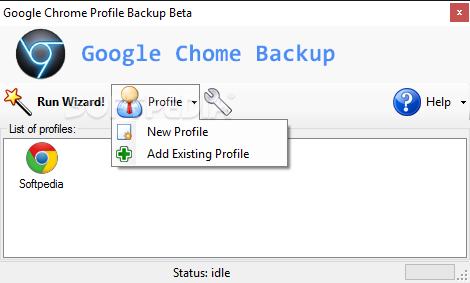
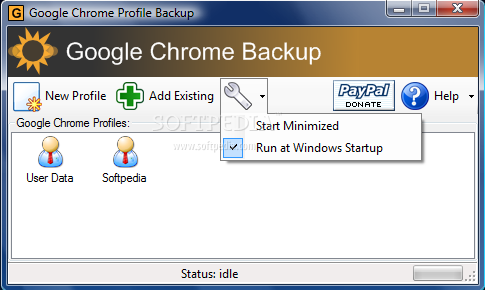
In the interface you can view and access a list of profiles (the default one is automatically displayed), initiate a wizard to backup and restore a profile, create a new profile or add an existing one, and access Preferences.
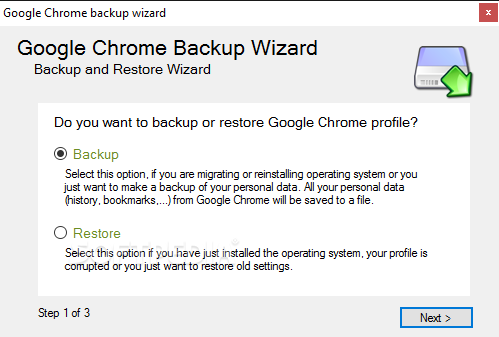
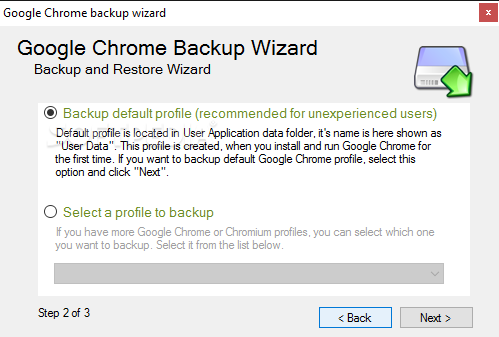
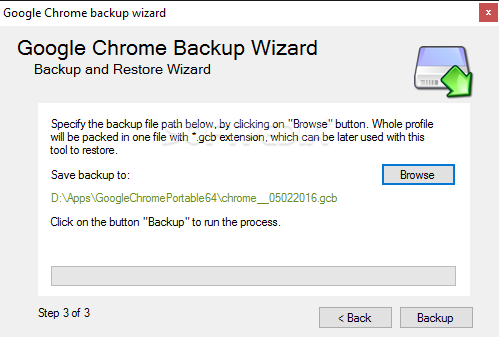
In the wizard, if you select the backup option, you are required to either select the default profile or a specific one to create a copy for, and set the output destination. The restoring process is similar.
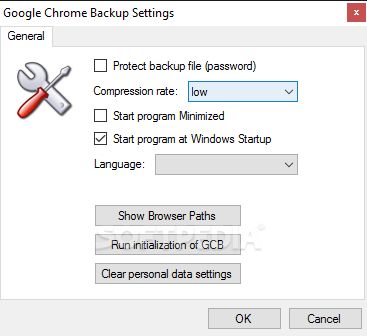
In the Preferences menu you can set the software to enable password protection for backups and to show paths for Google Chrome and Chromium, as well as set the compression rate.
You can run the Google Chrome Backup initialization process to reset to default settings, clear private data settings (remove cookies, Internet cache and history, initialize Google Chrome) and select preferred language.
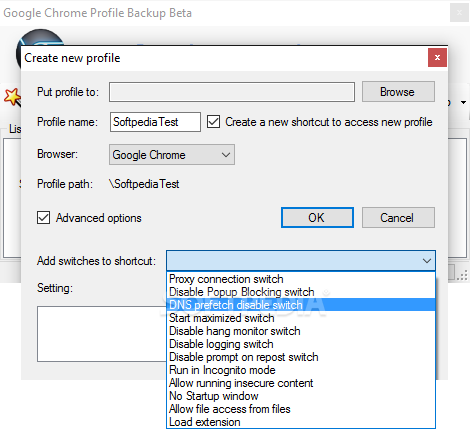
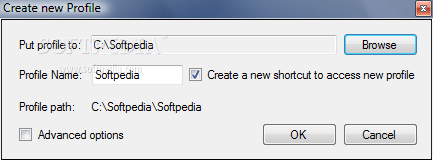
Also, when you create a new profile, you can add a shortcut to it, as well as switches to that shortcut - proxy connection, disable popup blocking, disable DNS prefetch, disable Java and images, and more.
A backup or restore task takes little time to finish (according to the complexity of your profile settings), while the program uses a moderate amount of system resources.
We haven't encountered any problems during our tests, except for the fact that we couldn't backup a profile via the context menu in the list of profiles.
Google Chrome Backup is a very practical tool when it comes to backing up and restoring the profile settings of a web browser (Google Chrome, in this case), and we recommend you try it.
What's new in Google Chrome Backup 1.8.0.141:
- Addition: 11 new switches added and profile icon modifications
- Addition: New GCB icon (Fabio Barros)
- Addition: Password strength bar
- Fixed: Bug fix when running initialization of GCB
Google Chrome Backup 1.8.0.141 / 2.1.0.216 Beta
add to watchlist add to download basket send us an update REPORT- runs on:
- Windows All
- file size:
- 1.1 MB
- filename:
- gcb.exe
- main category:
- System
- developer:
- visit homepage
IrfanView

ShareX

Zoom Client

Context Menu Manager

Windows Sandbox Launcher

7-Zip

calibre

4k Video Downloader

Microsoft Teams

Bitdefender Antivirus Free

- 4k Video Downloader
- Microsoft Teams
- Bitdefender Antivirus Free
- IrfanView
- ShareX
- Zoom Client
- Context Menu Manager
- Windows Sandbox Launcher
- 7-Zip
- calibre