Softpedia
 

WINDOWS CATEGORIES:


GLOBAL PAGES >>
SOFTPEDIA REVIEWS >>
MEET THE EDITORS >>

WEEK'S BEST

  • DAEMON Tools Pro (...
  • FlashFXP [ DISCOUN...
  • PowerISO 4.9
  • WebcamMax [DISCOUN...
  • Zemana AntiLogger ...
  • System Mechanic Pr...
  • Glary Utilities Pr...
  • All My Movies [DIS...
  • Ad-Aware Internet ...
  • Atlantis Word Proc...
  • Home > Windows > System > Back-Up and Recovery
     Report malware

    Backup & Recovery Free 2012 10.0.17.13908

    download button

    Downloads: 17,534  Tell us about an update
    User Rating:
    Rated by:
    Very Good (4.2/5)
    58 user(s)
    Developer:

    License / Price:

    Size / OS:

    Last Updated:

    Category:

    Freeware / $0
    98.7 MB / Windows All
    [view history]
    C: \ System \ Back-Up and Recovery

     Read user reviews (3)  Send to friend   Follow (13 users)

    Backup & Recovery Free 2012 description

    Take complete control of your PC's safety!

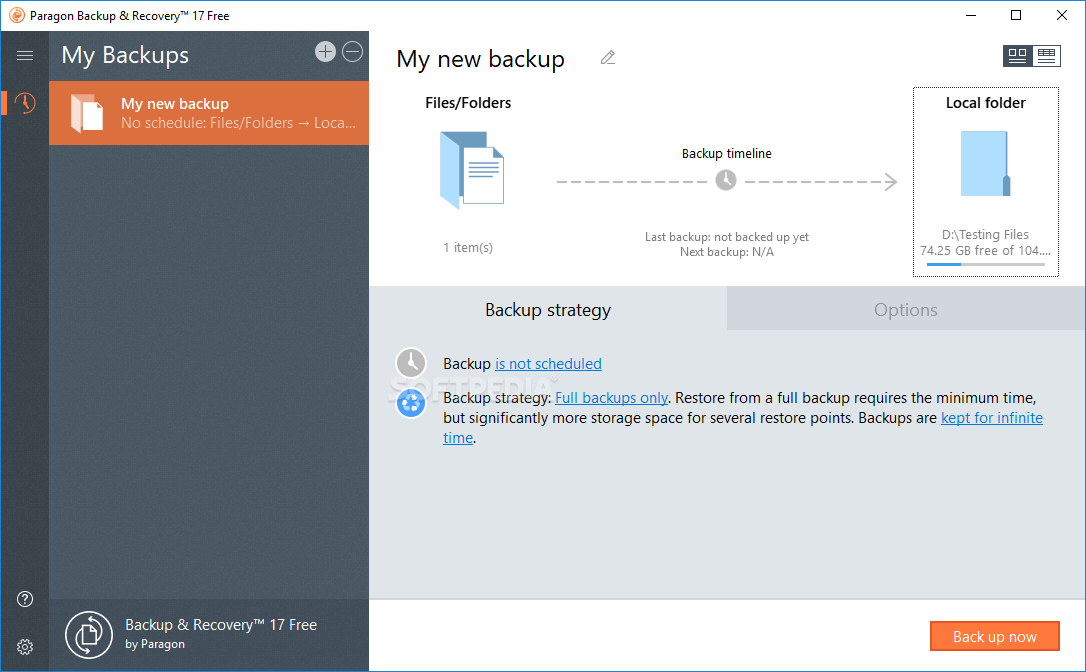
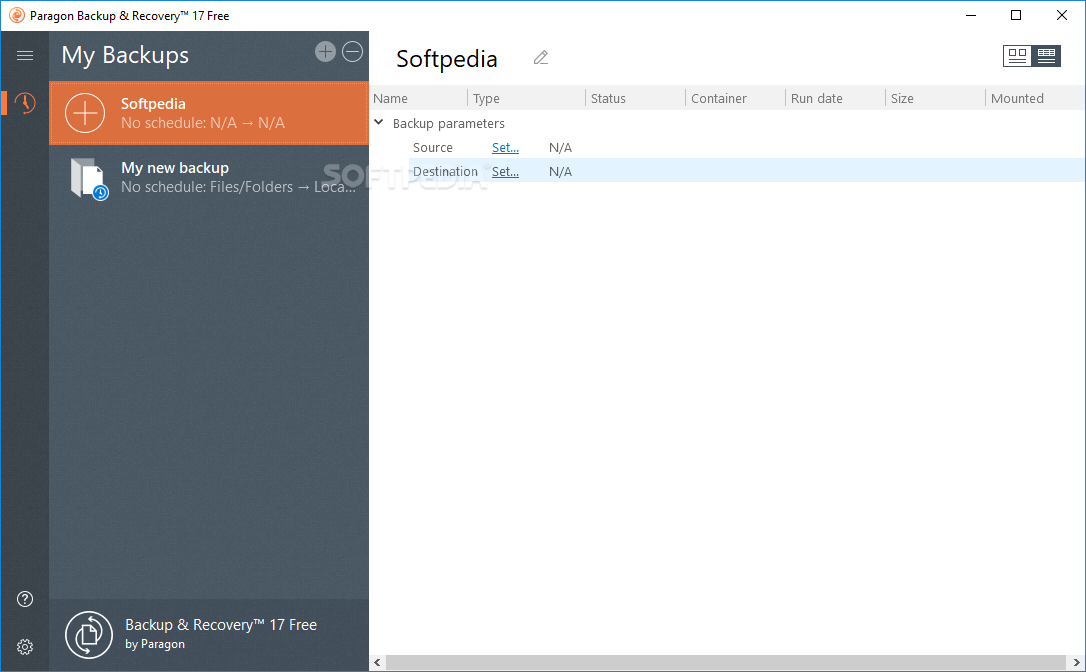
    Paragon Backup & Recovery Free - a disaster recovery tool for stand-alone Windows-based PCs.

    Combining all the existing backup techniques and exclusive recovery environments, this latest edition satisfies the needs of even the most demanding user and is simply the most powerful free backup tool available today.

    Paragon Backup & Recovery Free allows you to take complete control of your PC's safety. Based on solid commercial backup and recovery software from Paragon, it has a rich set of features that you can trust. Simple to install and easy to use.

    Overall, Paragon Backup & Recovery Free will offer you the possibility take full control of your computer's safety.

    NOTE:
    Free for non-commercial use only.

    Here are some key features of "Backup & Recovery Free 2012":

    Backup Features:
    · Backup to FTP servers - provide a new level of system and data protection.
    · Backup Capsule - You can place a backup image to a special secured place on the hard disk called the Backup Capsule that has an independent system layout (e.g. a separate partition) and will stay operable should the active file system be damaged. To avoid an accidental removing or unauthorized access of the backup data, this partition is hidden and thus cannot be mounted in the operating system.
    · Support for the latest hardware as well as hard disk partitioning schemes.
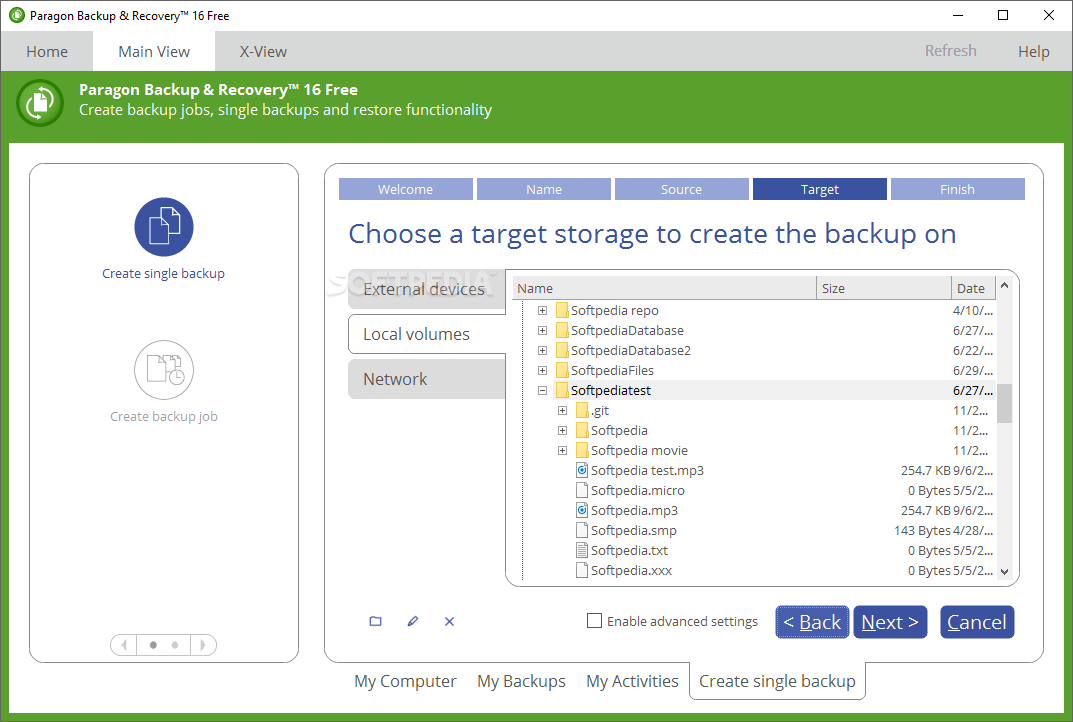
    · Support of all present day techniques to store backup images
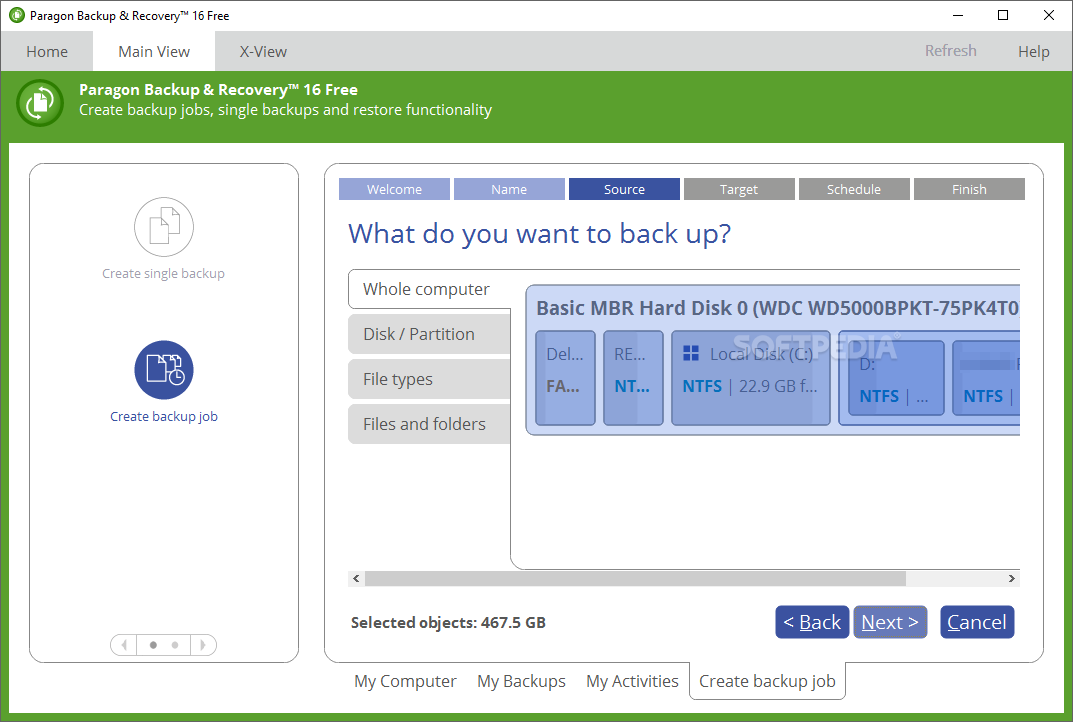
    · Disk backup to save not only all on-disk information but also the system service structures. It is ideal for making a backup image of an entire hard disk (including GPT-discs!) or system partitions to guarantee the operating system’s working capability
    · Differential backup to a sector image to only archive changes since the last full sector-based image, thus considerably saving the backup storage space. To restore this kind of backup you will require a full image and one of its differentials

    Restore Facilities:
    · Restore an entire disk, separate partitions image
    · Restore with Shrink to restore a backup amount of actual data of the image
    · Create bootable USB Flash drive, CD or DVD to recover your PC on demand

    · Advanced Backup Tasks
    · Differential Partition Backup (Create a differential image of a partition)

    Supplementary Tools:
    · Recovery Media Builder: builds a new "recovery media" to boot from in case of an unbootable system
    · Check Recovery Discs: checks the recovery media for integrity and bootability

    Virtualization and Migration Facilities:
    · P2V Migration - Clones an existing software environment into a virtual disk. Migrate a physical system to a virtual environment by converting all installed software and data into a virtual disk of the required virtual machine.
    · P2V Adjust OS - Recover the OS startup ability after an unsuccessful virtualization by a 3rd party tool.

    User Friendly Fault Minimizing Interface:
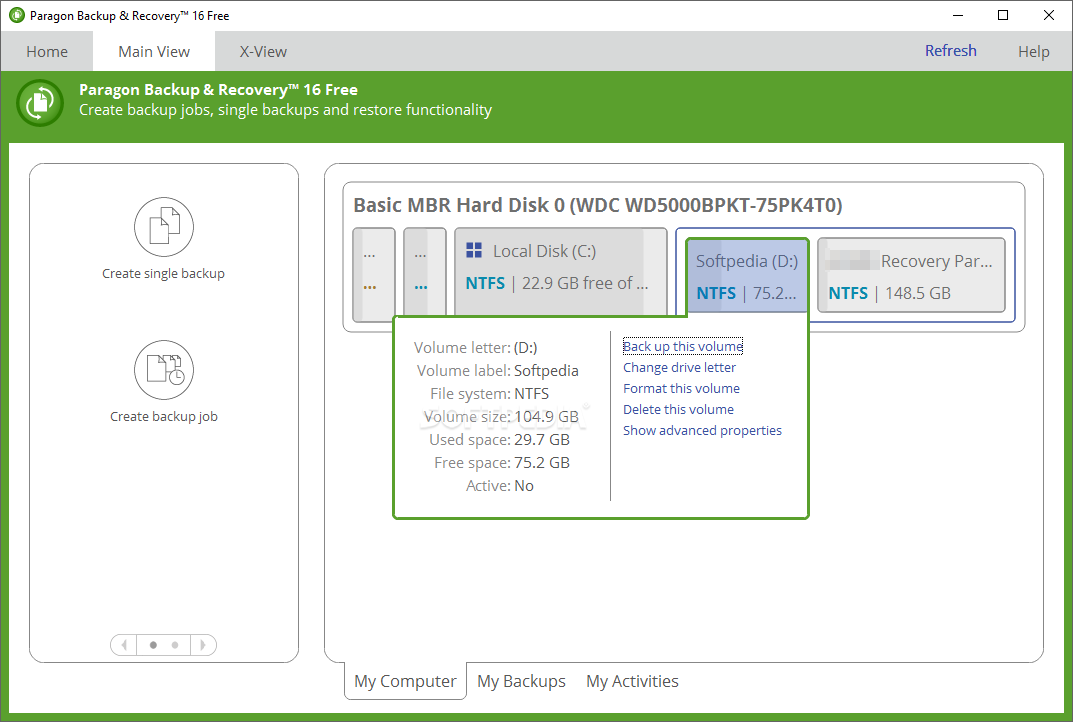
    · Graphical representation of the data to gain a better understanding
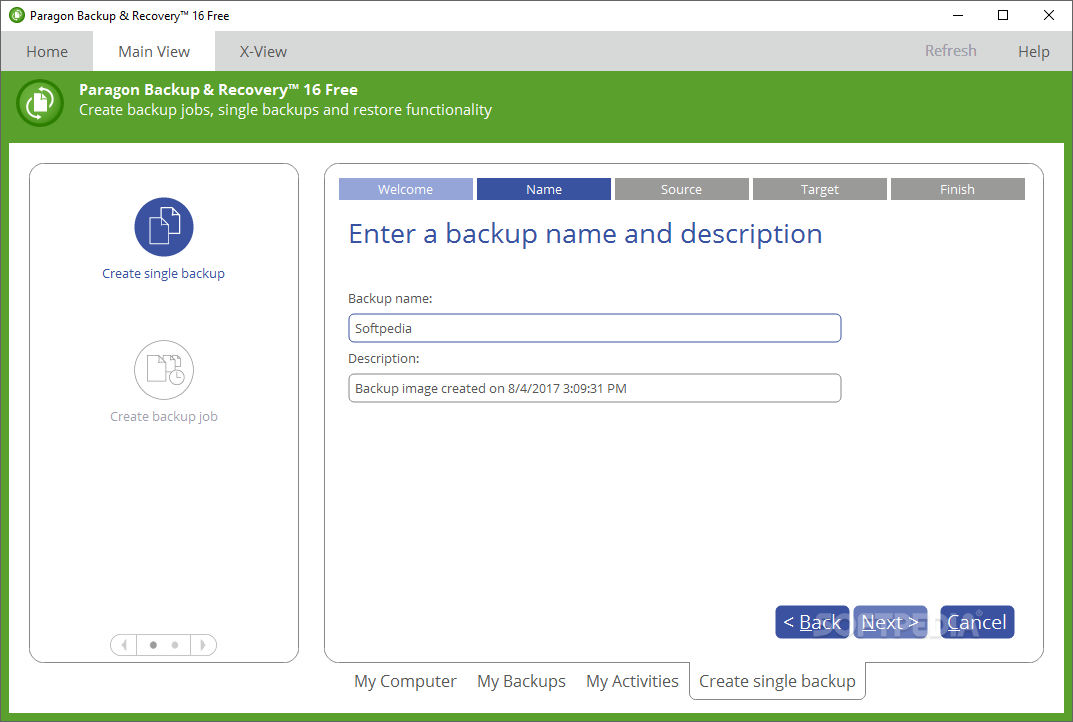
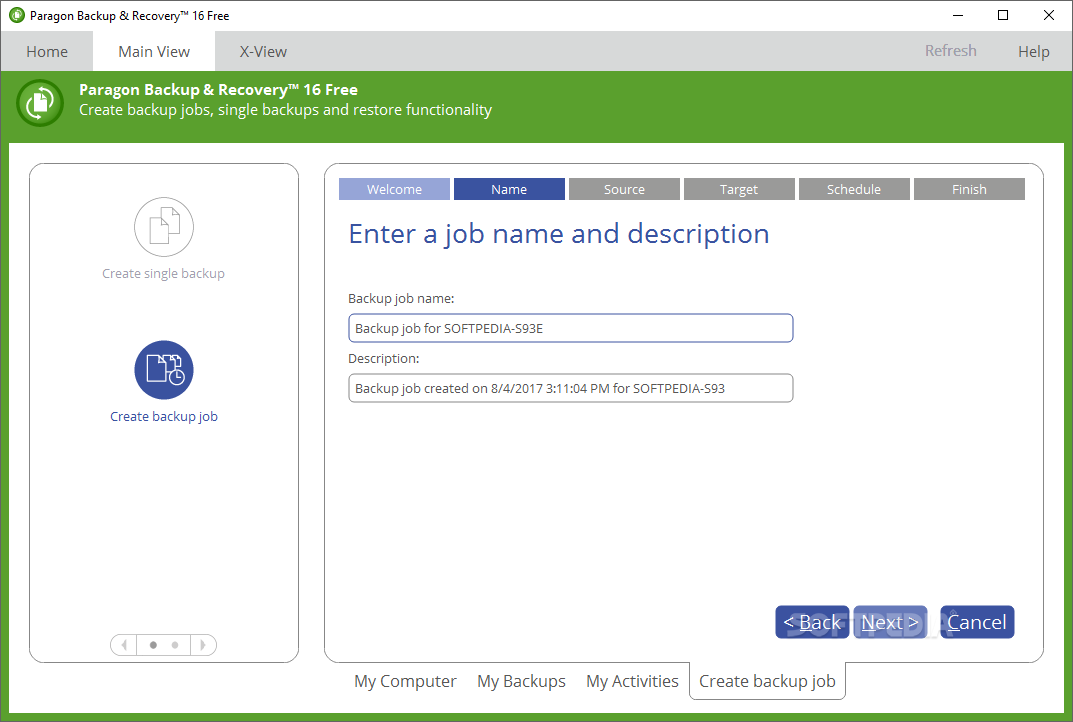
    · Comprehensive wizards to simplify even the most complex operations
    · A context sensitive hint system for all functions of the program
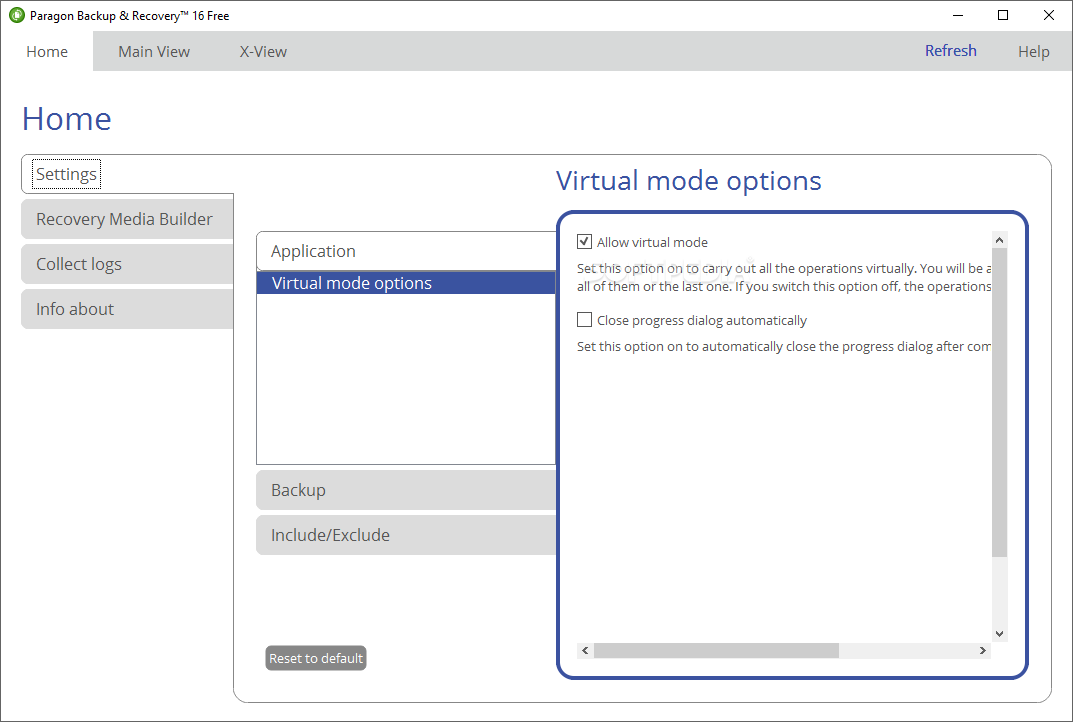
    · Previewing the resulting layout of hard disks before actually executing operations (so-called virtual operations)

    Partitioning tools:
    · Create Partition
    · Format Partition
    · Delete Partition
    · Assign/Remove Drive Letter
    · Hide/Unhide Partition
    · Mark Partition as Active/Inactive
    · Modify: change volume label,Test Surface
    · Check File System Integrity
    · Operations with Archives
    · Add an archive to the database
    · Delete the archive from the database
    · Restore from the selected archive
    · Restore File From Archive
    · Differential backup
    · Check Archive Integrity
    · Mount/Unmount the archive

    Requirements:

    · CPU: Intel Pentium or compatible, 300MHz or higher processor
    · RAM: 256 MB or greater recommended
    · Disk space: 100 Mb
    · Internet Explorer 5.0 or higher
    · Mouse
    · SVGA video adapter and monitor

    What's New in This Release: [ read full changelog ]

    · Automatic partition alignment during partitioning/copy operations to optimize performance of your hard disk.
    · Check FS Integrity and Data Loss Policies to let you specify the acceptable balance between the operation performance and the risk of data loss.
    · Better performance for backup operations by employing asynchronous data transfer.
    · Support of the restart-free installation.
    · More flexibility for online data processing techniques to provide for easier configuration for both, Paragon Hot Processing and Microsoft Volume Shadow Copy Service (VSS).
    · Better support for 64-bit platforms to reboot your computer to one of the three special modes (Windows native, Linux, or DOS) to automatically complete operations, which cannot be accomplished under 64-bit Windows.
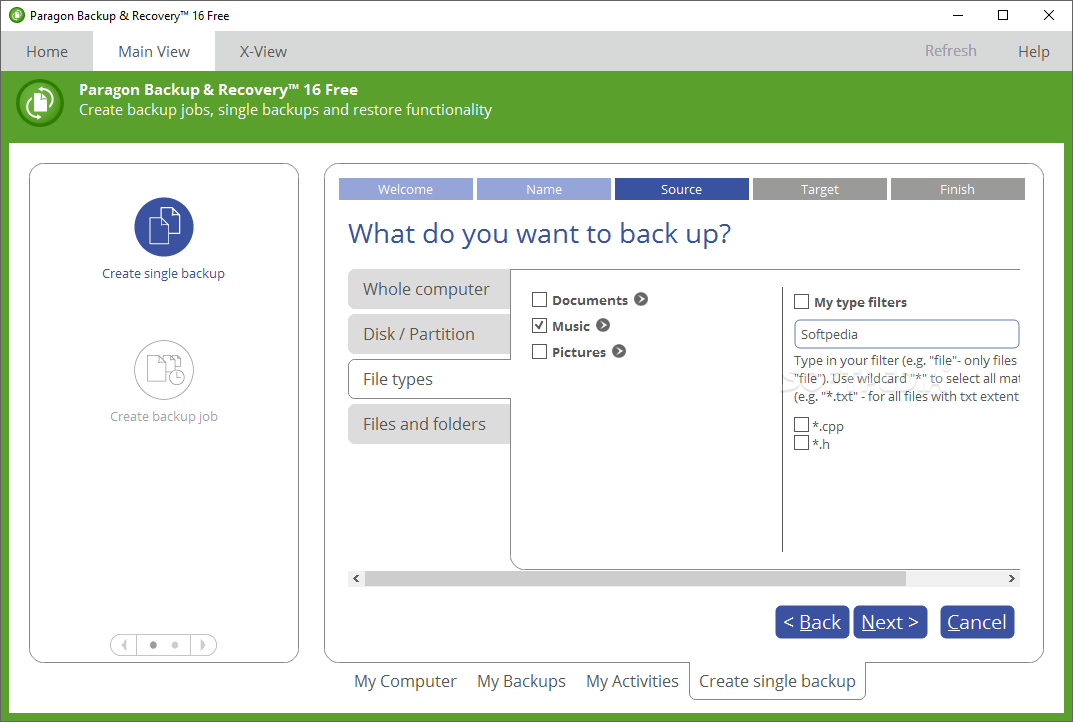
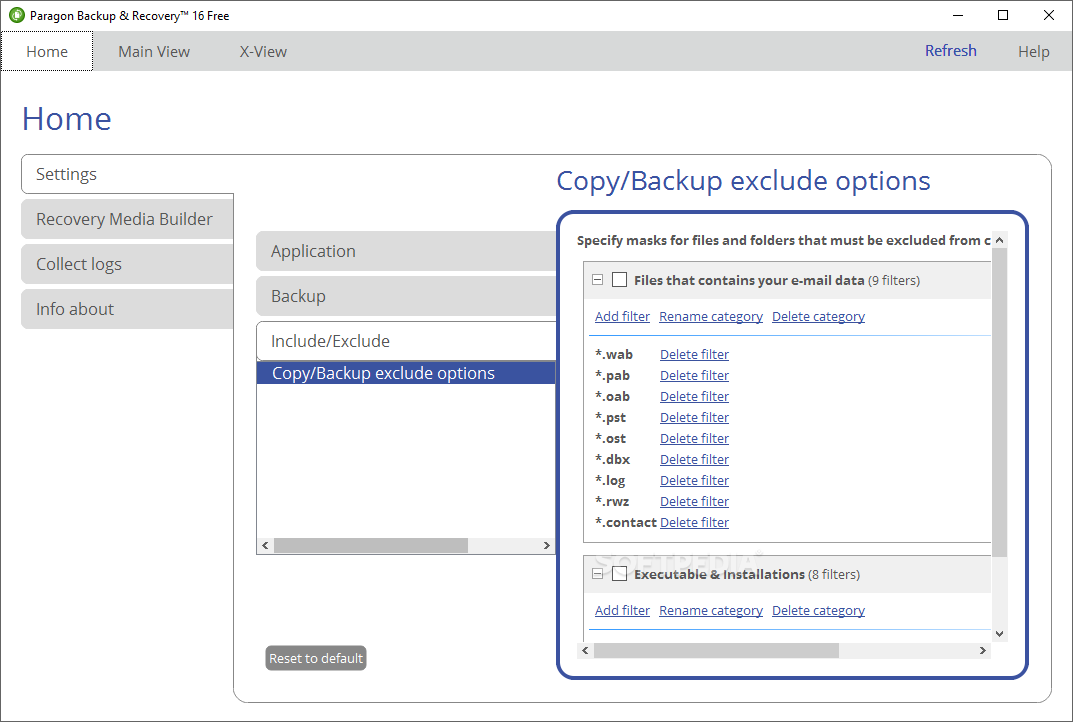
    · Automatic data exclusion with an advanced system of filters will help you automate the process of building up contents of the future backup image, by excluding irrelevant data such as movies, music, etc.
    · Better support for GUI...

     Softpedia guarantees that Backup & Recovery Free 2012 10.0.17.13908 is 100% CLEAN, which means it does not contain any form of malware, including spyware, viruses, trojans and backdoors. [read more >]


    TAGS:

    create backup | backup data | backup hard drive | create | creator | generate


    HTML code for linking to this page:


    Go to top

    WindowsGamesDriversMacLinuxScriptsMobileHandheldNews

    SUBMIT PROGRAM   |   ADVERTISE   |   GET HELP   |   SEND US FEEDBACK   |   RSS FEEDS   |   UPDATE YOUR SOFTWARE   |   ROMANIAN FORUM