WINDOWS CATEGORIES:
NEWS ARCHIVE >>
SOFTPEDIA REVIEWS >>
|
|
|
WEEKLY HIGHLIGHTS
|
7-DAY TOP DOWNLOAD
# |
Program |
 | Avira AntiVir Personal - Free Antivirus 8.1.0.331 140,030 |  | Windows Live Messenger 2009 14.0.5027.908 79,749 |  | Windows Live Messenger 8.5.1302.1018 66,305 |  | Internet Download Manager 5.14 Build 5 45,485 |  | DVD Shrink 3.2.0.15 43,912 |  | Y! Multi Messenger 8.x and 9.x 41,970 |  | Microsoft Office 2007 39,134 |  | Vista Transformation Pack 8.0.1 38,152 |  | Nero 7 Premium 7.11.10.0 32,982 |  | Adobe PhotoShop CS3 32,238 |
|
WEEK'S BEST
DAEMON Tools Pro (...Opera 9.60 Build 1...Maxthon Standard 1...DAEMON Tools Pro B...Advanced X Video C...WinRAR 3.80 StableNero 9 9.0.9.4Net Transport 2.64...Advanced SystemCar...Windows Live Messe...Acronis True Image...ImTOO DVD Ripper S...Combined Community...Fastream IQ Web/FT...VirtualDub 1.8.6 B...Super DVD Creator ...Deluge 1.0.0.32Adobe Flash Player...WinPatrol 15.9.200...Trend Micro Intern...COMODO Internet Se...WinZip 12.0 Build ...Real Alternative 1...Camfrog Video Chat...iTunes 8.0.1.11QuickTime 7.55.90.70SiSoftware Sandra ...EVEREST Ultimate E...Google Chrome 0.3....BS.Player 2.31 Bui... |
|
|
|
R-Drive Image 4.3 Build 4316
|
|
|
|
|
|
User Rating: Rated by: |
Good (3.0/5) 41 user(s) |
|
|
|
R-Drive Image description |
|
|
Drive Image and Disk Backup tool creates disk image files on the fly
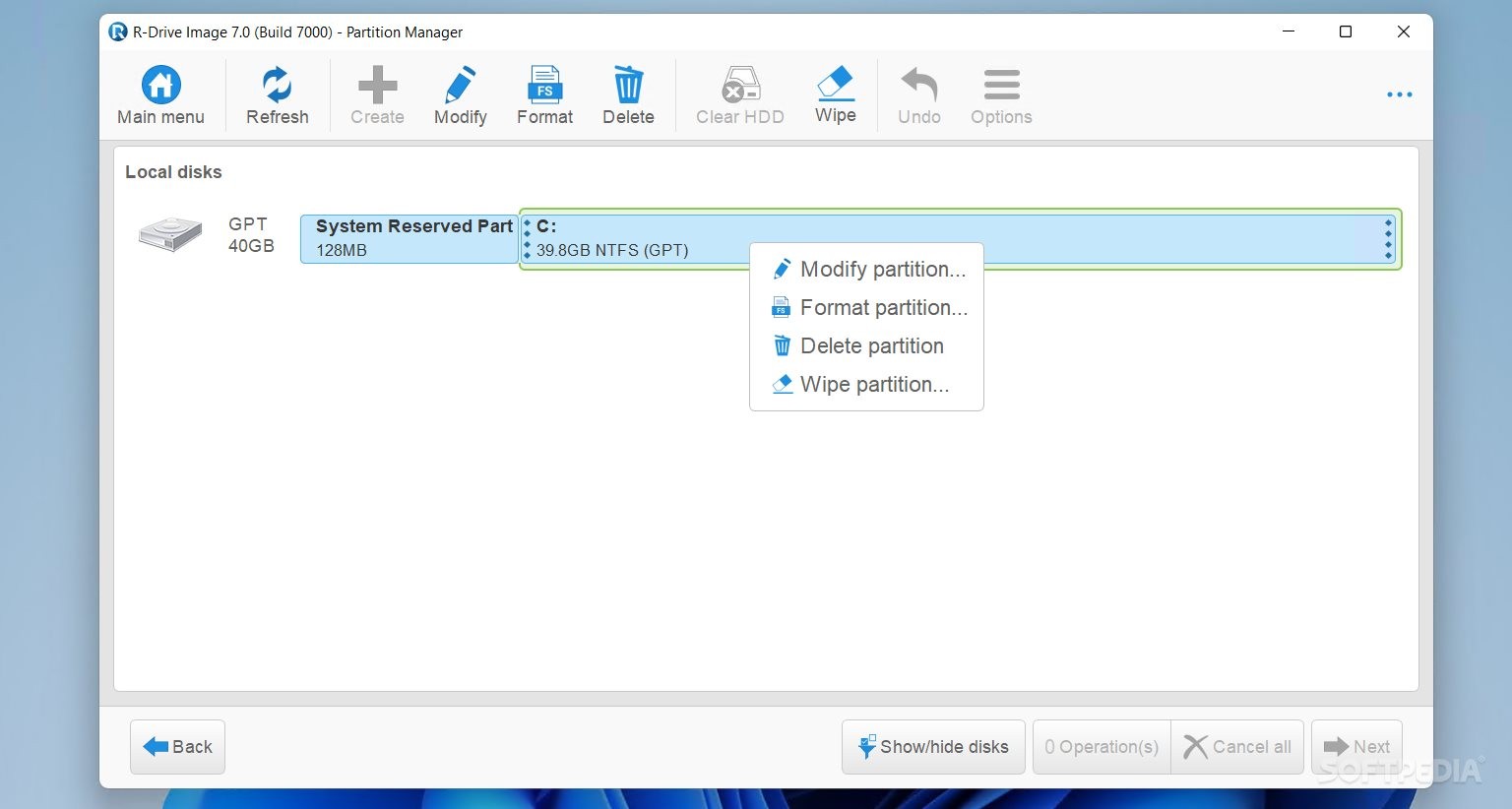
R-Drive Image is a potent utility providing disk image files creation for backup or duplication purposes.
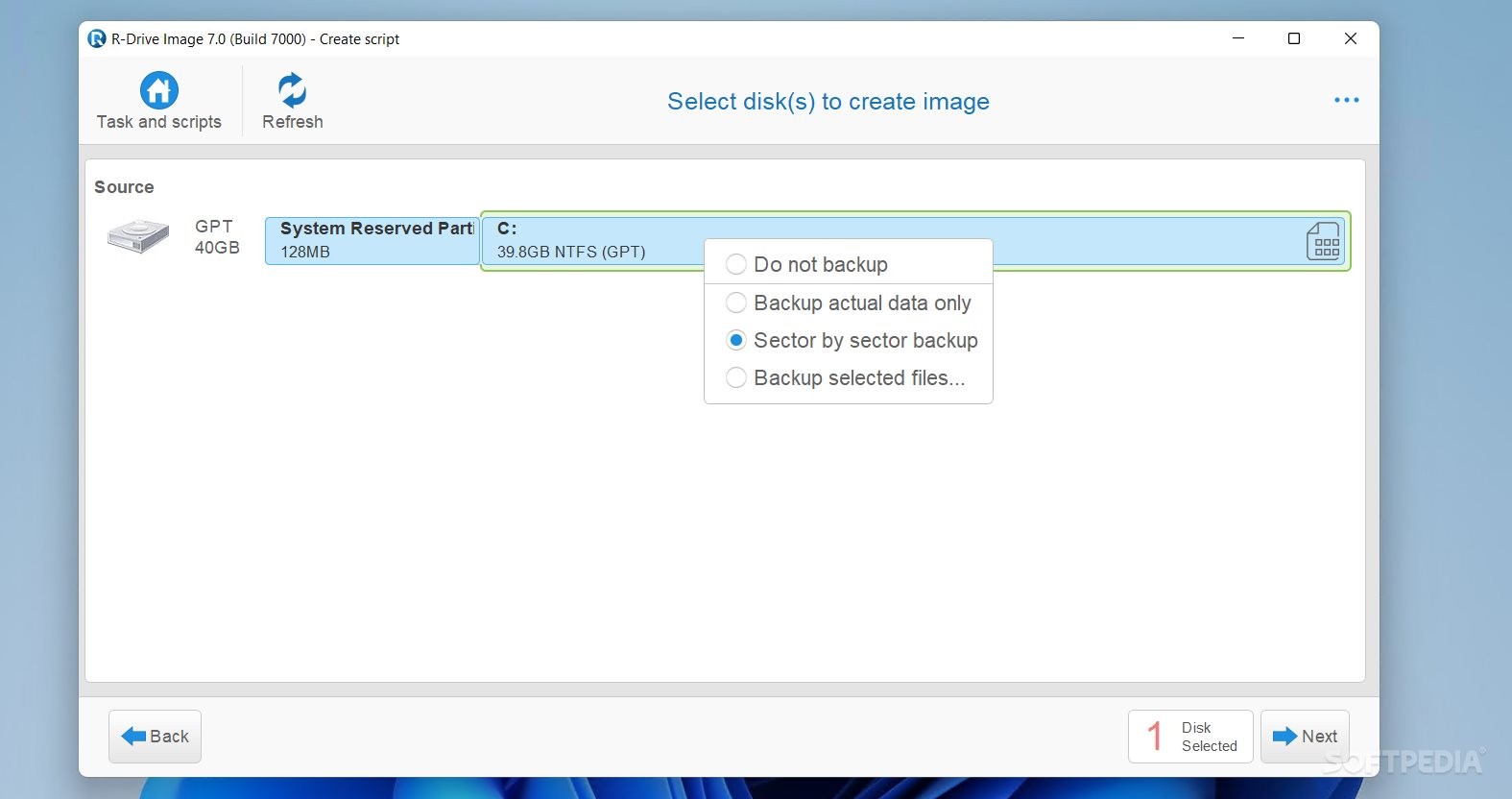
Disk image file contains exact, byte-by-byte copy of a hard drive, partition or logical disk and can be created with various compression levels on the fly without stopping Windows OS.
R-Drive Image is a software that creates disk image files. R-Drive Image is one of the best backup and disaster recovery solutions to prevent losing your data after a fatal system failure.
These drive image files can then be stored in a variety of places, including various removable media such as CD-R(W) or DVD-R(W) , Iomega Zip or Jazz disks, etc.
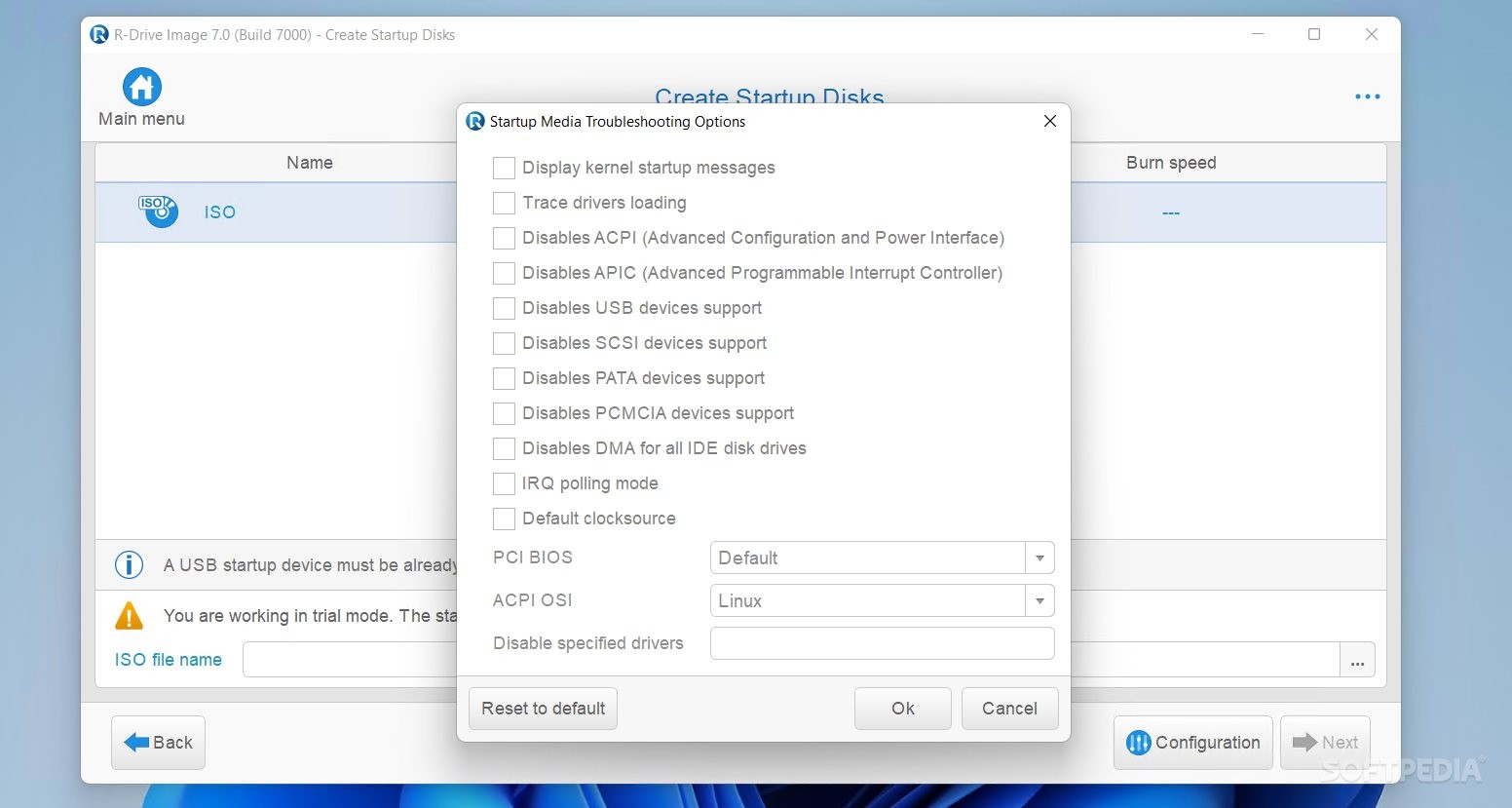
R-Drive Image is capable of restoring those images on the original disks, on any other partitions or even on a hard drive's free space on the fly. R-Drive Image creates a special bootable diskette to restore system partition.
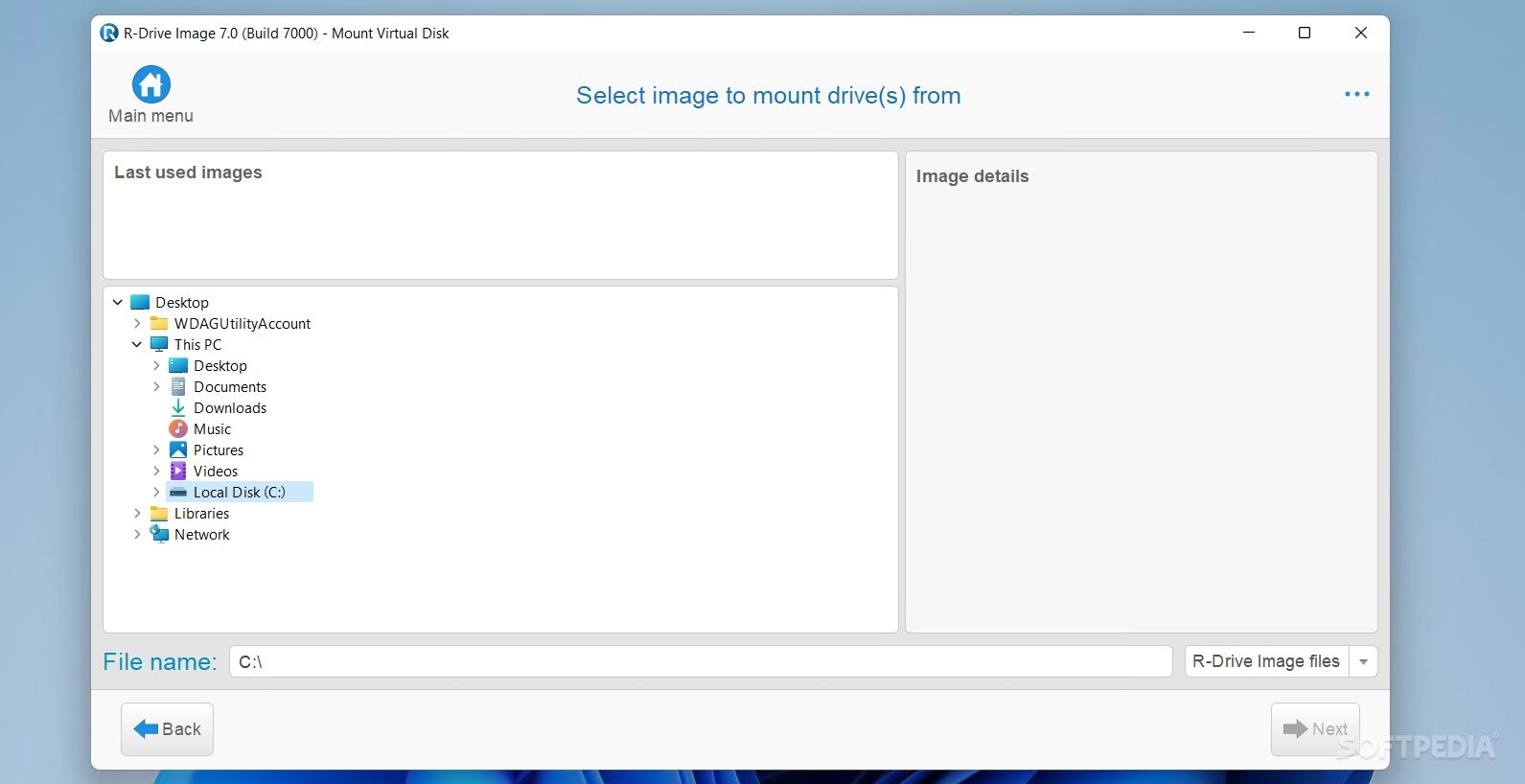
To restore only certain files from a disk image, you can connect the image as a virtual disk and copy those files directly from the disk image using Windows Explorer or any other file utility.
Here are some key features of "RDrive Image":
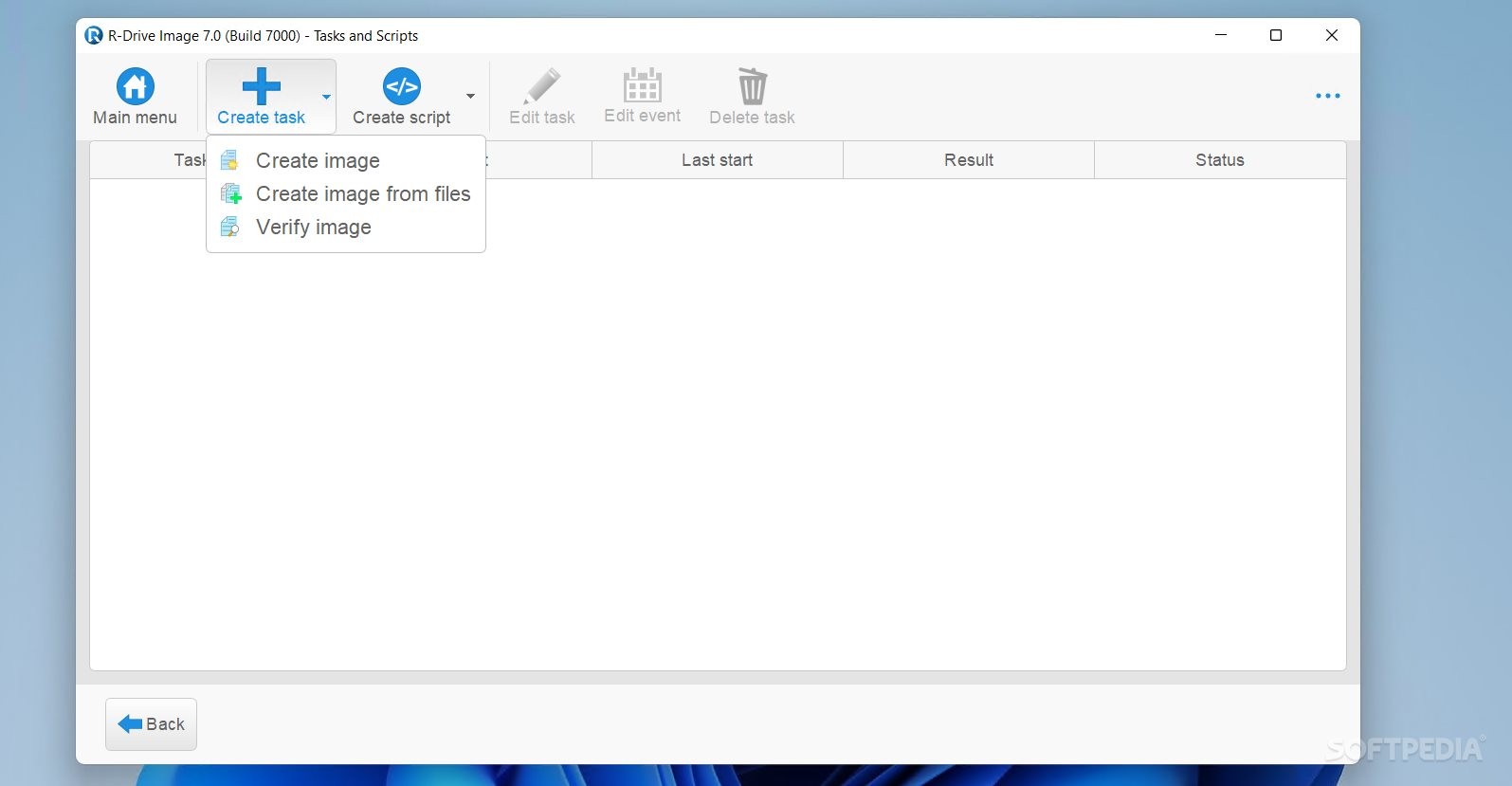
· A simple wizard interface - no in-depth computer management skills are required. · On-the-fly actions: Image files are created on-the-fly, no need to stop and restart Windows. All other disk writes are stored in a cache until the image is created. Data from image files are restored on-the-fly as well, except on a system partition. Data to the system partition can be restored either by restarting R-Drive Image in its pseudo-graphic mode directly from Windows, or by using specially created startup disks. · Image files compression. Image files can be compressed to save free storage space. · Removable media support. Image files can be stored on removable media. · Pseudo-graphic mode. Restart to the pseudo-graphic mode directly from Windows to restore data to the system and other locked partitions. No need to use startup disks any more. · USB 2.0 devices support in the pseudo-graphic mode. With hard drives prices constantly going down, an external IDE-USB 2.0 HDD case with an appropriate hard drive is an ideal (fast and reliable) solution for notebooks and sealed PCs to backup system and other partitions that can be restored only in the pseudo-graphic mode. Do not use numerous unreliable CD discs and slow CD/DVD recorders any more. Remember: with the incremental backup, this hard drive is not to be too large. · Bootable version. Special bootable disks (either 2 floppy disks or one CD) can be created to restore data to the system partition. · Individual files and folders restoration. A disk image can be connected as a read-only virtual drive and its content can be viewed and copied. · Image files splitting. Drive images can be split into several files to fit a storage medium. · Image Protection. Disk image files can be password-protected and contain comments. · File system conversion. The file system of the restored disk can be converted to another one (FAT16 to FAT32 and vise versa.). · New partition creation. Data from a disk image can be restored on a free (unpartitioned) space on any place on a hard drive. The size of the restored partition can be changed. · Partition replacement. Data from a disk image can be restored on other existing partitions. R-Drive Image deletes such partitions and restores data on that free space. · Disk to Disk copy. An entire disk can be directly copied on another one. · Image files verification. You may check if your image files are good before you store them or restore data from them. · Scheduler. A time for disk image creation may be scheduled and the process can be run in unattended mode. · Script creation for frequent or unattended actions. Such scripts for creating an image file and appending data to an existing image file are created from the R-Drive Image interface the same way the actual action is performed. Scripts are executed from a command line and such command can be included to any command file.
Requirements:
· Internet Explorer · The administrative privileges under Win2000/XP/2003 are required during installation to install R-Drive Image
Limitations:
· A free 15-day trial version allows you to verify all R-Drive Image capabilities. · R-Drive Image trial version installed on Windows OS is fully functional. · R-Drive Image trial bootable version launched from startup disks (either 2 floppy disks or a CD) is fully functional but its functionality can be tested on the same PC where R-Drive Image trial Windows version is installed ONLY.
What's New in This Release: [ read full changelog ]
· Windows Vista and 64 bit processors support. New R-Drive Image version supports all Windows Vista operating systems and 64 bit processors.
· Microsoft Volume Shadow Copy Service (VSS) support. In order to create a point-in-time snapshot of a database, the servers like Microsoft Exchange, Microsoft SQL and Oracle are notified before backup process begins. The technology allows synchronizing the servers' database and creating the correct copies of quick-changeable data.
· Dynamic Disks and BSD slices support. Dynamic disks and BSD slices can be backup, restored and copied. The feature is supported in both Windows and bootable versions of R-Drive image. You may create an image of one disk or a volume of any type and then restore the image back to a dynamic or basic disk. However when such image is restored you may not change a size or other characteristics of the target disk. When you restore a dynamic disk image to a basic disk, the basic disk remains basic and is not converted to the dynamic disk.
· Writing to NTFS partitions. Now the R-Drive Image bootable version (based on the Linux kernel) supports writing to NTFS partitions as well as R-Drive Image Windows version.
|
|
 | | Softpedia guarantees that R-Drive Image 4.3 Build 4316 is 100% CLEAN, which means it does not contain any form of malware, including spyware, viruses, trojans and backdoors. [read more >] |
|
|
|
|
|
|
|
|
|
|
| Rainbow 5.11.5 |
| This program performs the best Spectral Estimation Method for a Power Spectral Density plot |
|
|
|
|
|
|