WINDOWS CATEGORIES:
NEWS ARCHIVE >>
SOFTPEDIA REVIEWS >>
|
|
|
WEEKLY HIGHLIGHTS
|
7-DAY TOP DOWNLOAD
# |
Program |
 | Windows Live Messenger 2009 14.0.8089.726 187,869 |  | Avira AntiVir Personal - Free Antivirus 9.0.0.407 183,047 |  | Avira Antivir Virus Definition File Update November 6, 2009 173,387 |  | Nexus Radio 4.1.1 122,444 |  | Windows Live Messenger 8.5.1302.1018 113,099 |  | FreeZ Online TV 1.30 93,662 |  | Microsoft Office 2007 76,384 |  | Y! Multi Messenger 8.x and 9.x 75,572 |  | DVD Shrink 3.2.0.15 53,871 |  | AVG Free Edition 9.0 Build 698a1730 52,233 |
|
WEEK'S BEST
Internet Explorer ...Online Armor ++ 4....cFosSpeed 5.01 Bui...SONY Vegas Pro 9.0...Firefox 3.6 Beta 1...Nokia Photos 1.6.434Windows Server 200...Skype Portable 4.1...Google Chrome Port...PCMark Vantage Bas...Kaspersky Anti-Vir...Microsoft Virtual ...Messenger Plus! Li...WinX DVD Author [F...SoftPerfect Networ...System Mechanic Pr...Ad Muncher 4.8 Bui...Windows 7 Upgrade ...Pidgin 2.6.3OpenOffice.org 3.2...VirtualDub 1.9.7 B...Maxthon [Softpedia...Spyware Doctor 7.0...SUPERAntiSpyware 4...Adobe Acrobat Prof...Camfrog Video Chat...Adobe Reader 9.2.0...Foxit PDF Reader 3...Microsoft Maliciou...AVG Identity Prote... |
|
|
|
Symantec Ghost Solution Suite 2.5
|
|
|
|
|
|
User Rating: Rated by: |
Fair (2.9/5) 37 user(s) |
|
|
|
Symantec Ghost Solution Suite description |
|
|
The industry�s most widely used corporate imaging and deployment solution
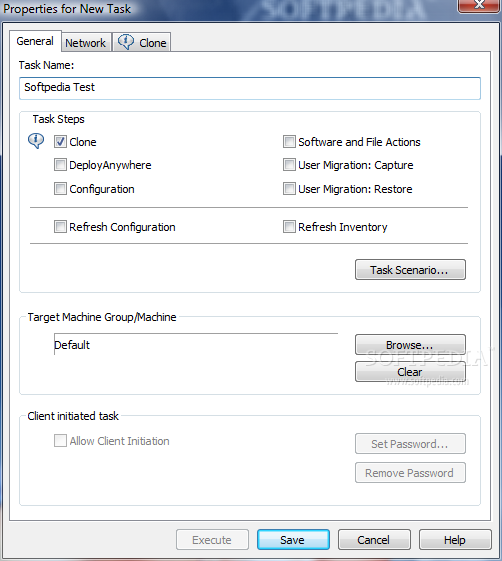
The Symantec Ghost Solution Suite is the industry's most widely used enterprise imaging and deployment solution with ease-of-use for managing the entire PC lifecycle, including operating system deployment with hardware-independent imaging, easy migration of user settings and profiles, software distribution and secure PC retirement.
Reduces deployment costs, complexity, and time ■ Helps ensure that workstations remain consistent and compliant with corporate standards from acquisition to disposal ■ Simplifies image management and reduces the number of images needed for deployment by using DeployAnywhere technology to deploy hardwareindependent images ■ Enables administrators to keep images from becoming "stale" by using hot imaging on a continually updated base machine and by using flexible image management options ■ Simultaneously deploys hundreds of Windows or Linux client systems across the enterprise in a matter of minutes ■ Provides image multicasting to minimize bandwidth usage and speed the deployment of new images ■ Allows administrators to configure and schedule tasks from a centralized console, including rolling out software, upgrading operating systems, executing commands remotely, and targeting computers based on specific hardware and software attributes ■ Enables the use of the Microsoft Windows Preinstallation Environment (Windows PE) and Linux to accelerate and automate Windows and Linux deployments ■ Provides administrators with flexible image options by the ability to deploy VMware (VMDK), Symantec Backup Exec System Recovery (V2I), and PowerQuest (PQI) hard disk images
Decreases downtime, risk, and cost of user migrations ■ Allows administrators to perform fully managed client-driven migrations, simplifying implementation, maintenance, and user-based operations, as well as reducing the cost and risk associated with client migration ■ Preserves user data and personality settings, minimizing post-migration support costs, disruptions, and end-user downtime ■ Allows administrators to set policies that restrict users from adding unauthorized files to the migration package
Facilitates secure PC retirement ■ Reduces the risk and liability associated with PC retirement and data disposal by implementing best practice strategies for PC retirement and data disposal ■ Ensures that confidential data cannot be recovered from recycled, retired, or leased PCs ■ Meets the highest industry standards for secure data disposal, including Department of Defense (DoD) standards
Industry leading hardware independent imaging ■ DeployAnywhere technology inserts hardware drivers t the appropriate time during imaging to support a arge variety of hardware configurations ■ Creates file-based images of any FAT, NTFS, EXT2, and EXT3 file systems ■ Supports logical volumes on Windows and Linux ■ Facilitates easy image exploration and extraction of individual files in file-based images, while also allowing the addition, deletion, or modification of any file within any FAT-based image ■ Enables sector-based imaging with SmartSector Technology for creating an exact and efficient image of a system that can be used for rapid OS deployment or system recovery ■ Hot imaging creates base images from a live system to ensure that the most up-to-date image is deployed every time ■ Image compression saves valuable disk and network space, while significantly reducing the time required to create and restore images over a network ■ Support for additional image files, such as VMware VMDK, Symantec Backup Exec System Recovery V2I, and PowerQuest PQI images
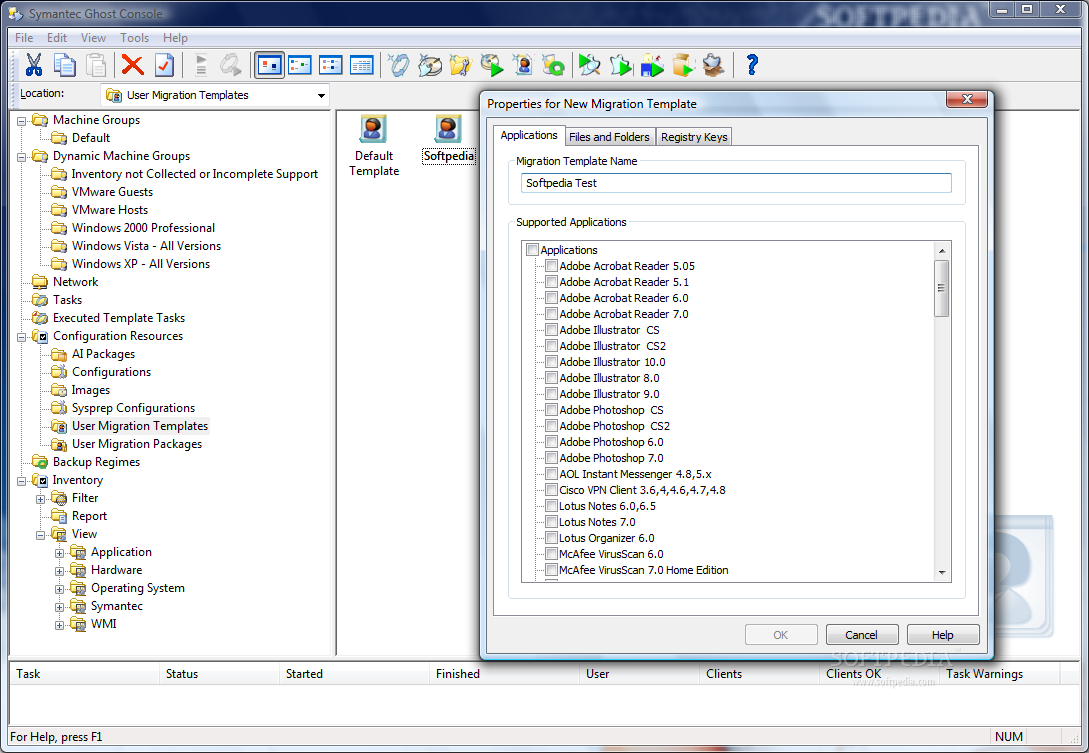
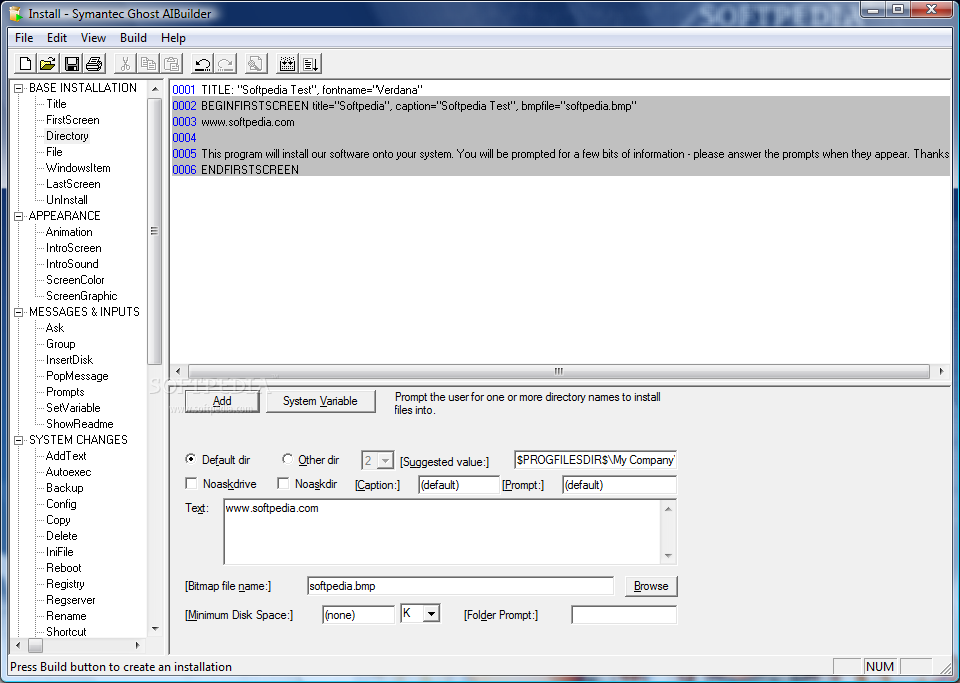
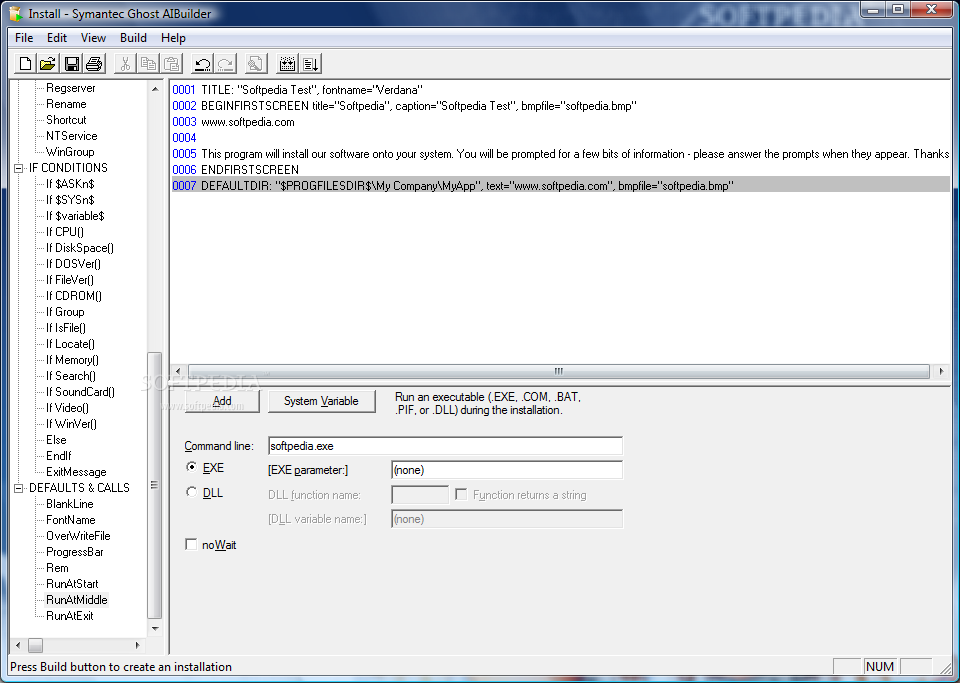
Windows and PC migration ■ Symantec AutoInstall reduces the time and cost of managing software distribution across a network by providing an efficient means of installing application packages and updates ■ Custom templates expedite the overall migration process ■ Access rights and transport encryption prevent unauthorized access, providing secure transfer and storage of user data ■ Web-based self-service tool for user migrations simplifies implementation, maintenance, and user-based operations ■ Client staging area minimizes network storage and bandwidth issues
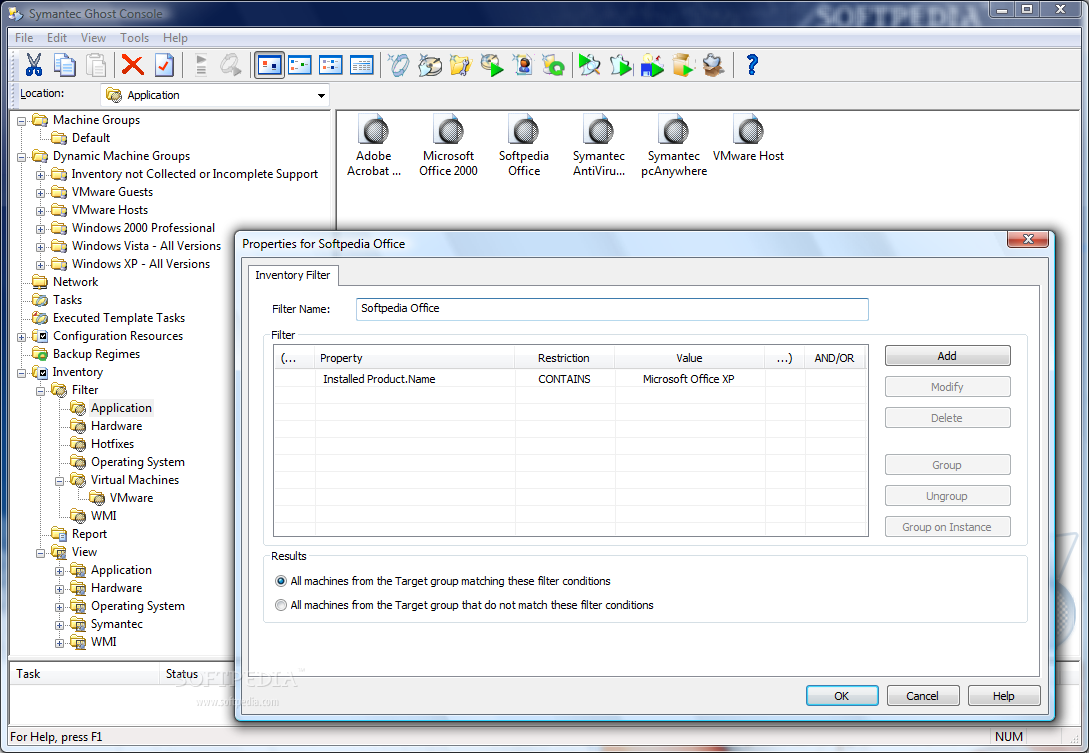
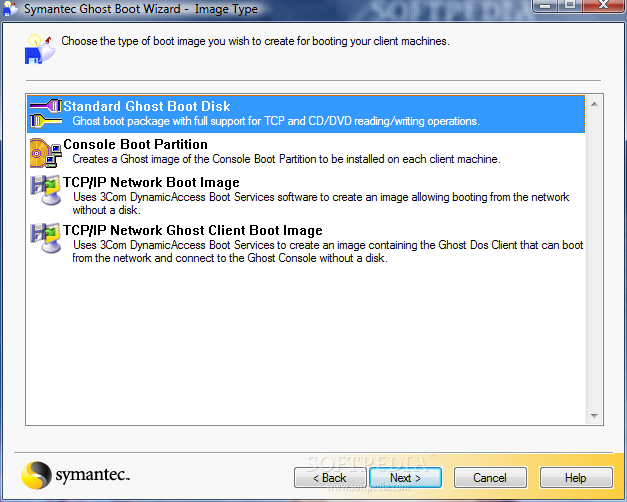
Systems management ■ Hardware and software inventory capabilities provide administrators with client machine details that allow them to more effectively manage their image and software deployment, including the ability to design provisioning tasks based on specific client attributes ■ Client staging area preserves contents during a cloning or restore to ensure an original state "onboard" recovery solution for every PC, thereby helping to minimize disruption of user productivity ■ Multicast file transfers allow administrators to send and execute critical security-related "hot fixes" to multiple recipients simultaneously ■ A centralized management console increases IT productivity and helps lower the total cost of ownership (TCO) for networked PCs and workstations ■ New recovery kit allows VARs and system integrators to provision an onboard boot environment-eliminating the need to provide bootable media to initiate a recovery process-so the image and recovery environment can now be booted by pressing a function key ■ The ability to create detailed reports from fully customizable filters and views gives administrators easy access to the information they need ■ Easily create bootable CD-ROMs and USB Flash ROMs for increased flexibility ■ Universal network driver allows IT staff to create a single Boot Disk for every PC on their network-regardless of different network cards PC and data disposal ■ GDisk utility ensures that confidential data cannot be recovered from recycled, retired, or leased PCs by using secure disk wiping in accordance with U.S. DoD requirements ■ GDisk 32 provides secure disk wiping from Windows PE ■ Includes FAT file system formatting, batch mode operation, hiding/unhiding of partitions, and extensive partition reporting
Key Benefits ■ Enhance and leverage Microsoft's own best practices for Vista migration. ■ Simplify image management by creating fewer images. ■ Multicast accelerates deployments and reduces overall network traffic. ■ Accelerated imaging compared to standard OS tools using market proven technology. ■ Recognize significant cost and time savings when imaging, deploying, migrating, and managing systems.
Here are some key features of "Symantec Ghost Solution Suite":
■ DeployAnywhere technology creates hardware-independent imaging. ■ Create base images from a live system using hot imaging. ■ Support for Microsoft Windows Vista and 64-Bit OS's. ■ Single centralized management console for management of all migration tasks. ■ Built-in Vista inventory filters for identification and targeting of 'Vista ready' machines. ■ Hardware and software inventory for efficiently managing image and software deployments.
Requirements:
Symantec Ghost "Server" and Console ■ Microsoft Windows Server 2008, Windows Vista Business/Enterprise/Ultimate, Windows 2000 Professional, Windows 2000 Server SP3, Windows Server 2003 Standard/Enterprise SP1, Windows Server 2003 R2 Standard/Enterprise, Windows XP Professional SP2 ■ Video display supporting 256 colors at 800 by 600 resolution
Symantec Ghost Console Client ■ Windows Networking connectivity ■ 64/32-bit Windows OS including Vista(Business/Enterprise/Ultimate), Windows XP, Windows 2000 Professional (excluding support for 64-bit Itanium processors) ■ 32-bit Windows applications ■ Single boot system (no dual boot support) ■ Current DOS drivers for workstation network cards
Symantec Ghost Imaging Tools ■ Windows Vista Business/Enterprise/Ultimate, Windows 2000 Professional, Windows 2000 Server SP3, Windows Server 2003 Standard/Enterprise SP1, Windows Server 2003 R2 Standard/Enterprise, Windows XP Professional SP2 ■ Hardware RAID only supported with Ghost32.exe in Pre-OS environment (MS WinPE or similar) ■ Support for FAT, FAT32. NTFS, non-boot GPT partitions, native Linux ExT2 and ExT3
Limitations:
Timing out ■ The trial version of the Ghost Console times out 30 days after the trialware is installed. ■ The Ghost.exe expires 30 days after installation. You cannot extend the expiry date.
Licenses ■ The trial version allows a maximum of ten client computers to connect to the Ghost Console at the same time.
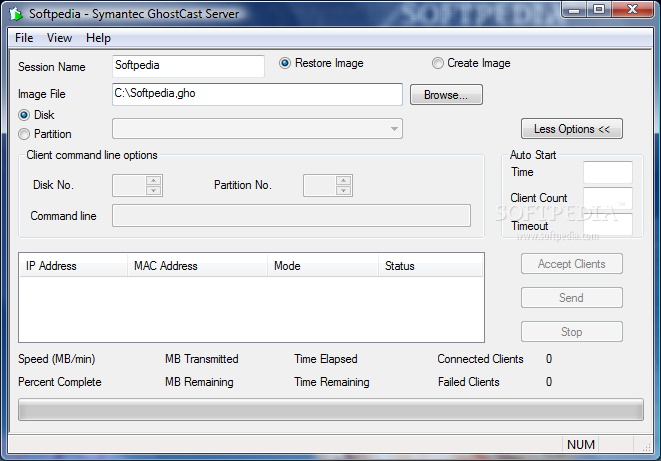
Writing images to disks or partitions ■ The following information applies only to writing an image over a disk or partition, and not to saving an image file to a drive. ■ Images created with the Trailware version of Ghost can only be restored by the same Trialware version or by the fully licensed product. ■ GhostCast Server does not write (load) any images to client computers except for the Ghost boot partition image. ■ Ghost cannnot restore images in standalone mode such as Disk-to-Disk, Partition-to-Partition, Partition-from-Image and Disk-from-Image. Images can only be restored using the Console. The only exception to this is using GhostCast Server and Ghost to restore Console Boot Partition images. ■ If you have created an image of a computer with the Trialware client installed you want to keep, you should restore the image, uninstall the Trialware client, install the licensed version of Symantec Ghost client and create a new image.
Other ■ The Trialware version does not allow confirmation dialog boxes to be suppressed. ■ Symantec Ghost will not install on the computer if another version of Ghost is already installed. This includes the Trialware version. In all cases, you must first uninstall the currently installed version of Ghost. ■ AI Packages do not install standalone and can only be deployed through the Console. ■ Omnifs, Omnifs32, GhWalk32, and Ghost32 are not included in the Trialware version. ■ The 3Com PXE server is not included in the Trialware version.
|
|
 | | Softpedia guarantees that Symantec Ghost Solution Suite 2.5 is 100% CLEAN, which means it does not contain any form of malware, including spyware, viruses, trojans and backdoors. [read more >] |
|
|
|