
Thoroughly scan hard drives to find files you have accidentally erased and quickly restore them with this reliable and user-friendly software solution. #File recovery #Recover file #Restore file #Undelete #Recovery #Recover

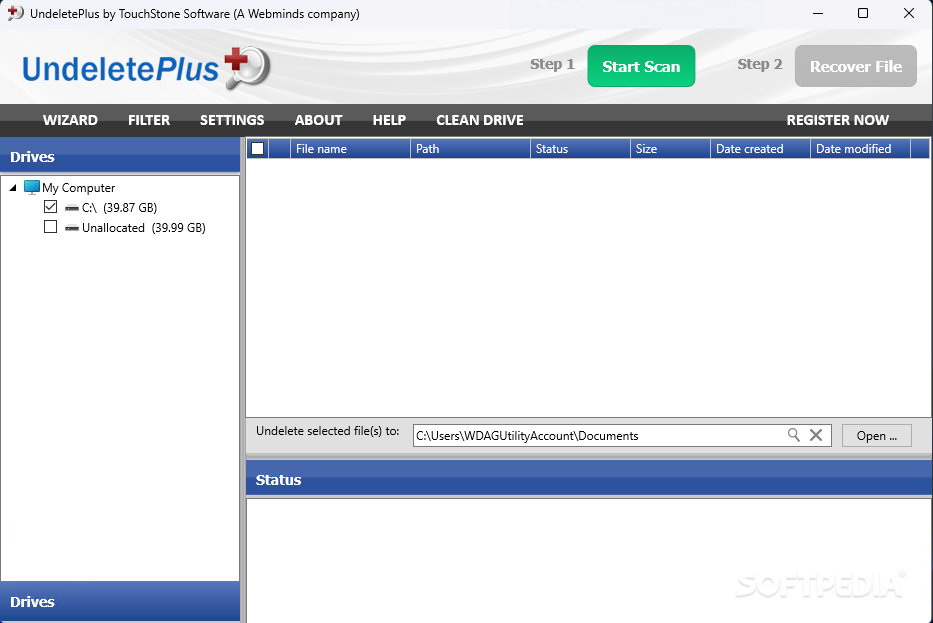
Since computers are not always operated by experts or by adults, for that matter, accidents are bound to occur, and their consequences can occasionally be disastrous. When it comes to mistakenly deleted files however, there is a solution: software that specializes in file recovery, such as Undelete Plus.
Once Undelete Plus is launched, it automatically recognizes all the drives and lets the user pick the one that needs to be scanned for removed files. The destination location also needs to be specified, usually on another partition than the one currently being processed.
Even when testing the application with multiple drives, the generated results are accurate. Not only will Undelete Plus locate a lot of deleted files, but it also works fast, even on very large hard disks.
Once the scan is complete, users can filter the found files by type, so as to be able to easily restore their desired items, be they photos, videos, MP3s or any other format. The status of each file is also mentioned, thus informing the user on the chances of recovery they have for each document.
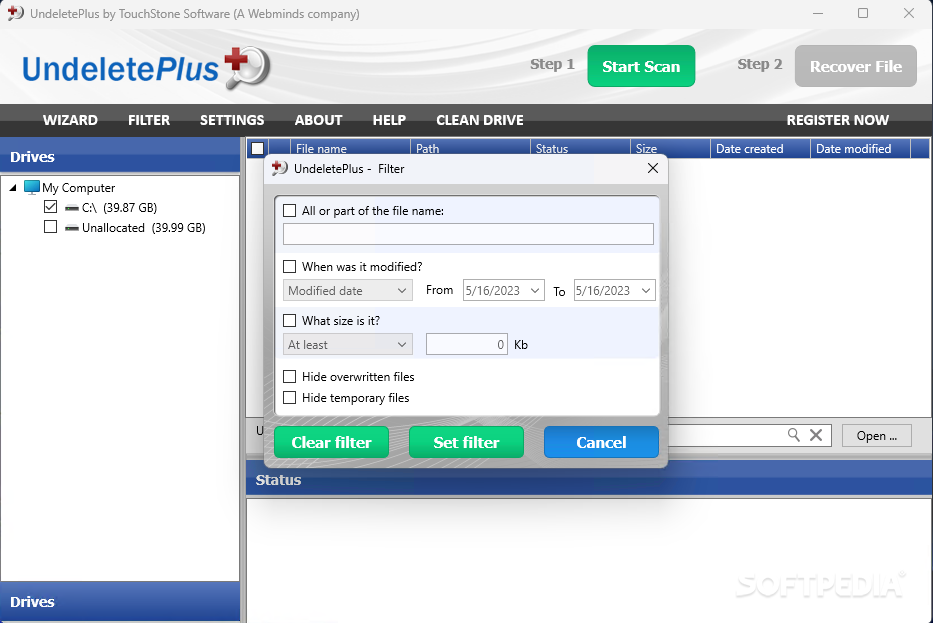
Another way of filtering the results is according to their filename, size or the date of the last modification, while also hiding the temporary and overwritten files.
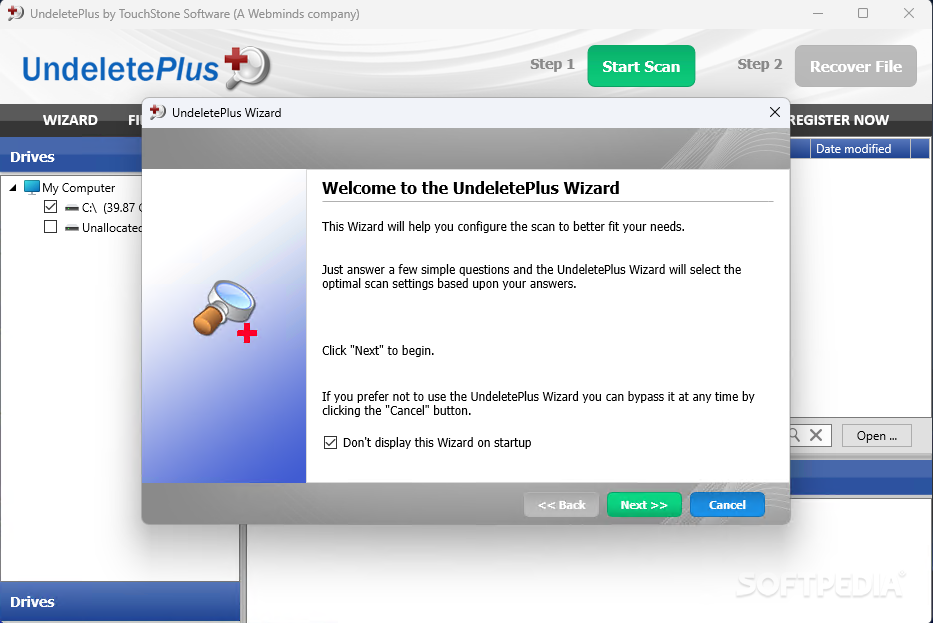
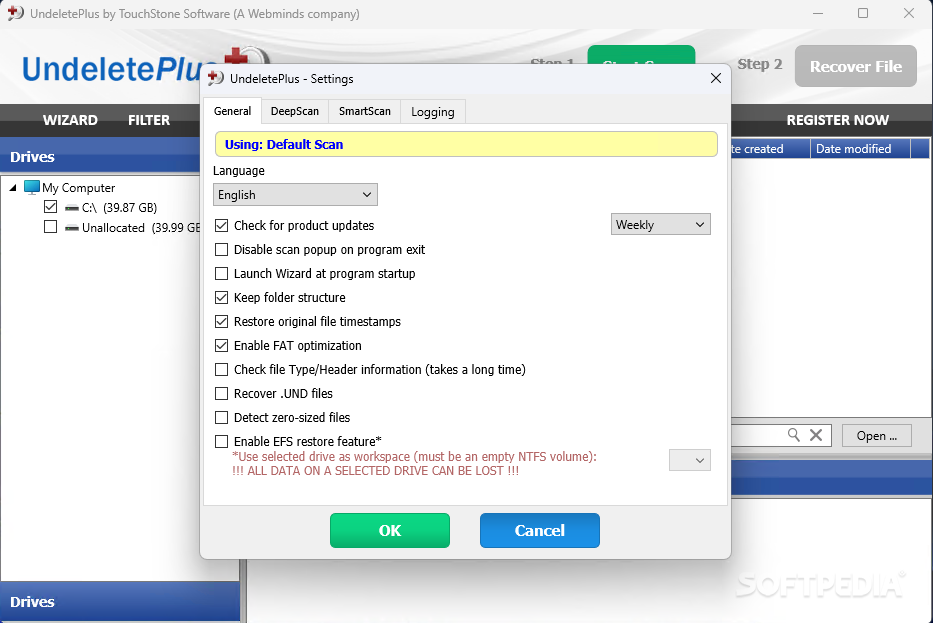
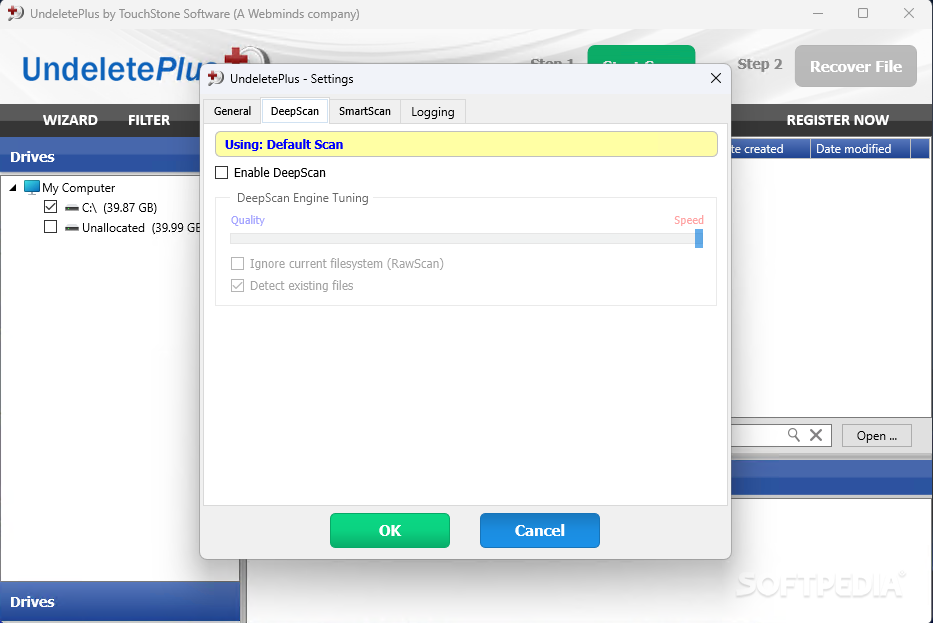
The Settings window is the place where keeping the folder structure can be disabled or the Deep Scan feature can be activated. Undelete Plus can also be used to detect zero-sized files on the target drive.
The unregistered version does not allow file recovery, but when the accidentally erased files are of vital importance, purchasing a license to unlock the full powers of the software might be a smart investment.
Download Hubs
Undelete Plus is part of these download collections: File Uneraser, File Recovery
Undelete Plus 4.0.23.823
add to watchlist add to download basket send us an update REPORT- runs on:
-
Windows 11
Windows 10 32/64 bit
Windows 8 32/64 bit
Windows 7 32/64 bit - file size:
- 5.4 MB
- filename:
- undeleteplus_setup.exe
- main category:
- System
- developer:
- visit homepage
4k Video Downloader

IrfanView

Zoom Client

7-Zip

Microsoft Teams

ShareX

Context Menu Manager

Windows Sandbox Launcher

Bitdefender Antivirus Free

calibre

- Windows Sandbox Launcher
- Bitdefender Antivirus Free
- calibre
- 4k Video Downloader
- IrfanView
- Zoom Client
- 7-Zip
- Microsoft Teams
- ShareX
- Context Menu Manager