WINDOWS CATEGORIES:


NEWS ARCHIVE >>
SOFTPEDIA REVIEWS >>

WEEKLY HIGHLIGHTS

DVD Cloner45
Spyware Doctor40
1Click DVD Copy40
Apollo DVD Copy40
ABC Amber BlackBer...45
Protected Music Co...40

7-DAY TOP DOWNLOAD

#
Program
Avira AntiVir
Personal - Free
Antivirus 9.0.0.415

154,543
Windows Live
Messenger 2009
14.0.8089.726

129,339
Nexus Radio 4.2.2
115,575
Avira Antivir Virus
Definition File
Update November 30,
2009

113,249
FreeZ Online TV 1.30
85,014
Y! Multi Messenger
8.x and 9.x

70,259
Microsoft Office
2010 14.0.4536.1000
Beta / 2007

66,632
DVD Shrink 3.2.0.15
47,470
Windows Live
Messenger
8.5.1302.1018

46,629
AVG Free Edition 9.0
Build 707a1765

42,592

WEEK'S BEST

  • Kaspersky Password...
  • Daniusoft Video to...
  • VirtualBox 3.1.0 r...
  • SiSoftware Sandra ...
  • Kaspersky Virus Re...
  • Faststone Image Vi...
  • Vuze (formerly Azu...
  • Softpedia Wallpape...
  • Softpedia Wallpape...
  • Softpedia Wallpape...
  • RSSOwl 2.0.1
  • Internet Explorer ...
  • Online Armor ++ 4....
  • cFosSpeed 5.01 Bui...
  • SONY Vegas Pro 9.0...
  • Firefox 3.6 Beta 4...
  • Nokia Photos 1.6.434
  • Windows Server 200...
  • Skype Portable 4.1...
  • Google Chrome Port...
  • PCMark Vantage Bas...
  • Kaspersky Anti-Vir...
  • Microsoft Virtual ...
  • Messenger Plus! Li...
  • WinX DVD Author [F...
  • SoftPerfect Networ...
  • System Mechanic Pr...
  • Ad Muncher 4.81 Bu...
  • Windows 7 Upgrade ...
  • Pidgin 2.6.4
  • Home > Windows > System > Benchmarks
     Report spyware

    BurnInTest Standard 6.0 Build 1016

    Download button

    Downloads: 7,361  Add to download basket  Tell us about an update
    User Rating:
    Rated by:
    Good (3.7/5)
    34 user(s)
    Developer:

    License / Price:

    Size / OS:

    Last Updated:

    Category:
    PassMark Software | More programs
    Trial / USD 34.00 | BUY the full version
    5.2 MB / Windows NT / 2K / XP / 2003 / Vista / 2008
    November 10th, 2009, 08:35 GMT [view history]
    C: \ System \ Benchmarks

     Read user reviews (0)  Add a review  Refer to a friend  Subscribe


    BurnInTest Standard description


    Fast and easy to use PC hardware reliability and stability tester

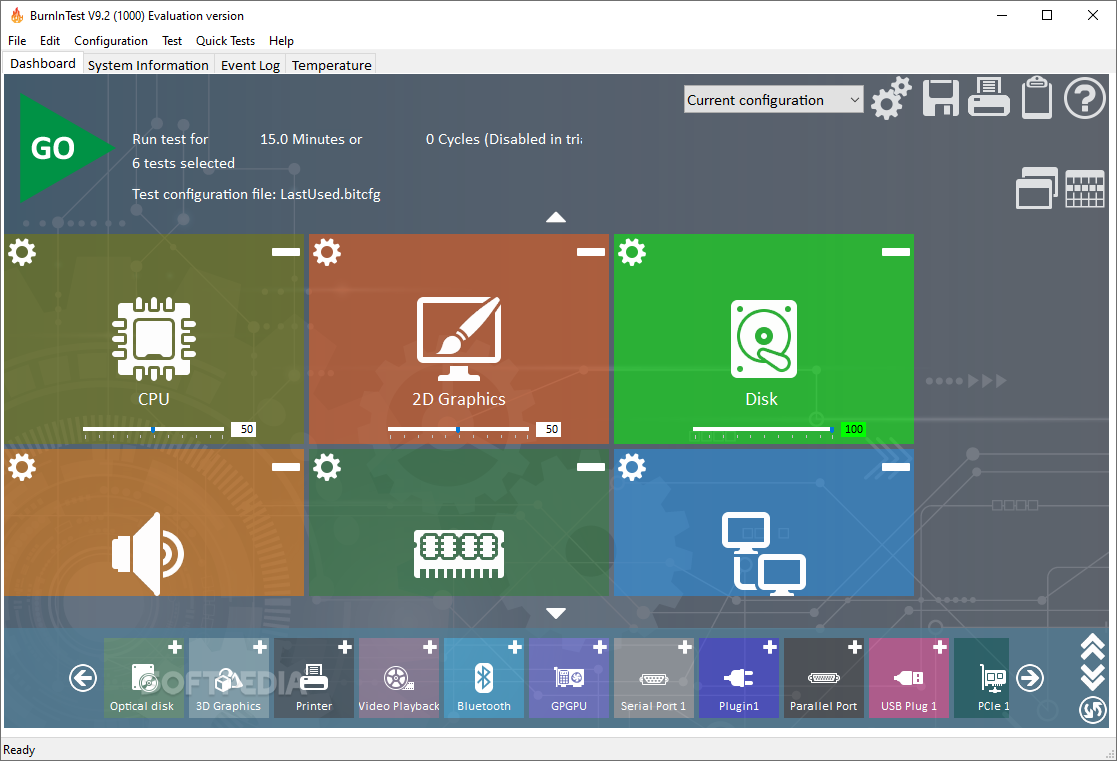
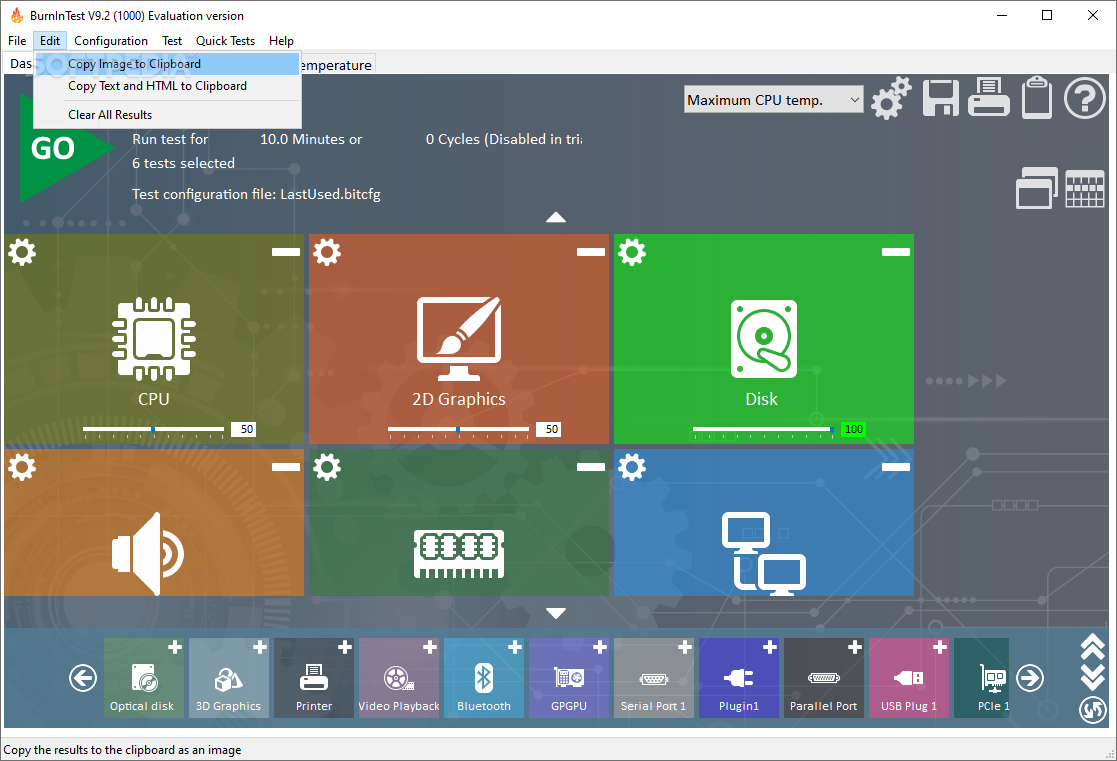
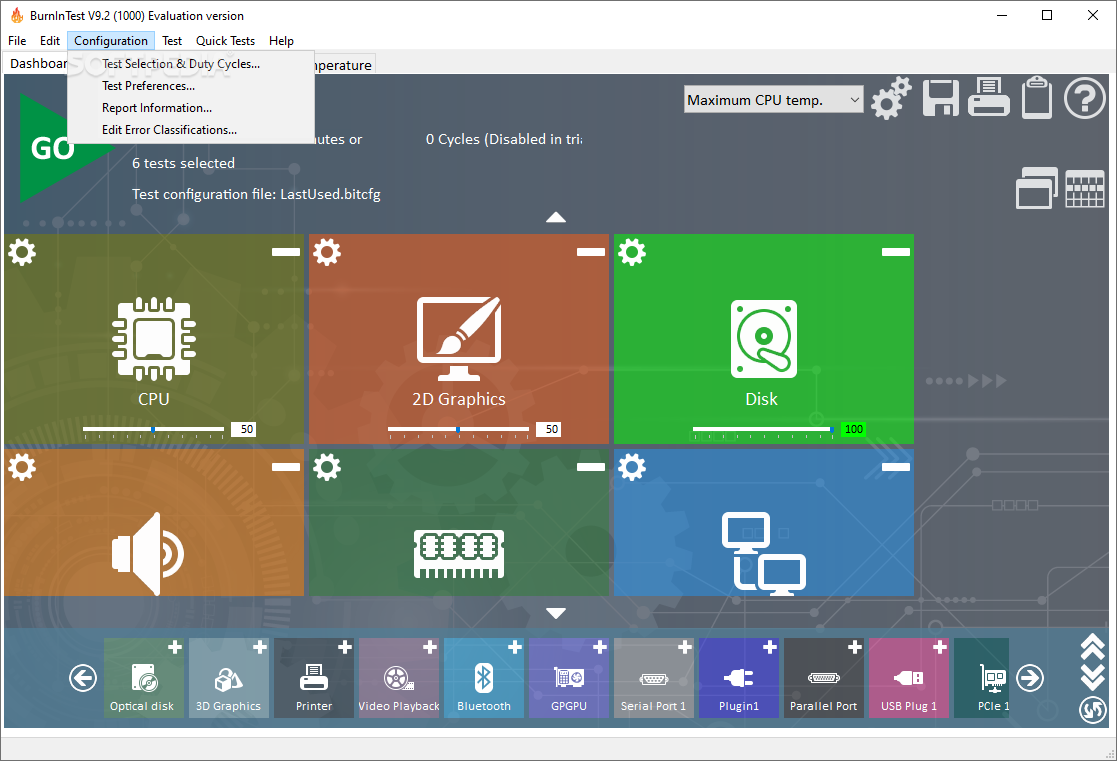
    BurnInTest is a an application that allows all the major sub-systems of a computer to be simultaneously stress tested for reliability, endurance and stability.

    Anyone who has used computers for any period of time will understand the importance of having a stable system. The cost of a hardware failure can be enormous.

    If you are lucky your data will only become inaccessible while faulty components are replaced. If you're unlucky you can lose your files completely or have them permanently corrupted.

    Even if you have good backups, you can still lose days of work returning the PC to its pre-failure state. In many cases the lost data can never be replaced and businesses can be brought to their knees, with the loss of documentation, customer details and financial records.

    What BurnInTest does is thoroughly exercise the hardware in a PC in a short period of time, in the same way as normal applications use a PC over a long period of time.

    This takes advantage of the fact that computer hardware tends to fail either very early in its life or after many thousands of hours of use.

    Typically BurnInTest should be used before a PC is put into service, as the failure of a computer that isn’t being used for a critical application and doesn’t have any critical data is much less damaging, (especially if it is still under warranty).

    BurnInTest will bring intermittent or hidden problems to the surface so that after a successfully run the computer can be used with a much higher level of confidence. BurnInTest can also be used by overclockers to verify system stability at high clock speeds.

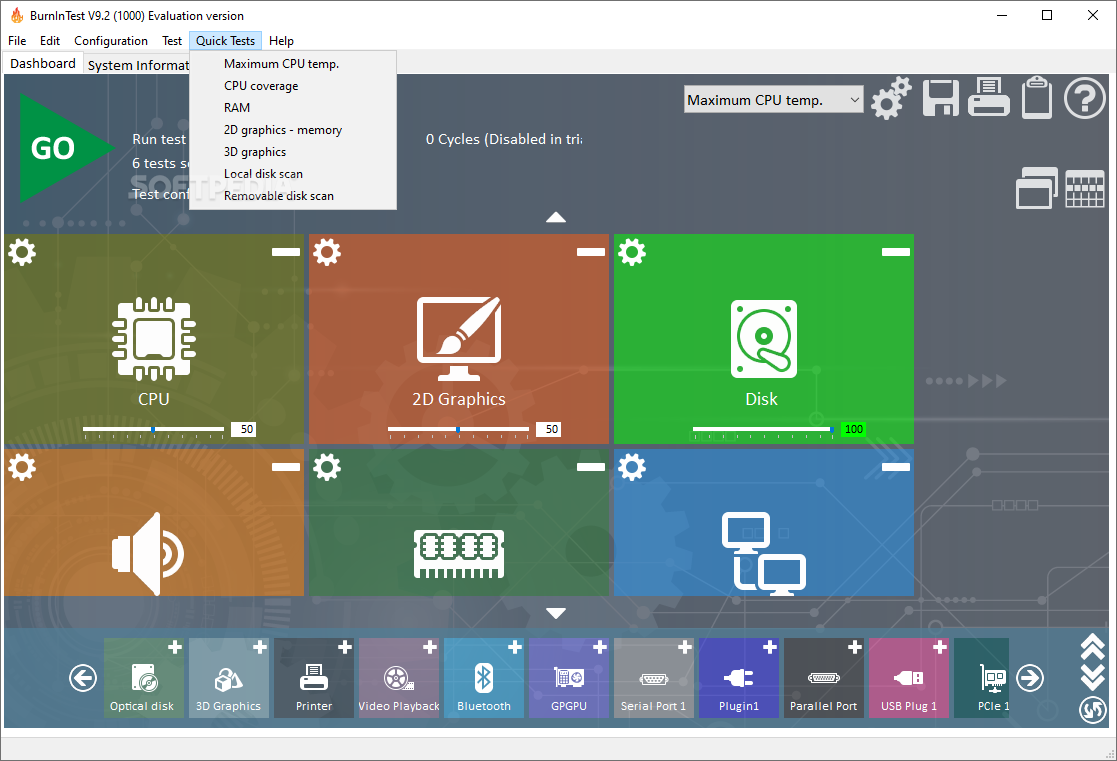
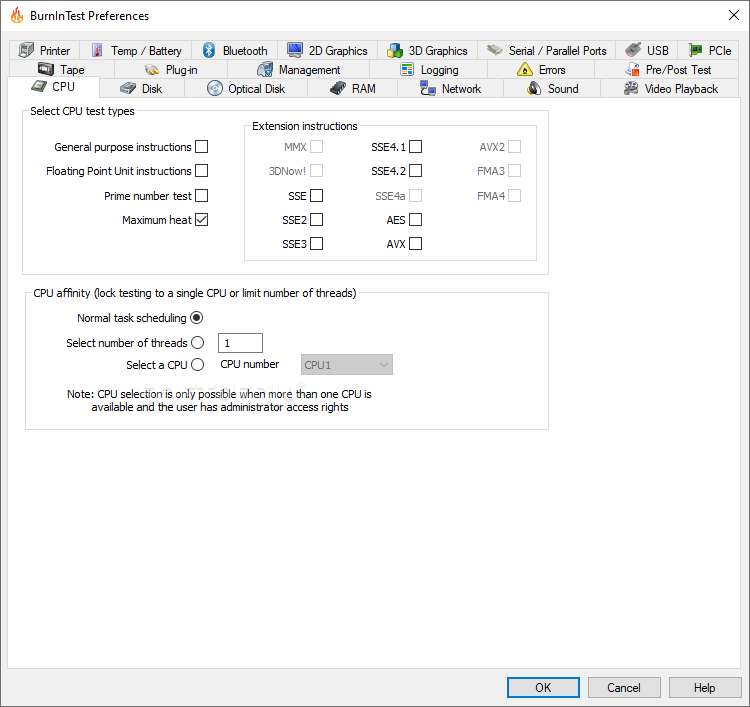
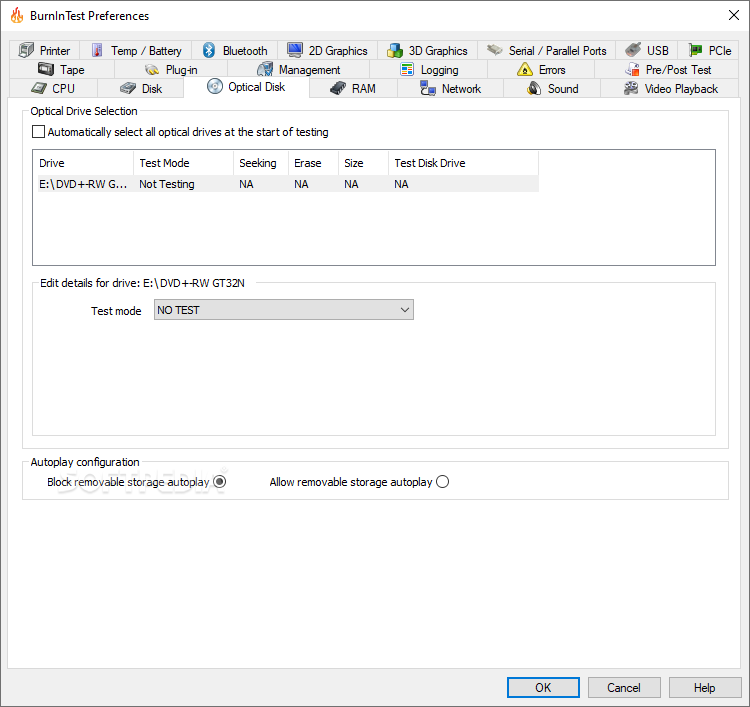
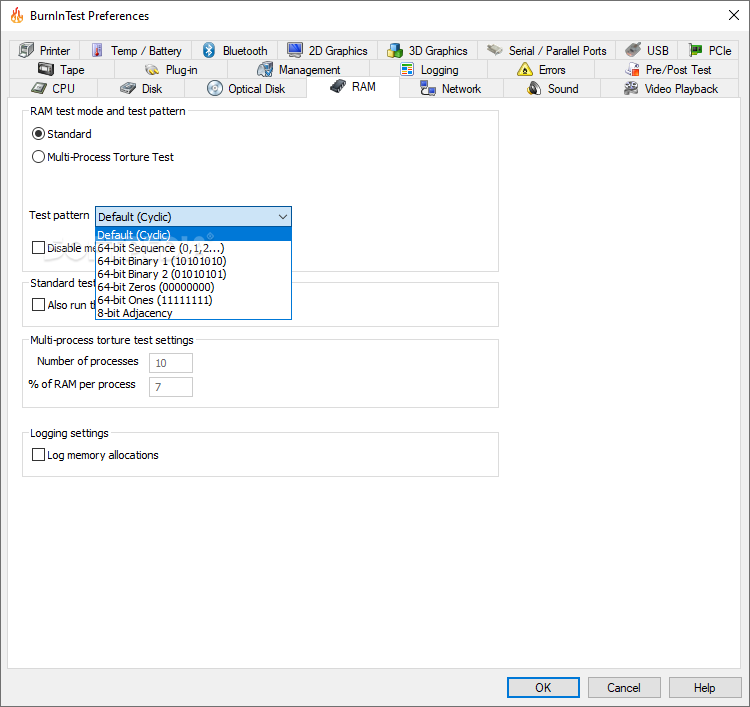
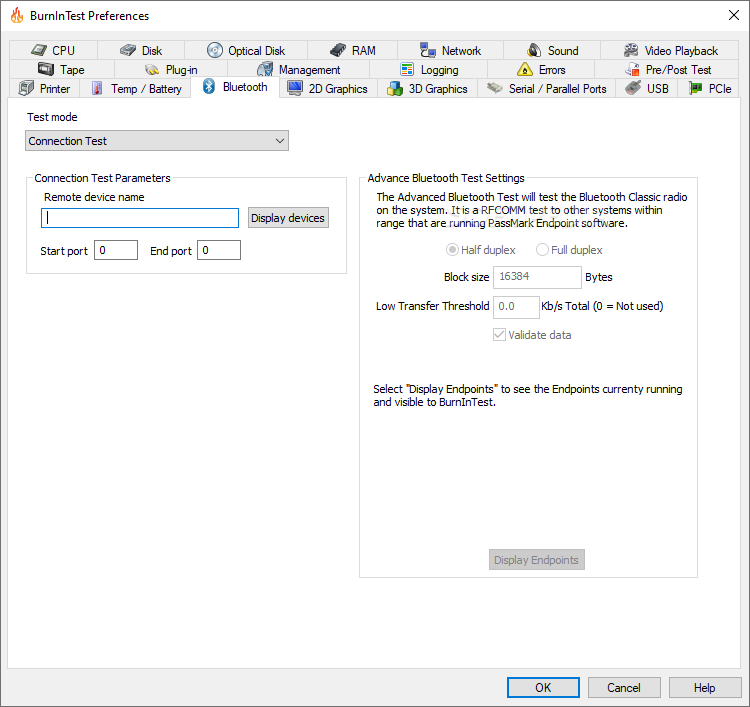
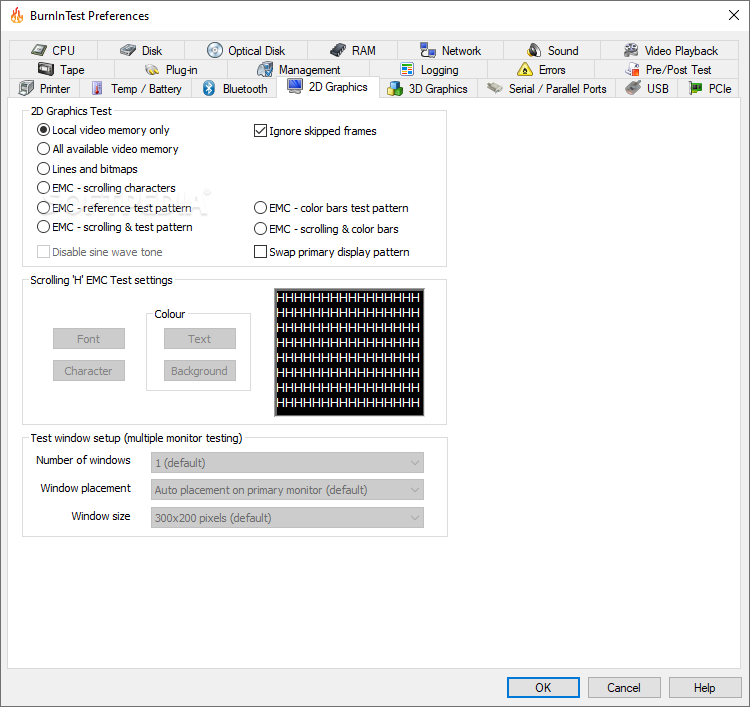
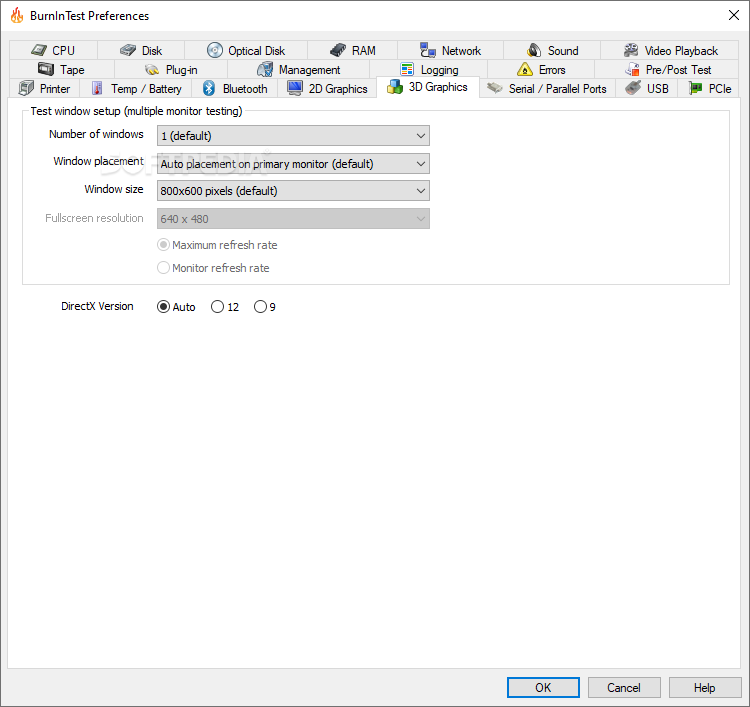
    BurnInTest tests the CPU via mathematical operations and SIMD calculations, hard drives, RAM, CD-ROMs, CD burners, DVDs, sound cards, 2D graphics, 3D graphic, network connection, printers, video playback.

    If you have specialized hardware that BurnInTest does not test, you can even write your own test and integrate it with BurnInTest. PassMark has produced plugin tests for Keyboards, Dial up Modems and FireWire ports.

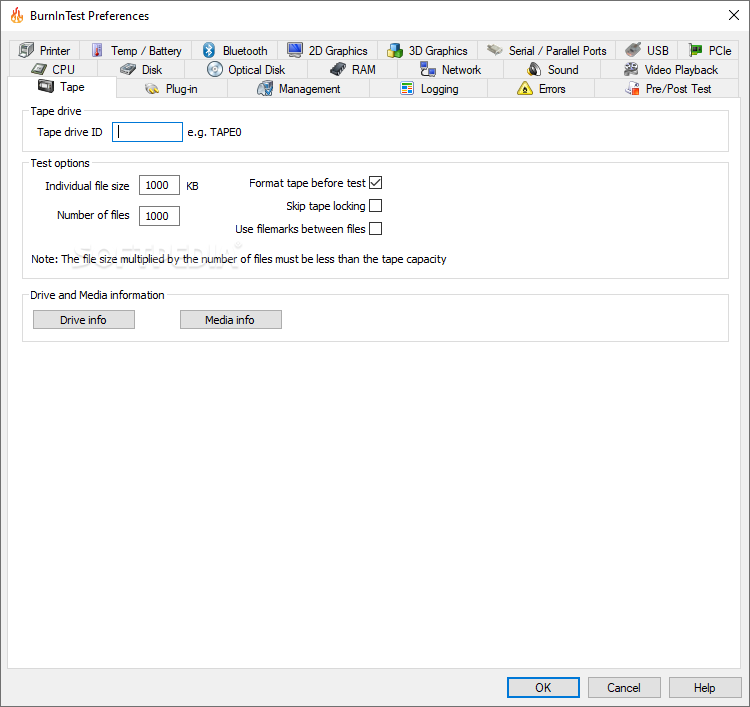
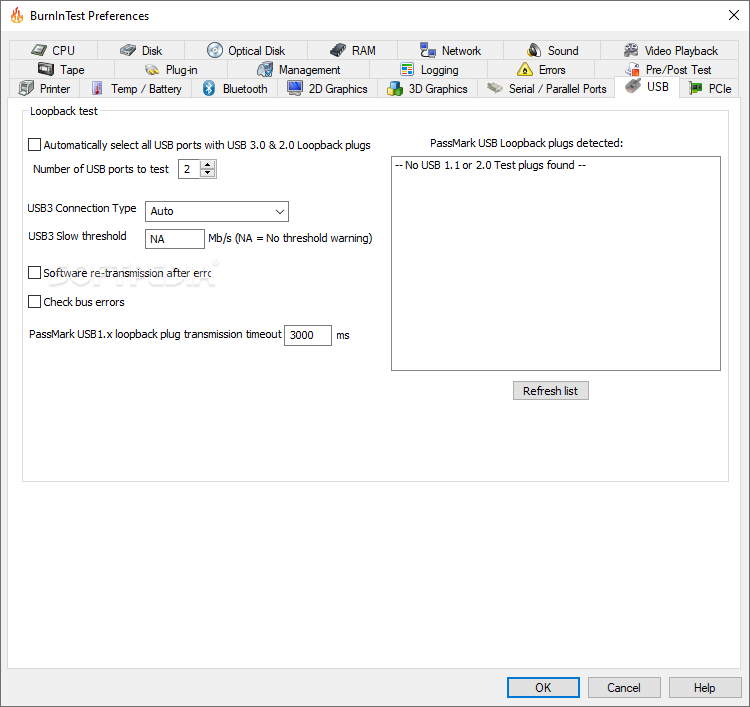
    This can all be done simultaneously as the application is multithreaded. The Professional version also has a number of additional features such as tape drive testing, USB port testing, USB 2.0 port testing, Serial and parallel port testing with the use of loop back plugs.

    Here are some key features of "BurnInTest Standard":

    · Assists in PC Troubleshooting and diagnostics
    · Avoid delivering D.O.A. (Dead on Arrival) hardware to your customers
    · Dramatically reduce your burn in times with multithreaded simultaneous testing of components
    · Build your image as a supplier of quality systems.
    · Avoid costly downtime, system rebuilds and lost data.
    · Test the stability of a system after configuration changes or hardware upgrades (critical for overclocking)
    · Online help & PDF manual
    · A customer style results certificate
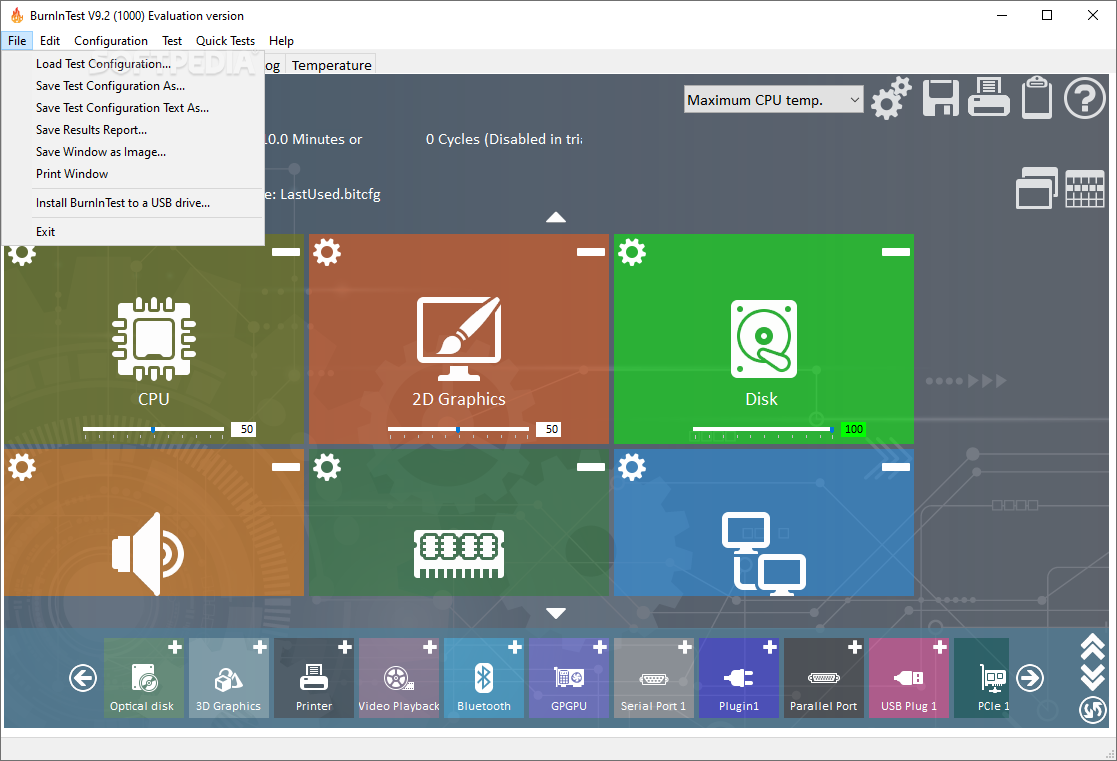
    · Support for printing results
    · Logging of results to disk in user selectable levels of detail (in ASCII format & HTML formats)
    · Timed test runs that will stop automatically at the expiry of the selected time or after a number of test cycles.
    · The ability to save your results to disk as log file.
    · 'Notes' and 'Machine ID' fields for storing your own audit information along with the saved log file.
    · Support for copying the results to other applications (eg. MS-Word) via a variety of image formats. (BMP, GIF, EMF)
    · The ability to select the level of load placed on each component, via the setting of a duty cycle for each test.
    · Counters that count the total number of operations performed.
    · An easy to use point and click interface
    · Can be run from a USB drive or CD (under Windows)
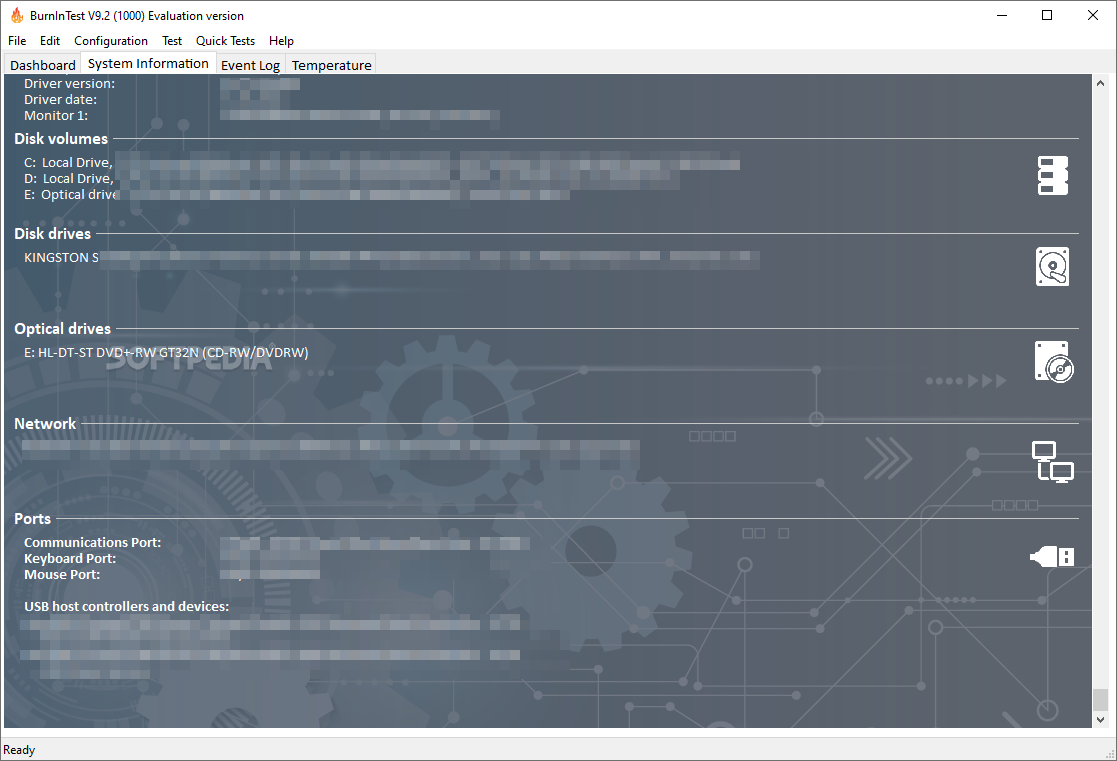
    · Summary system information including CPU type, CPU speed & Serial number.
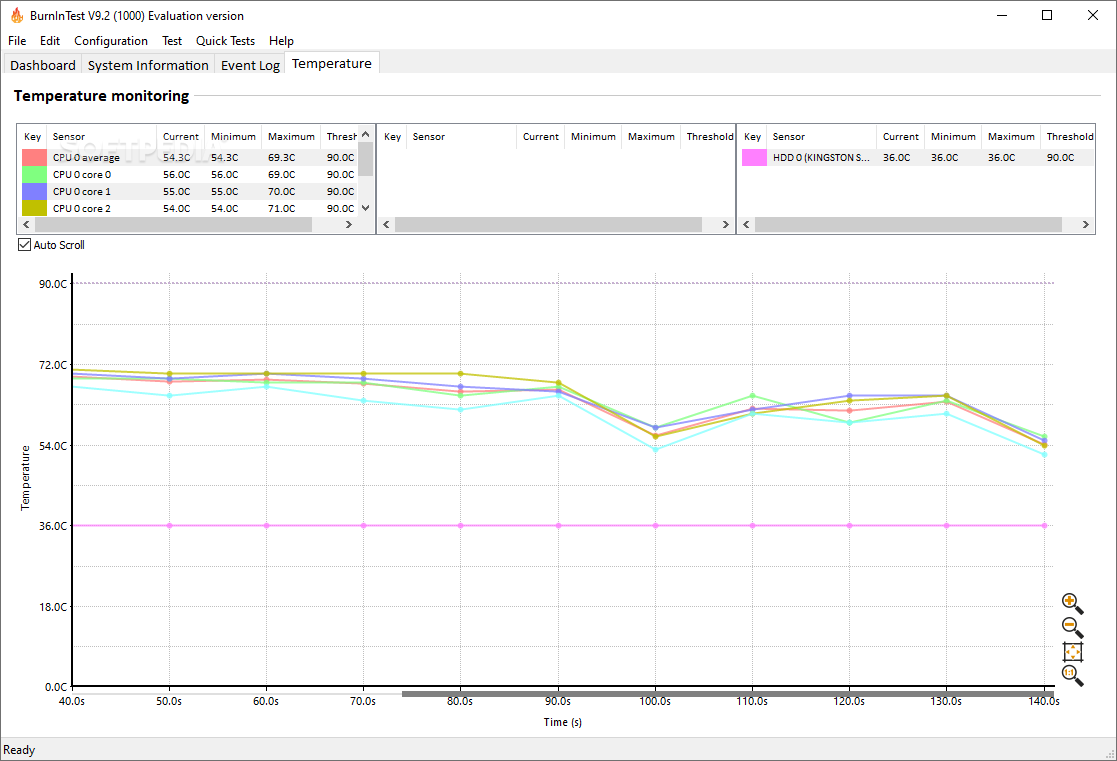
    · Temperature monitoring interface (with additional 3rd party Intel Active Monitor, HMonitor, MotherBoardMonitor and SpeedFan software)
    · Laptop battery & UPS monitoring interface (with additional BatteryMon software)
    · Support for production line automation and detailed logging
    · RAM testing beyond the 4GB barrier in Windows 2000, XP and Vista (up to 64GB of RAM)
    · Printer testing using raw print files, or standard B&W or color testing
    · MP3, Midi and Wave file playback for sound card testing
    · Testing of up to 20 hard and floppy disks simultaneously
    · Testing of up to 20 CD/DVD drives simultaneously
    · CD / DVD testing using specialized test CD/DVDs (or use the complementary CD-Maker software). CD burner testing
    · Windows shutdown and cyclic reboot testing (with complementary Rebooter software)
    · Scrolling 'H's for Electromagnetic Compliance (EMC) testing to ANSI standard C63.4-1992
    · Video RAM testing
    · Testing the playback of Videos
    · Support for SMART hard disk parameter checking

    Requirements:

    · 32 MB RAM
    · 6 MB RAM (more needed to run disk check)
    · Direct X 9.0c (including August 2008 Component)
    · SSE compatible CPU for SSE tests
    · A printer to run the printer test, set-up as the default printer in Windows
    · A CD ROM + 1 Music CD or Data CD to run the CD test
    · A CD-RW to run the CD burn test
    · A network connection and the TCP/IP networking software installed for the Network tests

    Limitations:

    · 30 days trial
    · Nag screen

    What's New in This Release: [ read full changelog ]

    · Correction to Turbo mode reporting in V6.0.1014 (and later) for Xeon E55xx series and for Core2 CPUs that support IDA (Intel Dynamic Acceleration).
    · Corrected an issue with the disk test where in a rare scenario the disk would become full at the end of a full scan and report a disk full error, rather than rescanning the disk.
    · BurnInTest now allows an external application to write a subscript of scripting commands that will be run on BurnInTest Startup. This allows report information such as serial number to be set using external applications run before starting BurnInTest (using the bit-script-input.txt mechanism). Other bit-script-input.txt sub-script corrections made.
    · Added the script command, STARTLOGGING, so that report information such as the test system serial number, can be configured before the report (log file) is opened.
    · Improvement to the default video playback file selection under Windows 7.
    · Corrections to copying event log information to the clipboard.

     Softpedia guarantees that BurnInTest Standard 6.0 Build 1016 is 100% CLEAN, which means it does not contain any form of malware, including spyware, viruses, trojans and backdoors. [read more >]


    TAGS:

    stability test | perform test | stress test | tester | test | stable


    HTML code for linking to this page:


    Go to top

    Windows tabGames tabDrivers tabMac tabLinux tabScripts tabMobile tabHandheld tabGadgets tabNews tab

    SUBMIT PROGRAM   |   ADVERTISE   |   GET HELP   |   SEND US FEEDBACK   |   RSS FEEDS   |   ENTER NEWS SITE   |   ENGLISH BOARD   |   ROMANIAN FORUM