
Batch rename files and folders with a variety of options (replace, insert, move, swap, remove, and change case), then save profiles for later use #Rename file #File renamer #Rename folder #Rename #Renamer #Replace

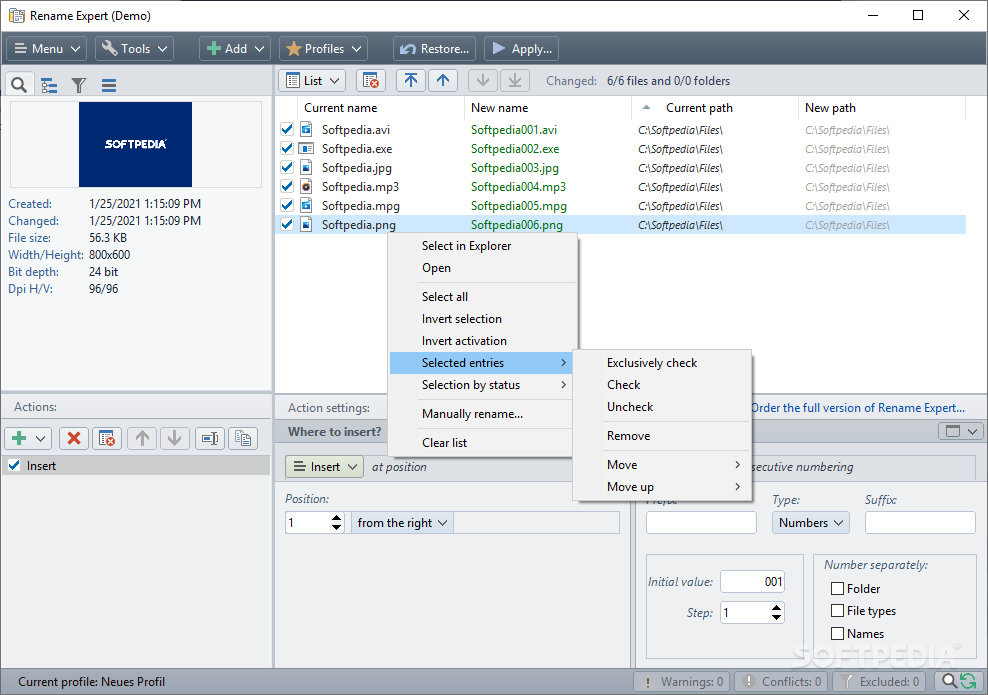
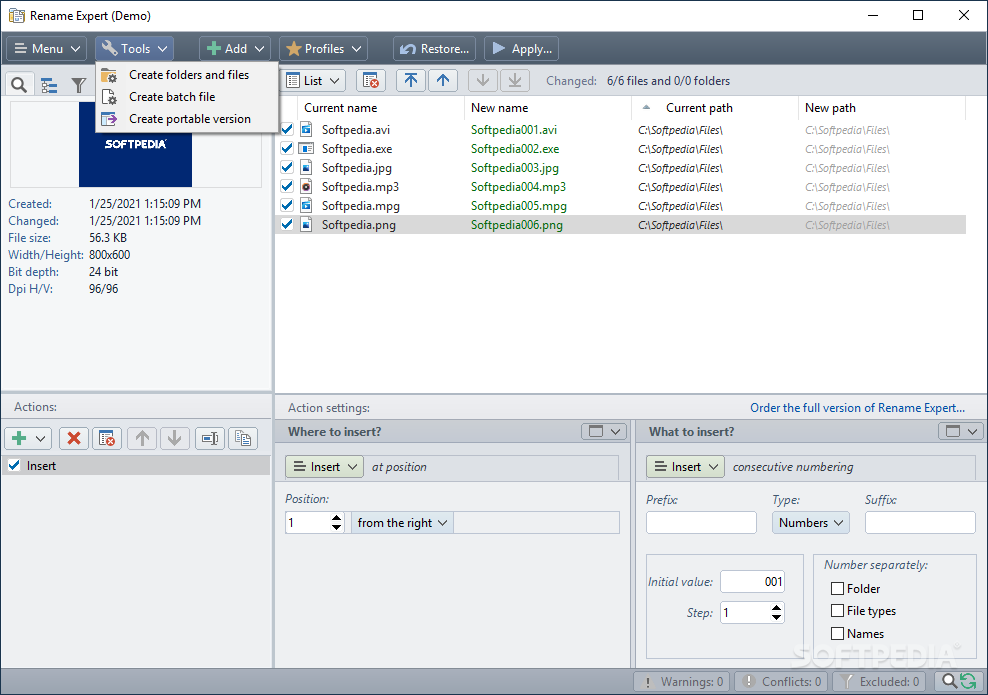
Rename Expert is a lightweight Windows application whose purpose is to help you rename files and folders in a batch mode using several preset actions.
You are welcomed by a well-organized set of functions that allows you create multiple profiles for the renaming tasks.
There is support for a restoring option in case you want to roll back the changes made to your files. The tool offers you quick access to the files and folders stored in your computer, so you can select the items that you want to process. Plus, you can drag and drop the files and folders directly into the primary panel.
If you want to make the most out of this utility, you can check out the help manual which provides comprehensive information about each built-in dedicated parameter.
Rename Expert lets you use several preset actions that allow you to customize the renaming process in detail, such as replace, insert, move, swap, remove, and change case.
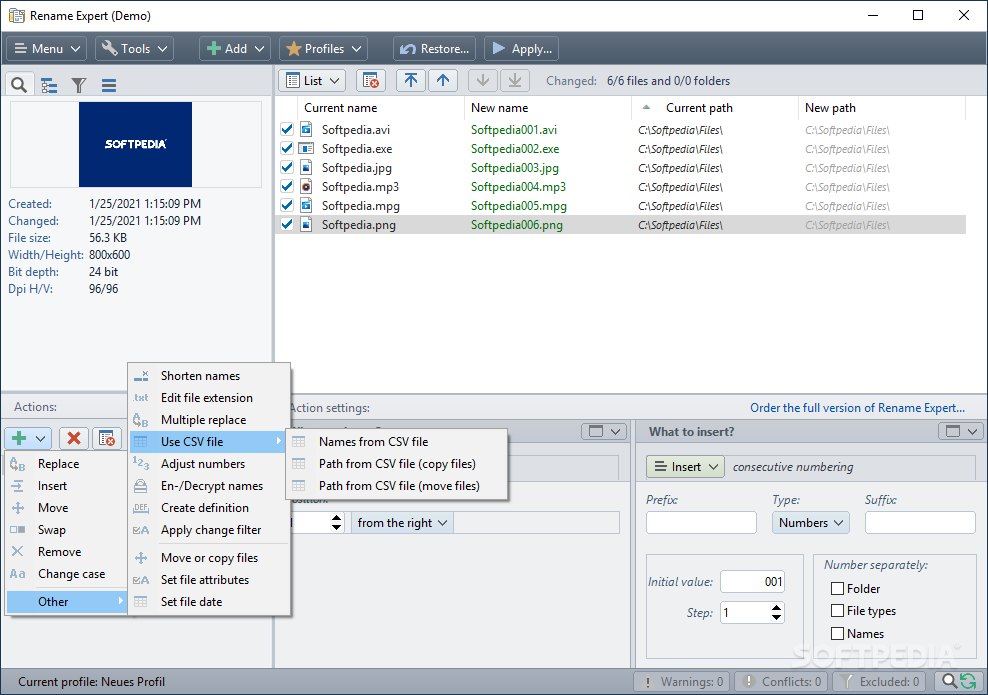
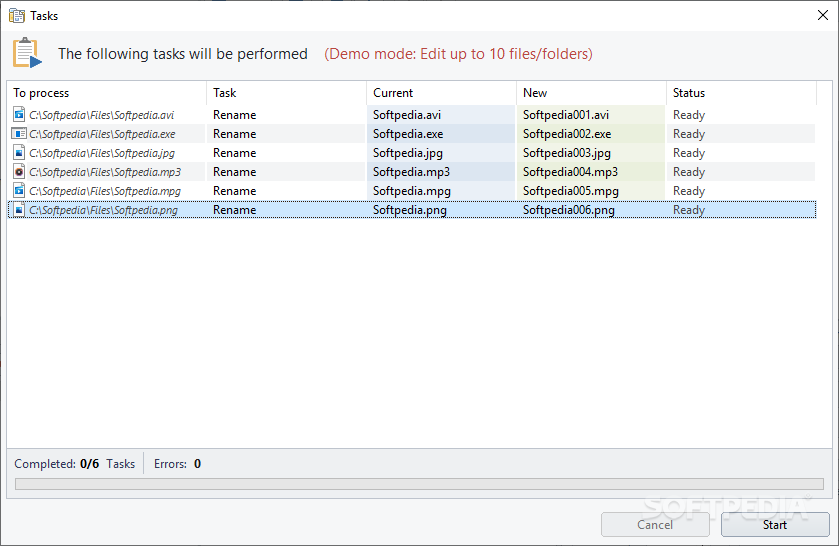
The program empowers you to perform various operations related to file extensions, names from CSV files, and numbers. You can move or copy files, set file attributes, encrypt/decrypt names, preview all changes in real-time, and check for errors (duplicate files).
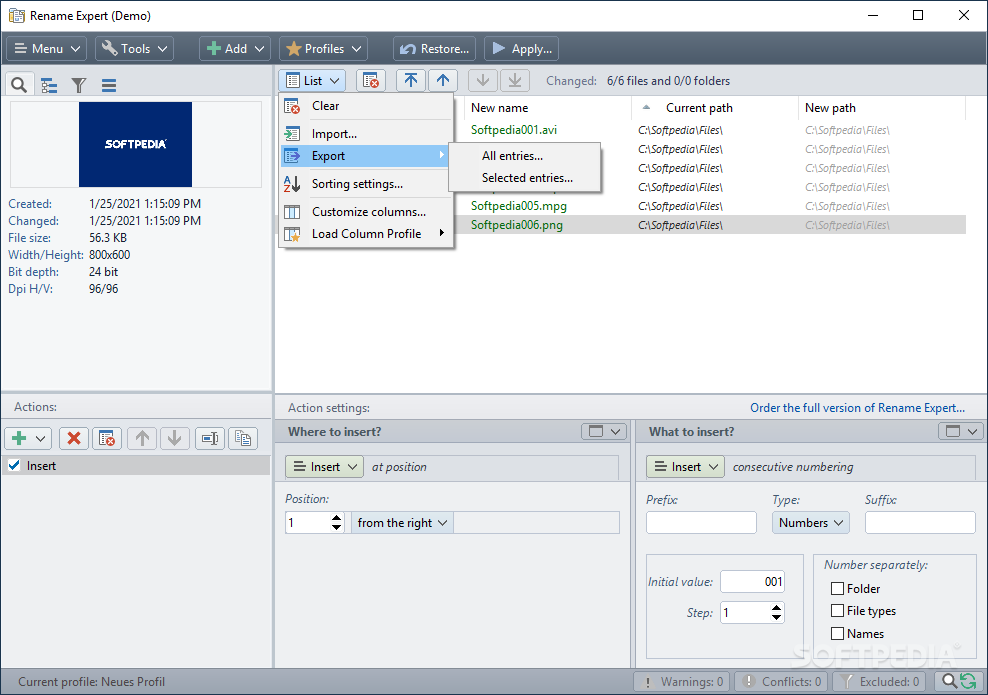
Last but not least, you can use command-line parameters, specify which columns are shown in the preview list, sort subfolders by different criteria, as well as activate the detailed viewing mode for revealing extra information about each file (file size, date when it was modified, pictures).
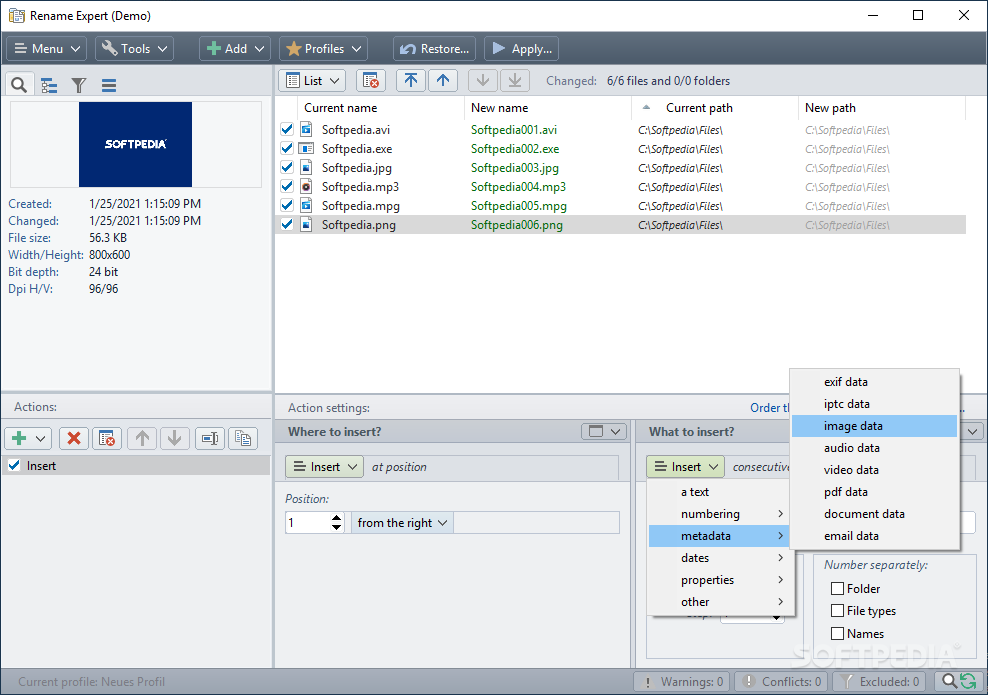
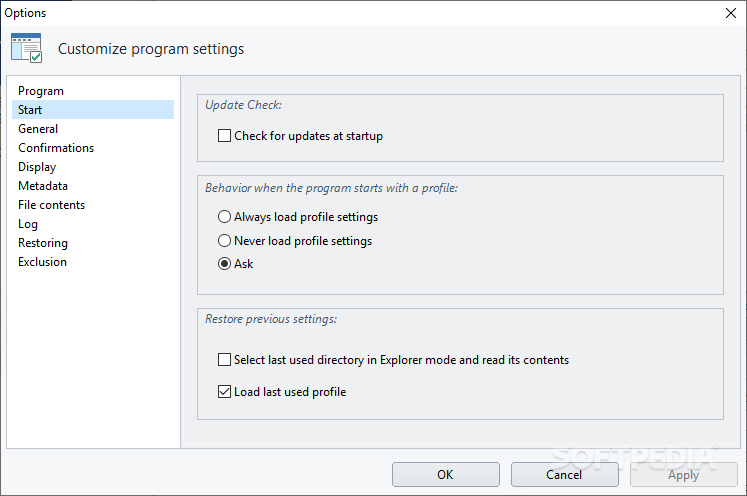
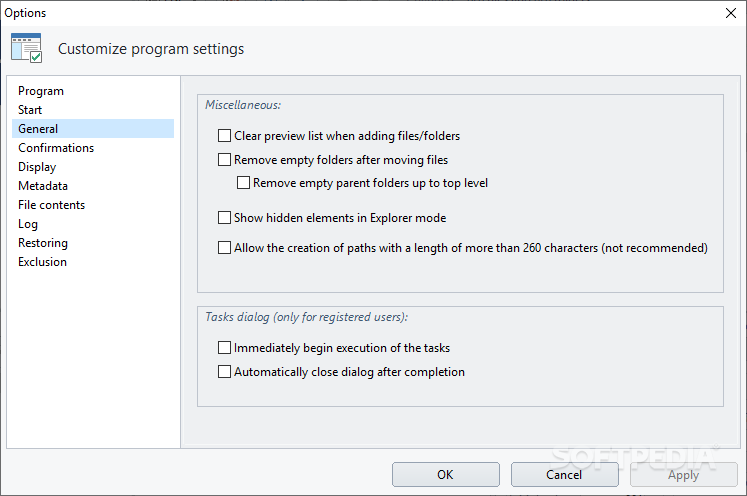
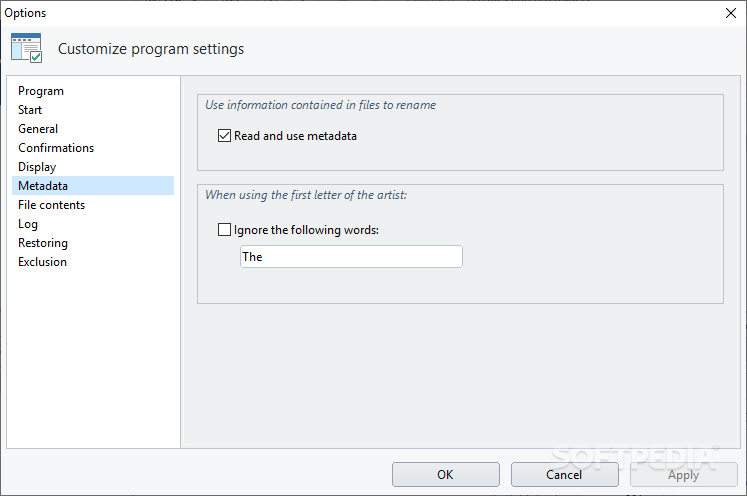
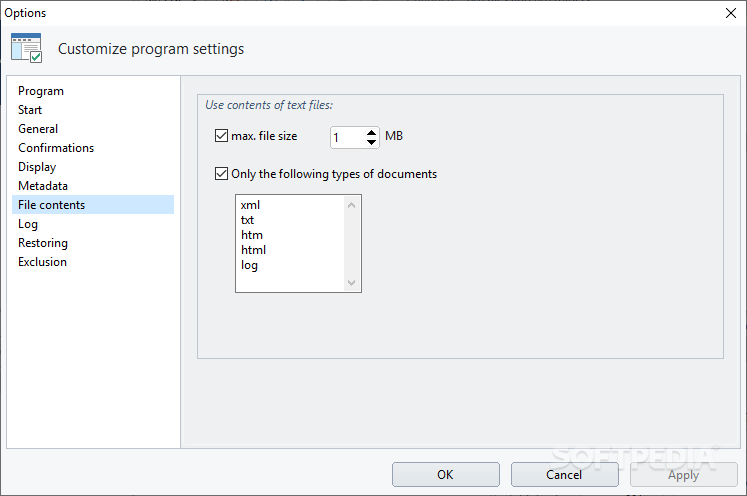
The tool enables you to remove the empty folders after the moving items, automatically begin the execution of tasks, read and use metadata, apply filters by a user-defined size and file extensions (e.g. XML, TXT, HTML, LOG), delete the log after a custom time, build up exclusion lists, as well as improve the program’s functionality by installing plugins.
Rename Expert proves to be a reliable application that comes bundled with a decent suite of features for helping you rename files and folders in a batch mode.
What's new in Rename Expert 5.31.3:
- If the option to remove empty folders after moving files was activated, but not the option to remove empty parent folders, the removal was not carried out.
Rename Expert 5.31.3
add to watchlist add to download basket send us an update REPORT- runs on:
-
Windows 11
Windows Server 2022
Windows Server 2019
Windows Server 2016
Windows 10 32/64 bit
Windows Server 2012
Windows 8 32/64 bit
Windows 7 32/64 bit
Windows Vista 32/64 bit - file size:
- 11.4 MB
- filename:
- rename_expert-setup.exe
- main category:
- System
- developer:
- visit homepage
Windows Sandbox Launcher

4k Video Downloader

Bitdefender Antivirus Free

ShareX

calibre

Zoom Client

7-Zip

Microsoft Teams

Context Menu Manager

IrfanView

- Microsoft Teams
- Context Menu Manager
- IrfanView
- Windows Sandbox Launcher
- 4k Video Downloader
- Bitdefender Antivirus Free
- ShareX
- calibre
- Zoom Client
- 7-Zip