
Keep your computer in good shape by removing junk files, temporary offline and offline items, repairing broken registries, and more #Cookies cleaner #System defragmentation #History cleaner #Cleaner #Eraser #Cookies
Using your computer on a daily basis, even for small tasks can get it clogged, thus considerably reducing performance. Taking matters into your own hands can not only be a lengthy process, but it’s a bit difficult to trace online and offline leftovers or junk by yourself. Luckily, developers came out with applications like Cleaner to take care of this for you.
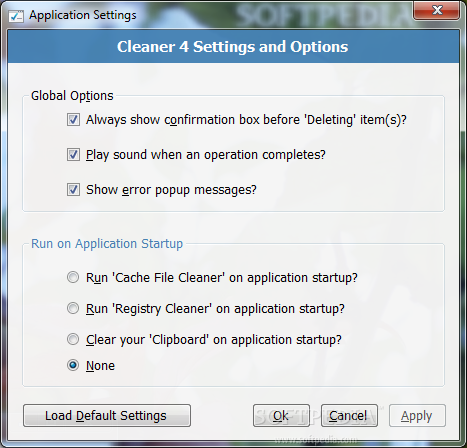
Before you go off trying the application’s set of features, it’s best to make sure that .NET Framework is installed on your computer, although modern Windows iterations come with it as a default feature. On the visual side of things, the interface looks decent, with options to change general menu, and submenu colors.
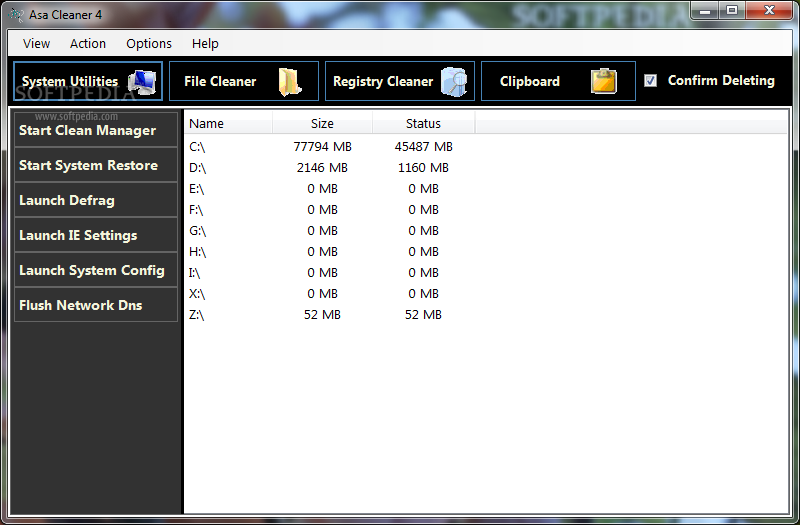
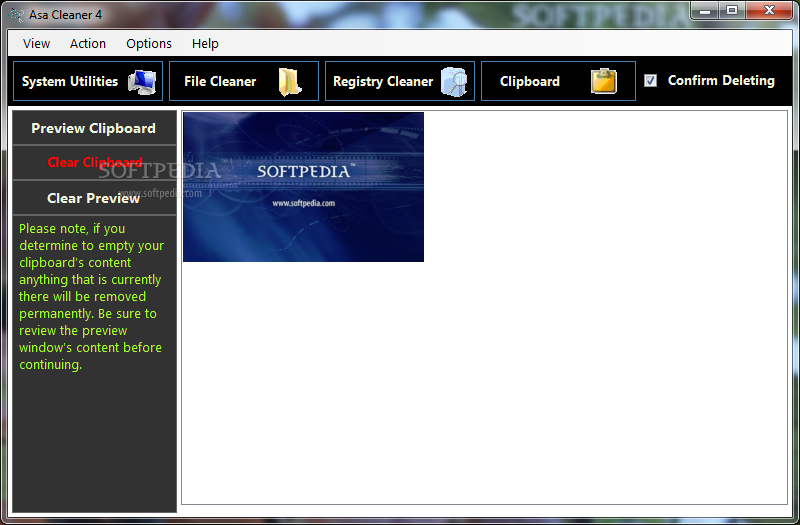
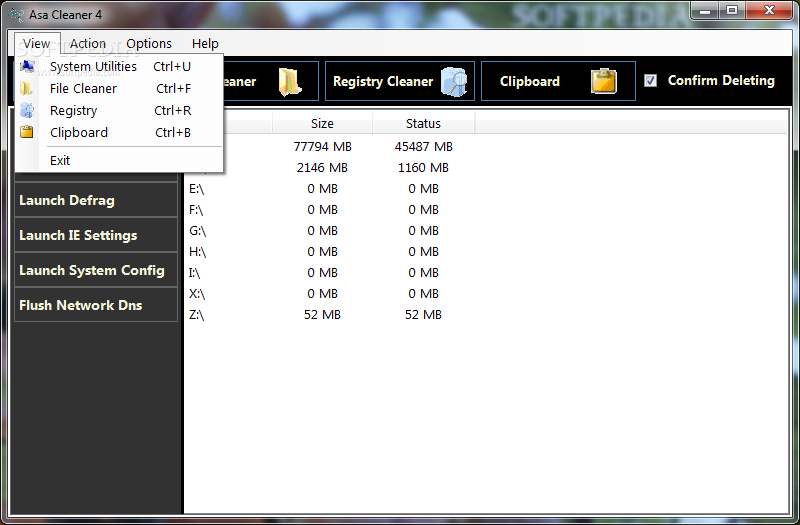
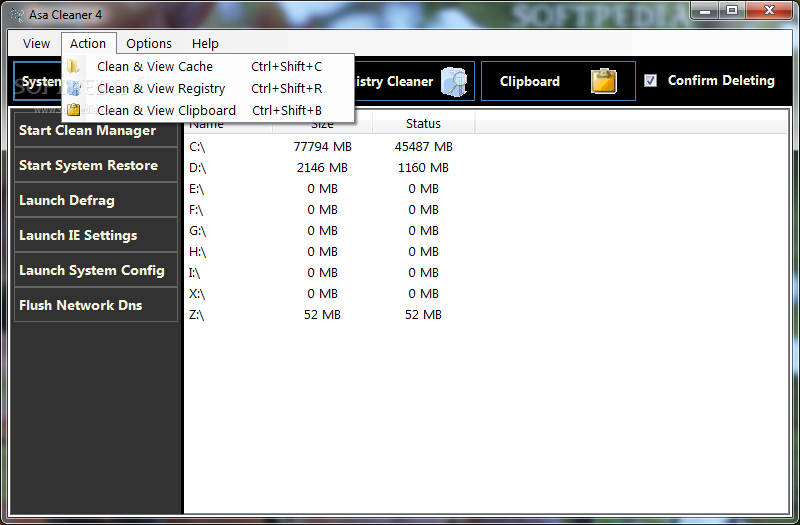
The application targets multiple areas of your computer, which can easily be accessed from the upper toolbar. As such, you get to work with general system utilities, file cleaner, registry items, the clipboard, and view statistics. What’s more, each component is fitted with several dedicated options, so you don’t risk removing important files by accident.
The general system utilities give you the possibility to launch the clean manager, system restore, the defragment utility, Internet settings, system configurations, and whether or not to flush network DNS.
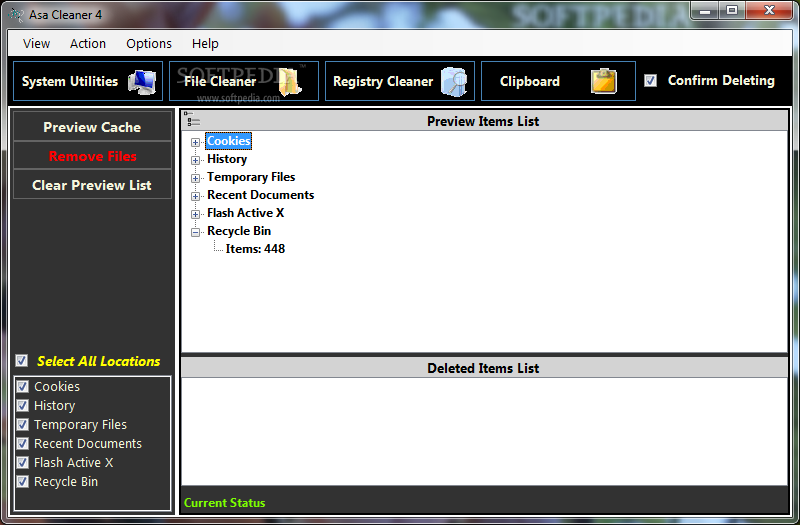
With the file cleaner, there’s the possibility to select cookies, history, temporary files, recent documents, Flash ActiveX components, and Recycle Bin to quickly clear them out. However, you don’t get to pick exactly what gets removed.
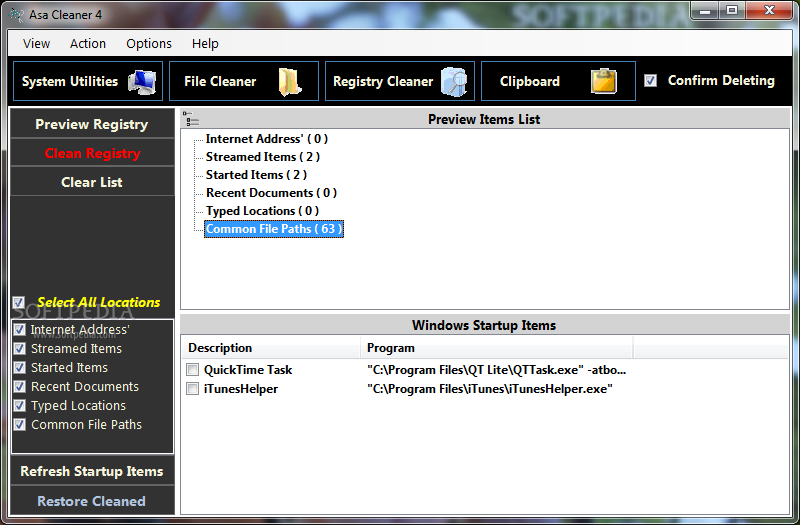
The registry cleaner might require a little more attention on your behalf, or you risk messing up system stability. Again, a simple selection is enough to delete Internet saved URLs, streamed items, recent documents, or typed locations.
All things considered, we come to the conclusion that Cleaner comes with good intentions, but might not be suitable for everyone’s needs. The visual design is slightly customizable, and cleaner components let you select the exact areas to target, but with no options to pick specific content items, leaving a bit more to be desired overall.
What's new in Cleaner 4.0.1.2:
- Save 'Deleted Items List' from the the Cache file section to file for later review.
- Utilities section UI updated to provide more readable results.
- Stop 'Cleaning' or 'Preview' process while in progress.
- All previous features of Asa Cleaner 4.0.1 are also included in the update
Cleaner 4.0.1.2
add to watchlist add to download basket send us an update REPORT- runs on:
-
Windows 2008
Windows 2003
Windows 7 32/64 bit
Windows Vista 32/64 bit
Windows XP - file size:
- 844 KB
- filename:
- cleaner_4.0.1.2.msi
- main category:
- System
- developer:
- visit homepage
Microsoft Teams

7-Zip

ShareX

Windows Sandbox Launcher

calibre

Bitdefender Antivirus Free

IrfanView

4k Video Downloader

Context Menu Manager

Zoom Client

- 4k Video Downloader
- Context Menu Manager
- Zoom Client
- Microsoft Teams
- 7-Zip
- ShareX
- Windows Sandbox Launcher
- calibre
- Bitdefender Antivirus Free
- IrfanView