
A comprehensive software application that enables users to rename files in batch mode, modify the files' creation date or insert time stamps #Bulk renamer #File renamer #Rename folder #Renamer #Substitute #Rename

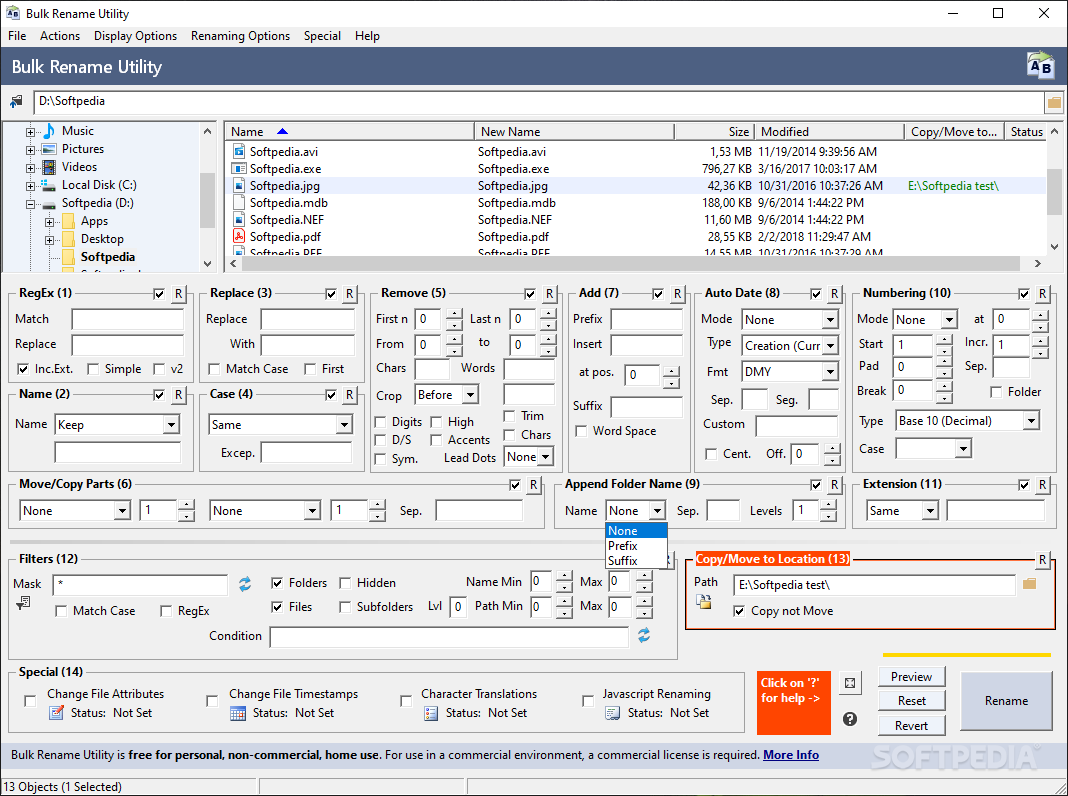
Bulk Rename Utility is a simple-to-use program which allows you to batch-rename files in several methods.
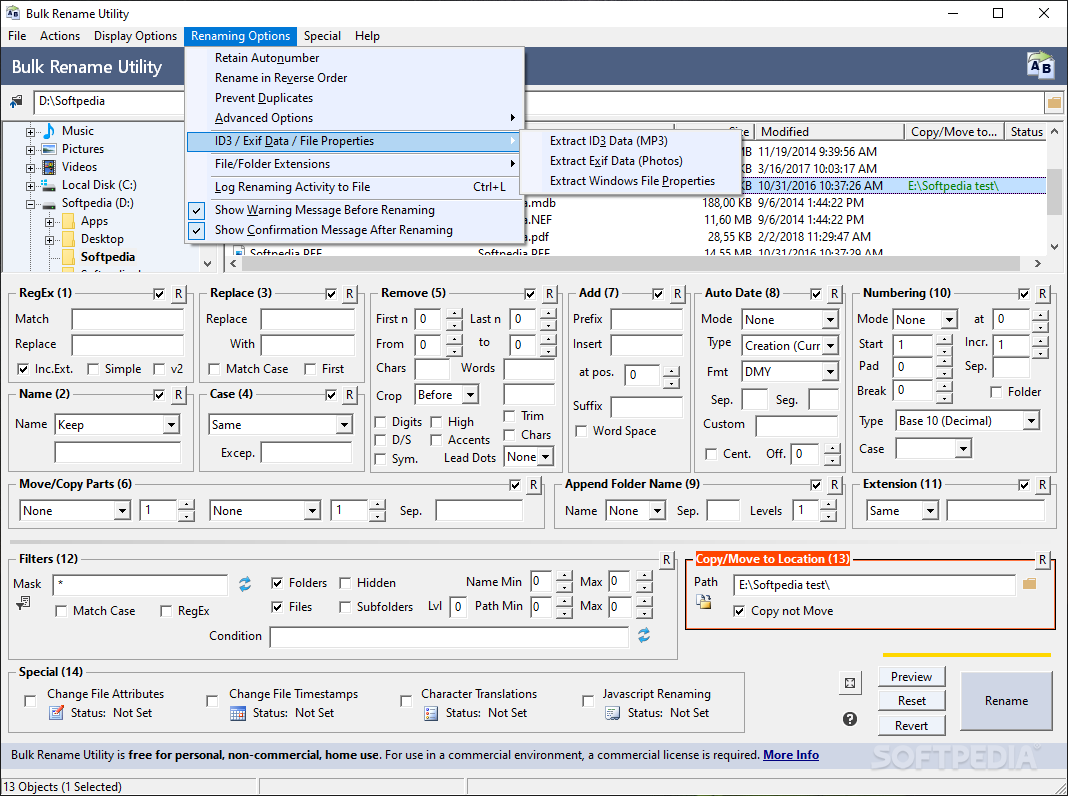
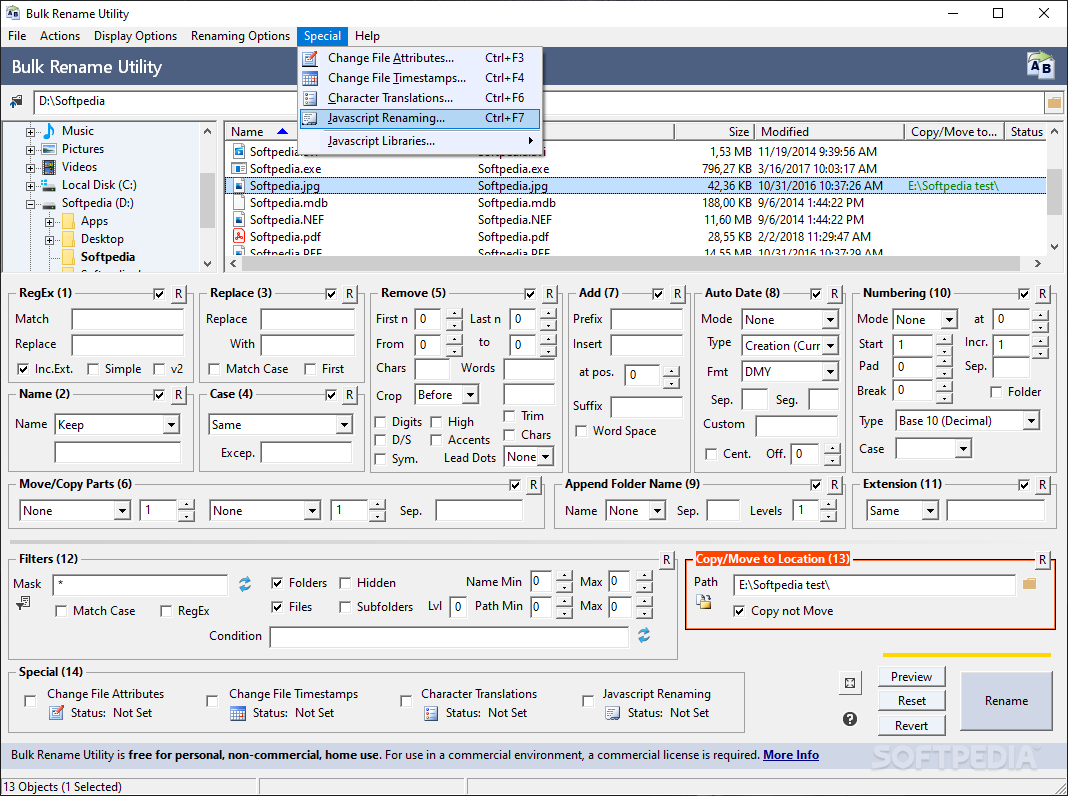
The interface of the application is pretty cluttered. It is based on a standard window but all features are displayed, so it may look a little confusing at first.
You can use the Explorer-based layout to locate the files that you want to rename.
On the bottom part of the screen you can clearly observe all the filters that you can use to process the filenames. For example, you can replace a character with another one or remove a letter from a specific position.
You can insert prefixes and suffixes, number or crop filenames, change the casing, move or copy characters, append the folder name, change the file extension, include folders, subfolders and hidden files, create exceptions, and others.
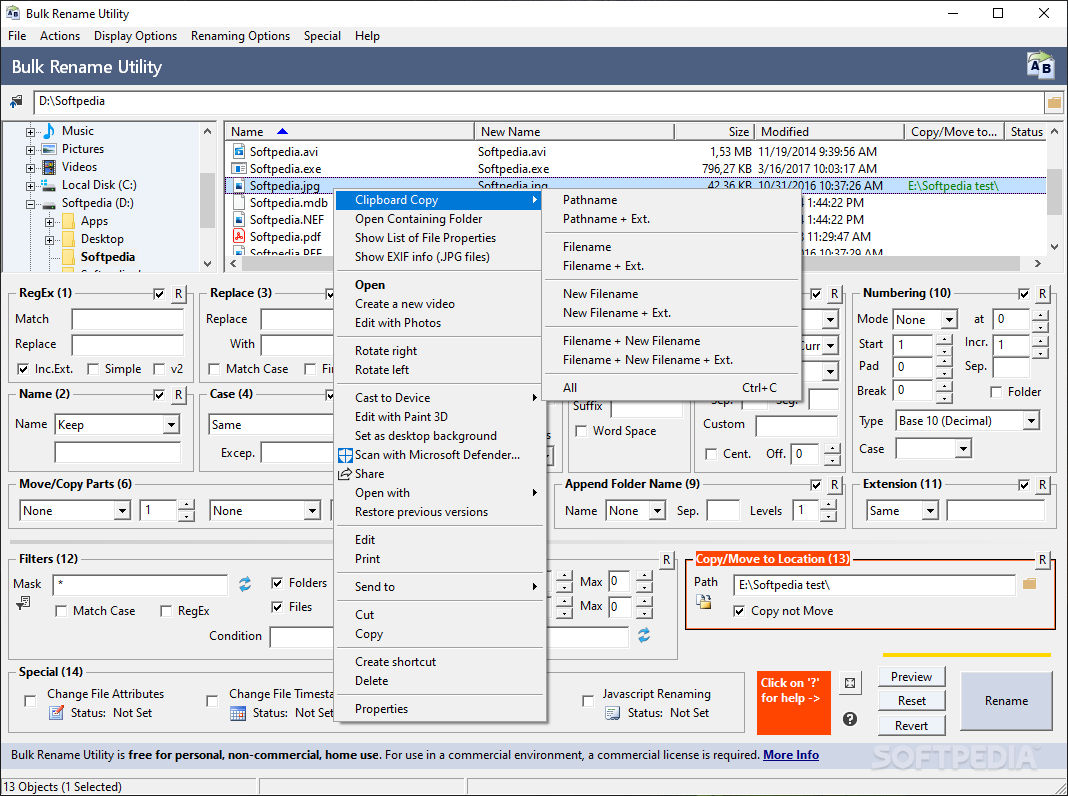
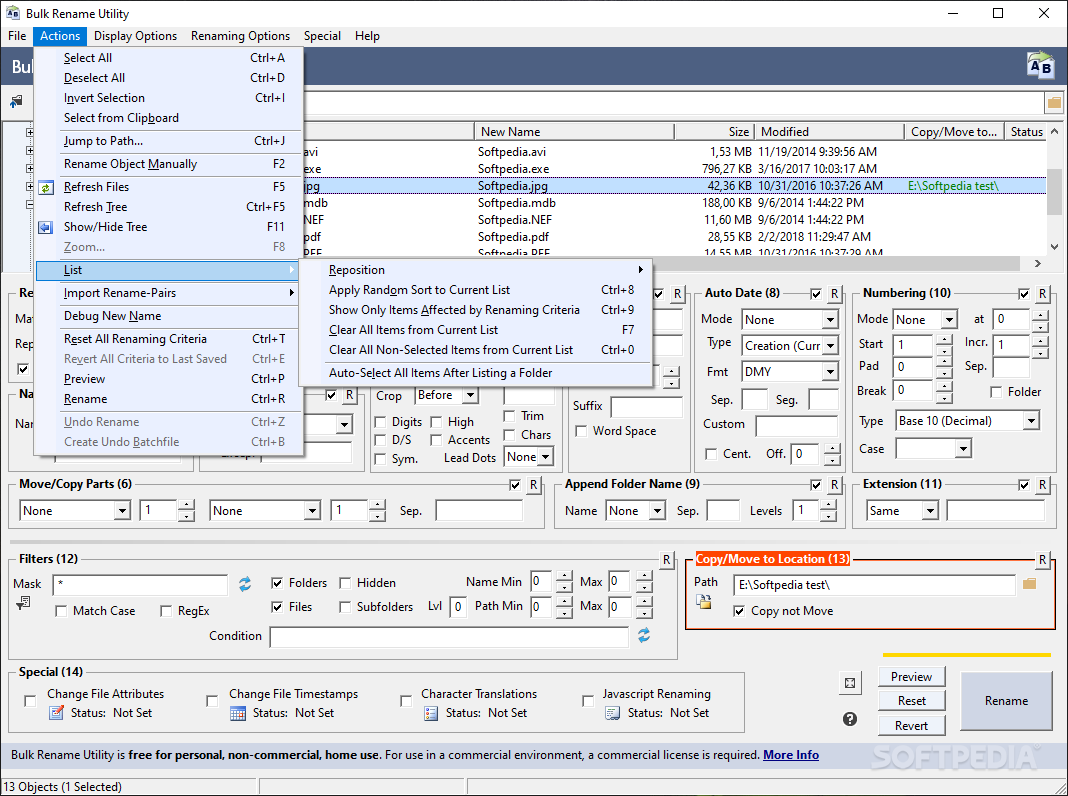
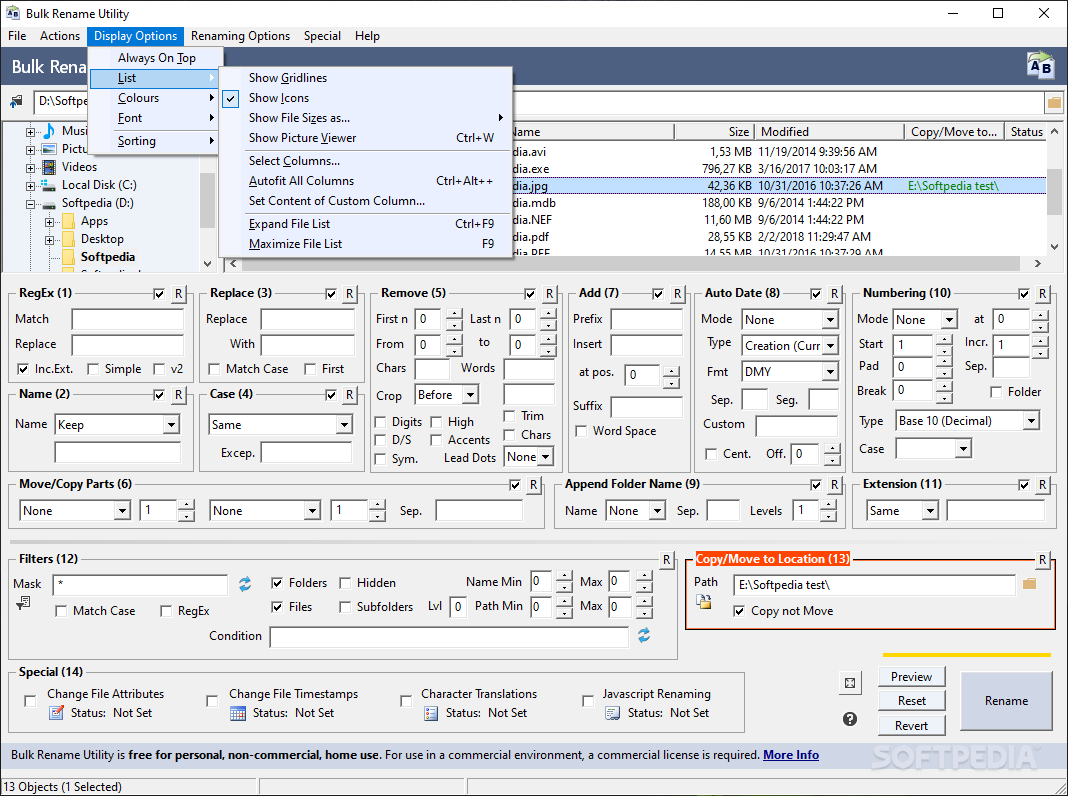
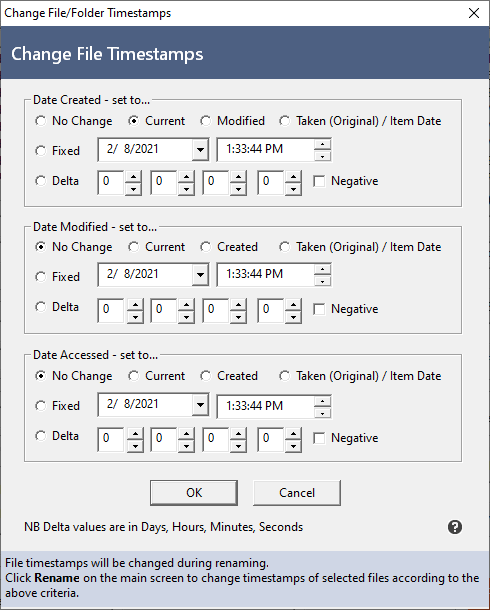
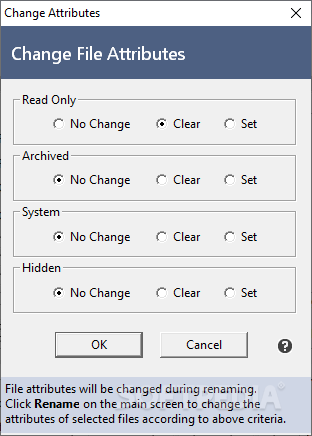
You can import rename-pairs from a TXT document, select items from the clipboard, refresh files, undo rename, create a batch file and a favorites list, enable Bulk Rename Utility to stay on top of other processes, overwrite target files, prevent duplicates, extract EXIF information for images, change file attributes, create a new file or folder timestamp, and more.
Bulk Rename Utility requires a low amount of system resources and includes a well-written help file with snapshots for beginners. We haven't come across any problems during our tests. Aside from the outdated interface with cluttered elements, we strongly recommend Bulk Rename Utility to all users.
What's new in Bulk Rename Utility 3.4.4.0:
- Added ability to specify a custom 'Prevent Duplicates' format.
- Added ability to specify the rename log file name and path.
- Added ability to use quotes (") in Filters (12) -> Mask.
- Fixed missing version in the BRU installer and the Windows Control Panel.
Bulk Rename Utility 3.4.4.0
add to watchlist add to download basket send us an update REPORT- portable version
- Portable Bulk Rename Utility
- runs on:
-
Windows NT
Windows 10 32/64 bit
Windows Server 2012
Windows 8 32/64 bit - file size:
- 10.4 MB
- filename:
- BRU_setup_3.4.4.0.exe
- main category:
- System
- developer:
- visit homepage
ShareX

4k Video Downloader

Microsoft Teams

Zoom Client

Bitdefender Antivirus Free

7-Zip

Windows Sandbox Launcher

Context Menu Manager

calibre

IrfanView

- Context Menu Manager
- calibre
- IrfanView
- ShareX
- 4k Video Downloader
- Microsoft Teams
- Zoom Client
- Bitdefender Antivirus Free
- 7-Zip
- Windows Sandbox Launcher
