CS RCS Basic description
ComponentSoftware RCS (CS-RCS) - Version Control System
CS-RCS (ComponentSoftware RCS) is a strong and low cost revision control system.
Based on the widely used GNU RCS, it is fully integrated with the Windows Explorer, providing the most intuitive and easy-to-use configuration management and change control solution in the market. CS-RCS supports multi- platform workgroups, making it the ideal solution for sites that share common files on UNIX and Windows platforms.
CS-RCS handles all types of documents including program files, project files, resource files, HTML documents, MS-Word documents, pictures and drawings.
CS-RCS can use any file server or local drive to store the archive repository. Network connection to the archive repository can be LAN, corporate wide-area network (WAN), dial-in connection (RAS) and the Internet.
The basic edition of CS-RCS is used for general-purpose document revision management as well as for entry-level software configuration management. CS-RCS Pro includes advanced features needed for complex software and web development projects.
Here are some key features of "CS RCS Basic":
· It helps you manage multiple file revisions by keeping a complete history of changes made to files.
· You can see how and when a file was changed and quickly return to a previous revision of a file. This capability is crucial for files that are edited frequently, such as program source files, word-processor documents and web documents.
· CS-RCS synchronizes changes made to files and enables file sharing for distributed
development teams or mobile workers.
· CS-RCS is based on revision 5.7 of GNU RCS. GNU RCS was developed by the GNU project and is currently used by thousands, mainly in the UNIX environment. While GNU RCS has an old-fashioned, command-line user interface, CS-RCS has a modern, user-friendly graphical user interface. The CS-RCS user interface is fully integrated with Windows Explorer and its shell
Support for Internet Projects
· This enables fast access to co-located projects and additional security features.
· Accept and reject changes
· The improved CSDiff tool enables reviewing of changes before check-in. Easy change navigation plus the ability to accept or reject changes in order to make sure that the correct changes are checked-in.
· MS-Excel Integration
· This enables execution of RCS commands from within Excel. (Same as currently supported in MS-Word.)
· MS-Office revisions tags - These tags are updated whenever a new revision is checked-in on MS-Word and MS-Excel. These values can be displayed in the document title and body and printed. For more details, see Working with Microsoft Office Documents in the Integration with Windows Tools chapter of the User Guide.
· Reference folder
· You may define a folder that holds the latest revision of project documents for reference. You may also save space by linking local work files to the reference folder. For more details, see Configuring the Shadow Properties in the Configuring Projects chapter of the User Guide.
· Search
· New Search command including support for binary files, such as MS-Word files.
· Email notifications can be sent to pre-selected users on specific events in every project. This is useful in order to improve communication and workflow in large teams.
· Project Event Log
· Specific events in the project can be saved in the Project Events file. This improves control over critical projects. For more information, refer to Project Event Log in the Using the Document Explorer section in the CS-RCS Tools chapter of the User Guide.
· Additional Security settings. This provides per-project control over operations allowed on RCS files.
· Advanced CS-RCS Properties
· The new Advanced tab in the CS-RCS Properties enables activation and deactivation of various features of CS-RCS, including Windows Explorer and desktop integration, MS-Word integration, etc.
· Advanced Project Properties
· New Advanced tab in the Project Properties dialog enables setting of various advanced parameters, including keyword expansion modes, check-in time modes, etc.
· Color marking
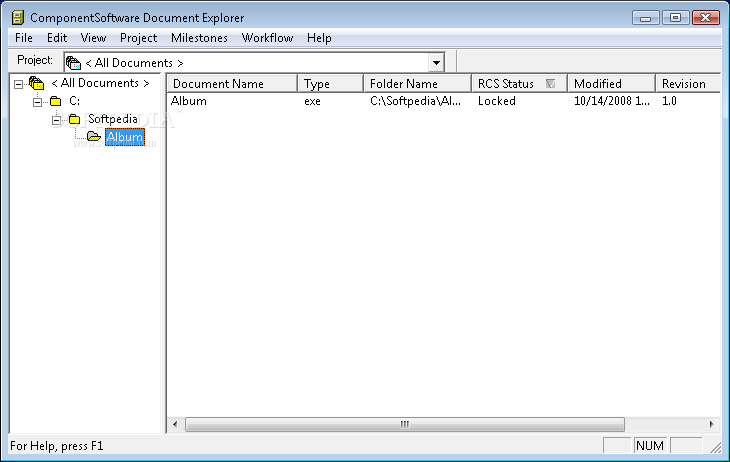
· The CS-RCS tools, including the Document Explorer, are using different colors to emphasize files that require special treatment.
· Document Explorer improvements
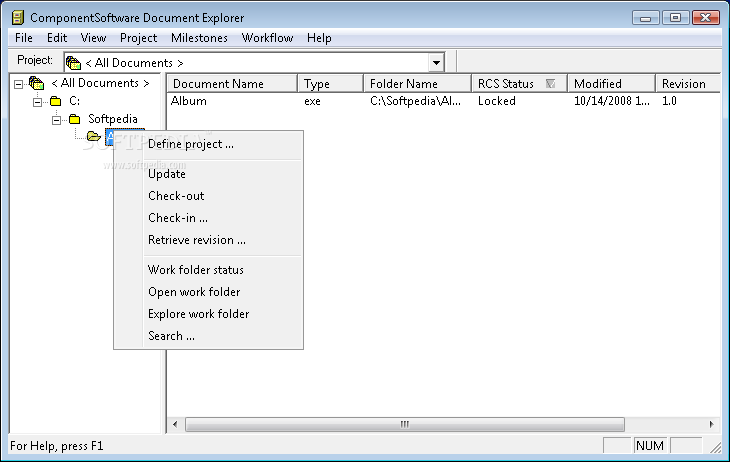
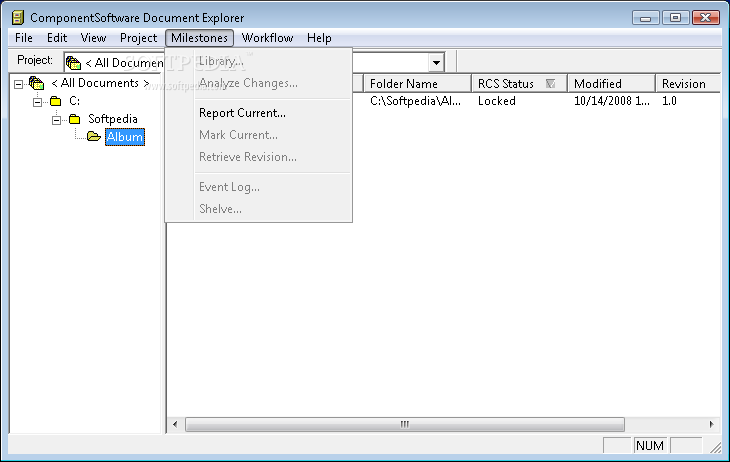
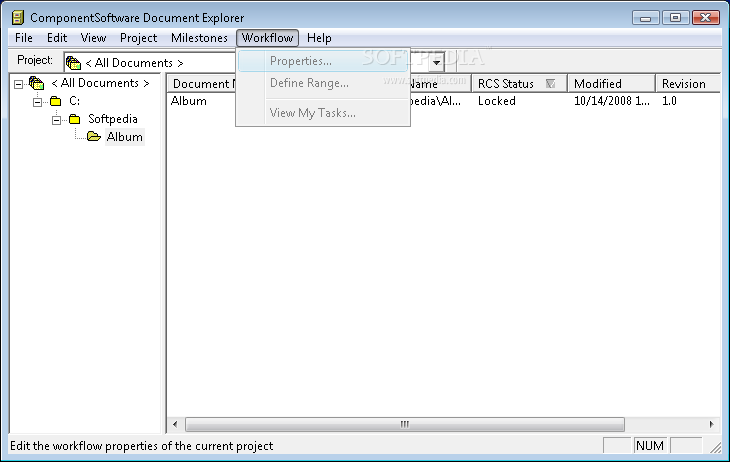
· Many improvements made to the CS-RCS Document Explorer.
· Better integration with HTMLDiff and ExcelDiff via Add-on manager
· This enables difference analysis of HTML, XML and Excel files.
· Improved documentation and online help
· Bug fixes and additional minor improvements including improved performance.