
Software solution that allows you compare the contents of two directories, optionally including their subdirectories, you can also copy and move files between the directories or to any other directory. #Folder compare #Folder synchronize #Directory copy #Compare #Sync #Synchronize
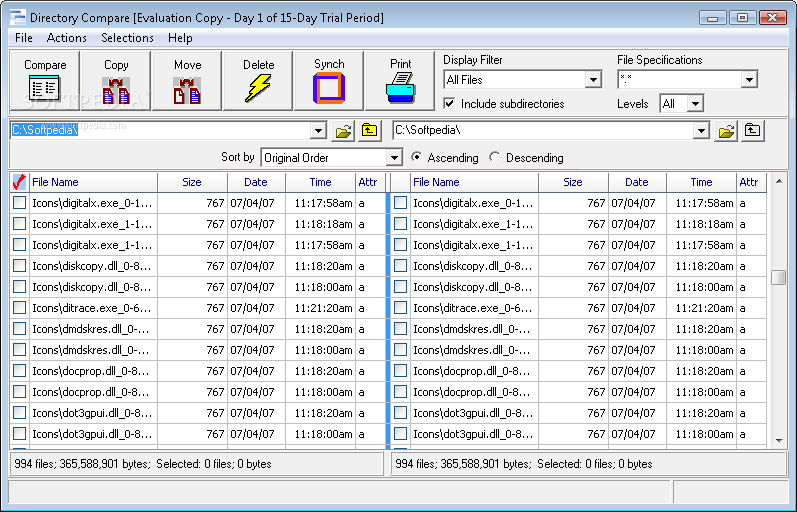
There are many applications and programs on the Internet that you could use in order to manage your files easily. One of them is Directory Compare.
It's a neat software solution that allows you compare the contents of two directories, optionally including their subdirectories, you can also copy and move files between the directories or to any other directory.
The application doesn't take long to install and it doesn't come with a complicated setup that you would need to complete before you can actually use it. It sports a clean and intuitive graphical interface with many nice tools at hand.
Directory Compare is a neat software solution that allows you compare the contents of two directories, optionally including their subdirectories, you can also copy and move files between the directories or to any other directory.
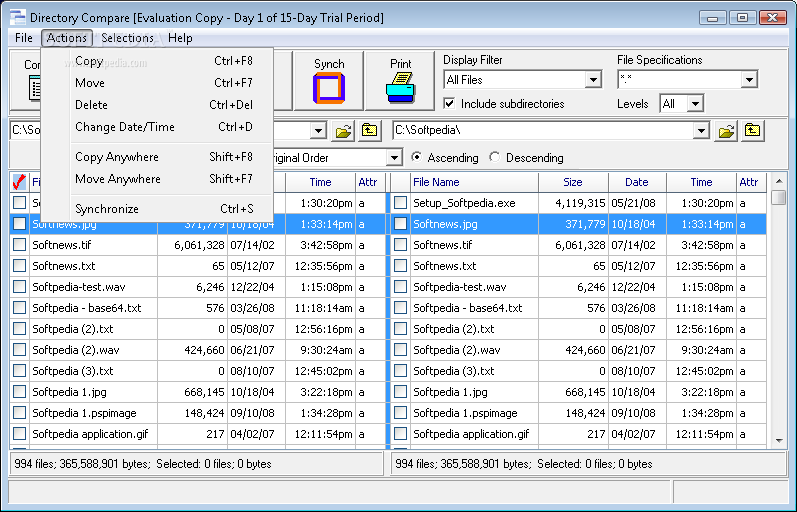
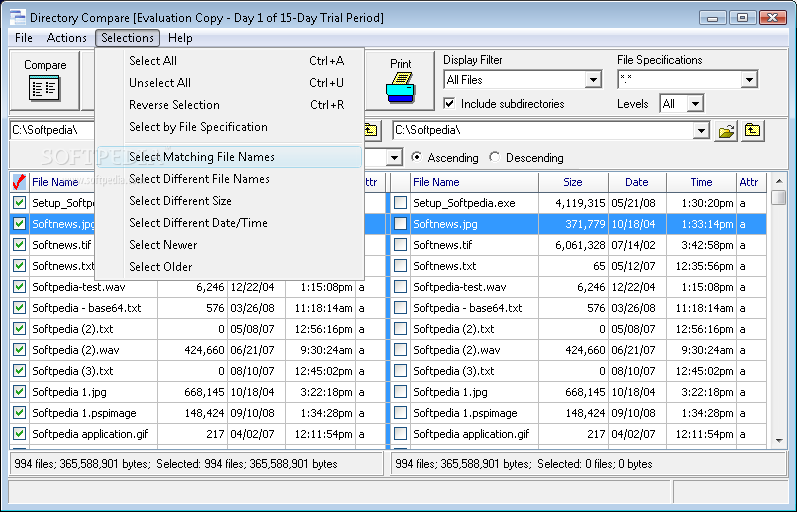
The program displays the contents of the selected directories side-by-side in a grid. To run a comparison, first select the desired drive and directory for each side. This can be done by typing the path directly into the list box at the top or by clicking the small folder icon to the right of the box.
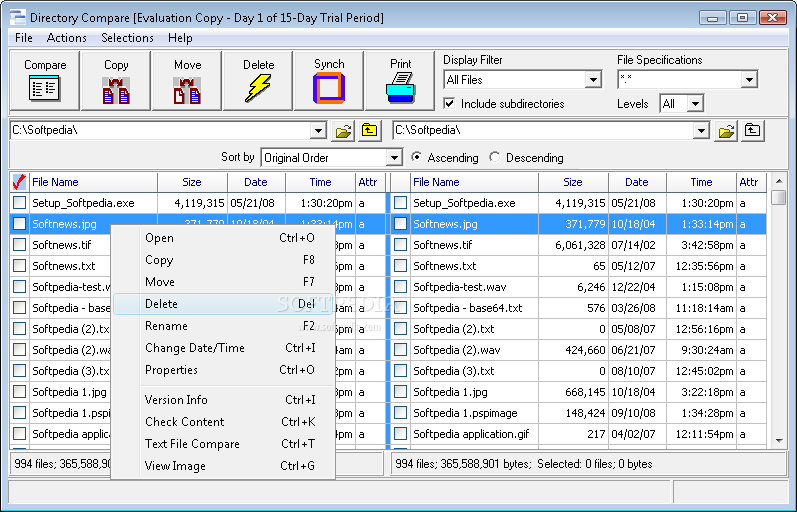
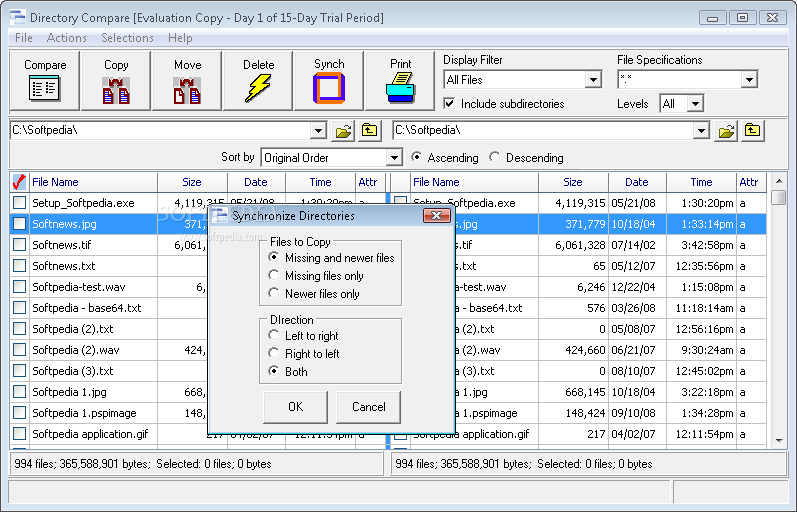
You can delete or rename files and directories and open files in their associated application. It lets you synchronize the contents of the directories.
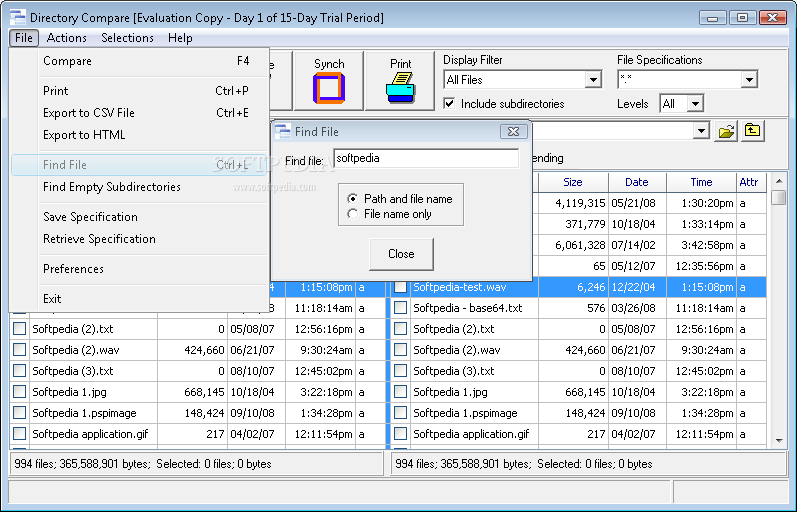
It allows you to print listings of the directories or export them to comma-delimited files and get file version information. You can visually compare text and image files. It allows you to find and delete empty subdirectories and save comparison specifications for later re-use.
You may change the column widths in the grid by dragging the column headers, as in most spreadsheet programs. Directory Compare is a neat software solution that allows you compare the contents of two directories, optionally including their subdirectories, you can also copy and move files between the directories or to any other directory.
Download Hubs
Directory Compare is part of these download collections: Compare Folders
Directory Compare 2.30
add to watchlist add to download basket send us an update REPORT- runs on:
- Windows All
- file size:
- 1.7 MB
- filename:
- dc_setup.exe
- main category:
- System
- developer:
- visit homepage
7-Zip

4k Video Downloader

IrfanView

ShareX

Bitdefender Antivirus Free

calibre

Zoom Client

Context Menu Manager

Windows Sandbox Launcher

Microsoft Teams

- Context Menu Manager
- Windows Sandbox Launcher
- Microsoft Teams
- 7-Zip
- 4k Video Downloader
- IrfanView
- ShareX
- Bitdefender Antivirus Free
- calibre
- Zoom Client
