
Scan multiple sources, folders, and devices in order to find and remove the duplicate files, so you can clear up disk space and improve the PC speed. #Duplicate finder #Dupe finder #Dupe remover #Duplicate #Searcher #Remover

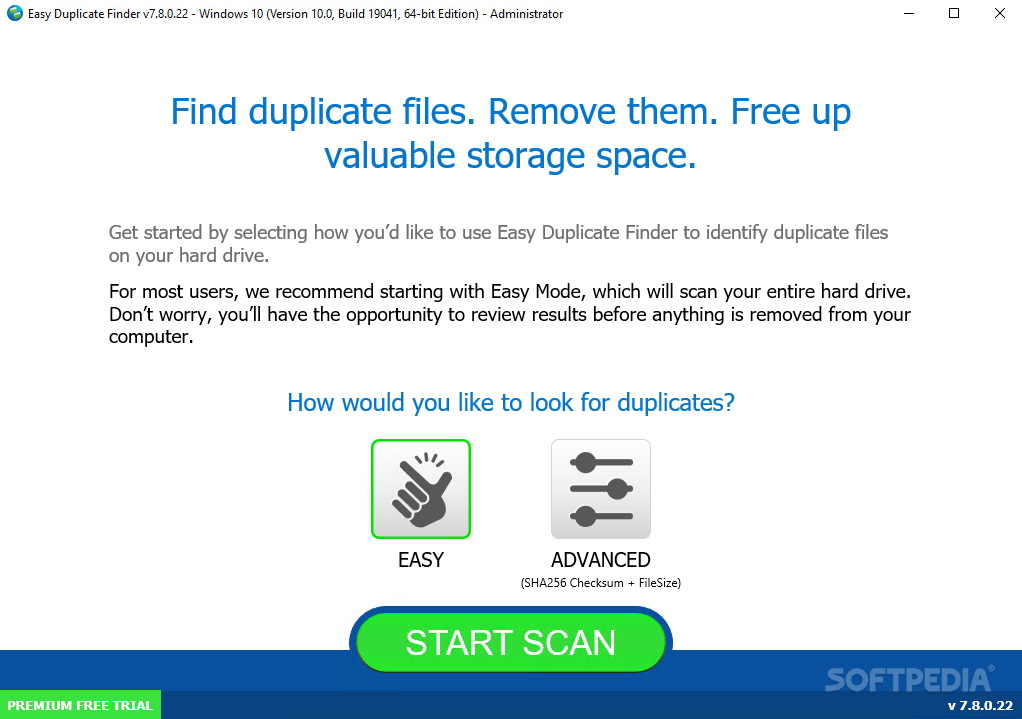
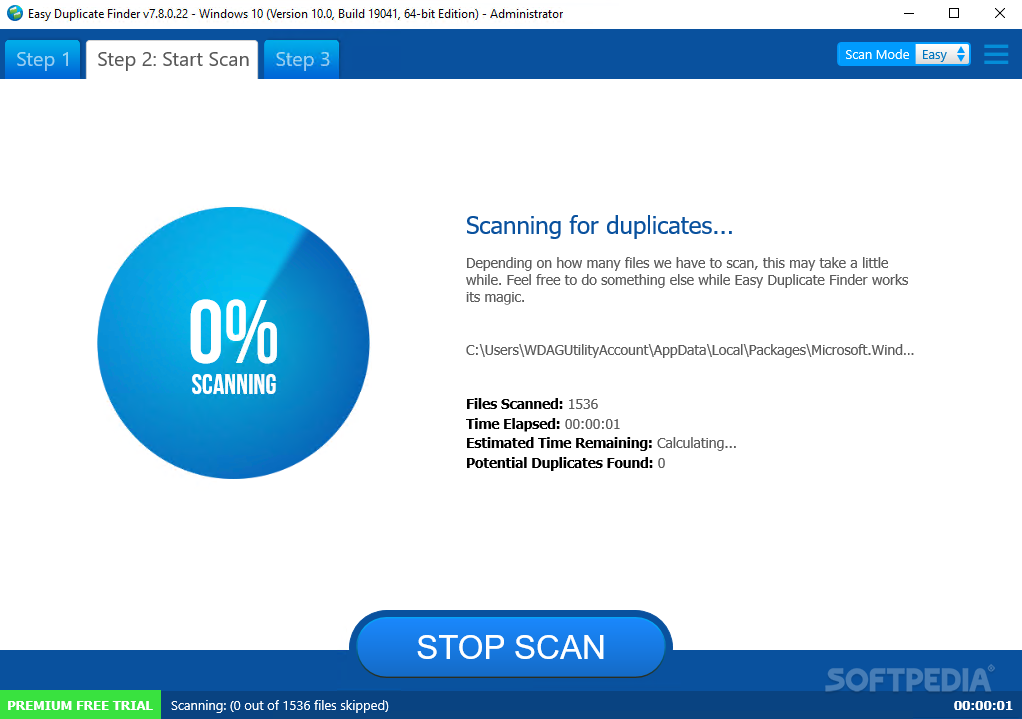
Easy Duplicate Finder is a feature-rich software application designed to automatically locate duplicate files on the computer, in order to remove them and declutter the disk. It features some advanced, yet user-friendly options.
The installation procedure does not take a long time to finish, and the only notable aspect about it is that Easy Duplicate Finder can integrate an entry into the Windows Explorer shell extension, in order to quickly scan custom directories.
As far as the interface is concerned, the tool adopts large buttons and a neatly organized structure which lets users immediately dive into the whole configuration process.
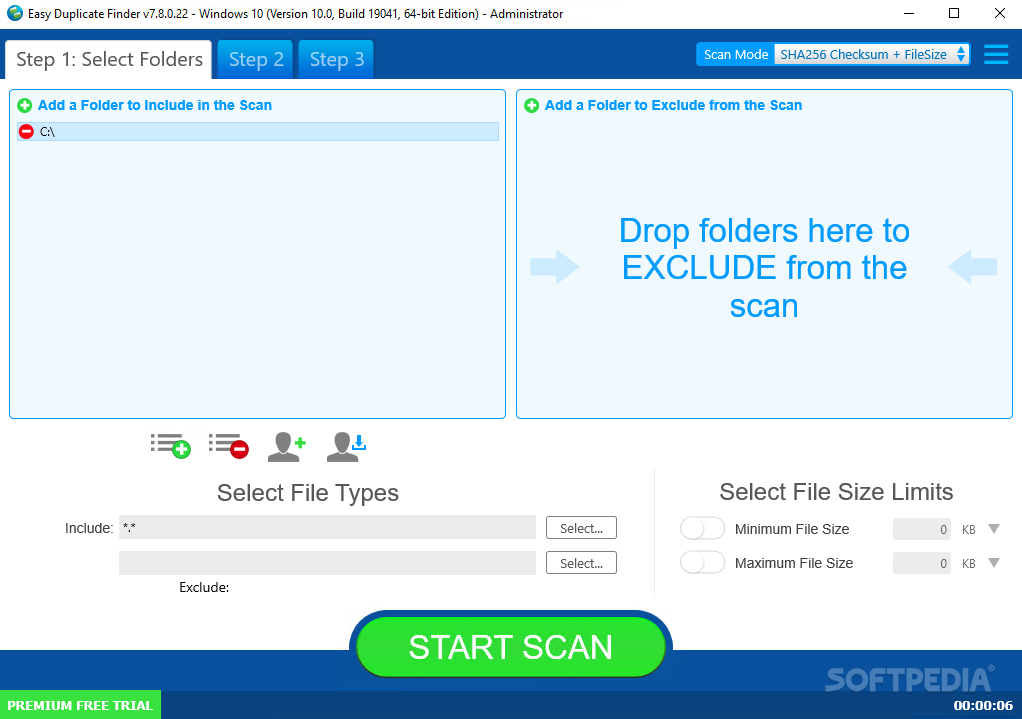
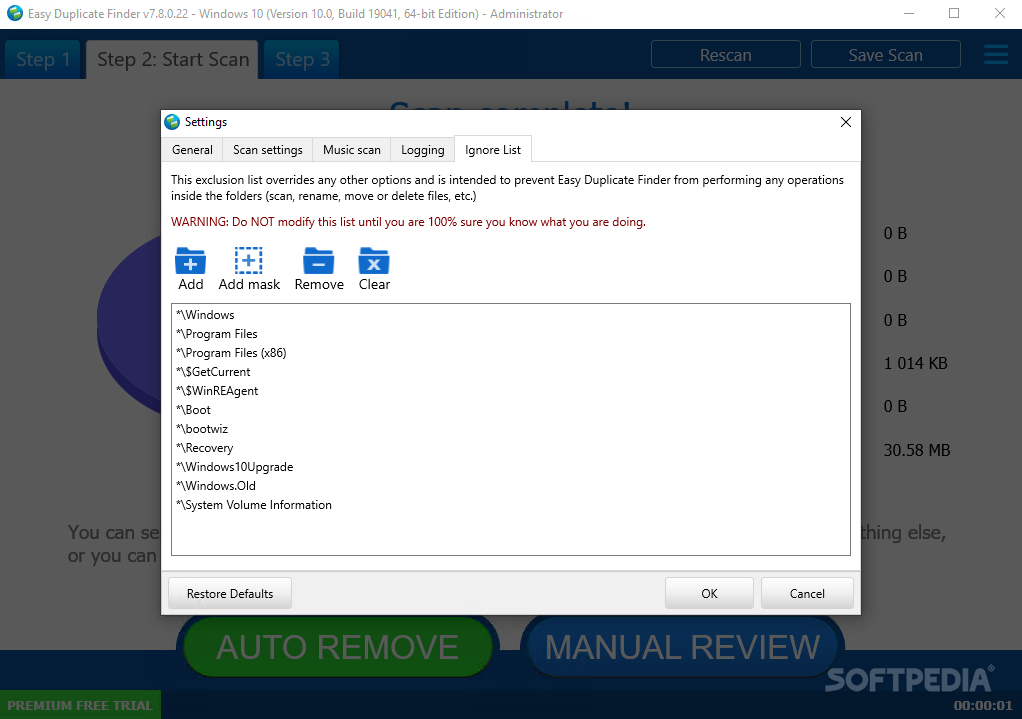
You can get started by pointing out the folders to scan and creating rules when it comes to directories to exclude, file types to include and exclude, as well as the minimum and maximum file size to take into account.
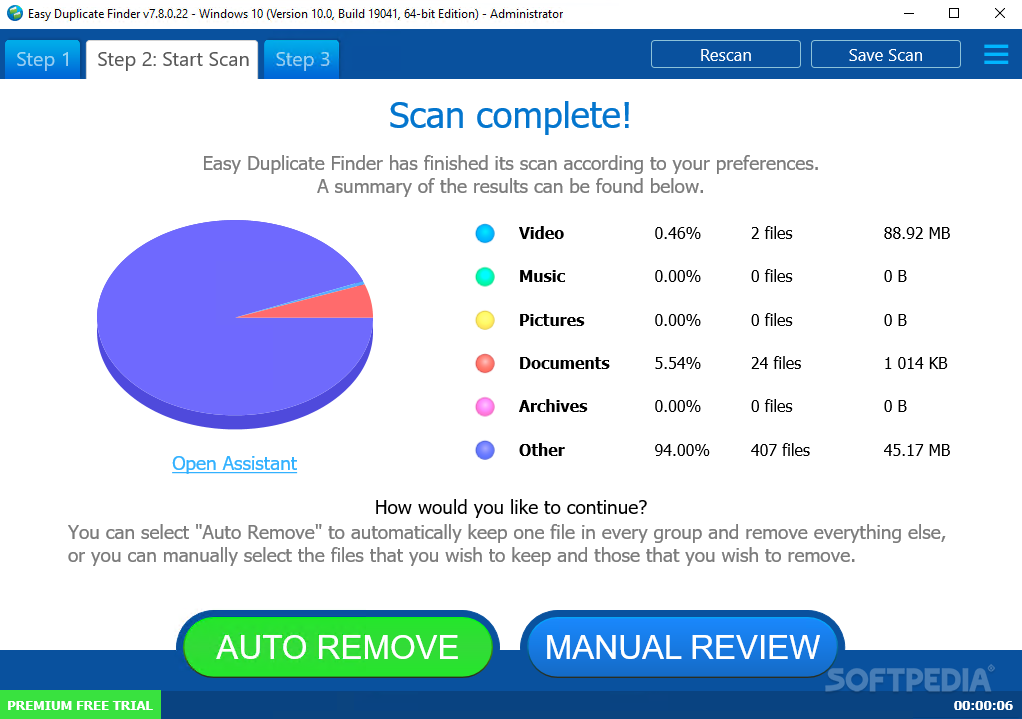
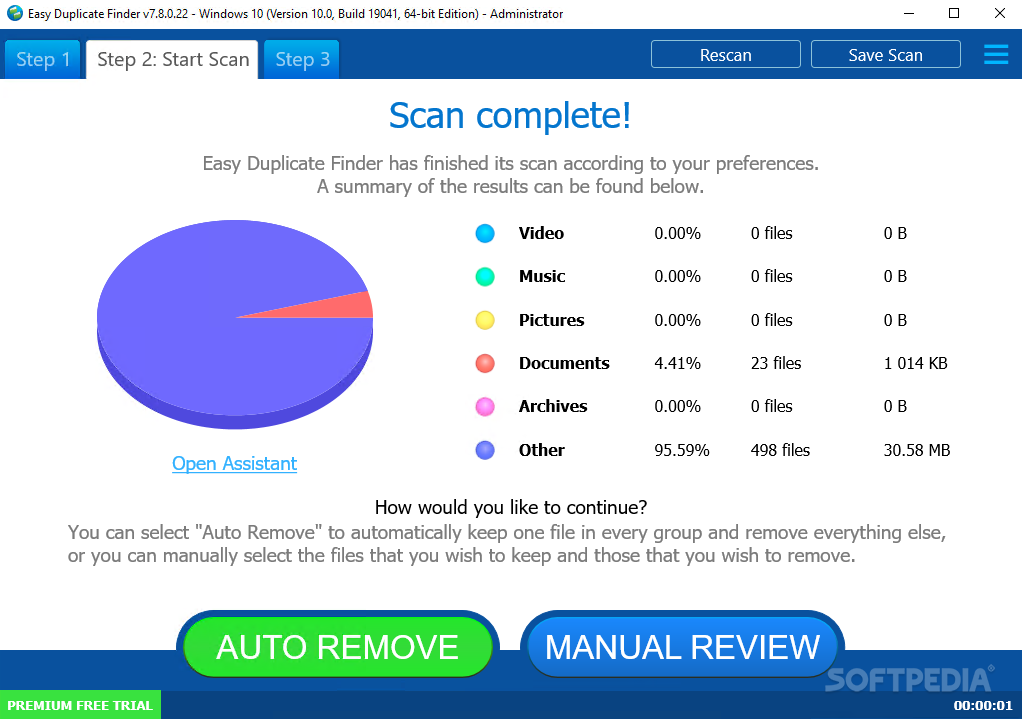
Results show all original items and their duplicates in different groups. All duplicates are automatically selected by default, while the first file in the group is excluded from deletion. You can examine their full paths, group number, size and date of modification, along with the total number of scanned files, originals and duplicates, disk space usage, as well as a pie chart presenting the occupied size split amongst audio, video, image, archive, document and other types of files.
It is possible to sort results by type, handpick the exact items to delete while keeping the rest or switch to another preset selection mode (e.g. leave the oldest or newest version in each group), as well as rename or move the duplicates to another location instead of deleting them. A wizard assistant comes to the aid of beginners to take care of this task.
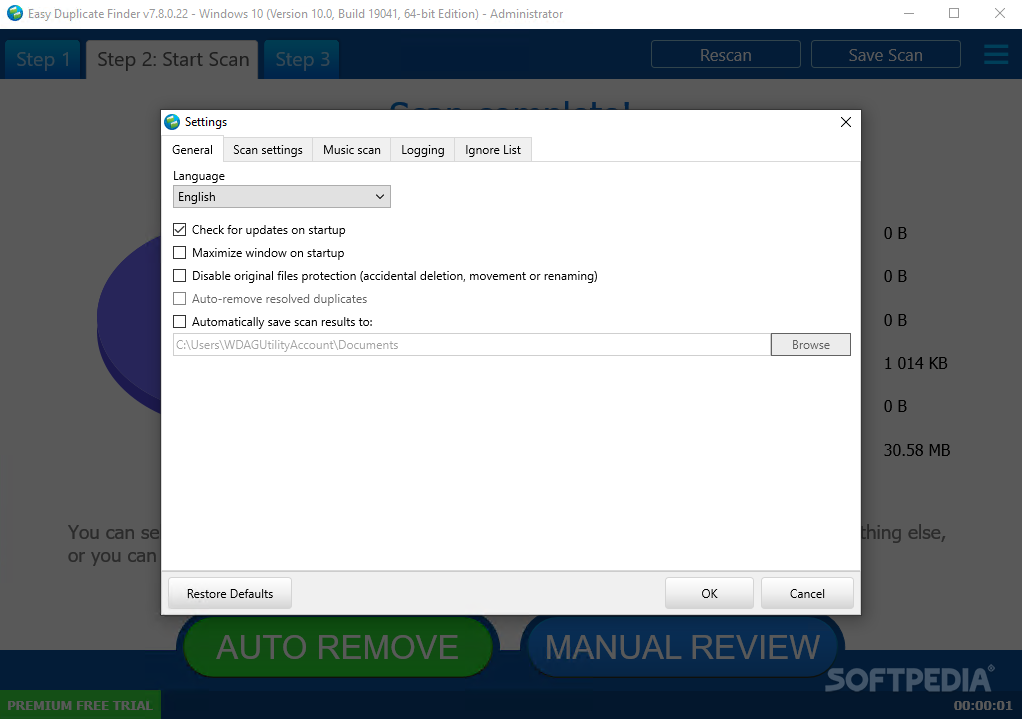
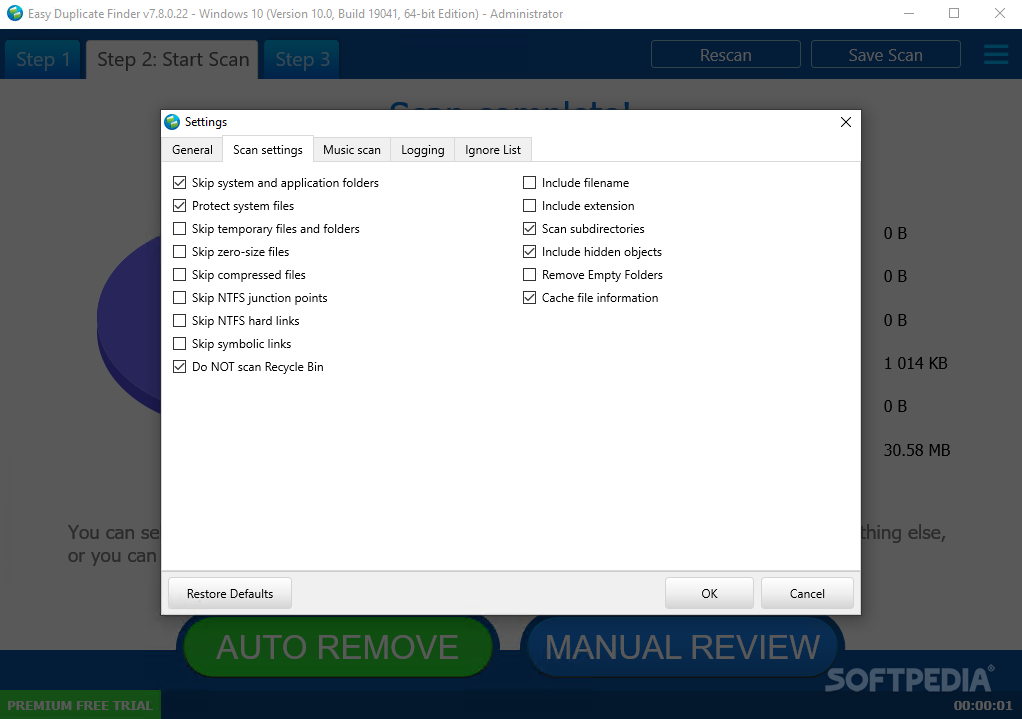
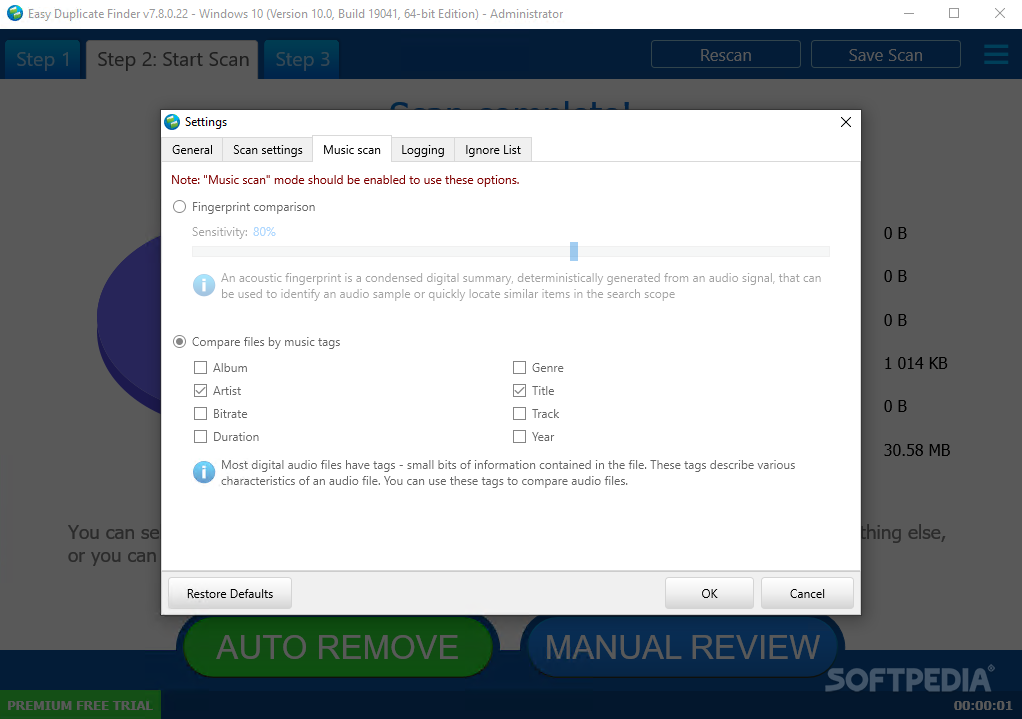
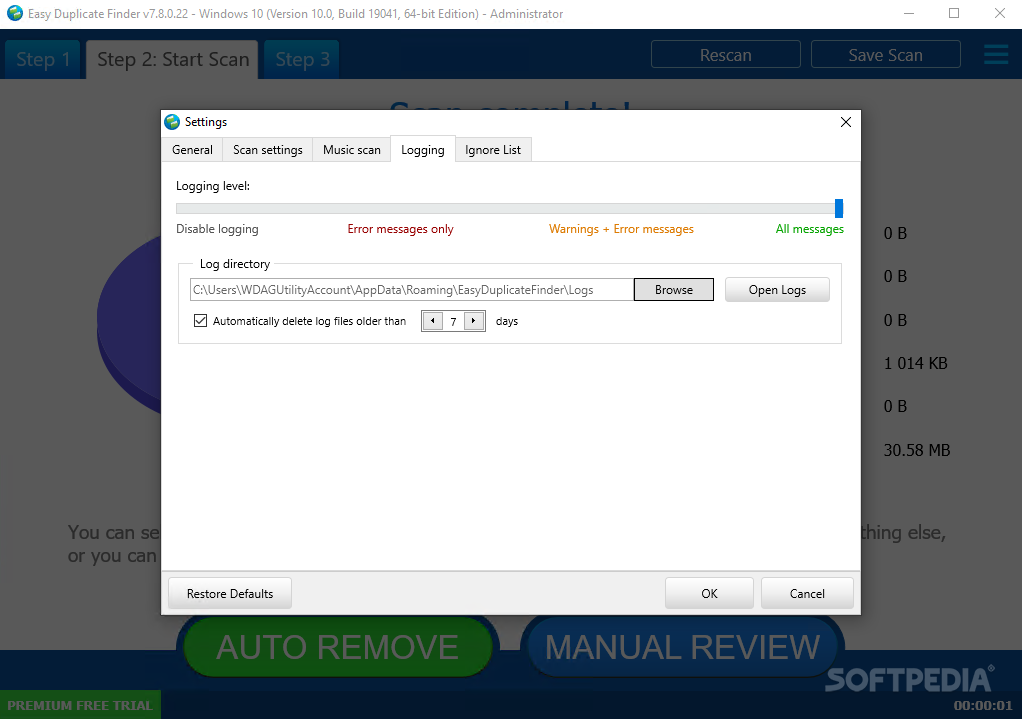
Easy Duplicate Finder features a wide range of customization settings. They pertain to the search behavior (e.g. byte-by-byte comparison, skip temporary files), activity logging mode (e.g. found, skipped and renamed files), file types to take into account for scanning, and so on. Settings can be restored to default at any time.
The tool supports multiple languages, has a good response time and carries out scan jobs pretty fast. Although it runs on low CPU, it uses significant RAM, even when it's not carrying out ongoing scan jobs. It worked well in our tests, without hanging, crashing or displaying error messages.
In a nutshell, Easy Duplicate Finder is a resourceful tool for finding and removing duplicate files to free up disk space, backed by plenty of settings to personalize and speed up the scanner.
Download Hubs
Easy Duplicate Finder is part of these download collections: Open ZIP, Duplicate Finder, Duplicate Removers
What's new in Easy Duplicate Finder 7.26.0.51:
- Added support for macOS Sonoma (14.1)
- Outlook scan: added support for recent versions of MS Outlook
- Mac music scan now supports Music app version 1.4 (Sonoma)
- Google Drive scan improvements
Easy Duplicate Finder 7.26.0.51
add to watchlist add to download basket send us an update REPORT- portable version
- Easy Duplicate Finder Portable
- runs on:
-
Windows 11
Windows 10 32/64 bit
Windows 8 32/64 bit
Windows 7 32/64 bit
Windows Vista 32/64 bit
Windows XP 32/64 bit - file size:
- 30.5 MB
- filename:
- edf7setup.exe
- main category:
- System
- developer:
- visit homepage
4k Video Downloader

ShareX

calibre

7-Zip

Microsoft Teams

Windows Sandbox Launcher

Bitdefender Antivirus Free

Zoom Client

IrfanView

Context Menu Manager

- Zoom Client
- IrfanView
- Context Menu Manager
- 4k Video Downloader
- ShareX
- calibre
- 7-Zip
- Microsoft Teams
- Windows Sandbox Launcher
- Bitdefender Antivirus Free