
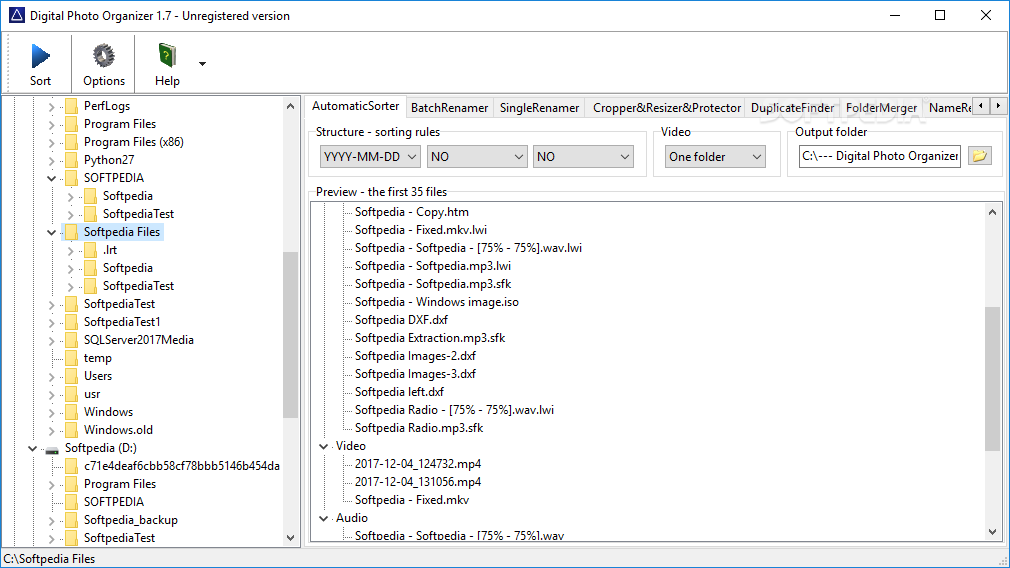
If you’re taking pictures on a daily basis, chances are your computer is now full of them. What’s more, it’s best to keep them organized for easy identification when needed, so you don’t spend time browsing through all for a single one of interest. In this regard, Digital Photo Organizer comes with the means to rename, sort, crop, and other useful operations.
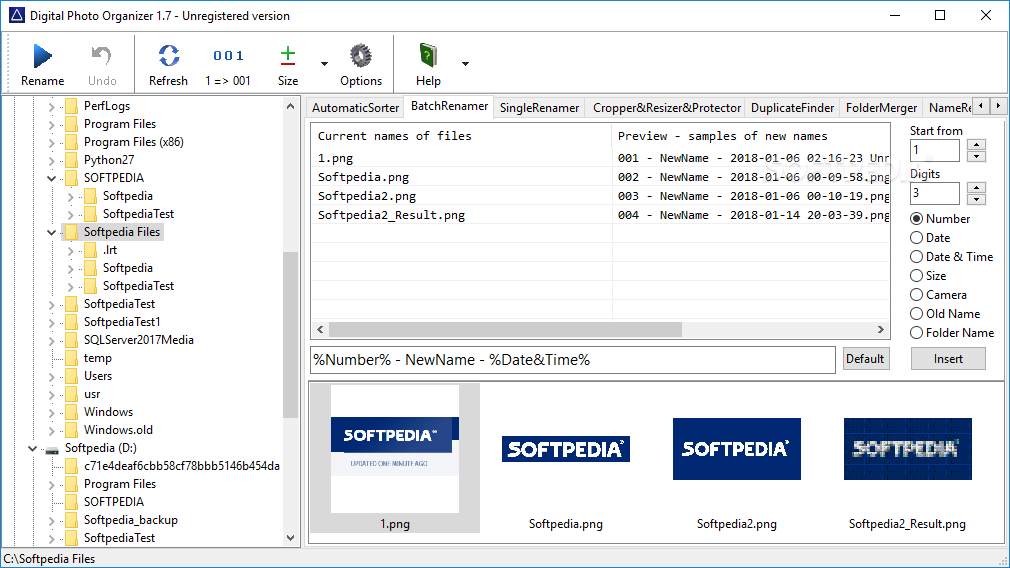
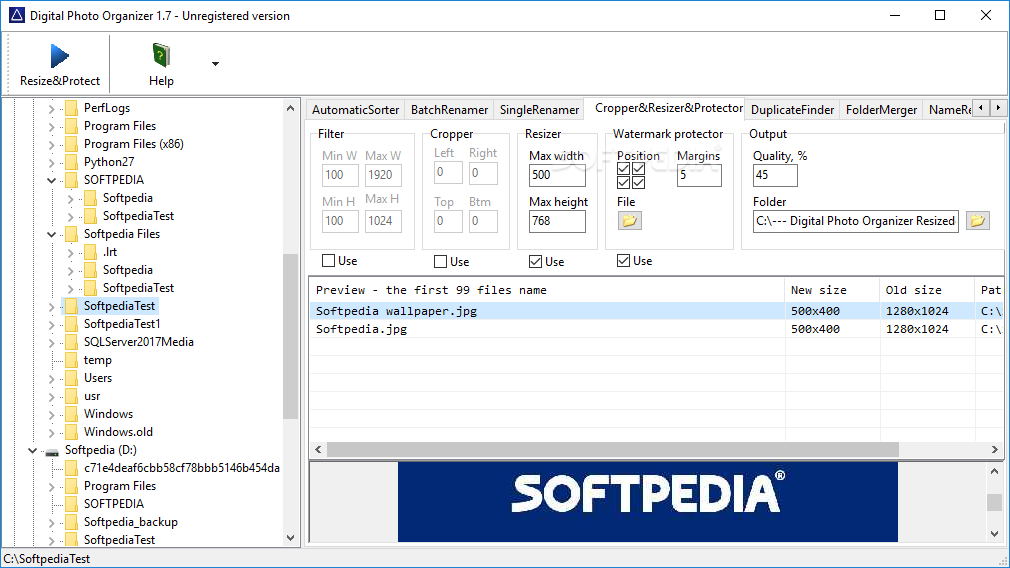
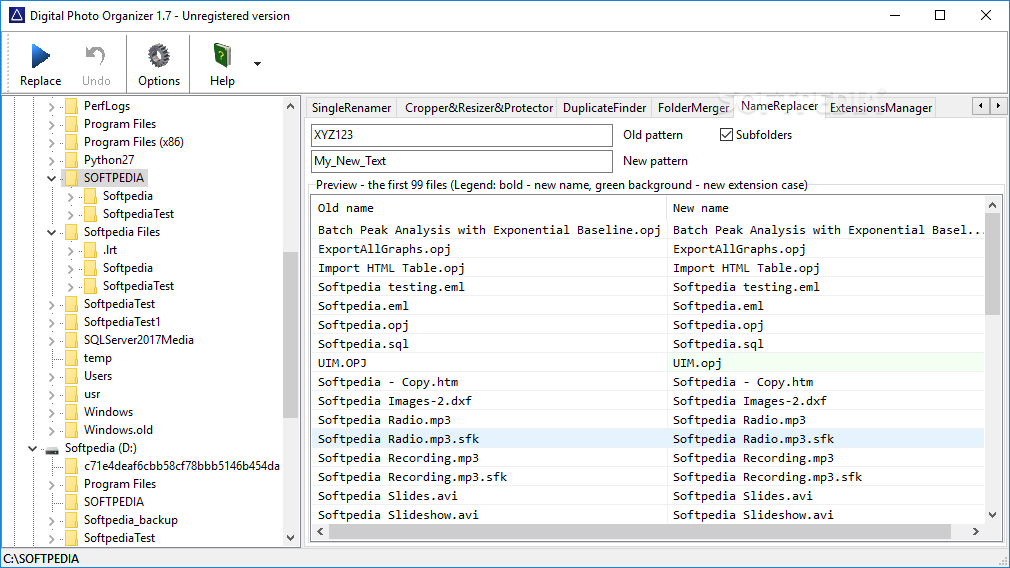
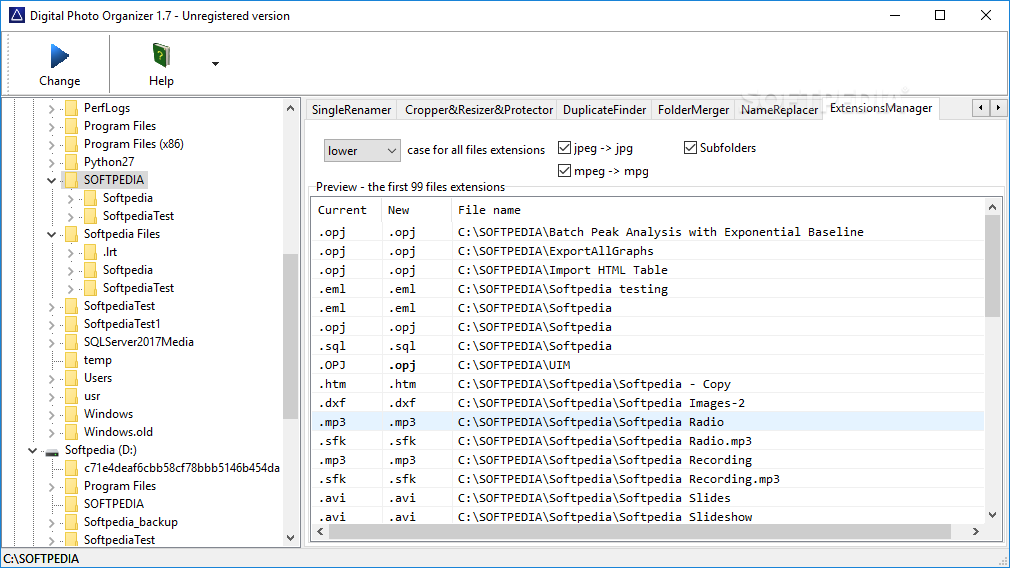
On the visual side of things, the application is neatly organized, with two panels to easily browse through your computer, while the other is fitted with multiple tabs to delimit each operation. Selecting a folder automatically shows pictures that are inside, but most components enlist them by name, with only a few providing a preview option.
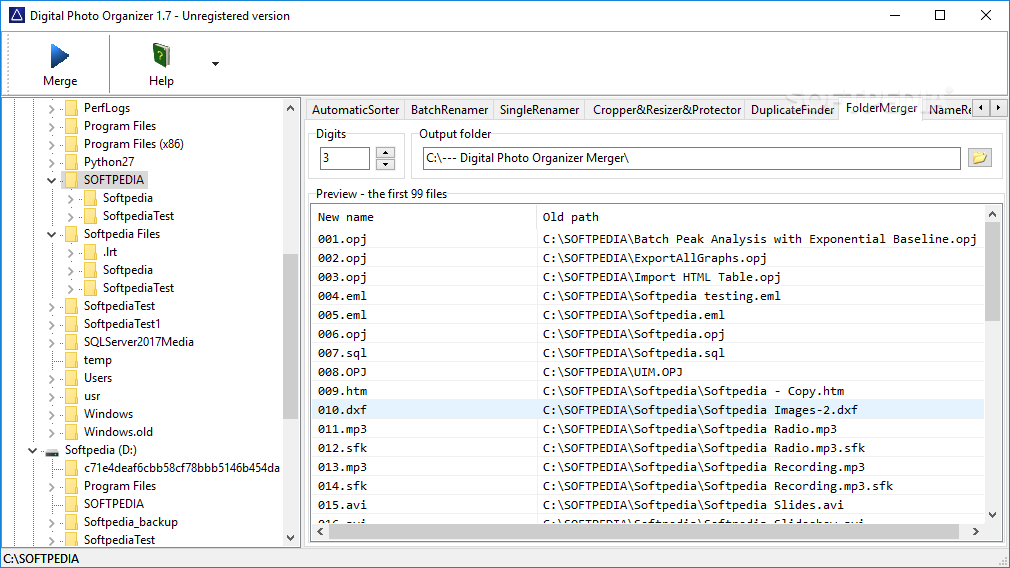
There are various activities you can perform whilst using the application, and there let you sort according to various parameters, rename one or more pictures using custom rules, crop, resize, and add watermarks to protect them from theft, search for duplicates and get them removed, or manage subfolders to organize them a little better on your hard disk drive.
You need to make sure that you’re certain of the changes you want to make, because putting the process in motion has an instant effect on files. Luckily, the application gives you the possibility to analyze changes by placing original and new elements in a comparison view.
Truth be told, Digital Photo Organizer covers a decent amount of of management operations related to photos. However, it managed to overlook a simple feature, namely a built-in viewer so that you can analyze before making any changes. What’s more, these can’t be opened in the default viewer directly from the main window.
Taking everything into consideration, we can say that Digital Photo Organizer is equipped with most management options you need to create an organized photo gallery. The interface feels a little rough around the edges, but manages to stay intuitive, letting anyone take advantage of both the browser for easy selection, and tab structure for quick access to operation.
Filed under
What's new in Digital Photo Organizer 1.7:
- Folder Merger is added.
- You can merge the files located in subfolders into one folder with the sequentially numbering.
- Latest version:
Digital Photo Organizer 1.7
- runs on:
-
Windows 10 32/64 bit
Windows 8 32/64 bit
Windows 7 32/64 bit
Windows Vista 32/64 bit
Windows XP - file size:
- 1.1 MB
- filename:
- DigitalPhotoOrganizerSetup.exe

- main category:
- System
- developer:
- visit homepage
calibre

Context Menu Manager

Bitdefender Antivirus Free

IrfanView

ShareX

4k Video Downloader

Zoom Client

7-Zip

Microsoft Teams

Windows Sandbox Launcher

- 7-Zip
- Microsoft Teams
- Windows Sandbox Launcher
- calibre
- Context Menu Manager
- Bitdefender Antivirus Free
- IrfanView
- ShareX
- 4k Video Downloader
- Zoom Client