
A software utility that helps you increase the security of your computer by preventing the copying of your files and folders, and blocking several Windows features (e.g. Windows registry entries, Task Manager, Command Prompt). #Anti Copy #Lock file #Unlock file #Copy #Lock #Locker

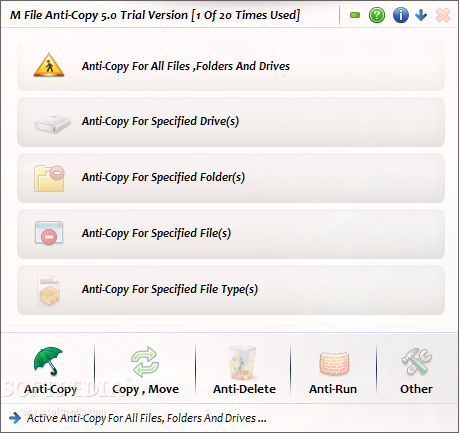
M File Anti-Copy is an application that can ensure the security of your computer by preventing the copying of your files and folders.
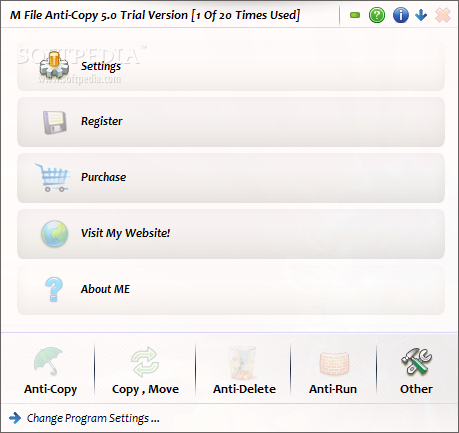
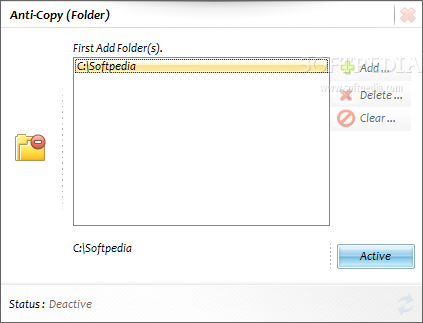
The program comes with an easy-to-use interface in which you can activate an anti-copy protocol for specified or all files, folders, drives and file types.
When you want to activate anti-copy for specific drives, folders and files, you can either create an inclusion or exclusion list.
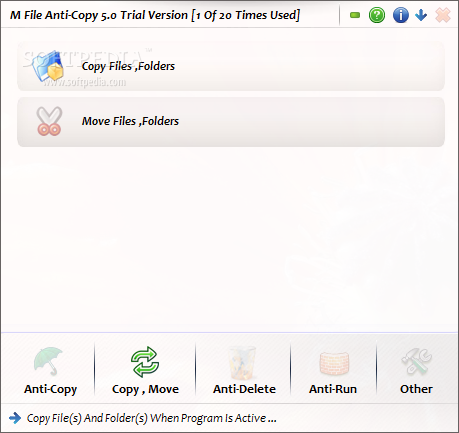
You can copy and delete files and folders when M File Anti-Copy is running (in case the anti-copy has been activated).
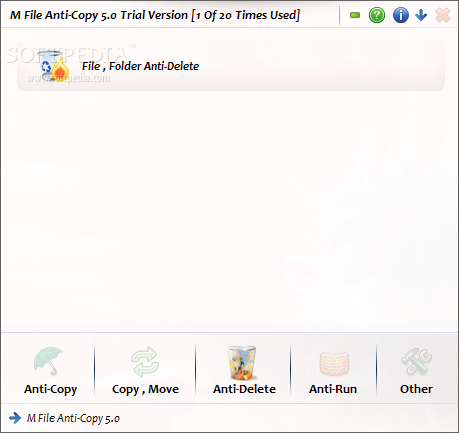
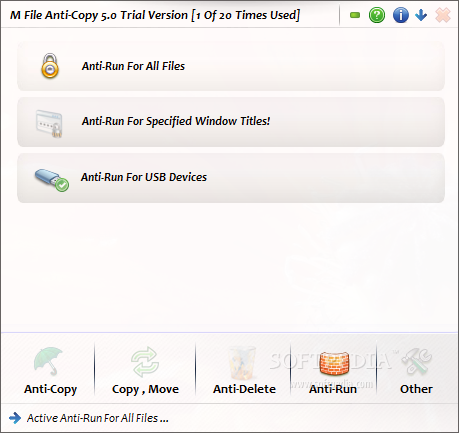
You can also activate anti-delete and anti-run for files and folders (or anti-run only for specific Windows titles), as well as an anti-run system for USB devices (make the USB storage read-only, close USB ports).
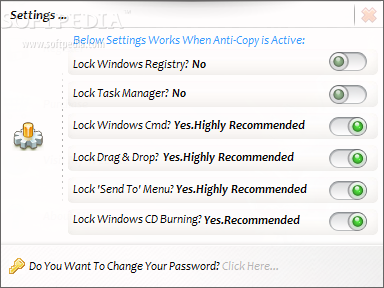
The "Other" menu allows you to lock Windows registry entries, Task Manager, Command Prompt, the "drag and drop" method, "Send To" menu, Windows CD burning, file uploading and attaching, as well as drive formatting.
M File Anti-Copy uses a low amount of system CPU and resources, includes an online help file and does a great job when it comes to restricting user access to the content off your computer. For example, the anti-run feature is especially useful if you suspect your computer has been virused but don't have the possibility to take care of the situation right away.
On the other hand, in order to deactivate the anti-copy system, you have to log off every time. This can become very uncomfortable for most users. Otherwise, M File Anti-Copy is a great security software application and we strongly recommend it to all users.
What's new in M File Anti-Copy 5.5:
- Fixed old bugs
- Now you can move program window(s)
- Some changes in program design
- Now you can use software on non administrator accounts too
M File Anti-Copy 5.5
add to watchlist add to download basket send us an update REPORT- runs on:
- Windows All
- file size:
- 1.8 MB
- filename:
- M File Anti-Copy 5.5.zip
- main category:
- System
- developer:
- visit homepage
4k Video Downloader

calibre

IrfanView

ShareX

Windows Sandbox Launcher

Bitdefender Antivirus Free

7-Zip

Zoom Client

Microsoft Teams

Context Menu Manager

- Zoom Client
- Microsoft Teams
- Context Menu Manager
- 4k Video Downloader
- calibre
- IrfanView
- ShareX
- Windows Sandbox Launcher
- Bitdefender Antivirus Free
- 7-Zip