
File management program that helps you copy several files in parallel, pause/resume copy operations at any time, and copy items to FTP locations. #Copy data #Copy file #File copier #Copy #Transfer #Pause

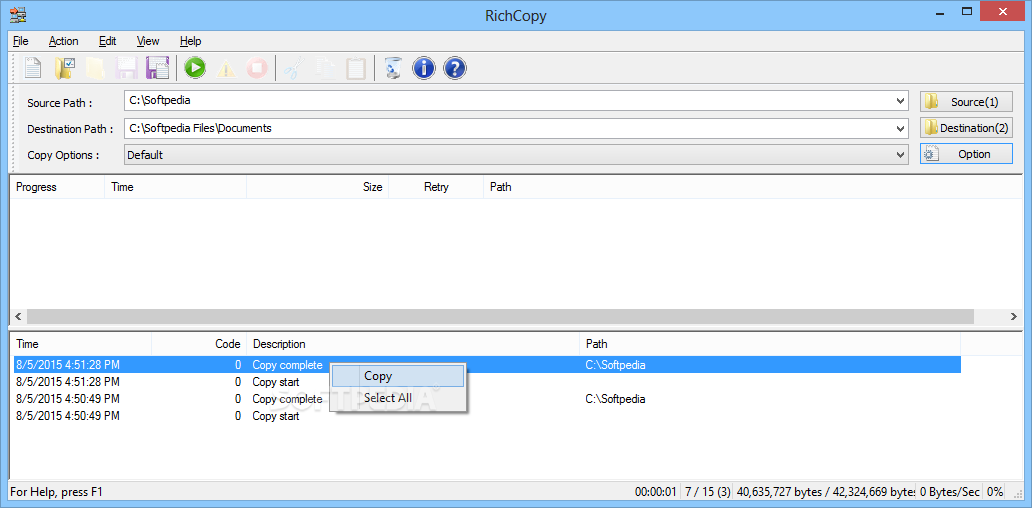
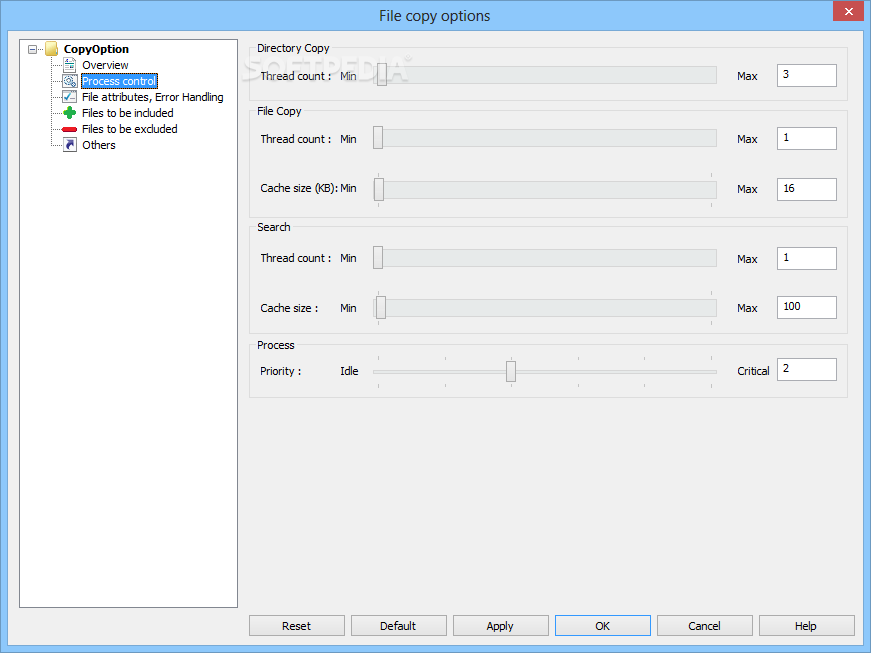
Microsoft RichCopy is a file management tool, designed to help you copy multiple files at the same time, in order to increase the overall speed of the process.
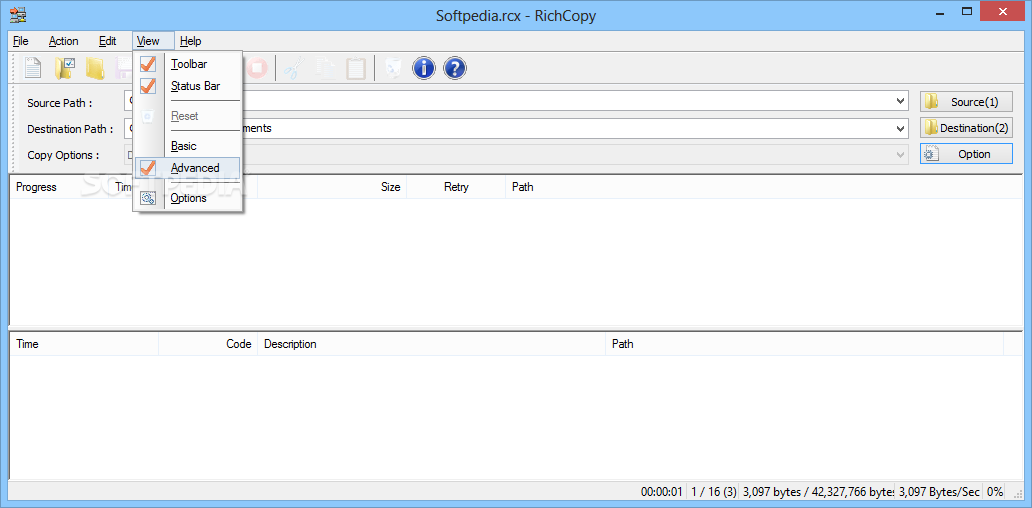
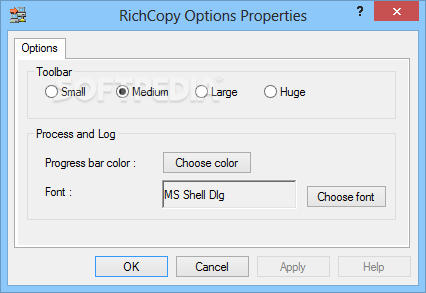
The installation is very simple and quick, while the user interface is pretty simplistic and intuitive for the user (except when you go to Options and view more advanced commands).
Select the source path of the files you wish to copy, as well as the destination output, and then start the copying procedure.
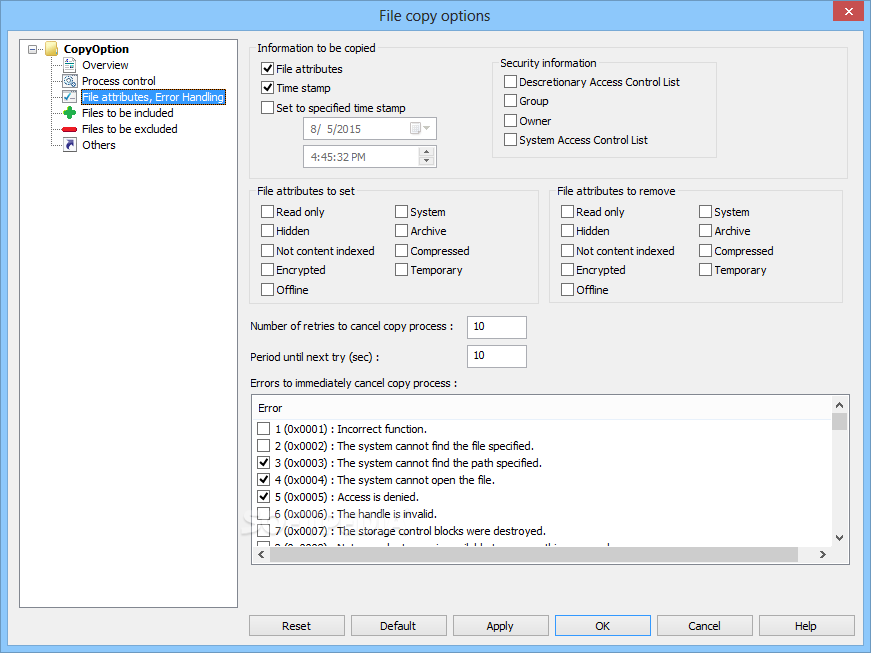
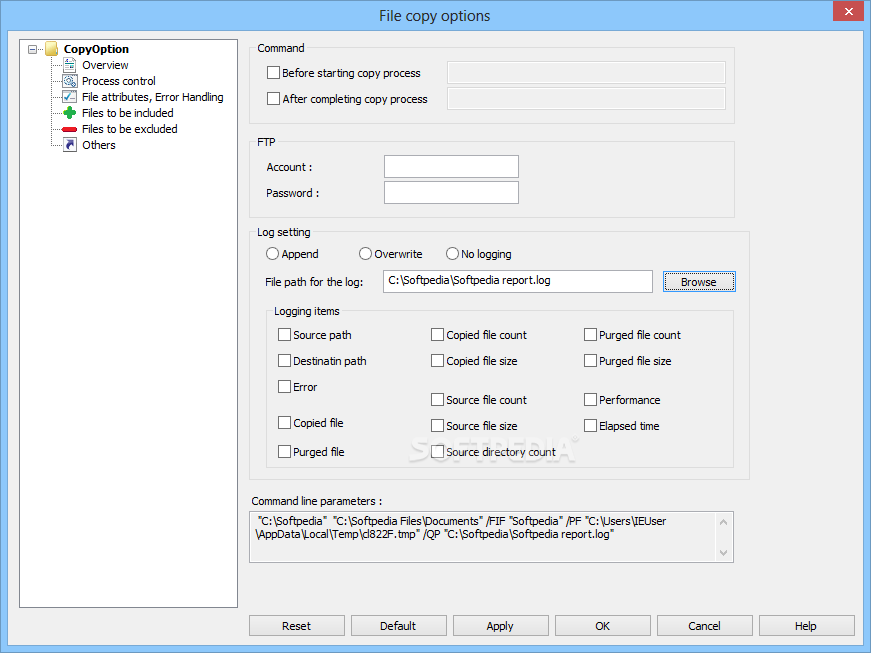
RichCopy makes a note of the time copying has started, in a log file, where you can also view any errors that may have been encountered (for example, RichCopy can't access a certain file if it is being used by another process).
We tested this software on Windows 7. Indeed, batch copying is finally a breeze among Microsoft fans, but when it comes to speed, Windows 7 is still faster in the copying department. RichCopy probably works best on older Windows versions.
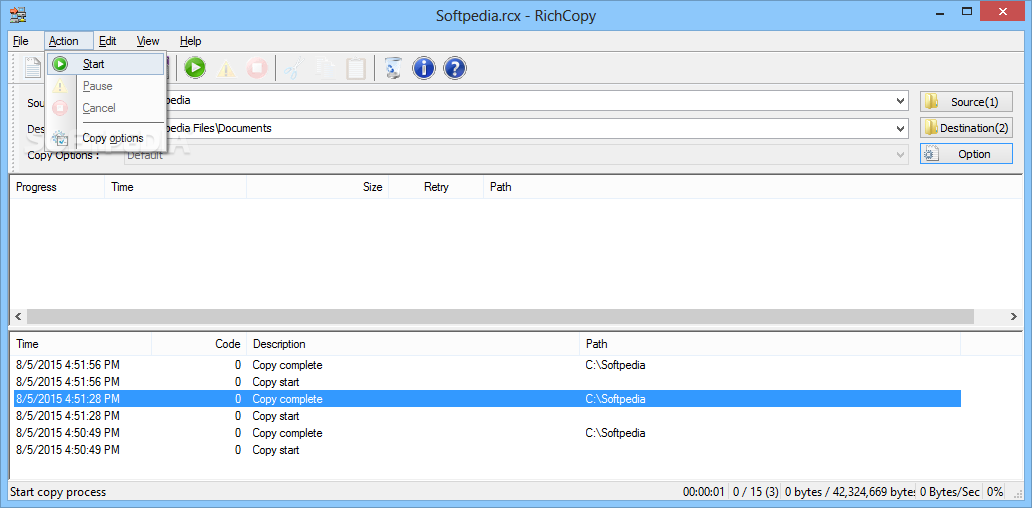
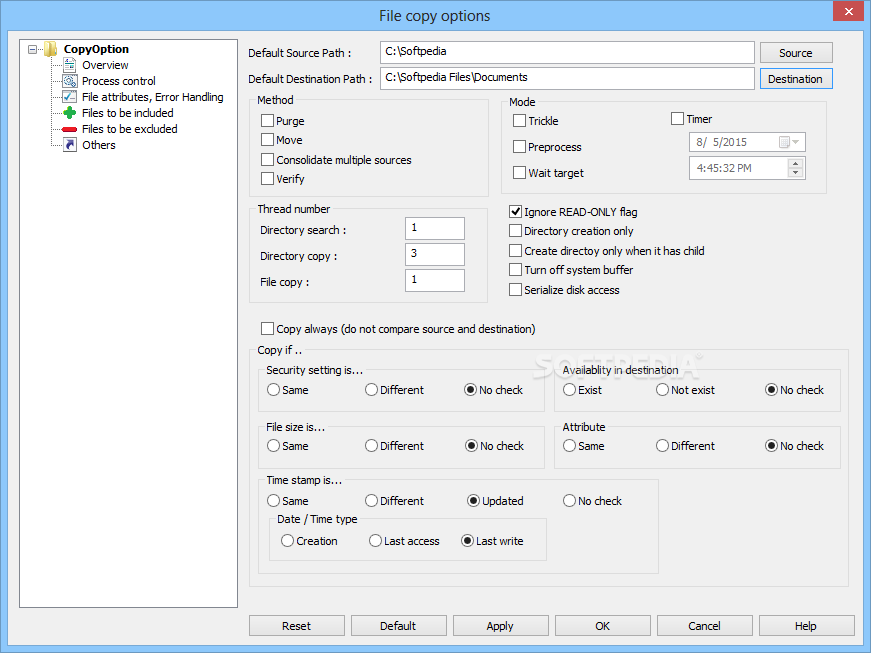
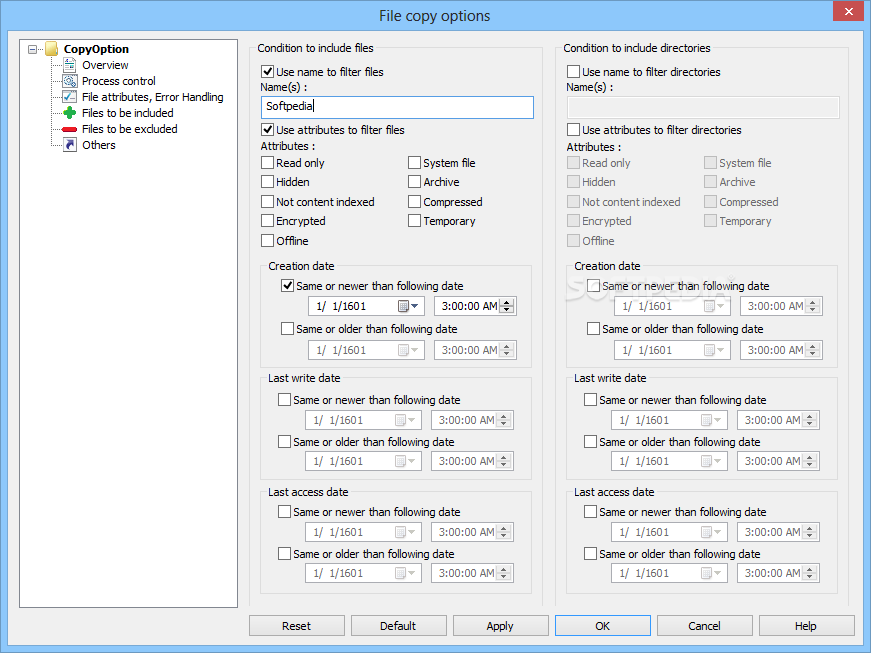
Nevertheless, this program comes with a lot of useful options that you can fully take advantage of. For example, you can choose for the application to automatically ignore read-only flags, so you can safely walk away from your computer and know the copying is complete when you return.
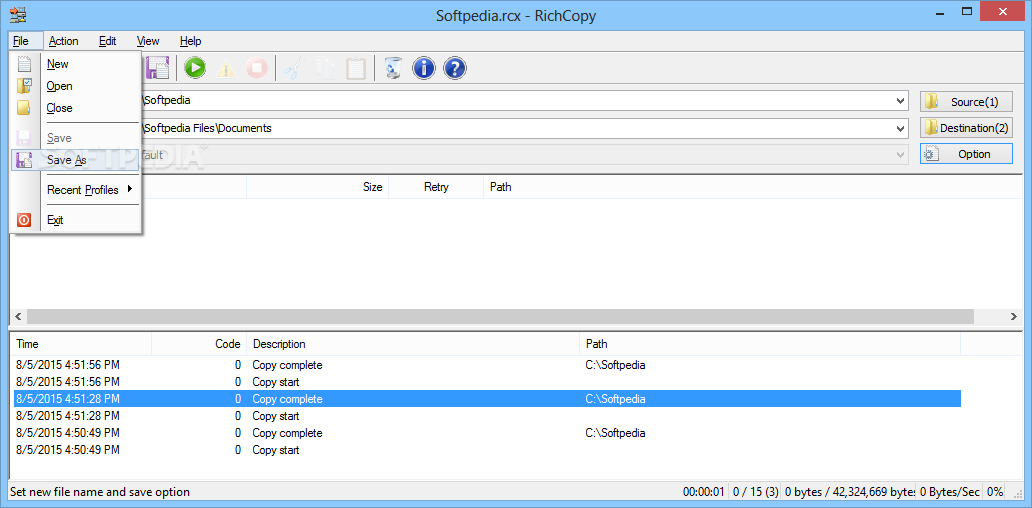
Other options include purging, moving, verifying, or consolidating multiple sources. Plus, you can also copy files on / to FTP locations. Besides, RichCopy uses less CPU and memory resources than Explorer.
If you want a great alternative to simultaneously copy several files, then take a look at Microsoft RichCopy.
Microsoft RichCopy 4.0.217
 Softpedia Editor's Pick
add to watchlist
add to download basket
send us an update
REPORT
Softpedia Editor's Pick
add to watchlist
add to download basket
send us an update
REPORT
- PRICE: Free
- runs on:
- Windows All
- file size:
- 5.8 MB
- filename:
- HoffmanUtilitySpotlight2009_04.exe
- main category:
- System
- developer:
- visit homepage
Microsoft Teams

IrfanView

calibre

ShareX

Zoom Client

Context Menu Manager

4k Video Downloader

7-Zip

Bitdefender Antivirus Free

Windows Sandbox Launcher

- 7-Zip
- Bitdefender Antivirus Free
- Windows Sandbox Launcher
- Microsoft Teams
- IrfanView
- calibre
- ShareX
- Zoom Client
- Context Menu Manager
- 4k Video Downloader