Search Perform an advanced search query SOFTPEDIA
 
SOFTPEDIA
Updated one minute ago
HomeSubmit a program for being reviewedAdvertise on our websiteGet help on surfing our websitesSend us your feedbackGet information about our XML/RSS backend and how to use itBrowse the news archiveVisit our discussion forumVizitati forumul in limba romana


Program Finder NormalFreeware onlyShareware only

Nomad.NET 2.2.5.605 Beta Report spyware 

Click to download Nomad NET
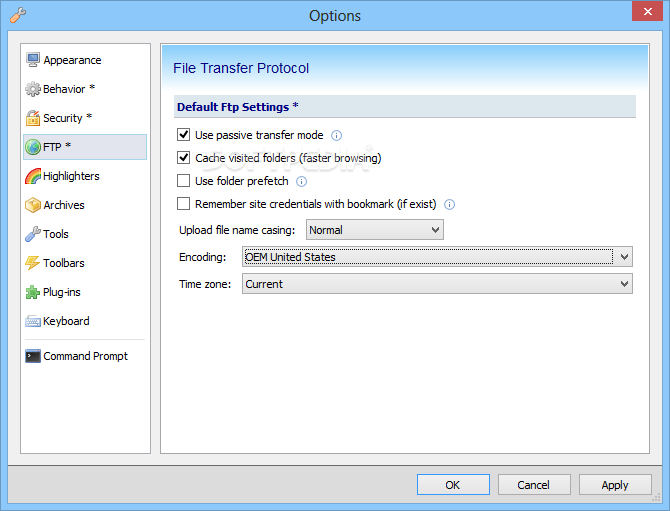
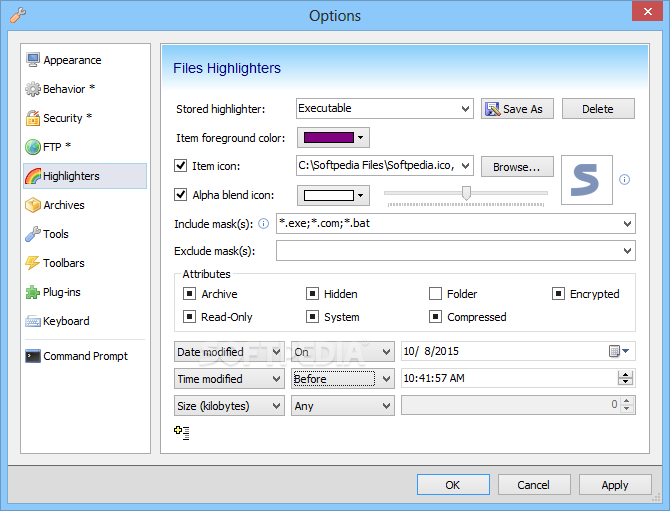
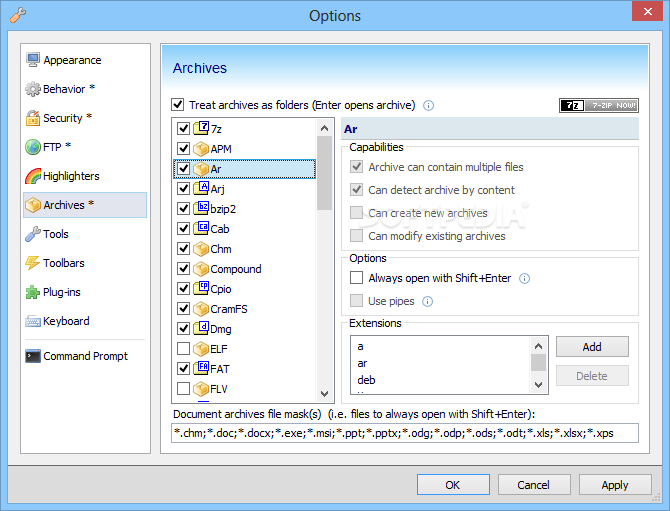
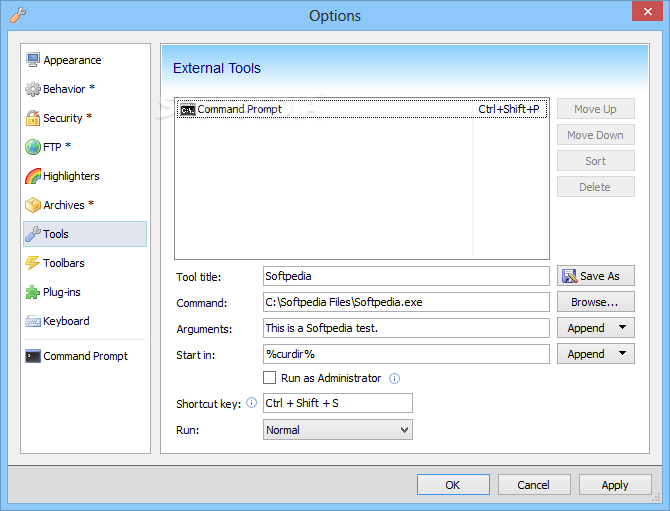
View more Nomad.NET screenshots (6)
 Downloads: 293
Rating: Very Good (4.1/5) | Rated by: 14 user(s)
Add to download basket     Send us update information
 Developer: Eugene Sichkar | More programs by this producer
 License: Freeware  
 Size / OS: 2.01 MB, Windows All
 Last Updated: June 24th, 2008, 08:14 GMT
 Category: C: \ System \ File Management
 Read user reviews (0) Add a review Refer to friend Subscribe
    Download Nomad NET

Nomad NET description
A powerful, yet easy to use file manager

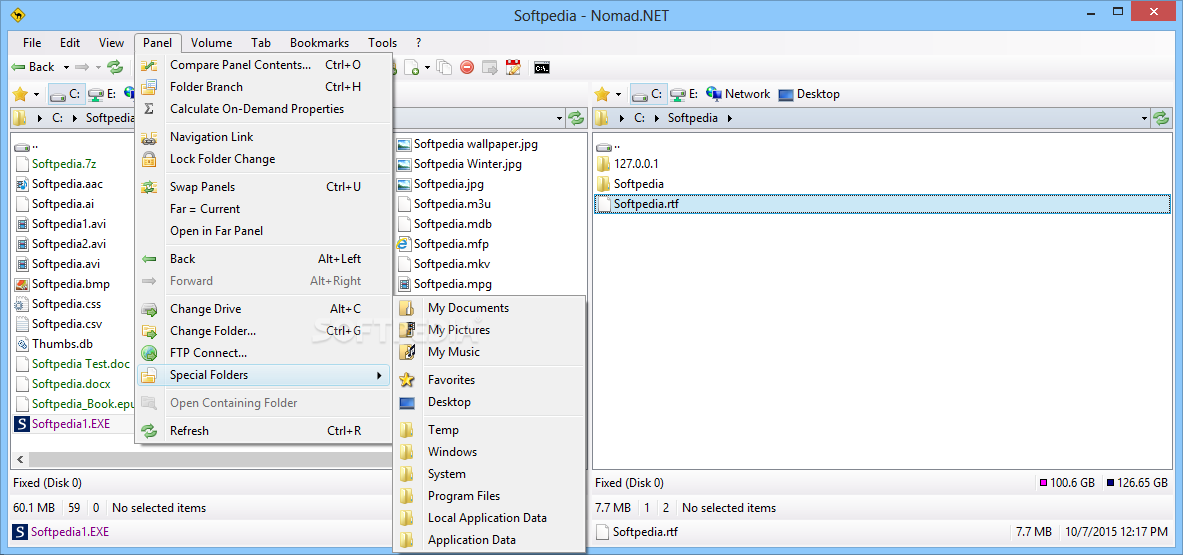
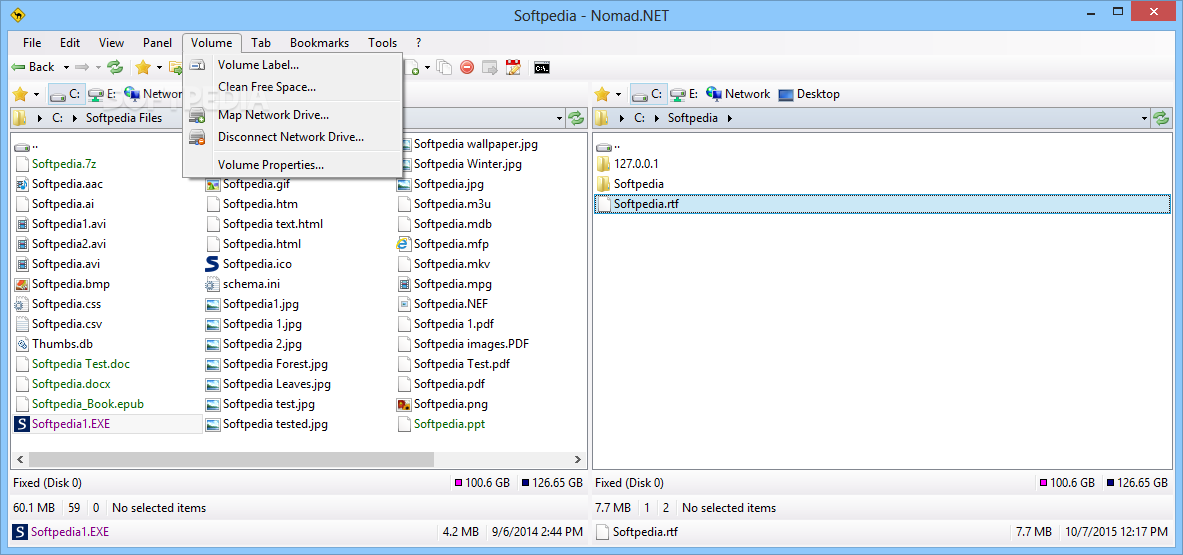
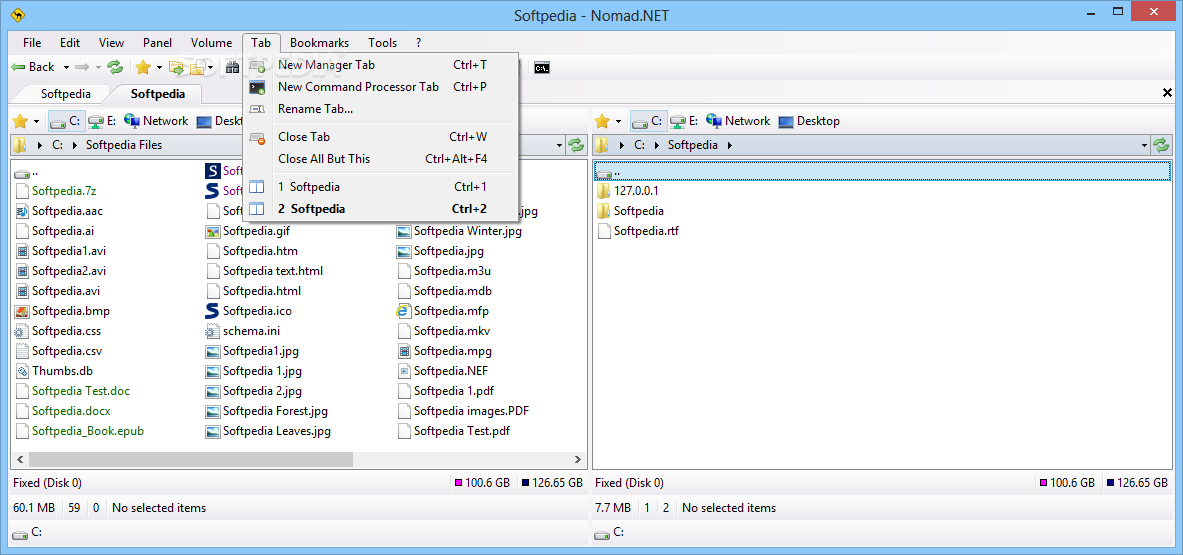
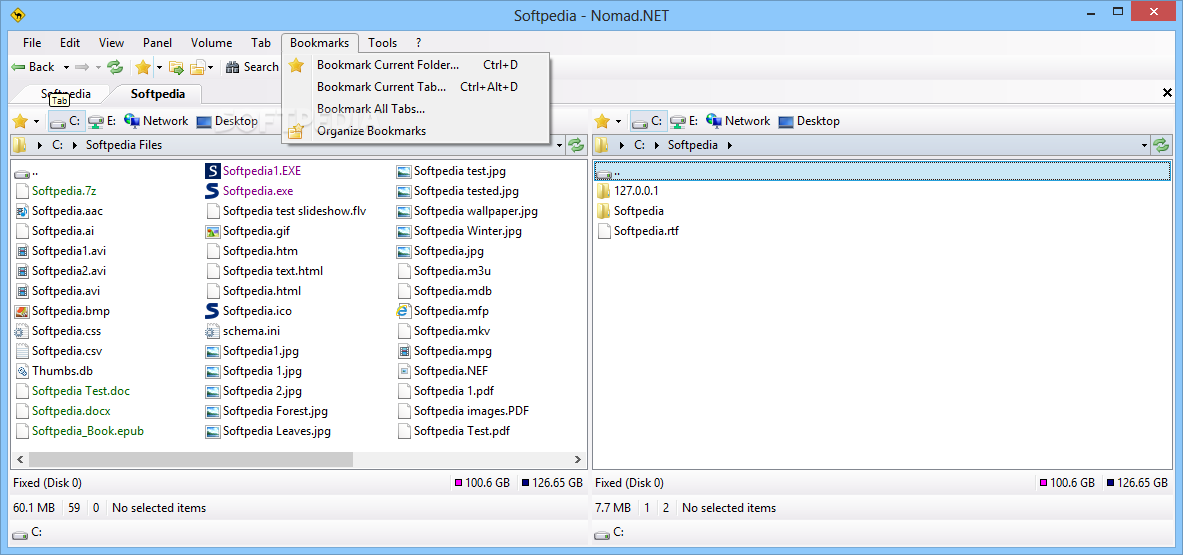
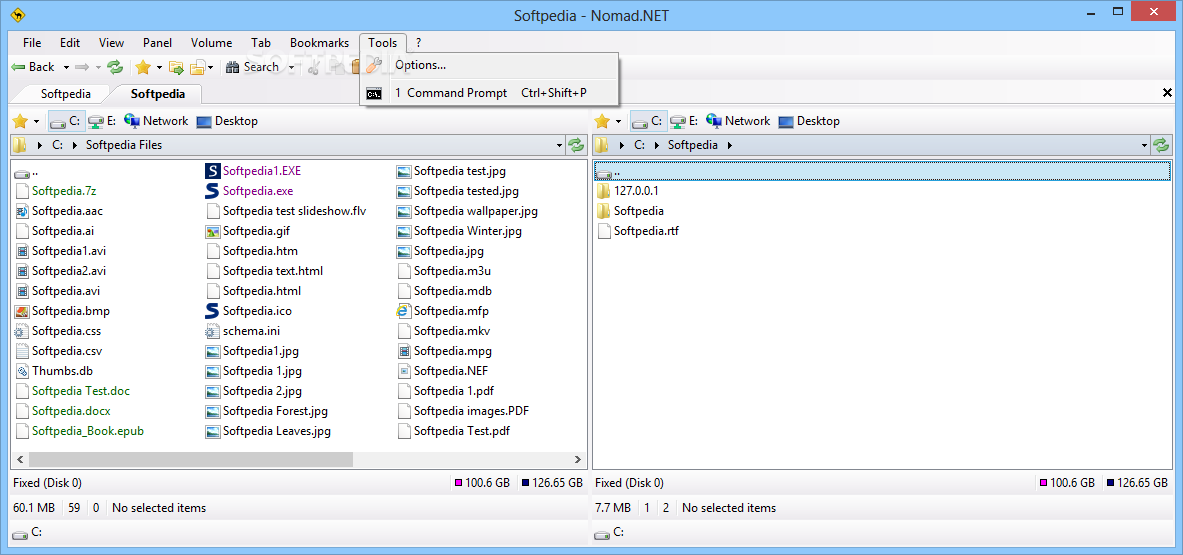
The Nomad.NET application was designed to be a powerful file manager, that supports FTP connections, archive types and many others.

Here are some key features of "Nomad NET":

· One of the most powerful search engines on market (if I can say market, project is freeware). You can create very complex search rules, with ability to search in different encoding (complete encodings auto detect), use IFilter filters, apply custom text search rules (including regular expressions), search in hex, duplicates search and so on... For novices there is a simplified search that is not so scary at first sight.
· Powerful filtering system, based on the same core as search. You can use dedicated advanced filter dialog, or use
simple toolstrip for quick filtering.
· Folder shortcuts were implemented in much more simple way that its predecessor.
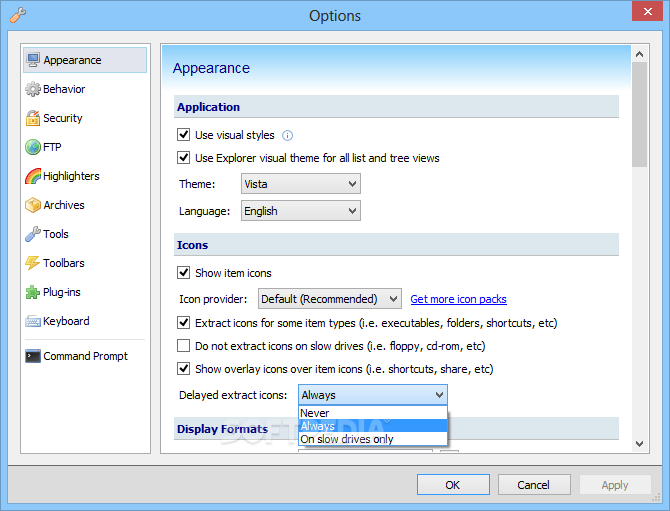
· Much simpler, elegant and polished UI (program must look nice, right?) with support of themes, different toolstrip renderers and so on...
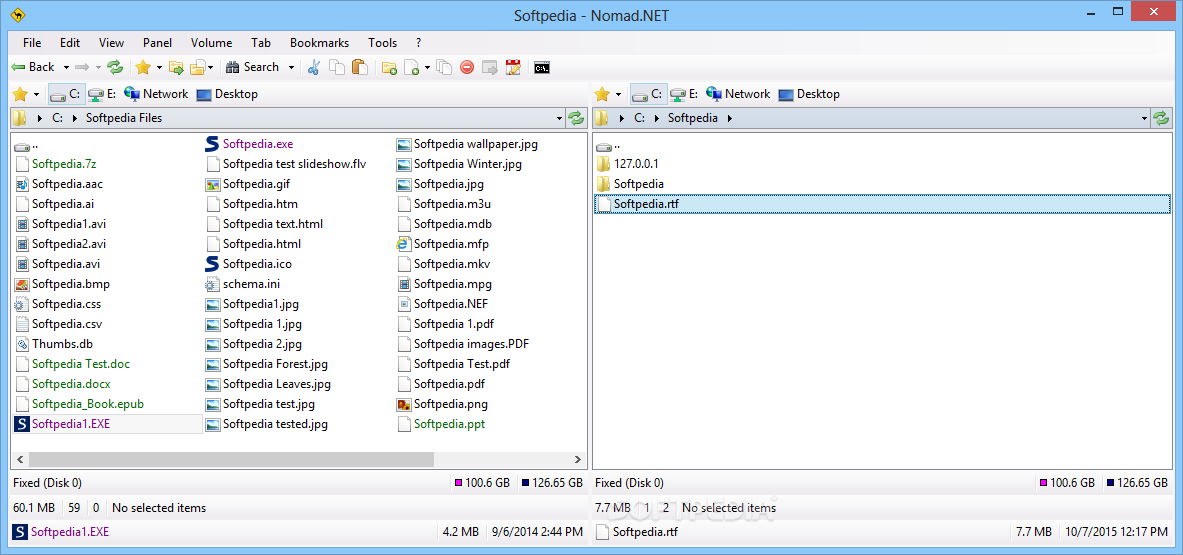
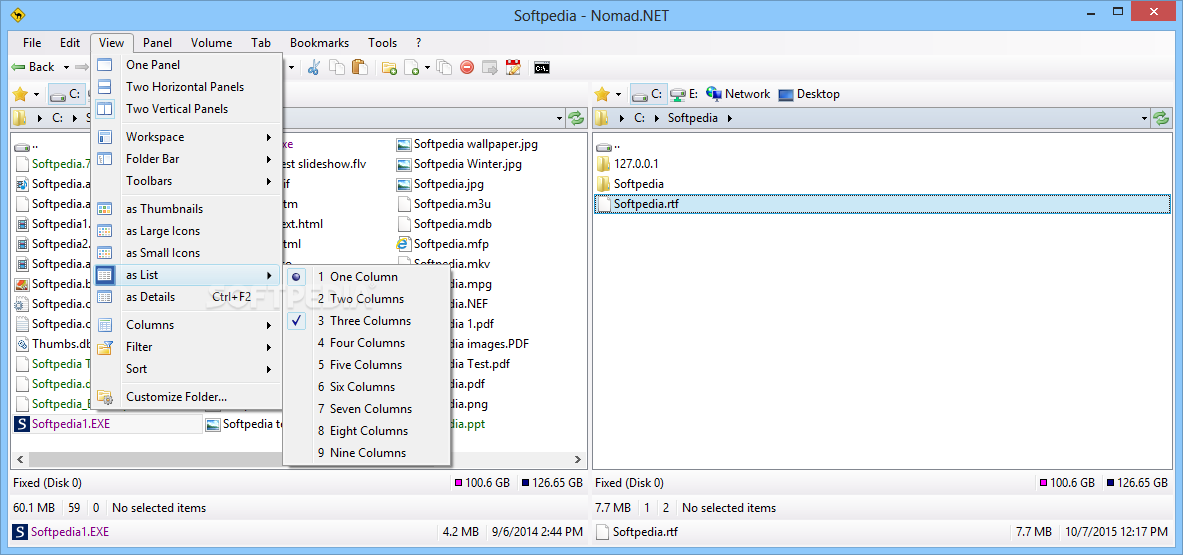
· Program layout was changed, too. You can use single panel or dual panel mode (horizontal or vertical). Each panel can have its own tree view that can be hidden or displayed horizontally or vertically.
· UI can simple scale according to your current system DPI settings, or manually (through Options).
· New breadcrumb folder toolstrip on every panel is much more powerful than simple folder name.
· Internal support for more archive types (using 7-Zip libraries). Program can also handle WCX Total Commander plug-in, even in more powerful way than Total Commander did. Currently only extracting is supported, no ability to create or modify them.
· FTP folders support added (with limitations yet, for example, only one http proxy allowed with no UI to configure).
· Many things were done more correctly - drag'n'drop from explorer, clipboard handling, shell file menus and so on.
· Support for shell shortcuts, url shortcuts (ftp only) and even shell folder shortcuts (rarely supported in other file managers).


Requirements:

· .NET Framework 2.0
· 5 MB hard drive space


What's New in This Release:

· New command: Customize Folder, ability to remember some options for folder
· Tooltips now configurable based on file type (many preconfigured options)
· Tooltip now shows thumbnail (if exists) or icon (no UI to configure at the moment)
· Columns providers added, many new columns introduced, configuration columns
· and column providers in options, searching and filtering in new columns, etc.
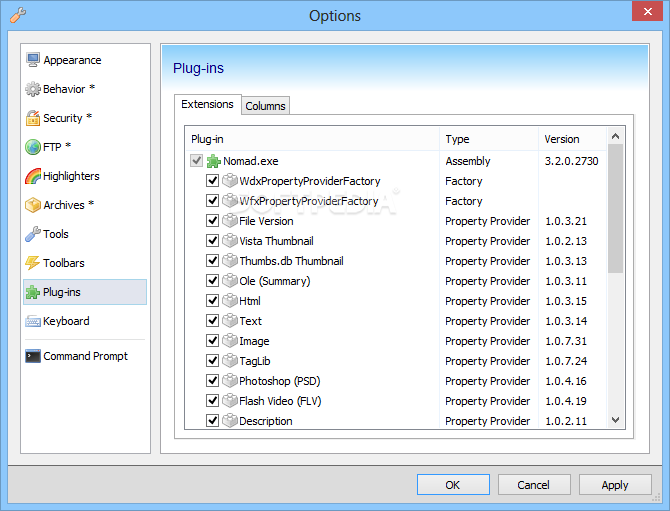
· Currently available property providers:
· File Version Provider (extract version information from PE files)
· Flash Video (FLV) Provider (extract basic image info)
· Thumbs.db Thumbnail Provider (extract thumbnail from thumbs.db file, if exists)
· Image Provider (extract basic image info, exif tags, thumbnail, can set description)
· TagLib Provider (extract video and audio basic info, tag, thumbnail, can set description)
· Photoshop (PSD) Provider (extract basic image info, thumbnail)
· Description Provider (get and set description, based on descript.ion files)
· Shell file system introducted (unstable at the moment). (shell://c:)
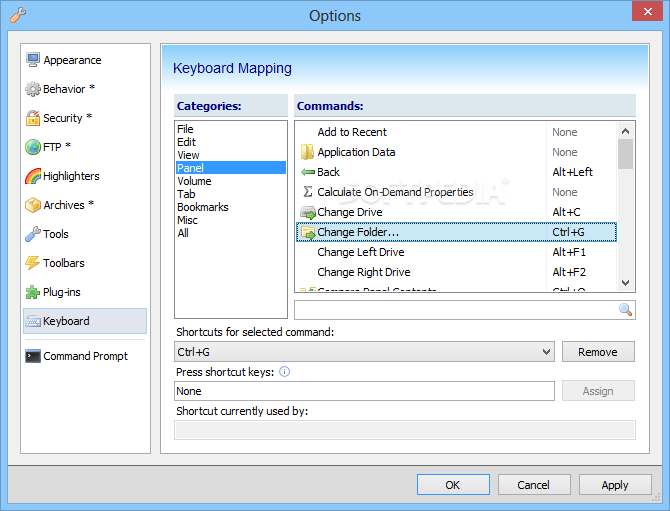
· Ability to change keyboard layout has been added (through options)
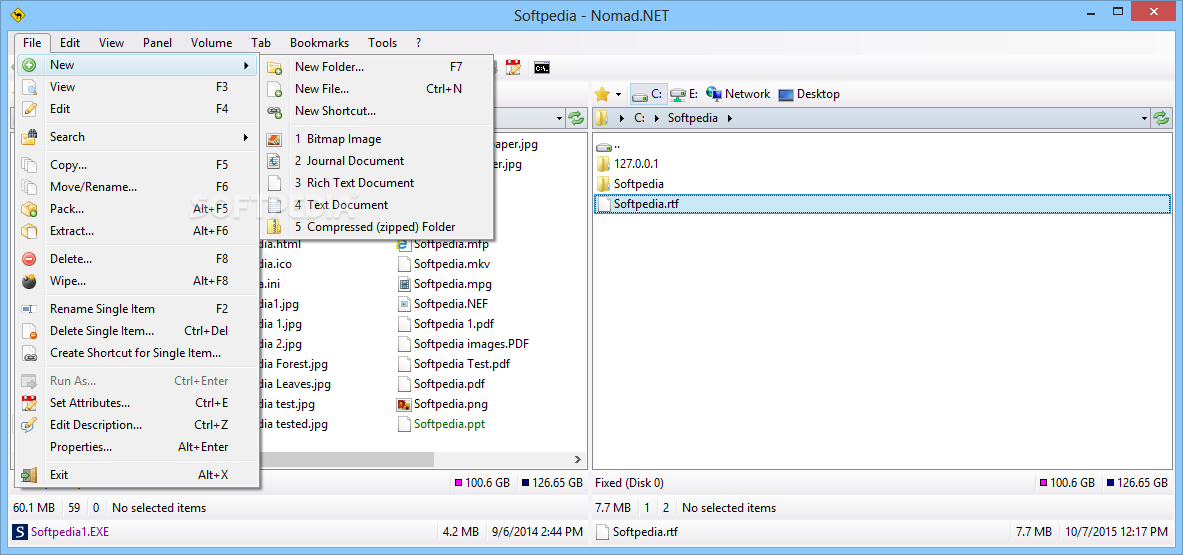
· Create shortcuts throug MakeLink dialog (many shortcut types supported)
· + Detect locking application on file deletion (sometimes, based on ole)
· + First start initialization code added
· + New command: Edit Description
· + Local file system folders now can get and set description (in desktop.ini file)
· + Multi-threaded search in some cases (great speed boost on multi-core cpu)
· + Ability to use system copy routine (instead of default one)
· + Copy progress dialog greatly improved (now shows much more information)
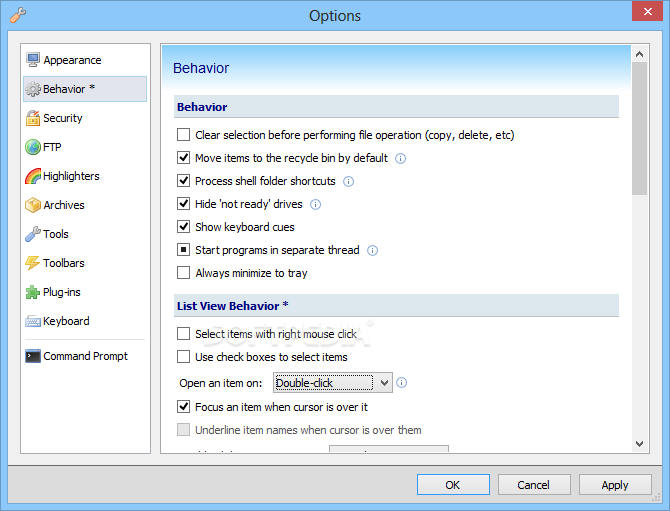
· + Option to start applications in thread (eliminate program freeze)
· + Ability to create (and handle) network location shortcuts added
· + More drive type icons in default icon provider
· + Support for volume level links added (subst, mount, etc)
· + Application can now compile itself with NGen (-compile switch)
· + Option to process shell folder shortcuts
· + Vista menu renderer added (incomplete)
· + Reset system idle timers during long file operations (copy, delete, etc)
· Some classes moved to different assemblies (for future plug-ins support)
· Some performance improvements (list view painting optimized)
· Better drag'n'drop support (now accepts folder drag from explorer zip folders)
· Better keyboard shortcuts handling
· Set attributes dialog layout changed (show one or several selected items)
· Better theme support
· Sort dialog layout improved (shows inactive properties in gray color)
· Framework to simplify adding InfoTips
· More copy options in options dialog
· Networking support improved (speedup, context menu and properties)
· Algorithm for enabling auto async mode (both copy and compare) greatly improved
· Ftp connect dialog error reporting improved
· File copy dialog error reporting improved
· Highlight error values with red color in many dialogs
· Bookmarks folder support improved
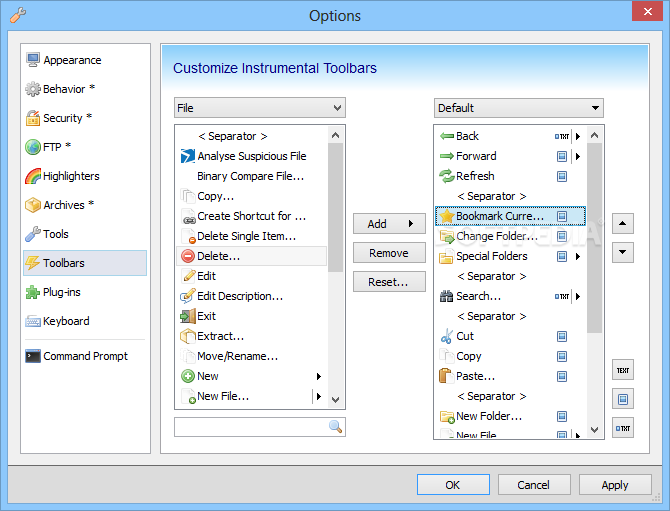
· Toolbar support improved
· Better ACL handling/copying (NTFS file and folder permissions)
· Various UI fixes
· Bugfix: Images was not extracted under Win2k3 and WinXp64
· Bugfix: Networking does not works under Win9x
· Many bugs are fixes and some new introduced... [ read full changelog ]


Softpedia guarantees that Nomad.NET 2.2.5.605 Beta is 100% CLEAN, which means it does not contain any form of malware, including but not limited to: spyware, viruses, trojans and backdoors.

This software product was tested thoroughly and was found absolutely clean, therefore it can be installed with no concern by any computer user.

However, it should be noted that this product will be retested periodically and the award may be withdrawn, so you should check back on this page from time to time. (click here for more information)


Related downloads IT News Popular downloads New additions   Latest reviews  
Copy and Restore 1.31
Copy and Restore designed for recovering data from corrupted or non-stable media
GatherBird Copy Large Files 2.4
A program that allows you to copy files over unreliable and slow network connections
Piky Basket 2.0 build 21
Piky Basket is designed to save your time and effort when working with files and folders in Windows
Playlist Magic Copy 1.0
Playlist Magic Copy makes possible to copy files from playlist, to common folder
CS Copier 1.0
CS Copier application will copy files from one directory to another and if a file cannot be copied a note is made
CS Copier 1.0
CS Copier application will copy files from one directory to another and if a file cannot be copied a note is made
DataBatcher 1.2
DataBatcher is an application that batch-processes files and folders
NewMove 1.0
NewMove lets you to copy or move files based on their last modified time...
DirMerge 1.0 beta
DirMerge can be used to copy one folder to another with a number of extra options
ManageFile 1.0
ManageFile can be used to copy, move or delete files in multi folders and subfolders in one click

go to top Use the following code to link to this page:


Welcome!
Hello, Guest

Login if you have a Softpedia.com account.

Otherwise, register for one.

Main categories:
  • Antivirus
  • Compression tools
  • CD/DVD Tools
  • Office tools
  • Programming
  • Authoring tools
  • File managers
  • Desktop Enhancements
  • Internet
  • Network Tools
  • IPOD TOOLS
  • Mobile Phone Tools
  • Multimedia
  • Tweak
  • System
  • Security
  • Others
  • Science / CAD
  • UNIX
  • Windows Widgets
  • PORTABLE SOFTWARE

  • Week's best:
  • Windows Defender Lat...
  • Firefox 3.0.1 / 2.0....
  • AutoCAD 2009
  • Norton AntiVirus 200...
  • Norton Internet Secu...
  • The Bat! Professiona...
  • WinRAR 3.80 Beta 3 /...
  • GMail Drive shell ex...
  • DAEMON Tools Lite 4....
  • UBCD4WIN 3.2.0
  • Adobe Reader 9.0.0 /...
  • Total Commander Ulti...
  • System Mechanic 8.0....
  • Adobe Acrobat Profes...
  • iPhone PC Suite 1.0....
  • Portable Firefox 3.0...
  • MPlayer for Windows ...
  • Vista Codec Package ...
  • Windows Live Messeng...
  • WinBubble 1.73
  • Kaspersky Anti-Virus...
  • Malware Removal Tool...
  • Royale Noir Theme fo...
  • IBM Lotus Symphony 1...
  • Adobe Dreamweaver 10...
  • Adobe Fireworks 10.0...
  • BitDefender Total Se...
  • McAfee Total Protect...
  • Ad-Aware 2008 7.1.0....
  • Adobe Flash Player 1...
  • Daniusoft Media Conv...
  • © 2001 - 2008 Softpedia. All rights reserved.
    Softpedia™ and Softpedia™ logo are registered trademarks of SoftNews NET SRL.
    Copyright Information | Privacy Policy | Terms of Use | Contact Softpedia | Update your software | Archive