
Rename large groups of files with custom rules and options, change the case of words and set wildcards or insert counters in the name. #File renamer #Replace filename #Rename file #Renamer #Rename #Replace

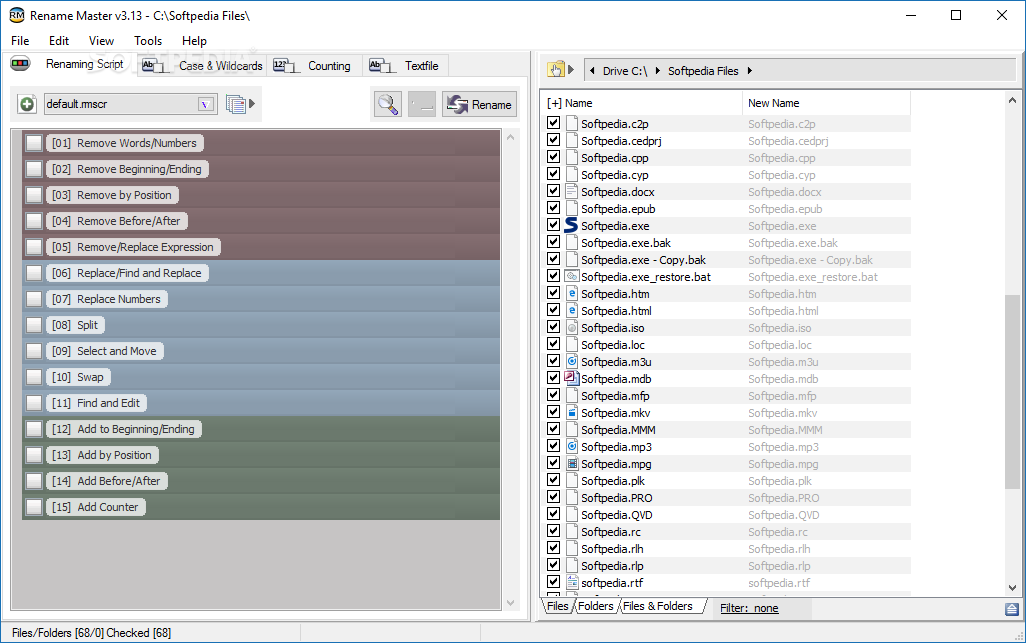
Renaming files can be tedious work especially if you’re dealing with large numbers of items. While Windows offers some options, a specialized tool is more efficient at the job.
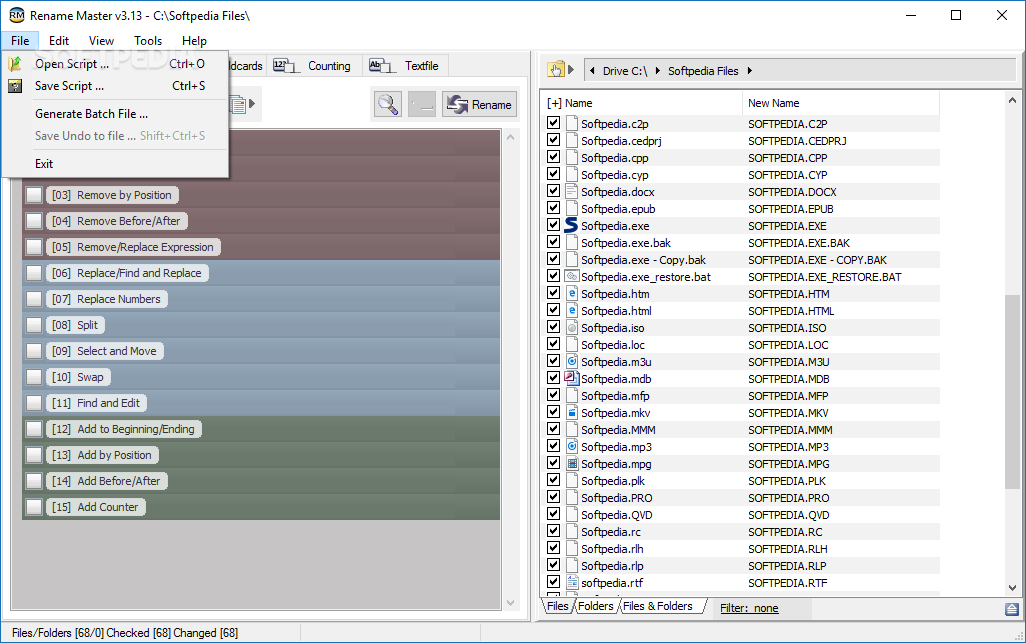
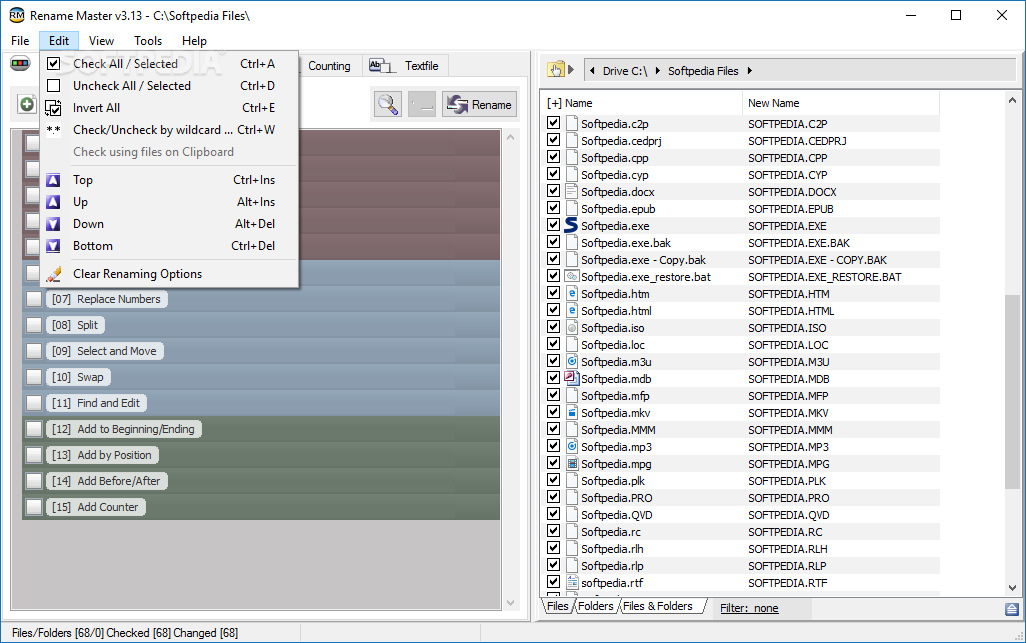
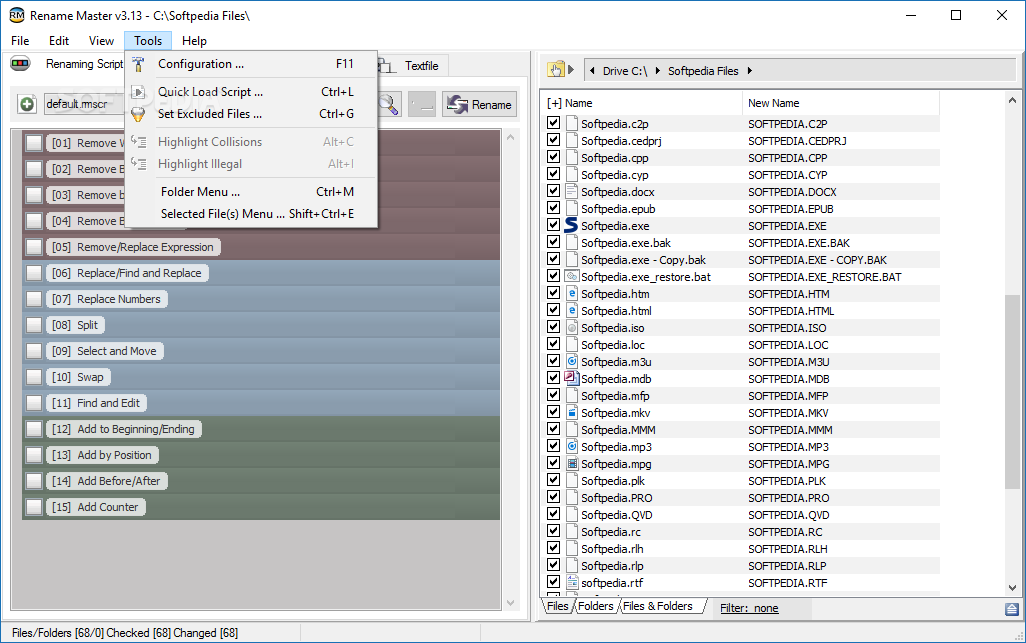
Rename Master is a program designed to rename files with only a few clicks. The options provided by this app are quite extensive, which means you may customize the name of the files in numerous ways.
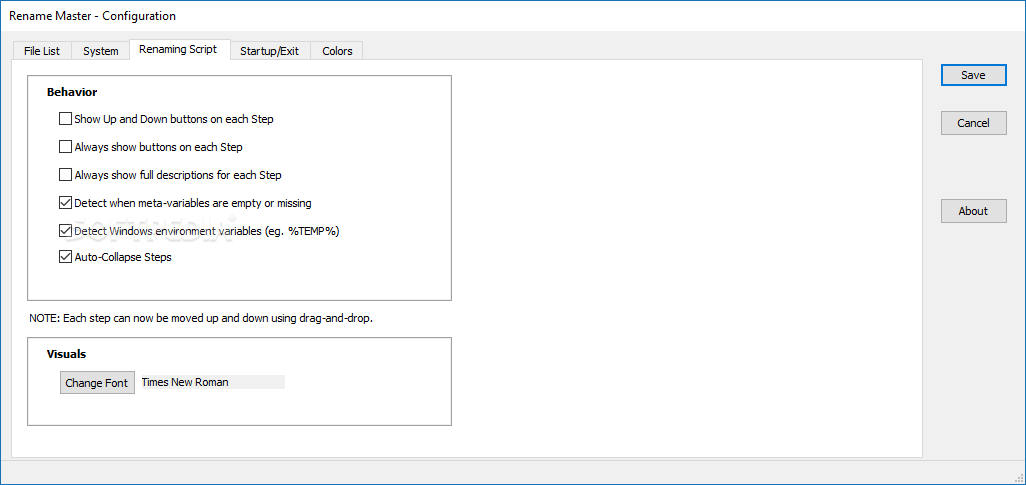
For example, it’s possible to use the renaming script to remove certain words and numbers from the names, remove the first or last characters from the filename, replace numbers, split the name or add information anywhere in the name.
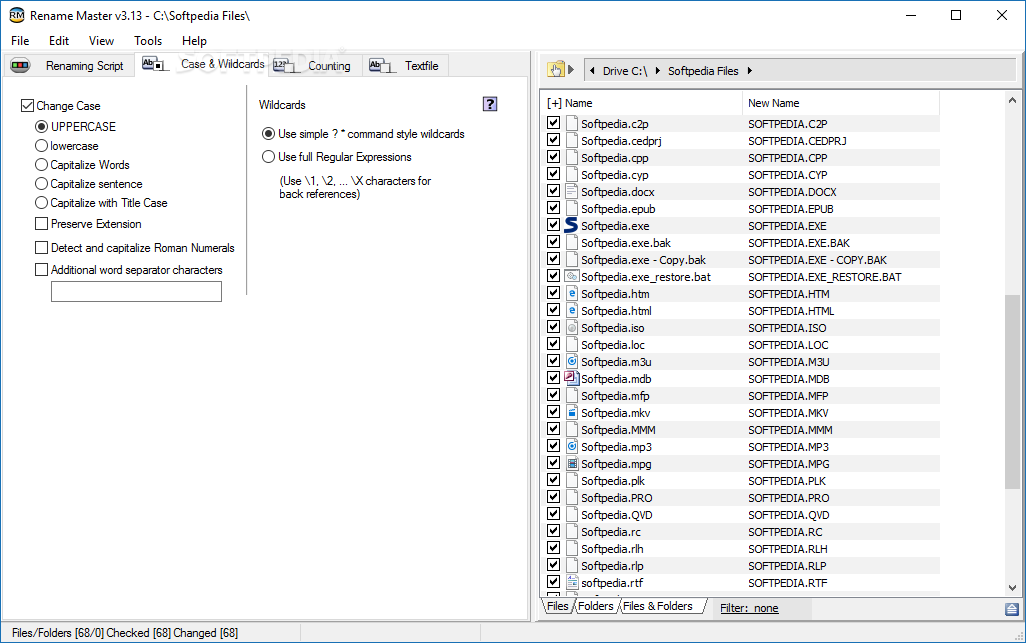
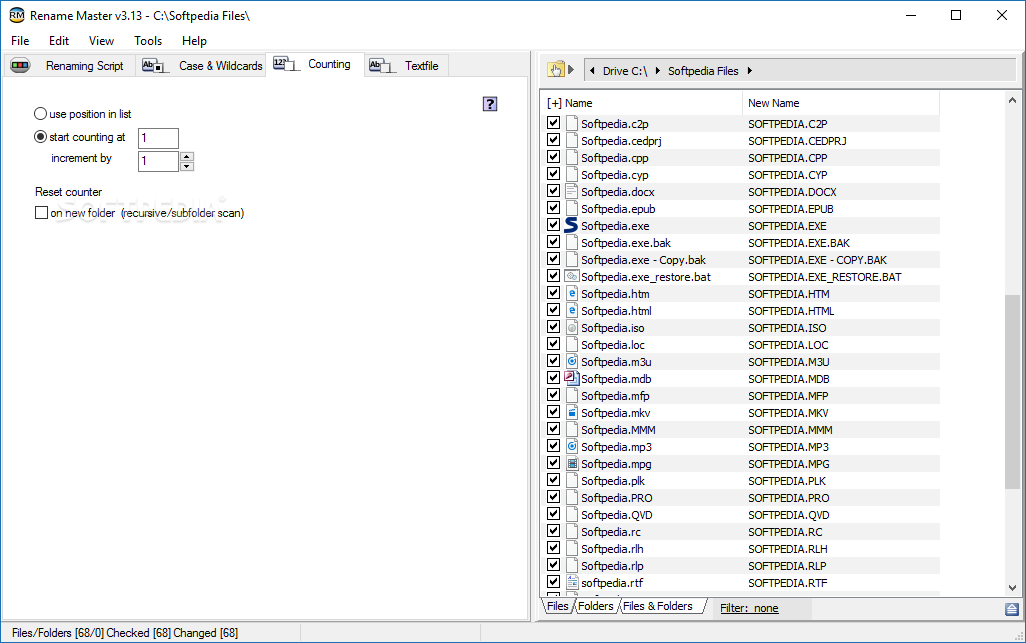
The app also allows you to change the case of the words in the file (uppercase, lowercase, capitalize words, capitalize sentence or capitalize with title case). The extension can be preserved, while the program can also detect and capitalize Roman numerals and enable file counting.
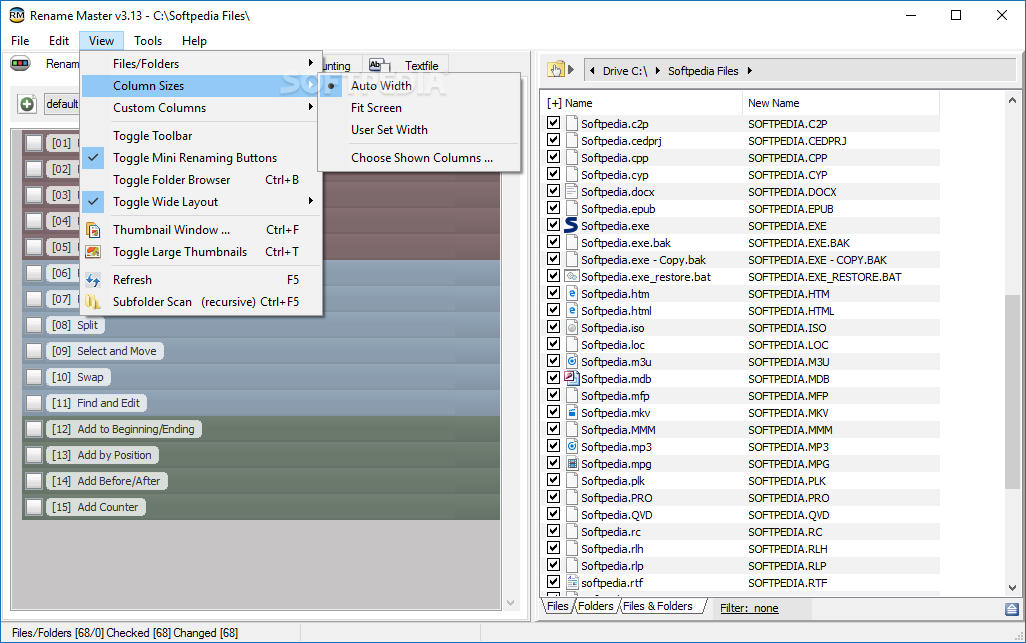
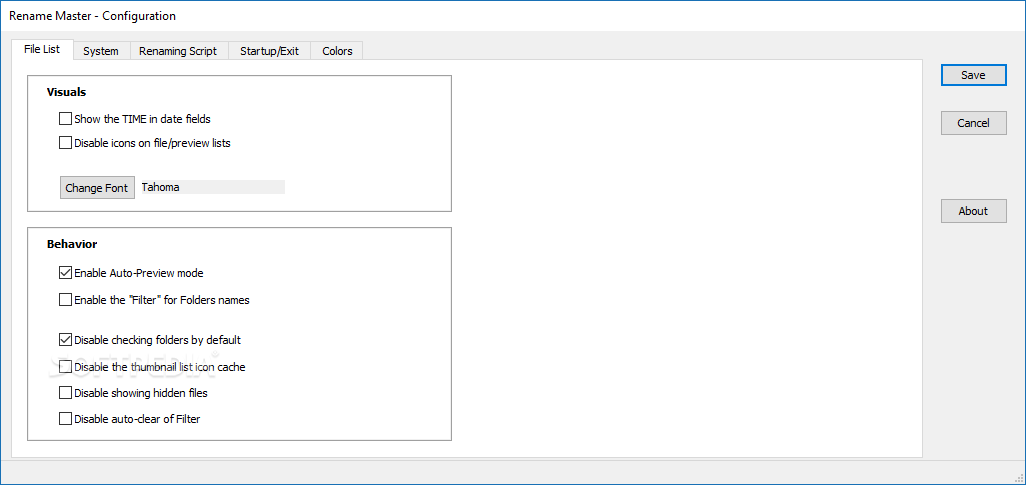
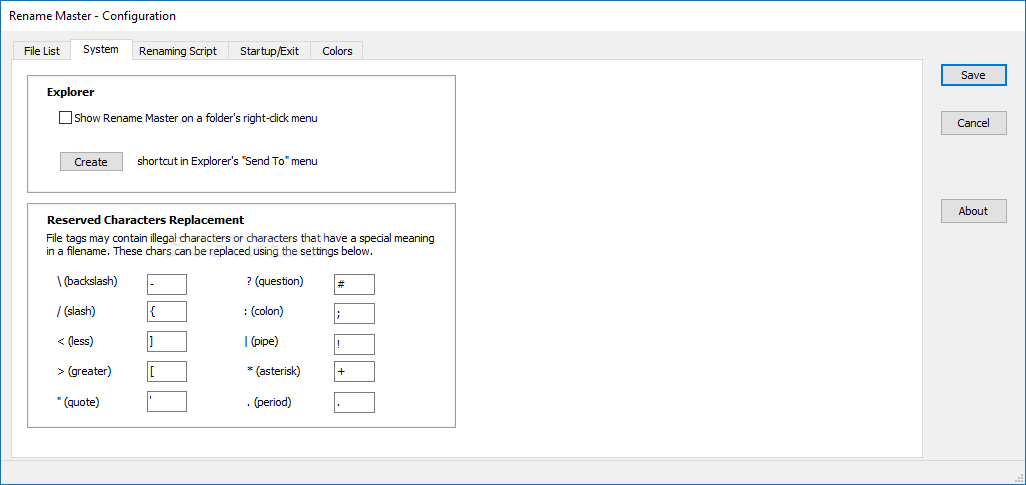
Rename Master allows users to fiddle with a few settings. Thus, the time can be displayed in the date field and it’s possible to disable icons on file and preview lists, as well as to change the font. Replacement characters can also be set for illegal characters.
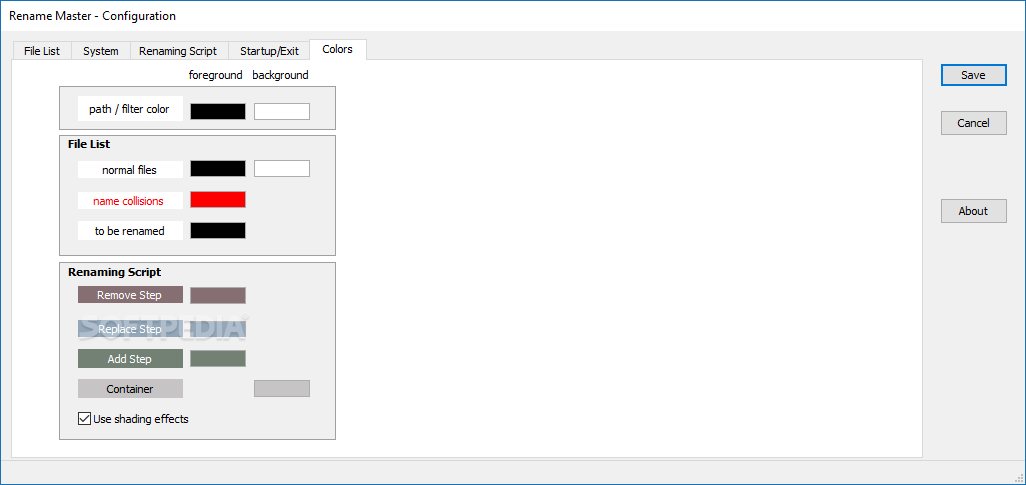
You can choose the color schemes for various items of the windows, including background and file names.
Fact of the matter is that Rename Master is a nice and useful tool that can be quite handy when you want to change the name of a long list of files. Batch renaming is extremely simplified and the provided options enable you to customize the names however you want.
The intuitive interface should make this app easy to use by all users, no matter their level of experience.
Download Hubs
Rename Master is part of these download collections: Rename Images
What's new in Rename Master 3.18 Test 7:
- Renaming Script:
- Fix: TextField issue (caused in previous Beta)
- Fix: "More" button display issue on Skip/Execute Step
- Case & Wildcards:
Rename Master 3.17 / 3.18 Test 7
add to watchlist add to download basket send us an update REPORT- PRICE: Free
- portable version
- Portable Rename Master
- runs on:
-
Windows 11
Windows 10 32/64 bit
Windows 8 32/64 bit
Windows 7 32/64 bit
Windows Vista 32/64 bit
Windows XP 32/64 bit - file size:
- 2.1 MB
- filename:
- rmv317.zip

- main category:
- System
- developer:
- visit homepage
IrfanView

Microsoft Teams

ShareX

4k Video Downloader

Windows Sandbox Launcher

Bitdefender Antivirus Free

calibre

7-Zip

Zoom Client

Context Menu Manager

- 7-Zip
- Zoom Client
- Context Menu Manager
- IrfanView
- Microsoft Teams
- ShareX
- 4k Video Downloader
- Windows Sandbox Launcher
- Bitdefender Antivirus Free
- calibre