Search Perform an advanced search query SOFTPEDIA
 
SOFTPEDIA
Updated one minute ago
HomeSubmit a program for being reviewedAdvertise on our websiteGet help on surfing our websitesSend us your feedbackGet information about our XML/RSS backend and how to use itBrowse the news archiveVisit our discussion forumVizitati forumul in limba romana


Program Finder NormalFreeware onlyShareware only

USB Safely Remove 4.0.4.691 Beta 5 / 3.3.1.617 Report spyware 

Click to download Safely Remove
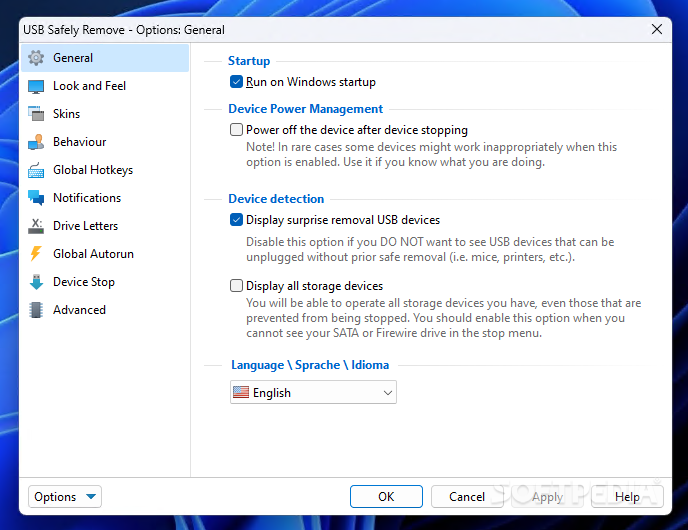
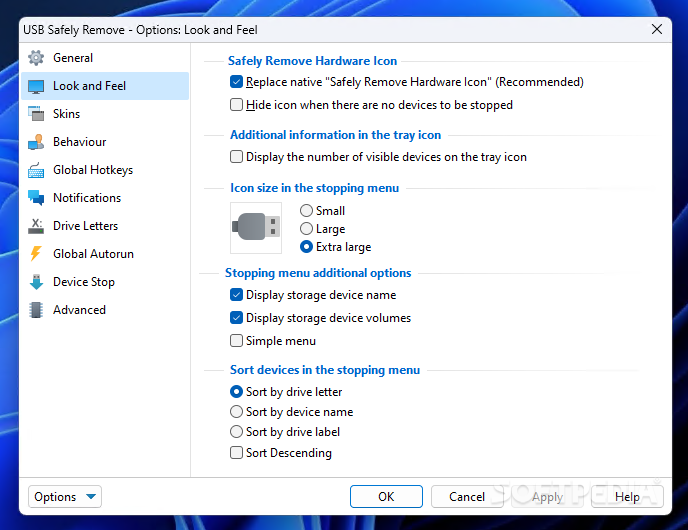
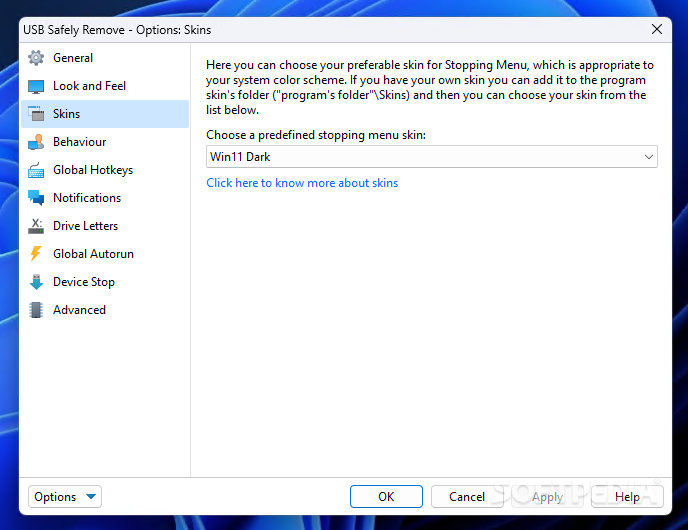
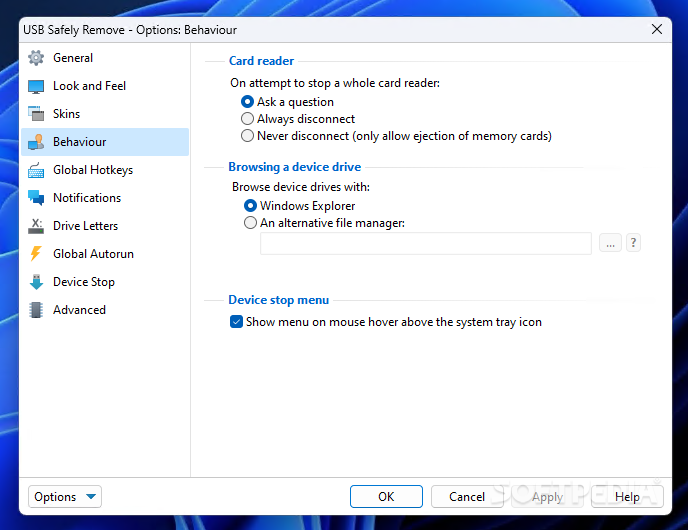
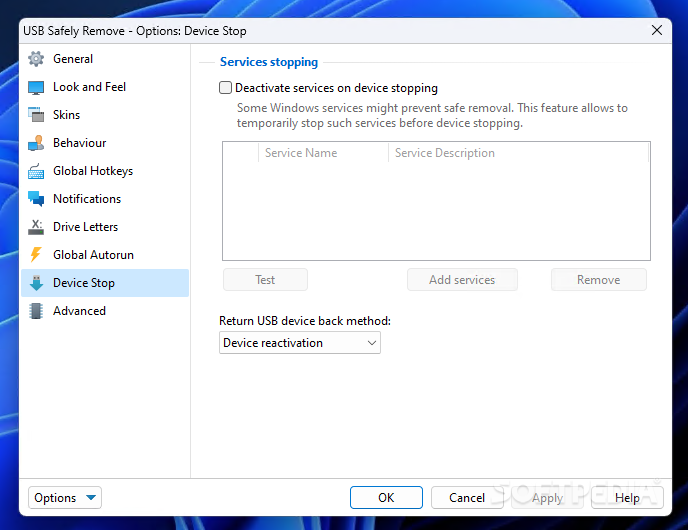
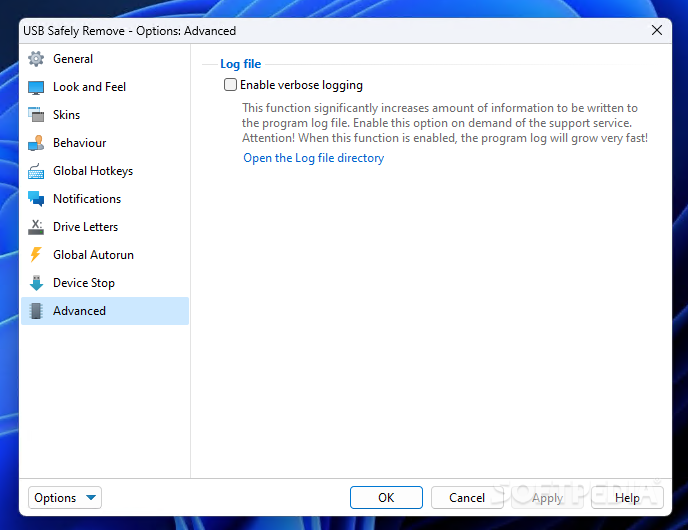
View more USB Safely Remove screenshots (6)
 Downloads: 2,523
Rating: Good (3.9/5) | Rated by: 37 user(s)
Add to download basket     Send us update information
 Developer: SafelyRemove.com | More programs by this producer
 License: Trial , 20 $ to buy 
 Size / OS: 2.84 MB, Windows 2K/XP/Vista
 Last Updated: July 14th, 2008, 09:34 GMT
 Category: C: \ System \ File Management
 Read user reviews (5) Add a review Refer to friend Subscribe
    Download Safely Remove

Safely Remove description
Utility for quick and safely stopping USB Flash Drives connected to computer

Safely Remove is a system tool developed to help you quick and safely stop the USB Flash Drives connected to your computer.

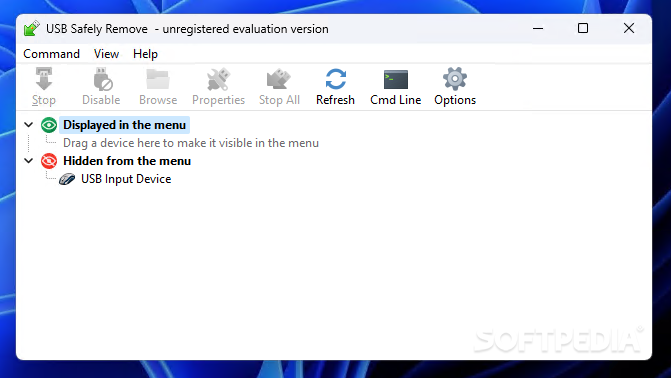
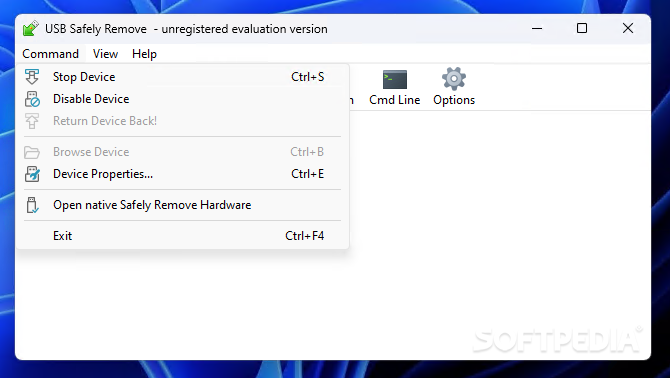
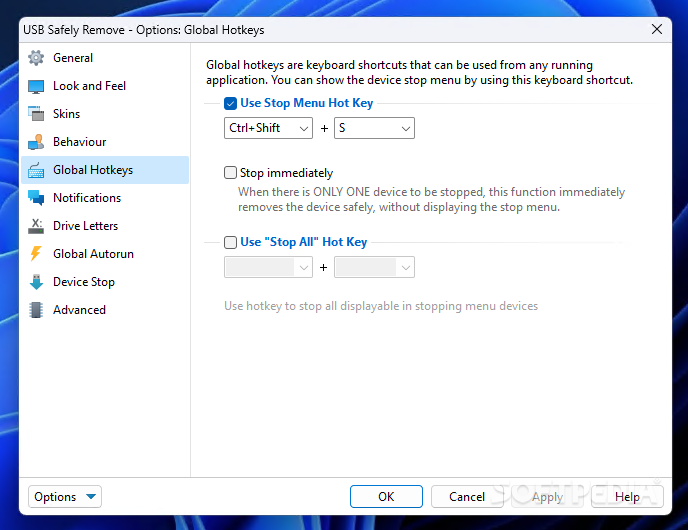
Allows to view, edit and stop(remove) connected USB Flash Drives. Offers support for keyboard shortcuts and system-wide hotkeys.

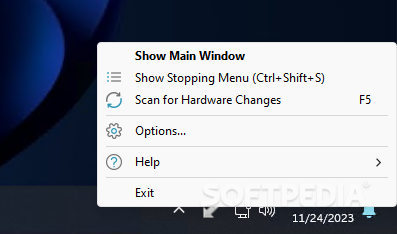
Safely Remove completely replaces the features of the standard Safely Remove Hardware icon and also implements a number of unique features.

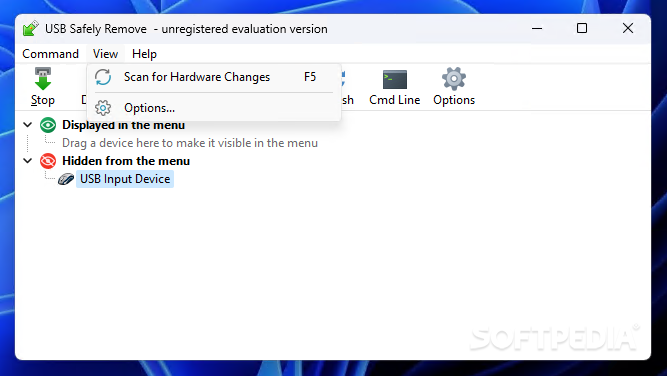
Convenient user interface: toolbar with familiar MSOffice-like buttons, statusbar, right-click popup menu.

Allows
to define sounds on USB Flash Drive StopLoad events. Allows to hide Windows USB hotplug manager.

Here are some key features of "Safely Remove":

· Safely remove in one click!
· Displaying processes which are preventing USB device from being stopped
· Powerful command line support
· 3 methods to stop devices.
· Automatically assigning hotkeys.
· Forbidding stopping any device.
· Customizable names and descriptions for devices.
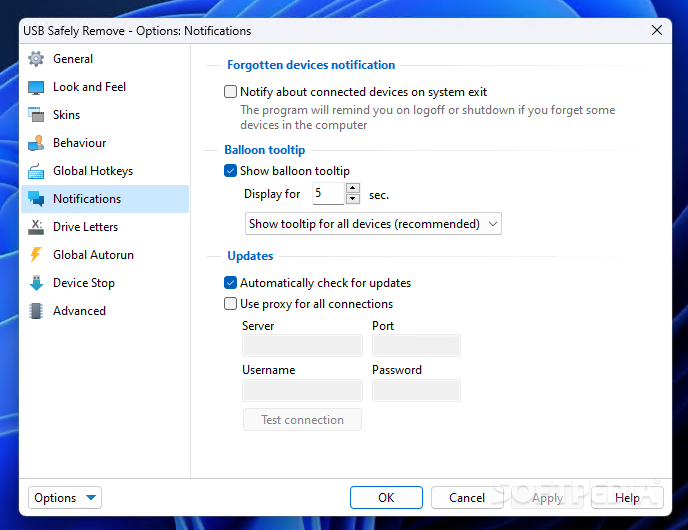
· Notifications about connecting/disconnecting devices with the help of a balloon tooltip.
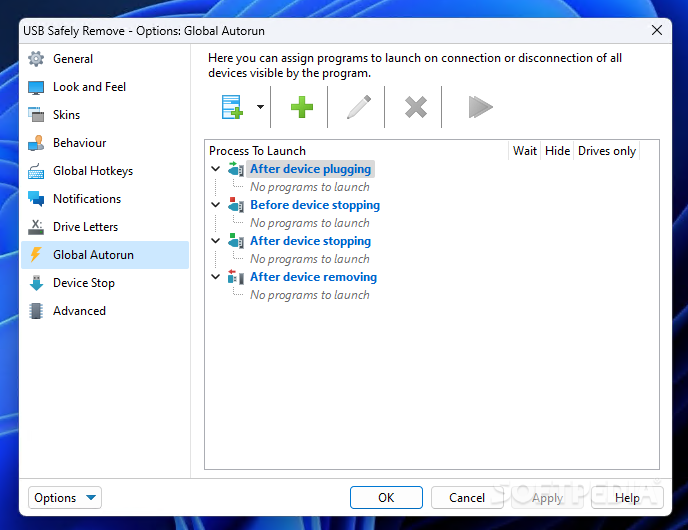
· Playing sounds or running external programs when devices are connecteddisconnected.
· Restricting access to the features of the program with a password.
· Loading custom images for devices
· Ability to operate SATA drives


Requirements:

· 1MB RAM
· 1.6 MB HDD space
· USB support


Limitations:

· Nag-screen
· 30-days limited trial version


What's New in This Release:

· This version contains only critical fixes of beta 5 bugs and updated language packs.
· On some configurations the program often displayed an error and hung on restart
· Unneccessary devices were displayed
· The program didn't allow to deactivate a device in Windows Device Manager
· Korean language has been added
· Updated languages:
· Albanian, Chinese-Simplified, Estonian, German, Italian, Lithuanian, Polish, Slovak, Ukrainian, Russian, Hungarian, Slovenian. ... [ read full changelog ]


Softpedia guarantees that USB Safely Remove 4.0.4.691 Beta 5 / 3.3.1.617 is 100% CLEAN, which means it does not contain any form of malware, including but not limited to: spyware, viruses, trojans and backdoors.

This software product was tested thoroughly and was found absolutely clean, therefore it can be installed with no concern by any computer user.

However, it should be noted that this product will be retested periodically and the award may be withdrawn, so you should check back on this page from time to time. (click here for more information)


Related downloads IT News Popular downloads New additions   Latest reviews  
Access Administrator Pro 4.83
Restricts users from being able to start, view, change or delete your files
iNet Protector 3.41
Restricts access to the Web and password protects the Internet connection
Access Boss 3.1.0.275
The unique easy-to-use tool that enables person in charge of access rights restriction in corporate environment make his job
Children Control 1.74
Allows you to control access to PC, Internet sites, programs and system functions
1st Network Admin 2.3
Lets users restrict access to almost every corner of Windows for all computer workstations in their network.
ClockLock 1.0
ClockLock restricts access to computer for specific time frame for specific users
SecretsSaver 3.05
SecretsSaver - Protect sensitive data from insiders. Preventing employee data leakage and theft.
DataGuarder 07.07.2005 Beta (Concept Preview)
A small program which will reset access permissions on all defined folders
PC Security Manager 1.2
PC Security Manager is a registry tool allowing you to restrict access to your PC the way you want
KiddieWeb 1.1
KiddieWeb monitors and controls access of Web pages that contain inappropriate material

go to top Use the following code to link to this page:


Welcome!
Hello, Guest

Login if you have a Softpedia.com account.

Otherwise, register for one.

Main categories:
  • Antivirus
  • Compression tools
  • CD/DVD Tools
  • Office tools
  • Programming
  • Authoring tools
  • File managers
  • Desktop Enhancements
  • Internet
  • Network Tools
  • IPOD TOOLS
  • Mobile Phone Tools
  • Multimedia
  • Tweak
  • System
  • Security
  • Others
  • Science / CAD
  • UNIX
  • Windows Widgets
  • PORTABLE SOFTWARE

  • Week's best:
  • Windows Defender Lat...
  • Firefox 3.0.1 / 2.0....
  • AutoCAD 2009
  • Norton AntiVirus 200...
  • Norton Internet Secu...
  • The Bat! Professiona...
  • WinRAR 3.80 Beta 3 /...
  • GMail Drive shell ex...
  • DAEMON Tools Lite 4....
  • UBCD4WIN 3.2.0
  • Adobe Reader 9.0.0 /...
  • Total Commander Ulti...
  • System Mechanic 8.0....
  • Adobe Acrobat Profes...
  • iPhone PC Suite 1.0....
  • Portable Firefox 3.0...
  • MPlayer for Windows ...
  • Vista Codec Package ...
  • Windows Live Messeng...
  • WinBubble 1.73
  • Kaspersky Anti-Virus...
  • Malware Removal Tool...
  • Royale Noir Theme fo...
  • IBM Lotus Symphony 1...
  • Adobe Dreamweaver 10...
  • Adobe Fireworks 10.0...
  • BitDefender Total Se...
  • McAfee Total Protect...
  • Ad-Aware 2008 7.1.0....
  • Adobe Flash Player 1...
  • Daniusoft Media Conv...
  • © 2001 - 2008 Softpedia. All rights reserved.
    Softpedia™ and Softpedia™ logo are registered trademarks of SoftNews NET SRL.
    Copyright Information | Privacy Policy | Terms of Use | Contact Softpedia | Update your software | Archive