
Copy or move files fast by adding them to a pending queue in order to leave the PC unattended, apply conditions, and set automatic post-task actions. #Copy File #Move File #Resume Transfer #Transfer #Move #Copier

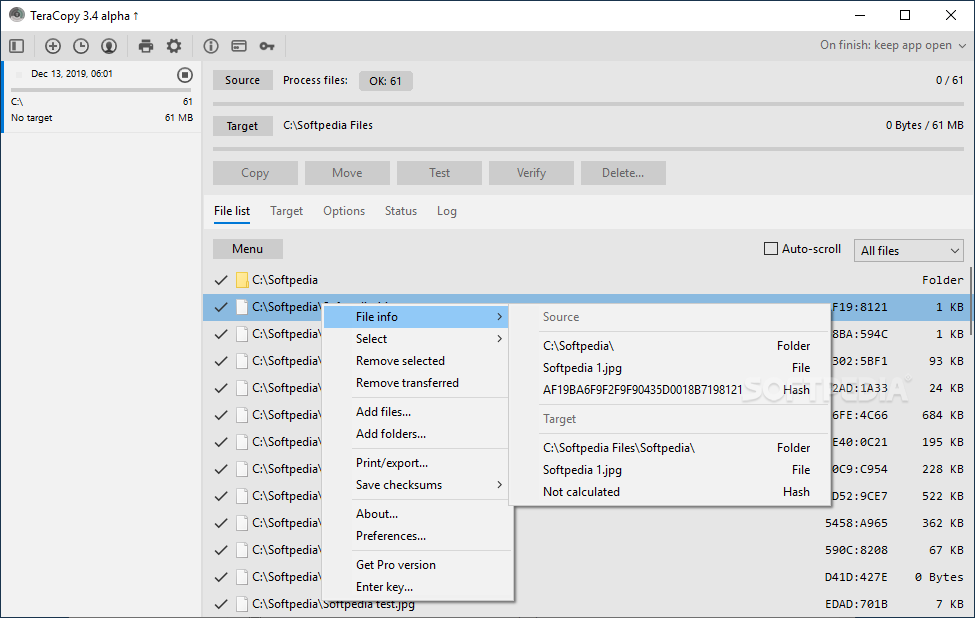
TeraCopy is a small and powerful software application made for copying and moving files from one location to another using fast and intuitive actions.
The highlight is that it lets you add multiple file operations to a pending queue to execute them sequentially without your intervention, while carefully weighing file integrity to make sure that any corrupt items will be skipped without any popup messages or other interruptions.
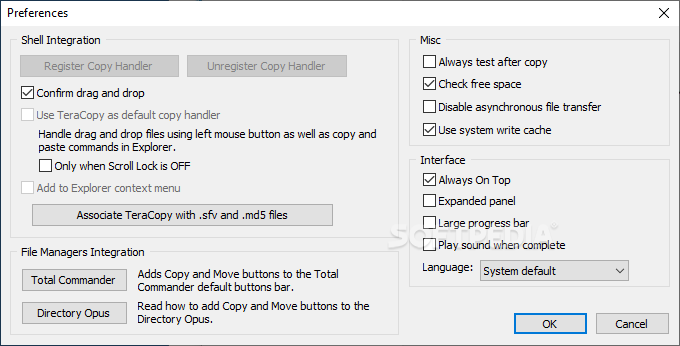
The app has both an installer and portable edition, so you can pick the preferred one. The key difference is that the portable version can be placed anywhere on the disk to launch it, and even on a removable storage unit to run it on any PC directly, while the installer lets you create a desktop icon and associate the tool with MD5 and SFV files.
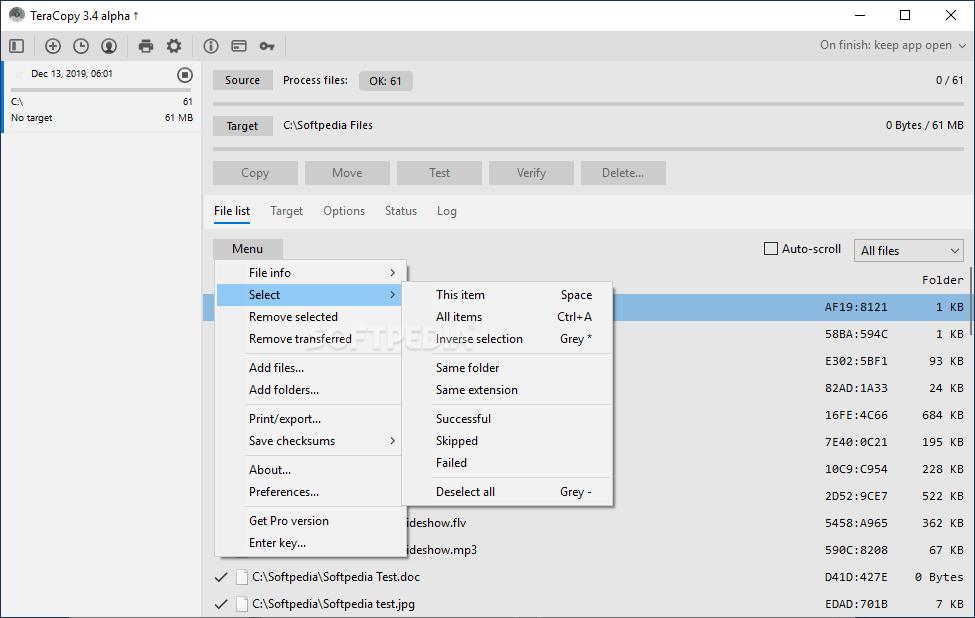
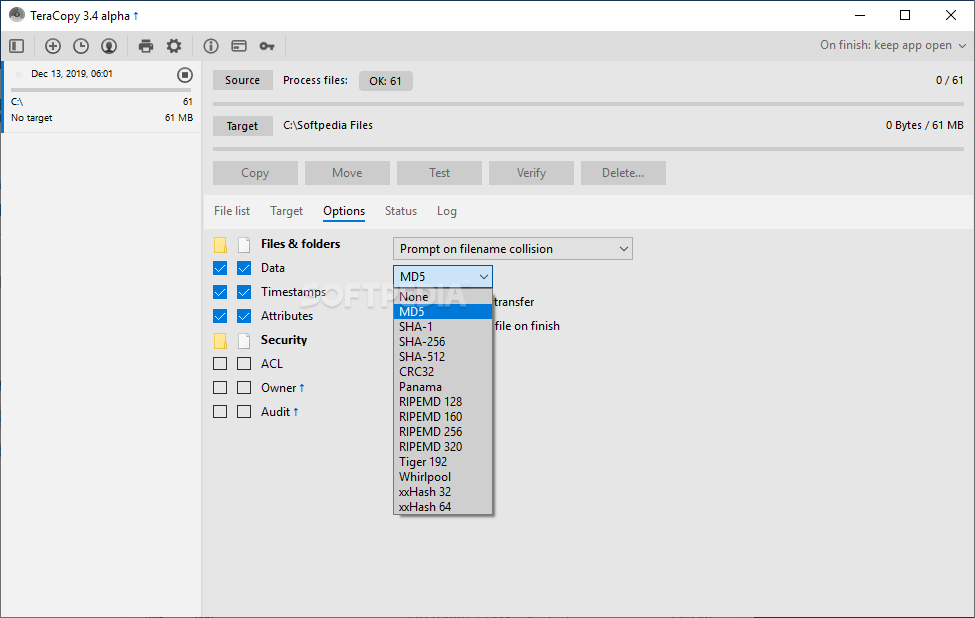
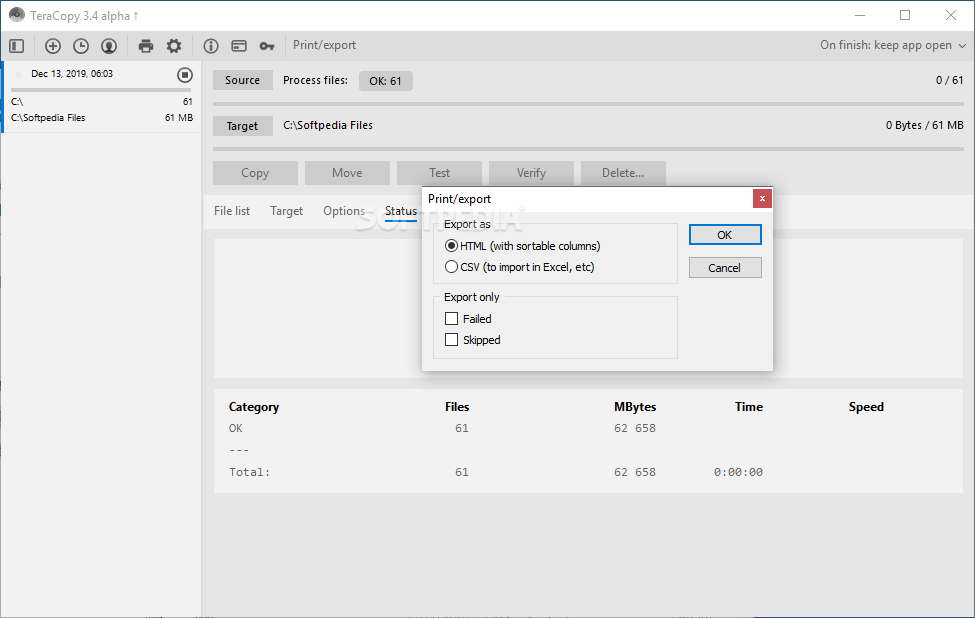
The primary panel is very small and shows just few options to tinker with, by default. However, this shouldn't trick into thinking that TeraCopy is a rudimentary file copier. You can extend the panel to access and configure extra settings, as well as investigate file properties such as the source directory, size and status, along with the source and target CRC.
Files can be submitted for copy or transfer operations by dropping them into the main frame while navigating Explorer directories. In case they already exist in the destination folder, TeraCopy is able to overwrite all of them or the older ones only, skip or rename them, or prompt you for action.
Filenames can be limited to 255 characters, while ongoing tasks can be paused to temporarily allocate system resources to other program, and later resumed.
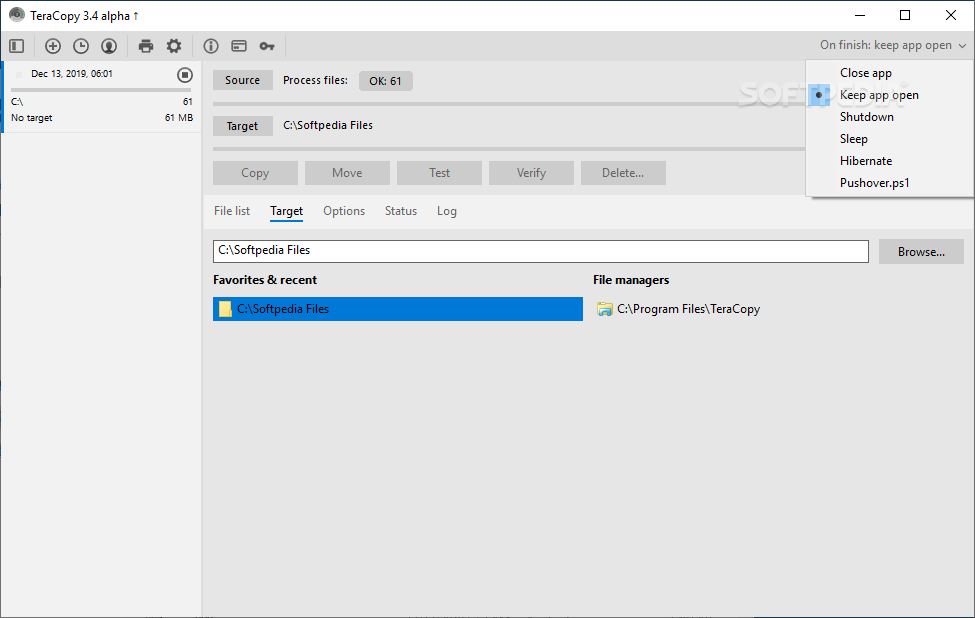
What’s more, you can remove files from the disk or send them to Recycle Bin, compare items in the source location with the ones in the output using their CRC values, and specify automatic post-task actions, such as PC shutdown, drive eject, test run, or program exit.
TeraCopy comes packed with a few adjustable parameters. For example, you can set it as your default copy handler to replace the Windows copy/move feature or implement it into Total Commander or Directory Opus, integrate into the Explorer context menu for quick file operations, disable free space checkups, set automatic file verification after copy, use the system write cache, or customize the progress bar colors.
The software utility offers support for multiple languages. It carried out file copy/transfer files a bit faster than Windows in our tests while remaining light on system resources. Although its appearance isn't impressive, TeraCopy proves to be a reliable assistant for executing time-consuming and multiple file operations.
For more information, make sure to check out our in-depth review for TeraCopy 2.3.
Download Hubs
TeraCopy is part of these download collections: File Transfer, File Copy
What's new in TeraCopy 3.17:
- Clone & Rescan feature.
- Enhanced xxHash support for SSE2 processors.
- Upgraded reporting and checksum export features.
- Implemented network recovery wait function during testing and verification.
TeraCopy 3.17
 Softpedia Editor's Pick
add to watchlist
add to download basket
send us an update
REPORT
Softpedia Editor's Pick
add to watchlist
add to download basket
send us an update
REPORT
- portable version
- TeraCopy Portable
- runs on:
-
Windows 11
Windows Server 2022
Windows Server 2019
Windows Server 2016
Windows 10 32/64 bit
Windows Server 2012 R2
Windows Server 2012
Windows 2008 R2
Windows 2008 32/64 bit
Windows 2003
Windows 8 32/64 bit
Windows 7 32/64 bit
Windows Vista 32/64 bit - file size:
- 11.8 MB
- filename:
- teracopy3.17.exe
- main category:
- System
- developer:
- visit homepage
ShareX

Bitdefender Antivirus Free

IrfanView

7-Zip

calibre

4k Video Downloader

Windows Sandbox Launcher

Context Menu Manager

Microsoft Teams

Zoom Client

- Context Menu Manager
- Microsoft Teams
- Zoom Client
- ShareX
- Bitdefender Antivirus Free
- IrfanView
- 7-Zip
- calibre
- 4k Video Downloader
- Windows Sandbox Launcher
