
Extract information, such as copyright data, version and any resource containing bitmaps, icons or string labels, from numerous file formats #Resource extractor #Extract resource #Bitmap resource #Extract #Resource #Extractor

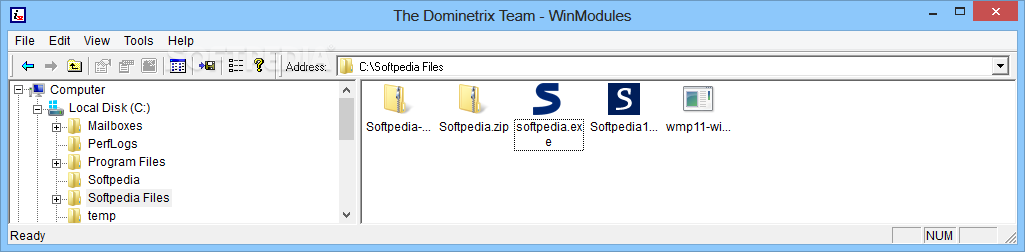
WinModules is an advanced, yet simple-to-use software application that enables you to inspect information about Win32 modules. It lets you examine headers and extract resources.
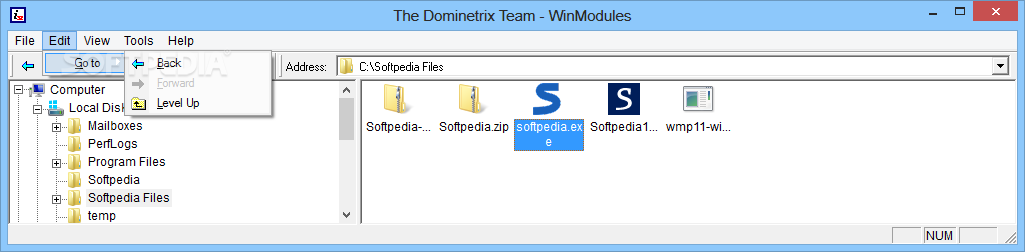
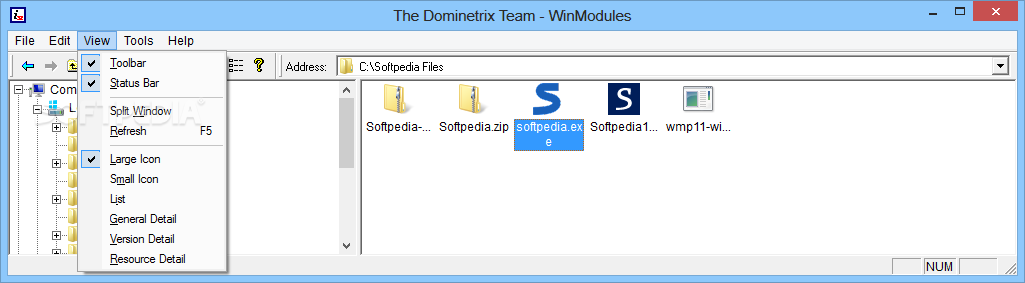
Installing this app is a fast and easy job that doesn't need special attention. Once it's over, you gain access to a user-friendly and seemingly outdated interface with a well-structured layout, where you can use a built-in Explorer-based folder structure to explore directories and locate the files you want to analyze.
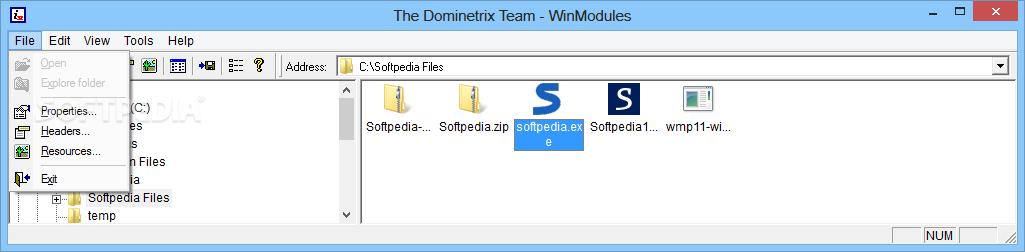
Apart from viewing the classical file properties (just like using Windows Explorer), you can check out headers with module features, export functions and import libraries, in addition to resource, such as the string table. Plus, resources can be displayed as a hexadecimal buffer.
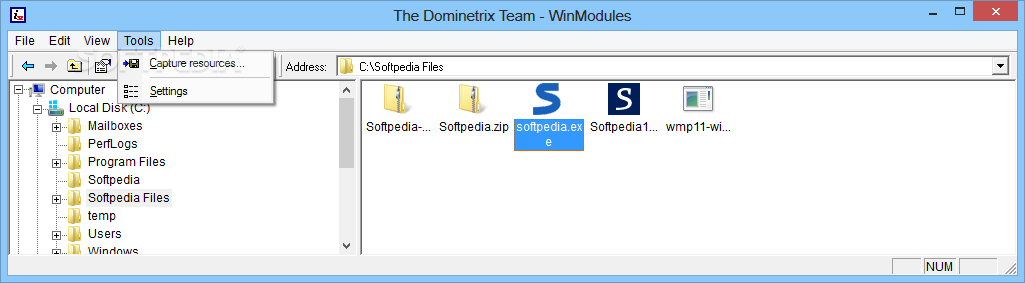
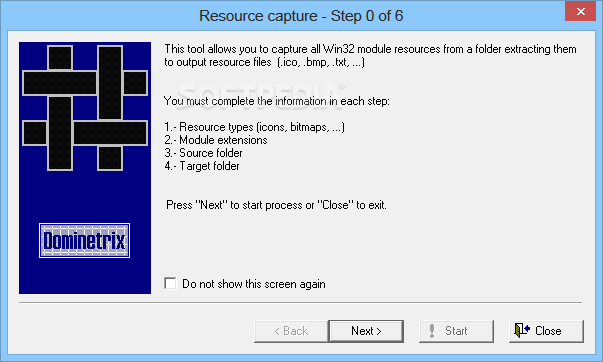
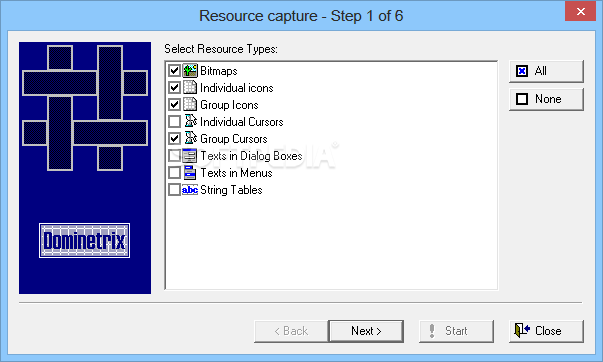
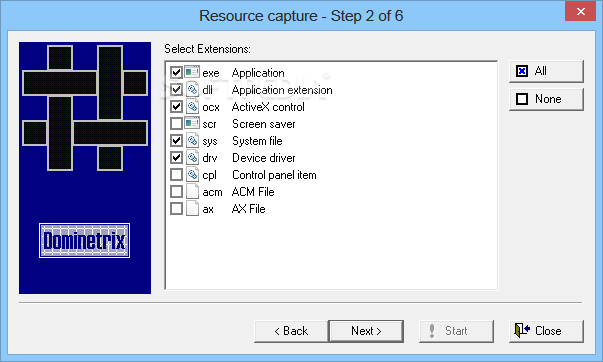
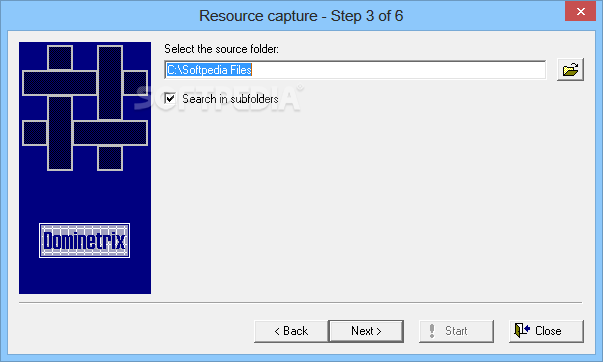
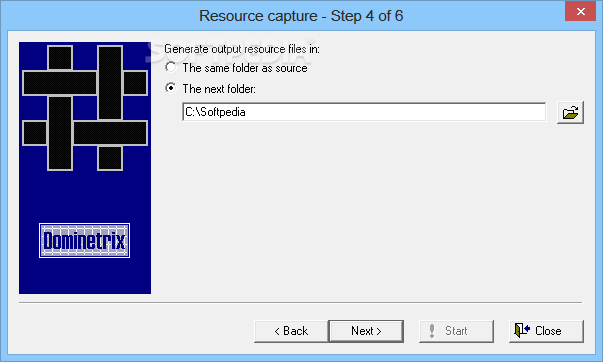
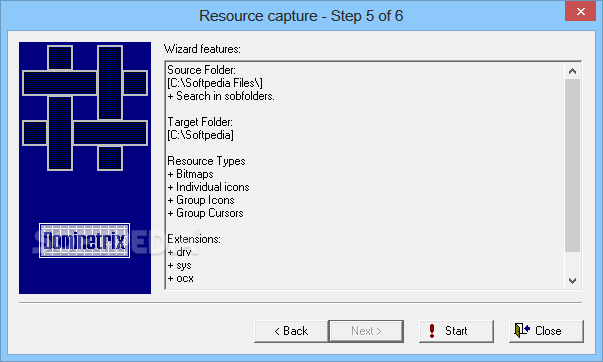
Another feature worth taking into account is a resource capturing tool that can extract all the Win32 module resources and export them to any preferred folder on the computer. All of this can be done with the help of a simple wizard.
Firstly, you can pick the resource types between bitmaps, individual or group icons or cursors, text in dialog boxes or menus, and string tables. Secondly, you can choose the extensions of files you want to capture, between .exe, .dll, .ocx, .scr, .sys, .drv, .cpl, .acm and .ax. Once the source and output destination directories are established, you can proceed with the task.
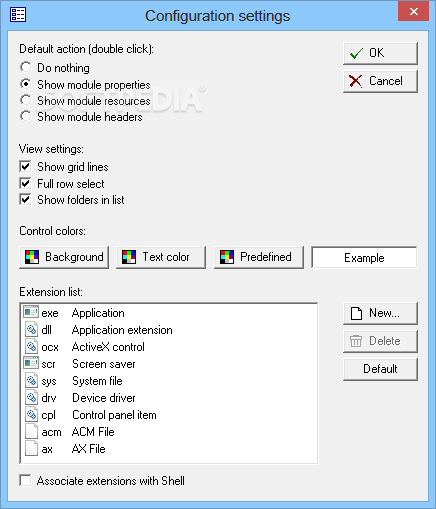
As far as program options are concerned, it's possible to modify the default action when double-clicking a Win32 module from the list, like displaying module properties, resources or headers. Moreover, you can hide the grid lines and folders, disable full row selections, customize the control colors (background, text predefined), make file associations, and even personalize the list with extensions for the resource capture tool.
We haven't come across any difficulties in our tests, thanks to the fact that the utility didn't freeze, crash or display error dialogs. It left a small impact on computer performance, using low CPU and memory.
Although WinModules hasn't been updated for a very long time, it still works on newer Windows editions. It may not integrate rich analysis tools, but it offers a decent set of options for easily inspecting headers and extracting resources from Win32 apps.
WinModules 1.0.0.0
add to watchlist add to download basket send us an update REPORT- runs on:
-
Windows 8
Windows 7
Windows Vista
Windows XP
Windows 2K - file size:
- 556 KB
- filename:
- wm1000_setup.exe
- main category:
- System
- developer:
Zoom Client

4k Video Downloader

Windows Sandbox Launcher

7-Zip

Context Menu Manager

calibre

Bitdefender Antivirus Free

Microsoft Teams

ShareX

IrfanView

- Microsoft Teams
- ShareX
- IrfanView
- Zoom Client
- 4k Video Downloader
- Windows Sandbox Launcher
- 7-Zip
- Context Menu Manager
- calibre
- Bitdefender Antivirus Free