Softpedia
 

WINDOWS CATEGORIES:


GLOBAL PAGES >>
SOFTPEDIA REVIEWS >>
MEET THE EDITORS >>
WEEK'S BEST
  • Sticky Password FR...
  • Parallels Workstat...
  • ESET NOD32 Antivir...
  • BitDefender Total ...
  • WinPatrol 24.6.201...
  • PerfectDisk Free D...
  • Adobe Photoshop CS...
  • PerfectDisk Profes...
  • Windows 8 Consumer...
  • Atlantis Word Proc...
  • Home > Windows > System > Hard Disk Utils
     Report malware

    Diskeeper Professional 2011 15.0.956.0

    Softpedia Pick Award
    download button

    Part of the HDD Managers download hub (+1 other)
    Downloads: 73,243  View global page  Tell us about an update
    User Rating:
    Rated by:
    Very Good (4.0/5)
    177 user(s)
    Developer:

    License / Price:

    Size / OS:

    Last Updated:

    Category:

    Trial / USD 59.95 buy button
    40.5 MB / Windows XP / Vista / Vista64 / 7 / 7 x64
    [view history]
    C: \ System \ Hard Disk Utils

     Read user reviews (3)  Send to friend   Follow (9 users)

    Softpedia Editor's Review for Diskeeper Professional 2011

    EDITOR'S RATING:

    The only way to prevent fragmentation before it happens

    Written by Elena Opris on November 25th, 2011

    Diskeeper Professional is a powerful defragmenting tool that you can use to reorganize space on the hard drive, and ultimately improve your computer's performance.

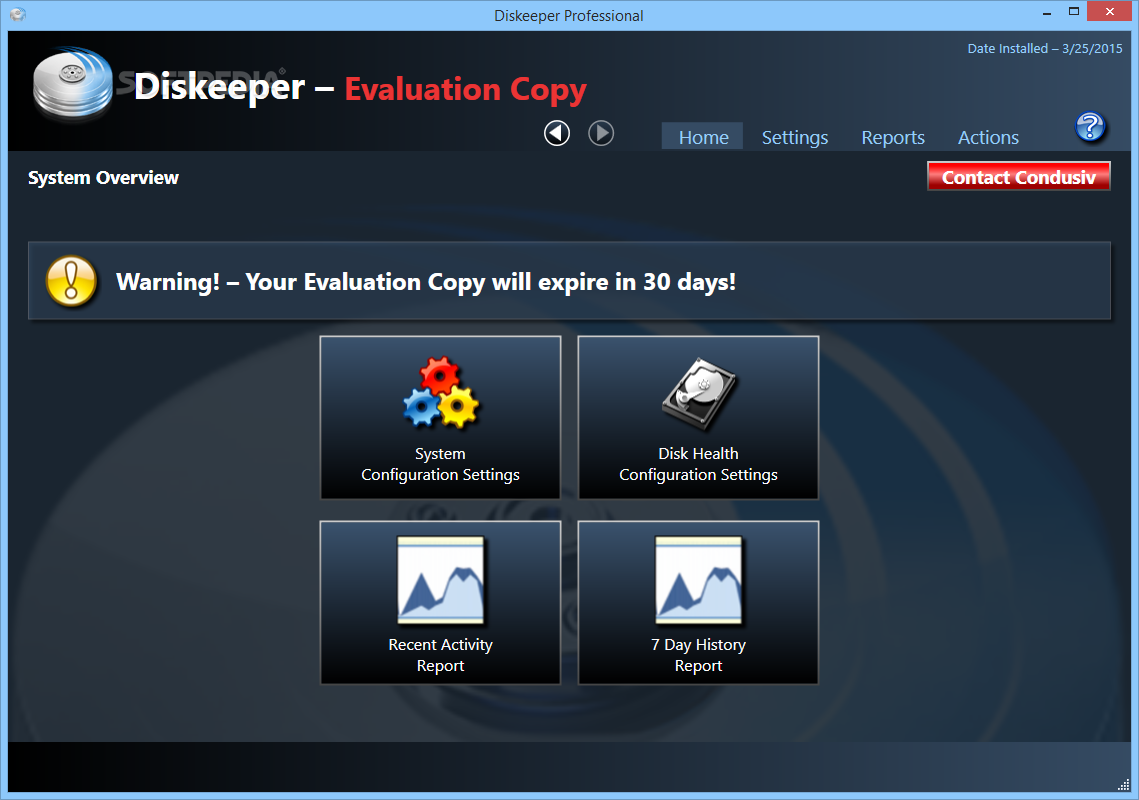
    After a brief installation process where you should be careful when activating the trial product, you probably notice that Diskeeper bears a resemblance to Windows' Disk Defragmenter.

    If you already feel lost in the interface, just enable Quick Launch Pane in the toolbar to get started with a guide, Diskeeper overview, FAQs or help.

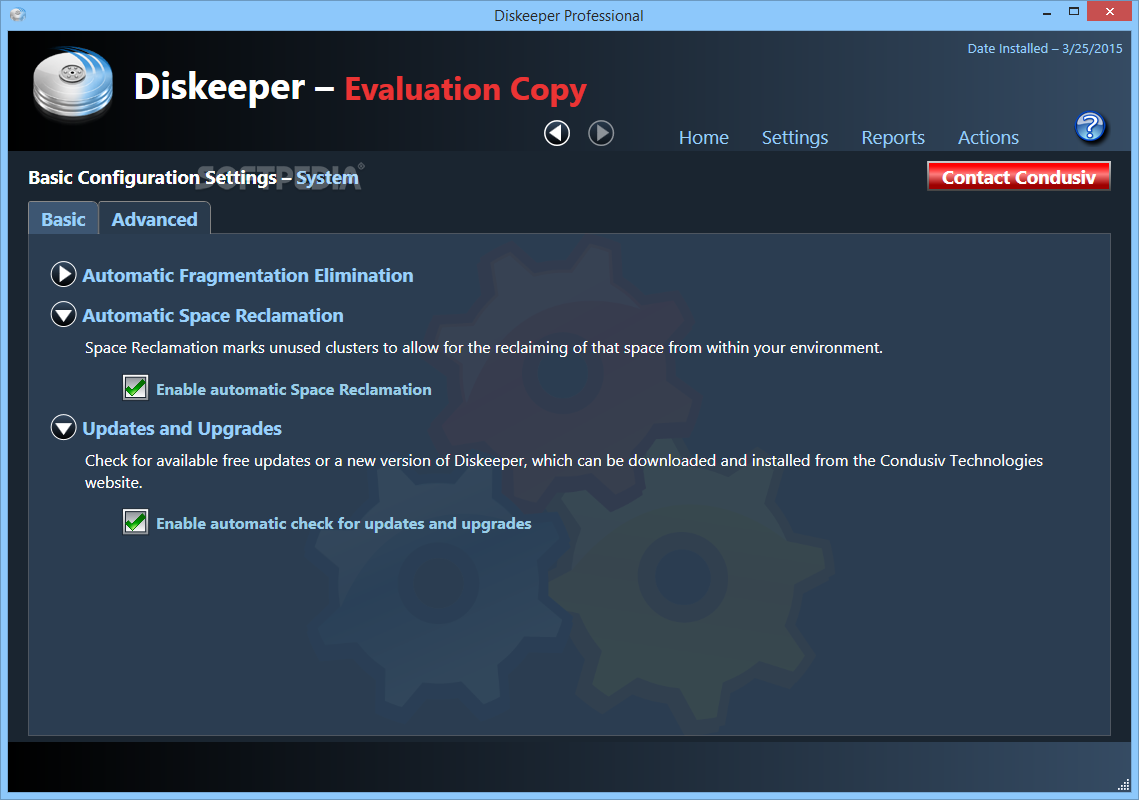
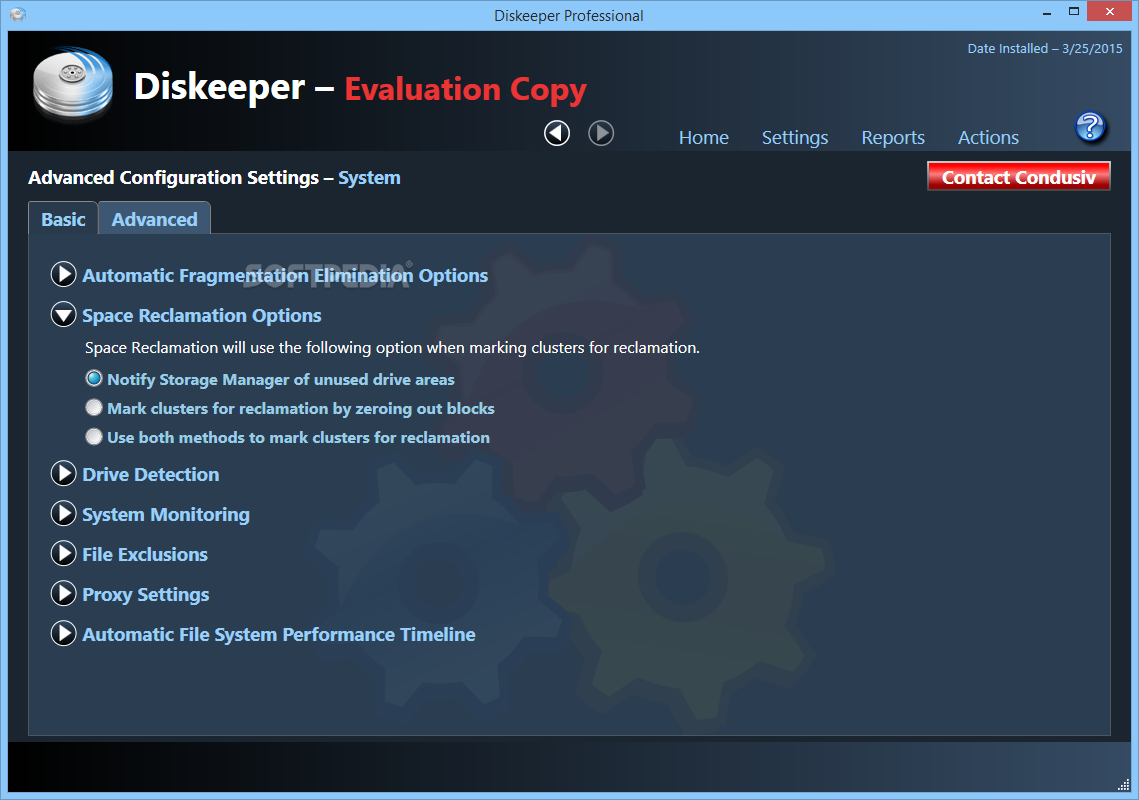
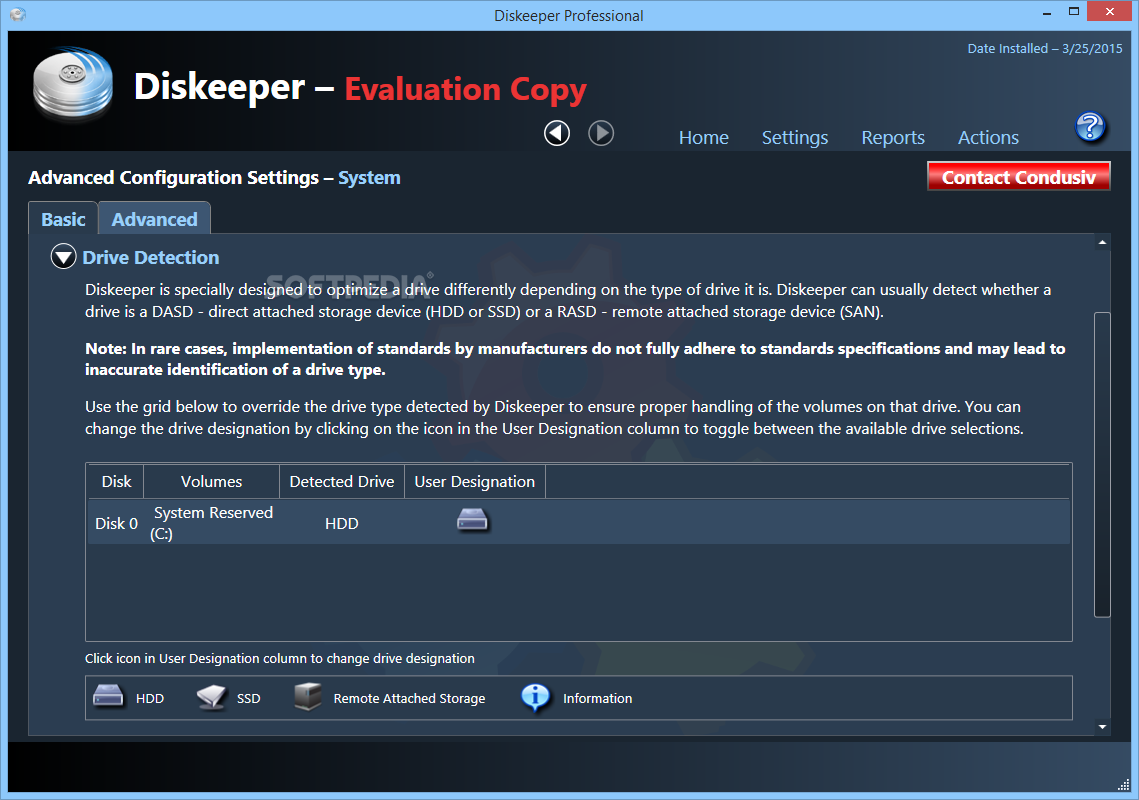
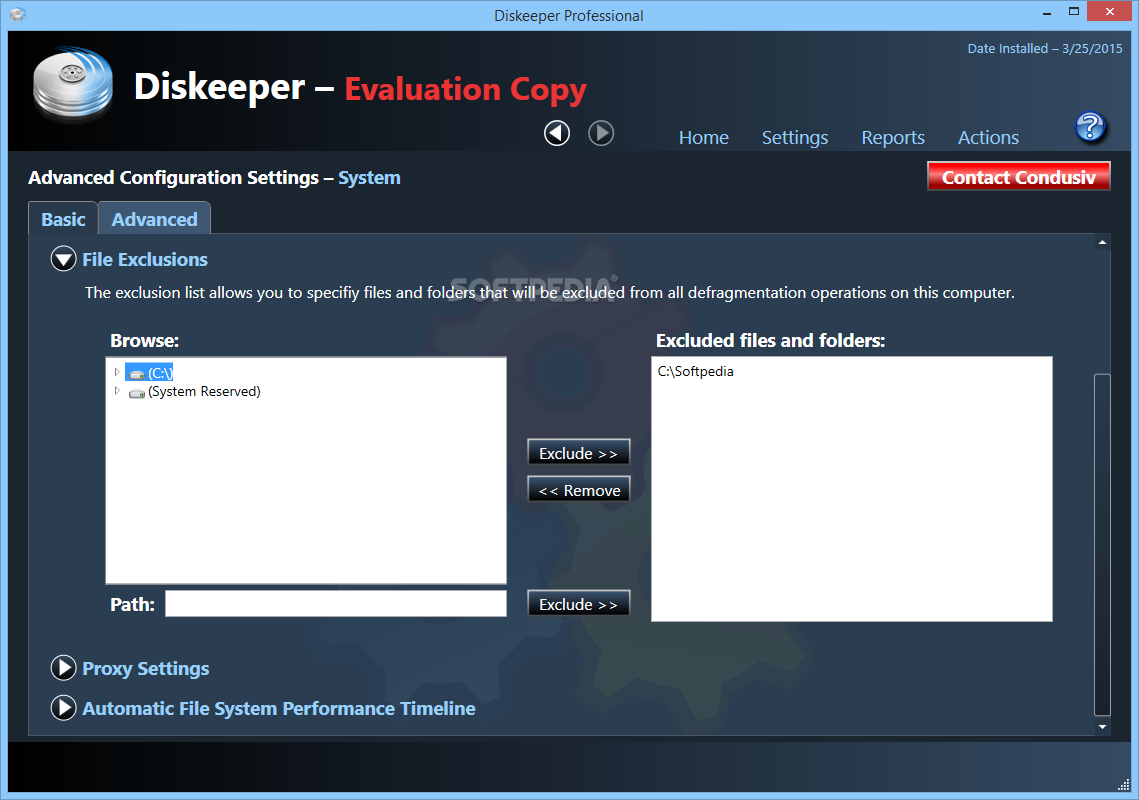
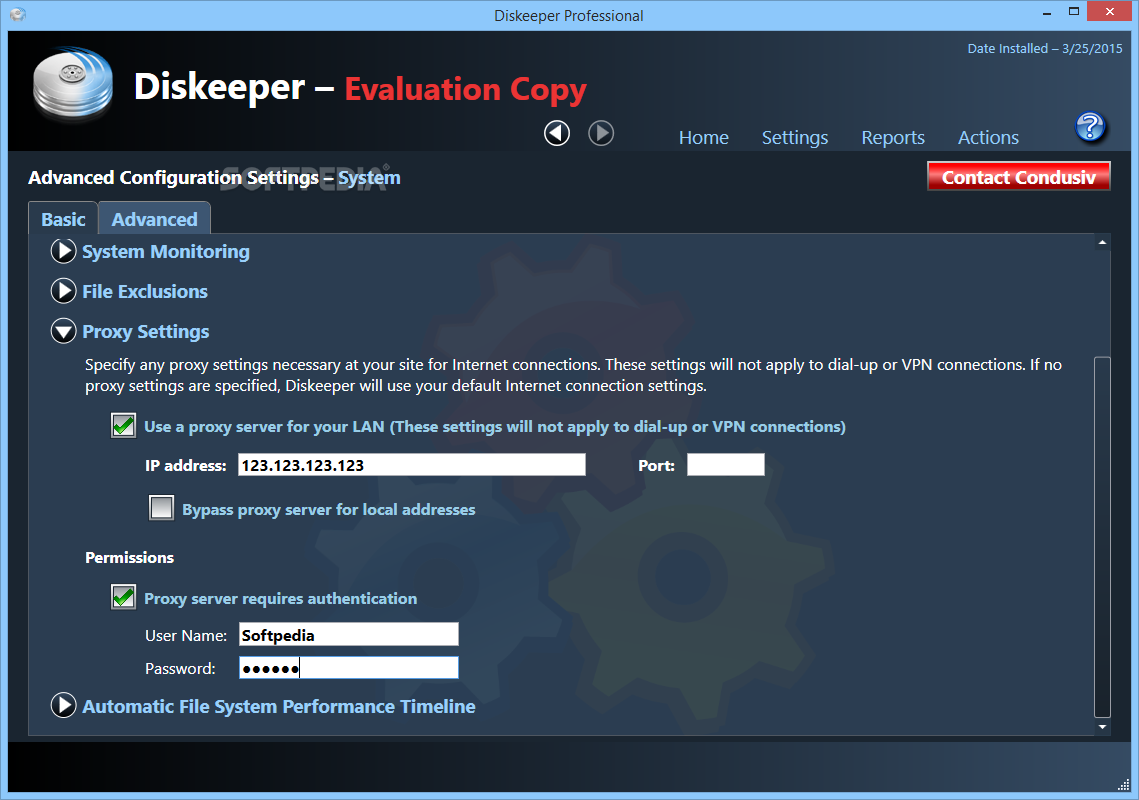
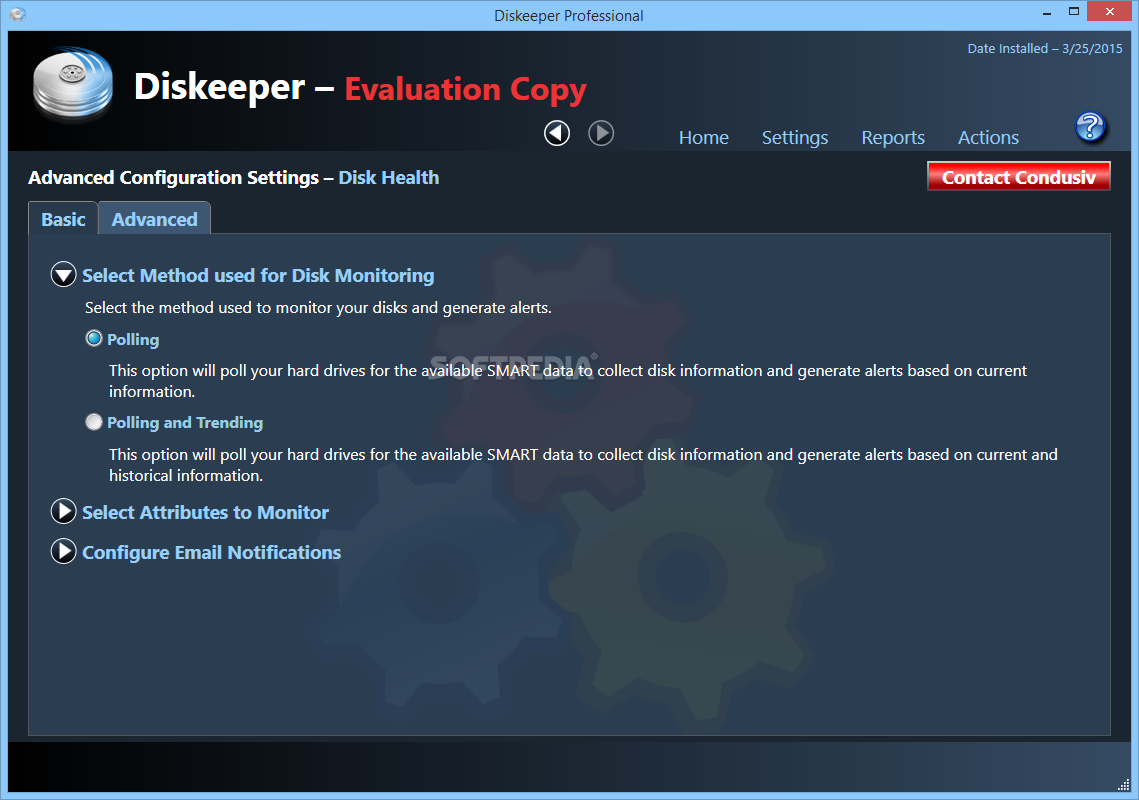
    In the toolbar you can also view configuration properties (updates, file exclusions, power management, Volume Shadow Copy, proxy settings, permissions, new volume detection and others).

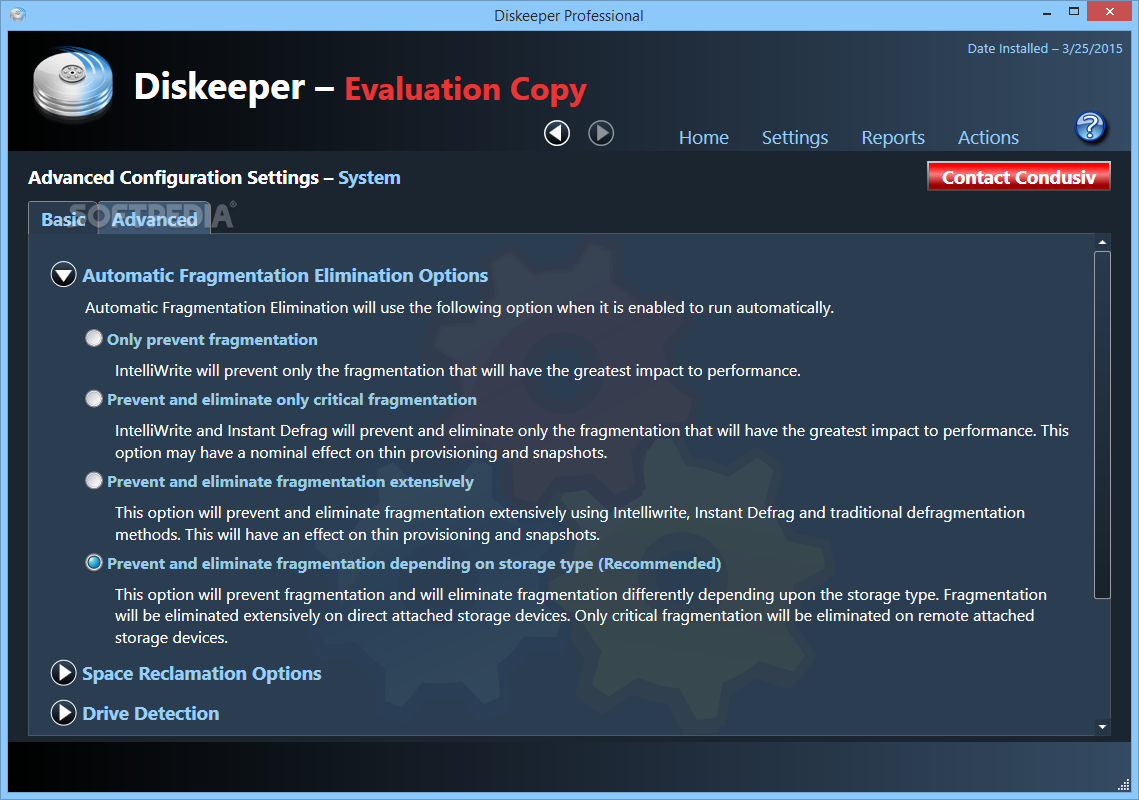
    Here, you can change the automatic defragmentation options (efficient or extensive), manual defragmentation options (quick or recommended - a balanced mix of file defragmentation and free space consolidation), large file defragmentation options, and CPU priority (from lowest to highest).

    Before defragmenting a volume, you should perform an analysis to see what you are up against.

    An automatic defragmentation maximizes the performance of volumes, while consuming resources that are not already in use by other processes. In addition, a manual defragmentation is quicker but less effective than the automatic one, and boot-time defragmentation focuses on files that cannot be safely moved while Windows is running.

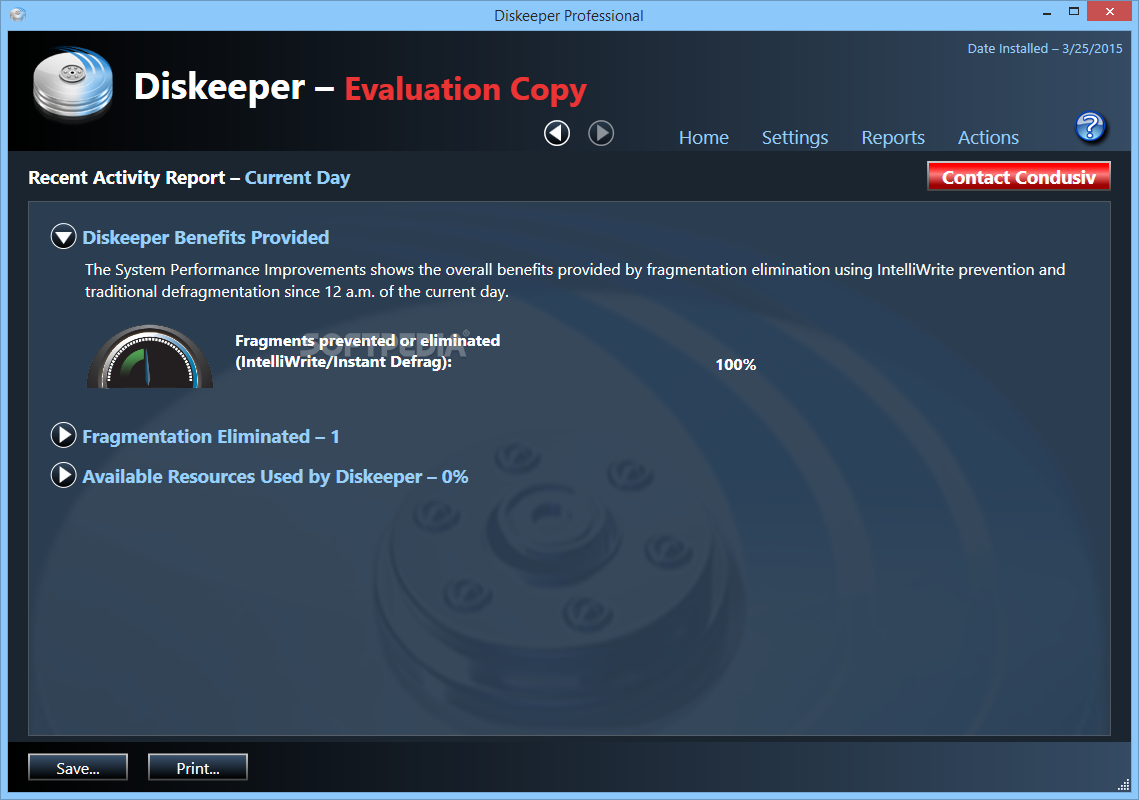
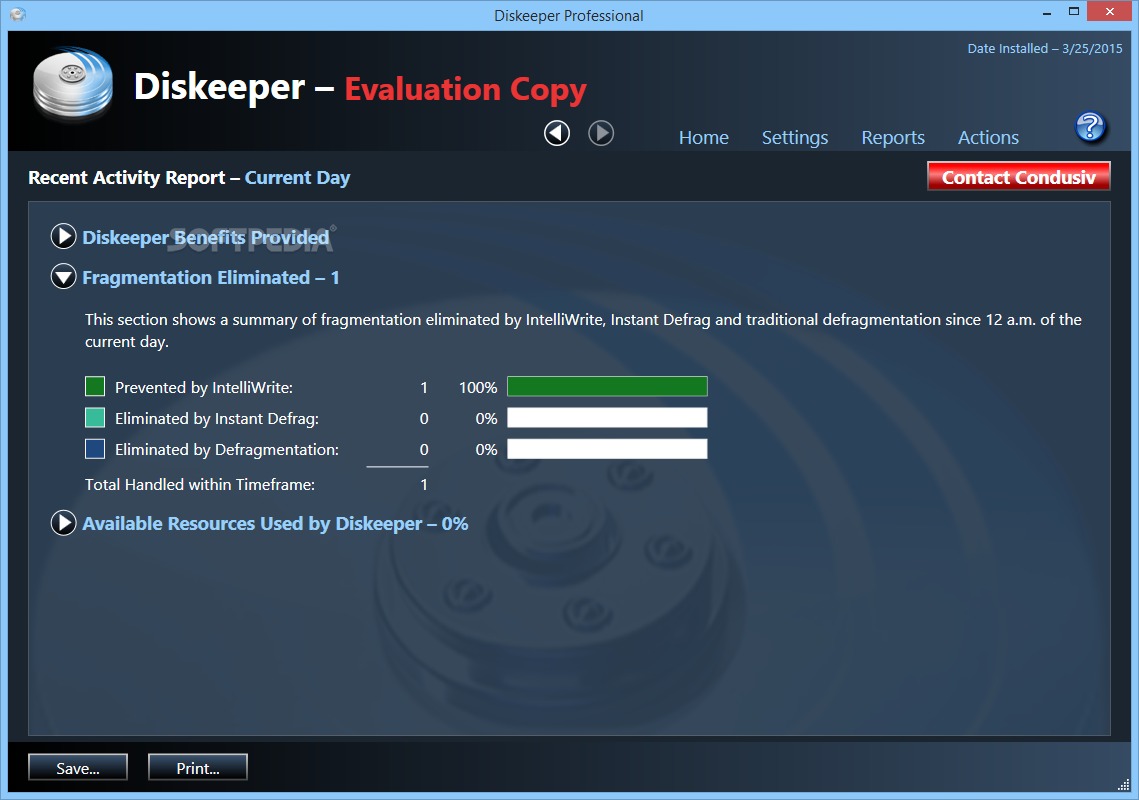
    Furthermore, IntelliWrite is a special feature of Diskeeper that prevents fragmentation from occuring on all volumes where it is enabled.

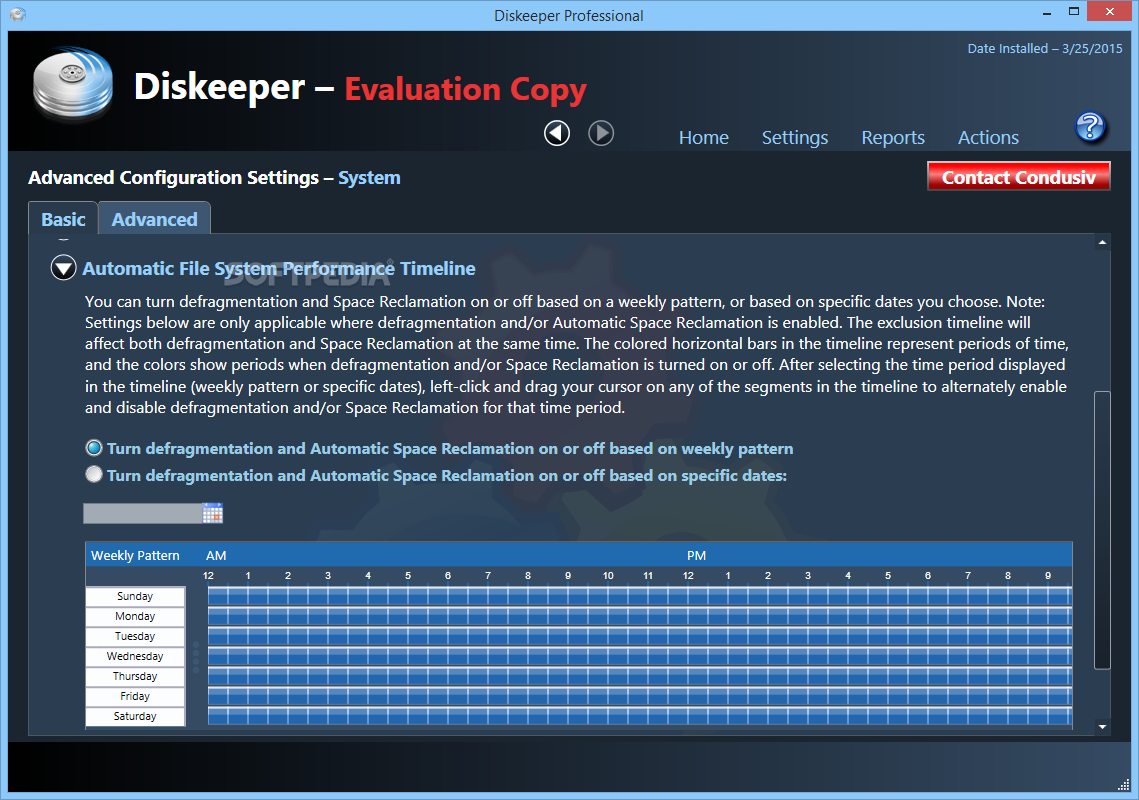
    You can also schedule defragmenting tasks on a regular basis, so you will not have to configure them each time.

    Beginners will surely become advanced users in defragmenting tools once they have played with this software, and power users will be satisfied as well.

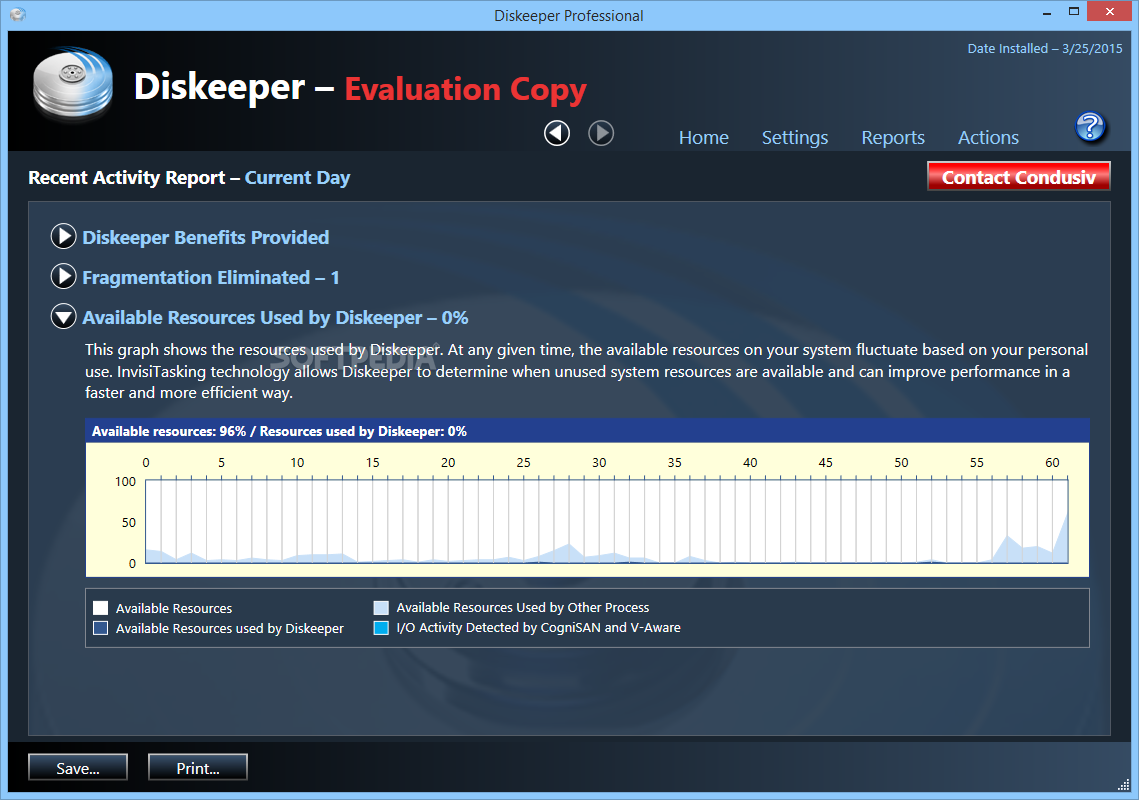
    Diskeeper may take a long while to complete a task (according to the options you have set), but it is very efficient, and it generally uses a small quantity of memory resources.

    All in all, Diskeeper Professional is a must-have software for any computer. It definitely makes your job easier when it comes to system maintenance, and its full version price is very reasonable.


    Read an in-depth analysis in our professional review for Diskeeper Professional 2011

    Diskeeper Professional 2011 description

    Here are some key features of "Diskeeper Professional 2011":

    Fully Automatic Operation:
    · Diskeeper is designed to operate without your intervention. Simply install Diskeeper, then sit back and let it take care of the details. Of course, you can also run Diskeeper manually. (But you probably have better things to do with your time. That’s what IntelliWrite fragmentation prevention technology and Automatic Defragmentation are for!)

    IntelliWrite Fragmentation Prevention:
    · IntelliWrite is the ground breaking technology that prevents the majority of fragmentation from ever occurring, dramatically improving Windows system performance.

    Automatic Defragmentation:
    · For the small percentage of fragmentation that can not be prevented with IntelliWrite, Automatic Defragmentation will automatically eliminate fragmentation without any negative performance impact on other applications that are running.

    Instant Defrag Technology:
    · This enhancement to Automatic Defragmentation rapidly eliminates any fragmentation that is not proactively prevented with IntelliWrite. Rather than waiting for potentially extended periods of time for fragmentation to build up, this feature provides uninterrupted peak system performance. Progressively more beneficial the larger the volume, Instant Defrag also saves system resources by minimizing the need for volume-wide analysis and defragmentation tasks.

    Diskeeper Family of Products:
    · The Diskeeper family of products offers specialized automatic defragmentation of supported Windows operating systems.

    Descriptive Console Interface:
    · The Diskeeper console provides an intuitive and informative defragmentation experience. Common commands are grouped together in the Quick Launch pane, and a group of tabbed panes show you a wide variety of information. Diskeeper shows you the condition of your disks, and provides suggestions for improving or maintaining your disks.

    Performance and Volume Health Analysis:
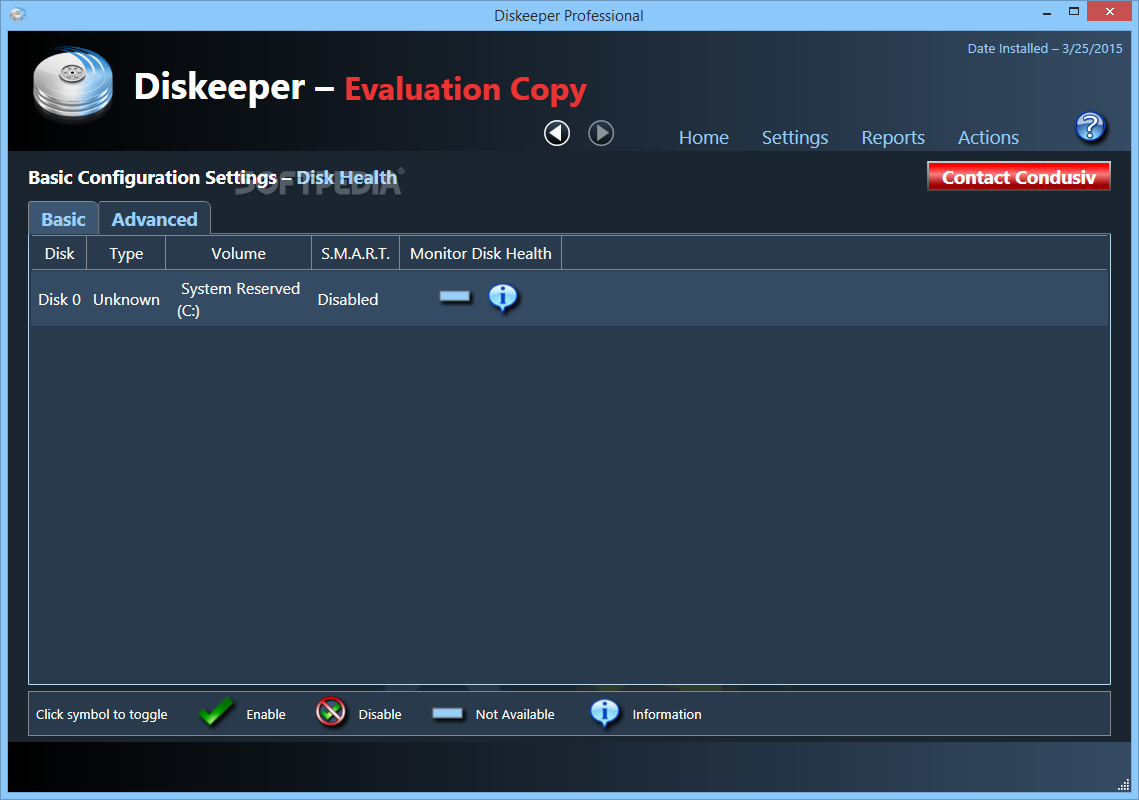
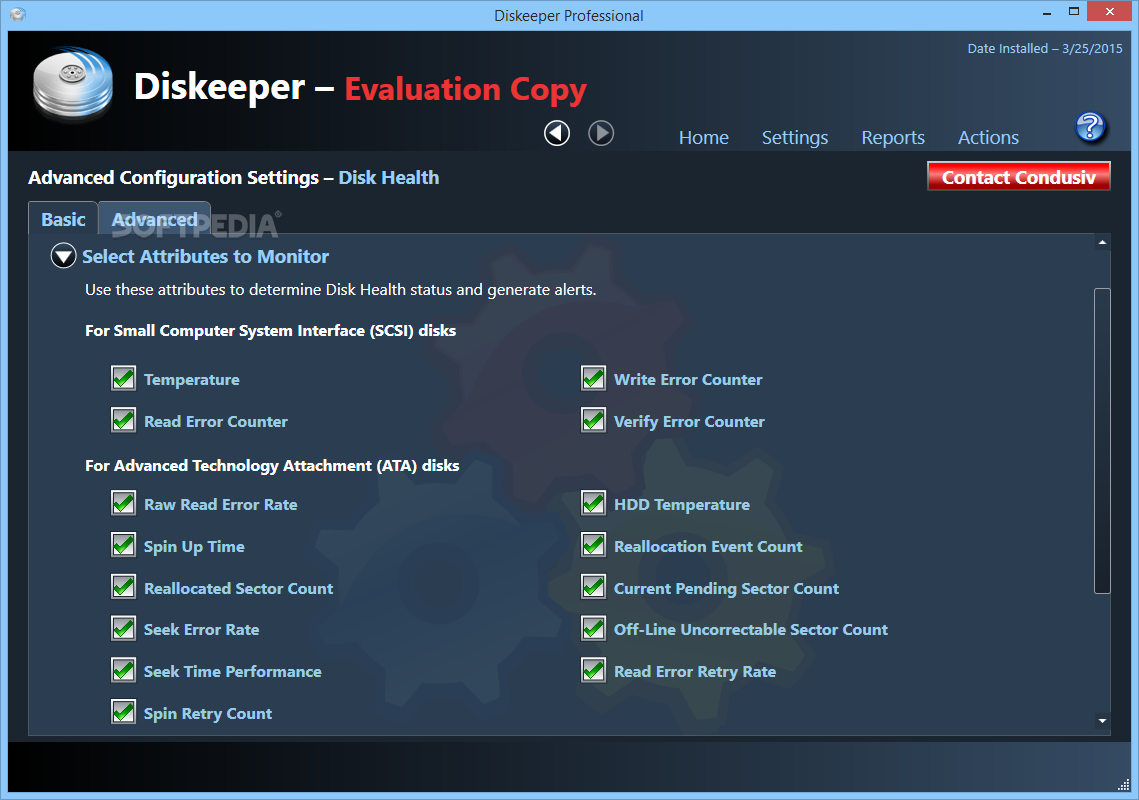
    · Diskeeper collects and displays data regarding the performance and overall health of your volumes in the Dashboard tab. This information allows you to be more proactive in the management and maintenance of your computers.

    I-FAAST (Intelligent File Access Acceleration Sequencing Technology):
    · Intelligent File Access Acceleration Sequencing Technology (I-FAAST) improves file access/creation by up to 80% (average 10%-20%) above and beyond the improvement provided by defragmentation alone. This is the first industry implementation of "Disk Performance Calibration", the modern evolution of the outdated and inconclusive disk optimization strategies of the past.

    Terabyte Volume Engine:
    · A Diskeeper exclusive, the Terabyte Volume Engine (TVE) is designed to efficiently defragment today’s large volumes. This feature is available in select Diskeeper editions.

    Boot-Time Defragmentation:
    · Defragment files at boot-time that cannot be moved safely when Windows is running.

    Selectable CPU Priorities:
    · You can set the CPU priorities at which Manual Defragmentation jobs run. Note that priority changes are unnecessary when running Diskeeper in Automatic Defragmentation mode.

    Exclusion Lists:
    · Diskeeper exclusion lists allow you to specify files and directories that will not be allowed to be processed by Diskeeper.

    Event Logging:
    · Diskeeper records information about its activity in two ways. First, general information about previously-run defragmentation job is shown in the Log tab within the Diskeeper console. Additional information can also be stored in a log file. A wide variety of information can be saved for future reference.

    Simultaneous Analysis or Defragmentation Operations:
    · You can analyze and/or defragment more than one disk volume at a time with Diskeeper.

    Requirements:

    · The disk space requirements for Diskeeper depend on several factors. On Windows Vista, XP and Windows 2000 systems, Diskeeper will need about 38 MB
    · Microsoft Management Console (MMC), which is less than 6 MB
    · Internet Explorer

    Limitations:

    · 30-day trial

    What's New in This Release: [ read full changelog ]

    Efficiency:
    · New technology and advanced algorithms maximize performance while eliminating disk I/O activity not conducive to improving your computing experience. Maximum performance from minimal effort!

    Immediacy:
    · With IntelliWrite continuing to prevent most fragmentation before it happens, the new Instant Defrag feature of Diskeeper now rapidly eliminates any fragmented data that does occur.

    Scalability:
    · With the immediate file-by-file approach to optimization, time and resource consuming whole-volume analysis and defragmentation operations are rarely, if ever, needed. This revolutionary new design scales to much larger volumes than traditional disk defragmentation technologies!

    Defragmentation Options:
    · Diskeeper now defaults to an “Efficient” defragmentation method to maximize efficiency and performance while minimizing disk I/O by intelligently determining which files, folders and free space should be defragmented. This setting can be changed to a more extensive defra...

       Softpedia guarantees that Diskeeper Professional 2011 15.0.956.0 is 100% CLEAN, which means it does not contain any form of malware, including spyware, viruses, trojans and backdoors. [read more >]


    TAGS:

    eliminate fragmentation | drive defrag | improve performance | defrag | defragmentation | defragment


    HTML code for linking to this page:


    Go to top

    WindowsGamesDriversMacLinuxScriptsMobileHandheldNews

    SUBMIT PROGRAM   |   ADVERTISE   |   GET HELP   |   SEND US FEEDBACK   |   RSS FEEDS   |   UPDATE YOUR SOFTWARE   |   ROMANIAN FORUM