
An ideal tool for re-structuring your hard disk, managing, formatting, renaming and organizing all the partitions, converting the file system and more #Partition Manager #Create Partition #Defragment Partition #Partition #Manager #Defragment
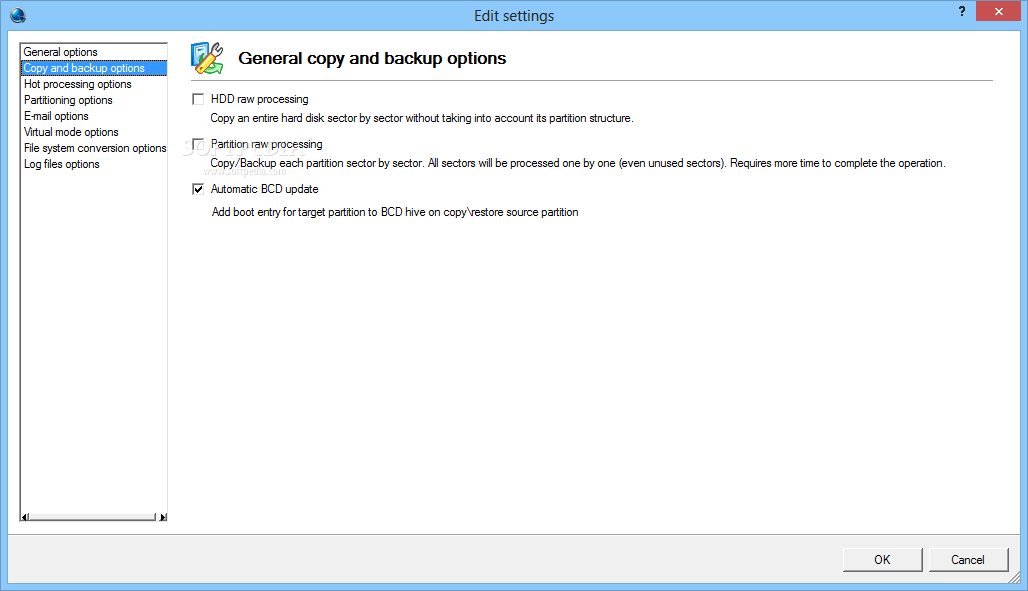
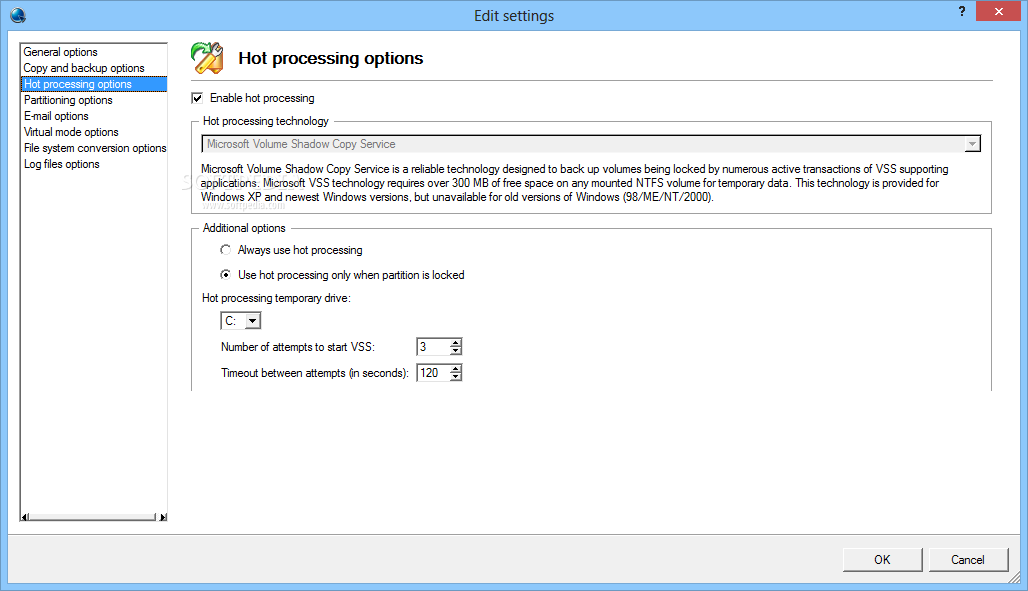
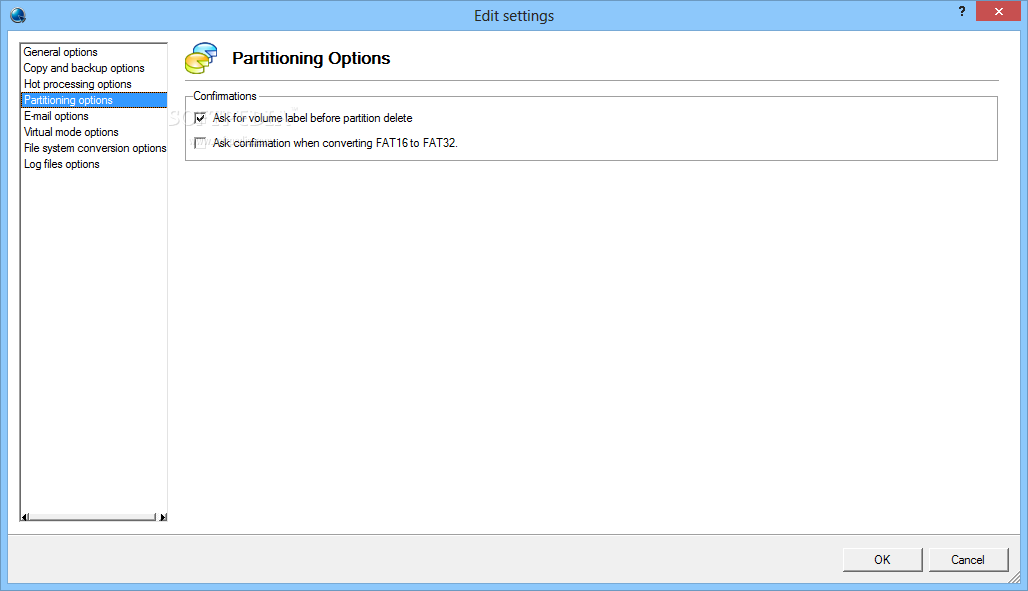
Your hard disk drive's main responsibility is to constantly read, write and erase data in order to make all your actions possible. Depending on solicitation level or installed programs, its sectors can get corrupted, or you simply want to divide its available space for better management. With the help of specialized applications such as Paragon Partition Manager Home it is all done quick and easy.
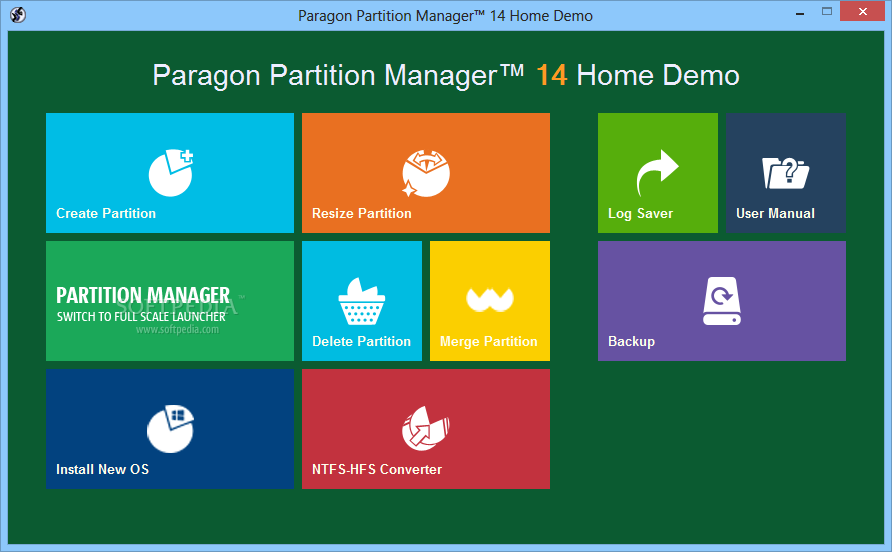
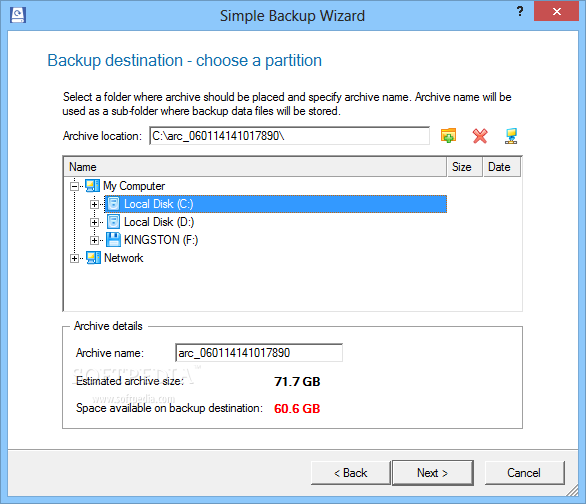
The application want to be available to users with completely different levels of experience. It manages to achieve this, due to its clever design. A modern, flat style interface is brought up first, which Windows 8 users mostly feel at home with. It displays its major features, such as create partition, resize, delete, merge, as well as a converter.
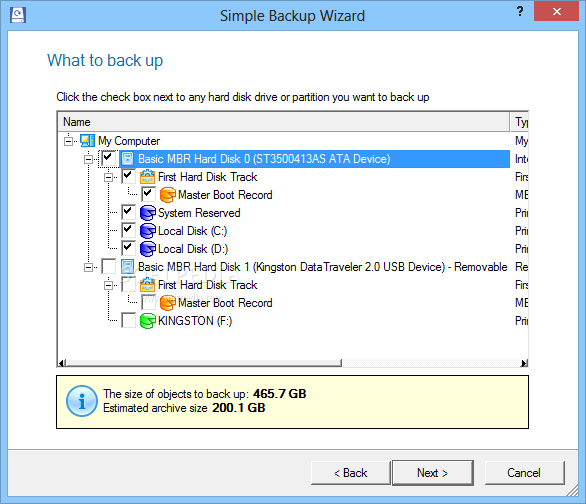
Accessing either puts in motion a guided wizard that makes sure you don't mess up your hard disk drive's integrity, not even by accident. There is also the possibility to switch to full scale launcher, as suggested.
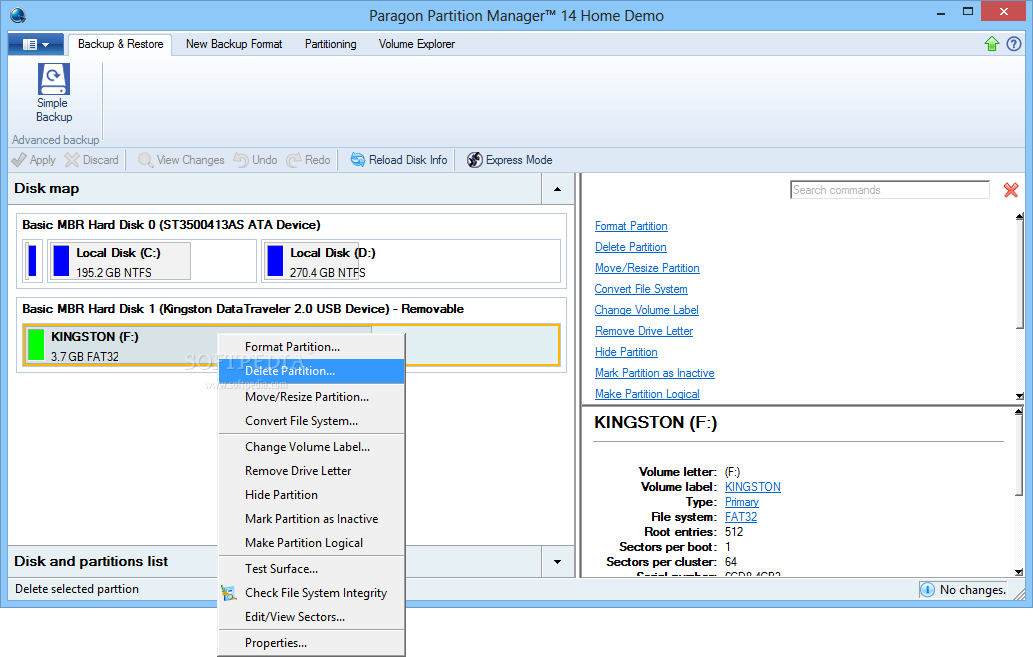
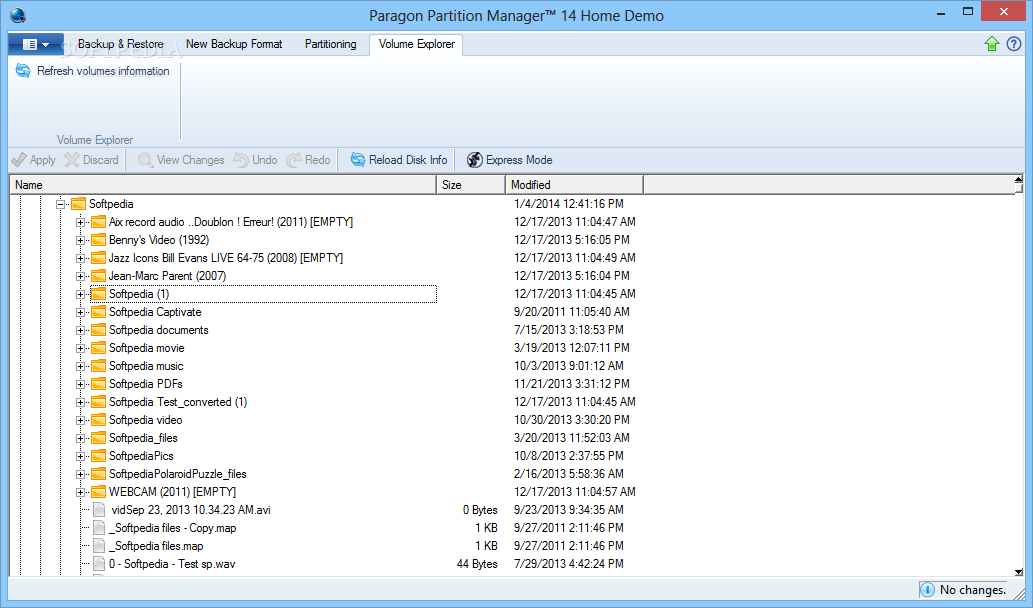
Again, you are greeted by an office suite like interface, which is not necessarily a bad thing, because it lets you quickly accommodate, and this is a plus seeing how it comes equipped with an abundance of powerful features.
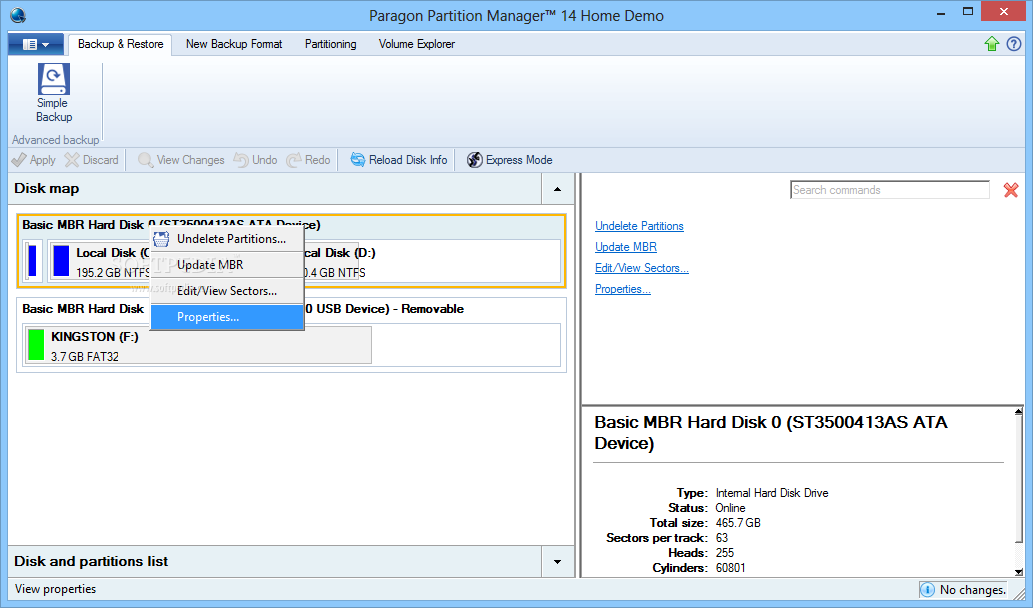
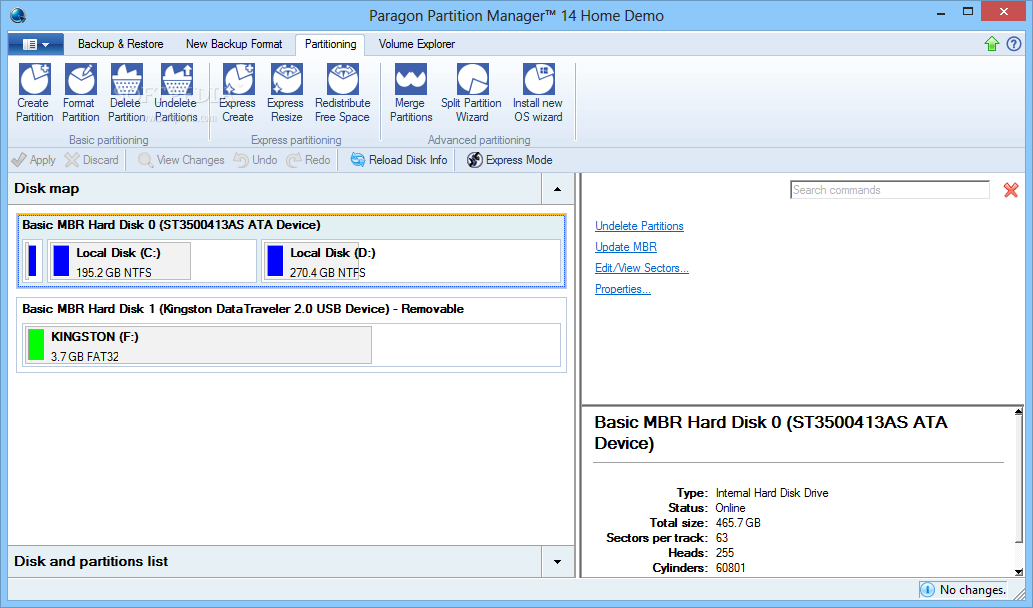
With the main window active, you are able to view connected storage devices, removable or not, along with detailed info, like type, status, total size and more. Selecting a device gives you access to a set of commands, letting you perform major features found in the express mode mentioned above.
Since this is the full scale launcher, several more advanced features are available. Drive letter can be completely removed, have the label changed, hide the whole partition, test surface and file system integrity and a lot more.
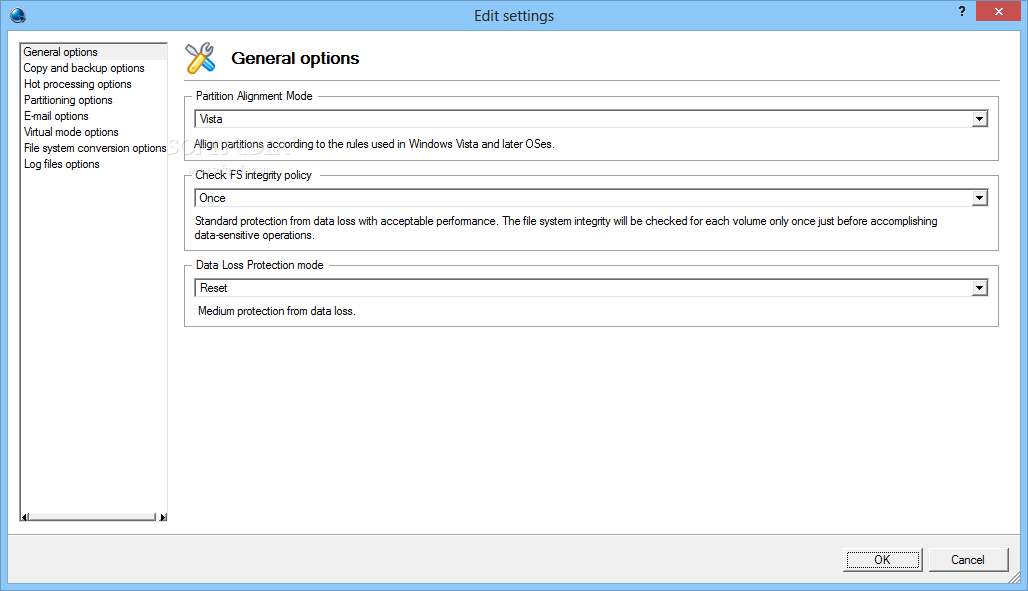
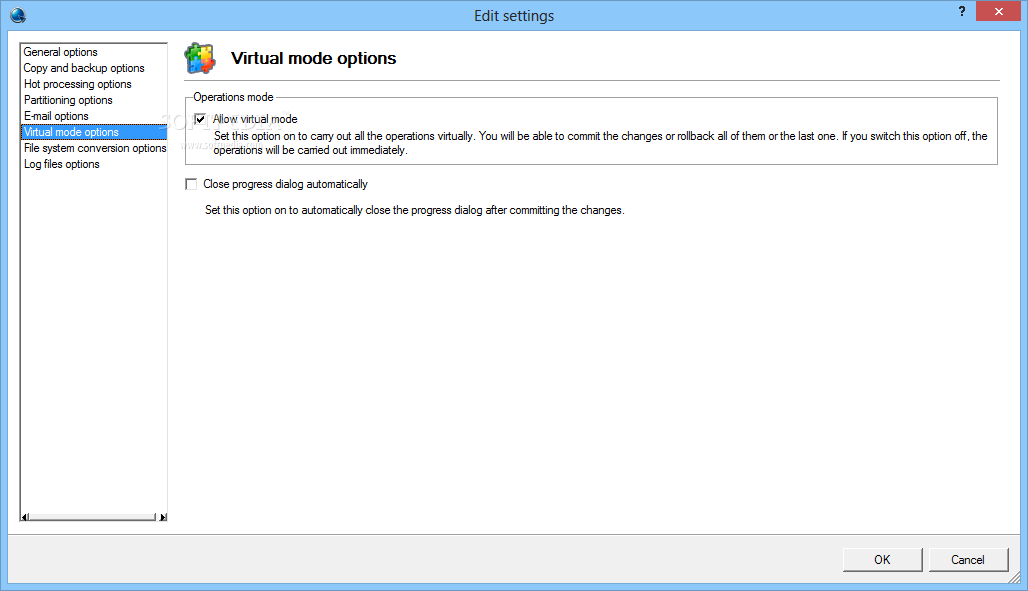
In order to prevent any incidents, the application first runs actions through a virtual process, adding them to a queue, dedicated to each selected drive. Even though the list is updated with changes you made, nothing is implemented until you confirm and hit the “Apply” button.
To sum it up, Paragon Partition Manager Home may only be the middle edition, standing between its Free and Professional brother versions, but it gets the job done flawlessly. It's available to a large public due to the clever design and implementation of features, making for a must have application for any computer.
Download Hubs
Paragon Partition Manager Home is part of these download collections: HDD Managers, Partition Manager, Create Partition, Resize Partition
Paragon Partition Manager Home 15
 Softpedia Editor's Pick
add to watchlist
add to download basket
send us an update
REPORT
Softpedia Editor's Pick
add to watchlist
add to download basket
send us an update
REPORT
- runs on:
-
Windows 10 32/64 bit
Windows 8 32/64 bit
Windows 7 32/64 bit
Windows Vista 32/64 bit
Windows XP 32/64 bit
Windows 2K - file size:
- 52.7 MB
- filename:
- Paragon-280-HEED_WinInstallDemo_10.1.21.236_000.exe
- main category:
- System
- developer:
- visit homepage
Microsoft Teams

7-Zip

Bitdefender Antivirus Free

ShareX

Context Menu Manager

calibre

Zoom Client

4k Video Downloader

IrfanView

Windows Sandbox Launcher

- 4k Video Downloader
- IrfanView
- Windows Sandbox Launcher
- Microsoft Teams
- 7-Zip
- Bitdefender Antivirus Free
- ShareX
- Context Menu Manager
- calibre
- Zoom Client