
A software application that enables users to scan their computer and generate reports on structure, size or properties of files which can be stored in a SQL database. #Disk space manager #HDD manager #Scan HDD #Observer #Scanner #Manager
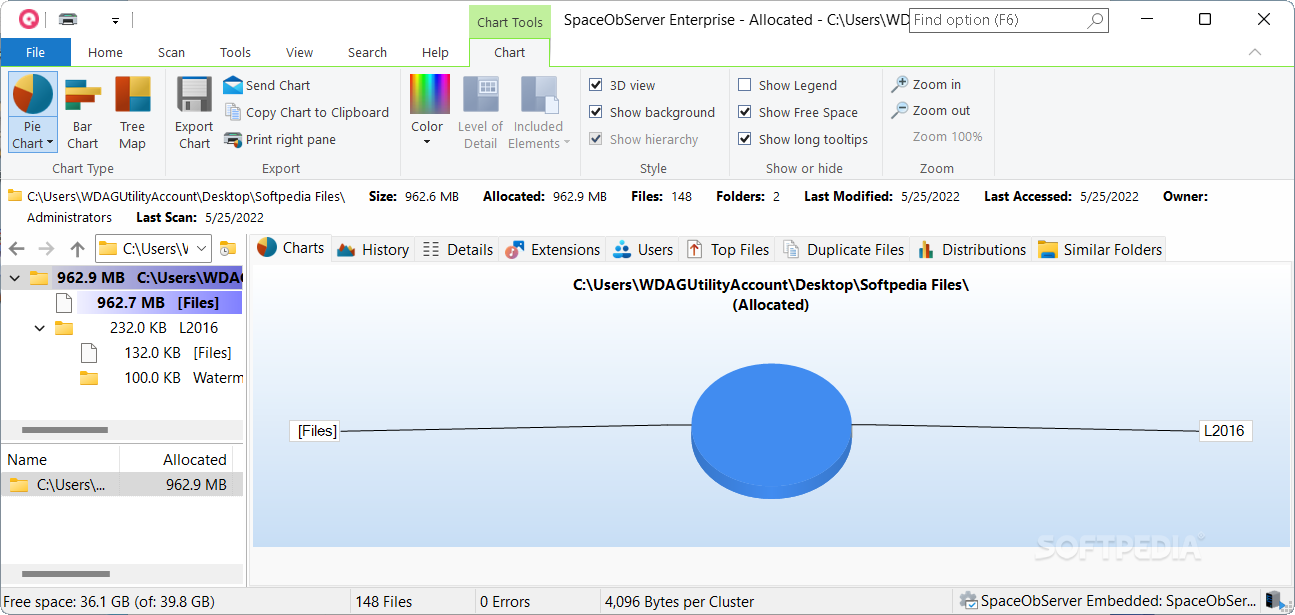
SpaceObServer is a comprehensive hard disk space manager that executes scans for system trees and provides users with data reports. The information it gathers is stored in a customizable SQL database.
The application does not hamper the user with extensive options during the installing period. Users must keep in mind that the program requires Microsoft .NET Framework for it to run on their computer.
Once the setup is complete, users can access the software and begin exploring its numerous and various features.
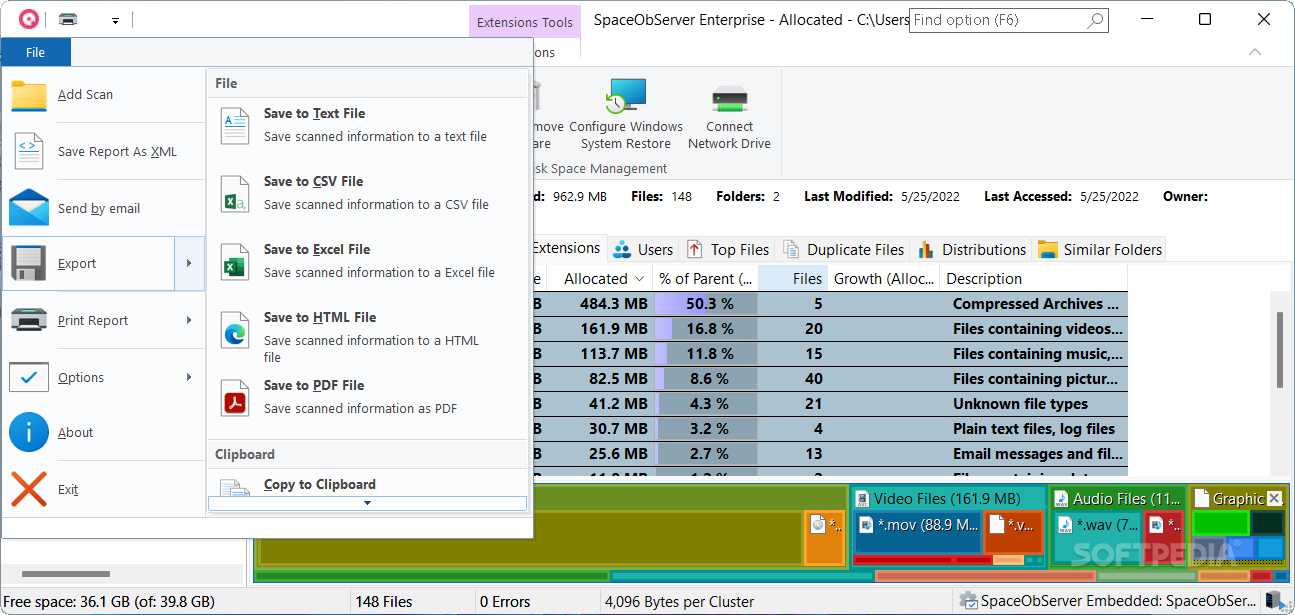
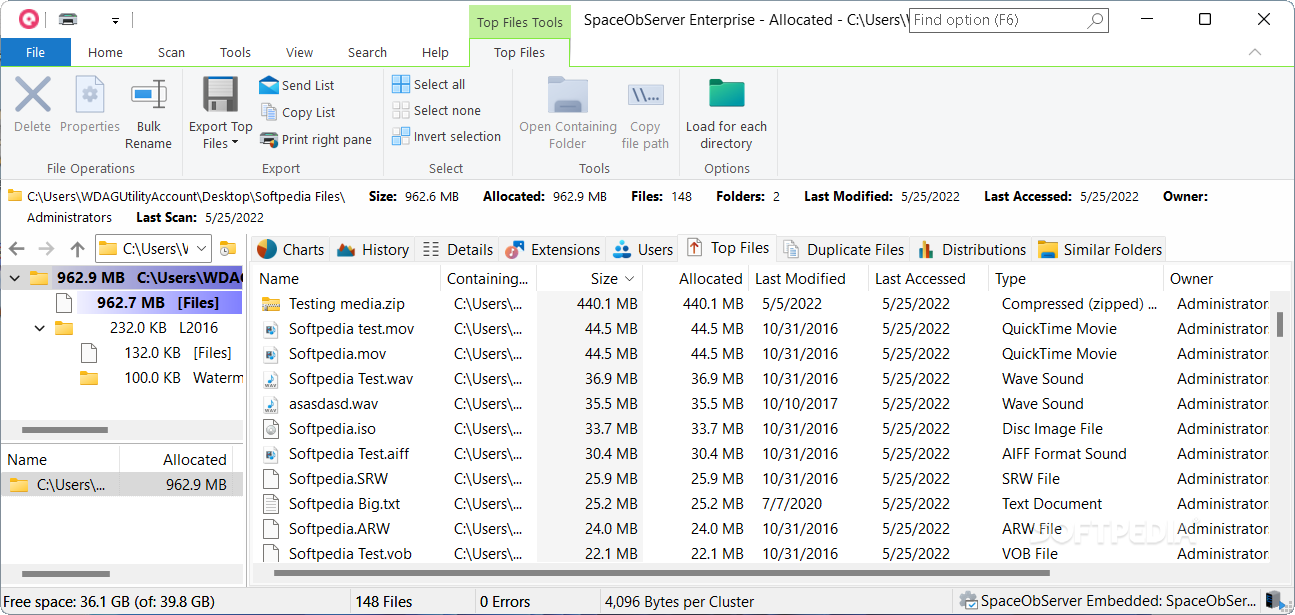
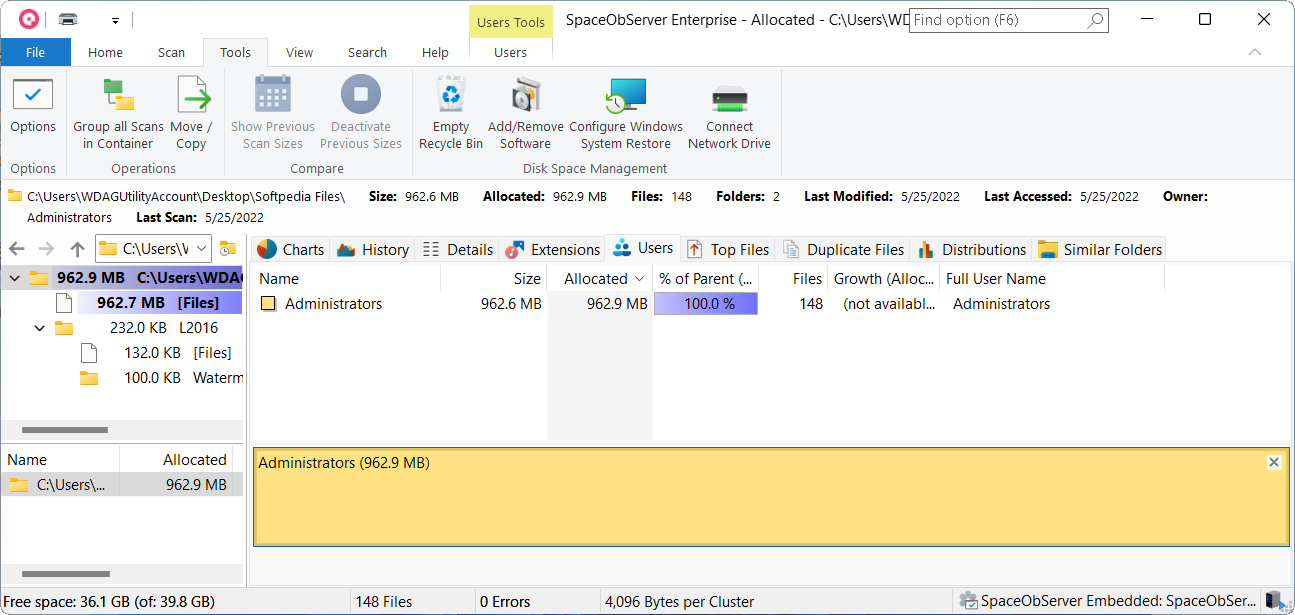
After opening the application, users are able to browse their hard disk's contents in an interface that resembles Windows Explorer. At any given moment, users can scan a location and obtain an accurate report on the files or folders it contains, as well as adjacent information, such as size, allocated space and average file size.
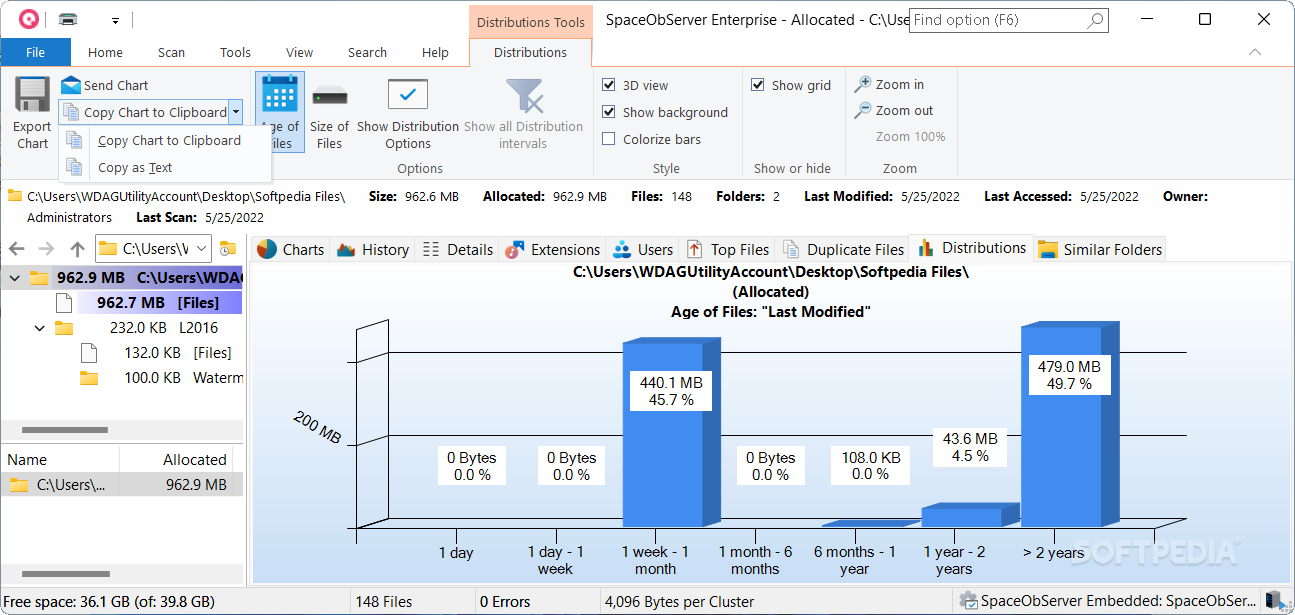
There are multiple viewing options, from the basic pie or bar chart, to tree file and 3D, all meant to appease even the most demanding user. Results can be ordered alphabetically or numerically and expanded to a certain level, while size can be displayed in kilo-, mega-, giga- or terabytes.
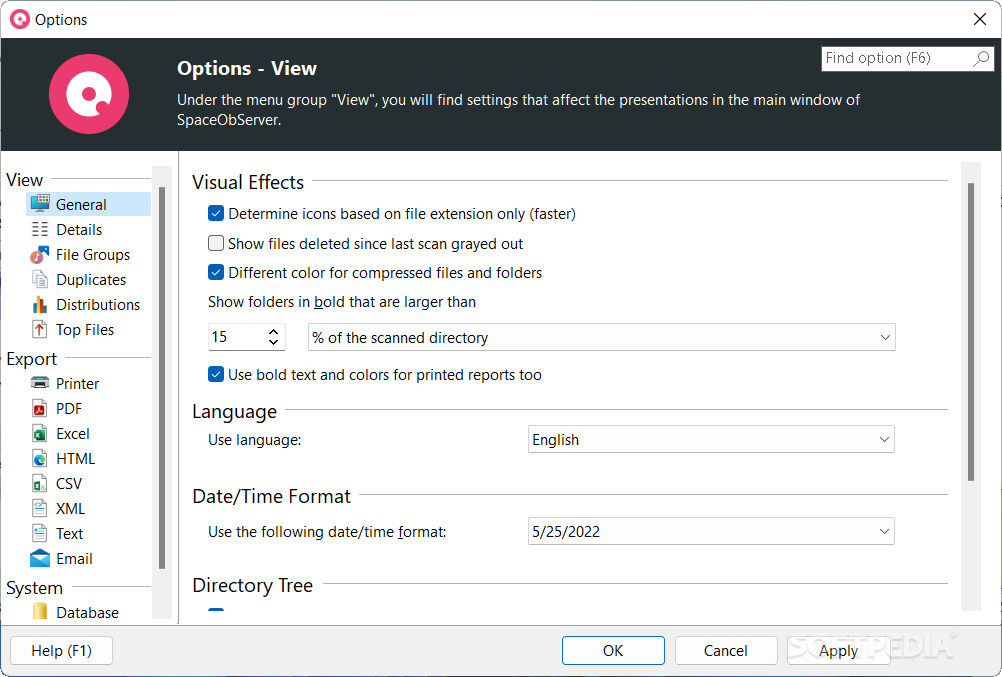
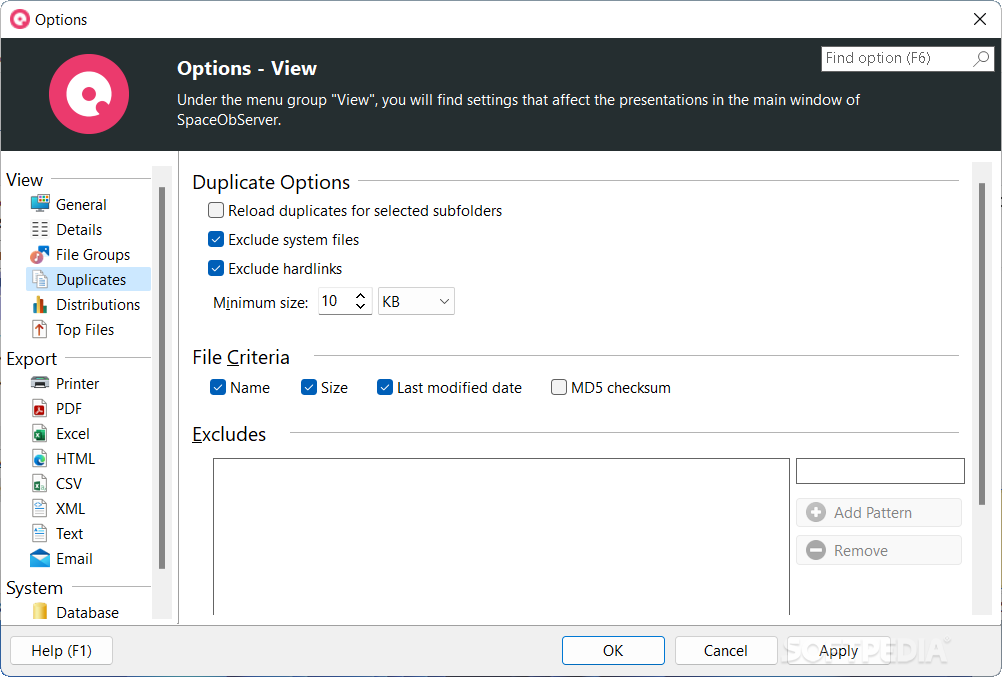
SpaceObServer enables the user to trigger a scan at regular time intervals, either daily, weekly or monthly. Even more, the program can modify the scanning process by applying filters requested by the user.
One useful feature is that the application's results can be viewed from another machine or a web browser. However, these add-ons are sold separately by the producer despite the software itself being a purchasable product.
To summarize, SpaceObServer is a properly designed application with extensive uses and features which might come in handy to a large group of computer users.
What's new in SpaceObServer 8.1.1 Build 2043:
- Bugfixes:
- Under certain circumstances (when users or AD groups occurred multiple times in the permissions of folders or files) it could happen that individual permissions were missing in the details columns “Permissions”, “Own Permissions”, or “Inherited Permissions”. This issue has been resolved.
- The folder sizes displayed in the directory tree when using the "Show Previous Scan Sizes" function ("Tools" menu) may not have been calculated correctly. This problem no longer occurs.
- When selecting the new "Permission changes" tab, there were also short delays for scan targets that do not save permissions in the database (scan option "Calculate Permissions (ACLs) and store in database"). This issue has been resolved.
SpaceObServer 8.1.1 Build 2043
add to watchlist add to download basket send us an update REPORT- runs on:
-
Windows 11
Windows 10 64 bit
Windows 8 64 bit - file size:
- 47 MB
- filename:
- SpaceObServer-Setup.exe
- main category:
- System
- developer:
- visit homepage
Zoom Client

calibre

Bitdefender Antivirus Free

7-Zip

Context Menu Manager

Microsoft Teams

IrfanView

ShareX

Windows Sandbox Launcher

4k Video Downloader

- ShareX
- Windows Sandbox Launcher
- 4k Video Downloader
- Zoom Client
- calibre
- Bitdefender Antivirus Free
- 7-Zip
- Context Menu Manager
- Microsoft Teams
- IrfanView