
Work with your Mac files and specific content on any Windows program thanks to this application that will act as a gateway between the two realms. #Read disk image #Write Mac file #DMG creator #Disk image #Mac file #Macintosh

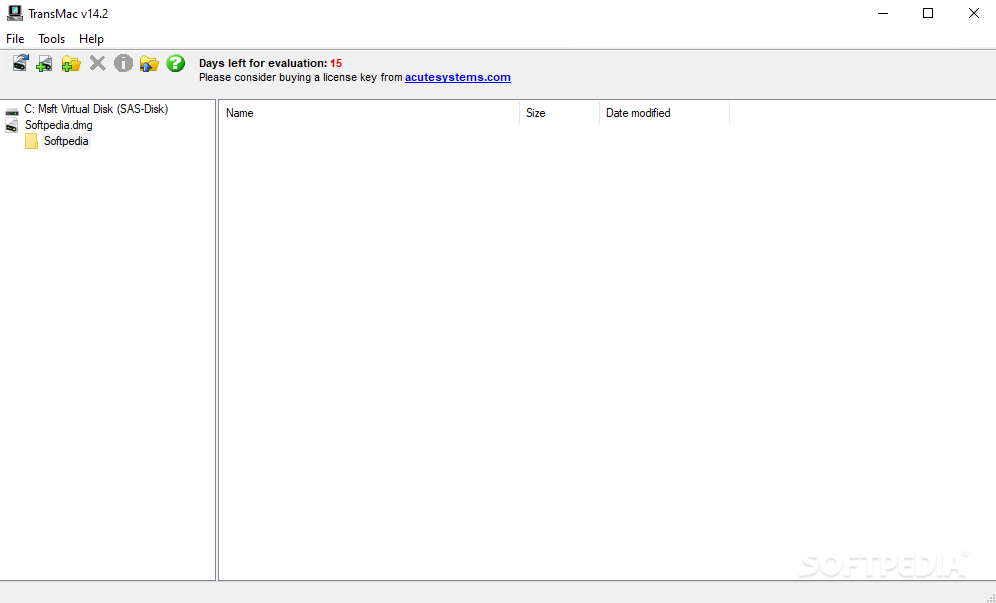
If you ever wished to easily deal with Mac files on a Windows OS or had external drives formatted in Apple's proprietary file types and wished you could access your files from a Windows terminal, then TransMac was made for you.
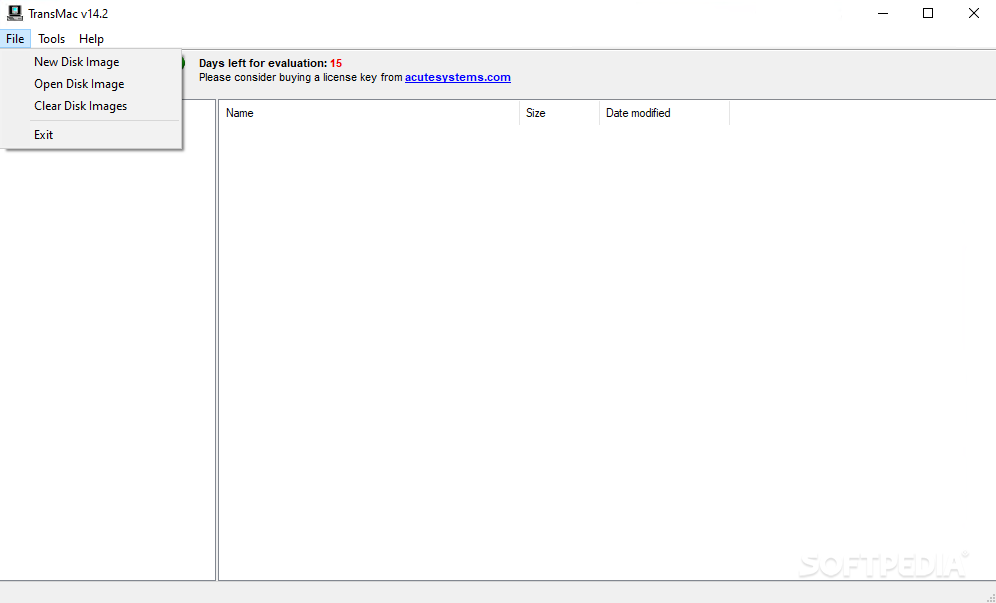
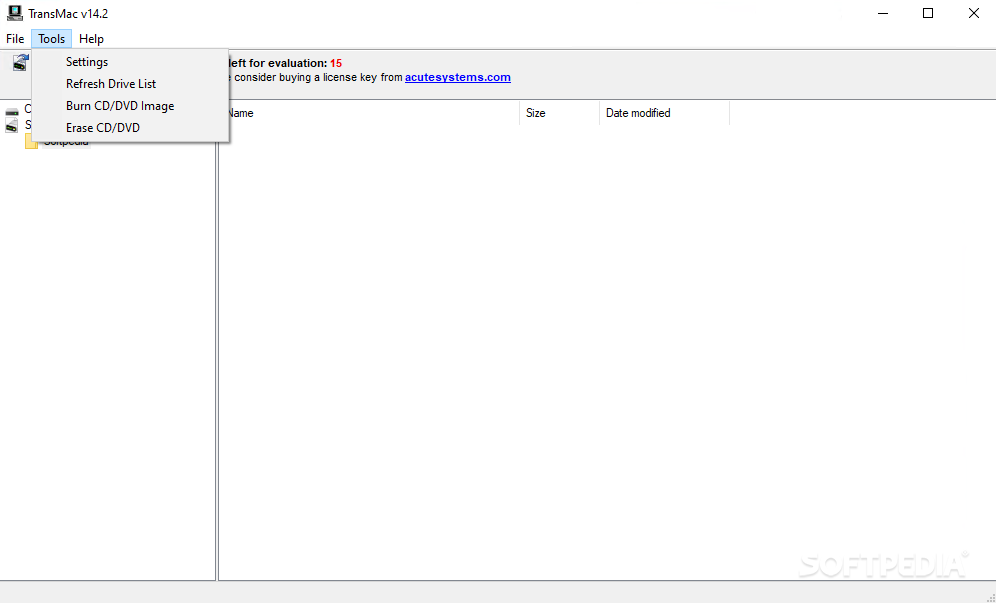
This program does exactly that, and manages to do it without seeming exaggeratedly complex. Of course, the user must convert the resulting files in order to achieve full use, but if you were looking to replace, move, or delete some files on a Mac-formatted drive or disc, then this is the way to go.
When I first looked at the app, it did not occur to me, it had such specific functionality. On the contrary, I thought it was another file manager.
To be honest, it still retains that aspect, but once you find out what it does, your perspective sort of changes. It allows one to access information from one world using a totally different realm, and that's cool, at least for two reasons.
Firstly, when travelling you might not always have access to the safe environment you are used to, and it is nice to know there are ways to adapt. Secondly, it makes things easier and more accessible, ultimately allowing the user to enjoy more freedom in the virtual world opened by computers.
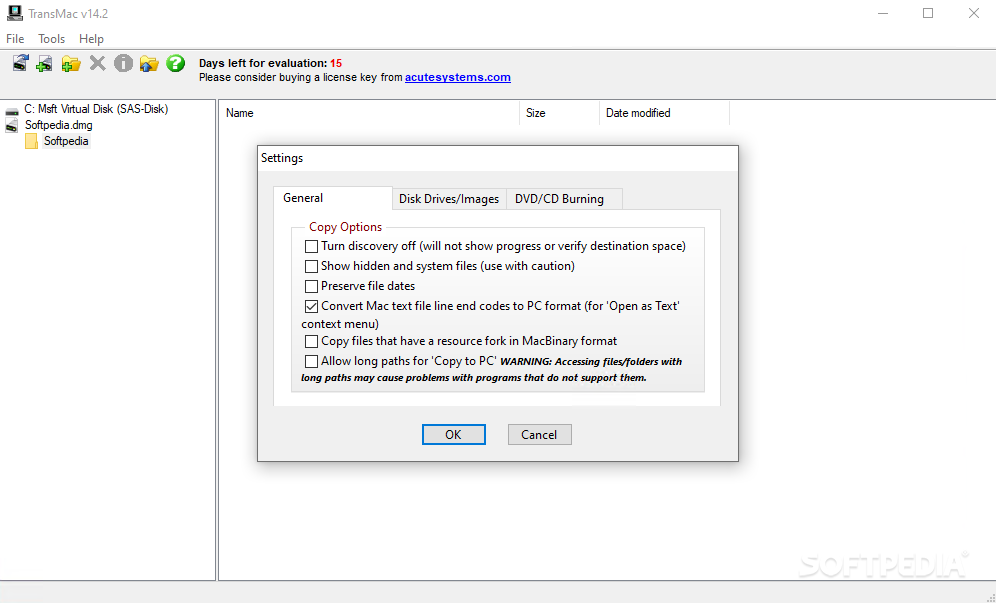
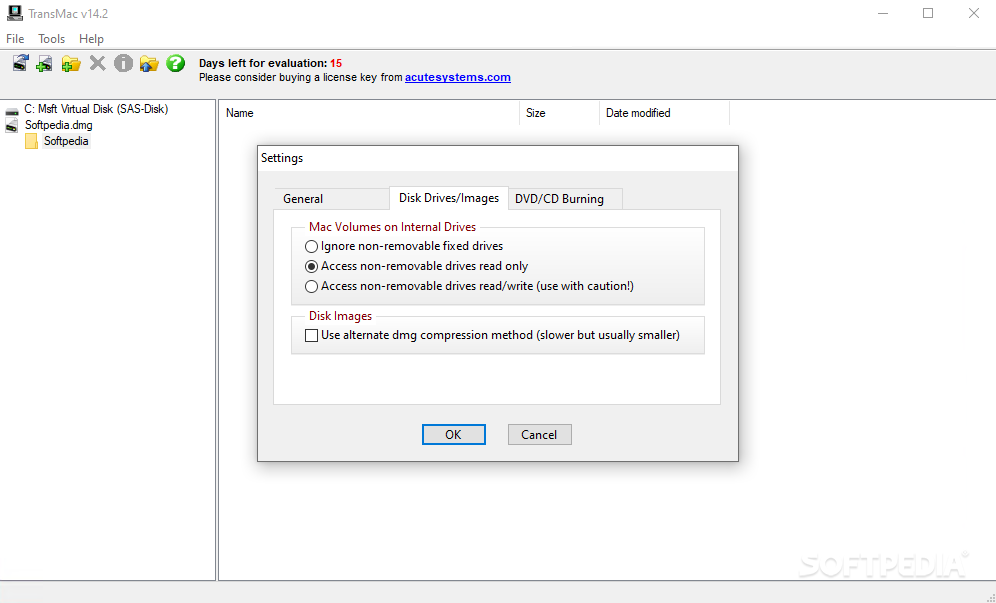
If you thought this app was just it, you were wrong. The user has a bunch of settings that can be adjusted. These deal with automatic disc discovery, preserving file dates, converting Mac text, allowing long paths for usage on your PC, and so on.
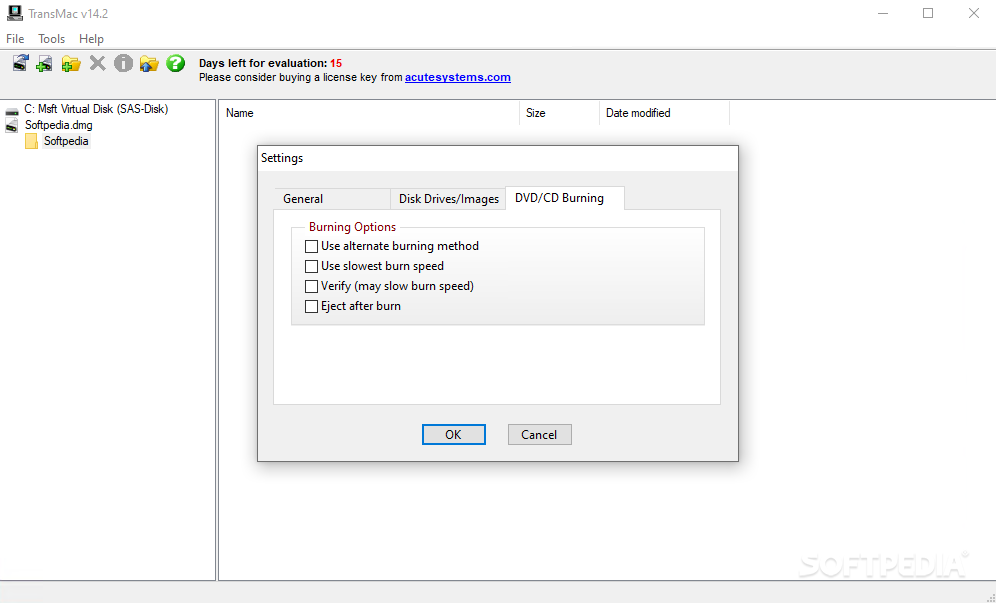
More specific settings are available under the other two tabs dealing with disk drives and images or DVD/CD burning. Once again, I was pleased with how everything worked out when dealing with this app.
Download Hubs
TransMac is part of these download collections: HDD Managers
What's new in TransMac 15.3:
- Some fixes for Windows 11.
- Ability to burn ISO files to USB drives.
TransMac 15.3
 Softpedia Editor's Pick
add to watchlist
add to download basket
send us an update
REPORT
Softpedia Editor's Pick
add to watchlist
add to download basket
send us an update
REPORT
- runs on:
-
Windows 11
Windows 10 32/64 bit
Windows 8 32/64 bit
Windows 7 32/64 bit
Windows Vista 32/64 bit
Windows XP 32/64 bit - file size:
- 2.1 MB
- filename:
- tmsetup.zip
- main category:
- System
- developer:
- visit homepage
Windows Sandbox Launcher

ShareX

4k Video Downloader

IrfanView

calibre

Zoom Client

7-Zip

Bitdefender Antivirus Free

Context Menu Manager

Microsoft Teams

- Bitdefender Antivirus Free
- Context Menu Manager
- Microsoft Teams
- Windows Sandbox Launcher
- ShareX
- 4k Video Downloader
- IrfanView
- calibre
- Zoom Client
- 7-Zip