
An application that analyzes and deframents your hard disk to optimize the file placement on your drive and boost the performance of your system. #Hard Disk Defragmenter #Defragment HDD #Optimize Hard Drive #Defragmenter #Defragment #Hard Disk

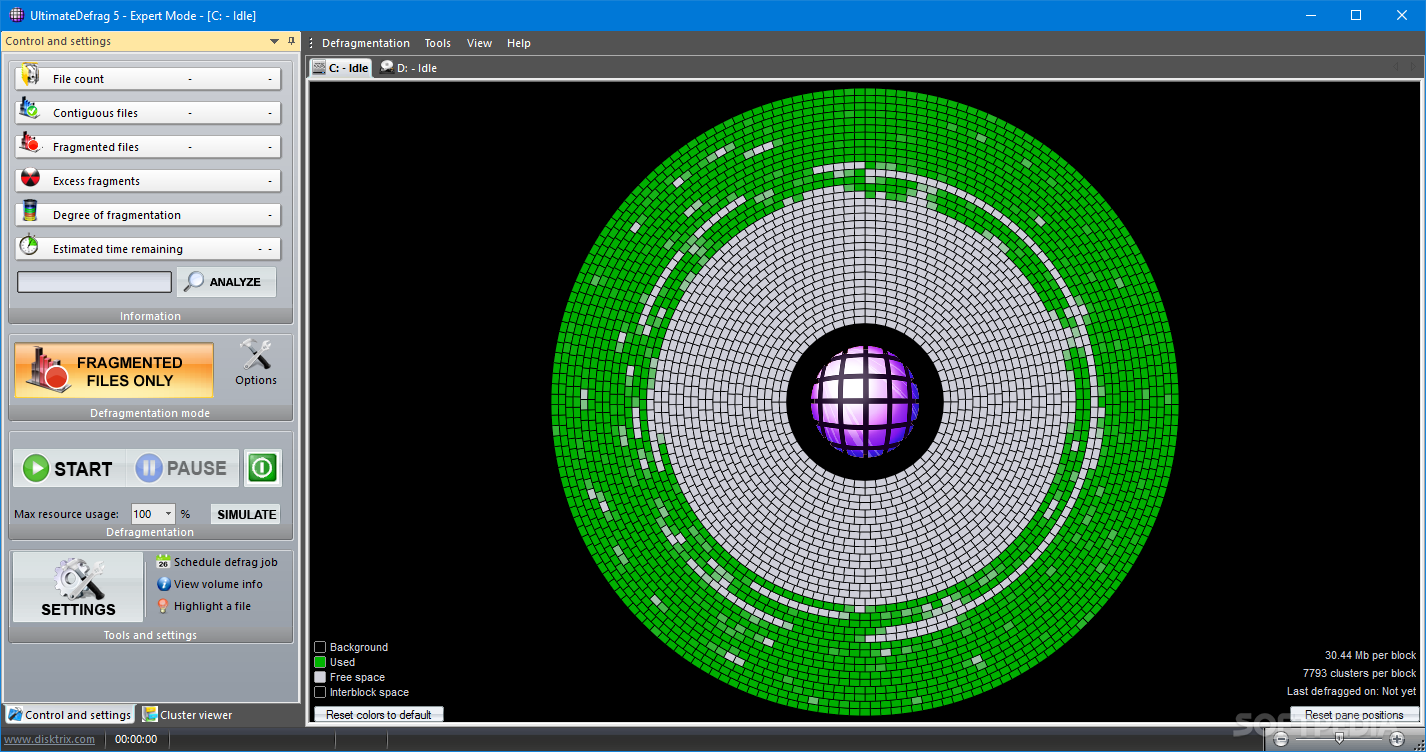
UltimateDefrag is a disk defragmenter that sports many more features that the standard Windows utility, promising to restore hard disk performance fast and easy.
There is nothing too complicated about the application but in case you find it difficult, there's always the rich help manual that comes with detailed descriptions of every single feature bundled into UltimateDefrag.
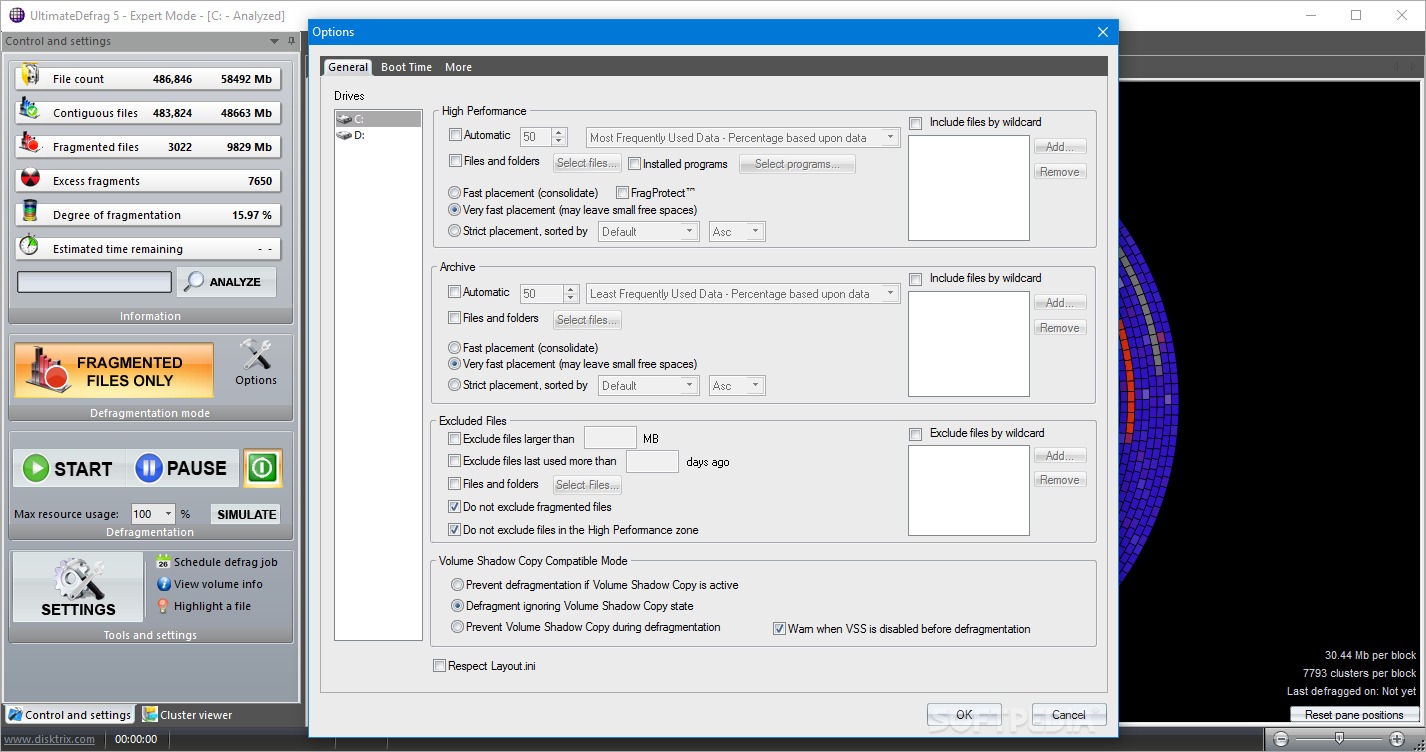
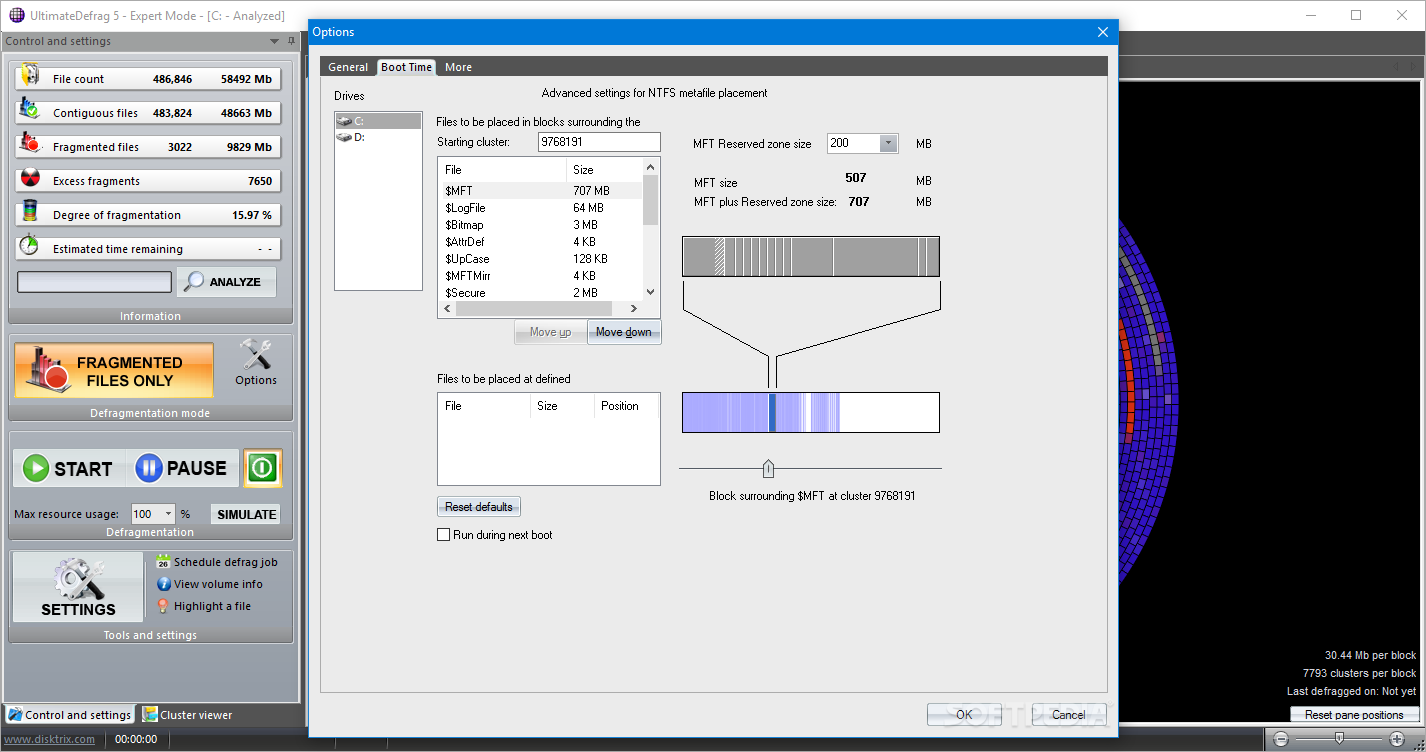
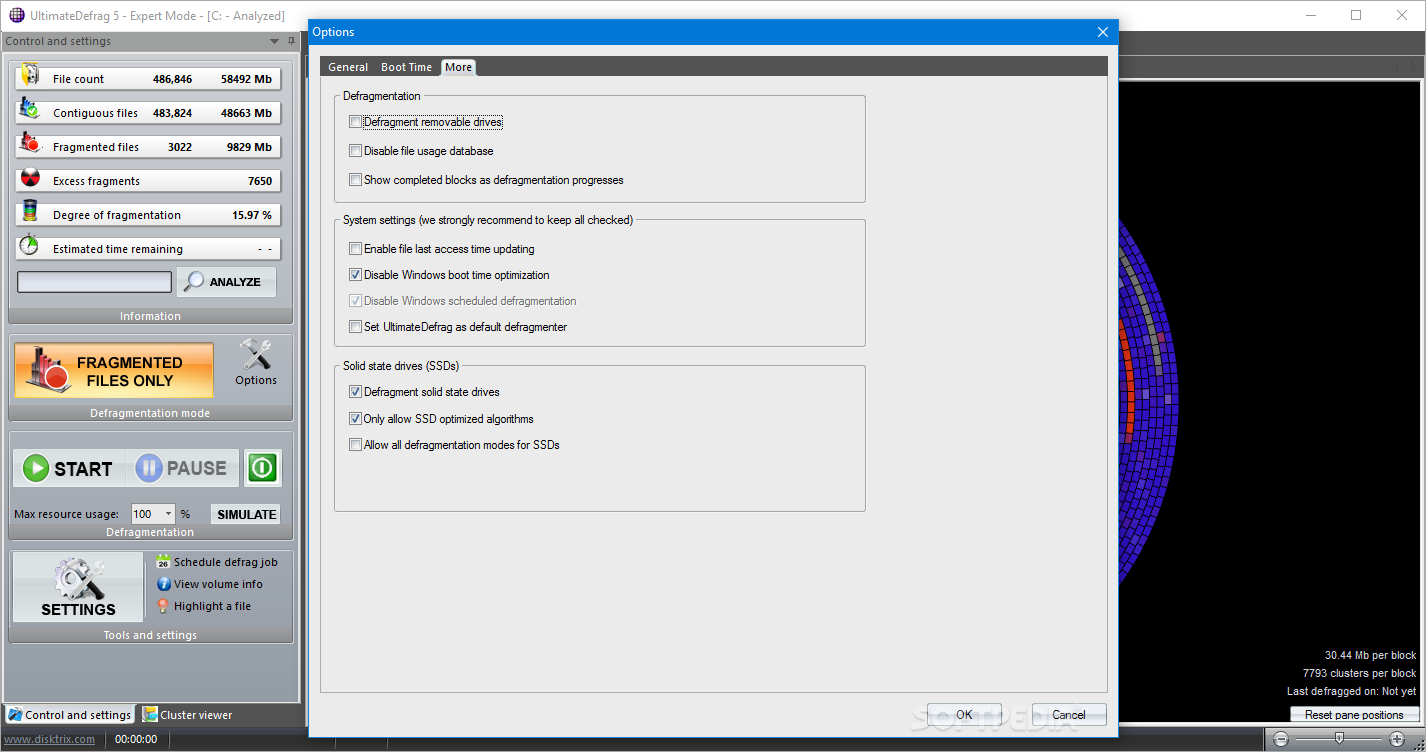
The application boasts almost all the utilities you would normally expect from this kind of tool, including multiple defragmentation modes and a rich settings screen.
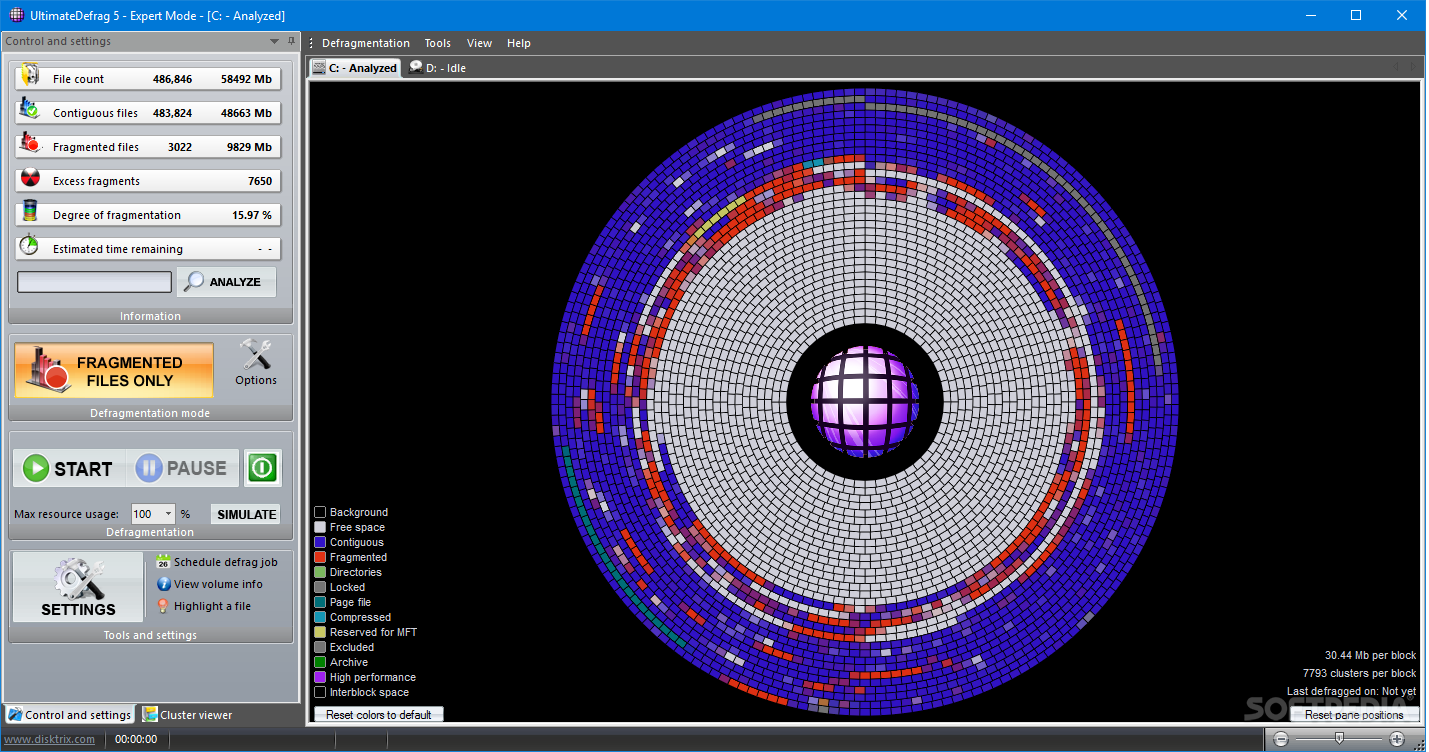
The interface also presents a detailed graph showing defragmentation level, letting you know exactly what is happening with the selected hard disk.
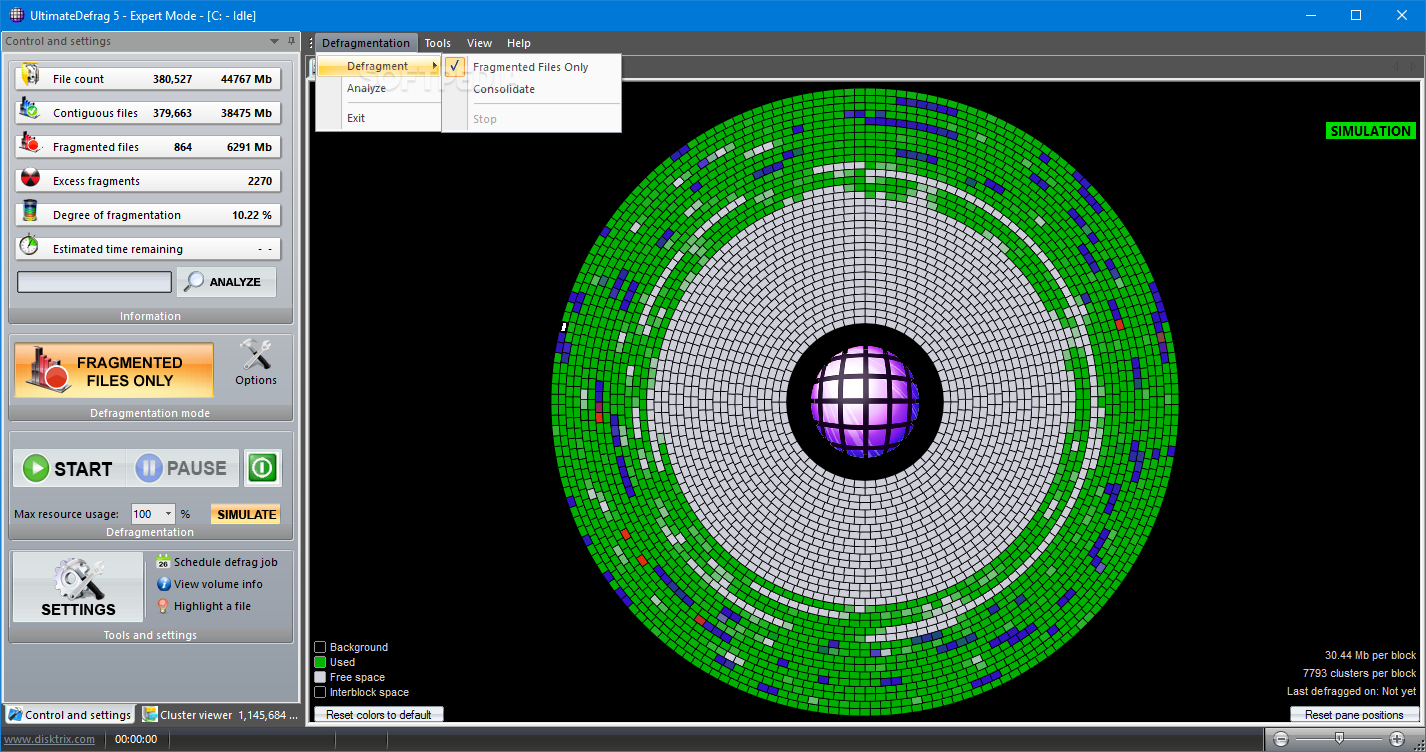
There are a couple of defragment methods at your disposal. They are accessed from the file menu and allow you to defragment fragmented files only, or to consolidate. Both of these options takes a while to load, so make sure you have the time before initiating a new defrag.
While performing a user-defined defragmentation, UltimateDefrag shows file count, contiguous files, fragmented files, number of fragments, degree of defragmentation and estimated time remaining. There's always the option to stop the process, but also a dedicated setting to choose the maximum resource usage.
Truth be told, UltimateDefrag takes most of your CPU and RAM, so make sure to close other apps and cease all other activities before launching a new defrag.
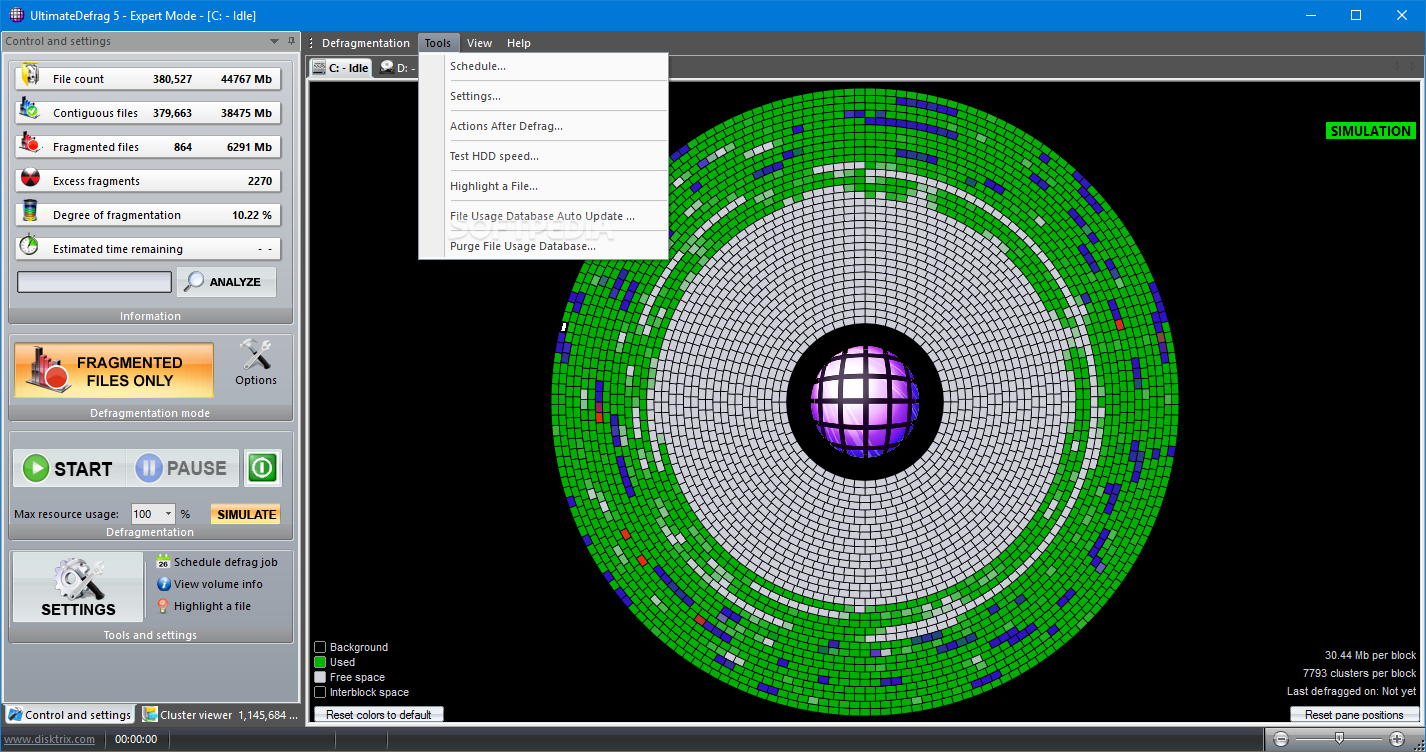
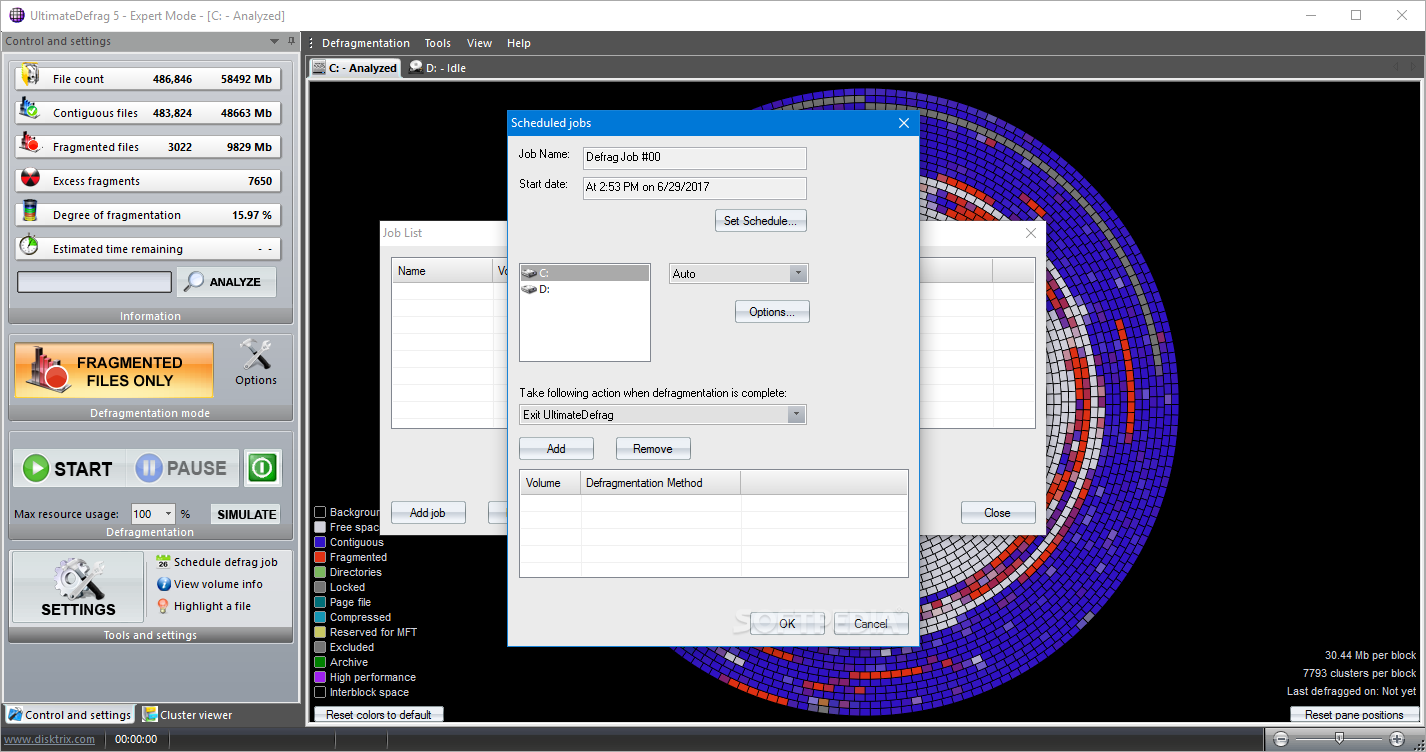
The application comprises dedicated tools to schedule a defrag process, but also to perform a quick test and determine disk speed. It all takes just a few minutes, but once again you must close all the running processes to get the best possible results.
Overall, UltimateDefrag is an excellent defrag tool and may help you unclutter your registry, thus improving OS load times. Its intuitive design makes it easy for individuals of all levels of experience.
Download Hubs
UltimateDefrag is part of these download collections: Disk Defragmentation
What's new in UltimateDefrag 6.1.2.0:
- Defragmenting files using the Windows shell now shows count of files remaining and fragments remaining
- Upgrade version number of Boot time to be in sync with program version to avoid user confusion.
- Minor tweaks and enhancements.
UltimateDefrag 6.1.2.0
add to watchlist add to download basket send us an update REPORT- runs on:
-
Windows 10 32/64 bit
Windows 2008 32/64 bit
Windows 2003
Windows 8 32/64 bit
Windows 7 32/64 bit
Windows Vista 32/64 bit
Windows XP 32/64 bit - file size:
- 18.9 MB
- filename:
- UltimateDefrag6Setup.exe
- main category:
- System
- developer:
- visit homepage
Bitdefender Antivirus Free

Context Menu Manager

Windows Sandbox Launcher

7-Zip

calibre

ShareX

IrfanView

4k Video Downloader

Microsoft Teams

Zoom Client

- 4k Video Downloader
- Microsoft Teams
- Zoom Client
- Bitdefender Antivirus Free
- Context Menu Manager
- Windows Sandbox Launcher
- 7-Zip
- calibre
- ShareX
- IrfanView