Softpedia
 

WINDOWS CATEGORIES:


GLOBAL PAGES >>
SOFTPEDIA REVIEWS >>
MEET THE EDITORS >>
WEEK'S BEST
  • Bitdefender Total ...
  • Hard Disk Sentinel...
  • FlashFXP [DISCOUNT...
  • Ocster Backup Pro ...
  • Kaspersky Internet...
  • DVDFab DVD Copy [D...
  • Avast! Internet Se...
  • Avira Internet Sec...
  • Webroot SecureAnyw...
  • McAfee Total Prote...
  • Home > Windows > System > Hard Disk Utils
     Report malware

    UltraDefrag 6.0.2 / 7.0.0 Beta 1

    download button

    Downloads: 42,618  View global page  Tell us about an update
    User Rating:
    Rated by:
    Very Good (4.1/5)
    158 user(s)
    Developer:

    License / Price:

    Size / OS:

    Last Updated:

    Category:

    GPL / $0
    664 KB / Windows NT / 2K / XP / 2003 / Vista / 2008 / Vista 64 bit / 7 / 7 64 bit / 8 / 8 64 bit
    [view history]
    C: \ System \ Hard Disk Utils

     Read user reviews (11)  Send to friend   Follow (19 users)

    Softpedia Editor's Review for UltraDefrag

    EDITOR'S RATING:   3.0/5

    A powerful and simple defragmentation tool

    Written by Bogdan Popa on May 2nd, 2013

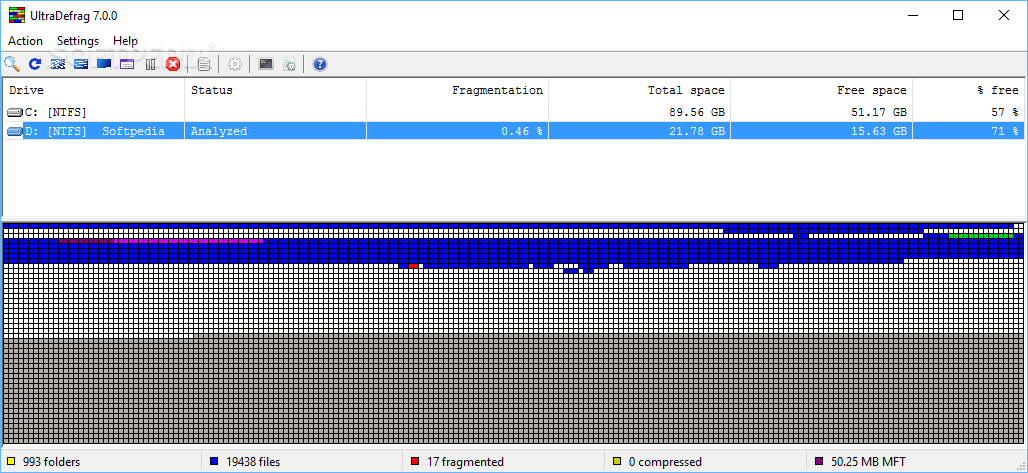
    UltraDefrag is an advanced defragmentation tool that comes as a replacement for the standard defrag feature bundled into Microsoft's operating system.

    Although it doesn't provide so many interface customization tools beside font and colors, UltraDefrag featuresa very intuitive look, so you shouldn't spend more than a minute to figure out which feature is which.

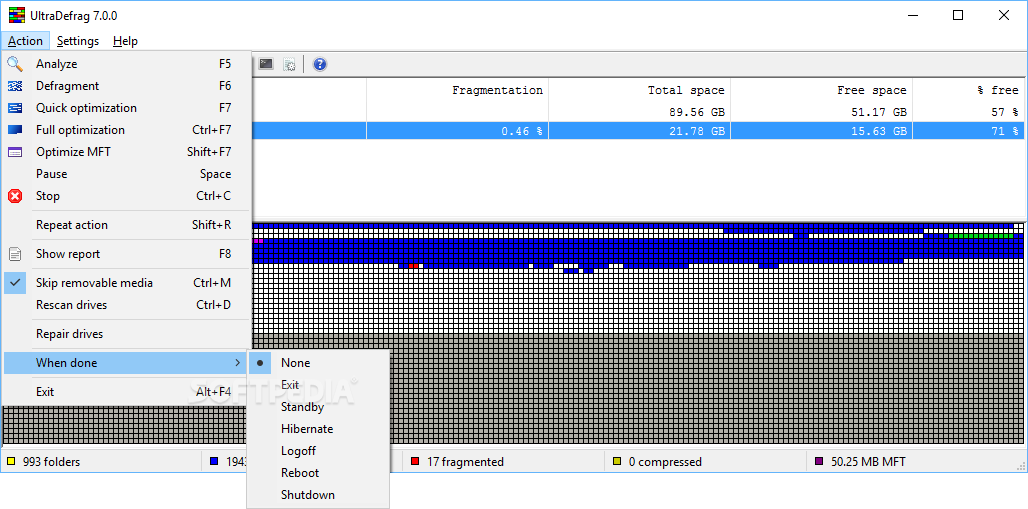
    The “Action” menu is a very important section because it allows you to analyze, defragment, run a quick or full optimization, optimize MFT, stop a running action and rescan drives.

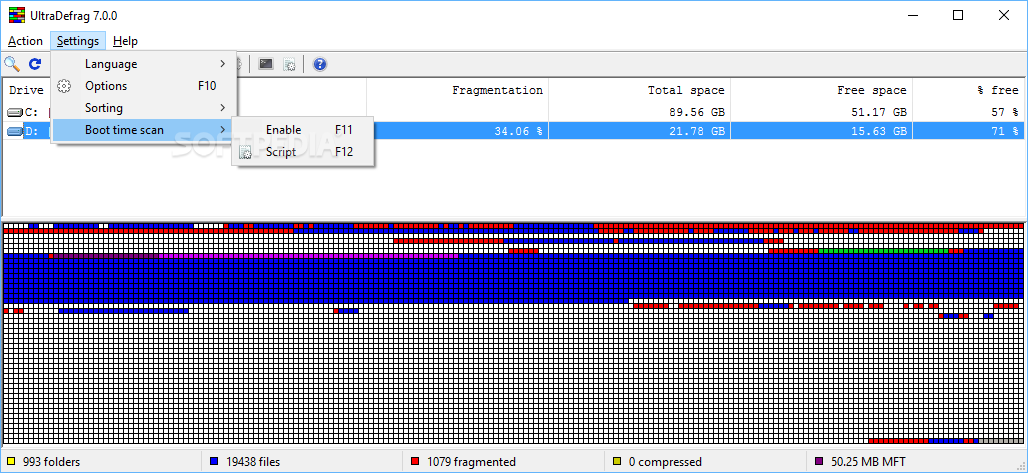
    Besides the fact that it offers a powerful boot time defragmentation tool, UltraDefrag can even work with a single file or folder, while also boasting dedicated utilities to schedule a new defrag.

    Disk optimization runs very smooth, but the computer may be stressed up a little bit. Of course, it's no surprise if that happens; what’s more, users are strongly advised to avoid using the system during this time in order to get the best results.

    Although it provides detailed reports on every single action, UltraDefrag performs an average job when it comes to defragmentation; in other words, it appears that fragmented files remain on large discs even after the application gets the job done. There's no way to fix that and running a new defrag process has no positive effect.

    That being said, UltraDefrag is just a decent tool able that carries out an average job and nothing more. It's worth a try because it's simple and user-friendly, but you may have to look elsewhere in the long run.


    Read an in-depth analysis in our professional review for UltraDefrag

    UltraDefrag description

    Here are some key features of "UltraDefrag":

    Boot Time Defragmentation :
    · This feature provides an ability to defragment any system files. Including page file, registry hives, hiberfil.sys file and many other files locked by the system or other applications when windows is fully running.

    Computer Shut Down after a job has completed :
    · We all know how long a defragment or a compact job can take. All of us most of the time leave the PC unattended while it does its job. With this option you can set UD to shutdown the PC after a job has been completed. This saves electricity and avoids many hazards.

    Fast Disk Optimization:
    · The optimizer rearranges all data and places them to the beginning of the drive. In many instances we have found that the system is more stable and performs a lot better under load if data is placed at the beginning of the drive.

    Single File and Folder Defragmentation :
    · After UltraDefrag installation you have the ability to select any file or folder and deframent them. This option is mostly useful if you have recently installed an application or a game and would like to have them defragmented immediately for maximum performance.

    Extended and Customizable G.U.I :
    · UltraDefrag allows you to customize its graphical user interface such as Font and its sizes. It adapts to the windows theme you are using. Unlike Vista and other versions of Windows Defrag, UD shows a graphical representation of the hard drive like it did on older generation Windows.

    Defragment Scheduler :
    · Select precise times when you want UltraDefrag to run using the scheduler and perform defragmentation tasks.

    What's New in This Release: [ read full changelog ]

    · GUI and command line tool reimplemented on top of wxWidgets library
    · online translation migrated from http://ultradefrag.wikispaces.com/
    · to http://www.transifex.com/projects/p/ultradefrag/
    · initial language selection is now done by the GUI instead of the installer
    · ability to hide drives list columns through their resizing added
    · ability to apply for all or only stable update notifications added
    · multicolumn language selection menu implemented
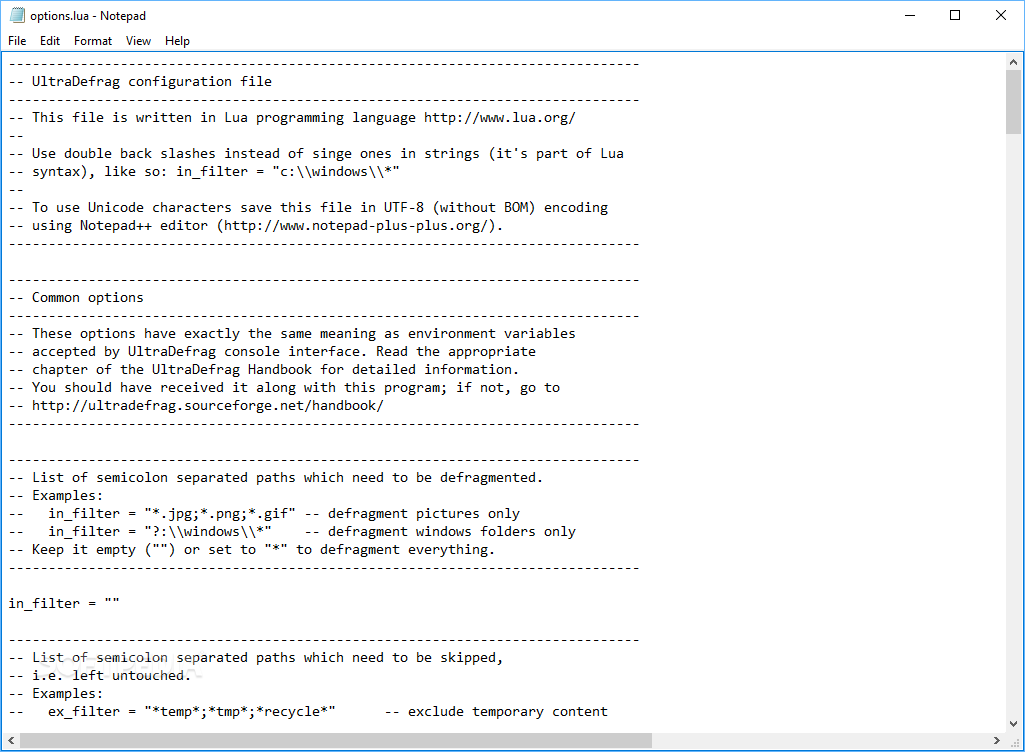
    · internal GUI settings moved from guiopts-internals.lua to gui.ini file
    · Windows NT 4.0 and Windows 2000 support dropped due to poor API support
    · useless font selection dialog removed from GUI (adjust Windows theme instead)
    · scale_by_dpi GUI parameter removed, as well as disable_latest_version_check
    · and restore_default_window_size parameters (examine guiopts.lua file for details)
    · Internals: Windows Driver Kit support dropped because of its
    · unreliable development environment - use Windows SDK v7.1 instead
    · winx_vswprintf and winx_swprintf ro...

       Softpedia guarantees that UltraDefrag 6.0.2 / 7.0.0 Beta 1 is 100% FREE, which means it does not contain any form of malware, including spyware, viruses, trojans and backdoors. [read more >]


    TAGS:

    disk optimization | defragment disk | disk defragmentation | optimization | defragment | defragmentation

    Go to top

    WindowsGamesDriversMacLinuxScriptsMobileHandheldNews

    SUBMIT PROGRAM   |   ADVERTISE   |   GET HELP   |   SEND US FEEDBACK   |   RSS FEEDS   |   UPDATE YOUR SOFTWARE   |   ROMANIAN FORUM