
Have your computer undergo a thorough scan process in order to find and remove junk files that only take up precious disk space and slow down your computer. #Hard disk cleaner #Junk cleaner #Junk remover #Cleaner #Optimizer #Optimize
After a while your computer's performance can significantly drop. This is all due to leftovers from removed applications or even temporary files and Internet related data. However, with the help of some specialized applications, your computer can be made as good as new. One such example is Wise Disk Cleaner with a name that speaks for itself.
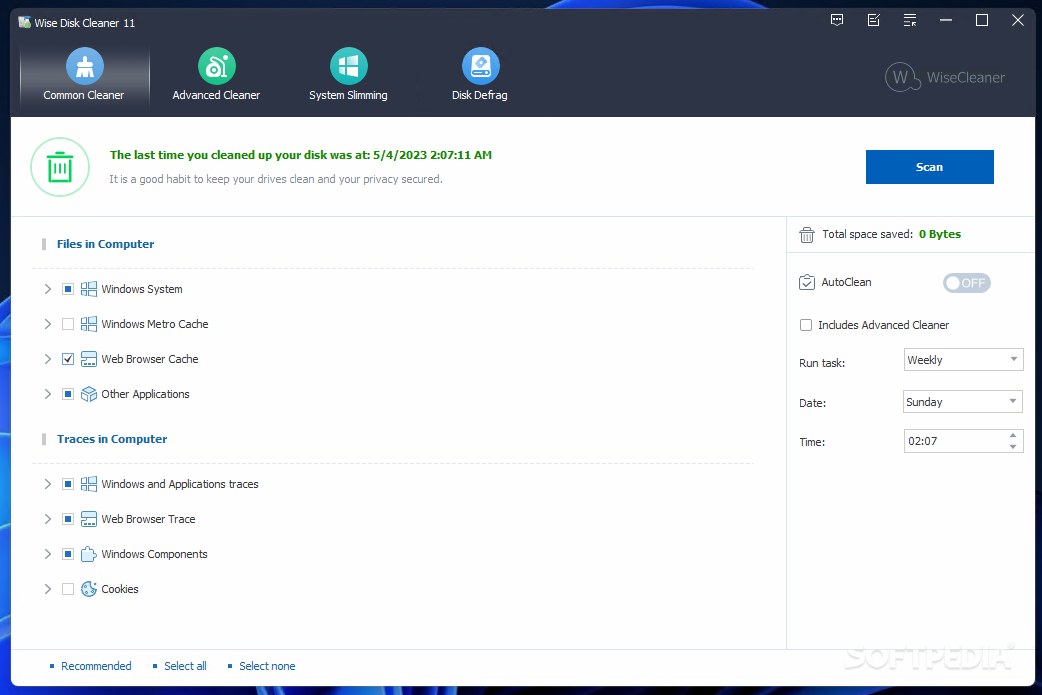
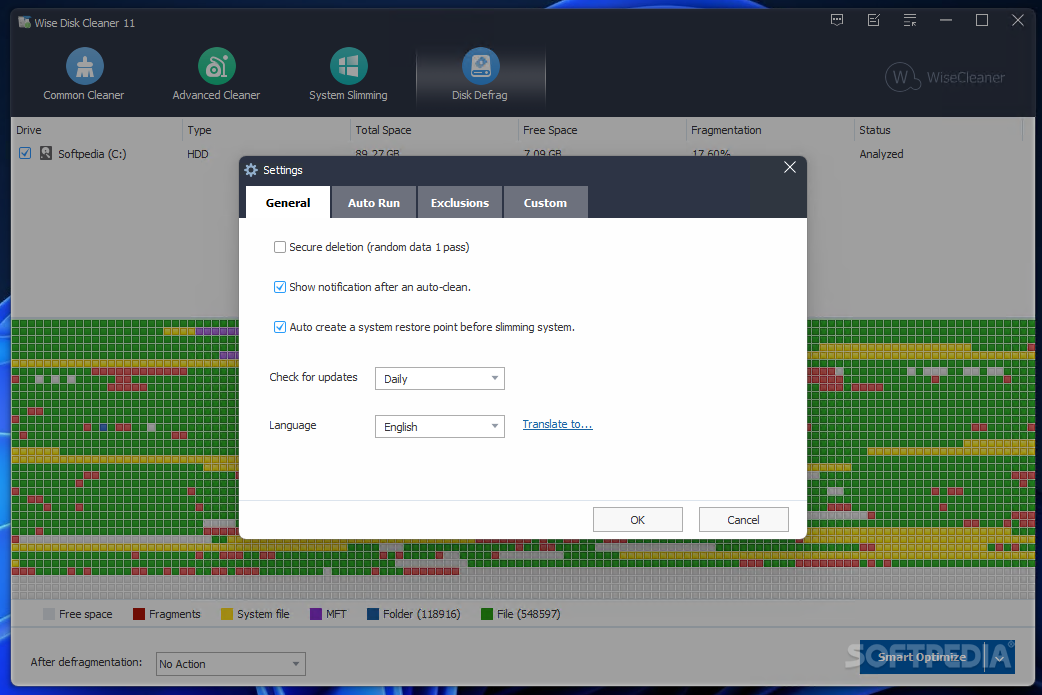
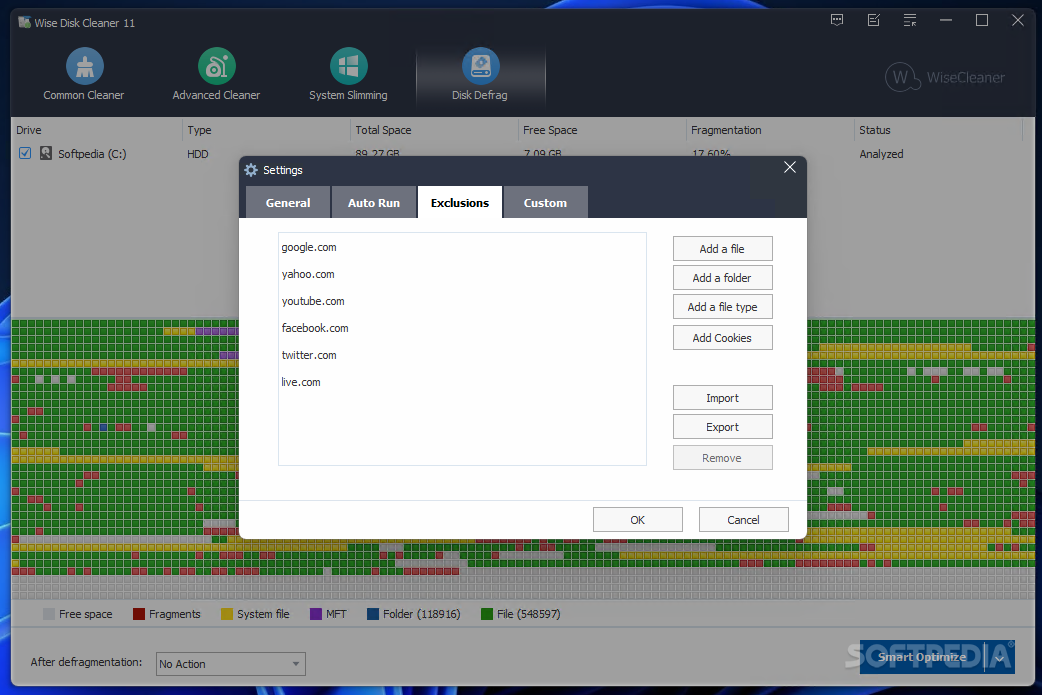
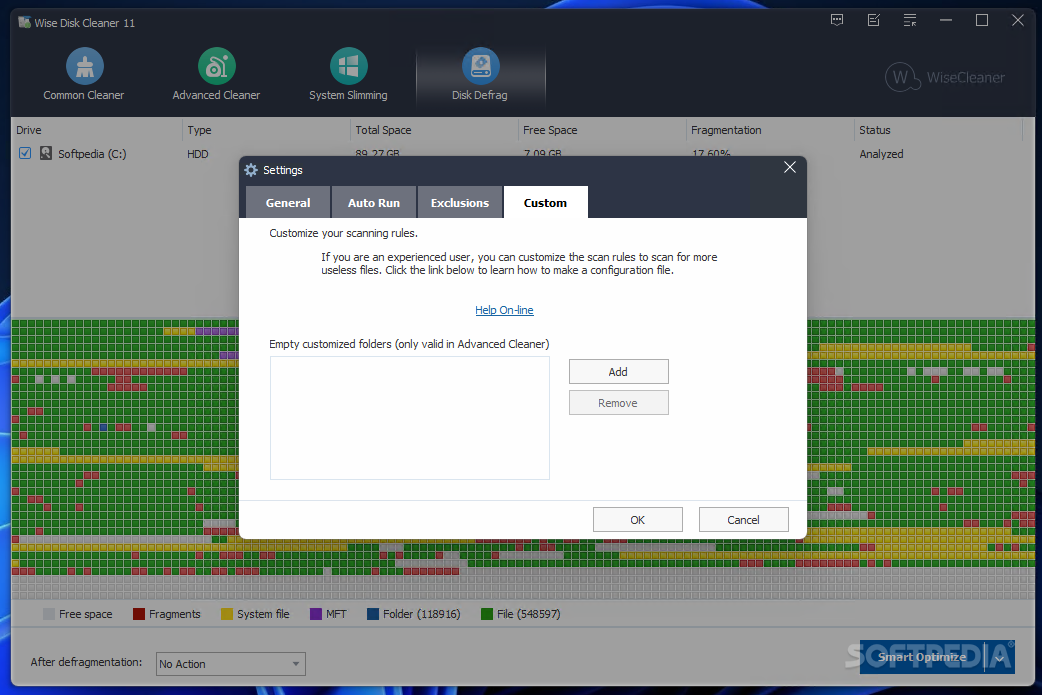
The application prides itself with a modern, flat interface. It's pretty visually appealing, with elements cleverly stored in the main window and clearly visible. An upper toolbar lets you quickly access all of its four major features, Common Cleaner, Advanced Cleaner, Slimming System and Disk Defrag.
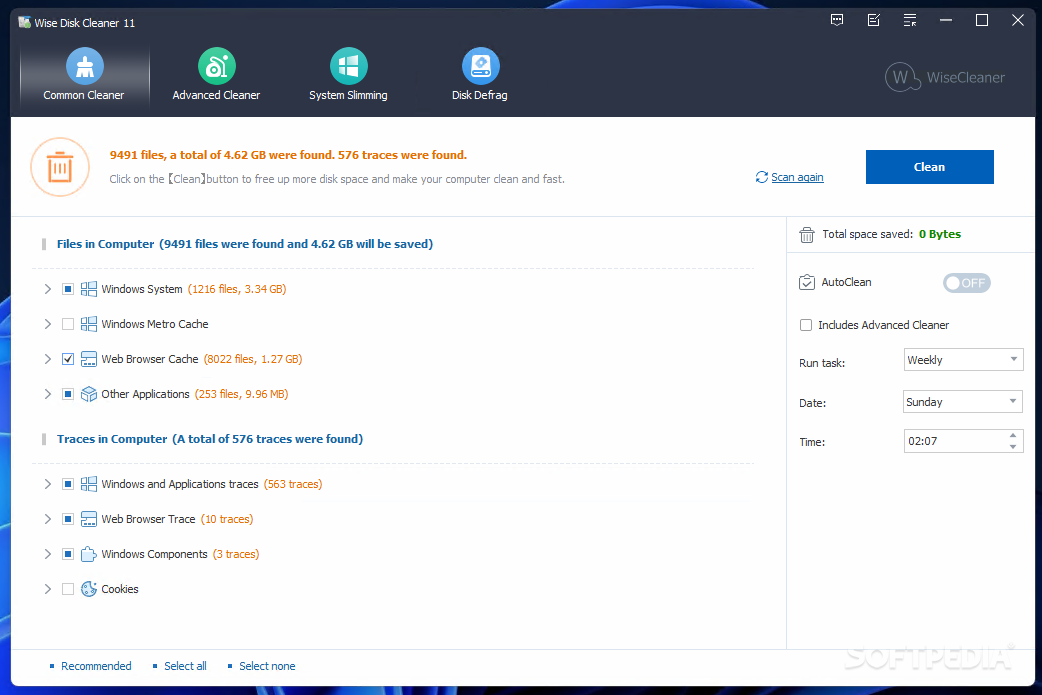
After a quick deployment process, you are free to scan your hard disk drives for junk files. Depending on your total space and selected elements, the process can take several minutes. Files found are displayed next to each of the dedicated categories, and the amount of space they take up.
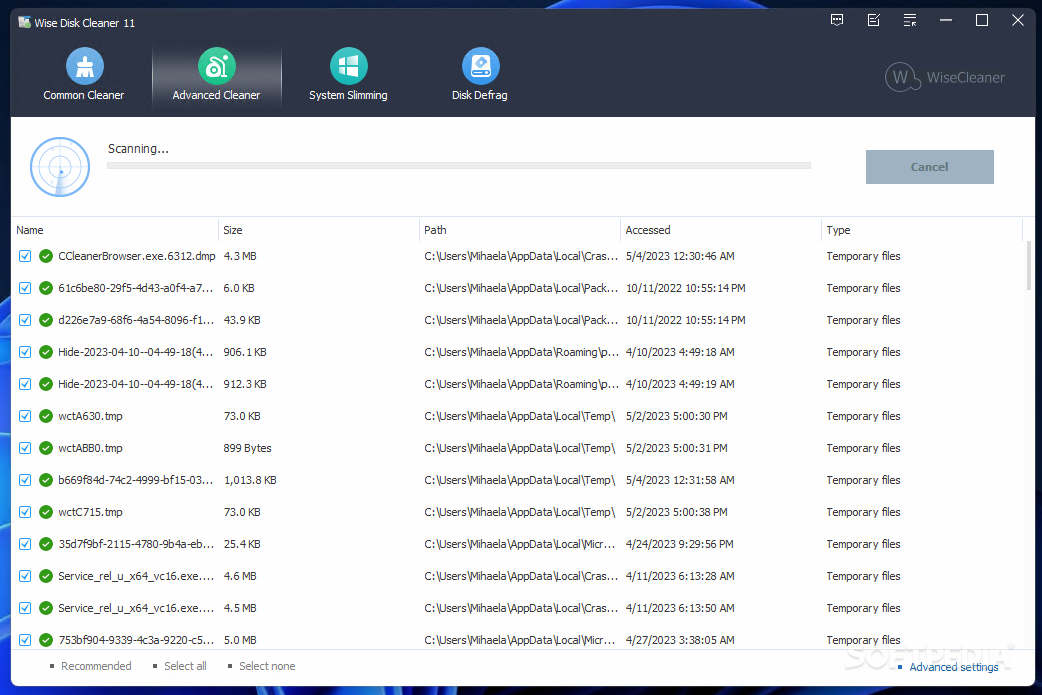
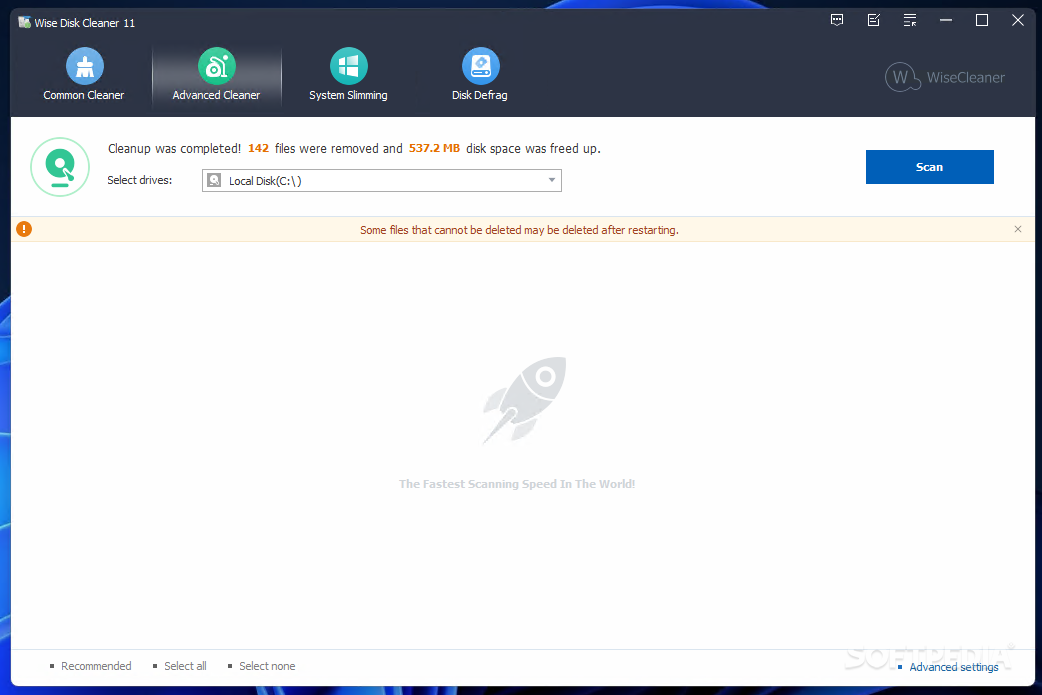
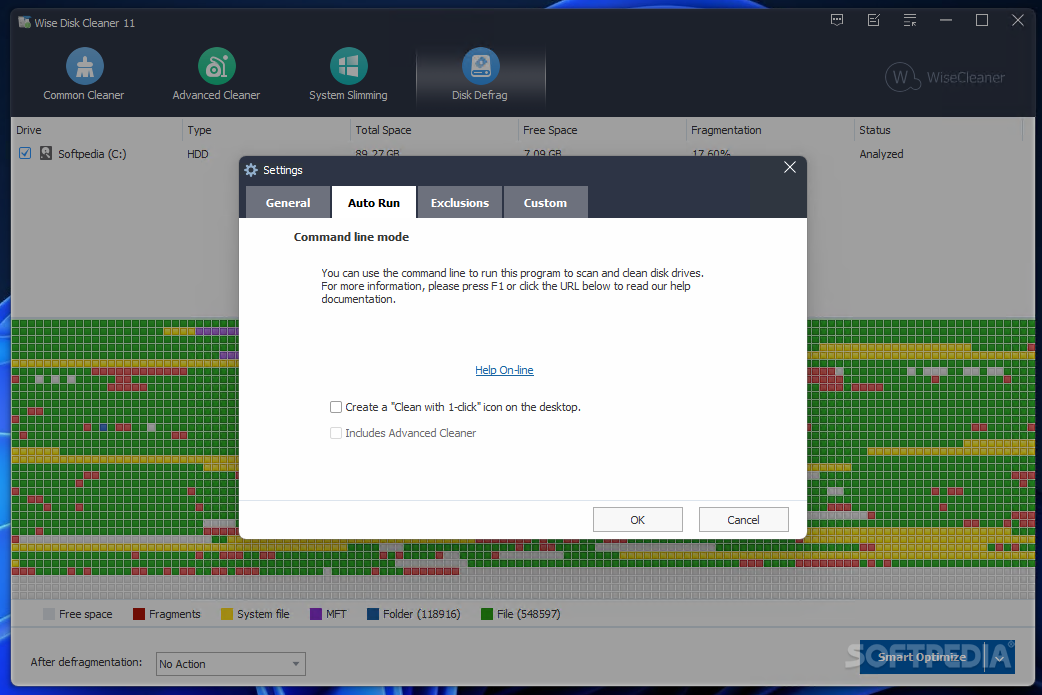
Cleaning is finished quickly, with an indicator displaying how much space you got back. A more in-depth scan can be performed by accessing the Advanced Cleaner. It takes less time to configure, as you are only required to select drives to be put under the scope. These two features can be scheduled at a custom date and frequency.
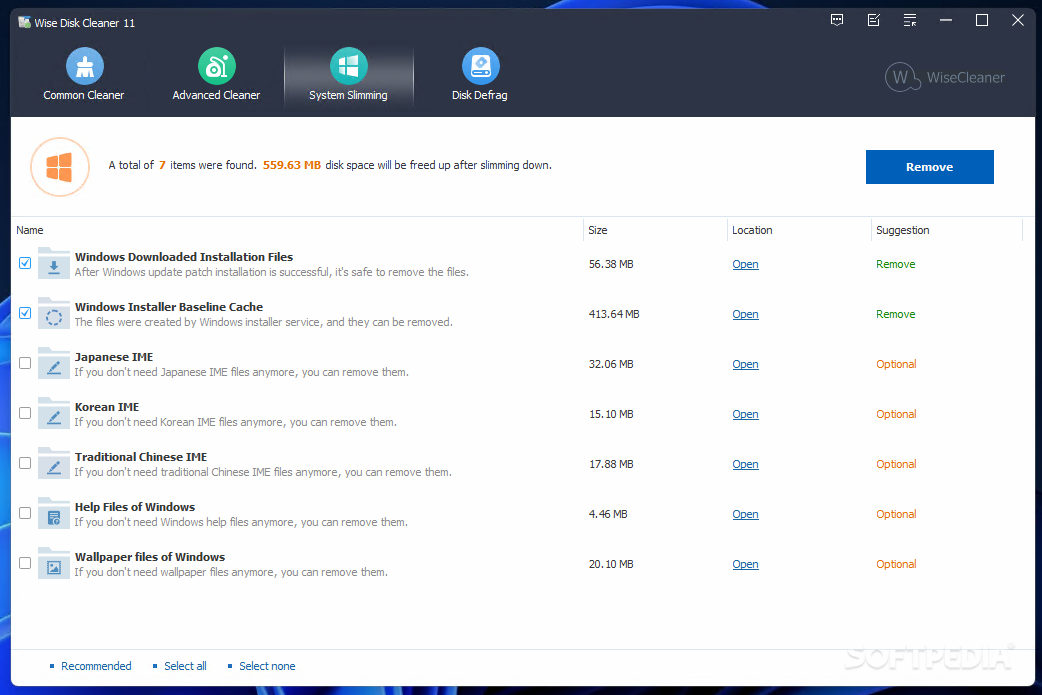
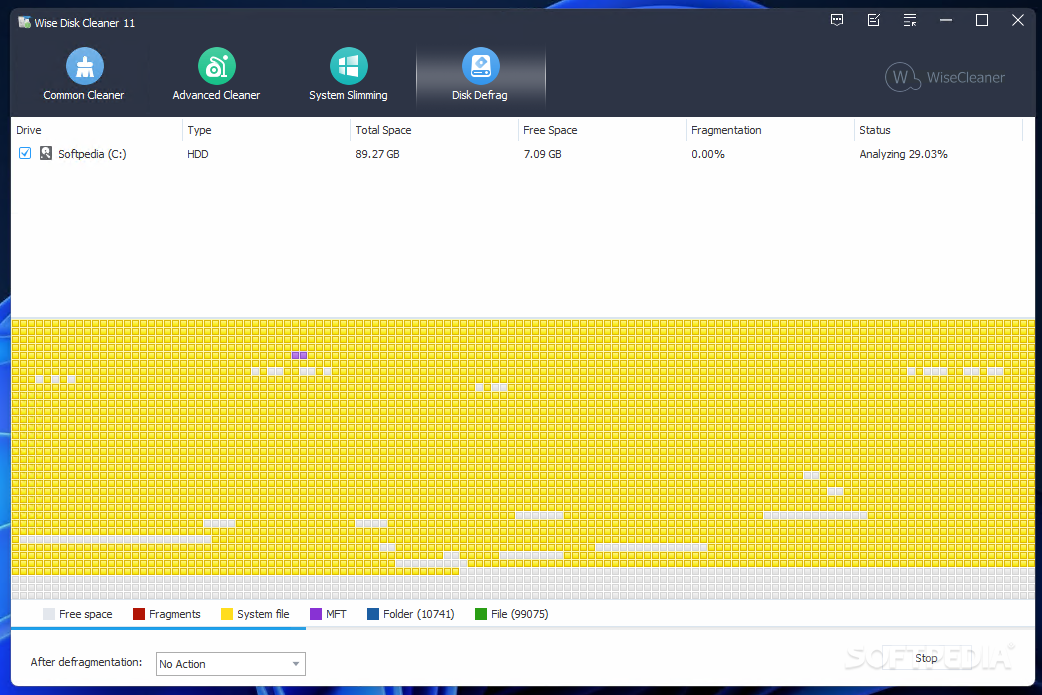
You can free even more disk space with the Slimming System feature, which finds junk files in Windows Installer Baseline Cache, Help Files, as well as Wallpaper files. For increased performance, you can also start a defragmentation process on any connected storage device.
Taking everything into consideration, we can say that Wise Disk Cleaner is a handy application you can use from time to time when your computer starts showing signs of weakness. The interface lets anyone quickly accommodate and it manages to do a pretty good job overall.
Download Hubs
Wise Disk Cleaner is part of these download collections: Cookies Cleaner, Temp Cleaner, Cache Cleaner, Trace Remover
What's new in Wise Disk Cleaner 11.1.1 Build 826:
- Improved the rule for cleaning Microsoft Office, supports cleaning Office 2021, Office 2024, and Microsoft 365.
- Added rules for cleaning Trillian, Oracle VM VirtualBox Manager, TotalRecovery Pro, Ableton Live, ACDSee Photo Studio Ultimate 2024, Any.do, Cloud System Booster, and XWidget.
- Fixed minor bugs in previous version.
Wise Disk Cleaner 11.1.1 Build 826
add to watchlist add to download basket send us an update REPORT- PRICE: Free
- portable version
- Portable Wise Disk Cleaner
- runs on:
-
Windows 11
Windows 10 32/64 bit
Windows 8 32/64 bit
Windows 7 32/64 bit
Windows Vista 32/64 bit
Windows XP 32/64 bit - file size:
- 6.3 MB
- main category:
- Security
- developer:
- visit homepage
Context Menu Manager

Bitdefender Antivirus Free

IrfanView

Zoom Client

calibre

Windows Sandbox Launcher

4k Video Downloader

Microsoft Teams

7-Zip

ShareX

- Microsoft Teams
- 7-Zip
- ShareX
- Context Menu Manager
- Bitdefender Antivirus Free
- IrfanView
- Zoom Client
- calibre
- Windows Sandbox Launcher
- 4k Video Downloader