
This useful piece of software allows console applications to be started and run without having any windows opened in the background #Start Multiple Applications #Application Launcher #Command Line Interface #Launcher #Launch #CMD
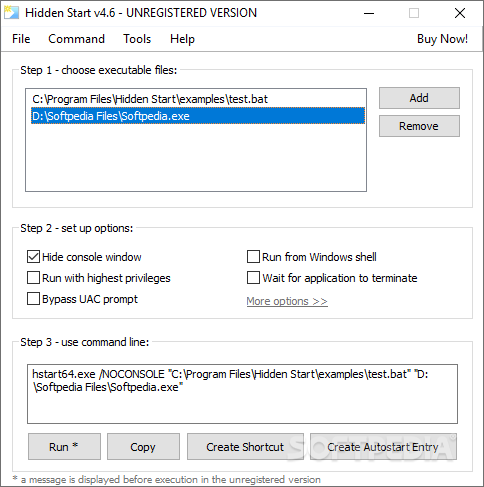
Hidden Start is an application that was developed to provide users the means for running console apps or batch files while maintaining no open windows in the background and avoiding the UAC privilege elevation found in Windows 10 and earlier versions. The app also provides the ability to initialize multiple commands simultaneously, either in parallel or synchronously.
Backup, file synchronization or script duplication are just some of the operations that users require batch files in their daily work basis; source code compilation, or code signing, there are numerous processes which are facilitated by running batch files, and, in this context, Hidden Start becomes an indispensable asset in maintaining those processes up and running smoothly.
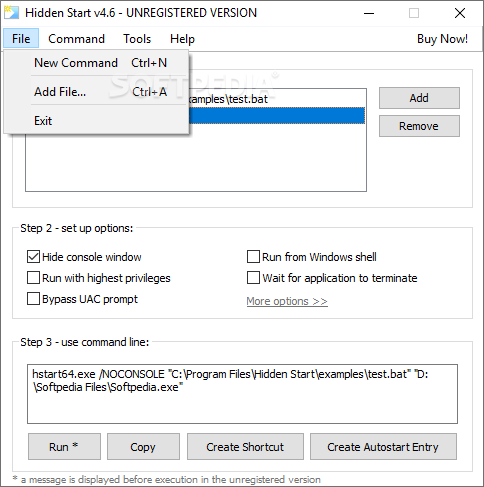
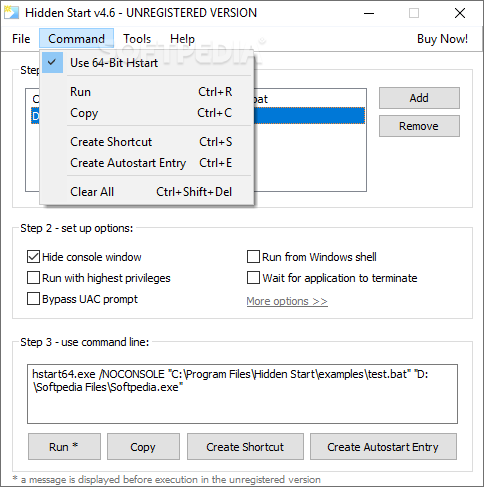
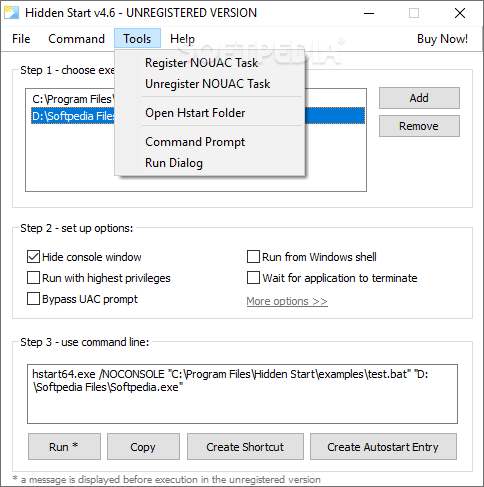
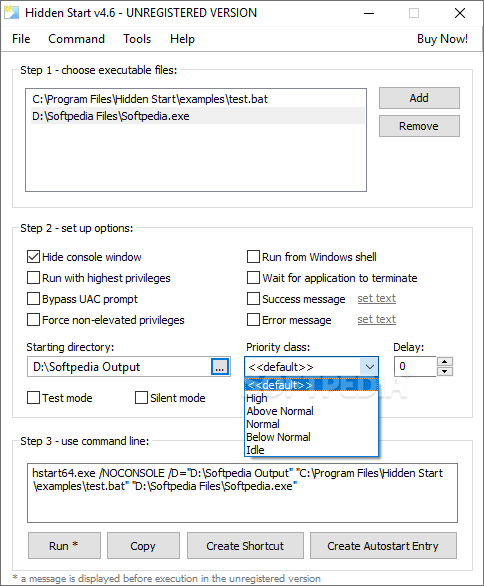
Looking at the app’s intrinsic capabilities and features, it comes packed with an accessible GUI tool, which enables people to enter their preferred syntax to create custom command lines and have them tested directly.
Enabling the application can be done by either running the executable file or entering the assigned syntax in the command line console. By far, one of the most important features provided by the app is the ability to run applications and bat files without administrative privileges. This is achieved through the provided /NOUAC switch.
Limitations in the unregistered version
- Nag screen
What's new in Hidden Start 5.1:
- Fixed Remove button behavior in Hstart GUI Tool
- Fixed activation of Command menu items in Hstart GUI Tool
- Renamed 'System' theme to 'Classic', 'Custom Frame' to 'Frame Theme'
- Some other minor improvements and bug fixes
Hidden Start 5.1
add to watchlist add to download basket send us an update REPORT- buy now $19.95Single User License (lifetime license for 1 user)
- buy now $59.95Small Business License (up to 5 users in one company)
- buy now $220.00Business License (up to 20 users in one company)
- buy now $399.00Site License (unlimited users at a single site)
- buy now $999.00Enterprise License (unlimited users in one company)
- runs on:
-
Windows 11
Windows 10 32/64 bit
Windows 8 32/64 bit
Windows 7 32/64 bit
Windows Vista 32/64 bit - file size:
- 1.4 MB
- filename:
- Hstart_5.1-setup.exe
- main category:
- System
- developer:
- visit homepage
4k Video Downloader

Microsoft Teams

Zoom Client

Bitdefender Antivirus Free

7-Zip

IrfanView

ShareX

calibre

Windows Sandbox Launcher

Context Menu Manager

- calibre
- Windows Sandbox Launcher
- Context Menu Manager
- 4k Video Downloader
- Microsoft Teams
- Zoom Client
- Bitdefender Antivirus Free
- 7-Zip
- IrfanView
- ShareX