
Stop any running application and create lists of Windows processes to be terminated, in order to decrease your computer's memory usage #Terminate process #Terminate application #End process #Terminate #Process #Kill

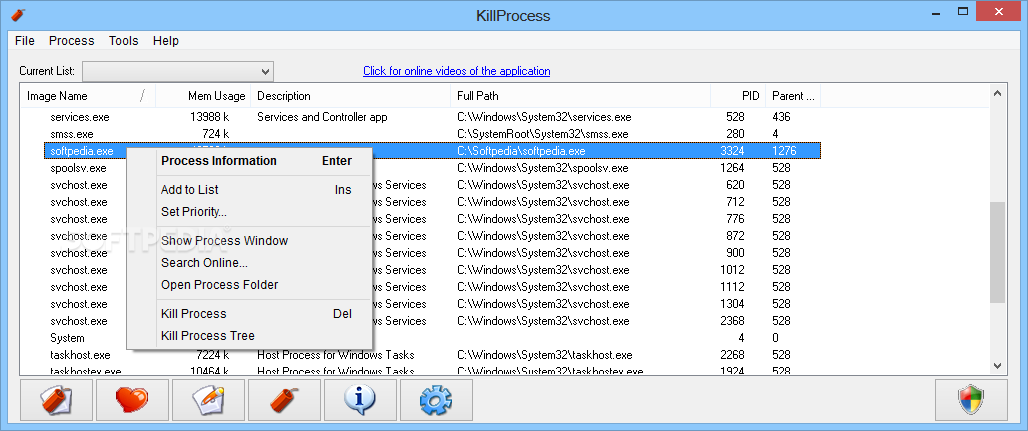
KillProcess is a program that lets you easily terminate processes which are currently running on your computer.
The interface of the software is clean and simple to navigate through. All running processes are automatically displayed when you initialize the tool.
In the list you can view the image name, memory usage, description, full path, process ID and parent ID for each application.
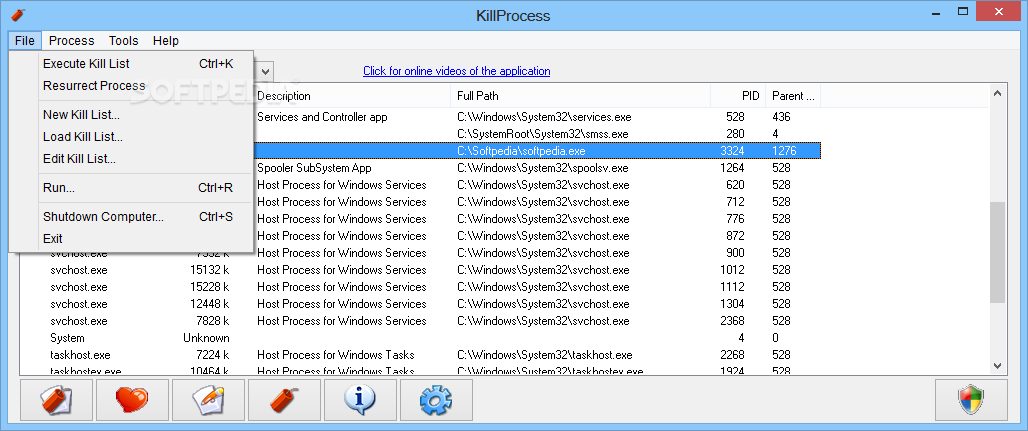
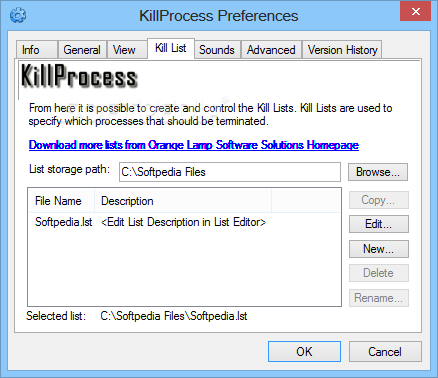
You can terminate the selected processes and edit the kill list. The latter option lets you add executable files of applications to a kill list and enable KillProcess to terminate them when executing the list and to scan for them (terminate on sight).
You can quickly kill or run processes in the list with the simple click of a button, as well as load a new list, turn off the computer and view process information (details, total memory usage and image size).
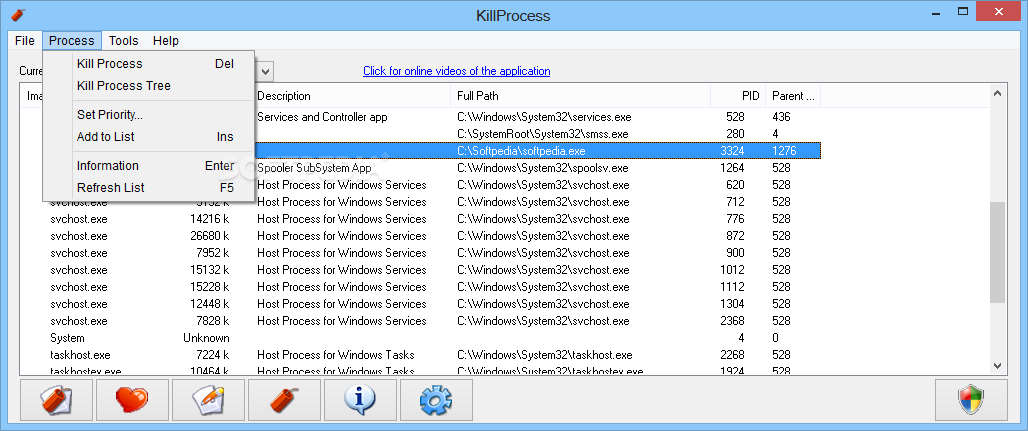
You can kill the process tree, select a priority for an application (e.g. real time, high, idle), add a process to the list via the context menu, and more.
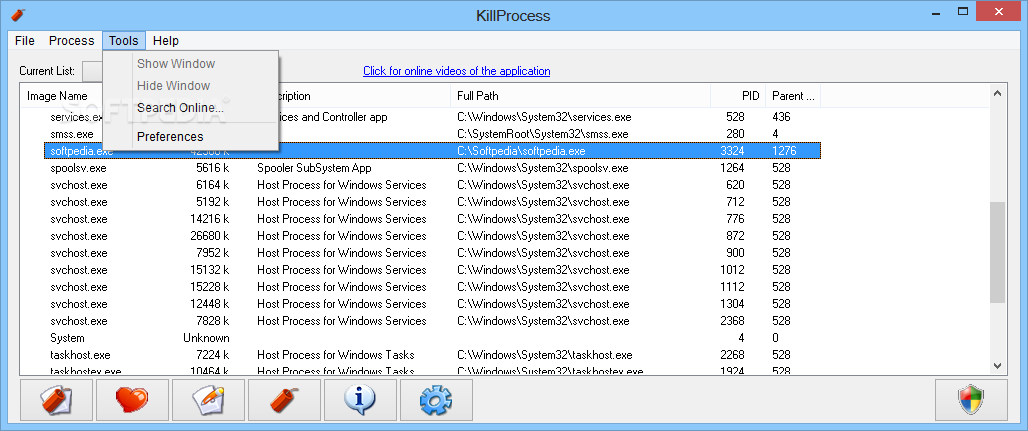
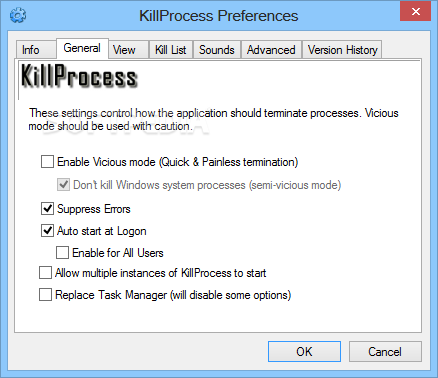
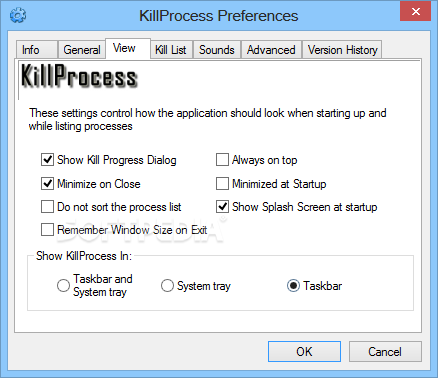
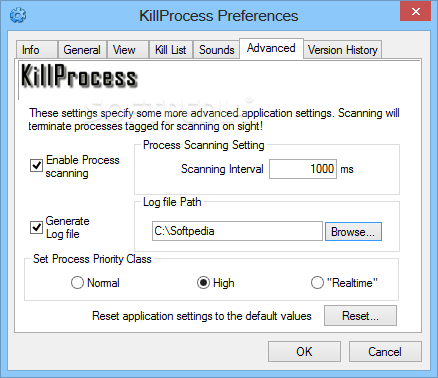
In the "Preferences" window, you can enable the tool to suppress errors and to automatically run at system startup, allow multiple instances, replace Task Manager, minimize on close, remember the window size on exit, always be on top of other applications and start minimized.
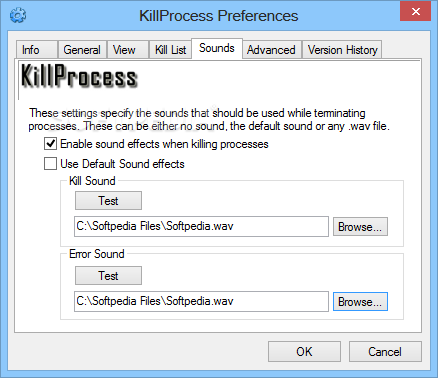
But you can also place it in the system tray, disable sound effects and process scanning, enable to generate a log file, and more.
This tool comes with a well-written help file that contains snapshots, and uses a very low amount of system resources. We haven't come across any difficulties during our tests.
Since KillProcess allows you to potentially harm your computer by disabling essential processes, we mainly recommend this tool to power users.
What's new in KillProcess 2.44:
- Application now fully supports Windows 7
- Fixed a bug with the process priority being displayed wrong if the Realtime setting was used.
- Changed default settings for application to integrate better with Windows 7 new taskbar
- Added Kill Lists for Windows 2008 and Windows 7
KillProcess 2.44
add to watchlist add to download basket send us an update REPORT- portable version
- Portable KillProcess
- runs on:
-
Windows 2008 R2
Windows 2008 32/64 bit
Windows 2003
Windows 8 32/64 bit
Windows 7 32/64 bit
Windows Vista 32/64 bit
Windows XP 32/64 bit
Windows 2K - file size:
- 1.8 MB
- filename:
- KillProcessSetup.exe
- main category:
- System
- developer:
- visit homepage
Zoom Client

4k Video Downloader

Context Menu Manager

Microsoft Teams

calibre

ShareX

Bitdefender Antivirus Free

Windows Sandbox Launcher

7-Zip

IrfanView

- Windows Sandbox Launcher
- 7-Zip
- IrfanView
- Zoom Client
- 4k Video Downloader
- Context Menu Manager
- Microsoft Teams
- calibre
- ShareX
- Bitdefender Antivirus Free