
Manage start-up applications and improve your Windows loading time with the help of this handy and easy to use piece of software. #Startup manager #Schedule application #Program scheduler #Startup #Schedule #Autorun

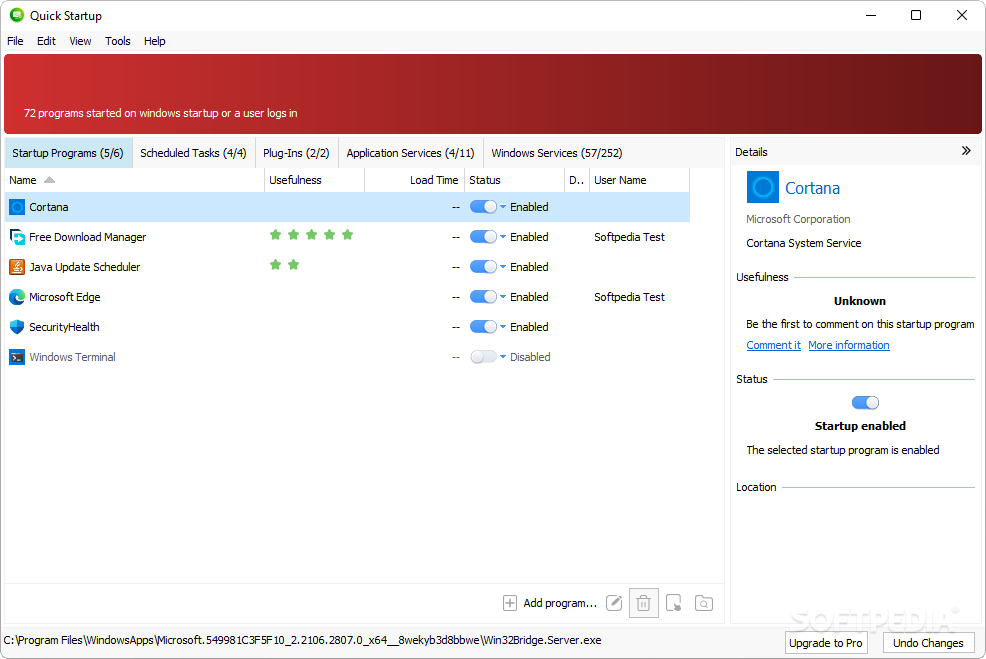
Quick StartUp is a program that you can use to configure applications which automatically run at system startup and ultimately improve the Windows boot time.
Since the tool is ad-supported, you should pay special attention when installing it because it offers to make some changes to your web browsers.
If you're running this program on Windows 7, then makes sure you check the ”Run as administrator” option. Else, an error pops up upon initialization.
The tool has a clean and user-friendly interface which automatically displays apps that run at Windows startup.
If you select a program, you can access the context menu to disable the entry, start it immediately, open its folder and view properties.
But you can also add a new program (by setting the name, path and startup folder or registry location), edit or delete an entry, search for it on Google, as well as export it to a text document.
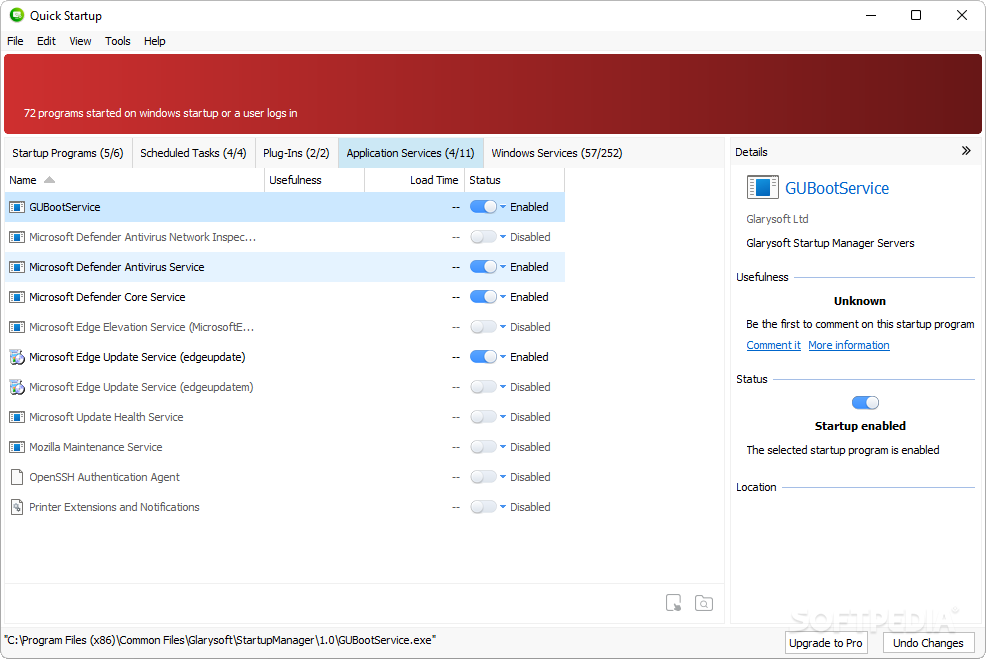
You can view programs that are delayed at startup, set the delay time or "undelay" them, schedule tasks, refresh the startup list, view and stop local services, and more.
Quick StartUp consumes a low amount of system resources and includes a brief help file. The program can even be used by novices. We haven't come across any kind of problems during our tests since Quick StartUp ran smoothly.
Download Hubs
Quick StartUp is part of these download collections: Startup Manager
What's new in Quick StartUp 6.0.1.2:
- Optimized Startup Manager: optimized the scanning algorithm to improve user experience
- Optimized interface display to improve user experience
- Minor bug fixes
Quick StartUp 6.0.1.2
add to watchlist add to download basket send us an update REPORT- PRICE: Free
- runs on:
-
Windows 11
Windows 10 32/64 bit
Windows 2003
Windows 8 32/64 bit
Windows 7 32/64 bit
Windows Vista 32/64 bit
Windows XP - file size:
- 10.6 MB
- filename:
- qssetup.exe
- main category:
- System
- developer:
- visit homepage
Bitdefender Antivirus Free

ShareX

4k Video Downloader

7-Zip

Context Menu Manager

IrfanView

Windows Sandbox Launcher

Zoom Client

calibre

Microsoft Teams

- Zoom Client
- calibre
- Microsoft Teams
- Bitdefender Antivirus Free
- ShareX
- 4k Video Downloader
- 7-Zip
- Context Menu Manager
- IrfanView
- Windows Sandbox Launcher